

Turn recordings into transcripts and summaries in minutes
Upload audio or video for multilingual transcription, AI notes, and action items
6 Live Stream Summarization Tools Compared: Which One Can Extract Key Points from a 2-Hour Replay First?
Why Do You Need Live Stream Summarization?
The most fascinating aspect of live streaming is real-time interaction. Viewers can leave comments, and streamers can adjust content based on live reactions—this is the biggest difference from uploading pre-recorded videos.
The trade-off is that the content only exists in that moment.
A live stream often lasts one to three hours. People in marketing, content, customer service, and product roles most commonly face the situation of "being busy with other things during the live stream, and then not being able to catch up afterward."
The Institute for Information Industry once conducted a survey on Taiwanese netizens watching online live streams, and nearly 80% of them watch via YouTube, which is the largest viewing platform. Searching for "live" on YouTube, live streams opened by various news stations average over a thousand concurrent viewers.
In other words, live stream content that needs to be summarized into key points will only increase.
This article reviews six solutions for live stream summarization, from AI video organization tools to completely free transcription services, clearly listing their purposes, free quotas, and paid pricing.
Solution 1 | Tinrec — The Most Comprehensive AI Video and Meeting Content Organization Assistant
Tinrec is an AI meeting notes and collaboration tool for individuals and teams. It not only converts audio to text but also organizes content into searchable, summarizable, queryable, and exportable data.
When I look at such tools, the first thing I check is "what can be done after transcription." Tinrec does this more comprehensively than most tools:
Direct transcription of audio and video: Live replays, interview recordings, and casual phone recordings can all be uploaded and converted to transcripts. The desktop version directly captures computer system audio, so when handling online meetings like Zoom, Google Meet, Microsoft Teams, and Webex, there's no need to send an extra bot into the meeting room.
Automatic summaries, chapters, and key points: A two-hour live stream will be split into structured segments. You can scan the chapters first, then decide which segments to watch in detail.
AI Q&A: This is a unique feature. You can directly ask questions about the content of a specific live stream, such as "Which product selling points were mentioned in this live stream?" or "What did the speaker say about pricing?" without having to manually scrub through the timeline.
To-dos and export: Action items that appear in discussions are organized, and content can be exported to Notion, Google Docs, OneNote, Dropbox, and other tools for further processing.
Note that Tinrec's web link import can handle some public video content, but this is a supplementary capability, not its main focus; if the live streaming platform has login restrictions, it's more reliable to download and upload the file.
For pricing, the personal version includes a free version, weekly card, Pro monthly card, and Pro annual card. For occasional recording organization, the free version is sufficient. The team version offers a 7-day trial for first-time eligible users, 1 free seat, and 300 minutes of team shared import quota; paid seats are USD 29.80/seat/month, annual payment USD 199 (about USD 16.58/month), and each paid seat provides 2,000 minutes of team shared import quota per month. Real-time recording under an active plan is currently not deducted by minutes; prices and promotions are subject to the official purchase page.
Who it's for: Content and marketing teams that need Chinese content transcription, want to handle both live streams and meeting notes at once, and need to turn materials into posts, reports, or scripts.
Solution 2 | Notta — Multilingual Transcription and Translation
Notta and Tinrec overlap significantly, both covering multi-platform transcription, meeting notes, file import, and translation, and both have team plans. The difference is that Notta focuses more on "transcription and translation" itself, while Tinrec focuses on post-transcription Q&A, to-dos, and data retention.
Its free plan offers 120 minutes per month, with a maximum of 3 minutes per single content. In other words, the free version can hardly handle a complete live stream. Pro annual payment is about USD 8.17/month, with 1,800 minutes per month; Business annual payment is about USD 16.67/seat/month, offering unlimited transcription, role permissions, and usage reports.
Who it's for: Creators who need multilingual subtitles or translation materials and whose workflow is primarily file processing.
Solution 3 | TurboScribe — Cost-Effective Long File and Batch Transcription
TurboScribe's positioning is simple: quickly transcribe long files and multiple files into text, with additional support for subtitles and translation. If your live streams often run three or four hours and you need to catch up on several at once, it indeed has advantages in single file length and batch processing.
The free version can process 3 files per day, with a maximum of 30 minutes per file; the paid Unlimited annual plan is USD 120 (about USD 10/month), with a maximum of 10 hours or 5 GB per file, and up to 50 files uploaded at once.
Note that it gives you text and subtitles; summaries, to-dos, and follow-up questions need to be supplemented by other tools.
Who it's for: People who have a batch of super long live replays and only need a large amount of transcripts.
Solution 4 | Otter.ai — English Meeting and Transcription Assistant
Otter is a fairly mature AI meeting assistant, and its strength is the experience of English business meetings.
The free Basic plan offers 300 minutes per month; Pro annual payment is about USD 8.49/user/month, including 1,200 minutes of in-app recording and 10 file imports per month; Business offers unlimited meetings and in-app recording. Actual prices are subject to the official page.
Stop organizing recordings by hand
Upload audio or video and automatically get a transcript, summary, and action items
If your live streams are mainly in English, Otter can be considered; for Chinese content organization experience, it's recommended to try it before deciding.
Who it's for: Workers whose main source materials are English interviews and English live streams.
Solution 5 | PLAUD Note/NotePin — AI Recording Hardware
PLAUD takes the hardware route. Users buy a portable recording device, plus app-side transcription and summarization services.
On the US official website, NotePin is currently USD 159, Note Pro is USD 189; membership plans: Starter at 300 minutes per month, Pro at USD 99.99/year with 1,200 minutes per month, Unlimited at USD 239.99/year.
Its strength is on-site audio capture and phone call recording; organizing online live replays is not its main focus.
Who it's for: People who are often on the go and need to record audio on the move.
Solution 6 | Whisper JAX, YouTube Summary Extensions — Purely Free Entry-Level Options
If your budget is truly zero, free tools can still help in a pinch.
Take Whisper JAX as an example: just paste a YouTube video link, and it will produce a transcript, for free. Note that before submitting, remember to check the timestamp option, otherwise the entire text will be crammed together and very hard to read.
Another category is browser-based YouTube summary extensions, such as the GPT-based YouTube Summary, which claims to generate a video summary in seconds with one click. However, the support for such tools varies greatly; some cannot process videos without subtitles at all, so before using them, confirm whether your scenario can run them.
The common limitation of free plans is: summaries usually come in only one version, and you cannot ask follow-up questions or export to your desired format. To truly turn live stream content into reusable material, you still need to go back to the previous solutions.
Who it's for: Individual users with zero budget who just want to see a transcript or a summary first.
With So Many Solutions, How Should You Choose?
- Want the most complete organization process (transcription + summary + chapters + to-dos + AI Q&A + export) → Tinrec, currently one of the few choices that strings these together.
- Need to handle both live streams and meetings, and cover Chinese and mixed Chinese-English → Tinrec.
- Need to keep the original recording and later verify original sentences → Tinrec, it retains audio.
- Need multilingual subtitles and workflow is primarily file processing → Notta.
- Need to catch up on several super long live streams at once and only want a large amount of transcripts → TurboScribe.
- Live stream content is mainly English business meetings → Otter.ai.
- Often on the go and need portable recording → PLAUD.
- Zero budget and just want to see a transcript first → Whisper JAX and other free tools.
4 Things to Know Before Using Live Stream Summarization Tools
1. First confirm whether you have the right to do so. Transcribing your own live stream or internal company live streams is usually fine; if it's someone else's paid content or platform-restricted content, first check the platform rules and copyright regulations, and obtain authorization if necessary.
2. Recording quality determines success. Live streams often have background music, multiple people speaking simultaneously, and connection delays. Transcription tools making errors in such situations is normal. For important numbers and commitments, it's recommended to go back and verify against the timestamps in the transcript. No tool should promise a fixed accuracy rate.
3. A transcript is not the same as key points. A two-hour transcript has tens of thousands of words, and directly using it to write posts would be painful. The correct approach is to first grasp the structure using summaries and chapters, then dig into details with AI Q&A—this is exactly the value of tools like Tinrec.
4. Content should be retained, not just kept on personal devices. Materials organized from live streams are often used by only one person, and when someone takes over, it breaks. If this is a regular team task, consider Tinrec's team space to centralize transcripts, summaries, and to-dos in one place; when members leave or are removed, team resources can be handed over to other members and won't leave with the person.
Frequently Asked Questions
Q1: How is a live stream summarization tool different from a regular recording app? A regular recording app is responsible for "recording it," while a summarization tool is responsible for "turning it into usable data": transcripts, summaries, chapters, and to-dos, plus follow-up questions and export.
Q2: Can Tinrec handle YouTube live replays? Audio or video files can be directly uploaded for transcription; in addition, it also provides web link import, which can handle some public video content, but this is a supplementary capability. When encountering platform login restrictions, it's recommended to download the file first and then upload.
Q3: Is the free version enough? For occasional organization of a short recording, yes, but live streams often run one to three hours, and most free plans' quotas cannot keep up. If you only occasionally catch up on one, you can try free tools first; if you have needs every week, then consider paying.
Q4: What's the difference between Tinrec's team version and personal version? Personal version data is managed by the individual account; the team version is an independent team space where data belongs to the team, with additional capabilities such as members, roles, seats, shared benefits, usage analysis, audit logs, and audio recycle bin.
Q5: Can team members without a seat still view data? Active members can still view, play, and read team data even without a seat; only after obtaining a seat can they record, upload, edit, import, and export.
Q6: Can transcribed content be published directly? Direct publication is not recommended. AI transcription may mishear proper nouns or tones; content for external use should be manually proofread once before publishing.
Conclusion
The biggest problem with live streams is never "no content," but too much content that only exists in that moment.
The truly time-saving approach is to find a tool that can turn live stream audio into searchable, summarizable, and queryable data, rather than just buying a service that produces transcripts.
In this list, Tinrec is one of the few choices that strings transcription, summarization, chapters, to-dos, AI Q&A, and export into the same workflow, and also takes care of Chinese content and team data retention. If your live stream organization is already a weekly routine, try the free version with one live stream and feel how much difference "not having to watch from beginning to end" makes.
References
- Introduction to Live Stream Mode Types | TCCC
- Live Streaming - Wikipedia, the free encyclopedia
- Summarize YouTube with GPT: Free Online Video Summary Tool
- Social Media Marketing: Live Stream Benefits Amazing? What Kind of Live Stream Content Is Most Popular? – Word-of-Mouth Marketing Company | Brand Exposure | Social Media Word-of-Mouth, Influencer Word-of-Mouth, Forum Word-of-Mouth | GEMarketing
- Video Too Long to Watch? Essential Tool for Learning and Fan Activities! Quickly Summarize Long Videos and Translate Foreign Videos! - PanSci
Turn every recording into actionable outcomes
Get 60 free transcription minutes when you sign in. No credit card required.
Related Reading
You might also like

2026 Video-to-Text Extractor Comparison: Tinrec vs VEED.IO for Chinese Meetings
How to choose a video-to-text extractor? This hands-on comparison of Tinrec and VEED.IO covers Chinese transcription, online meeting recording, AI post-processing, team collaboration, and pricing to help you find the best tool.
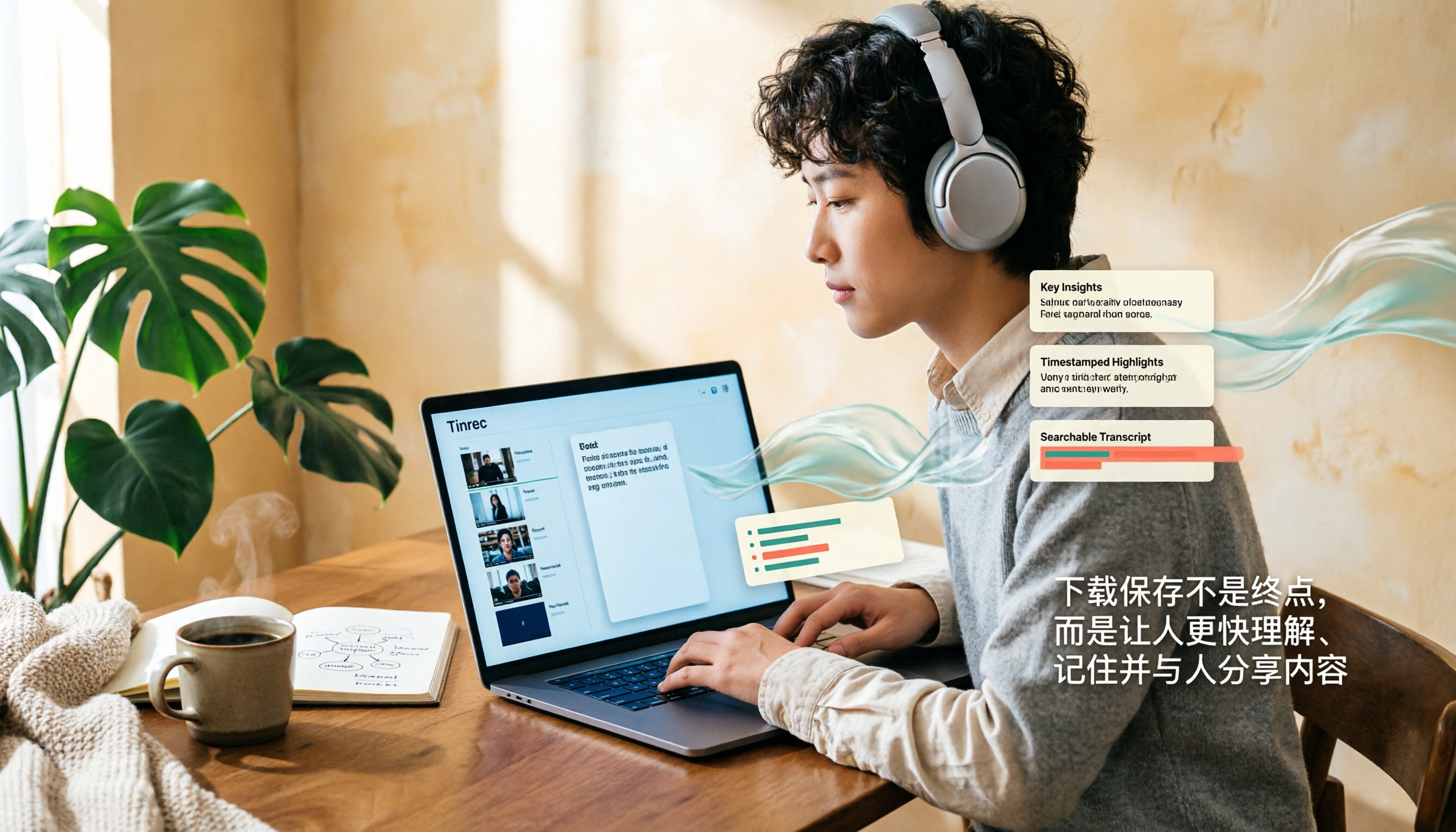
How to Download and Save YouTube Videos in 2026: A Complete 4-Step Tutorial
YouTube doesn't officially support direct video downloads. This guide covers three common methods—online tools, desktop software, and browser extensions—to save videos as MP4 or MP3 in 4 steps. It also explains how to use Tinrec to turn video content into searchable transcripts, summaries, and key points after downloading.

How to Take Better Notes from Short Videos in 2026: A 3-Step Template with AI Transcripts and To-Dos
Watching tons of how-to short videos but can't remember the key points? This guide offers a ready-to-use note-taking template for short video learning. It starts with common mistakes, then compares the transcription and organization capabilities of Tinrec, Notta, TurboScribe, and Granola, showing you how to use AI to turn videos into searchable, queryable, and actionable notes.

How to Transcribe Video to Text in Google Drive in 2026: 5-Step Tutorial and Tool Comparison
Google Drive's built-in automatic transcription can convert videos to text for free, but it currently only supports English. This guide walks you through the process in 5 steps and compares its limitations for Chinese videos, post-meeting organization, and online meeting recordings, as well as what Tinrec can fill in.

2026 Exam Video Summary Tools Compared: Which One Saves You Study Time?
A hands-on comparison of four exam video summary tools in 2026, covering no-subtitle video processing, timestamp traceability, AI Q&A, and note export, and explaining why Tinrec is better suited for turning course videos into reusable study materials.
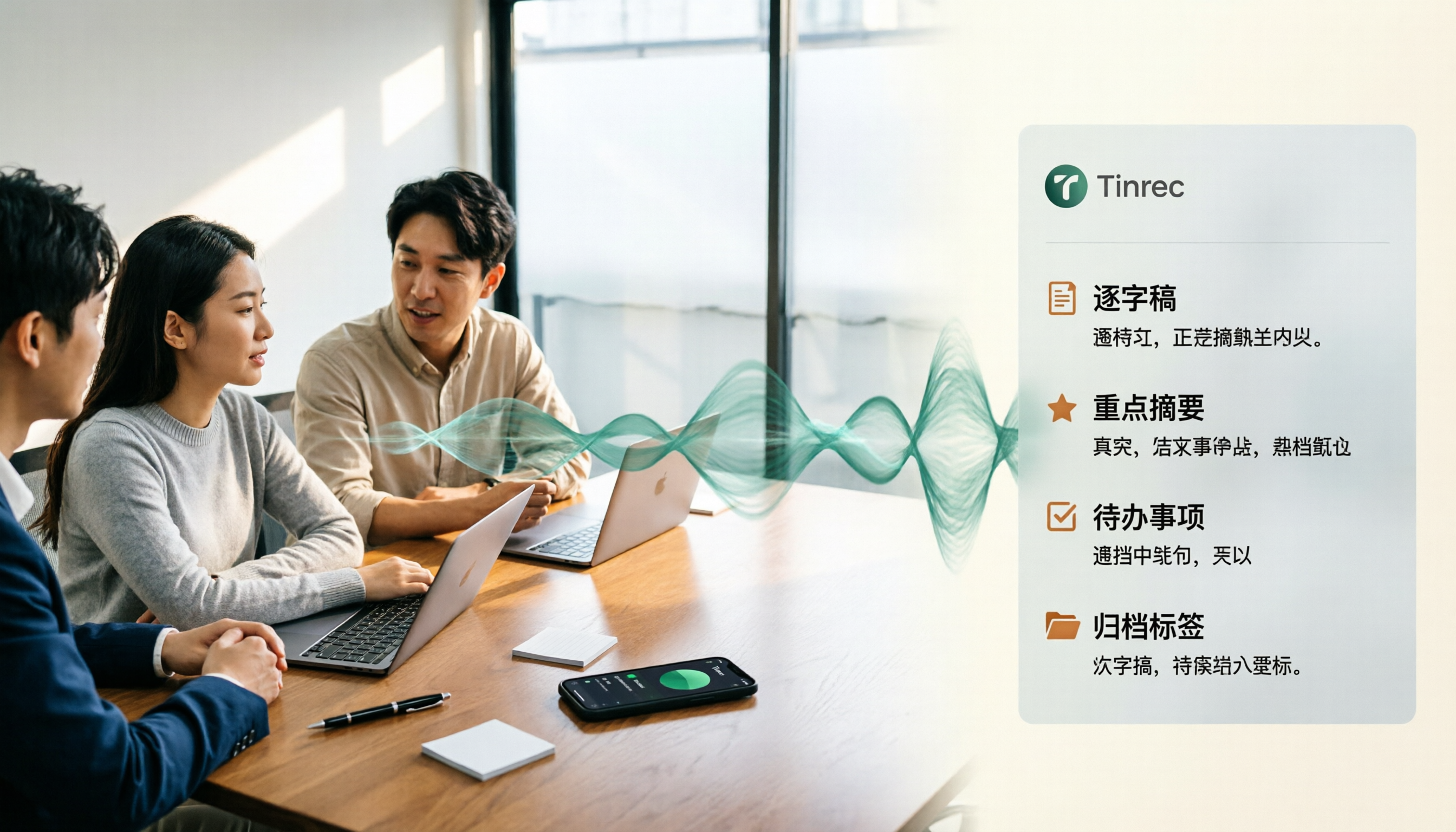
4 Best Speech-to-Text Tools for Chinese Meetings in 2026: Real-World Comparison
Turning meeting recordings into transcripts is just the first step. This article tackles the real pain points of Chinese meetings, outlines 5 key buying criteria, and puts four tools—Tinrec, Notta, Otter.ai, and Granola—to the test. We compare recording methods, post-meeting organization, and team data governance, then give clear recommendations based on your use case so you can choose the right tool without regrets.
How to Convert Music to MP3 in 2026: Online, No Install, Plus Audio Quality and File Size Explained
Want to convert music to MP3 but stuck on format, audio quality, and file size? This guide covers bitrate, file limits, and browser compatibility, walks through a 3-step online conversion process, and explains why meeting and interview recordings converted to MP3 still need an AI meeting notes tool like Tinrec to turn content into searchable, queryable data.
2026 Recording Transcription App Comparison: Tinrec vs Yating Transcript, Which Saves More Time Across 5 Key Dimensions?
How do you choose a recording transcription app? This article compares Tinrec and Yating Transcript across 5 dimensions, from Chinese and mixed Chinese-English transcription, online meeting capture methods, post-meeting summaries and action items, cross-device usage, to team collaboration and seat management, helping you determine which one better fits your work scenario.

2026 Audio Transcription Guide: Tinrec's Bot-Free Recording + AI Q&A to Find Key Points
How to choose an audio transcription tool? This article compares Tinrec, Notta, TurboScribe, and Otter.ai from a decision-making perspective, outlines 4 key purchasing factors and 3 common pitfalls, and tests Tinrec's desktop version for bot-free online meeting recording, AI Q&A, and team spaces. It explains how it turns recordings into usable meeting data, along with pricing and use cases.