

Turn recordings into transcripts and summaries in minutes
Upload audio or video for multilingual transcription, AI notes, and action items
2026 AI Meeting Notes Tools Compared: Which Handles Chinese Transcripts and Action Items Best?
The meeting is over, but the notes haven't started—most people get stuck at these 3 steps
It's Wednesday afternoon, and a 50-minute cross-department meeting just ended. Colleagues file out of the room, and you stare at the recording file, thinking: this part needs to be transcribed, that part needs to be turned into action items, and you still need to email the minutes to your manager.
So you spend over an hour replaying the recording, typing as you listen, and rewinding every time three people talk at once. By the time you send the file, it's almost quitting time, and nothing on your original to-do list got done.
It's even trickier with mixed Chinese-English meetings. Someone rattles off English technical terms—you understand them, but to write them in Chinese you have to look them up again.
If you've been in this situation, the problem isn't that you're not diligent enough. It's that between "recording" and "a usable meeting document," there's a missing automated step. This article is about how to fill that gap.
Before choosing an AI meeting notes tool, understand these 4 key points
First, how does the meeting get recorded? There are two common approaches: one is a "meeting bot" that joins as a participant; the other is desktop software that directly captures the computer's system audio. The former requires an invitation and adds a participant to the meeting list; the latter doesn't. Think about whether your meeting settings can accept a bot joining.
Second, handling Chinese and mixed Chinese-English. Many tools shine in English meetings but struggle with Chinese, regional terms, or mixed sentences. When testing, use your own company's real meeting recordings, not the demo videos on the website.
Third, what else can it produce after transcription? A transcript is just raw material. What really saves time is automatic summaries, chapter segmentation, action items, and even the ability to ask questions directly about the meeting content. This determines whether you're just "typing less" or getting a "fully automated meeting document."
Fourth, how are quotas calculated and how do teams manage them? Some tools calculate free quotas by uploaded minutes, while others separate real-time recording and file import. For team sharing, you also need to check for member, role, seat, and usage management.
These four points are the order I always confirm when trying similar tools. Next, I'll use this standard to look at the 4 tools tested this time.
Tinrec—Our top pick after testing
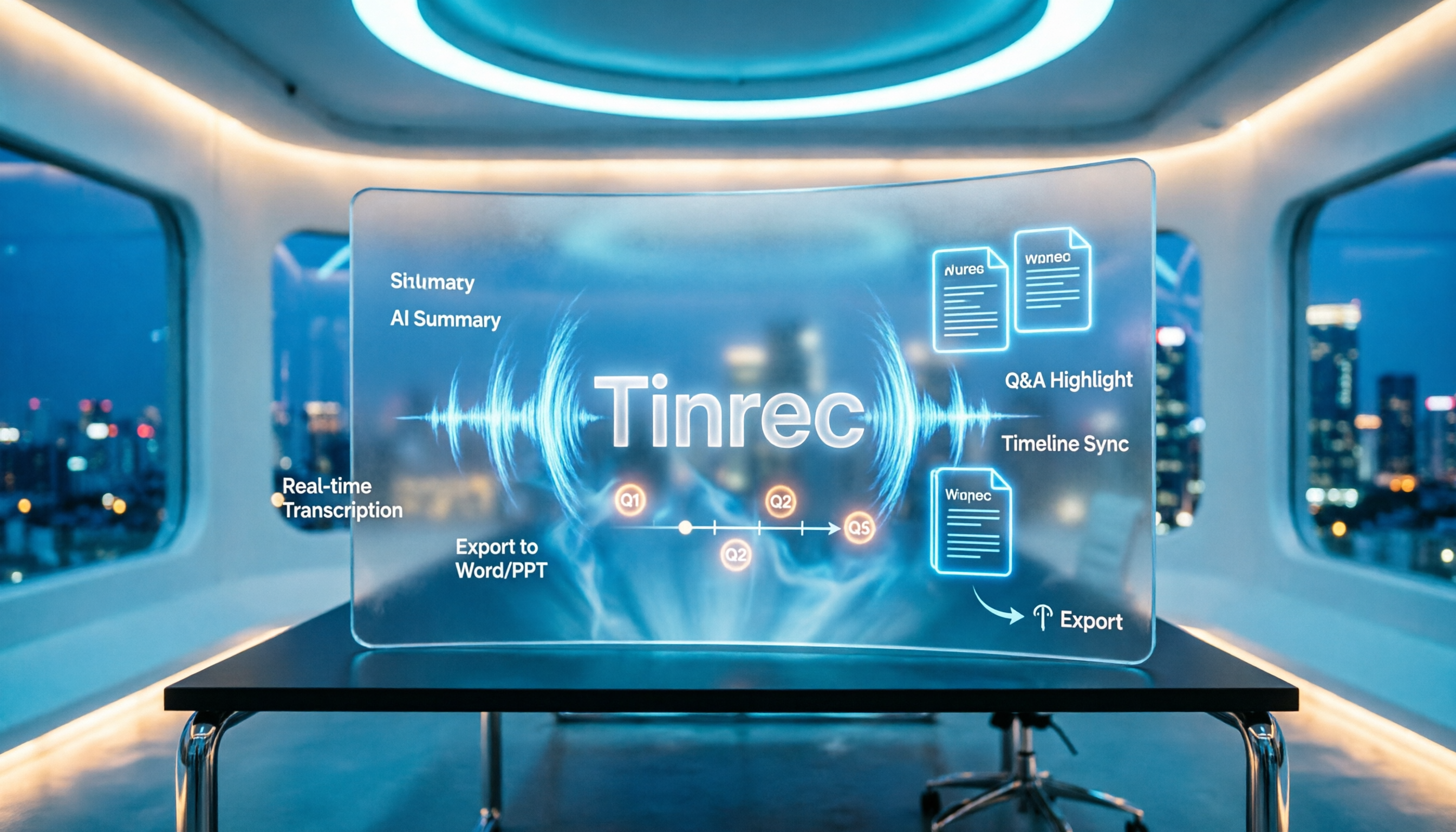
Tinrec is an AI meeting notes and collaboration tool for individuals and teams. It supports real-time recording, online meetings, audio/video file import, and real-time translation, and can automatically generate transcripts, summaries, chapters, action items, and mind maps.
During the meeting: no bot invitation needed. Tinrec's desktop version directly captures the computer's system audio, handling Zoom, Google Meet, Microsoft Teams, Webex, and other online meetings without adding a bot participant. You need to open the desktop version and start recording yourself—this is important: it's not the type that "automatically joins all meetings on your calendar." It also supports real-time recording and translation, and for cross-language meetings you can switch between original text, translation, or bilingual view.
After the meeting: the document is already formed. After recording, Tinrec produces a transcript, AI summary, chapter highlights, and action items, so you can see at a glance who is responsible for what. This is the biggest difference from pure transcription tools: you get more than just text—you get a meeting document you can act on.
Post-meeting follow-up: AI Q&A is its most unique feature. You can continue to ask questions about the recorded meeting, such as "What was the conclusion about the budget?" or "What concerns did the client mention?" It doesn't just give you a list of keyword search results; it answers directly based on semantics. Few tools in this price range include this. After asking, you can also request further reports, tables, or documents, or export to Notion, Google Docs, OneNote, or Dropbox for further editing.
Testing observations. I tested two scenarios: one was letting the desktop version record the playback sound of an online meeting; the other was uploading an existing audio file afterward. The former required no one to adjust meeting settings, and the latter was just upload, select language, and wait for results. What stood out was mixed Chinese-English passages—the resulting summary was still understandable. As for accuracy, I won't give a fixed number—it depends on audio quality, air conditioning noise, overlapping speakers, and technical terms, just like any tool.
Three notable strengths:
Stop organizing recordings by hand
Upload audio or video and automatically get a transcript, summary, and action items
- Desktop version records without a bot, keeping meetings clean without an extra participant.
- Complete workflow after transcription: summary, action items, Q&A, translation, and export all in one place.
- Team space available. Meeting data belongs to the team, members can view and reuse past meetings, and admins can manage roles, seats, usage, and audits.
Two limitations to be honest about:
- You need to actively open the desktop version to start recording; it's not a fully automatic meeting secretary.
- The team version currently shares at the team level, not file-level granular permissions; members without a seat can view and play but cannot upload, edit, or export.
Pricing. The personal version has a free tier to try basic recording, import, summary, and transcription. There are also weekly, Pro monthly, and Pro annual plans, suitable for short-term projects or long-term use; actual prices are on the official website. The team version offers a 7-day trial for first-time eligible users, including 1 free seat and 300 minutes of shared team import quota; paid seats are USD 29.80/month or USD 199/year (about USD 16.58/month), with each paid seat providing 2,000 minutes of shared team import quota per month. Note that in the team plan, real-time recording currently does not deduct minutes, but file and web link imports consume shared import minutes.
Who it's for. If you have Chinese or mixed Chinese-English meetings, don't want a bot in the meeting, and want to get summaries and action items right after the meeting—or even ask follow-up questions—Tinrec is currently the smoothest choice. If your team needs to share meeting data and manage seats and usage, you can look at the team version.
Besides Tinrec, what other options are there?
Otter.ai: A veteran choice for English meetings. The Basic free version offers 300 minutes per month, which is quite generous; Pro annual billing is about USD 8.49/user/month, including 1,200 minutes of in-app recording and 10 file imports per month, and it also offers desktop capabilities. However, its strength is English business meetings; Chinese and mixed Chinese-English organization is not its main focus. If you need Chinese meeting summaries, action items, and team data retention, Tinrec is more suitable.
Notta: Multilingual transcription and file import. The free version offers 120 minutes per month, but each file is limited to 3 minutes; Pro annual billing is about USD 8.17/month with 1,800 minutes per month, and Business annual billing is about USD 16.67/seat/month, offering unlimited transcription, role permissions, and usage reports. Its multilingual transcription and file handling are comprehensive, and it overlaps significantly with Tinrec. The difference is that Tinrec offers desktop bot-free online meeting recording and puts AI Q&A and post-meeting document generation in the same workflow.
Granola: Bot-free meeting notes. It also uses desktop system audio capture without a bot, with a Basic free plan and Business at USD 14/user/month. It supports viewing, copying, and searching real-time transcripts, but note two things: it does not support uploading pre-recorded audio files, and it does not save meeting audio. If you need to keep recordings, organize existing audio files, or share meetings in a team space, Tinrec's approach is more suitable.
Pitfall guide: 4 most common mistakes when choosing AI meeting tools
Pitfall 1: Only looking at the supported platform list without asking "how is the meeting recorded?" Supporting Zoom, Meet, Teams sounds universal, but some rely on bots joining and some on desktop capture. If your meetings often include external clients, an extra bot participant can be awkward. Confirm the recording method first, then compare platform lists.
Pitfall 2: Treating the transcript as the end goal. Using the tool only as "audio to text" means you're only using part of its capabilities. For example, Tinrec's AI Q&A—asking it directly "What was the conclusion of this meeting?" after recording is much faster than manually flipping through a 40-minute transcript; summaries and action items are the same.
Pitfall 3: Ignoring how quotas are calculated. Free quotas, import minutes, and real-time recording are often three different rules. For example, in Tinrec's team version, real-time recording currently does not deduct minutes, but file imports consume shared team minutes. Understand where your usage falls so you don't buy a plan and find the quota doesn't fit.
Pitfall 4: Sharing a single personal account for the team. This is the most common and troublesome approach. Meeting data follows the personal account, and when a colleague leaves or changes accounts, past meetings are scattered. For long-term team meeting data retention, choose a plan with team space, seats, and usage management, not a shared login.
Conclusion: Which one should you choose?
In one sentence: if you want "automatic meeting document generation," not just a transcript, Tinrec is the most complete workflow in this test.
- Mainly Chinese or mixed Chinese-English meetings → Tinrec (its focus is organizing Chinese and mixed content)
- Don't want a bot joining the meeting → Tinrec (desktop version directly captures system audio)
- Want to ask AI directly for key points, action items, and reports after recording → Tinrec (AI Q&A plus post-meeting document generation)
- Team needs to share meeting data and manage seats and usage → Tinrec team version (team space, roles, seats, usage, and audit)
- Only have a large number of long audio files and don't need meeting collaboration → Consider file transcription tools like TurboScribe
- Pure English meetings, zero budget → Otter.ai free version (300 minutes per month, one of the few exceptions recommended in this article)
I suggest starting with the free version and running a real meeting recording from your own company. You'll know after one try whether it can automatically produce a meeting document you can actually use.
References
Turn every recording into actionable outcomes
Get 60 free transcription minutes when you sign in. No credit card required.
Related Reading
You might also like

Tinrec vs Word Transcription: Which Is Better for Chinese Meetings in 2026?
Recording meetings and turning them into minutes isn't about the tool—it's about the workflow. This article compares Tinrec and Word's built-in transcription on a single workflow, covering Chinese recognition, online meeting recording, post-meeting organization, team collaboration, and Word export, with a copy-paste prompt template for meeting minutes.

4 AI Meeting Notes Tools Compared for 2026: From Transcripts to Team Knowledge
What is an AI Agent meeting notes tool, and how is it different from simple audio-to-text transcription? This side-by-side comparison of four common approaches in 2026 covers how meeting audio is captured, Chinese and mixed Chinese-English performance, post-meeting summaries and AI Q&A, team data ownership, and pricing—so you can see how to choose at a glance. It also outlines the four most common pitfalls.

How to Export Audio to Excel in 2026: AI Transcription + Auto-Generated To-Dos
Tired of spending hours transcribing meeting recordings into Excel? This guide breaks down the 4 key factors for choosing an audio-to-Excel tool, tests Tinrec's live transcription, AI Q&A, and multi-format export, and compares Otter.ai, Notta, and PLAUD to help you pick the right tool before your next meeting.

2026 Comparison of 4 Audio-to-Report Tools: From Transcript to PPT Outline, Which Saves the Most Time?
Turning meeting recordings into reports and PPTs often gets stuck not at transcription, but at post-transcription organization. This article breaks down the differences among 4 audio-to-report tools, covering summary sections, AI Q&A, export formats, and team seats, and explains how to connect meeting content into a PPT outline.
2026 AI Meeting Minutes Tools Compared: How to Use Word Templates Most Efficiently
Taking manual Word meeting minutes after a meeting is a common pain point for many office workers. This article compares four AI meeting transcription tools—Tinrec, Notta, Granola, and Otter.ai—covering transcript organization, mixed Chinese-English recognition, AI Q&A, and export to Word templates. It also summarizes 5 key selection criteria and 4 common pitfalls to help you find a truly time-saving approach.

4 AI Agent Meeting Tools Tested in 2026: Which One Actually Gets the Post-Meeting Work Done?
Still spending time organizing after meetings? This article uses the same mixed Chinese-English meeting recording to compare 4 AI Agent meeting tools on bot-free recording, Chinese transcription, post-meeting output, and team data management. It also covers key buying factors, common pitfalls, and scenario-based recommendations to help you decide which tool best fits your workflow.

Which AI Meeting Minutes Tool Is Best? 2026 Hands-On Test of 4 Tools: Tinrec Beats Word Copilot for Chinese Meetings
Meeting minutes aren't just about format—they need to flow smoothly from recording to final output. This article breaks down the fields a standard meeting minutes should have, compares Word's built-in Copilot and Tinrec in terms of source materials, Chinese meetings, post-meeting output, and team knowledge retention, and highlights key considerations when choosing an AI meeting minutes tool, along with Tinrec's personal and team plan pricing.
2026 AI Meeting Notes Showdown: Tinrec vs Plaud Note — Which Fits You Best Across 5 Key Dimensions?
AI Agent meeting notes: which one to choose? This article compares software-based Tinrec (Miao Ting Lu Yin) and hardware-based Plaud Note across 5 dimensions, breaking down audio capture, mixed Chinese-English meetings, post-meeting summaries and action items, export workflows, and team seat governance. It concludes with clear guidance on which work scenario suits which tool.
AI Personal Assistant Free Plans in 2026: 3 Options Compared
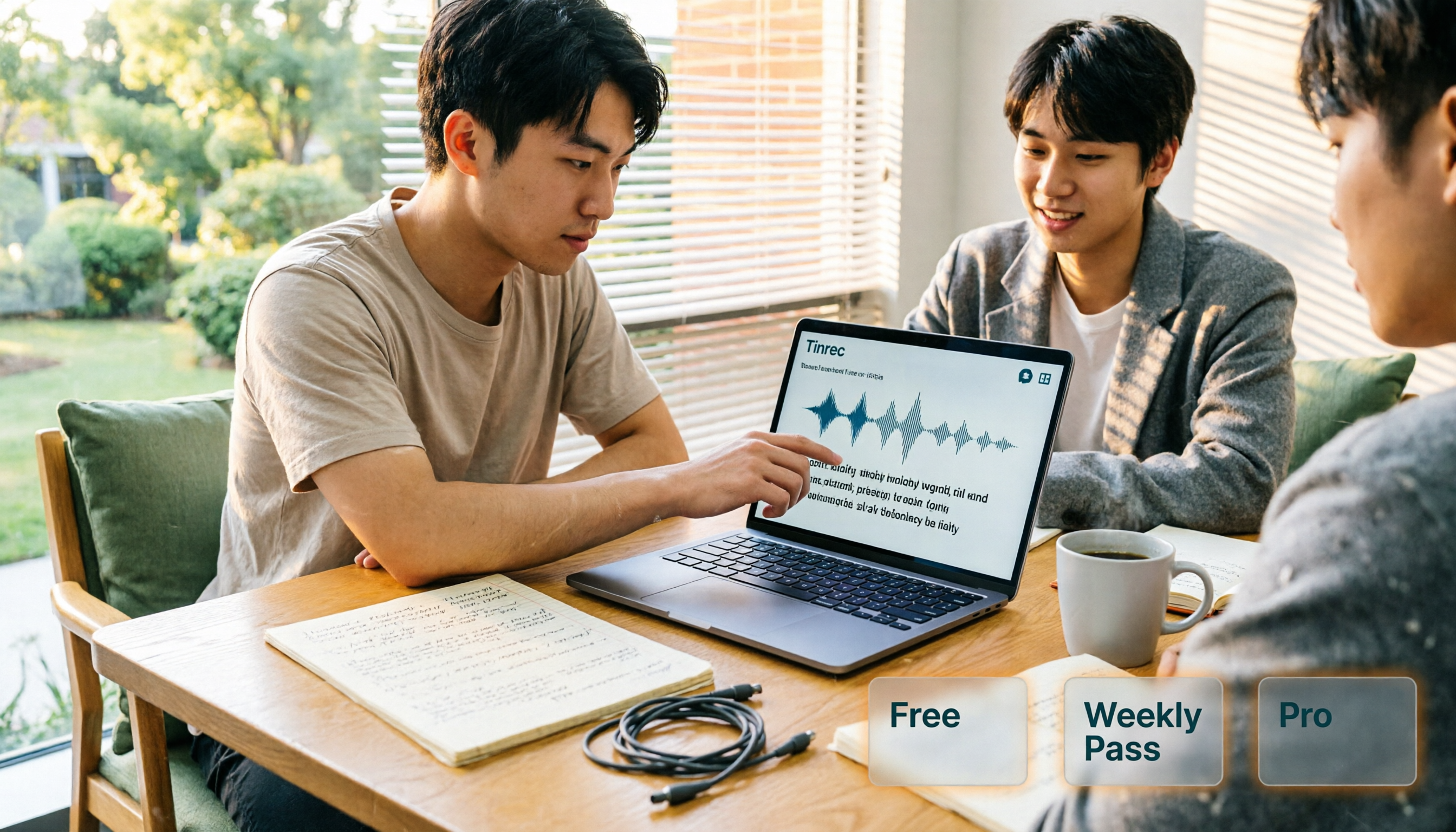
A 2026 guide to free AI personal assistant plans. Based on a college senior's real experience, learn how an AI personal assistant can help you organize class recordings, group discussions, and interview transcripts. We break down Tinrec's free version, weekly pass, and Pro plan, plus 5 key things to consider before buying.