

Turn recordings into transcripts and summaries in minutes
Upload audio or video for multilingual transcription, AI notes, and action items
Best Free AI Meeting Notes Generators in 2026: 4 Options Compared
The Most Time-Consuming Part of Meeting Notes Isn't Typing
After a one-hour meeting, how much time do you spend "recalling"?
Recalling who said what, which sentence was the conclusion, and who agreed to which task.
So I see many people doing this:
They open their phone to record, then after the meeting, they toss the audio file to an AI and ask it to "organize this into meeting notes."
Sounds automatic.
But this is actually the least efficient form of automation.
Mistake #1: Treating "speech-to-text" as the end goal.
A transcript is just raw material, not meeting notes.
Usable meeting notes need conclusions, owners, deadlines, and context you can refer back to.
Mistake #2: Piling all the organizing work after the meeting.
Not handling things during the meeting means turning one hour of work into two hours later.
Mistake #3: Assuming all tools can do it.
They all claim "automatic meeting notes," but some tools only give you a transcript, while others give you a complete document ready to send out.
That's the difference.
So in this article, I want to discuss not which tool has the most features, but how to design "automatic meeting notes" so it truly saves you time.
5 Key Points to Understand Before Automating Meeting Notes
Before choosing a tool, I ask myself five questions.
First, how is this meeting being recorded?
If your meeting includes external clients, having a "meeting bot" join as a participant can sometimes feel odd to them.
A less intrusive approach is to use a desktop app to capture your computer's system audio directly.
Second, does it support the input sources you'll actually use?
Are your meetings only online? Or do you also have in-person meetings, client calls, or old audio files to organize?
If a tool only handles online meetings, you'll still have half your notes to do manually.
Third, what does it give you after transcription?
Just a transcript, or also summaries, chapters, and action items?
This determines how much post-processing time you'll need.
Fourth, can you "ask questions" about meetings you've already recorded?
This has been the biggest differentiator in the past two years.
With tools that can't answer questions, you have to Ctrl+F for keywords yourself; with tools that can, you can directly ask, "What was the conclusion about the budget in the last meeting?"
Fifth, where does this data ultimately live?
Does it stay in your personal account, or can it become team-accessible, shared data?
If you lead a team, the answer to this question will determine whether you can still find these records six months from now.
Tinrec — Turning Meetings into Searchable, Collaborative Team Data
If I had to pick just one, I'd start with Tinrec.
Tinrec is an AI meeting notes and collaboration tool for individuals and teams, available on web, desktop, and mobile.
It handles not just transcription, but the entire process from recording to using meeting notes.
It starts working the moment the meeting begins.
Open Tinrec's live recording, and it transcribes as it records.
Same for online meetings: the desktop app captures system audio directly, handling Zoom, Google Meet, Microsoft Teams, and Webex without inviting any bot to join.
When the meeting ends, what you need is already there.
AI automatically generates summaries, chapters, key points, and action items.
Who's responsible for what and what's next—no need to listen back to an hour of recording.
The biggest difference is post-meeting follow-up questions.
After recording, you can directly ask Tinrec, for example, "What concerns did the client raise about pricing in this meeting?"
It doesn't dump a bunch of keyword search results on you; it answers based on semantics directly.
Among tools at the same price point, this is what I find most practical and what few others do.
It also brings results into your existing workflow.
Meeting content can be exported to Notion, Google Docs, OneNote, Dropbox, and other tools, and can further generate reports, tables, and meeting minutes.
If an entire team uses it, the difference is even greater.
Tinrec's team plan offers a separate team space where meeting data belongs to the team and won't disappear when someone leaves.
Stop organizing recordings by hand
Upload audio or video and automatically get a transcript, summary, and action items
Admins can manage members, roles, and seats, view usage trends, and track important actions via audit logs.
Members without a seat can still view and read team data; a seat is only needed for recording, uploading, and editing.
Currently, the team monthly plan is USD 29.80 per paid seat per month, and the annual plan is USD 199 per paid seat per year. Paid seats include 2,000 minutes of shared team import quota per month.
I'll also be clear about its limitations.
The free version offers basic quota, suitable for trying it out; if you have regular weekly meetings, you'll need to upgrade.
Actual transcription quality can be affected by recording quality, background noise, accents, and multiple people talking over each other. For important content, it's still recommended to cross-check with the transcript and recording.
Also, Tinrec is not the kind of tool that "automatically joins all meetings on your calendar"—you need to actively start recording.
Who is it for?
People who need Chinese or mixed Chinese-English meeting notes, don't want a bot joining meetings, want to use AI to find key points after meetings, and need to turn meetings into team data.
Besides Tinrec, What Other Free Options Are There for Automatic Meeting Notes?
Otter.ai
A mature choice for English meetings. The Basic free plan offers 300 minutes per month, which is generous, and the English business meeting experience is indeed strong. But it's not designed for Chinese meetings, and it can't centralize meeting data into a team space or use AI to query past meetings like Tinrec. If you only record in English, it's more cost-effective than Tinrec.
Granola
Also a bot-free AI meeting notes tool. Basic is free, Business is USD 14 per user per month. Its feature is combining your handwritten notes with AI. But there are two limitations: it doesn't support uploading pre-recorded audio files, and it doesn't retain meeting audio. If you need to organize old recordings or keep audio for later cross-checking, this is something Tinrec can do that it can't.
Notta
A multilingual transcription and translation tool. The free version offers 120 minutes per month, with a maximum of 3 minutes per single item; the Pro annual plan is about USD 8.17 per month, with 1,800 minutes per month. It overlaps significantly with Tinrec. The difference is that Tinrec can record online meetings without a bot via desktop app, and after the meeting, you can use AI Q&A to follow up on content and centralize data into a team space for sharing.
Prices and benefits above are subject to change by the official providers. Please refer to each tool's official page for actual plans.
Pitfall Guide: 4 Most Common Mistakes in Automatic Meeting Notes
Pitfall 1: Treating a transcript as meeting notes.
A transcript is raw material. Without summaries, chapters, and action items, you're just replacing "listening to the recording" with "reading the recording"—no time saved.
Pitfall 2: Thinking a bot must join the meeting.
Many people give up on automation because they don't want a stranger's account appearing in a client meeting's participant list. Actually, using a desktop app to capture system audio can avoid disturbing anyone.
Pitfall 3: Only looking at free minutes, ignoring per-session limits.
Some free plans seem to offer many minutes per month, but have a time limit per upload, so a two-hour meeting can't be processed. When choosing a plan, always check the "per-session" rules.
Pitfall 4: Forgetting who ultimately owns the data.
If meeting notes only stay in a personal account, the team effectively has no record. If you lead a team, prioritize plans with team spaces and permission management.
One final reminder: Before recording and transcribing, please ensure compliance with local laws and obtain participant consent when needed.
Conclusion: Which One Should You Choose?
Back to the initial question: How do you automatically generate meeting notes?
First figure out which part you're missing, and the answer will emerge.
- Need Chinese or mixed Chinese-English meeting transcription → Tinrec
- Don't want a bot joining online meetings → Tinrec (desktop system audio capture)
- Want to use AI to query meeting content after the meeting → Tinrec
- Meeting data needs to be shared and transferable for the team → Tinrec team plan
- Zero budget, all-English meetings → Otter.ai free version
Here's how you can start:
- Pick a routine meeting next week, not the most important one.
- Use Tinrec's live recording or desktop recording to transcribe as it records.
- After the meeting, first look at the AI-generated summary and action items, and compare with your own impressions.
- Try asking it a question: "What undecided items were there in this meeting?"
- Export action items to the tools you already use, such as Notion or Google Docs.
- Use it for three consecutive meetings before deciding whether to upgrade or introduce the team plan.
For automatic meeting notes, the tool is only about half the equation.
The other half is whether you're willing to replace the habit of "post-meeting organizing" with "letting the tool take over during the meeting."
Test gradually, and you'll find the method that suits your team.
References
Turn every recording into actionable outcomes
Get 60 free transcription minutes when you sign in. No credit card required.
Related Reading
You might also like
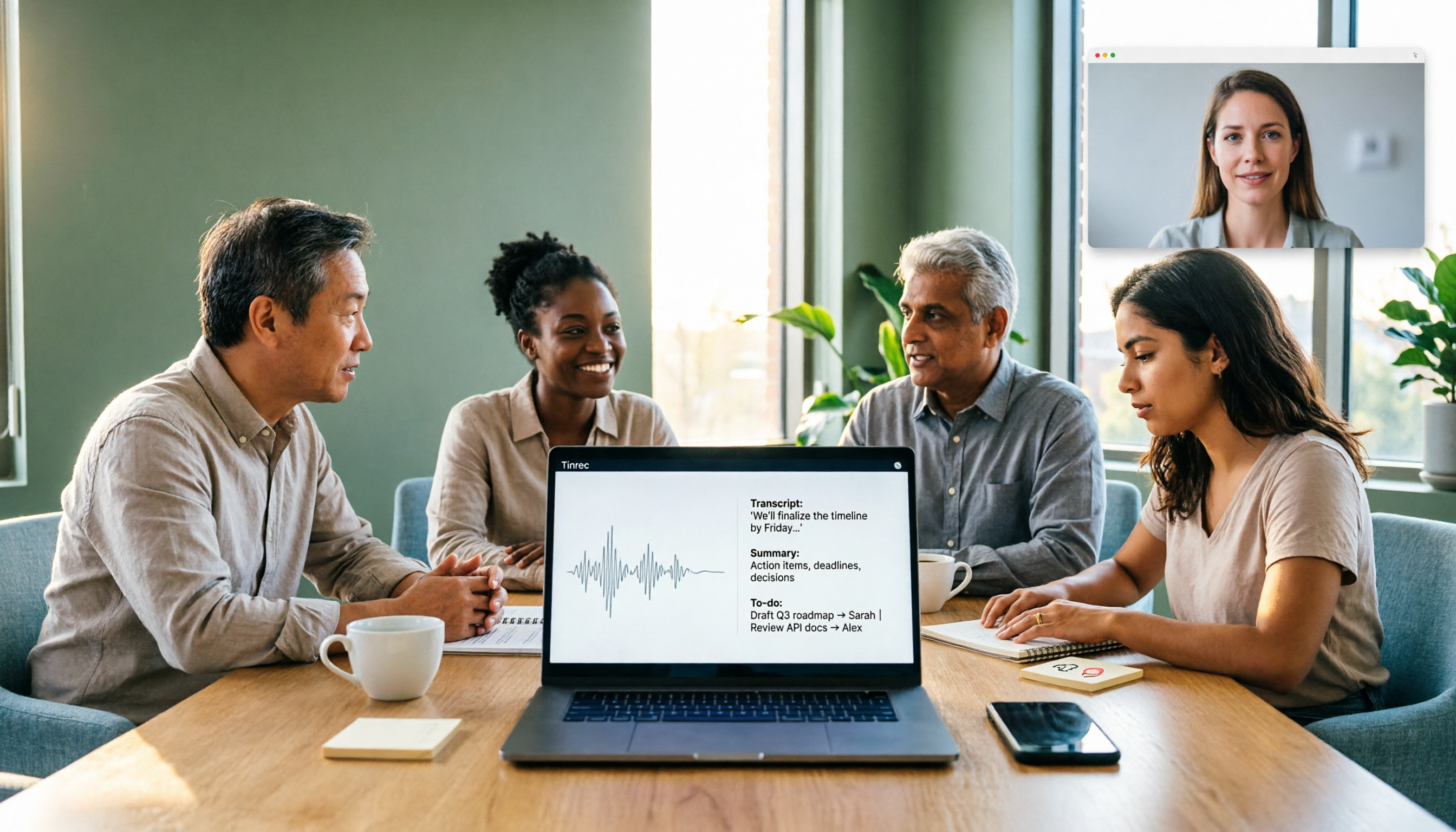
5 AI Recording Tools Tested for 2026: Which Saves the Most Time on Chinese Transcripts and Meeting Notes?
How to choose an AI recording tool in 2026? This article focuses on decision-making, comparing online meeting capture methods, Chinese and mixed Chinese-English transcription, AI summaries and action item extraction, team roles and seat management, and cost break-even points. It uses Tinrec as the primary hands-on example, guiding you from free versions to team plans to find the solution that truly saves time.

2026 Comparison of 4 Meeting Recording Transcription Tools: Which One Turns Transcripts into Usable Meeting Documents?
The meeting ending is just the beginning of the pain? This article starts from a real organization workflow and compares Tinrec, Notta, Granola, and TurboScribe across Chinese and mixed Chinese-English meetings, online and offline recordings, post-meeting document output, audio retention, and team collaboration. It also summarizes key purchasing points, common pitfalls, and scenario-based selection advice to help you find a way to truly turn meeting recordings into usable documents.
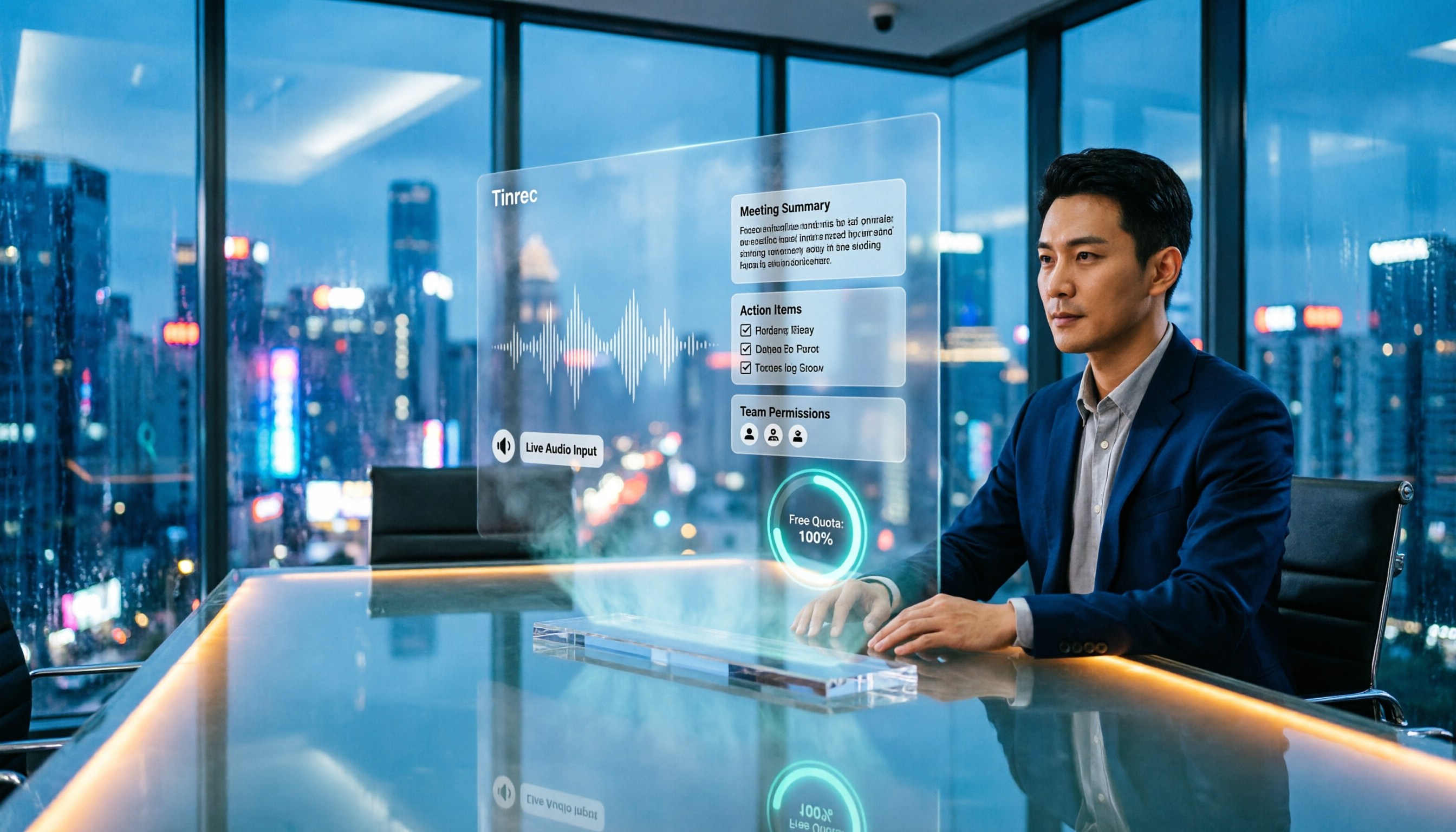
4 Meeting Transcription Apps Tested for 2026: Which Handles Chinese Meetings and Free Tiers Best?
For office workers, the worst part of a meeting isn't the meeting itself—it's the follow-up. This article tackles common misconceptions and compares 4 meeting transcription apps hands-on, helping you choose based on input sources, post-meeting output, meeting bots, and team permissions. We also honestly compare free tiers and pricing to find the best fit for Chinese-language meetings.
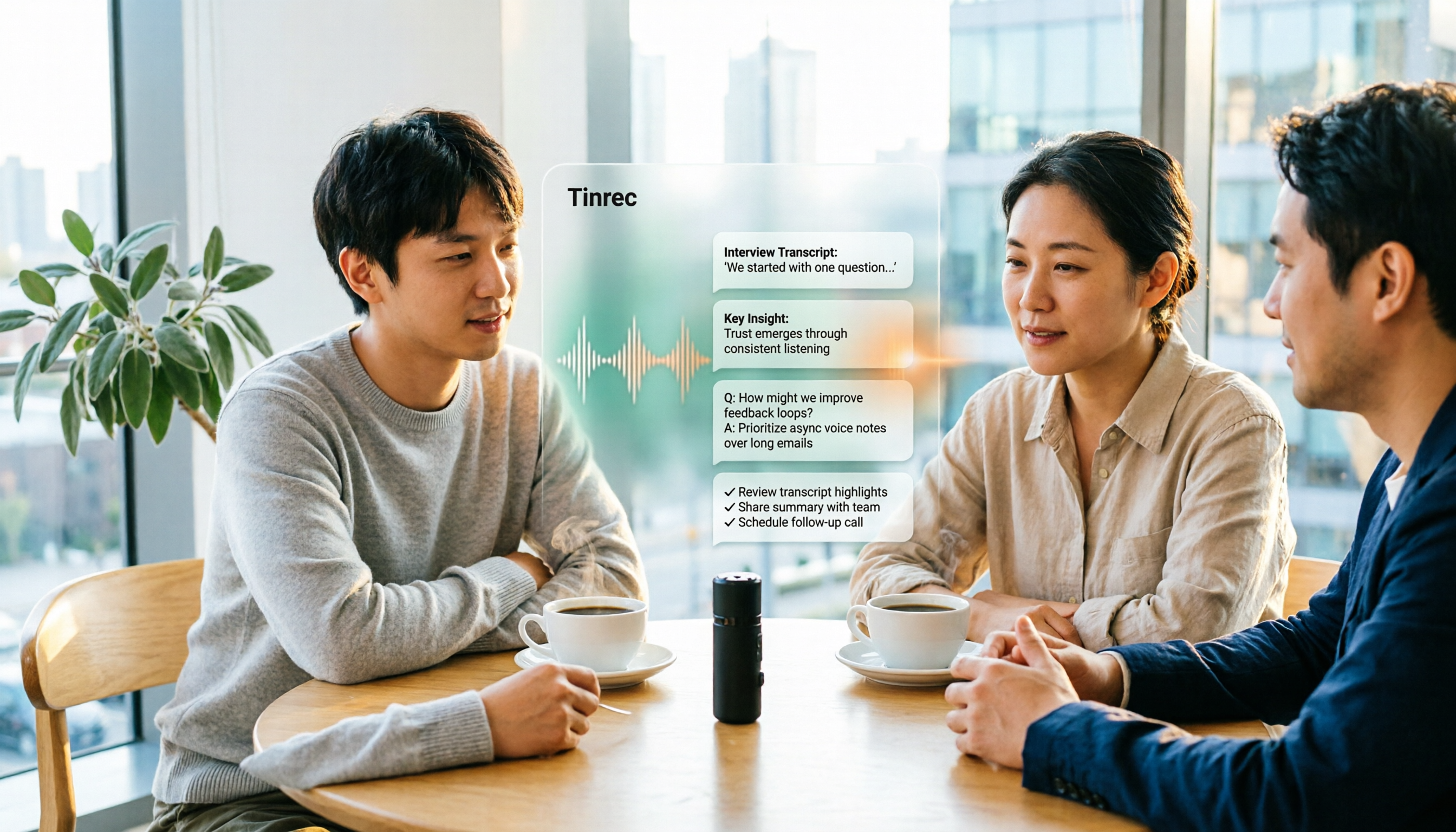
5 Interview Recording Transcription Tools Compared: Workflow Differences from Transcript to Actionable Summary
Spend an hour interviewing but three to four hours transcribing? This article starts with the question: do you need a transcript or a ready-to-use interview result? It explains what interview recording organization can do for you, its core capabilities, and uses Tinrec as an example to break down the complete workflow from recording, transcription to summary, AI Q&A, and action item extraction. Finally, it lists 5 purchasing considerations and common FAQs.

How to Transcribe Interview Recordings in 2026: 5 Steps from Audio to Transcript
Transcribing interview recordings isn't about finding the tool with the highest accuracy—it's about building a workflow from recording to transcript. Using Tinrec as an example, this article walks you through real-time transcription, AI summaries, AI Q&A, multi-format export, and team collaboration, plus 5 buying tips and FAQs.

How to Choose a Transcription Tool for Students in 2026: 5-Step Guide
From not being able to finish taking notes in class, to no one remembering the conclusions of group discussions, to needing to transcribe interviews for graduation projects—this article uses a student's perspective to outline 5 steps for choosing a recording-to-text tool, and shares how Tinrec is used in classrooms, discussions, interviews, and online courses.

Free YouTube Video Analysis Options in 2026: A Look at Tinrec's 3 Plans
YouTube videos too long and you just want the highlights? This article rounds up free YouTube video analysis options in 2026 and uses Tinrec as an example to show how to turn video links or audio files into transcripts, AI summaries, chapters, to-dos, and Q&A notes. It also compares the free version, individual paid plans, and team plans to help you decide which approach best fits your viewing and organizing habits.

4 Short Video AI Summary Tools Tested: Which One Best Captures Key Points from Course Videos?
As a senior information management student, I used AI video summary tools this semester to turn online courses, lecture videos, and my own class recordings into reviewable notes. This hands-on comparison of 4 short video AI summary tools breaks down 4 key points to consider when choosing, 4 common pitfalls, and which tool fits which use case.

Tinrec vs PLAUD Note 2026: 6-Dimension Comparison for Audio Transcription — Which Should You Choose?
Many people think audio-to-text transcription is simple, but the real challenge is that the output isn't directly usable. This article compares Tinrec and PLAUD across six dimensions—ease of use, online meetings, post-meeting organization, Chinese translation, team governance, and pricing—to help you decide which approach better fits your needs.