

Turn recordings into transcripts and summaries in minutes
Upload audio or video for multilingual transcription, AI notes, and action items
2026 Voice-to-Text Software Comparison: Chinese Meeting Transcripts vs. AI Q&A – Which Is More Practical?
Bought transcription software but still organizing after meetings?
Many people choose voice-to-text software based on promotional numbers like "98% accuracy."
That's actually the first trap. Official numbers are often measured in quiet environments, but real meetings have air conditioning noise, keyboard sounds, and people talking over each other, so results can differ greatly.
The second common inefficient approach is treating the transcript as the end goal.
A meeting transcript is often so long that you don't want to read it from start to finish, and you still have to go through it yourself to find out "who promised what" and "what the conclusion was." This only saves typing time, not organizing time.
If this sounds like your situation, this article looks at four common voice-to-text software from the angle of "can you use it directly after recording."
Four key points to understand before choosing voice-to-text software
1. Accuracy depends on your recording conditions, not official numbers A quiet recording studio and a real meeting room are two different worlds. We recommend testing with a segment of your own meeting recording; the closer the test conditions are to your daily routine, the more reliable the results. For Chinese or mixed Chinese-English meetings, especially test with your own files.
2. Can you use it directly after transcription? Tools that only give you a transcript versus those that automatically organize summaries, chapters, and action items save vastly different amounts of time. This is what I value most now.
3. How to record online meetings A common approach is to send a "meeting bot" to join as a participant, which adds an unfamiliar account to the list. Another is to capture system audio directly on the desktop without disturbing the meeting list. If you often meet with external clients, the latter is usually less awkward.
4. Where data is stored and whether teams can share it Using a personal account to record team meetings means data follows the individual. What you really want to accumulate is team assets, so you should look at team spaces, member roles, seats, and usage management, not personal plans.
Tinrec – The most frequently recommended after testing
Tinrec is an AI meeting notes and collaboration tool for individuals and teams, available on mobile app and desktop, covering Chinese, Traditional Chinese, and multilingual meeting scenarios.
Its core is not "turning sound into text" but turning meetings into data you can continue to use.
Open Tinrec during a meeting, and it produces a transcript while recording; after the meeting, AI has already organized the summary, chapters, and action items—who is responsible for what and what's next, all at a glance. The desktop version captures system audio directly, handling online meetings on Zoom, Google Meet, Microsoft Teams, and Webex without pulling an extra bot into the meeting room.
Even better is the post-meeting AI Q&A. You can directly ask it "Who mentioned the budget last meeting?" or "What were the client's concerns about the delivery date?" It answers based on semantic understanding, rather than throwing a bunch of keyword search results for you to sift through. With real-time translation, cross-language meetings can be viewed in original, translated, or bilingual side-by-side.
Our testing method: we used a roughly 5-minute Chinese meeting recording (with air conditioning background noise and two people taking turns speaking) and ran it once on desktop and once on mobile. Under these conditions, Tinrec's punctuation and paragraphing were quite natural, and most mixed Chinese-English proper nouns were correctly recognized. Actual performance will still be affected by recording quality, accents, and overlapping speech, so we recommend testing with your own files for the most accurate results.
A few advantages I think are worth mentioning:
- Output is not just a transcript: summaries, chapters, key points, action items, mind maps, and even post-processing with Agent to generate reports, tables, and documents.
- Bot-free online meeting recording: desktop version captures system audio, no extra account hanging in the meeting, and no need to buy additional hardware for recording.
- Team version is a real team space: after creating a team, you can invite members, set owners/admins/regular members, assign or revoke seats, and meeting data belongs to the team; when a member leaves or loses a seat, resources can be transferred to other members. Admins can also view usage trends, member rankings, and audit logs, and accidentally deleted audio can be recovered from the recycle bin.
Stop organizing recordings by hand
Upload audio or video and automatically get a transcript, summary, and action items
Limitations to be honest about: free users only get basic quota, suitable for trying out; if you have many meetings or interviews every week, you'll need to upgrade to a personal plan (weekly card, Pro monthly, and Pro annual available). The team version is priced separately: monthly USD 29.80 per paid seat per month, annual USD 199 per paid seat per year (about USD 16.58 per month), each paid seat has 2,000 minutes of team shared import quota per month; under an active team plan and seat, real-time recording currently does not deduct minutes. The first eligible team trial is 7 days, 1 free seat, 300 minutes shared import quota. Prices and benefits are subject to the official purchase page.
If you frequently handle Chinese meetings, want to use AI to find key points directly after recording, and want to turn meetings into team data, Tinrec is currently the closest choice to this need.
Besides Tinrec, what other options are there?
Notta A veteran tool with good multilingual transcription and document import, clear interface, and team plans. Note that the free version has 120 minutes per month and a 3-minute limit per content; for heavy use you'll need to pay; Business annual is about USD 16.67 per seat per month. If you need post-processing outputs like reports and tables directly after meetings, Tinrec's Agent post-processing focuses more on that.
Otter.ai A mature choice for English business meetings. The Basic free plan offers 300 minutes per month, quite generous, and Pro annual is about USD 8.49 per user per month, with full integration with Zoom, Teams, and Google Meet. But if most of your recordings are Chinese meetings and you need bilingual comparison and a Chinese team database, Tinrec's desktop bot-free recording and Chinese experience will be closer to your usage scenario.
PLAUD Note / NotePin A representative of AI recording hardware. NotePin costs USD 159, Note Pro USD 189, following the route of portable recording and phone call recording. Membership: Starter 300 minutes per month, Pro annual USD 99.99. Hardware has its value, but you have to carry an extra device and worry about battery; Tinrec requires no hardware purchase, works on phone and computer, and can handle online meetings and historical meeting files together.
Pitfall guide: The 3 most common mistakes when choosing voice-to-text software
Pitfall 1: Only looking at official advertised accuracy. That's usually measured in ideal conditions. Real meetings have noise, accents, and multiple people talking over each other. We recommend running your own recording through the free version; you'll see the difference in minutes.
Pitfall 2: Treating the transcript as the end goal. If the tool only gives you text, you still have to read it yourself. When choosing, look directly at whether it has summaries, action items, and AI Q&A; this has the biggest impact on "saving time."
Pitfall 3: Using a personal account for team meetings. This is the most overlooked point. Recordings stored in a personal account cause problems when people change, leave, or hand over. The point of a team version is not "multiple people sharing one account" but an independent team space, role and seat management, with data belonging to the team. Tinrec's team version allows transferring resources to other members when a member leaves, which makes a big difference for departments or project teams.
Conclusion: Which one should you choose?
- Need Chinese meeting transcripts and want to use AI to ask about meeting details → Tinrec (summaries, action items, AI Q&A, and Agent post-processing all in one)
- Don't want a meeting bot joining the room → Tinrec (desktop captures system audio directly)
- Need to use on both phone and computer, don't want to buy extra hardware → Tinrec (mobile app and desktop)
- Want to turn meetings into team-shareable assets, need seat and usage management → Tinrec Team
- Mainly record English meetings, zero budget → Otter.ai (free 300 minutes per month, a rare exception in this article)
We suggest starting with Tinrec's free version, running your own meeting recording once, experiencing the difference of "having summaries and action items right after recording," and then deciding whether to upgrade.
Frequently asked questions from readers
Q: Is the free version enough? Tinrec's free version provides basic quota, allowing you to experience recording, import, summaries, and transcription. If you only occasionally organize a recording, starting with the free version is fine; for short-term intensive use, consider a weekly card; for long-term stable use, look at Pro.
Q: How to record online meetings? Use the desktop version to start recording; it captures system audio, no need to add a bot to the meeting. Remember to actively start recording yourself; it's not a service that automatically joins all calendar meetings.
Q: What's the difference between team and personal versions? Personal version data belongs to the individual account; team version is an independent space where meeting data belongs to the team, with additional members, roles, seats, shared benefits, usage analysis, audit logs, and audio recycle bin. Roles determine who can manage the team, seats determine who can record, upload, edit, and export—members with valid but no seat can still view, play, and read team data.
Q: Can you guarantee 100% accuracy? We don't recommend expecting that. Recording quality, noise, accents, and overlapping speech all affect results. In practice, treat it as a tool to "greatly reduce manual organizing costs," and for important content, go back to the transcript timestamps or recording to confirm.
Q: What to note before recording? Please comply with local laws and regulations, and obtain consent from participants before recording if necessary.
References
- Otter.ai official pricing page: https://otter.ai/pricing
- Notta official pricing page: https://www.notta.ai/en/pricing/
- PLAUD official device page: https://www.plaud.ai/pages/bulk-order
- PLAUD official membership pricing page: https://www.plaud.ai/pages/plaud-ai-plan-pricing
Sources
- Voice to Text - Google Play App
- Tested 4 Best "Voice to Text" Online Tools, Free Instant Transcription
- 9 Voice-to-Text Software Recommendations: How to Choose Transcripts and Subtitles
- Voice-to-Text Converter – Free Online | TicNote Cloud
- 7 Free and Useful Voice-to-Text Tools [For Android/iOS/Windows]
Turn every recording into actionable outcomes
Get 60 free transcription minutes when you sign in. No credit card required.
Related Reading
You might also like

How to Choose the Best AI Recorder in 2026: 5 Steps to Pick the Right AI Recording Tool
Looking for the best AI recorder? This guide walks you through the decision-making process step by step, using Tinrec as an example and comparing it with tools like Notta, to help you find the most suitable AI meeting notes solution.

Tinrec vs Notta 2026: 5-Dimension Comparison for Chinese Audio Transcription
A 2026 review of audio-to-text tools including Tinrec, Notta, Otter, TurboScribe, MyEdit, and cSubtitle. Compares Chinese recognition, meeting notes, AI Q&A, team collaboration, and pricing across 5 dimensions, with selection advice and FAQs.
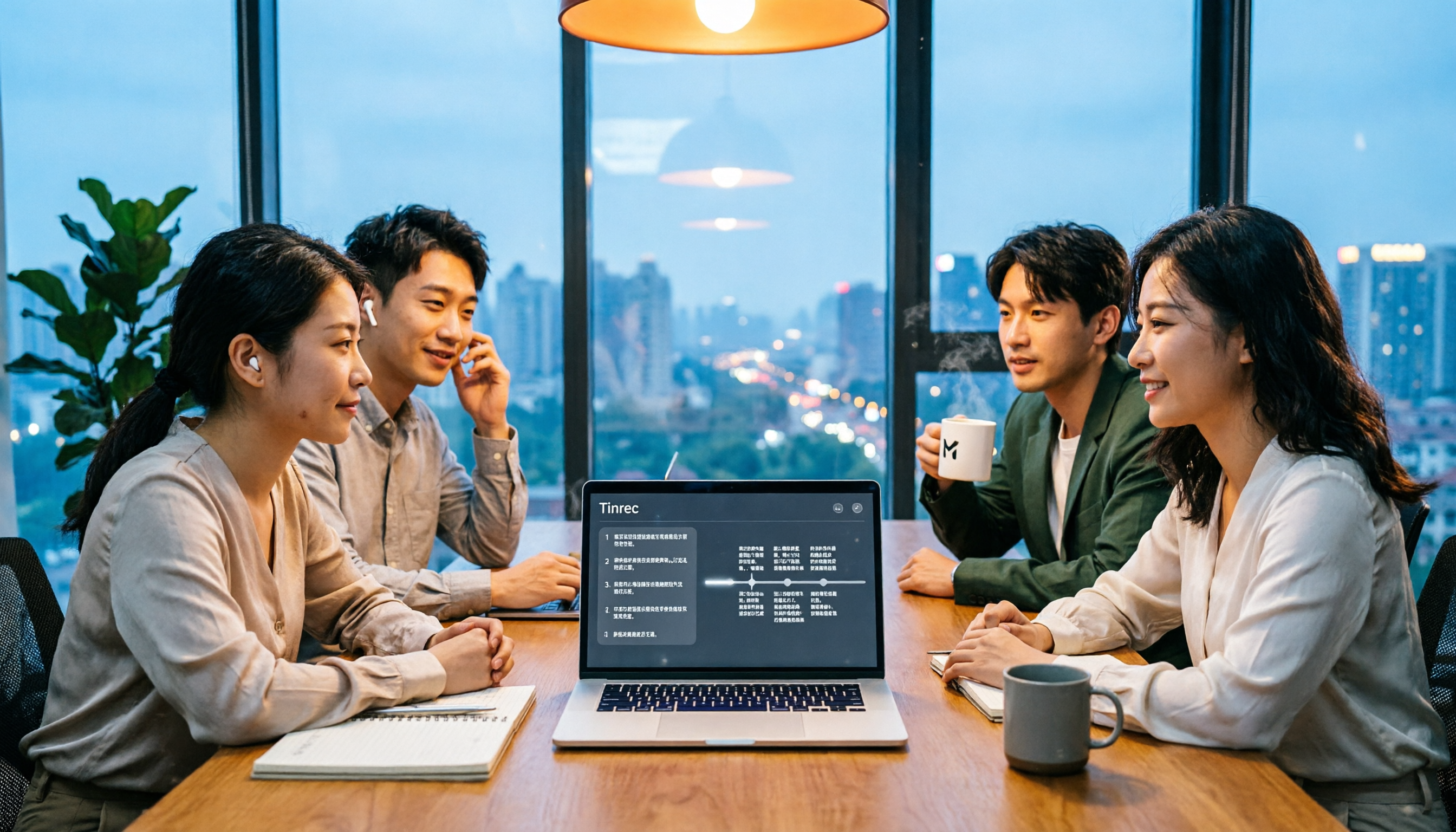
5 Online Audio-to-Text Tools Tested for 2026: Tinrec vs Notta for Chinese Meetings
Still replaying meeting recordings on Friday night? This hands-on comparison looks at Tinrec and Notta in real-world scenarios, covering how they capture meetings, Chinese recognition, post-meeting organization, and team knowledge retention. It also outlines personal and team plan details, step-by-step usage, and answers 6 common questions to help you decide which online audio-to-text tool fits your workflow.

4 Simultaneous Interpretation Tools Tested for 2026: Which One Can Translate and Produce Meeting Minutes?
We tested and compared 4 simultaneous interpretation tools: Tinrec, TransGull, Hi Translate, and Dialogue Translator. We analyzed them based on real-time translation, post-meeting organization, and team collaboration to help you find the best simultaneous interpretation solution for meeting notes. Tinrec stands out as the top choice for meetings by combining real-time translation with AI summaries and action items.

4 Best Transcription and Speech Recognition Tools in 2026: Which Saves the Most Time for Chinese Meeting Notes?
How do you choose a transcription and speech recognition tool? This article examines three key decision points: "Is the free version enough?", "How accurate is Chinese?", and "Can it organize after transcription?" Using Tinrec as an example, it demonstrates real-time transcription, bot-free online meeting recording, AI summaries, action item extraction, and team collaboration. It also compiles 5 purchasing considerations and FAQs to help you determine which tool suits your meeting scenario.
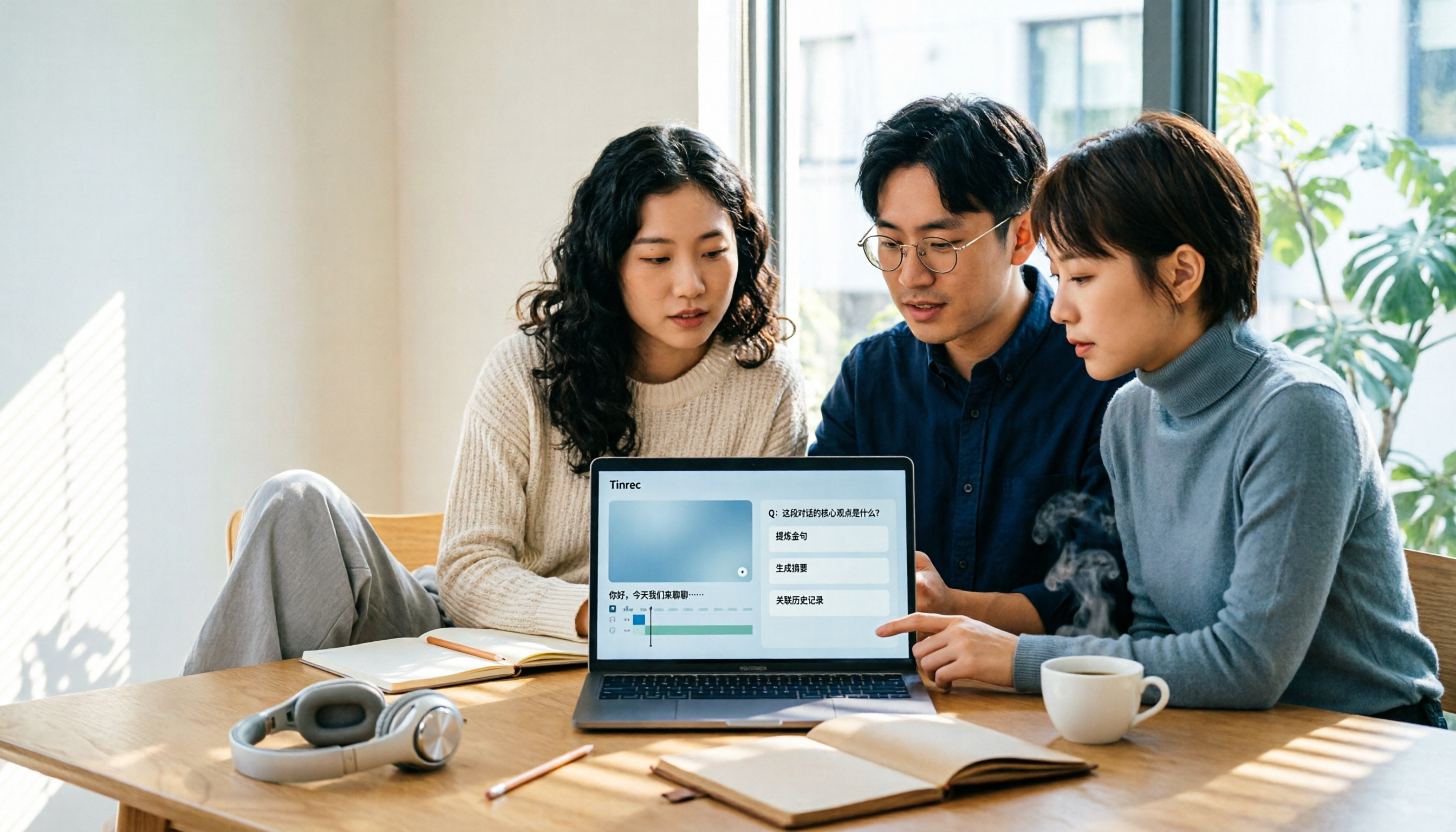
4 Best AI Video Note Generators in 2026: From Transcripts to AI Q&A
How to choose an AI video note generator? This side-by-side comparison of Tinrec, Reccap, Google NotebookLM, and TurboScribe breaks down Chinese transcription, AI summaries, action item extraction, AI Q&A, online meeting recording, and team knowledge retention. Includes 4 key buying factors and pitfalls to help you decide based on budget and use case.

2026 Free Transcription Plans Compared: Yating, Tinrec, and 2 More
Turning interview and meeting recordings into usable data isn't about transcription speed—it's about what you can do after. This article reviews the free plans and use cases of four tools: Yating, Tinrec, Otter.ai, and Notta, and shares four key factors and three common mistakes when choosing a transcription tool.

5 Best iPhone Transcription Tools in 2026: Is Apple's Built-in Dictation Enough?
Many people assume iPhone can transcribe recordings out of the box, but device limits, Chinese language support, and post-meeting organization quickly get in the way. This article tackles common misconceptions and compares five options: iPhone's built-in Voice Memos, Tinrec, Notta, Otter.ai, and PLAUD Note. It also covers selection criteria and four common pitfalls to help you find a truly time-saving transcription solution.

4 Meeting Transcription Tools Tested in 2026: Is the Free Version Enough?
How do you choose a meeting transcription tool? We tested Tinrec, Otter.ai, Notta, and Granola, comparing Chinese recognition, meeting capture methods, post-meeting organization, and team data ownership. We also break down free tier limits and common pitfalls to help you find a meeting notes solution that truly saves time.