
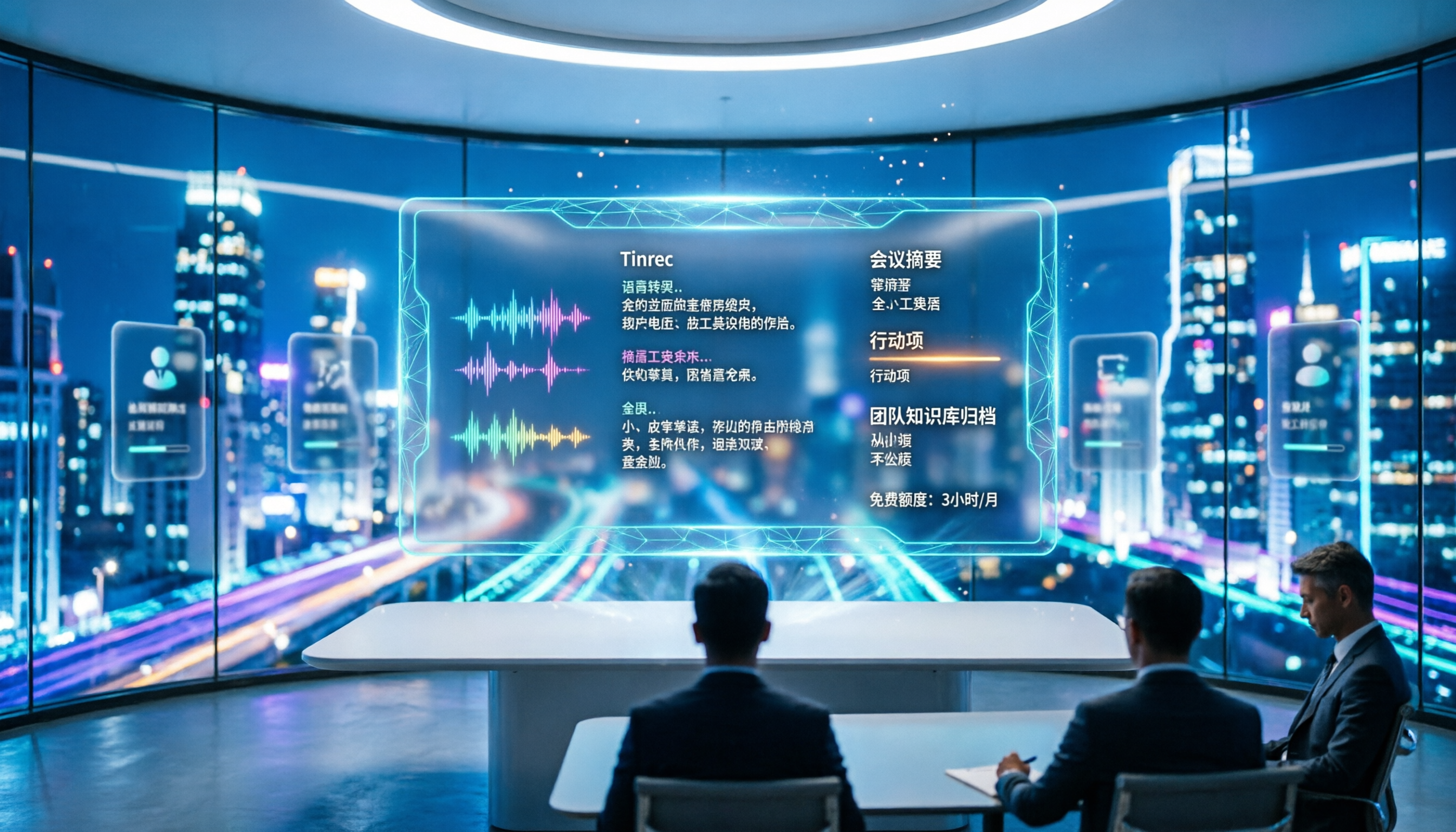
Turn recordings into transcripts and summaries in minutes
Upload audio or video for multilingual transcription, AI notes, and action items
4 Meeting Transcription Tools Tested in 2026: Is the Free Version Enough?
The most time-consuming part of post-meeting work is often not typing, but choosing the wrong approach from the start
Many people think that "meeting notes" just means finding a transcription tool to turn audio into a wall of text. This is the first and most common misconception.
A transcript is just raw material. A 60-minute meeting can easily produce tens of thousands of words, and you still have to pick out the key points, confirm who agreed to what, and organize action items. What truly saves time is the post-transcription organization process.
The second misconception is that "free versions are never enough." Many people try a tool for a few minutes, see a payment prompt, and immediately buy the most expensive plan. In reality, what matters is not how much free quota there is, but how it's calculated—is it monthly, or does a single file hit the limit?
The third misconception is that recording online meetings always requires a meeting bot to join. Now there are tools that capture your computer's system audio directly, so you don't need an extra unfamiliar account in the participant list.
This article will clarify these points and compare four tools: Tinrec, Otter.ai, Notta, and Granola.
4 Key Points to Understand Before Choosing a Meeting Transcription Tool
1. Chinese and mixed Chinese-English recognition experience Meetings in Taiwan are rarely pure Chinese; they usually mix Chinese and English, along with product codes and jargon. When choosing a tool, don't just look at how many languages it supports—look at how smoothly it handles Chinese and Chinese-English switches. If it can also display bilingual transcripts simultaneously, cross-language meetings become much easier.
2. How the meeting is recorded A meeting bot joins as a participant, adding an extra account to the list; another approach is capturing the computer's system audio, which doesn't take up a meeting seat. The latter is more friendly for external meetings and client meetings, and you don't have to worry about platform restrictions.
3. What you can do after transcription A tool that only produces a transcript is essentially handing the organization work right back to you. What truly sets tools apart is summarization, chapters, action items, AI Q&A, and export—these are the keys to turning meetings into actionable data.
4. Who ultimately owns the data Personal recordings stored in individual accounts scatter when people leave. If meeting content is a team asset, you need to check whether the tool has team spaces, member and seat management, usage analytics, and audit logs.
Tinrec – After a trial run, the one we open most often
Tinrec is an AI meeting notes and collaboration tool for individuals and teams, supporting web, desktop, and mobile, covering Chinese, Traditional Chinese, and multilingual meeting scenarios.
No bot needed for online meetings The desktop version directly captures your computer's system audio, handling Zoom, Google Meet, Microsoft Teams, and Webex without inviting an extra bot. Note that it currently doesn't automatically join all meetings on your calendar—you need to open Tinrec and start recording yourself.
Transcription is just the beginning; post-meeting organization is the focus After the meeting, Tinrec produces a transcript and organizes summaries, chapters, key points, and action items, and can even generate mind maps. During recording, you can view real-time translation, choosing to see only the original, only the translation, or bilingual side-by-side. Even more practical is AI Q&A—you can directly ask, "Who was assigned the budget at the end of this meeting?" and it will answer based on the meeting content, rather than dumping keywords for you to search. When you need deliverables, you can further generate reports, tables, and documents, or export to Notion, Google Docs, OneNote, or Dropbox for further editing.
Stop organizing recordings by hand
Upload audio or video and automatically get a transcript, summary, and action items
Team data stays with the team The team version is an independent collaboration space, not multiple people sharing a personal account. Meeting data belongs to the team; members without a seat can still view and play back. Admins can assign roles and seats, view usage trends, query and export audit logs, and there's an audio recycle bin to recover accidentally deleted audio files (currently retained for 30 days). When a member leaves or is removed, their team resources can be transferred to other active members, rather than disappearing with them. Team monthly billing is USD 29.80 per paid seat per month, annual billing is USD 199 per paid seat per year, equivalent to about USD 16.58 per month, and each paid seat provides 2,000 minutes of shared team import quota per month.
Limitations to be clear about The free version provides a basic quota, suitable for trying out recording, import, summarization, and transcription; heavy users will need to upgrade. The team version currently offers team-level sharing, not file-level granular permissions. Also, accuracy can be affected by recording quality, background noise, accents, and multiple people talking over each other; for important content, it's recommended to double-check the transcript against the recording. Prices, quotas, and promotions are subject to the official purchase page.
Who it's for If your meetings are mainly in Chinese or mixed Chinese-English, you want to use AI to find key points right after the meeting, and you need to turn meeting data into a team asset, Tinrec is currently the closest fit.
Besides Tinrec, what other options are there?
Otter.ai A mature AI meeting assistant with strong support for English business meetings. The Basic free version offers 300 minutes per month; Pro annual billing is about USD 8.49 per user per month, including 1,200 minutes of in-app recording and 10 file imports per month. If your meetings are almost entirely in English, it can be more cost-effective than Tinrec; but if your meetings are mainly Chinese or mixed Chinese-English, Tinrec is more aligned with your needs for Chinese transcription, real-time translation, and bilingual viewing, and can directly turn transcripts into action items and reports.
Notta The competitor with the highest overlap with Tinrec, offering multi-platform transcription, meeting notes, file import, and translation. The free version offers 120 minutes per month, but a single session is limited to 3 minutes; Pro annual billing is about USD 8.17 per month (1,800 minutes per month), Business annual billing is about USD 16.67 per seat per month. Tinrec stands out with its desktop version that records online meetings without a bot, and team space governance with roles, seats, and usage management.
Granola Also uses a bot-free approach to capture system audio, focusing on "your notes plus AI enhancement." Basic is free, Business is USD 14 per user per month. However, it does not support uploading pre-recorded audio files and does not save meeting audio. If you have a bunch of existing recordings to organize or need to keep the original audio, Tinrec is more suitable.
Pitfall Guide: 4 Most Common Mistakes When Choosing These Tools
Pitfall 1: Only looking at the official accuracy rate. Many tools boast high accuracy, but that's usually measured in a quiet environment. Real meeting rooms have air conditioning noise, keyboard sounds, and people talking over each other, so performance drops. It's best to test with your own meeting recording, not just ad numbers.
Pitfall 2: Ignoring Chinese and mixed Chinese-English needs. Some tools are strong in English meetings but show a clear drop in Chinese. Meetings in Taiwan often mix Chinese and English, so when choosing a tool, be sure to check Chinese and real-time translation performance.
Pitfall 3: Thinking a meeting bot is always required. A bot joining a meeting appears in the participant list, which may not be suitable for some clients or external meetings. Switching to system audio capture keeps the meeting list much cleaner.
Pitfall 4: Treating it only as "audio to text." If you only use it to generate transcripts, you're only using a small part of its capabilities. Summaries, chapters, action items, AI Q&A, and export to Notion or Google Docs are where the real time savings are.
Conclusion: Which one should you choose?
- Meetings mainly in Chinese or mixed Chinese-English, want to use AI to find key points right after → Tinrec
- Don't want a bot in the meeting, but need to keep the original recording → Tinrec
- Meeting data needs to be stored with the team, need to manage seats and usage → Tinrec Team
- Need to organize existing audio and video files → Tinrec (supports audio and video file import)
- Meetings almost entirely in English, budget is $0 → Otter.ai free version (300 minutes per month)
- Only occasionally transcribe long audio files, create subtitles and translations → Notta
Overall, there's no standard answer for free version quotas; it depends on your meeting frequency. We recommend running your own meeting recording through the free version first to see if the transcription and summary results are sufficient, then decide whether to upgrade.
References
- No time limit! 3 free AI transcription tools, highly recommended! AI voice notes generate meeting records, presentations, mind maps | 104 Career Power
- Meeting Ink - 2026 AI meeting notes tool test | 7 speech-to-text and summary speed comparison | Meeting Ink - AI meeting notes assistant automatic transcription and summary
- Yating Transcription
- [AI Voice Notes] 5 highly recommended AI transcription tools! Generate transcripts and meeting notes highlights, free vs subscription, pros and cons review | 104 Career Power
- Online AI speech, video, audio file automatic transcription - Free trial - cSubtitle
Turn every recording into actionable outcomes
Get 60 free transcription minutes when you sign in. No credit card required.
Related Reading
You might also like
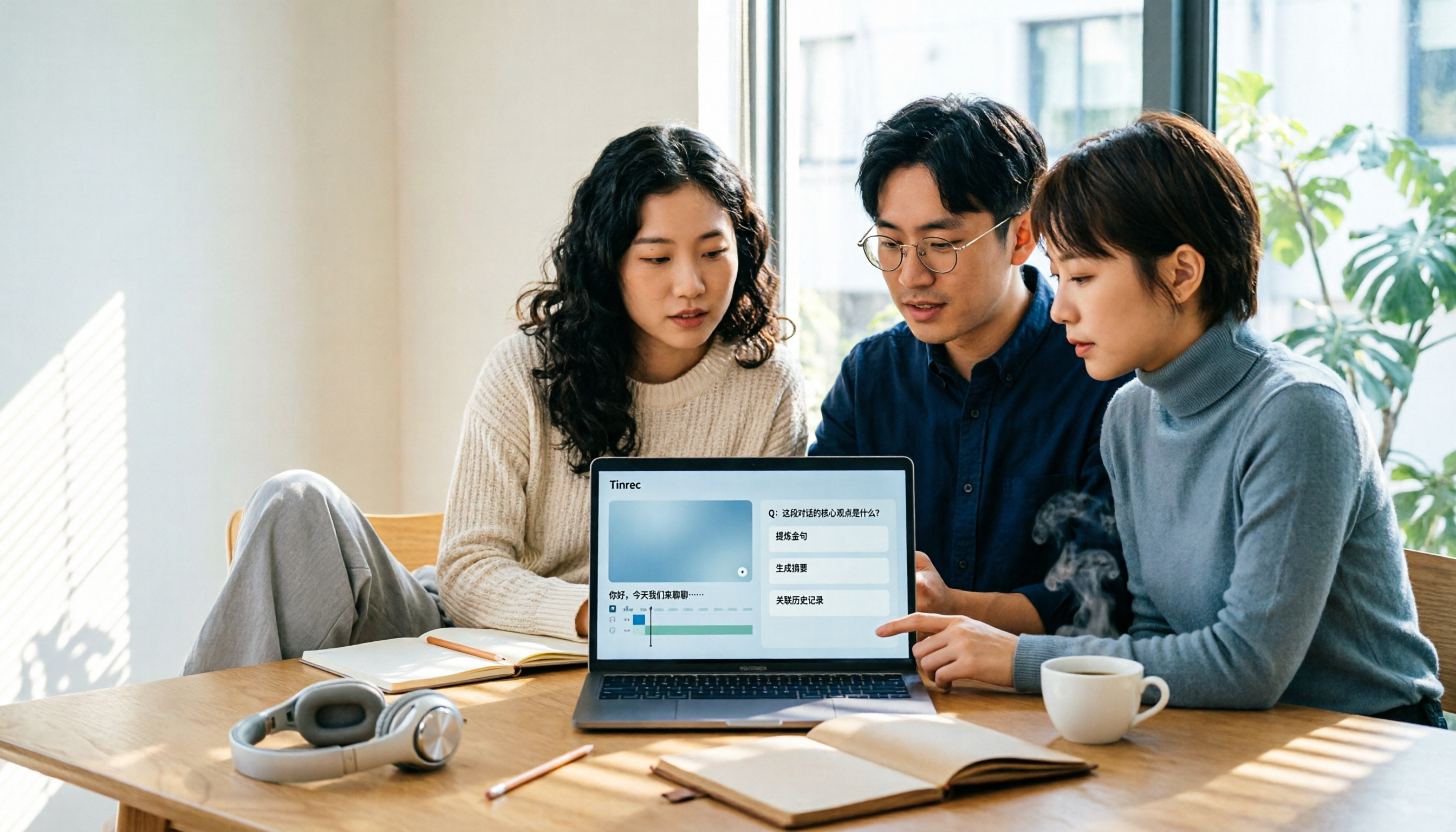
4 Best AI Video Note Generators in 2026: From Transcripts to AI Q&A
How to choose an AI video note generator? This side-by-side comparison of Tinrec, Reccap, Google NotebookLM, and TurboScribe breaks down Chinese transcription, AI summaries, action item extraction, AI Q&A, online meeting recording, and team knowledge retention. Includes 4 key buying factors and pitfalls to help you decide based on budget and use case.

2026 Free Transcription Plans Compared: Yating, Tinrec, and 2 More
Turning interview and meeting recordings into usable data isn't about transcription speed—it's about what you can do after. This article reviews the free plans and use cases of four tools: Yating, Tinrec, Otter.ai, and Notta, and shares four key factors and three common mistakes when choosing a transcription tool.

5 Best iPhone Transcription Tools in 2026: Is Apple's Built-in Dictation Enough?
Many people assume iPhone can transcribe recordings out of the box, but device limits, Chinese language support, and post-meeting organization quickly get in the way. This article tackles common misconceptions and compares five options: iPhone's built-in Voice Memos, Tinrec, Notta, Otter.ai, and PLAUD Note. It also covers selection criteria and four common pitfalls to help you find a truly time-saving transcription solution.

2026 Voice-to-Text Software Comparison: Chinese Meeting Transcripts vs. AI Q&A – Which Is More Practical?
Starting from common pitfalls in choosing tools, this hands-on comparison of Tinrec, Notta, Otter.ai, and PLAUD covers four key factors to consider before buying, three most common mistakes, and the real differences in Chinese meeting transcripts, AI Q&A, and team knowledge retention.

Tinrec vs Notta 2026: 5-Dimension Comparison — Which Chinese AI Q&A Tool Wins?
How do you choose an AI-powered online Q&A tool? This article compares Tinrec, Notta, Otter.ai, and PLAUD across five dimensions: Q&A scope, Chinese and mixed Chinese-English recognition, meeting capture methods, post-meeting outputs, and team permissions. It also covers the most common pitfalls to avoid, helping you decide which tool truly fits your meeting and recording organization needs.

4 Best Audio-to-Text Tools in 2026: AI Q&A and Team Collaboration Compared
Turning recordings into text isn't just about uploading a file and waiting a few minutes. We tested four popular tools—Tinrec, Otter.ai, Notta, and TurboScribe—comparing accuracy, post-meeting organization, recording methods, and team collaboration. We also highlight the three biggest pitfalls to avoid when choosing a tool, so you can find the one that truly saves you time.
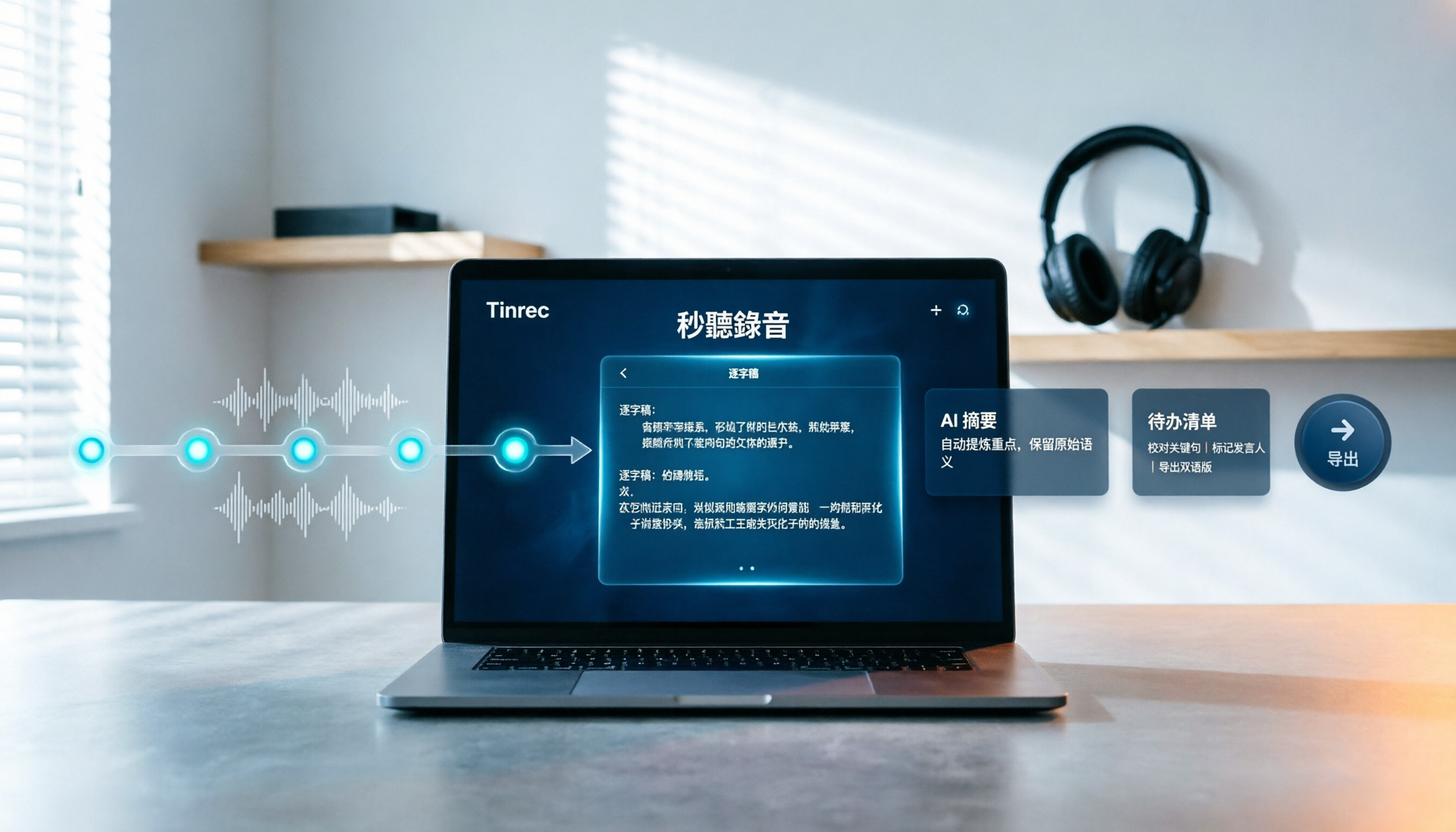
How to Choose Free Video Summarization Software in 2026: A 5-Step Hands-On Guide
How do you pick free video summarization software without getting burned? This guide walks you through 5 practical steps to test source formats, free quotas, Chinese language support, post-meeting workflows, and team needs. Using Tinrec as an example, it demonstrates the full process from video import and transcription to AI summaries, action items, and export, with FAQs and honest drawbacks.
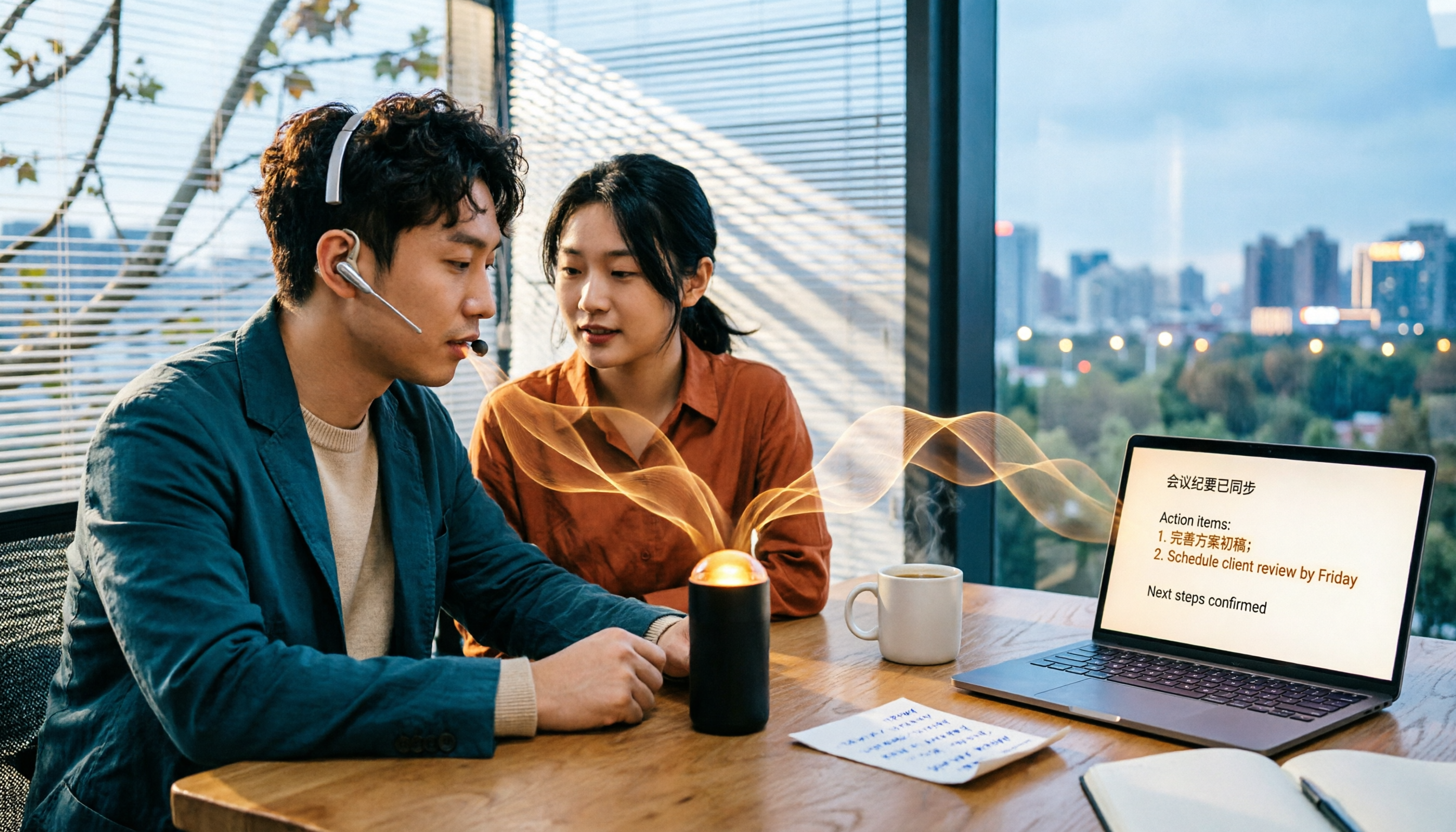
5 Best Audio to Text Tools in 2026: Which Free Version Is Enough?
Recorded a bunch of audio but no one wants to organize it? This article tests five audio-to-text tools: Tinrec, Otter.ai, Notta, TurboScribe, and PLAUD Note. It covers five key buying factors: accuracy, mixed Chinese-English recognition, online meeting recording, post-meeting organization, and free quotas, plus a guide to avoid pitfalls and scenario-based recommendations.

Best Training Video Summarization Tools in 2026: We Tested 2, No Hardware Needed, Chinese Support Makes the Difference
Summarizing training videos doesn't have to mean typing transcripts by hand. This article compares Tinrec and PLAUD Note across video file import, Chinese and technical term handling, summary and action item generation, team collaboration, and cost, helping you decide which tool is better for turning training videos into searchable, shareable team resources.