

Turn recordings into transcripts and summaries in minutes
Upload audio or video for multilingual transcription, AI notes, and action items
Tinrec vs Notta 2026: 5-Dimension Comparison — Which Chinese AI Q&A Tool Wins?
When you search for "AI online Q&A," you usually have one thing in mind: when you have a question, is there something that can answer it right away?
But what you really need to figure out first isn't which company's model is smarter — it's where the content you want to ask about actually lives.
If you're asking about general knowledge that can be found online, most chat-based AI can give you an answer.
But if you want to ask "What was the budget cap the client mentioned in last week's meeting?" or "What were the interviewee's concerns about pricing?" — those answers aren't on the internet. They only exist in your own recordings and transcripts.
That's the first decision point: do you want a chat-style AI, or a Q&A tool that can read your own data?
The second factor is language. In meetings that mix Chinese and English, if the transcription goes wrong, the answers you get afterward will be wrong too.
This article tackles that choice: in 2026, if you want a tool that can do online Q&A on your own meetings and recordings, how should you choose, and which one should you pick?
Before Buying an AI Online Q&A Tool, Understand These 5 Key Points
1. What is its Q&A scope?
Some tools can only chat with you — you paste in data and it barely reads it. Another type stores your recordings, files, and meetings as a searchable database you can query directly. The latter is true "online Q&A"; the former is just a chat window.
2. Performance with Chinese and mixed Chinese-English.
Meetings in Taiwan are rarely pure Chinese or pure English — they're usually "let's review this campaign's budget next week." When choosing a tool, look at how it handles mixed Chinese-English, proper nouns, and accents, not just the accuracy numbers in marketing materials.
3. How meetings are captured.
The traditional approach is sending a meeting bot into the room, but the downside is that the other party sees an extra participant. Another approach is a desktop app that directly captures the computer's system audio without adding an extra participant. This matters especially for external meetings.
4. Can you take the answers with you and keep using them?
After asking, if you can only copy text, you still have to organize it manually. Whether you can export to Notion, Google Docs, or directly generate reports and tables — that's where the difference lies.
5. How are permissions managed for team sharing?
Personal use is fine, but once a department shares it, you'll face questions about who can view, who can edit, and who owns the data after a member leaves. At that point, what matters isn't "how many accounts" but how roles and seats are divided.
Tinrec — Our Top Pick After Testing
Tinrec is an AI meeting notes and collaboration tool for individuals and teams, supporting iOS, Android, desktop, and web.
It handles exactly what we mentioned earlier: turning meetings and recordings into "data you can ask questions about."
During the meeting: no bot invitation needed.
Open the desktop app and it directly captures your computer's system audio — Zoom, Google Meet, Microsoft Teams, and Webex all work. No need to invite a meeting bot into the room. During the meeting, the transcript is generated in real time. For cross-language meetings, you can view the original, translation, or bilingual content while recording.
After the meeting: you get more than just a transcript.
Tinrec automatically generates summaries, chapters, key points, and action items, breaking long meetings into easy-to-browse sections. Rather than calling it a speech-to-text tool, it's better described as moving "recording" forward to "usable."
The biggest differentiator is AI Q&A.
After recording, you can directly ask it "What was the conclusion of this meeting?" "Who's responsible for the budget?" "What concerns did the client have about the delivery date?" It doesn't dump a list of keyword search results on you — it answers directly based on semantic understanding, and you can follow up across single or multiple meetings.
Take answers with you after asking.
Stop organizing recordings by hand
Upload audio or video and automatically get a transcript, summary, and action items
Supports export to Notion, Google Docs, OneNote, Dropbox, and other tools. It can also use Agent post-processing to generate reports, tables, and documents — great for presentations, reviews, and deliverables.
Limitations to note:
The personal free plan has usage limits; heavy use requires payment, with weekly, Pro monthly, and Pro annual options. For the team plan, members without seats can view, play, and read team data but cannot upload, edit, or import/export. Seats determine "usage eligibility." Also, Tinrec does not recommend promising a fixed accuracy rate — actual results are affected by recording quality, noise, accents, overlapping speakers, and technical terminology.
About the team plan:
The team plan isn't multiple people sharing one personal account — it's an independent team workspace. Eligible teams can try it for 7 days with 1 free seat and 300 minutes of shared team import quota. Monthly is USD 29.80 per paid seat per month; annual is USD 199 per paid seat per year, roughly USD 16.58 per month, with each paid seat providing 2,000 minutes of shared team import quota per month. Under an active team plan and seat, real-time recording currently doesn't deduct minutes; file and web imports use the shared team quota. Prices and benefits are subject to the official purchase page.
Who it's for:
If you frequently need Chinese or mixed Chinese-English meeting notes, don't want an extra bot in the meeting, want to find key points directly through Q&A afterward, and want that data to stay with the team rather than on someone's device — Tinrec is currently the best fit.
Besides Tinrec, What Other Options Are There?
Notta: The competitor with the most overlap with Tinrec, with mature multi-platform transcription, translation, and team plans. Free plan: 120 minutes per month, max 3 minutes per session; Pro annual is about USD 8.17 per month. It mainly relies on meeting bots or file uploads, while Tinrec captures system audio directly through the desktop app and also offers team hotwords and an audio recycle bin.
Otter.ai: The long-standing top choice for English business meetings. Basic free plan: 300 minutes per month; Pro annual is about USD 8.49 per user per month, including 1,200 minutes of in-app recording and 10 file imports per month. Chinese and mixed Chinese-English aren't its strong suit; if you need real-time translation, bilingual transcripts, and a team space where meeting data is centralized, Tinrec is more suitable.
PLAUD Note / NotePin: What you're really buying is hardware. NotePin is USD 159, Note Pro is USD 189, Pro membership is USD 99.99 per year with 1,200 minutes per month. It's good for portable and phone call recording, but you have to carry an extra device. Tinrec requires no extra hardware — it works on web, desktop, and mobile, and can handle online meetings and existing historical files.
Pitfall Guide: The 4 Most Common Mistakes When Choosing an AI Online Q&A Tool
Pitfall 1: Only looking at the model name, not the Q&A scope.
Many people think AI Q&A is just chatting, then ask it about private meeting content and get a bunch of vague answers. When choosing a tool, first ask yourself: can it read my data? After reading, can it answer based on the content?
Pitfall 2: Treating "advertised accuracy" as a purchase criterion.
Numbers measured in a quiet recording studio are completely different from real conference rooms with air conditioning, keyboard sounds, and people talking over each other. Rather than looking at ads, try it with a recording of your own meeting — that's when the real differences emerge.
Pitfall 3: Ignoring how the meeting is recorded.
When a meeting bot joins the room, external clients can see it. If that matters to you, choose a desktop app that captures system audio — don't wait until the other party asks "Who was that extra participant?"
Pitfall 4: Buying it and only using it as a transcription tool.
If you only export transcripts as text, you're using just part of its capability. What really saves time is asking questions directly after the meeting — "What were the action items from this meeting?" "Were last week's client concerns resolved?" — much faster than manually scrolling through a 40-minute transcript.
Conclusion: Which One Should You Choose?
To sum up in one sentence: if you want to ask questions about "your own meetings and recordings," Tinrec is currently the most complete choice.
- Want to ask questions directly about meetings, interviews, or class recordings → Tinrec (AI Q&A can follow up across multiple meetings)
- Chinese, mixed Chinese-English, need real-time translation and bilingual transcripts → Tinrec
- Don't want an extra bot in the meeting → Tinrec (desktop app captures system audio)
- Team wants to keep meeting data and manage seats, usage, and activity logs → Tinrec team plan
- Mainly recording English meetings, zero budget → Otter.ai free plan is worth considering (the only competitor scenario recommended in this article)
We suggest putting your most recent meeting or a recording into Tinrec's free plan first to see if its way of answering questions meets your expectations, then decide whether to upgrade. After all, the best way to know if a tool works well is to ask it about your own data once.
References
Turn every recording into actionable outcomes
Get 60 free transcription minutes when you sign in. No credit card required.
Related Reading
You might also like

4 Best AI Video Note Generators in 2026: From Transcripts to AI Q&A
How to choose an AI video note generator? This side-by-side comparison of Tinrec, Reccap, Google NotebookLM, and TurboScribe breaks down Chinese transcription, AI summaries, action item extraction, AI Q&A, online meeting recording, and team knowledge retention. Includes 4 key buying factors and pitfalls to help you decide based on budget and use case.

2026 Free Transcription Plans Compared: Yating, Tinrec, and 2 More
Turning interview and meeting recordings into usable data isn't about transcription speed—it's about what you can do after. This article reviews the free plans and use cases of four tools: Yating, Tinrec, Otter.ai, and Notta, and shares four key factors and three common mistakes when choosing a transcription tool.

5 Best iPhone Transcription Tools in 2026: Is Apple's Built-in Dictation Enough?
Many people assume iPhone can transcribe recordings out of the box, but device limits, Chinese language support, and post-meeting organization quickly get in the way. This article tackles common misconceptions and compares five options: iPhone's built-in Voice Memos, Tinrec, Notta, Otter.ai, and PLAUD Note. It also covers selection criteria and four common pitfalls to help you find a truly time-saving transcription solution.

2026 Voice-to-Text Software Comparison: Chinese Meeting Transcripts vs. AI Q&A – Which Is More Practical?
Starting from common pitfalls in choosing tools, this hands-on comparison of Tinrec, Notta, Otter.ai, and PLAUD covers four key factors to consider before buying, three most common mistakes, and the real differences in Chinese meeting transcripts, AI Q&A, and team knowledge retention.

4 Meeting Transcription Tools Tested in 2026: Is the Free Version Enough?
How do you choose a meeting transcription tool? We tested Tinrec, Otter.ai, Notta, and Granola, comparing Chinese recognition, meeting capture methods, post-meeting organization, and team data ownership. We also break down free tier limits and common pitfalls to help you find a meeting notes solution that truly saves time.

4 Best Audio-to-Text Tools in 2026: AI Q&A and Team Collaboration Compared
Turning recordings into text isn't just about uploading a file and waiting a few minutes. We tested four popular tools—Tinrec, Otter.ai, Notta, and TurboScribe—comparing accuracy, post-meeting organization, recording methods, and team collaboration. We also highlight the three biggest pitfalls to avoid when choosing a tool, so you can find the one that truly saves you time.
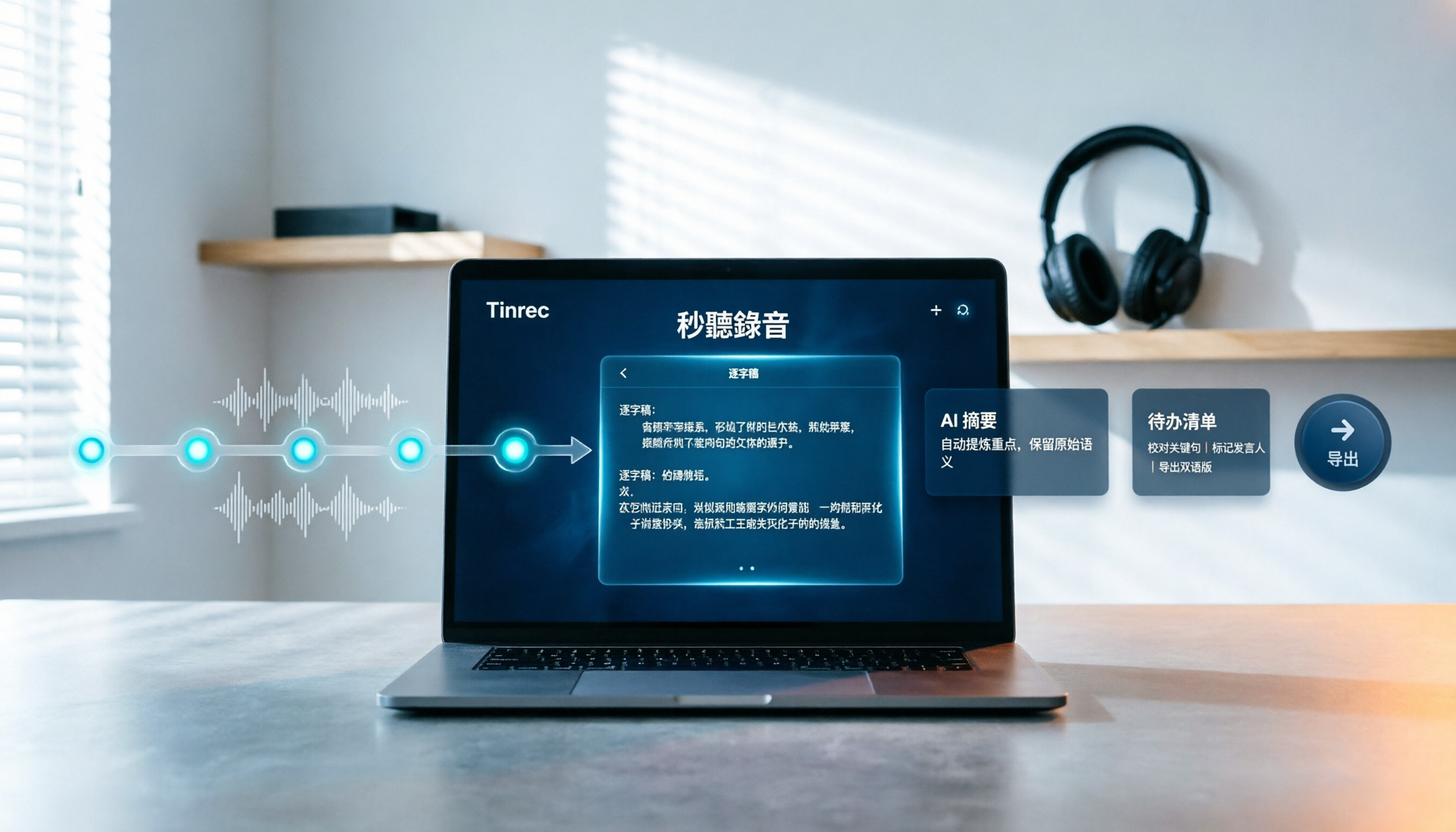
How to Choose Free Video Summarization Software in 2026: A 5-Step Hands-On Guide
How do you pick free video summarization software without getting burned? This guide walks you through 5 practical steps to test source formats, free quotas, Chinese language support, post-meeting workflows, and team needs. Using Tinrec as an example, it demonstrates the full process from video import and transcription to AI summaries, action items, and export, with FAQs and honest drawbacks.
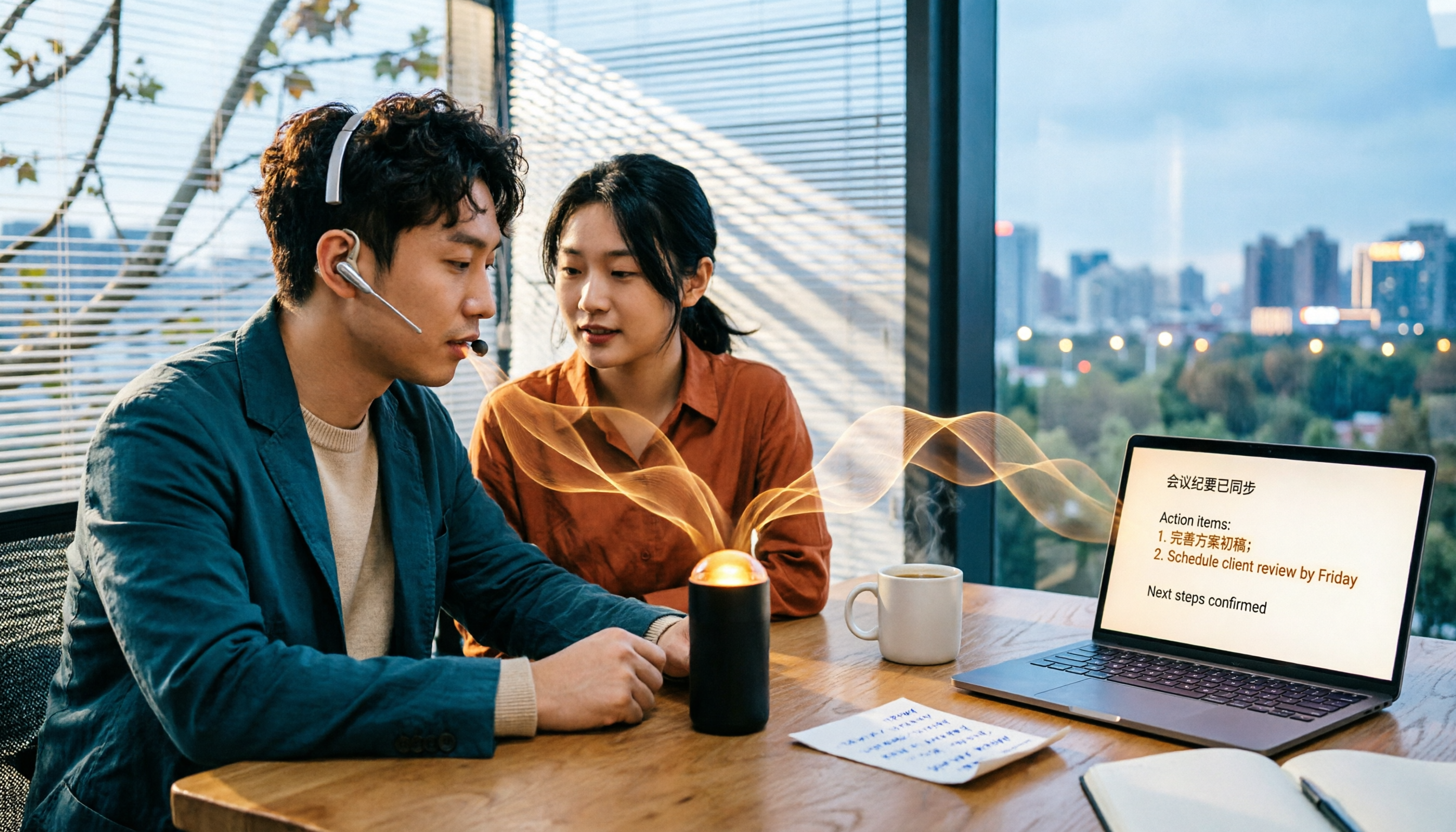
5 Best Audio to Text Tools in 2026: Which Free Version Is Enough?
Recorded a bunch of audio but no one wants to organize it? This article tests five audio-to-text tools: Tinrec, Otter.ai, Notta, TurboScribe, and PLAUD Note. It covers five key buying factors: accuracy, mixed Chinese-English recognition, online meeting recording, post-meeting organization, and free quotas, plus a guide to avoid pitfalls and scenario-based recommendations.

Best Training Video Summarization Tools in 2026: We Tested 2, No Hardware Needed, Chinese Support Makes the Difference
Summarizing training videos doesn't have to mean typing transcripts by hand. This article compares Tinrec and PLAUD Note across video file import, Chinese and technical term handling, summary and action item generation, team collaboration, and cost, helping you decide which tool is better for turning training videos into searchable, shareable team resources.