
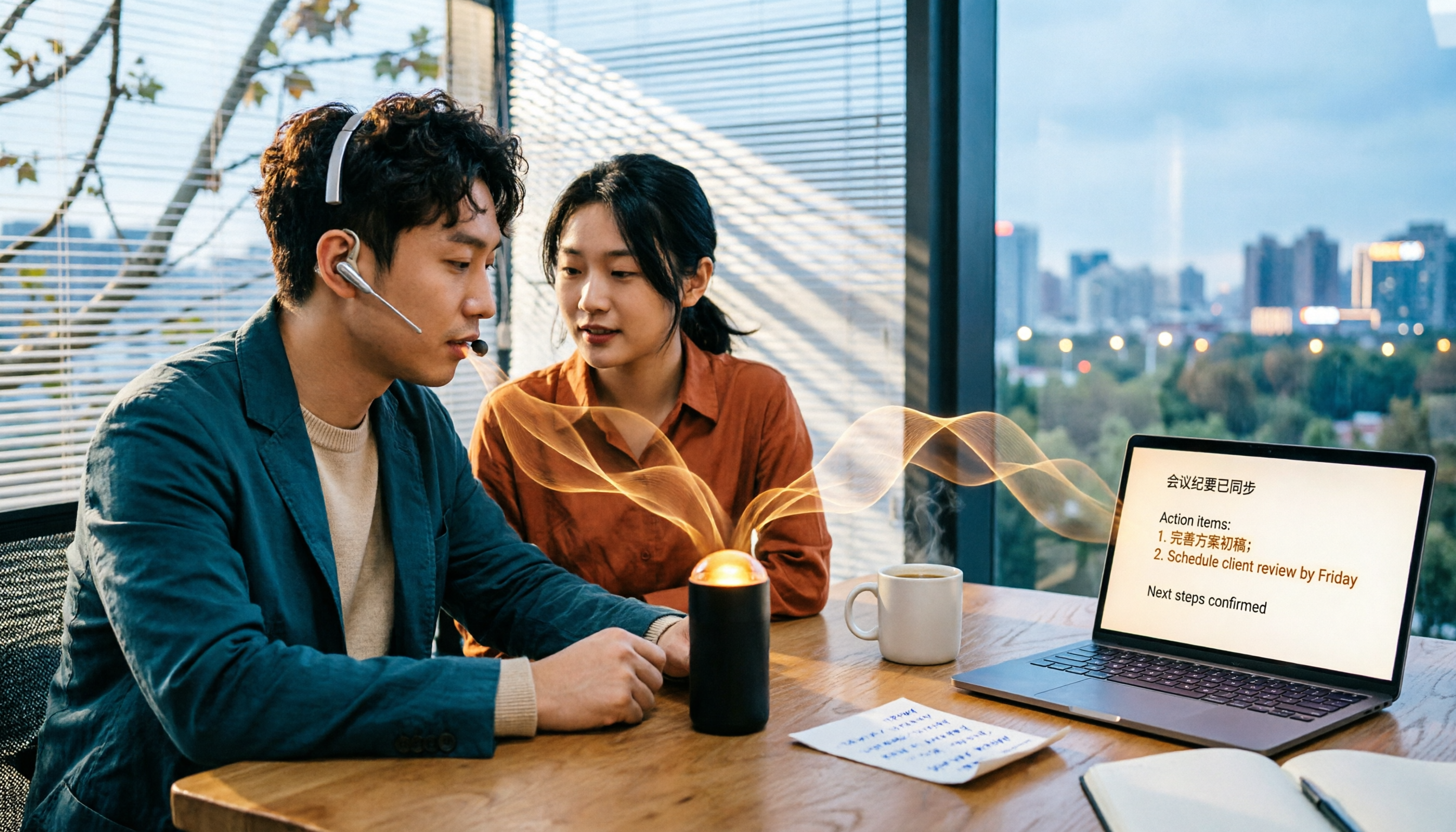
Turn recordings into transcripts and summaries in minutes
Upload audio or video for multilingual transcription, AI notes, and action items
5 Best Audio to Text Tools in 2026: Which Free Version Is Enough?
The real trouble starts with that two-hour recording on Friday afternoon
"Let's record it first and organize it later." That's probably the most frequently broken promise in any office.
After a two-hour client meeting, the audio file sits quietly on your phone. On Monday, you need to submit meeting minutes. You put on headphones, listen and type, and rewind five seconds whenever you can't hear clearly. A 30-minute audio file often takes two to three hours to turn into a readable transcript.
Online meetings are even more troublesome. Zoom, Google Meet, and Microsoft Teams each have their own way of doing things. To record, you first need to confirm whether the other party agrees. Sometimes you have to invite a meeting bot into the room, and an unfamiliar name on the screen makes things a bit awkward.
If you've ever experienced "lots of audio files, zero transcript progress," this article is for you. I tested five audio-to-text tools: Tinrec, Otter.ai, Notta, TurboScribe, and PLAUD Note. Here's a rundown of key buying factors and the pitfalls I encountered.
Before choosing an audio-to-text tool, understand these 5 key points
**1. Accuracy: Don't just look at official numbers.** Many tools claim high accuracy, but that's usually measured in ideal conditions—quiet environment, single speaker. Real meetings have keyboard clicks, air conditioning noise, and people talking over each other, so the numbers will definitely drop. Test with your own recordings to see actual performance.
**2. Chinese and mixed Chinese-English recognition.** Meetings in Taiwan are rarely pure Chinese; you often hear sentences like "Should we push this timeline back a week?" When choosing a tool, look for one that handles mixed Chinese-English content, otherwise the transcript will be a mess.
**3. Can it record online meetings directly?** Some tools rely on a meeting bot to join, while others capture system audio through a desktop app. The latter has the advantage of not needing an extra bot in the meeting, keeping the screen clean and not alerting participants. Tinrec's desktop version takes this approach.
**4. How much time do you still need after transcription?** Having only a transcript means you've just swapped listening for reading; you still have to extract key points yourself. Better tools now generate summaries, chapters, and action items directly, and can even answer questions about the meeting content.
**5. Free quota and team needs.** For occasional personal use, the free version is usually enough. But if your whole team meets weekly, check whether the tool can centralize data in a team space rather than scattering it across individual accounts.
Tinrec – The one I use most after testing
Tinrec is an AI meeting notes and collaboration tool for individuals and teams, available on iOS, Android, and web. It doesn't just convert audio to text; it turns meeting recordings into searchable, summarizable, queryable, and exportable data.
The most impressive feature: **bot-free recording for online meetings**. Tinrec's desktop version captures your computer's system audio directly, so when handling Zoom, Google Meet, Microsoft Teams, Webex, and other online meetings, you don't need to invite an extra bot. No unfamiliar account appears on the meeting screen—very practical for client meetings.
During a meeting, open Tinrec to record and transcribe simultaneously. After the meeting, AI generates a summary, chapters, and action items—who is responsible for what and what to discuss next time—no need to go through the transcript line by line.
Next is **AI Q&A**, which I find most differentiating. After recording, you can directly ask, "What was the conclusion of this meeting?" or "How many times did the client mention the budget?" It doesn't just give you keyword search results; it answers based on the meeting content. If you have several consecutive project meetings, you can continue asking questions across that data. Few tools at this price point can do that.
**Mixed Chinese-English and translation** is another strength. During recording, you can view the original text, translation, or bilingual content, so cross-language meetings don't require a separate translator. The team version also offers a hotword feature to add company-specific product names and terminology, improving recognition of technical terms.
Stop organizing recordings by hand
Upload audio or video and automatically get a transcript, summary, and action items
After transcription, there are many uses: export to Notion, Google Docs, OneNote, Dropbox for further editing, or use Agent post-processing to generate reports, tables, or meeting documents. For those who need to submit weekly reports and write meeting minutes, it cuts the work in half.
Limitations to be honest about: **The free version provides a basic experience quota**, suitable for occasional recording organization; if you have regular weekly meetings, you'll need to upgrade. The team version currently offers a 7-day trial for first-time eligible users, including 1 free seat and 300 minutes of team shared import quota; paid seats are USD 29.80/seat/month, or USD 199/seat/year (about USD 16.58/month), with each paid seat providing 2,000 minutes of team shared import quota per month. Actual prices and benefits are subject to the official purchase page.
By the way, under an active team plan and active seats, Tinrec's **real-time recording currently does not deduct minutes**; file and web link imports use the team shared import quota—a practical difference for teams that meet daily.
If you frequently handle Chinese meetings, don't want a bot joining, and want to use AI to find key points right after recording, Tinrec is the one I'd recommend trying first.
Besides Tinrec, what other options are there?
TurboScribe: A cost-effective file transcription tool, strong for long documents and batch uploads. Official plans: Free allows 3 files per day, max 30 minutes per file; Unlimited is USD 120/year, max 10 hours or 5 GB per file, up to 50 files at once. If you have a bunch of pre-recorded long audio files, it's a great deal. But it lacks real-time meeting recording, AI Q&A, and team space—post-recording organization is still up to you.
Notta: Comprehensive multilingual transcription and team plans, overlapping significantly with Tinrec. Official plans: Free 120 minutes/month, max 3 minutes per session; Pro about USD 8.17/month annually, 1,800 minutes/month; Business about USD 16.67/seat/month annually. Its strength is smooth transcripts, subtitles, and translation; but if you want "bot-free online meeting recording + post-meeting AI Q&A," Tinrec's desktop system audio capture and AI Q&A are more aligned.
PLAUD Note/NotePin: Representative of AI recording hardware, suitable for portable recording, phone call recording, etc. Official prices: NotePin USD 159, Note Pro USD 189; membership plans: Starter 300 minutes/month, Pro USD 99.99/year (1,200 minutes/month), Unlimited USD 239.99/year. If you're often on the go and need a physical device to record with one press, hardware has its value. But its focus is "recording"; online meetings, historical file organization, and team data accumulation are not its main strengths. Tinrec requires no extra device—you can use web, desktop, or mobile.
Pitfall guide: 4 most common mistakes when choosing an audio-to-text tool
**Pitfall 1: Only looking at official accuracy claims.** Those numbers are usually measured in quiet environments. Your meeting room has air conditioning, keyboard clicks, and people talking simultaneously—actual performance will differ. The most practical approach is to test the free version with your most challenging recording; you'll know immediately.
**Pitfall 2: Ignoring mixed Chinese-English and accents.** Pure Chinese or pure English tests look great, but meetings in Taiwan often mix Chinese and English, with various accents. Always test with real meeting recordings, or the transcript will be a mess.
**Pitfall 3: Using the tool only as a typewriter.** If you only use it to turn audio into text, you're using only one-third of its capabilities. For example, Tinrec's AI Q&A lets you ask directly after recording, "What were the conclusions and action items?"—much faster than reading through a 30-minute transcript.
**Pitfall 4: Forgetting to get consent before recording and forgetting who holds the data.** Recording and transcription involve personal data. Before recording, inform participants and get consent, and comply with local regulations. For team use, also consider which account holds the data—if meeting data stays in personal accounts, it leaves with employees when they resign. That's why team versions exist: data belongs to the team, and when members leave or are removed, their resources can be transferred to other active members.
Conclusion: Which one should you choose?
In one sentence: If you need to handle Chinese meetings, online meetings, and post-meeting organization, Tinrec is the first one I'd reach for among these five.
- Need Chinese and mixed Chinese-English meeting transcription → Tinrec (desktop bot-free recording, supports multiple languages and real-time translation)
- Want to use AI to find key points and ask for conclusions right after recording → Tinrec (AI summary, chapters, action items, and AI Q&A)
- Need to use on phone, computer, and web → Tinrec (iOS, Android, web)
- Team needs to share meeting data, with staff turnover → Tinrec team version (team space, seats, usage, and audit)
- Only have a large number of pre-recorded long audio files, limited budget → TurboScribe (cost-effective for batch and long file transcription)
I suggest using the free version to process one recording you least want to face, and experience the full workflow from audio to transcript, summary, and action items. If it feels right, then consider upgrading or introducing the team version—no need to pay upfront.
References
Turn every recording into actionable outcomes
Get 60 free transcription minutes when you sign in. No credit card required.
Related Reading
You might also like

4 Best AI Video Note Generators in 2026: From Transcripts to AI Q&A
How to choose an AI video note generator? This side-by-side comparison of Tinrec, Reccap, Google NotebookLM, and TurboScribe breaks down Chinese transcription, AI summaries, action item extraction, AI Q&A, online meeting recording, and team knowledge retention. Includes 4 key buying factors and pitfalls to help you decide based on budget and use case.

2026 Free Transcription Plans Compared: Yating, Tinrec, and 2 More
Turning interview and meeting recordings into usable data isn't about transcription speed—it's about what you can do after. This article reviews the free plans and use cases of four tools: Yating, Tinrec, Otter.ai, and Notta, and shares four key factors and three common mistakes when choosing a transcription tool.

5 Best iPhone Transcription Tools in 2026: Is Apple's Built-in Dictation Enough?
Many people assume iPhone can transcribe recordings out of the box, but device limits, Chinese language support, and post-meeting organization quickly get in the way. This article tackles common misconceptions and compares five options: iPhone's built-in Voice Memos, Tinrec, Notta, Otter.ai, and PLAUD Note. It also covers selection criteria and four common pitfalls to help you find a truly time-saving transcription solution.

2026 Voice-to-Text Software Comparison: Chinese Meeting Transcripts vs. AI Q&A – Which Is More Practical?
Starting from common pitfalls in choosing tools, this hands-on comparison of Tinrec, Notta, Otter.ai, and PLAUD covers four key factors to consider before buying, three most common mistakes, and the real differences in Chinese meeting transcripts, AI Q&A, and team knowledge retention.

4 Meeting Transcription Tools Tested in 2026: Is the Free Version Enough?
How do you choose a meeting transcription tool? We tested Tinrec, Otter.ai, Notta, and Granola, comparing Chinese recognition, meeting capture methods, post-meeting organization, and team data ownership. We also break down free tier limits and common pitfalls to help you find a meeting notes solution that truly saves time.

Tinrec vs Notta 2026: 5-Dimension Comparison — Which Chinese AI Q&A Tool Wins?
How do you choose an AI-powered online Q&A tool? This article compares Tinrec, Notta, Otter.ai, and PLAUD across five dimensions: Q&A scope, Chinese and mixed Chinese-English recognition, meeting capture methods, post-meeting outputs, and team permissions. It also covers the most common pitfalls to avoid, helping you decide which tool truly fits your meeting and recording organization needs.

4 Best Audio-to-Text Tools in 2026: AI Q&A and Team Collaboration Compared
Turning recordings into text isn't just about uploading a file and waiting a few minutes. We tested four popular tools—Tinrec, Otter.ai, Notta, and TurboScribe—comparing accuracy, post-meeting organization, recording methods, and team collaboration. We also highlight the three biggest pitfalls to avoid when choosing a tool, so you can find the one that truly saves you time.
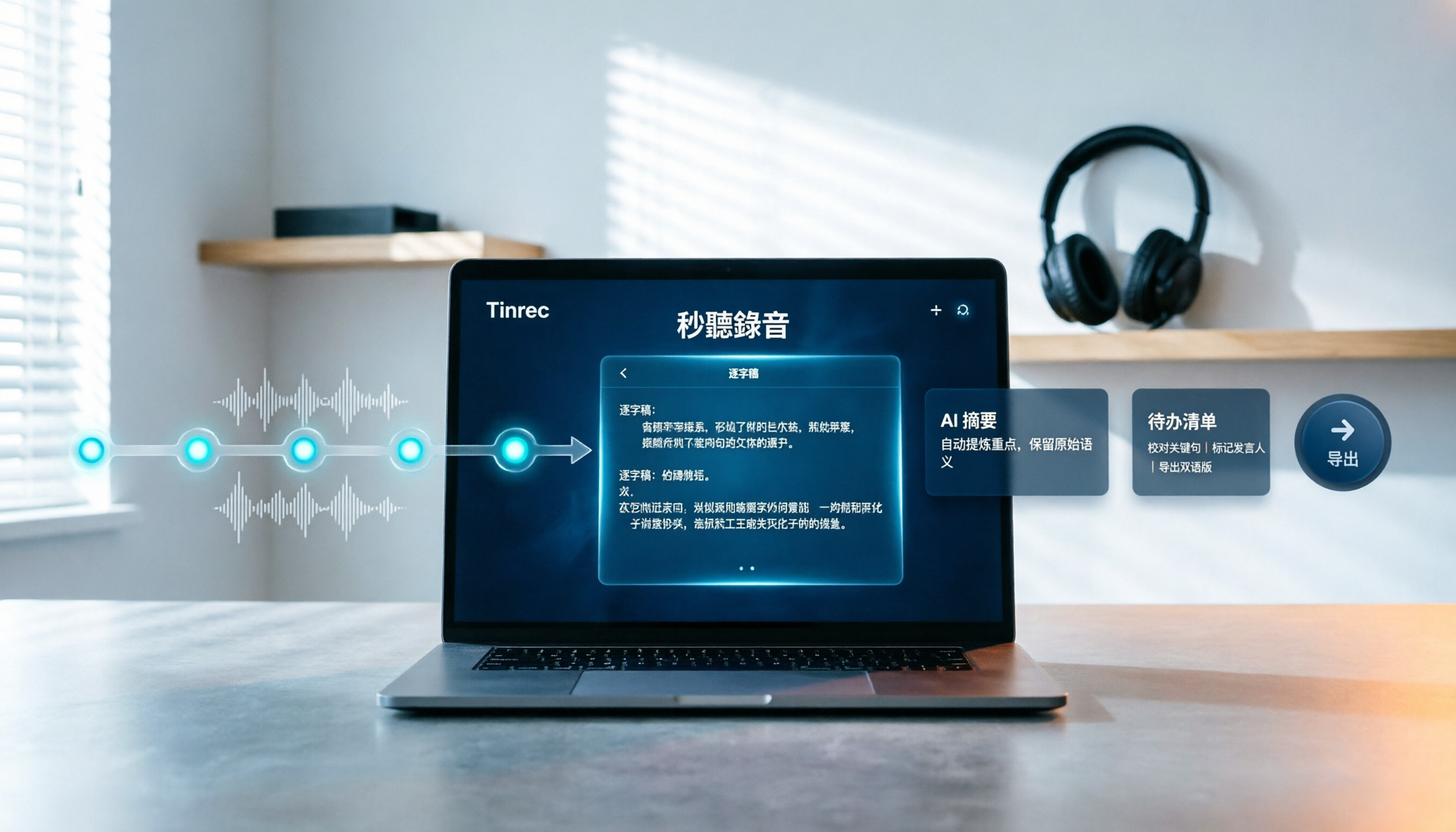
How to Choose Free Video Summarization Software in 2026: A 5-Step Hands-On Guide
How do you pick free video summarization software without getting burned? This guide walks you through 5 practical steps to test source formats, free quotas, Chinese language support, post-meeting workflows, and team needs. Using Tinrec as an example, it demonstrates the full process from video import and transcription to AI summaries, action items, and export, with FAQs and honest drawbacks.

Best Training Video Summarization Tools in 2026: We Tested 2, No Hardware Needed, Chinese Support Makes the Difference
Summarizing training videos doesn't have to mean typing transcripts by hand. This article compares Tinrec and PLAUD Note across video file import, Chinese and technical term handling, summary and action item generation, team collaboration, and cost, helping you decide which tool is better for turning training videos into searchable, shareable team resources.