
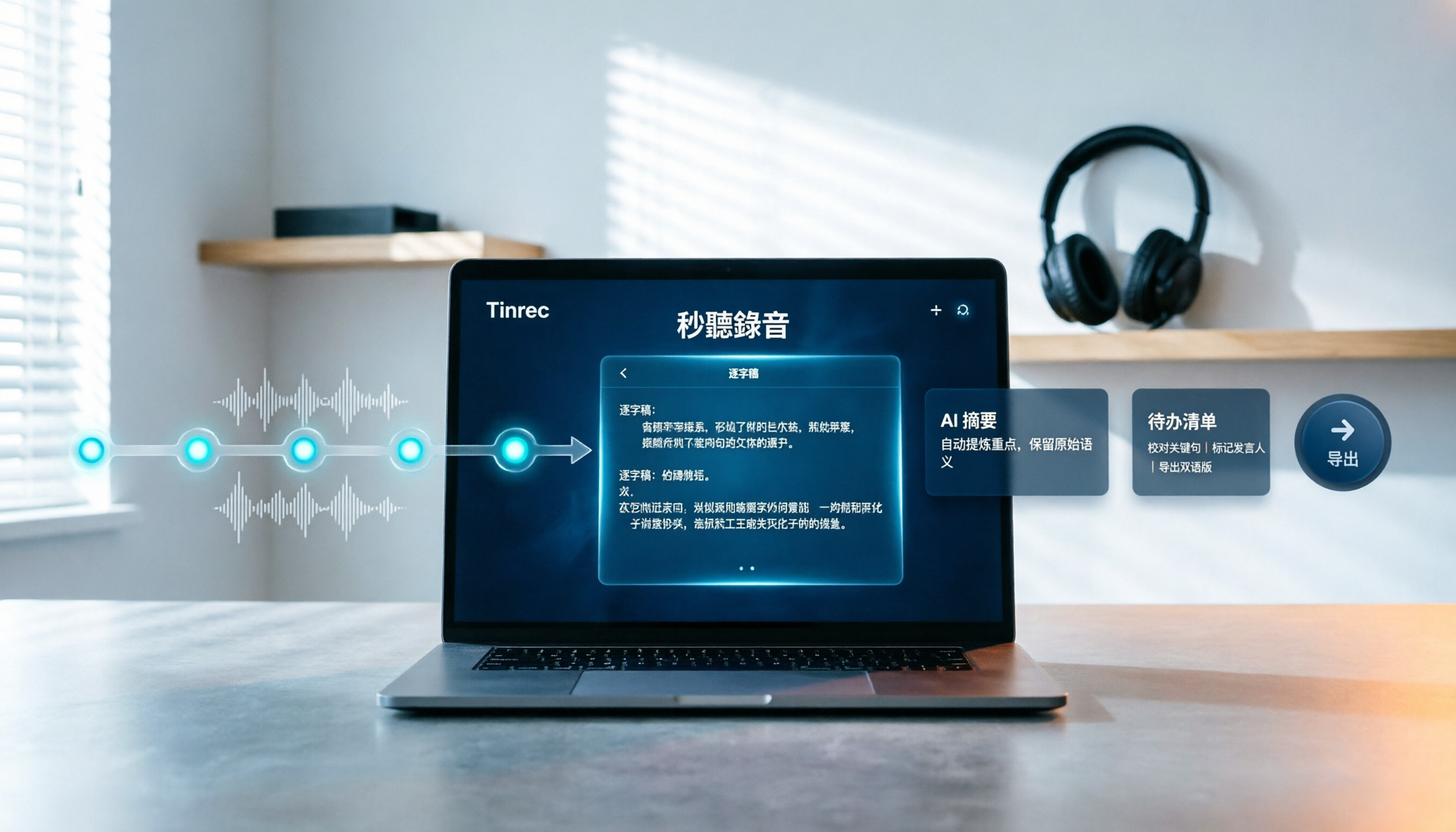
Turn recordings into transcripts and summaries in minutes
Upload audio or video for multilingual transcription, AI notes, and action items
How to Choose Free Video Summarization Software in 2026: A 5-Step Hands-On Guide
Last month, I tried to watch a 47-minute product launch video and found myself scrolling on my phone by the 20-minute mark.
I didn't remember the key points, and the next day in a meeting, I couldn't recall any of the three critical numbers I needed.
This happens several times a month. My solution is simple: find a free video summarization tool, drop the video in, and let AI pull out the key points for me.
But free tools often come with a high risk of disappointment. Some only handle videos from a single platform, some have free quotas so small you can only test one video, and some produce summaries that read smoothly but are actually complete nonsense.
My current go-to is Tinrec. I've also tried other tools along the way. Below, I've organized my testing process and selection logic into 5 steps—follow them and you won't waste much time.
What Can Video Summarization Software Do for You?
Bottom line: it's not about helping you skip watching videos—it's about helping you decide which parts are worth watching.
Scenario 1: Generate meeting notes 5 minutes after a meeting ends
Previously, after a two-hour meeting, I'd spend another hour organizing notes. With Tinrec, for example, the desktop version can capture your computer's system audio to record online meetings directly—no need to invite a separate meeting bot into the room.
When the meeting ends, the transcript, summary, chapters, and action items are already there. Who's responsible for what is crystal clear.
Scenario 2: Compress a 40-minute video into a 3-minute summary
Tinrec breaks long content into chapters, with each key point linked back to its original timestamp. When you see "pricing strategy mentioned here," you can jump directly to that segment to verify—no need to search from the beginning.
Scenario 3: Turn organized content into files you can hand off
Once transcripts and summaries are ready, you can export them to Notion, Google Docs, OneNote, or Dropbox for further editing. For reports, you can use Agent post-processing to generate documents or tables directly.
Scenario 4: Turn historical data into a searchable, queryable database
This is the most impactful feature for me. Tinrec supports AI Q&A—you can directly ask, "What was the budget cap the client mentioned in last week's meeting?" and it will find the answer from the transcript, instead of you having to scrub through the timeline yourself.
What Are the Core Capabilities of Video Summarization?
Transcription: Text comes first—everything else follows. Tinrec supports real-time recording-to-text and uploading existing audio and video files, covering Chinese, mixed Chinese-English, and multilingual content.
AI summaries and chapters: It's not about condensing the transcript into a single paragraph, but structuring it—topics, conclusions, and key points listed separately. Long content is automatically divided into chapters, which is key to saving time.
Real-time translation: During recording, you can switch between original text, translation, or bilingual view—very useful for cross-language content.
Action item extraction: Pull out "who needs to do what and by when" from discussions—especially helpful for project and client meetings.
AI Q&A: After organizing, you can ask questions directly about the content without re-watching. Once you try it, you can't go back.
Multi-format export and post-processing: Export to commonly used tools, or directly generate meeting minutes, reports, or tables.
Practical Use Cases
Meeting notes: Weekly meetings, project meetings, cross-department meetings. Tinrec's desktop version can handle audio from Zoom, Google Meet, Microsoft Teams, Webex, and other online meetings without taking up a meeting seat; for in-person meetings, use the mobile app for real-time recording.
Classes and lectures: Drop course videos or live recordings into Tinrec, and get transcripts plus summaries together. When reviewing, use AI Q&A to look up "What was that formula the teacher mentioned?"—faster than flipping through notes.
Interviews and client communication: User interviews, expert interviews, requirements discussions—the worst is missing a single sentence from the interviewee. Tinrec's transcript preserves timestamps, so you can go back and verify important content against the original audio.
Content creation and competitive research: To quickly grasp information and feature highlights from a competitor's launch event, drop the video in, extract the summary, and then make your own judgment.
Stop organizing recordings by hand
Upload audio or video and automatically get a transcript, summary, and action items
One honest note: Tinrec's web link import is a supplementary feature—it can handle some public video content, but its main strength is meeting notes and audio organization. If 90% of your needs are online videos from various platforms, first confirm whether the specific video you want to process can be imported smoothly.
How to Choose Free Video Summarization Software: 5 Steps to Test
Step 1: First, confirm whether it supports your source format
Are you summarizing online videos, local video files, or meeting recordings? Check compatibility first. Tinrec supports real-time recording, desktop online meeting recording, audio and video file uploads, mobile recording, and some web link imports. If the format doesn't match, no amount of features will help.
Step 2: See if the free quota is enough to "actually complete a full cycle"
Many free versions are "try but not for regular use." Tinrec's free version offers a basic quota so you can experience the full workflow of recording, importing, summarizing, and transcribing. If it feels smooth, consider upgrading. I recommend testing with your most difficult video, not just the official demo file.
Step 3: Confirm whether it can handle Chinese
This is a common pitfall for Taiwanese users. Many tools are strong in English but start dropping characters in Chinese. Tinrec covers Chinese, Traditional Chinese, and multilingual meeting scenarios, and also supports team hotwords—you can add company-specific terminology to improve recognition of professional terms.
Step 4: Beyond summaries, can it help you "keep working"?
A tool that only gives you a summary still leaves you to organize everything yourself. Look at the whole chain: Can the transcript be searched? Are there chapters? Can it extract action items? Can you ask questions? Can you export? Tinrec is more complete here, including AI Q&A, action item extraction, mind maps, multi-format export, and Agent post-processing.
Step 5: Are you using it alone, or does your team need to use it together?
For personal use, focus on free quota and smooth export. For team use, look at finer details. Tinrec's team version is a separate team space—meeting data belongs to the team, and members are managed by role and seat. Active members can view and play data even without a seat, but recording, uploading, and editing require a seat.
The team version is currently USD 29.80 per paid seat per month, or USD 199 per paid seat per year (about USD 16.58 per month). Each paid seat provides 2,000 minutes of shared team import quota per month. Actual prices are subject to the official purchase page.
Frequently Asked Questions
Q1: How long a video can the free version handle?
The free version offers a basic quota to experience the full workflow. Actual available minutes vary by plan—refer to the official plan page. If you often handle long content, first confirm whether the upgraded plan is sufficient before deciding to pay.
Q2: Can Tinrec summarize YouTube videos?
It supports some web link imports as a supplementary feature. Its real strength is meeting and audio content organization—bot-free online meeting recording, real-time transcription, summaries, action items, and team data retention. If you almost exclusively process online videos, it's safer to test an import first.
Q3: Do I need to install a separate meeting bot?
No. Tinrec's desktop version directly captures your computer's system audio—no extra bot needs to join the meeting. But note: it requires you to actively open Tinrec and start recording; it does not automatically join every meeting on your calendar.
Q4: How accurate is it?
Tinrec does not recommend promising a fixed accuracy rate, and I won't endorse one either. Actual performance is affected by recording quality, ambient noise, accents, overlapping speakers, and technical terminology. For important content, it's best to verify against the original audio using transcript timestamps.
Q5: If a team uses it together, does meeting data follow the person?
No. Team resources belong to the team. When a member leaves, is removed, or loses their seat, their team resources are transferred to other active members. The team version also provides usage analytics, audit logs, and an audio recycle bin—accidentally deleted audio files can be restored within the retention period (currently 30 days).
Q6: Does it have any drawbacks?
Yes. First, it's not a fine-grained file permission system—currently it's mainly team-level sharing, managed by roles and seats. Second, it doesn't emphasize "automatically joining all meetings"—you need to start it manually. Third, if you need to process a large number of long video files at once, there are tools on the market more geared toward batch file transcription. Understanding your own needs is more important than following the crowd.
Conclusion
The value of a video summarization tool isn't about watching fewer videos—it's about spending your time on what truly deserves your attention.
In my own usage, Tinrec excels in three areas: Chinese content, meeting notes, and "usable after organizing." The free version lets you run through the entire workflow—recording or importing, transcribing, summarizing, Q&A, exporting—to see if it fits your work style.
If you're using it solo, start with the free version. If an entire team meets weekly and needs a unified meeting database and seat management, then plan for team version members, seats, and usage together.
I recommend giving it a try—testing with your own real materials is the most accurate way.
References
- Free AI Video Summary Tool—Accurate, Fast, with Timestamps
- Summarize YouTube with GPT: Free Online Video Summary Tool
- Free AI Video Summarizer - Monica
- 2026 Comparison of 3 Short Video Summarization Tools: Which Free Version Is Most Sufficient? - Tinrec Blog
- One-Click Video to Text: 3 Video Summarization AI Tools Recommended for Quickly Producing High-Quality Key Summaries - Tinrec Blog
Turn every recording into actionable outcomes
Get 60 free transcription minutes when you sign in. No credit card required.
Related Reading
You might also like
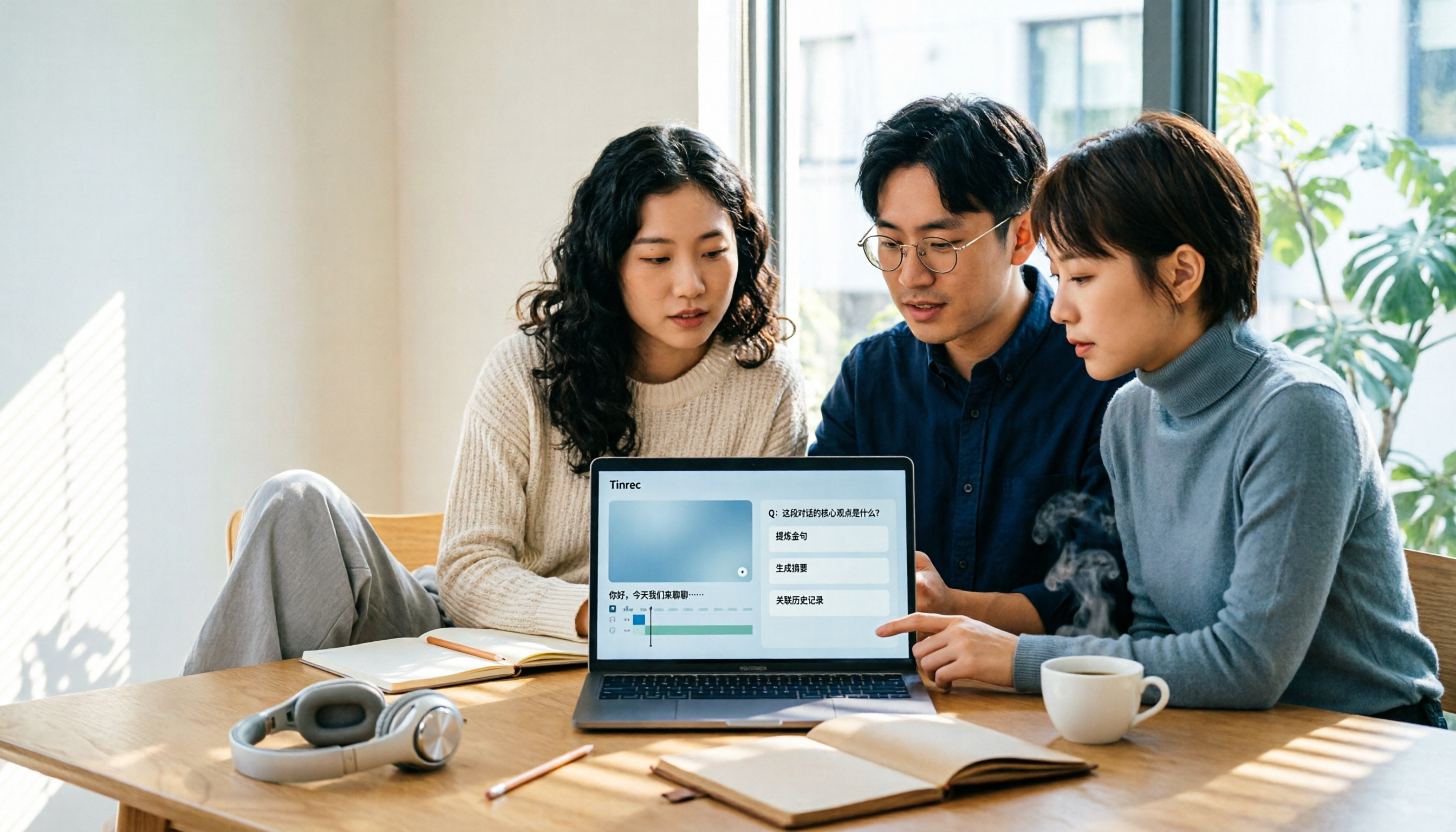
4 Best AI Video Note Generators in 2026: From Transcripts to AI Q&A
How to choose an AI video note generator? This side-by-side comparison of Tinrec, Reccap, Google NotebookLM, and TurboScribe breaks down Chinese transcription, AI summaries, action item extraction, AI Q&A, online meeting recording, and team knowledge retention. Includes 4 key buying factors and pitfalls to help you decide based on budget and use case.

2026 Free Transcription Plans Compared: Yating, Tinrec, and 2 More
Turning interview and meeting recordings into usable data isn't about transcription speed—it's about what you can do after. This article reviews the free plans and use cases of four tools: Yating, Tinrec, Otter.ai, and Notta, and shares four key factors and three common mistakes when choosing a transcription tool.

5 Best iPhone Transcription Tools in 2026: Is Apple's Built-in Dictation Enough?
Many people assume iPhone can transcribe recordings out of the box, but device limits, Chinese language support, and post-meeting organization quickly get in the way. This article tackles common misconceptions and compares five options: iPhone's built-in Voice Memos, Tinrec, Notta, Otter.ai, and PLAUD Note. It also covers selection criteria and four common pitfalls to help you find a truly time-saving transcription solution.

2026 Voice-to-Text Software Comparison: Chinese Meeting Transcripts vs. AI Q&A – Which Is More Practical?
Starting from common pitfalls in choosing tools, this hands-on comparison of Tinrec, Notta, Otter.ai, and PLAUD covers four key factors to consider before buying, three most common mistakes, and the real differences in Chinese meeting transcripts, AI Q&A, and team knowledge retention.
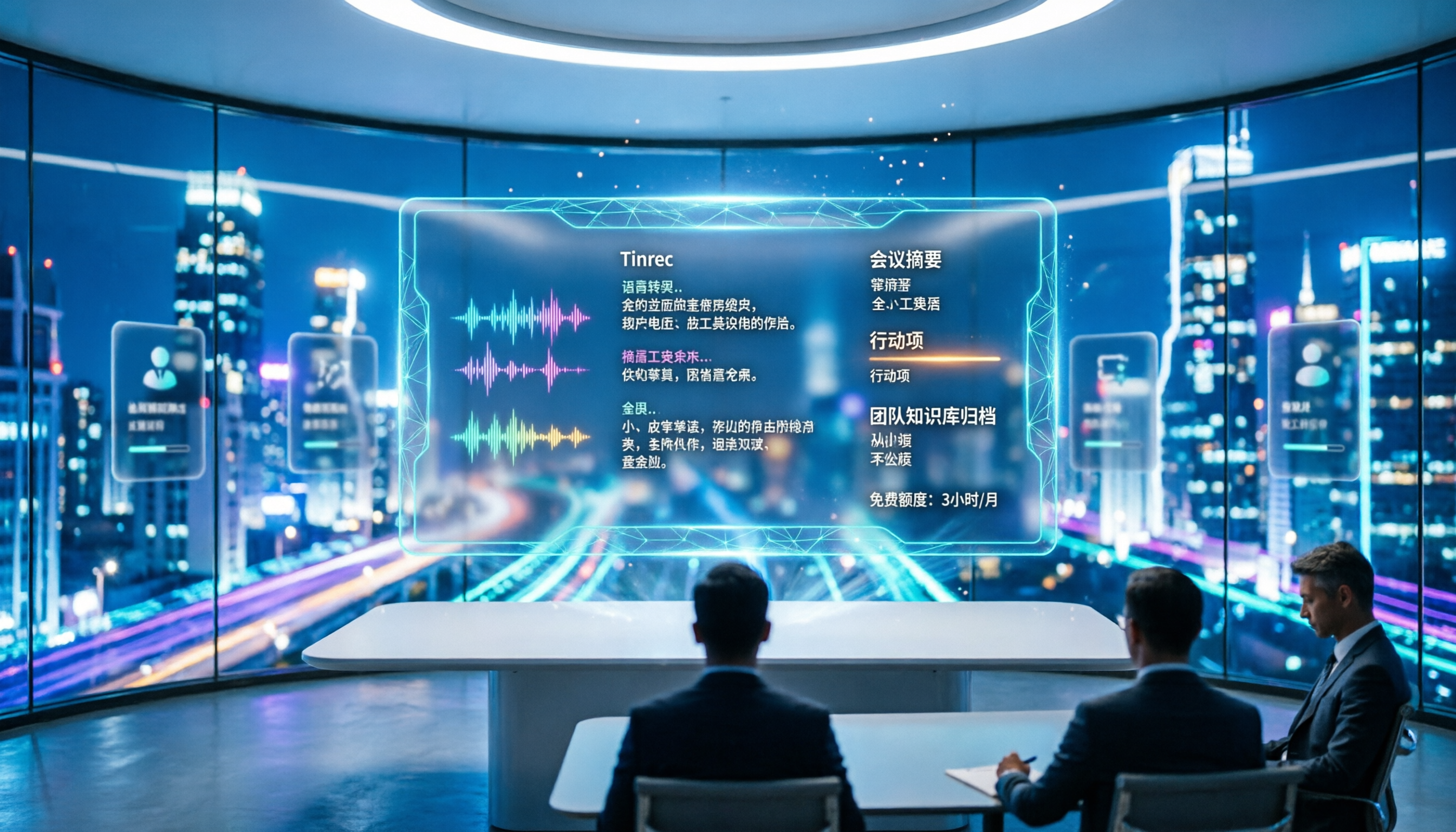
4 Meeting Transcription Tools Tested in 2026: Is the Free Version Enough?
How do you choose a meeting transcription tool? We tested Tinrec, Otter.ai, Notta, and Granola, comparing Chinese recognition, meeting capture methods, post-meeting organization, and team data ownership. We also break down free tier limits and common pitfalls to help you find a meeting notes solution that truly saves time.

Tinrec vs Notta 2026: 5-Dimension Comparison — Which Chinese AI Q&A Tool Wins?
How do you choose an AI-powered online Q&A tool? This article compares Tinrec, Notta, Otter.ai, and PLAUD across five dimensions: Q&A scope, Chinese and mixed Chinese-English recognition, meeting capture methods, post-meeting outputs, and team permissions. It also covers the most common pitfalls to avoid, helping you decide which tool truly fits your meeting and recording organization needs.

4 Best Audio-to-Text Tools in 2026: AI Q&A and Team Collaboration Compared
Turning recordings into text isn't just about uploading a file and waiting a few minutes. We tested four popular tools—Tinrec, Otter.ai, Notta, and TurboScribe—comparing accuracy, post-meeting organization, recording methods, and team collaboration. We also highlight the three biggest pitfalls to avoid when choosing a tool, so you can find the one that truly saves you time.

5 Best Audio to Text Tools in 2026: Which Free Version Is Enough?
Recorded a bunch of audio but no one wants to organize it? This article tests five audio-to-text tools: Tinrec, Otter.ai, Notta, TurboScribe, and PLAUD Note. It covers five key buying factors: accuracy, mixed Chinese-English recognition, online meeting recording, post-meeting organization, and free quotas, plus a guide to avoid pitfalls and scenario-based recommendations.

Best Training Video Summarization Tools in 2026: We Tested 2, No Hardware Needed, Chinese Support Makes the Difference
Summarizing training videos doesn't have to mean typing transcripts by hand. This article compares Tinrec and PLAUD Note across video file import, Chinese and technical term handling, summary and action item generation, team collaboration, and cost, helping you decide which tool is better for turning training videos into searchable, shareable team resources.