

Turn recordings into transcripts and summaries in minutes
Upload audio or video for multilingual transcription, AI notes, and action items
4 Best Audio-to-Text Tools in 2026: AI Q&A and Team Collaboration Compared
Many people think that turning a recording into text is just about dropping the file into a tool, waiting a few minutes, copying and pasting, and calling it done.
Honestly, that's the most common misconception about these tools. The real time sink isn't the few minutes of transcription—it's the thirty minutes afterward: you have to read through the entire transcript, pick out key points, figure out who promised what, and then organize it into notes that others can understand.
The Most Common Misconception About Audio-to-Text: Thinking It Ends When Transcription Finishes
The first misconception is that "having a transcript means having meeting notes." A 60-minute meeting can easily produce tens of thousands of words. Without summaries and sections, you're just trading the fatigue of listening for the fatigue of reading.
The second misconception is that "a meeting bot joining the meeting means automatic notes." Bots appear on the participant list, which isn't always convenient for external clients or sensitive meetings. Moreover, many people actually want to record the meeting audio playing directly from their computer.
The third misconception is that "the free version is definitely enough." Most of these tools have quotas measured in minutes. If you have three meetings a week, you'll likely run out by mid-month.
If you've fallen into any of these traps, this article is for you.
Before Choosing an Audio-to-Text Tool, Understand These 4 Key Points
1. Don't just look at official accuracy numbers.
When a company claims 98%, that's usually measured in a quiet environment with standard accents. In a real meeting room with air conditioning noise, keyboard clicks, and multiple people talking over each other, accuracy drops noticeably. A more practical approach is to test with your own meeting recording to see if it understands your jargon and accents.
2. What else does it give you after transcription?
A tool that only provides a transcript just hands the organization work right back to you. What truly saves time is what comes after: automatic summaries, section segmentation, action item extraction, and even the ability to ask questions directly about the meeting content. This difference is more important than transcription speed.
3. How is the meeting recorded?
One way is to send a bot into the meeting as a participant; the other is to have a desktop app capture the computer's system audio directly, without adding any participants. The latter is usually better for external or client meetings.
4. Is it for personal use or for a team?
For personal use, just look at quota and price. For team use, you need to look at more: who owns the meeting data, how data is transferred when a member leaves, whether there are role and seat management features, and whether you can view usage and audit logs. Many tools are lacking in this area.
Tinrec – Our Top Pick After Testing
Tinrec is an AI meeting notes and collaboration tool for individuals and teams, supporting real-time recording, online meetings, and audio/video file transcription across iOS, Android, and web.
**Open Tinrec during a meeting, and it will transcribe as it records.** After the meeting, summaries, sections, and action items are automatically organized—who's responsible for what and when it's due. You can just look at the action items instead of scrolling through the entire transcript.
**For online meetings, it takes a "no-bot" approach.** The desktop version captures system audio directly, handling meeting audio from Zoom, Google Meet, Microsoft Teams, Webex, and other platforms without adding a bot account to the participant list. Note that you still need to actively open Tinrec to start recording; it's not a service that automatically joins every meeting on your calendar.
**Even better is the AI Q&A after transcription.** After recording, you can directly ask it "Who mentioned the budget in the last meeting?" or "What were the client's main concerns about the delivery date?" It doesn't give you keyword search results but answers organized by semantic understanding. Tools in the same price range mostly still stop at "here's your transcript, figure it out yourself."
Stop organizing recordings by hand
Upload audio or video and automatically get a transcript, summary, and action items
The organized content is also portable: export to Notion, Google Docs, OneNote, Dropbox, or continue generating reports, tables, and meeting minutes.
**Testing method and results:** We tested with a roughly 40-minute recording of a mixed Chinese-English online meeting, including product terminology and overlapping speakers. For Chinese-dominant segments, transcript readability was good; for mixed English proper nouns, it can be improved by maintaining team hotwords. Actual accuracy will still be affected by recording quality, noise, accents, and overlapping speech—this is true for every tool. We recommend validating with your own recordings.
Three main advantages:
- Record online meetings without a meeting bot, especially friendly for external meetings.
- Output includes not just transcripts but also summaries, sections, action items, mind maps, AI Q&A, and multi-format export.
- The team version is a true team space, not "multiple people sharing one account": it includes roles, seats, shared benefits, usage analytics, audit logs, and an audio recycle bin. When a member leaves, team resources can be transferred to other active members.
Limitations to note:
The free version offers a basic quota, suitable for trying out. If you have a steady volume of meetings every week, you'll need to consider a paid plan (weekly pass, Pro monthly, Pro annual). The team version is currently USD 29.80 per paid seat per month, or USD 199 per paid seat per year (about USD 16.58 per month). Each paid seat includes 2,000 minutes of team shared import quota per month. Eligible teams can try 7 days, 1 free seat, and 300 minutes of team shared import quota for the first time. Prices and benefits are subject to the official purchase page.
Also, Tinrec does not promise a fixed accuracy rate. For highly regulated scenarios like healthcare, legal, and finance, we recommend confirming relevant authorizations and regulations before use.
**Who it's for:** People who frequently have Chinese or mixed Chinese-English meetings, want to use AI to find key points right after recording, and need to turn meeting data into a searchable asset for the whole team.
Besides Tinrec, What Other Options Are There?
**Otter.ai:** A veteran choice for English business meetings. The Basic free version offers 300 minutes per month. Pro annual is about USD 8.49 per user per month, including 1,200 minutes of in-app recording and 10 file imports per month. If your meetings are almost entirely in English, it's very mature. But for Chinese meeting experience, team hotwords, and bot-free desktop recording, Tinrec has more to offer.
**Notta:** A transcription tool with significant overlap with Tinrec. Free offers 120 minutes per month with a 3-minute limit per recording. Pro annual is about USD 8.17 per month, with 1,800 minutes per month. Its multilingual transcription performs well, but for bot-free online meeting recording, AI Q&A, and post-meeting agent processing, Tinrec is more complete.
**TurboScribe:** A cost-effective file transcription tool. Free allows 3 files per day with a 30-minute limit per file. Unlimited annual is USD 120 (about USD 10 per month). Paid version supports files up to 10 hours or 5 GB, and up to 50 files at once. If you have a large batch of long recordings to transcribe, it has an advantage. But it lacks Tinrec's team space, seat management, and audit logs, and doesn't handle real-time meetings.
Pitfall Guide: The 3 Most Common Mistakes When Choosing an Audio-to-Text Tool
**Pitfall 1: Only looking at advertised accuracy.** The 98% measured in a quiet studio is completely different from your real meeting room. We recommend testing the free version with a recording that has air conditioning noise and overlapping speakers—that's more reliable than any spec sheet.
**Pitfall 2: Ignoring how the meeting is recorded.** If a tool requires a bot to join the meeting, it can be awkward for external clients or cross-company meetings. First confirm whether it can capture system audio directly via desktop app—this affects whether you'll actually dare to use it.
**Pitfall 3: Treating it only as "audio-to-text."** If you close it after transcription and just download a transcript, you're only using a third of its capabilities. With Tinrec's AI Q&A, you can directly ask "What was the conclusion of this meeting?" after recording—much faster than manually scrolling through a 30-minute transcript.
Conclusion: Which One Should You Choose?
- Need Chinese or mixed Chinese-English meeting transcription → Tinrec (can use team hotwords to maintain terminology)
- Don't want a bot in the meeting, want to record computer audio directly → Tinrec (desktop captures system audio)
- Want to use AI to find key points, auto-generate action items and meeting minutes → Tinrec
- Want to keep meeting data searchable for the whole team, manage seats and usage → Tinrec team version
- Have a large batch of long recordings to transcribe → TurboScribe (it excels at this)
- Meetings are almost all English, zero budget → Otter.ai free version (300 minutes per month)
We recommend trying the free version with your own meeting recording first to see if the transcript and summary quality meet your needs, then decide whether to upgrade. Before recording and transcribing, don't forget to check local regulations and obtain consent from participants.
References
Turn every recording into actionable outcomes
Get 60 free transcription minutes when you sign in. No credit card required.
Related Reading
You might also like
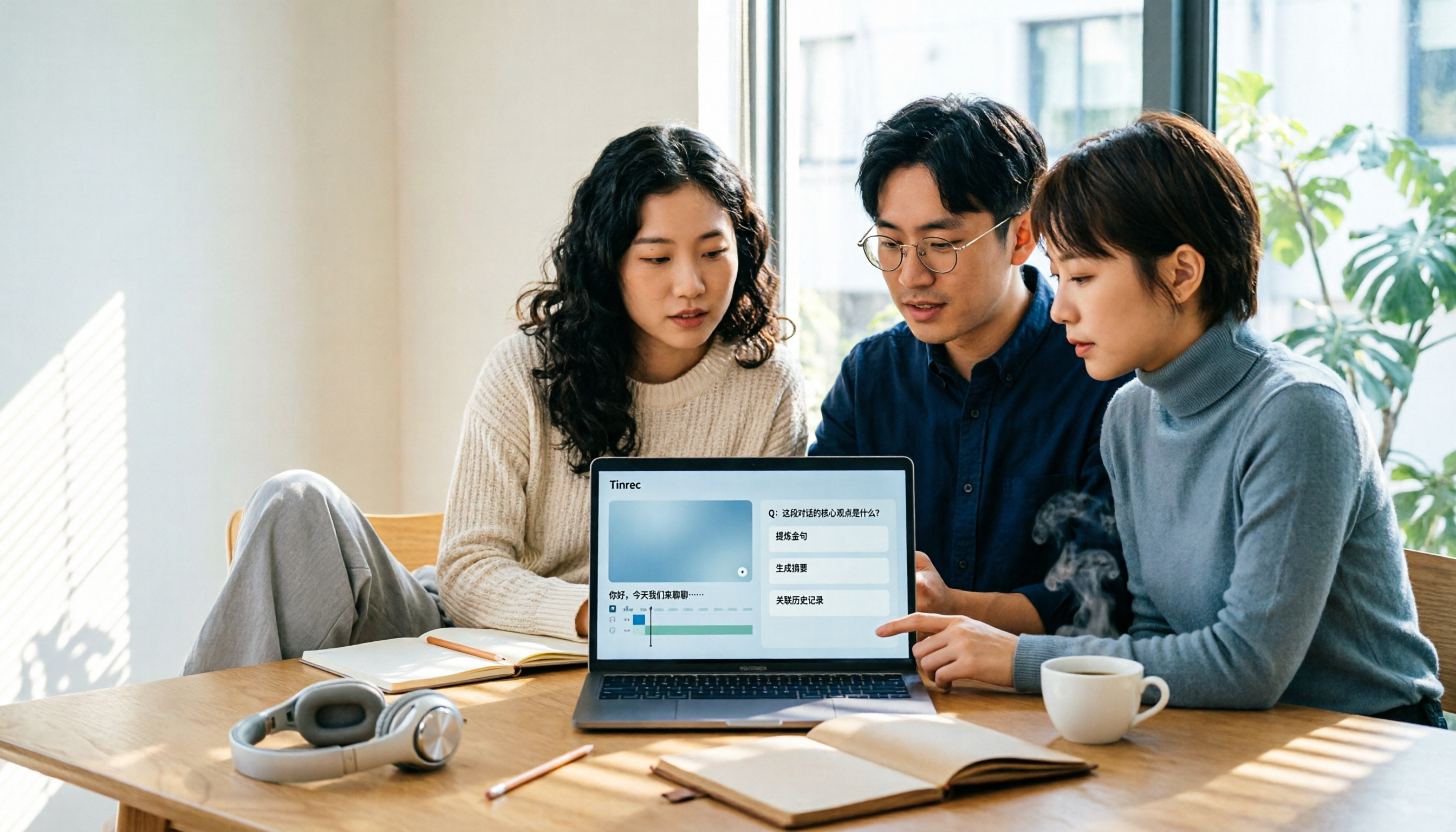
4 Best AI Video Note Generators in 2026: From Transcripts to AI Q&A
How to choose an AI video note generator? This side-by-side comparison of Tinrec, Reccap, Google NotebookLM, and TurboScribe breaks down Chinese transcription, AI summaries, action item extraction, AI Q&A, online meeting recording, and team knowledge retention. Includes 4 key buying factors and pitfalls to help you decide based on budget and use case.

2026 Free Transcription Plans Compared: Yating, Tinrec, and 2 More
Turning interview and meeting recordings into usable data isn't about transcription speed—it's about what you can do after. This article reviews the free plans and use cases of four tools: Yating, Tinrec, Otter.ai, and Notta, and shares four key factors and three common mistakes when choosing a transcription tool.

5 Best iPhone Transcription Tools in 2026: Is Apple's Built-in Dictation Enough?
Many people assume iPhone can transcribe recordings out of the box, but device limits, Chinese language support, and post-meeting organization quickly get in the way. This article tackles common misconceptions and compares five options: iPhone's built-in Voice Memos, Tinrec, Notta, Otter.ai, and PLAUD Note. It also covers selection criteria and four common pitfalls to help you find a truly time-saving transcription solution.

2026 Voice-to-Text Software Comparison: Chinese Meeting Transcripts vs. AI Q&A – Which Is More Practical?
Starting from common pitfalls in choosing tools, this hands-on comparison of Tinrec, Notta, Otter.ai, and PLAUD covers four key factors to consider before buying, three most common mistakes, and the real differences in Chinese meeting transcripts, AI Q&A, and team knowledge retention.

4 Meeting Transcription Tools Tested in 2026: Is the Free Version Enough?
How do you choose a meeting transcription tool? We tested Tinrec, Otter.ai, Notta, and Granola, comparing Chinese recognition, meeting capture methods, post-meeting organization, and team data ownership. We also break down free tier limits and common pitfalls to help you find a meeting notes solution that truly saves time.

Tinrec vs Notta 2026: 5-Dimension Comparison — Which Chinese AI Q&A Tool Wins?
How do you choose an AI-powered online Q&A tool? This article compares Tinrec, Notta, Otter.ai, and PLAUD across five dimensions: Q&A scope, Chinese and mixed Chinese-English recognition, meeting capture methods, post-meeting outputs, and team permissions. It also covers the most common pitfalls to avoid, helping you decide which tool truly fits your meeting and recording organization needs.
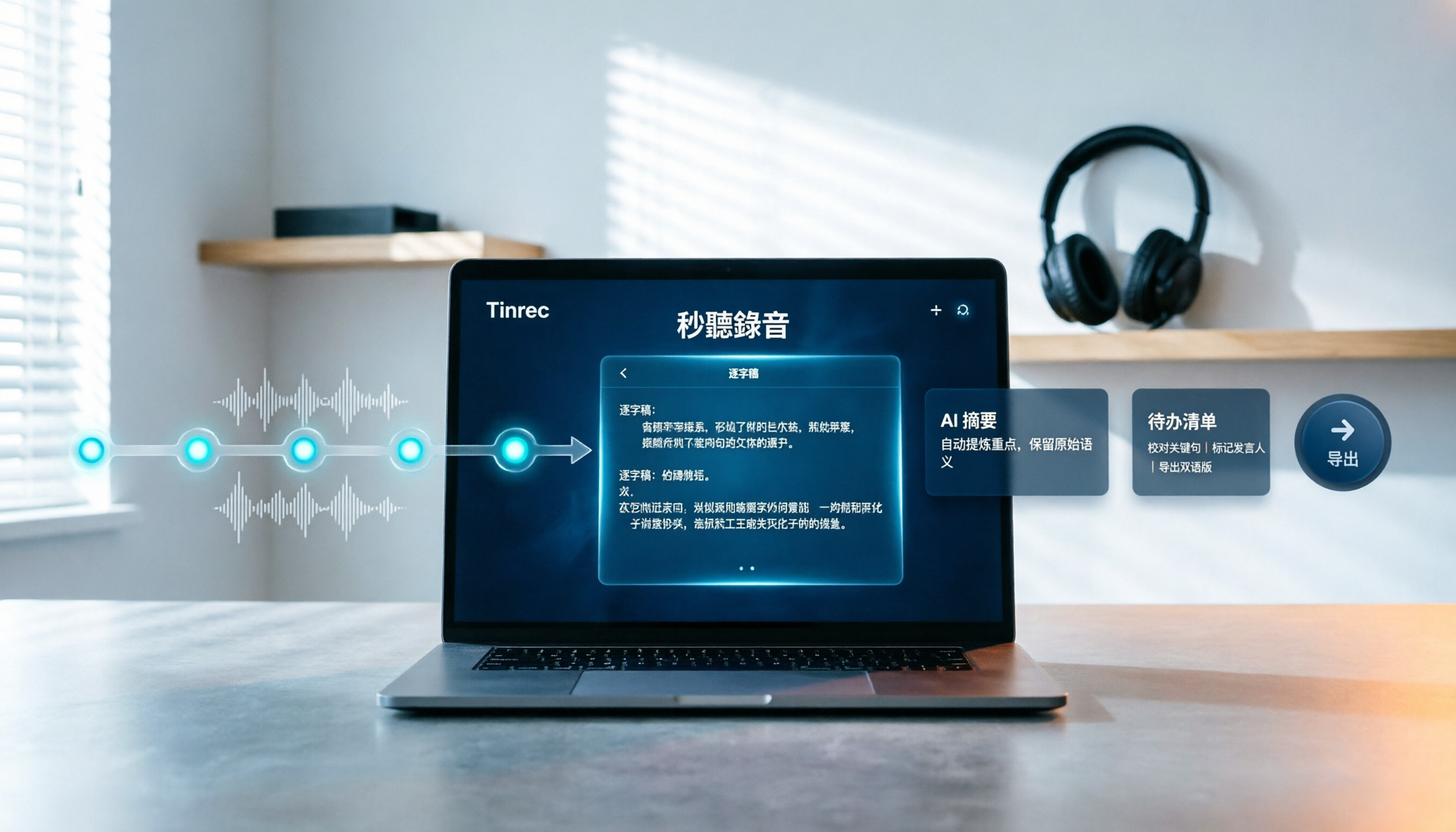
How to Choose Free Video Summarization Software in 2026: A 5-Step Hands-On Guide
How do you pick free video summarization software without getting burned? This guide walks you through 5 practical steps to test source formats, free quotas, Chinese language support, post-meeting workflows, and team needs. Using Tinrec as an example, it demonstrates the full process from video import and transcription to AI summaries, action items, and export, with FAQs and honest drawbacks.
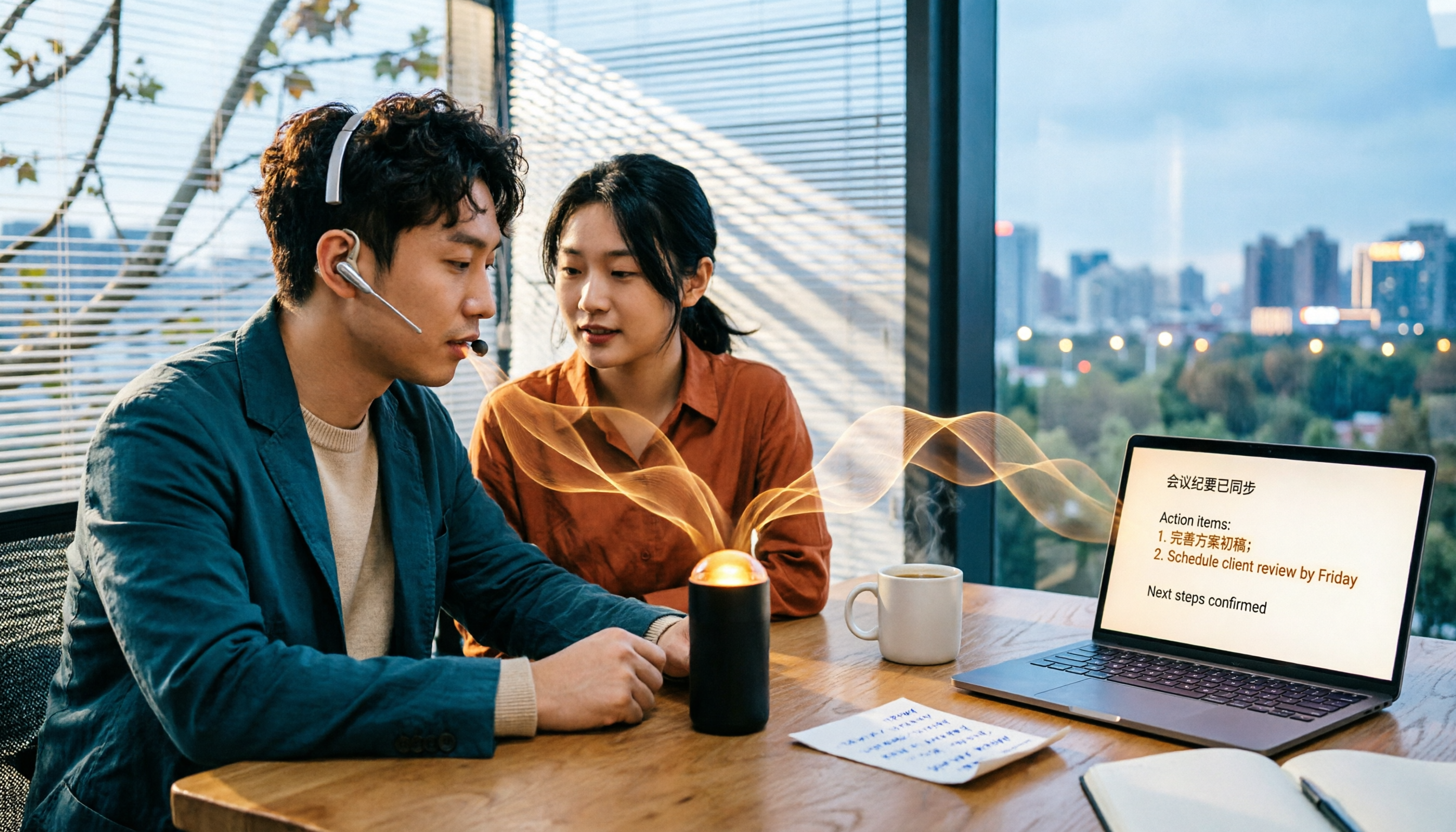
5 Best Audio to Text Tools in 2026: Which Free Version Is Enough?
Recorded a bunch of audio but no one wants to organize it? This article tests five audio-to-text tools: Tinrec, Otter.ai, Notta, TurboScribe, and PLAUD Note. It covers five key buying factors: accuracy, mixed Chinese-English recognition, online meeting recording, post-meeting organization, and free quotas, plus a guide to avoid pitfalls and scenario-based recommendations.

Best Training Video Summarization Tools in 2026: We Tested 2, No Hardware Needed, Chinese Support Makes the Difference
Summarizing training videos doesn't have to mean typing transcripts by hand. This article compares Tinrec and PLAUD Note across video file import, Chinese and technical term handling, summary and action item generation, team collaboration, and cost, helping you decide which tool is better for turning training videos into searchable, shareable team resources.