

Turn recordings into transcripts and summaries in minutes
Upload audio or video for multilingual transcription, AI notes, and action items
2026 Free Transcription Plans Compared: Yating, Tinrec, and 2 More
The moment you press stop after an interview, the real work begins.
A one-hour recording often takes three to four hours to transcribe manually. If the interview includes Taiwanese, English, or a mix, it takes even longer.
I used to put on headphones, rewind repeatedly, and type sentence by sentence. By the end, my ears were tired and my hands ached. The worst part was mishearing a key word and getting the whole meaning wrong.
So in recent years, I've been handing recordings over to AI transcription tools.
But with more tools, the problem changed: it's not "can it convert speech to text" but "how much effort do I still need to turn it into usable data?"
This isn't a spec sheet. I've compiled four tools I've personally used and observed to help you decide: which one shortens the path from recording to usable data?
What you need isn't a transcript—it's usable data
Let me share a realization.
I used to aim for word-for-word accuracy, the more complete the transcript the better. Later I realized that even with a perfect 90-minute interview transcript, I still had to read through it again to find three key points.
That didn't save time at all.
The real time savings come when the tool does the "reading" for me—automatically segmenting, extracting key points, pulling out action items, and even letting me ask it directly, "What were the interviewee's concerns about pricing?"
So before choosing a tool, ask yourself:
Do you want a transcript, or meeting materials you can work with right away?
4 key factors before choosing a transcription tool
1. Chinese and Taiwanese accent recognition
Many tools on the market are designed for English meetings. Chinese, Taiwanese, and mixed Chinese-English sentences are a different matter for them.
This isn't a spec issue; it's a scenario issue. If you're recording conversations in a Taiwanese office, you need a tool trained on Taiwanese accents.
2. Does it keep the original recording?
Few people notice this, but it's crucial.
Transcripts always have errors. If the tool doesn't keep the original audio, you have no way to verify a sentence later.
I prefer tools that keep both the transcript and the recording, so I can go back and listen to important parts.
3. What can it do after transcription?
A tool that only does speech-to-text does half the job.
A more complete approach: after transcription, automatically generate summaries, chapters, and action items, and let you continue asking questions about the content. That's where real time savings happen.
4. Do you need team sharing?
If you're an individual user, you can skip this.
But if you're a team, meeting data scattered across everyone's phones and computers creates a problem: when people leave, data leaves too.
In that case, whether you can consolidate meetings in a team space becomes important.
Tinrec—the one I keep coming back to after testing
Tinrec is an AI meeting notes and collaboration tool for individuals and teams, available on iOS, Android, and web.
It doesn't just convert audio to text; it cares about whether the data is still usable after transcription.
Open it during meetings, and data is ready when the meeting ends
My most common use is live recording. I open Tinrec during meetings, and it transcribes as it records.
When the meeting ends, AI has already organized the summary, chapters, and action items—who's responsible for what, what's next, all clear.
This is much easier than spending half an hour recalling after meetings.
No bot needed for online meetings
If you often use Zoom, Google Meet, Microsoft Teams, or Webex, Tinrec's desktop version can capture system audio directly, without a meeting bot joining.
This matters to me because some client meetings aren't suitable for an extra account appearing on the list.
Note: this is you actively opening Tinrec to start recording, not automatically joining every meeting on your calendar.
After recording, you can ask it questions directly
This is where I think it differs most from most transcription tools.
After recording an interview, I don't need to reread the transcript; I can ask: "What were the three main pain points the interviewee mentioned?"
It doesn't give you a bunch of keyword search results; it gives you a organized answer.
Stop organizing recordings by hand
Upload audio or video and automatically get a transcript, summary, and action items
Similarly, you can ask it to organize content into reports, tables, or meeting minutes, then export to Notion, Google Docs, OneNote, or Dropbox for further use.
Honest notes from testing
I won't give you a "98% accuracy" number here.
Because accuracy is never fixed. Recording quality, background noise, accents, people talking over each other, technical terms—each affects results.
My experience: with clear recordings and no overlapping speech, Tinrec's Chinese transcription already lets me skip most manual corrections. But for important numbers and proper nouns, I still go back to the recording to confirm.
Three reasons I think it's worth it
First, it keeps recordings. When in doubt about a transcript, you can always listen to the original audio.
Second, it has AI Q&A. After recording, no need to reread; just ask for key points, which is especially useful for interviews and meetings.
Third, it consolidates into team data. Meeting notes are no longer locked in individual accounts.
Limitations to be clear about
The personal version is quota-based: free version for light use, weekly pass for short intensive use, Pro for long-term stable use. When quota runs out, you need to upgrade.
For teams, the team version offers a separate team space, priced per seat, including member and seat management, shared quota, usage analytics, and audit logs—suitable for teams that need long-term storage and handover of meeting data.
Who Tinrec is for
If you frequently handle Chinese meetings, interviews, or class recordings, want to use AI to find key points right after recording, and even need to consolidate data for team sharing—Tinrec is a handy choice.
Besides Tinrec, what other options are there?
Yating Transcription
Yating Transcription is developed by Taiwan AI Labs. Its support for Taiwanese accents is its hallmark—it handles Mandarin, Taiwanese, English, and mixed Chinese-English, and automatically segments by speaker voiceprint, great for long interviews and class notes.
It has app live recording, export, and Share-in and Universal Link sharing. Some users report Taiwanese recognition isn't as expected and Windows version can't import AAC files. It focuses on the transcript itself; for post-meeting AI Q&A, action item extraction, and team space, Tinrec is more complete.
Otter.ai
A mature choice for English meetings. The free version offers 300 minutes per month, quite generous, and it's the default tool for many English teams.
But its strength is English business meetings. If you record Chinese or Taiwanese content, it's not designed for that. If meetings are almost all English and you want to keep costs low, Otter.ai is a reasonable option; if you need Chinese experience, bot-free desktop recording, and team data consolidation, Tinrec is more suitable.
Notta
A multilingual transcription tool. Free version offers 120 minutes per month, max 3 minutes per session, which is tight. Annual Pro is about 1,800 minutes per month; Business plan has more complete team permissions and usage reports.
It overlaps significantly with Tinrec. The difference: Tinrec emphasizes bot-free desktop recording for online meetings, AI Q&A, post-meeting output, and team space governance including members, seats, usage, and audit.
Pitfall guide: 3 most common mistakes when choosing a transcription tool
Pitfall 1: Only looking at advertised accuracy numbers.
Many tools claim "98% accuracy," but that's usually tested in quiet environments. Real meeting rooms have air conditioning, keyboard sounds, people interrupting—numbers differ significantly. Test with your own recordings, don't just look at ads.
Pitfall 2: Ignoring whether recordings are kept.
Transcripts always have errors. If the tool doesn't keep the original audio, you have no chance to verify. This is especially important for interviews, legal, or medical content.
Pitfall 3: Using the tool only as speech-to-text.
This is the most regrettable usage I've seen. If you only use it for typing, you're using only one-third of its capability. The real time savings come from post-transcription summaries, action items, and AI Q&A—after recording, just ask "What's the conclusion of this meeting?" much faster than manually flipping through a 30-minute transcript.
Conclusion: Which one should you choose?
In short: if you handle Chinese meetings and interviews and want to save post-meeting organization time, Tinrec is my most frequently returned choice.
Scenario breakdown:
- Need Chinese, Taiwanese, and mixed Chinese-English recognition, and don't want a bot in meetings → Tinrec
- Want to use AI to ask key points, generate summaries and action items right after recording → Tinrec
- Need to use on phone and computer, and want to keep recordings → Tinrec
- Meeting data for team, need member and seat management → Tinrec team version
- Just want a transcript, familiar with Taiwanese accents → Yating Transcription
- Meetings almost all English, limited budget → Otter.ai
If you're still undecided, my advice is to start with the free version. Test with a real recording of your own and feel the difference "after transcription."
Test step by step, and you'll find the workflow that suits you best.
References
Turn every recording into actionable outcomes
Get 60 free transcription minutes when you sign in. No credit card required.
Related Reading
You might also like

4 Best AI Video Note Generators in 2026: From Transcripts to AI Q&A
How to choose an AI video note generator? This side-by-side comparison of Tinrec, Reccap, Google NotebookLM, and TurboScribe breaks down Chinese transcription, AI summaries, action item extraction, AI Q&A, online meeting recording, and team knowledge retention. Includes 4 key buying factors and pitfalls to help you decide based on budget and use case.

5 Best iPhone Transcription Tools in 2026: Is Apple's Built-in Dictation Enough?
Many people assume iPhone can transcribe recordings out of the box, but device limits, Chinese language support, and post-meeting organization quickly get in the way. This article tackles common misconceptions and compares five options: iPhone's built-in Voice Memos, Tinrec, Notta, Otter.ai, and PLAUD Note. It also covers selection criteria and four common pitfalls to help you find a truly time-saving transcription solution.

2026 Voice-to-Text Software Comparison: Chinese Meeting Transcripts vs. AI Q&A – Which Is More Practical?
Starting from common pitfalls in choosing tools, this hands-on comparison of Tinrec, Notta, Otter.ai, and PLAUD covers four key factors to consider before buying, three most common mistakes, and the real differences in Chinese meeting transcripts, AI Q&A, and team knowledge retention.

4 Meeting Transcription Tools Tested in 2026: Is the Free Version Enough?
How do you choose a meeting transcription tool? We tested Tinrec, Otter.ai, Notta, and Granola, comparing Chinese recognition, meeting capture methods, post-meeting organization, and team data ownership. We also break down free tier limits and common pitfalls to help you find a meeting notes solution that truly saves time.

Tinrec vs Notta 2026: 5-Dimension Comparison — Which Chinese AI Q&A Tool Wins?
How do you choose an AI-powered online Q&A tool? This article compares Tinrec, Notta, Otter.ai, and PLAUD across five dimensions: Q&A scope, Chinese and mixed Chinese-English recognition, meeting capture methods, post-meeting outputs, and team permissions. It also covers the most common pitfalls to avoid, helping you decide which tool truly fits your meeting and recording organization needs.

4 Best Audio-to-Text Tools in 2026: AI Q&A and Team Collaboration Compared
Turning recordings into text isn't just about uploading a file and waiting a few minutes. We tested four popular tools—Tinrec, Otter.ai, Notta, and TurboScribe—comparing accuracy, post-meeting organization, recording methods, and team collaboration. We also highlight the three biggest pitfalls to avoid when choosing a tool, so you can find the one that truly saves you time.
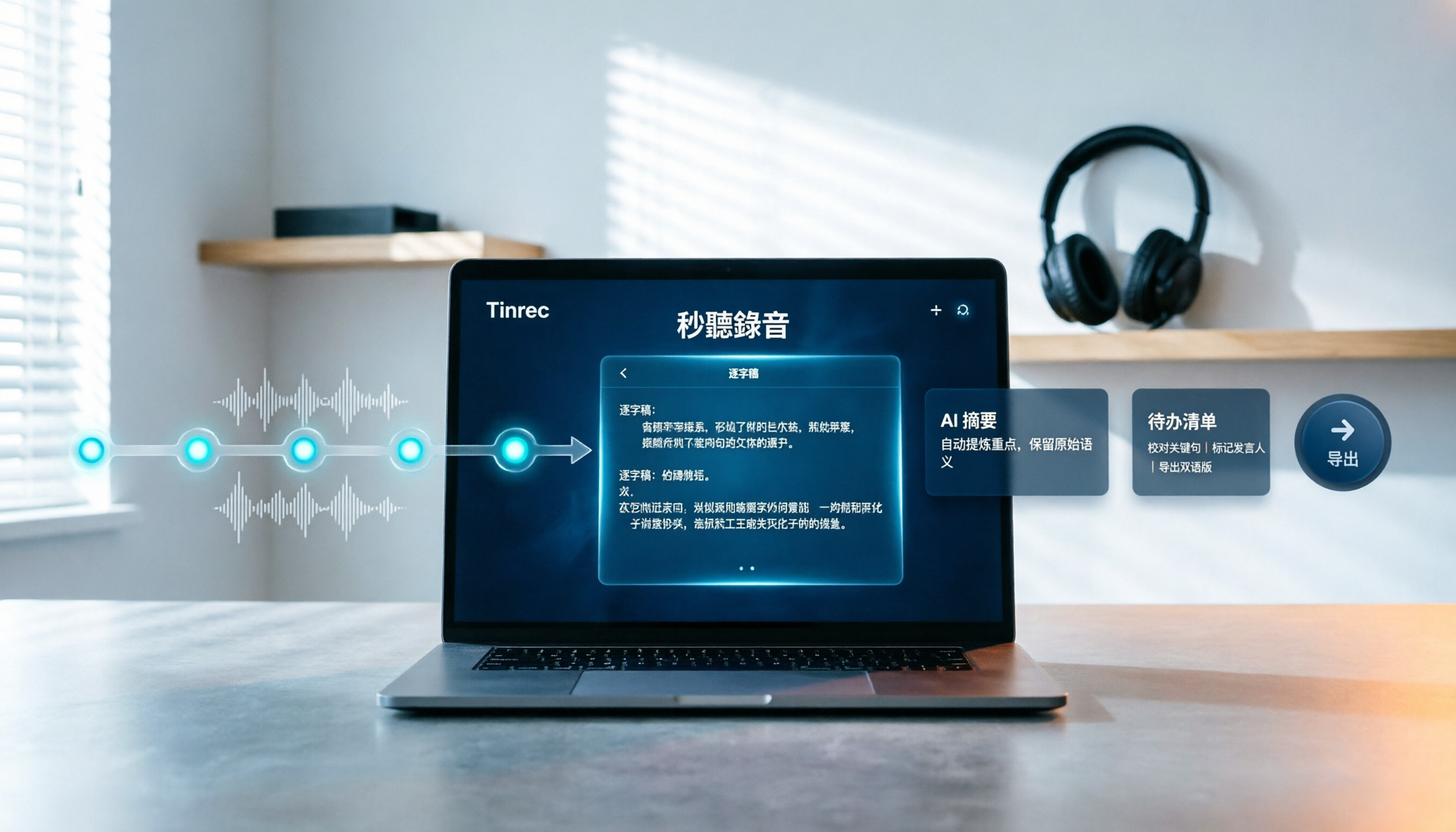
How to Choose Free Video Summarization Software in 2026: A 5-Step Hands-On Guide
How do you pick free video summarization software without getting burned? This guide walks you through 5 practical steps to test source formats, free quotas, Chinese language support, post-meeting workflows, and team needs. Using Tinrec as an example, it demonstrates the full process from video import and transcription to AI summaries, action items, and export, with FAQs and honest drawbacks.
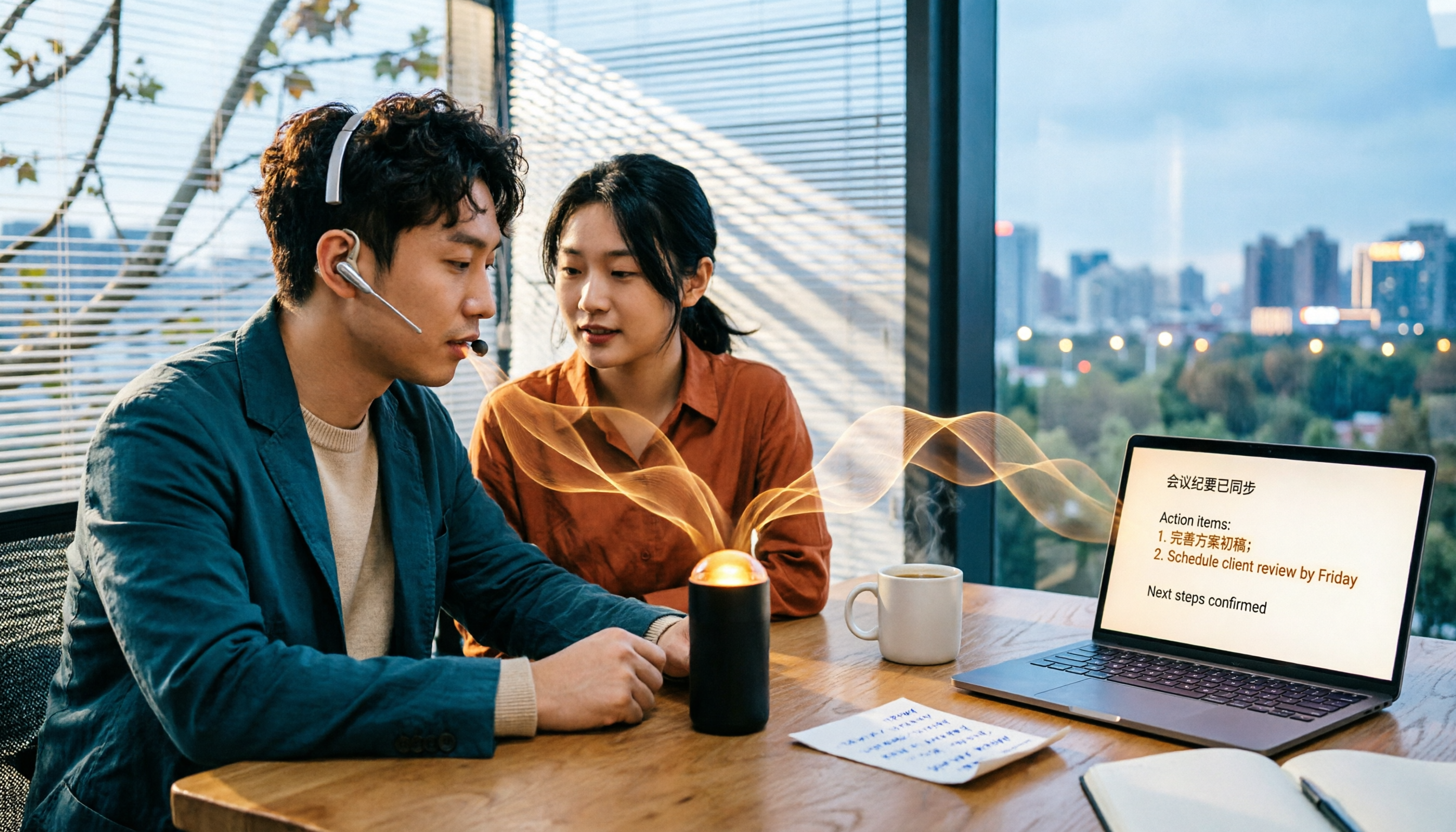
5 Best Audio to Text Tools in 2026: Which Free Version Is Enough?
Recorded a bunch of audio but no one wants to organize it? This article tests five audio-to-text tools: Tinrec, Otter.ai, Notta, TurboScribe, and PLAUD Note. It covers five key buying factors: accuracy, mixed Chinese-English recognition, online meeting recording, post-meeting organization, and free quotas, plus a guide to avoid pitfalls and scenario-based recommendations.

Best Training Video Summarization Tools in 2026: We Tested 2, No Hardware Needed, Chinese Support Makes the Difference
Summarizing training videos doesn't have to mean typing transcripts by hand. This article compares Tinrec and PLAUD Note across video file import, Chinese and technical term handling, summary and action item generation, team collaboration, and cost, helping you decide which tool is better for turning training videos into searchable, shareable team resources.