

Turn recordings into transcripts and summaries in minutes
Upload audio or video for multilingual transcription, AI notes, and action items
Best Training Video Summarization Tools in 2026: We Tested 2, No Hardware Needed, Chinese Support Makes the Difference
"Watch this training video and put together a summary for the whole company by tomorrow morning." — When you get this kind of request, the pain point isn't watching the video. It's everything that comes after: producing a transcript, summary, chapters, and action items. A 40-minute internal training video can eat up an entire afternoon if you type and organize it manually.
This article compares two tools commonly used for training videos and meeting recordings: Tinrec and the PLAUD Note series.
Tinrec vs PLAUD | Quick Overview
- Tinrec: An AI meeting notes and team collaboration tool that can import audio and video files and generate transcripts, summaries, chapters, and action items. It supports AI Q&A, translation, and multi-format export.
- PLAUD Note series (including NotePin): AI recording hardware focused on standalone portable recording, phone call recording, and long battery life. Requires a dedicated device and app.
The two take very different approaches: Tinrec is software-based and works on web, desktop, and mobile. PLAUD is hardware-based, so you need a device first. Below is a comparison across five dimensions.
Dimension 1 | How Training Video Files Get In
Most companies' training videos are finished products — maybe recorded by an instructor in a conference room, or a screen recording of teaching materials.
PLAUD's core is hardware: you need to buy a device first (official page shows NotePin USD 159, Note Pro USD 189; check official pricing). Its use case leans toward portable recording.
Tinrec requires no extra hardware. You can directly import existing audio and video files, and process them on mobile, desktop, or web. The desktop version can capture computer system audio to handle online meetings on Zoom, Google Meet, Microsoft Teams, Webex, and others without a meeting bot joining.
→ On this dimension: If you already have training video files, Tinrec is clearly less hassle.
Dimension 2 | Handling Chinese and Technical Terms
Training content often mixes Chinese and English proper nouns, product codes, and internal abbreviations — this is where things most easily go wrong.
PLAUD's transcription happens inside its own app and offers summaries and Q&A, which is quite intuitive for users who record on the go with hardware.
Tinrec covers Chinese, Traditional Chinese, and multilingual meeting scenarios. It supports mixed Chinese-English content organization, real-time translation, and bilingual viewing. The team version also lets you maintain common terms via "team hotwords." Actual recognition quality still depends on recording quality, noise, accents, overlapping speakers, and technical terms, so we don't recommend treating accuracy as a fixed number.
→ On this dimension: For Chinese training materials, Tinrec offers more flexibility.
Dimension 3 | Post-Meeting Output: More Than Just a Transcript
The value of a training video isn't the transcript itself — it's whether you can use it directly.
Tinrec automatically generates summaries, chapters, and key points, and extracts action items from the content. You can also ask AI questions about the video content, then use Agent post-processing to generate reports, tables, and documents, and finally export to Notion, Google Docs, OneNote, Dropbox, and other tools for further editing.
PLAUD offers summaries, templates, and Q&A. Organizing a single recording is sufficient, but the output format leans toward viewing within the app.
→ On this dimension: To turn training videos into sendable, archivable summary documents, Tinrec's workflow is more complete.
Dimension 4 | Team Collaboration and Knowledge Retention
Training is a team matter, but the data often ends up stuck on one person's phone.
Stop organizing recordings by hand
Upload audio or video and automatically get a transcript, summary, and action items
Tinrec's team version is a separate team workspace with member invitations, roles (owner/admin/member), seat allocation, usage analytics, audit logs, audio recycle bin, and team hotwords. Team resources belong to the team. When a member leaves or is removed, their resources can be handed over to other active members. Note that roles and seats are two different things: an active member without a seat can view, play, and read materials but cannot upload, edit, or export.
PLAUD's team capabilities lean toward team membership and device management, suited for individual-focused portable recording scenarios.
→ On this dimension: To retain and hand over training data, Tinrec's team version wins.
Dimension 5 | Ease of Use and Cost
PLAUD is "buy the device first, then talk about plans": devices start at USD 159. The official page shows Starter at 300 minutes/month, Pro at USD 99.99/year (1,200 minutes/month), and Unlimited at USD 239.99/year.
Tinrec has no hardware barrier. The personal version starts with a free plan. For short bursts of intensive use, consider a weekly pass. For regular use, a Pro monthly plan works. For long-term data retention, an annual plan is more cost-effective. The team version offers a 7-day trial for first-time eligible users, 1 free seat, and 300 minutes of shared team import quota. Team monthly billing is USD 29.80 per paid seat per month; annual billing is USD 199 per paid seat per year (about USD 16.58/month). Paid seats include 2,000 minutes of shared team import quota per month. Real-time recording under an active plan is currently not deducted by minutes. Actual prices, currencies, and promotions are subject to the official purchase page.
→ On this dimension: If you just want to organize existing training videos, Tinrec has a lower entry cost.
What Unique Advantages Does Each Have?
Tinrec's Unique Advantages
- No extra device to carry: Works on web, desktop, and mobile. Import existing audio or video and get started.
- A workflow beyond transcription: Summaries, chapters, action items, AI Q&A, translation, Agent post-processing, and multi-format export — all in one flow.
- Team data governance: Team workspace, roles and seats, usage analytics, audit logs, and audio recycle bin — suited for enterprises that want to keep training assets for the whole team.
- Chinese and cross-language scenarios: Mixed Chinese-English content, real-time translation, and bilingual transcripts are especially useful for cross-language training teams.
PLAUD's Unique Advantages
- Hardware-based portable recording: A standalone device that doesn't tie up your phone, suited for situations where it's inconvenient to pull out a phone.
- Hardware scenarios like phone call recording: A device-centric recording method still has appeal for certain work styles.
Conclusion: Which Should You Choose?
- You want to turn already-recorded training videos into transcripts + key points + action items → Tinrec
- You want to ask follow-up questions about training content like "What was the SOP mentioned in the third section?" → Tinrec (AI Q&A)
- You want to keep training data for the whole team and manage seats, usage, and activity logs → Tinrec team version
- You prefer recording on the go with a physical device and need phone call recording → PLAUD-type hardware still has its place
In one sentence: For most "training video summarization" needs, Tinrec is the less hassle option. We suggest starting with the free version and testing it on one of your own training videos to see if the summaries and action items match your team's organizing habits.
Final reminder: Recording and transcription should comply with local regulations. Obtain participant consent when necessary. AI-generated key points should be cross-checked against the transcript and original video. Don't rely on summaries alone for important information.
References
- Free online professional training video maker | High-quality training video templates for free | FlexClip
- Teacher's savior! 8 types of recording and production methods for online digital course teaching videos, create personalized online course teaching videos - [AI Comprehensive Academy / Burning Photography Soul AI Academy] Mobile photography short video editing AI teaching course instructor corporate training online course
- Elementary school course videos - iLearning Network - National Academy for Educational Research
- How to create outstanding teaching videos? | Advance Think Tank | Corporate training and digital transformation leader
- How to effectively create training videos | 2024 update - AhaSlides
Turn every recording into actionable outcomes
Get 60 free transcription minutes when you sign in. No credit card required.
Related Reading
You might also like

4 Best AI Video Note Generators in 2026: From Transcripts to AI Q&A
How to choose an AI video note generator? This side-by-side comparison of Tinrec, Reccap, Google NotebookLM, and TurboScribe breaks down Chinese transcription, AI summaries, action item extraction, AI Q&A, online meeting recording, and team knowledge retention. Includes 4 key buying factors and pitfalls to help you decide based on budget and use case.

2026 Free Transcription Plans Compared: Yating, Tinrec, and 2 More
Turning interview and meeting recordings into usable data isn't about transcription speed—it's about what you can do after. This article reviews the free plans and use cases of four tools: Yating, Tinrec, Otter.ai, and Notta, and shares four key factors and three common mistakes when choosing a transcription tool.

5 Best iPhone Transcription Tools in 2026: Is Apple's Built-in Dictation Enough?
Many people assume iPhone can transcribe recordings out of the box, but device limits, Chinese language support, and post-meeting organization quickly get in the way. This article tackles common misconceptions and compares five options: iPhone's built-in Voice Memos, Tinrec, Notta, Otter.ai, and PLAUD Note. It also covers selection criteria and four common pitfalls to help you find a truly time-saving transcription solution.

2026 Voice-to-Text Software Comparison: Chinese Meeting Transcripts vs. AI Q&A – Which Is More Practical?
Starting from common pitfalls in choosing tools, this hands-on comparison of Tinrec, Notta, Otter.ai, and PLAUD covers four key factors to consider before buying, three most common mistakes, and the real differences in Chinese meeting transcripts, AI Q&A, and team knowledge retention.

4 Meeting Transcription Tools Tested in 2026: Is the Free Version Enough?
How do you choose a meeting transcription tool? We tested Tinrec, Otter.ai, Notta, and Granola, comparing Chinese recognition, meeting capture methods, post-meeting organization, and team data ownership. We also break down free tier limits and common pitfalls to help you find a meeting notes solution that truly saves time.

Tinrec vs Notta 2026: 5-Dimension Comparison — Which Chinese AI Q&A Tool Wins?
How do you choose an AI-powered online Q&A tool? This article compares Tinrec, Notta, Otter.ai, and PLAUD across five dimensions: Q&A scope, Chinese and mixed Chinese-English recognition, meeting capture methods, post-meeting outputs, and team permissions. It also covers the most common pitfalls to avoid, helping you decide which tool truly fits your meeting and recording organization needs.

4 Best Audio-to-Text Tools in 2026: AI Q&A and Team Collaboration Compared
Turning recordings into text isn't just about uploading a file and waiting a few minutes. We tested four popular tools—Tinrec, Otter.ai, Notta, and TurboScribe—comparing accuracy, post-meeting organization, recording methods, and team collaboration. We also highlight the three biggest pitfalls to avoid when choosing a tool, so you can find the one that truly saves you time.
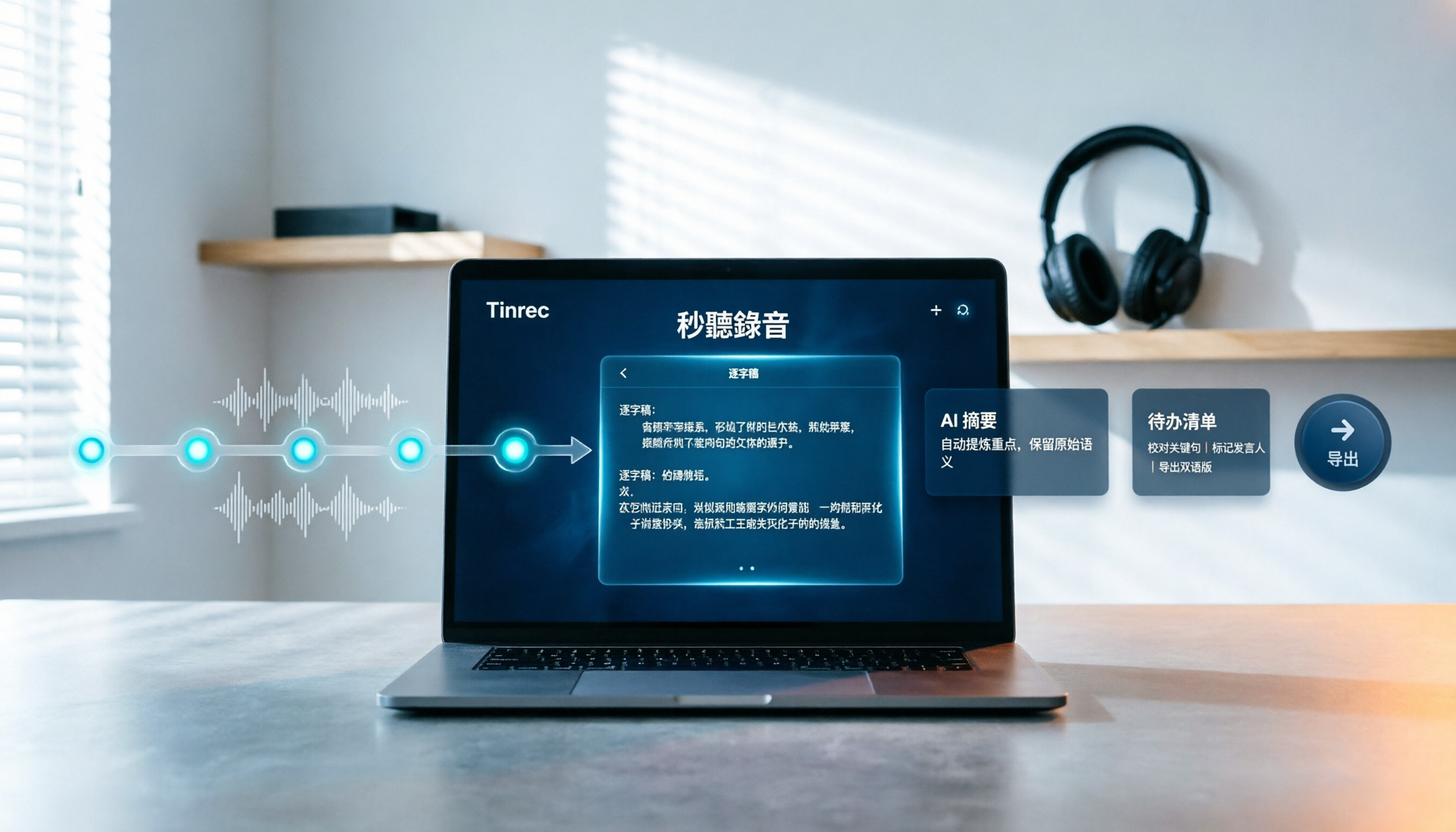
How to Choose Free Video Summarization Software in 2026: A 5-Step Hands-On Guide
How do you pick free video summarization software without getting burned? This guide walks you through 5 practical steps to test source formats, free quotas, Chinese language support, post-meeting workflows, and team needs. Using Tinrec as an example, it demonstrates the full process from video import and transcription to AI summaries, action items, and export, with FAQs and honest drawbacks.
5 Best Audio to Text Tools in 2026: Which Free Version Is Enough?
Recorded a bunch of audio but no one wants to organize it? This article tests five audio-to-text tools: Tinrec, Otter.ai, Notta, TurboScribe, and PLAUD Note. It covers five key buying factors: accuracy, mixed Chinese-English recognition, online meeting recording, post-meeting organization, and free quotas, plus a guide to avoid pitfalls and scenario-based recommendations.