

Turn recordings into transcripts and summaries in minutes
Upload audio or video for multilingual transcription, AI notes, and action items
5 Meeting Minutes Formats Compared in 2026: Which One Helps You Capture Every Key Point?
Many people, when first asked to take meeting minutes, instinctively think, "The more detailed, the more professional." So they scribble furiously during the meeting and later type up a 3,000-word verbatim transcript—only for their manager to reply, "Where's the key point?" This is the most common mistake with meeting minutes: equating "recording" with "transcribing." A better approach is to first decide on the format skeleton—does this meeting need formal resolution minutes, a one-page summary, or an action-item list? Get the skeleton right, and you won't miss key points; get it wrong, and no one will read it no matter how long it is. Below, we break down five common formats and explain how AI meeting minutes tools like Tinrec can help you cut down on organizing time.
What Can a Meeting Minutes Format Do for You?
Scenario 1: Get a first draft 5 minutes after the meeting In the past, after a two-hour meeting, you'd spend another hour organizing the minutes. With Tinrec, for example, real-time recording during the meeting transcribes as you go. By the time the meeting ends, the summary, chapters, and action items are already generated. You just need to review and polish—not start typing from scratch.
Scenario 2: No more missed action items in project meetings The biggest fear in project meetings isn't the lack of minutes—it's that "decisions were made but no one remembers who's doing what." Tinrec extracts action items from the discussion, listing owners and tasks separately. The format itself is action-oriented.
Scenario 3: Understand cross-language meetings in real time For meetings with mixed Chinese and English or entirely in a foreign language, Tinrec supports real-time translation. You can switch between original text, translation, or bilingual view during recording—no need to find a translator afterward.
Scenario 4: Turn past meetings into searchable data What exactly was decided in that meeting three months ago? Instead of digging through chat logs, just ask. Tinrec supports AI Q&A around meeting content. You can directly ask, "What was the client's opinion on the pricing at that time?" and it will find the relevant passage by semantic search.
First, Understand the 4 Common Meeting Minutes Formats
| Format | Use Case | Essential Fields | Characteristics |
|---|---|---|---|
| Formal meeting minutes | Board meetings, shareholder meetings, HOA meetings | Time, location, chair, recorder, attendees and invitees, reports, discussion items, resolutions, adjournment | Requires detailed recording of the decision-making process; may need to be sent to attendees for confirmation |
| Summary-style meeting minutes | Department weekly meetings, daily work meetings | Date/time, participants, main discussion points, action items | Provides an overview so absentees can quickly catch up |
| Action-item oriented | Project meetings, sprint retrospectives | Progress reports, blockers and support needed, main discussion summary, decisions, action items (with owners and deadlines) | Focuses on decisions and next steps, not verbatim details |
| Verbatim transcript + summary | Customer interviews, requirements interviews, research interviews | Full transcript, summary, key quotes | Most reliable when you need to trace back original statements, but manual organization is the most time-consuming |
Our hands-on takeaway: most teams actually only need "summary-style" or "action-item oriented" formats, yet they force a formal format—resulting in a bunch of fields no one fills out. We recommend choosing the skeleton based on the meeting's nature first. And for the most time-consuming format—verbatim transcripts—handing it to an AI tool is now the best value.
What Are the Core Capabilities of a Meeting Minutes Format?
Real-time transcription: text appears as you record, not after. Tinrec's real-time transcription lets you see text generated synchronously during the meeting. You can check for missed key numbers or names on the spot, rather than discovering after the meeting that something was unclear.
Bot-free online meeting recording. Tinrec's desktop version directly captures your computer's system audio. When handling online meetings on Zoom, Google Meet, Microsoft Teams, Webex, etc., you don't need to invite an extra meeting bot into the room. This is especially important for external client meetings—the other party won't see an unfamiliar account join.
AI summary and chapters. It doesn't just randomly condense the transcript into a paragraph; it structures the content, breaking long meetings into chapters and highlighting key points, so you can see at a glance which section discusses budget and which discusses timeline.
Action item extraction. It organizes action items from the discussion for follow-up tracking. The most easily overlooked part of meeting minutes—"who, does what, by when"—is first captured by the tool, and then you confirm.
AI Q&A and multi-format export. After transcription, you can directly ask questions about the meeting content. The organized results can also be exported to Notion, Google Docs, OneNote, Dropbox, etc., for further use.
Agent post-processing. Beyond transcripts and summaries, it can generate reports, tables, and documents based on meeting content—ideal for scenarios where you need to deliver weekly reports or meeting conclusions after the meeting.
Stop organizing recordings by hand
Upload audio or video and automatically get a transcript, summary, and action items
Real-time translation and team hotwords. For cross-language meetings, you can switch between original text, translation, or bilingual view. Teams can maintain commonly used terminology to improve recognition of specialized vocabulary.
Practical Application Scenarios
Department weekly meetings: Weekly meetings with a fixed format are best templated. Use Tinrec for real-time recording, then directly take the summary and to-dos afterward. The format is consistent every week, so managers can see progress at a glance.
Client meetings: No need to invite a bot. Desktop recording minimizes disruption for the client. After the meeting, organize client needs, objections, and commitments into a list, export it, and feed it directly into your CRM or document workflow.
Interviews and research: Transcripts are the foundation of interviews. Tinrec supports uploading audio and video files for transcription, so historical recordings can be organized in one go. Then use AI Q&A to find specific viewpoints.
Courses and content creation: After transcribing class or online lecture recordings, the summary can serve as notes, and the transcript can be further processed into articles or script material.
5 Things to Consider When Buying a Meeting Minutes Tool
1. Is the format flexible enough? Do you need formal resolution minutes or an action list? Tinrec provides transcripts, summaries, chapters, to-dos, and reports—one tool covers all four formats above.
2. Don't just look at the official accuracy rate. Actual performance is affected by recording quality, noise, accents, overlapping speakers, and specialized terminology. We recommend running a test with your own recording. Tinrec can improve recognition through team hotwords for common terms, but there's no need to promise a fixed number.
3. How are online meetings recorded? Does it send a bot into the meeting room, or directly capture system audio? Tinrec uses the latter—no extra participant needed, and no worry about the other party seeing an unfamiliar account.
4. Can you keep using it after the meeting? Tools that only give you a transcript leave the organizing work to you. Tinrec offers summaries, to-dos, AI Q&A, translation, and Agent post-processing after transcription, and you can export to your existing workflow when needed.
5. Should the team use it together? If meeting data is scattered across everyone's computers, records disappear when someone leaves. Tinrec's team plan provides a team space to centrally store meeting data, with management capabilities including members, roles, seats, usage analytics, audit logs, and an audio recycle bin.
Personal or Team Plan?
| Plan | Who It's For |
|---|---|
| Free | Light users who want to try recording, importing, summaries, and transcription first |
| Weekly pass | Temporary needs with intensive short-term meetings, courses, or interviews |
| Pro monthly | Those with regular weekly meetings and content organization needs |
| Pro annual | Those who need to accumulate recording data long-term |
| Team | Departments or project teams that need shared meeting data and member/seat management |
Team plan pricing is based on "paid seats": eligible teams can try it for 7 days with 1 free seat and 300 minutes of shared team import quota. Monthly billing is USD 29.80 per paid seat per month; annual billing is USD 199 per paid seat per year (equivalent to about USD 16.58 per month). Each paid seat provides 2,000 minutes of shared team import quota per month. Real-time recording within the team is currently not deducted by minutes under an active plan and active seat; file and link imports use shared team import minutes and do not consume members' personal quotas.
Also note that the team plan distinguishes between "roles" and "seats": roles determine who can manage the team, members, and audits; seats determine whether one can record, upload, edit, and export. Active members without a seat can still view, play, and read team data, but cannot perform resource-consuming operations. Actual prices and benefits are subject to the official purchase page.
Frequently Asked Questions
Q1: Do meeting minutes always need a transcript? Not necessarily. Transcripts are only necessary when you need to trace back original statements, such as interviews, requirements confirmation, or dispute clarification. For regular weekly meetings, a summary-style or action-item oriented format is enough. With Tinrec, transcripts and summaries are generated simultaneously, so you can decide which to include in the official minutes.
Q2: Is there a standard template for meeting minutes? There is no single standard, but each field has customary fields. Schools or government teaching research meetings often use a structure like "time, location, chair, recorder, attendees, reports, resolutions, adjournment." Corporate project meetings tend toward "progress, blockers, decisions, action items." The key is to settle on one and have the team use the same skeleton every time.
Q3: Do online meetings require installing a meeting bot? Tinrec's approach doesn't. The desktop version directly captures system audio to record Zoom, Google Meet, Microsoft Teams, Webex, etc. However, the user must actively start recording—it doesn't automatically join all calendar meetings.
Q4: Can AI-generated meeting minutes be sent out directly? We recommend not sending them without review. AI can greatly reduce manual organizing time, but important numbers, decisions, and names should still be verified against the transcript timestamps or recording. Treat it as an assistant that gets you 80% done, rather than a complete replacement for human effort.
Q5: Will meeting data disappear after a team member leaves? In Tinrec's team plan, meeting resources belong to the team and won't disappear when an individual account leaves. When a member exits or is removed, their team resources must be handed over to other active members. Accidentally deleted audio first goes to the recycle bin and can be restored before permanent cleanup.
Conclusion
There is no absolute best meeting minutes format—only the one that best fits the meeting: use formal format for external formal occasions, summaries and action items for internal tracking, and verbatim transcripts only when you need to trace back statements. The real difference is how much time you still have to spend filling in the content.
If you have more than three meetings a week, try Tinrec's free plan for one or two meetings to experience real-time transcription, AI summaries, and action item extraction. Once you confirm the team has a shared need, evaluate the team plan's seat and shared quota configuration to truly turn meeting data into a reusable team asset.
References
- Taipei Municipal Jingxing Junior High School Domain Teaching Research Meeting Agenda and Minutes
- [Meeting Minutes Writing 2026] Format Guide | Free Template + Download - ProjectManager
- Form Download Meeting Format - Secretariat - Tamkang University
- Meeting Minutes Format Template [Copy Directly] 4 Key Points + Writing Examples, Fill It In and Submit
- How to Take Meeting Minutes? 2026 Complete Guide for Beginners to Get Started Quickly - Meta Note
Turn every recording into actionable outcomes
Get 60 free transcription minutes when you sign in. No credit card required.
Related Reading
You might also like

Excel Meeting Minutes Template vs Tinrec: 5-Dimension Comparison — Which Saves the Most Time?
Downloaded several Excel meeting minutes templates but still find yourself trying to recall what happened after every meeting? This article compares Excel meeting minutes templates with Tinrec across 5 dimensions, covering the essential fields a meeting minutes form should have, free template resources, pitfalls to avoid, and selection advice to help you decide which approach best fits your meeting style.
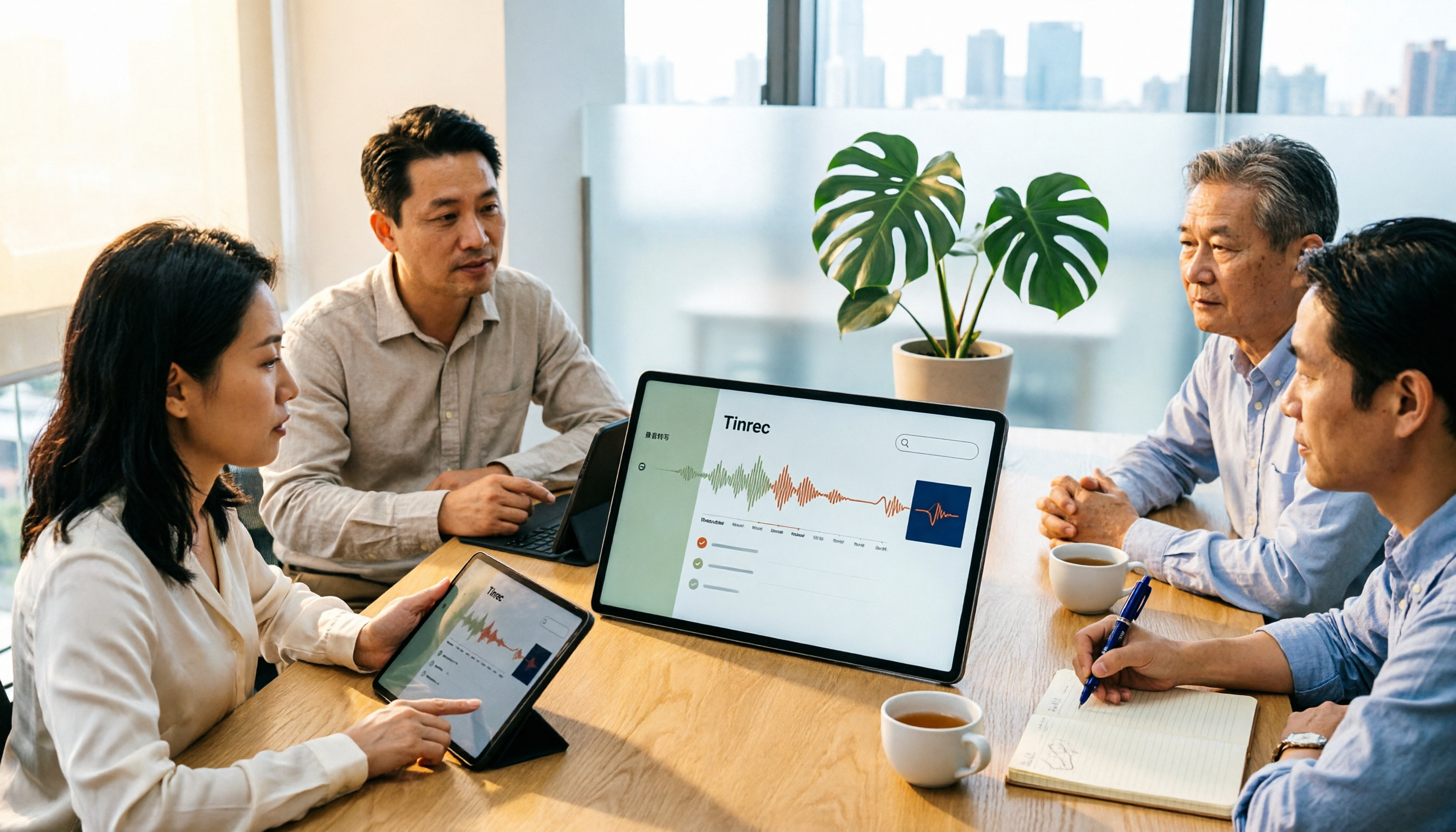
5 Meeting Notes Templates Tested for 2026: Which One Actually Saves You Time?
How do you choose a meeting notes template that won't waste your time? This article examines four key factors—when you take notes, whether you keep a recording, how you track action items, and how you search later—and compares Word templates, Notion meeting templates, Otter.ai, Granola, and Tinrec in Chinese-language meeting scenarios. It also covers common pitfalls and offers selection advice for different situations.

Fireflies.ai vs Tinrec 2026: How to Choose in 5 Steps | AI Meeting Notes
Fireflies.ai vs Tinrec in 2026: use 5 steps to decide based on meeting language, whether you need a bot, input sources, and team governance. Learn how Tinrec performs for Chinese meeting notes, bot-free recording, and searchable meeting data, plus FAQs and team pricing.

Free Meeting Minutes Format Options in 2026: A Look at 2 Tools
How should you format meeting minutes? This article compares two AI meeting minutes tools, Tinrec and Otter.ai, from the perspective of free plans, covering 5 key dimensions: Chinese recognition, bot-free recording, free quotas, post-meeting organization, and team collaboration. It also provides answers to common questions to help you find the meeting minutes format solution that suits you best.

Tinrec Review 2026: Bot-Free Meeting Recording with Auto-Generated Action Items
Tired of writing meeting notes after hours? This hands-on review shows how Tinrec records online meetings on desktop without a bot and automatically produces transcripts, summaries, and action items. We also compare it with common note-taking methods, cover real use cases, team pricing, and FAQs.

2026 Comparison of 5 Meeting Minutes Methods: How to Choose Between Word Templates and Tinrec
How to choose a Word template for meeting minutes? This article starts with common pitfalls in note-taking, outlines the essential fields for formal and business meeting minutes, and compares manually filling Word templates with Tinrec AI meeting notes tool, covering Chinese transcription, bot-free online meeting recording, AI summaries and action items, team seats and pricing, and ends with 7 FAQs.

How to Take Meeting Minutes in 2026: 5 Steps from Template to AI Organization
How do you choose and fill out a meeting minutes template? This article first lays out copy-ready meeting minutes fields, then compares Tinrec and PLAUD Note across post-meeting output, online meetings, Chinese support, historical audio files, and team governance, helping you decide whether to fill in a template by hand or let an AI tool organize it for you.
2026年5款会议记录模板实测对比:哪种写法真能省下整理时间?
把会议记录写成逐字稿、会后凭记忆补写,是大多数人最常踩的坑。本文从常见误区切入,整理挑选会议记录模板的4个关键点,实测对比Tinrec(秒听录音)、Notta、Otter.ai、Granola与免费Word/Google文档模板,并附避坑指南与场景选型建议,帮你真正省下会后整理时间。
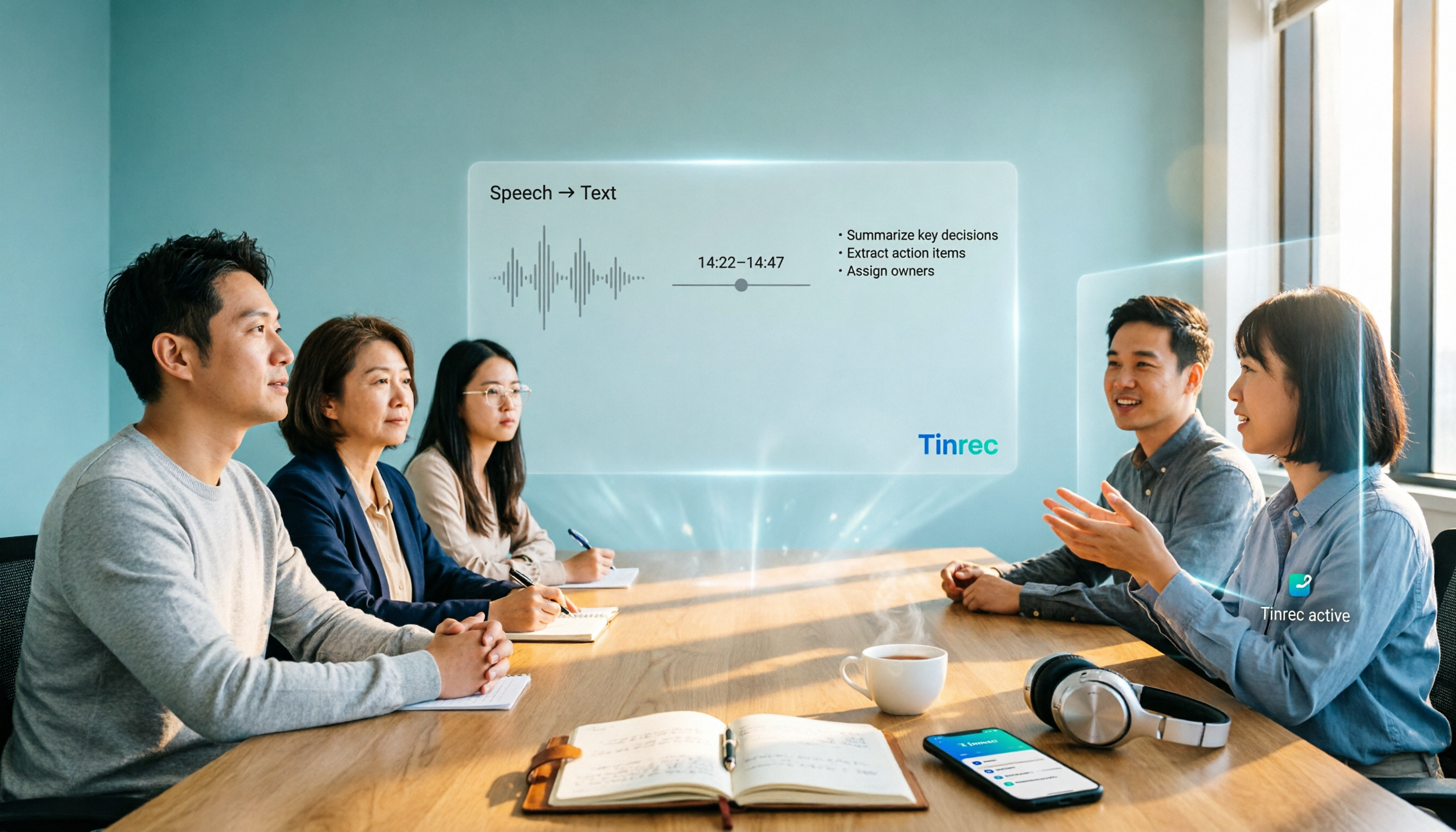
2026 AI Meeting Notes Tools Buyer's Guide: Notta Teams vs Tinrec Hands-On Comparison
Notta Teams or Tinrec—which should you choose? This article compares them across 5 dimensions: online meeting recording methods, Chinese-language meeting experience, post-meeting organization, team workspace and seat governance, and pricing and usage. It includes official plan information from both sides and recommendations for different user types, helping you avoid the common mistake of choosing based only on minutes.