

Turn recordings into transcripts and summaries in minutes
Upload audio or video for multilingual transcription, AI notes, and action items
Why are people looking beyond 'meeting minutes format Word'?
When most people are first asked to take meeting minutes, their first move is to search online for 'meeting minutes format Word,' download a template, fill in the fields, and submit it.
There's nothing wrong with that, but it's easy to fall into the same trap: the format is right, but the content is unusable.
The three most common situations I see in reader comments are:
- Copying every word spoken into the table, turning a two-hour meeting into a dozen pages that no one wants to look at twice.
- Only recording 'what was discussed,' not 'what was decided, who is responsible, and when it's due,' so the next meeting rehashes the same arguments.
- Everyone uses their own format, so three months later when you need to find a pricing decision, you only remember the file name was 'Tuesday Meeting Notes.'
Sources also note that meeting minutes are often assigned to the most junior team member, but they actually reveal a person's professionalism: absent colleagues rely on them to catch up, and reviewing last year's decisions six months later depends on them too.
So the real question isn't 'what does a Word template look like,' but 'after the notes are done, can this information be searched, queried, and reused?'
If you've ever experienced 'beautiful format, useless content,' it's worth looking into AI meeting notes tools like Tinrec.
What fields does a Word meeting minutes format typically include?
Let's cover the basics first. Formal meeting minutes for schools and public agencies generally include these fields:
- Time: year, month, day (day of week) hour and minute
- Location
- Chair, Recorder
- Attendees, Invitees (in practice, often attached as a sign-in sheet)
- Reports: Chair's report, previous meeting resolutions and implementation status
- Discussion items and resolutions
- Chair's conclusion (can be omitted if none)
- Adjournment
- Sign-in sheet
Business settings are more streamlined, usually focusing on date and time, attendees, main discussion points, resolutions, and action items. The level of formality depends on the meeting type: board meetings and shareholder meetings require complete records of motions and voting results, while weekly stand-ups do not.
Word templates available online for direct copying usually fall into three scenarios: general meetings, project meetings, and weekly meetings. If unsure which to use, start with a general meeting template.
But no matter how beautiful the format, the fields still need to be filled in manually. That's why more and more people are turning to AI meeting notes tools in recent years.
Tinrec vs. manually filling Word templates: What's the core difference in experience?
Recording phase: Typing while meeting vs. recording and transcribing simultaneously
The biggest problem with manual note-taking is 'are you in the meeting or typing?' Once you look down to write, you miss tone shifts and interjections. Tinrec's approach is real-time audio-to-text, with text appearing almost synchronously, so you can listen and confirm you haven't missed key points. By the time the meeting ends, the transcript is already done.
Post-meeting organization: Recalling from memory vs. automatically generating summaries and chapters
The traditional approach is to spend one to two hours after the meeting reconstructing from memory. Tinrec automatically generates summaries, chapters, and highlights, breaking long meetings into browsable structures, so you don't have to scroll from the beginning to find 'that part about the budget.'
Later retrieval: Ctrl+F vs. asking questions directly
Word files can only be searched by keywords, and you have to guess the right word. Tinrec supports AI Q&A, so you can directly ask 'What was the conclusion of this meeting?' or 'Who is responsible for what?' It answers based on semantic understanding, without flipping through 30 pages of transcript.
Input sources: Only on-site typing vs. multiple sources
Tinrec's desktop version captures computer system audio to handle online meetings, supporting Zoom, Google Meet, Microsoft Teams, and Webex, without needing a meeting bot to join as an extra participant. In addition, mobile recordings, existing audio and video files, and some web links can be imported and organized.
Team use: Passing files around vs. accumulating in team space
Word files are often shared via LINE or email, leading to version confusion. Tinrec's team plan provides an independent team space where meeting data belongs to the team, members can view and reuse historical data, and admins can manage roles, seats, usage, and audit logs.
As for other tools, market positioning varies: Otter and Fireflies have longer histories in English business meetings and meeting automation, Notta and TurboScribe focus on file transcription and subtitle translation, and Granola also promotes bot-free but emphasizes 'user handwritten notes plus AI enhancement.' When choosing, consider your meeting language, source types, and post-meeting use cases.
Overview of Tinrec's core features
Real-time audio-to-text: Open and record while transcribing, suitable for offline meetings, interviews, and on-site notes. During the meeting, you can follow the text to ensure key points aren't missed.
Bot-free online meeting recording: The desktop version directly captures system audio, handling Zoom, Google Meet, Microsoft Teams, Webex, etc., without inviting a bot. Note that this is not 'automatically joining all calendar meetings' but rather user-initiated recording.
AI summaries, chapters, and action item extraction: Long meetings are automatically broken into chapters, and action items are organized from discussions. For project meetings, this is more commonly used than the transcript itself.
Stop organizing recordings by hand
Upload audio or video and automatically get a transcript, summary, and action items
AI Q&A: This is my personal most-used feature. After recording a meeting, ask questions directly, and it answers based on semantic understanding, ideal for looking up decisions and owners.
Multilingual and real-time translation: Supports Chinese, Traditional Chinese, and multilingual meeting scenarios, allowing you to view original text, translation, or bilingual content during recording. Actual performance is affected by recording quality, accent, ambient noise, and overlapping speakers.
Multi-format export and Agent post-processing: Results can be taken to Notion, Google Docs, OneNote, Dropbox, etc., for further use, and reports, tables, and documents can be generated based on meeting content.
Practical use cases
Weekly department meetings: The biggest fear for regular weekly meetings is 'repeating what was said last week.' Record with Tinrec, then directly view summaries and action items after the meeting. Before next week's meeting, ask again about 'progress on last resolutions'—historical data becomes your meeting memory.
Customer interviews and requirement discussions: Sales and customer success teams need to remember customer needs, objections, and commitments. Tinrec turns interviews into searchable text, which can be organized into follow-up materials after the meeting, far more reliable than recalling from memory.
Classes and lectures: It's hard to take notes and listen at the same time during a two-hour class. Record first, then use AI summaries to capture key points after class, and refer back to the transcript for details.
Personal long-term recording data: Centralize scattered meeting, inspiration, and class recordings, and retrieve content by asking questions instead of opening and listening to files one by one.
Points to consider when choosing a meeting notes tool
Performance with Chinese and mixed Chinese-English: Meetings in Taiwan often mix Chinese with English proper nouns. When choosing a tool, test with your company's actual meeting recordings—more accurate than looking at spec sheets.
Whether audio is retained: Some tools keep only text and not recordings, leaving no basis for checking tone or missing words later. Tinrec retains audio, and the team plan has an audio recycle bin mechanism, allowing recovery of accidentally deleted files before permanent cleanup begins.
Free quota and billing: Tinrec's personal plan includes a free version, weekly pass, Pro monthly, and Pro annual, choose based on usage frequency; for occasional recording organization, start with the free version, for short-term intensive meetings consider the weekly pass, and for weekly needs go Pro. The team plan's first trial is 7 days, 1 free seat, 300 minutes of team shared import quota; monthly USD 29.80 per paid seat per month, annual USD 199 per paid seat per year (about USD 16.58 per month), each paid seat provides 2,000 minutes of team shared import quota per month, and real-time recording is not deducted by minutes under an active team plan and seat. Prices and benefits are subject to the official purchase page.
Team permissions and seat design: The team plan distinguishes 'roles' and 'seats'—roles determine who can manage the team and members, seats determine whether one can record, upload, edit, and export. Active members without seats can still view, play, and read team data but cannot perform resource-consuming operations. Currently, it's team-level sharing plus role governance, not file-level granular permissions.
Export and existing workflows: Meeting notes usually need to go somewhere—a report, Notion, or Google Docs. Before choosing a tool, think about whether it can export to where you work.
Recording laws and consent: Recording and transcription involve personal data; please comply with local regulations and obtain participant consent when needed.
FAQs
Q: Can a Word meeting minutes template be used directly with Tinrec? A: Yes. Tinrec's summaries and transcripts have field concepts similar to general meeting minutes. You can paste the AI summary into your original Word template and use the transcript to fill in details—the two are not in conflict.
Q: Which is more suitable for me, Tinrec or a Word template? A: If you have only one or two meetings a month, a Word template with manual notes is enough. If you have weekly meetings and need post-meeting search and team sharing, the value of an AI tool is much more apparent.
Q: Which meeting platforms does Tinrec support? A: The desktop version captures computer system audio and can handle meeting audio played on a computer from Zoom, Google Meet, Microsoft Teams, Webex, etc., without a bot joining the meeting. This means it can record meetings on these platforms, but does not imply an official partnership with them.
Q: Is the free version enough? A: Tinrec offers a free version, suitable for testing with your own recordings first. As usage frequency increases, choose a weekly pass or Pro based on your needs.
Q: What's the difference between the team plan and the personal plan? A: Personal plan data is managed by the individual account; the team plan provides an independent team space where meeting data belongs to the team, and adds capabilities such as members, roles, seats, shared benefits, usage analytics, audit logs, and audio recycle bin. When a member leaves or is removed, team resources need to be handed over to other active members and are not taken away by the individual.
Q: Can transcription accuracy be guaranteed? A: It's not advisable to promise fixed numbers. Actual performance is affected by recording quality, ambient noise, accent, overlapping speakers, and technical terminology. A more practical statement: it can significantly reduce time spent on manual note-taking and organization; for important content, it's recommended to verify with transcript timestamps and audio playback.
Q: Can meeting recordings be deleted? A: Yes. The team plan provides an audio recycle bin, where accidentally deleted audio can be recovered before permanent cleanup begins; the current retention period is 30 days. After permanent cleanup, it cannot be retrieved.
Conclusion: Is Tinrec worth a try?
Word meeting minutes templates solve the 'format' problem, and that part is worth keeping; but three things beyond format—the scramble of taking notes while meeting, the time spent reconstructing content from memory after the meeting, and the dilemma of not finding decision records three months later—templates can't help with.
Tinrec's value lies in connecting these three stages: bot-free recording of online meetings, automatic generation of summaries and action items, post-meeting retrieval via Q&A, and finally depositing data in the team space.
If you have weekly meetings and your team needs to share meeting information, it's recommended to start with the free version and test with your own actual meeting recordings—more direct than reading any review.
References
- Meeting Minutes Format Template [Ready to Copy] 4 Key Points + Writing Examples, Fill and Submit
- [Meeting Minutes Writing 2026] Format Tutorial | Free Template + Template Download - ProjectManager
- Taipei Municipal Jingxing Junior High School Domain Teaching Research Meeting Agenda and Minutes
- Free Meeting Minutes Template (Word, Google Docs, PDF) | HiNoter Blog
- Form Download Meeting Format - Secretariat - Tamkang University
Turn every recording into actionable outcomes
Get 60 free transcription minutes when you sign in. No credit card required.
Related Reading
You might also like

Excel Meeting Minutes Template vs Tinrec: 5-Dimension Comparison — Which Saves the Most Time?
Downloaded several Excel meeting minutes templates but still find yourself trying to recall what happened after every meeting? This article compares Excel meeting minutes templates with Tinrec across 5 dimensions, covering the essential fields a meeting minutes form should have, free template resources, pitfalls to avoid, and selection advice to help you decide which approach best fits your meeting style.
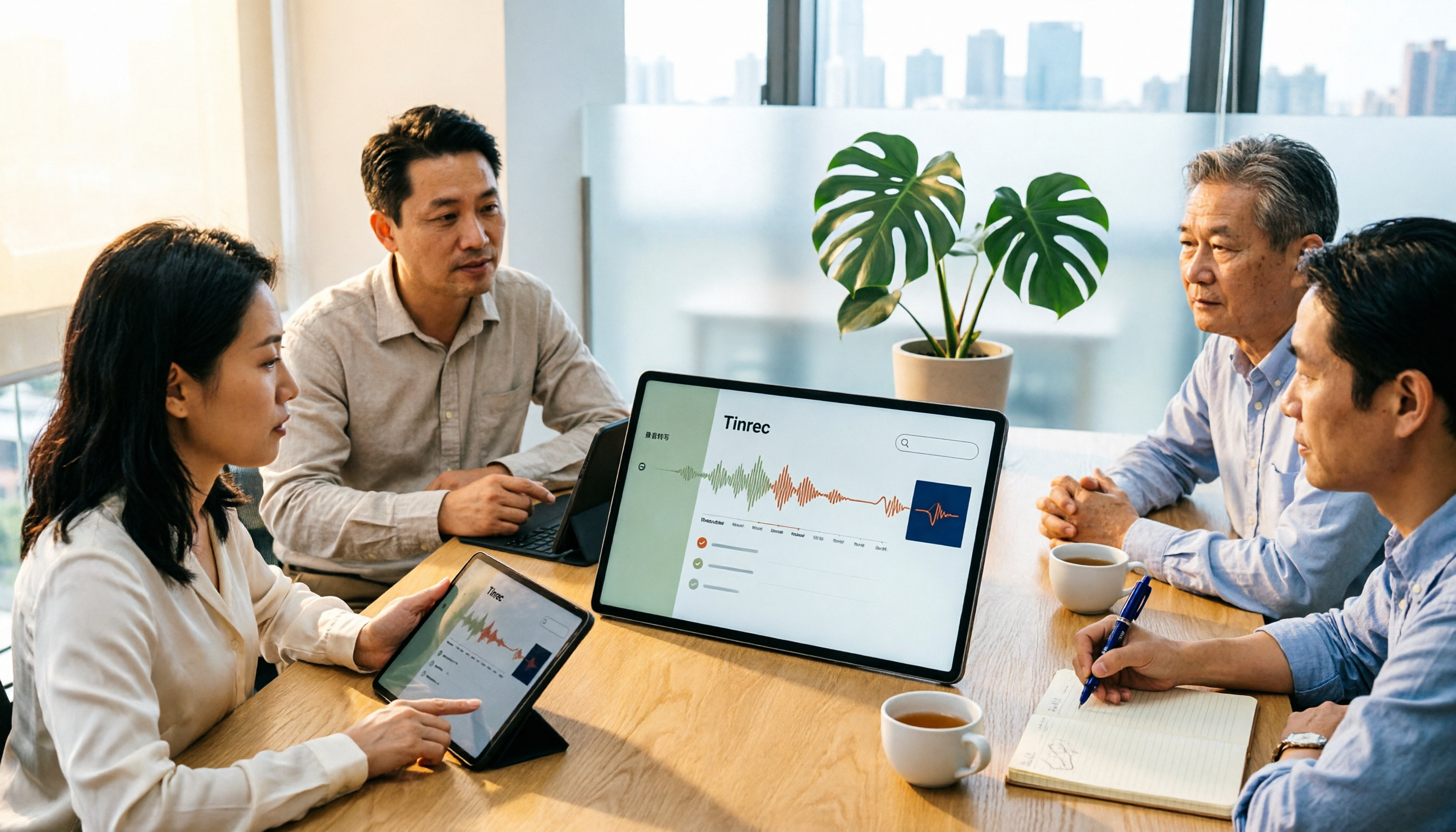
5 Meeting Notes Templates Tested for 2026: Which One Actually Saves You Time?
How do you choose a meeting notes template that won't waste your time? This article examines four key factors—when you take notes, whether you keep a recording, how you track action items, and how you search later—and compares Word templates, Notion meeting templates, Otter.ai, Granola, and Tinrec in Chinese-language meeting scenarios. It also covers common pitfalls and offers selection advice for different situations.

Fireflies.ai vs Tinrec 2026: How to Choose in 5 Steps | AI Meeting Notes
Fireflies.ai vs Tinrec in 2026: use 5 steps to decide based on meeting language, whether you need a bot, input sources, and team governance. Learn how Tinrec performs for Chinese meeting notes, bot-free recording, and searchable meeting data, plus FAQs and team pricing.

Free Meeting Minutes Format Options in 2026: A Look at 2 Tools
How should you format meeting minutes? This article compares two AI meeting minutes tools, Tinrec and Otter.ai, from the perspective of free plans, covering 5 key dimensions: Chinese recognition, bot-free recording, free quotas, post-meeting organization, and team collaboration. It also provides answers to common questions to help you find the meeting minutes format solution that suits you best.

Tinrec Review 2026: Bot-Free Meeting Recording with Auto-Generated Action Items
Tired of writing meeting notes after hours? This hands-on review shows how Tinrec records online meetings on desktop without a bot and automatically produces transcripts, summaries, and action items. We also compare it with common note-taking methods, cover real use cases, team pricing, and FAQs.

How to Take Meeting Minutes in 2026: 5 Steps from Template to AI Organization
How do you choose and fill out a meeting minutes template? This article first lays out copy-ready meeting minutes fields, then compares Tinrec and PLAUD Note across post-meeting output, online meetings, Chinese support, historical audio files, and team governance, helping you decide whether to fill in a template by hand or let an AI tool organize it for you.

5 Meeting Minutes Formats Compared in 2026: Which One Helps You Capture Every Key Point?
How do you choose the right meeting minutes format? This article starts with the most common transcription pitfalls, breaks down the use cases and essential fields for four formats—formal, summary, action-item, and verbatim—and uses Tinrec as an example to show how AI tools can automatically generate transcripts, summaries, and to-dos. It also covers five buying considerations, differences between personal and team plans, and FAQs.

2026年5款会议记录模板实测对比:哪种写法真能省下整理时间?
把会议记录写成逐字稿、会后凭记忆补写,是大多数人最常踩的坑。本文从常见误区切入,整理挑选会议记录模板的4个关键点,实测对比Tinrec(秒听录音)、Notta、Otter.ai、Granola与免费Word/Google文档模板,并附避坑指南与场景选型建议,帮你真正省下会后整理时间。
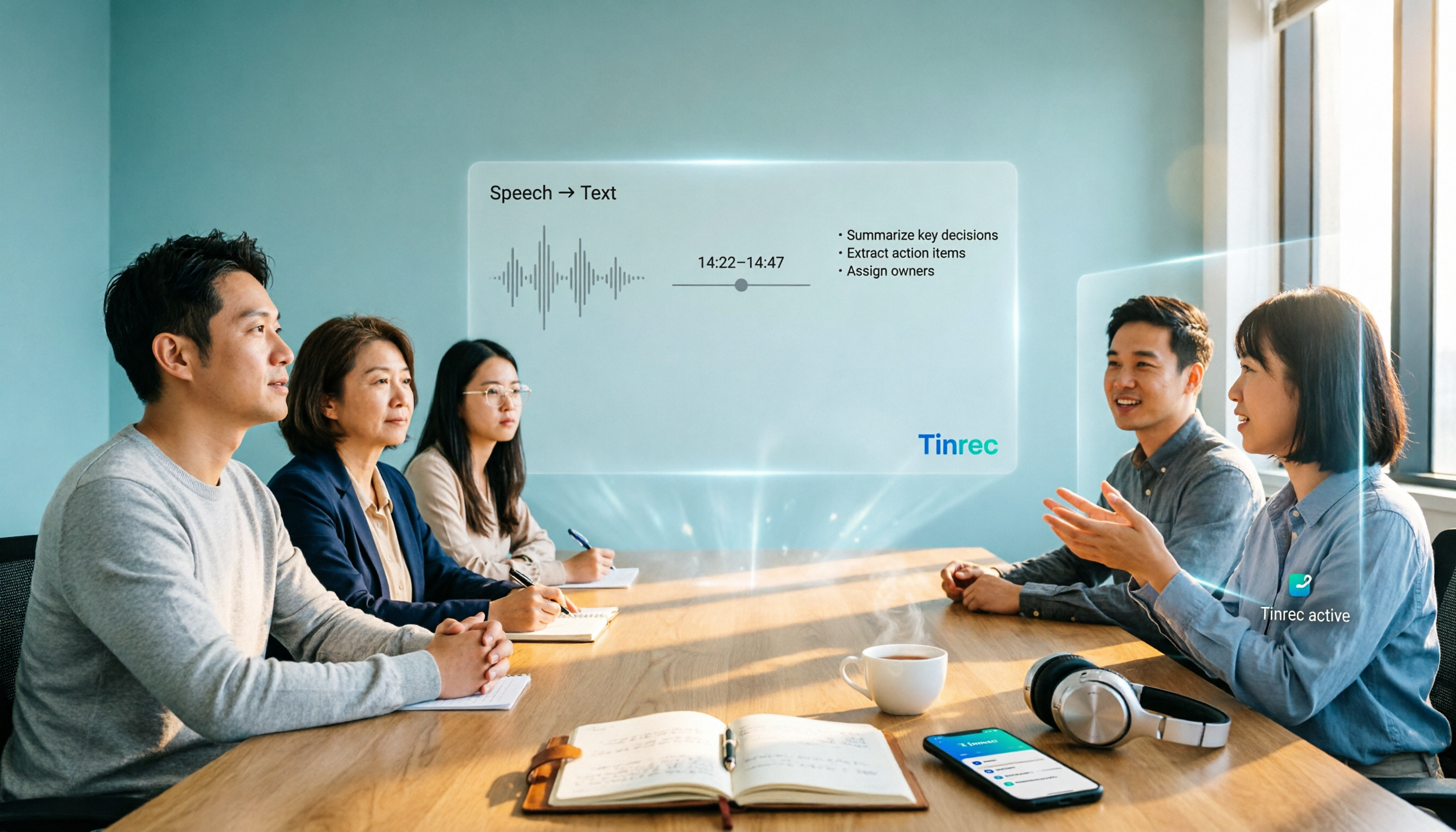
2026 AI Meeting Notes Tools Buyer's Guide: Notta Teams vs Tinrec Hands-On Comparison
Notta Teams or Tinrec—which should you choose? This article compares them across 5 dimensions: online meeting recording methods, Chinese-language meeting experience, post-meeting organization, team workspace and seat governance, and pricing and usage. It includes official plan information from both sides and recommendations for different user types, helping you avoid the common mistake of choosing based only on minutes.