

Turn recordings into transcripts and summaries in minutes
Upload audio or video for multilingual transcription, AI notes, and action items
The Most Time-Consuming Part Isn't the Meeting — It's Trying to Remember What Happened
"It's 4 PM on a Friday, and a two-hour quarterly review meeting just ended. Your notebook is filled with abbreviations and arrows. You remember there were three things to follow up on — who's responsible and when it's due — but you didn't have time to write them down in the moment."
So you open Excel and start piecing things together cell by cell. This is probably a typical Friday for many office workers.
The hardest part of meeting minutes has never been typing speed — it's the post-meeting recall. Discussions are jumpy and linear, but meeting minutes are tabular and structured. You have to rearrange scattered conversations before you can fill in the fields.
Online meetings are even trickier. Once the screen closes, the audio is gone, leaving only a vague impression in your mind. If three people each took separate notes during the same meeting, reconciling them afterward is another disaster.
This article isn't saying Excel is bad. It's here to help you figure out: when an Excel template is enough, and when it's time to try a different approach.
What Fields Should an Excel Meeting Minutes Template Have? Understand These 5 Key Points First
There are plenty of free Excel meeting minutes templates online. The A4 meeting minutes form provided by CTBC Business School's Talent Development Center lists all the necessary items, and you can print it directly on A4 after filling it out. Pikbest also offers multiple Excel meeting minutes templates. ProjectManager has compiled various types of meeting minutes templates.
With so many templates, instead of comparing which one has more bells and whistles, focus on these five things.
1. Is the header section complete? Meeting name, date, start and end times, location or video link, chairperson, note-taker. It seems basic, but a document with an incomplete header will be completely unrecognizable three months later.
2. Are discussions and decisions separated? This is the most common formatting mistake. When decisions are buried in discussion paragraphs, you're hiding the final answer in the middle of text, making it painful to look up "what was actually decided" later. Decisions should be in their own section, ideally with supporting context and confirmation dates.
3. Do action items have owners, due dates, and status? An action item without an owner is just a suggestion. An action item without a due date is just a wish. Add a status column ("Not Started / In Progress / Completed") so the form can serve as a tracking tool after the meeting ends.
4. Can you search and filter? This is where Excel shines: freeze the header row to keep column names visible while scrolling, use conditional formatting to highlight overdue items in red, filter tasks by owner, sort past meetings by date. These are painful to do in Word.
5. Is the meeting audio itself preserved? This is an inherent limitation of Excel templates. The table records "what you remember," not "what was actually said." If someone later questions who said a certain thing, you can only rely on memory and scattered notes.
For the first four points, Excel does a good job. The fifth point is why some people eventually turn to AI meeting tools.
Tinrec — Our Top Pick After Hands-On Testing
Tinrec is an AI meeting notes and collaboration tool for individuals and teams, available on iOS, Android, and web, with a desktop version for online meetings.
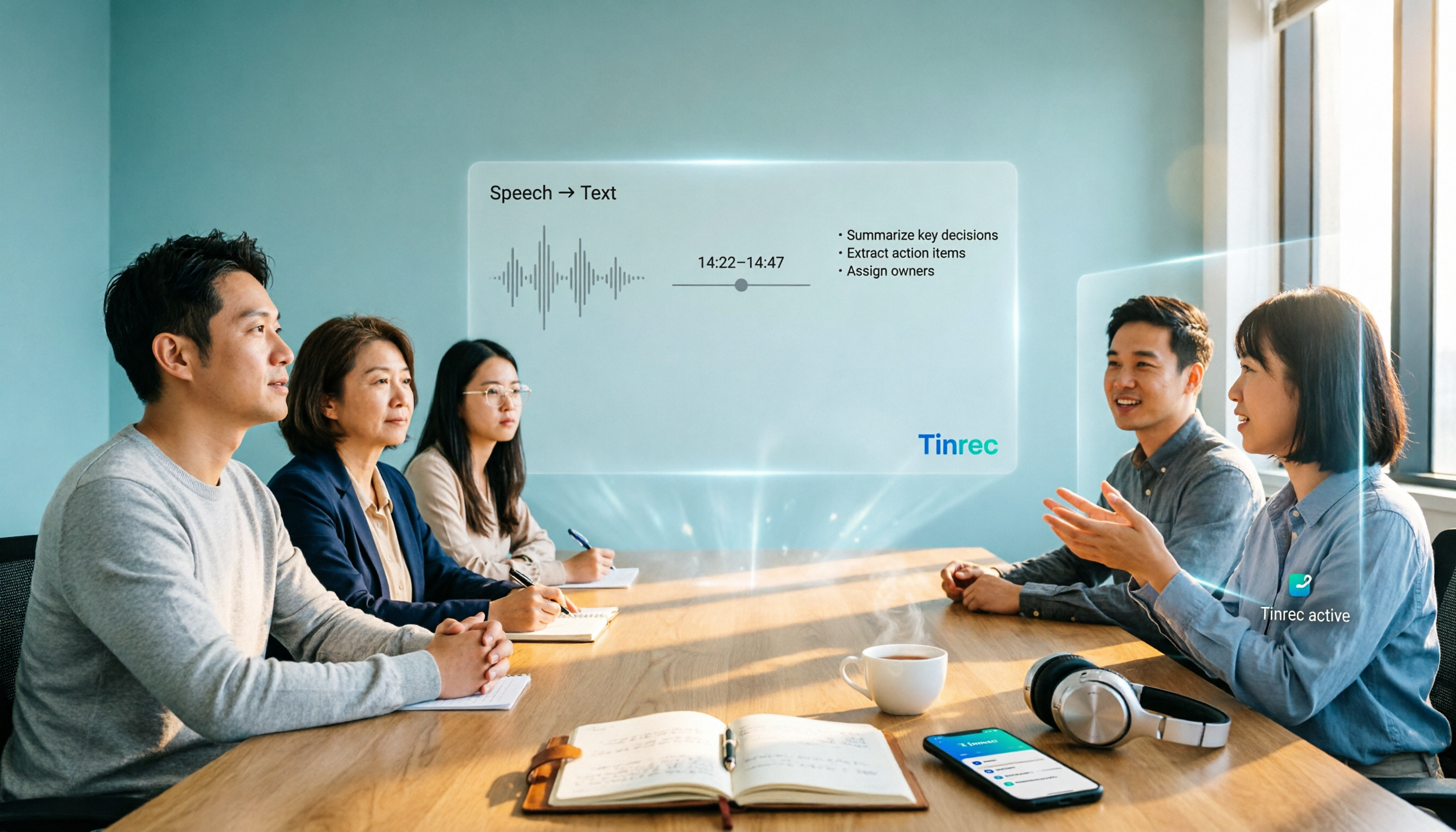
If Excel templates solve "organizing content neatly," Tinrec handles "where the content comes from." Its workflow is roughly: record or import → transcribe → automatically generate summaries, chapters, and action items → you can continue asking it questions → export, or have the Agent generate reports, tables, and documents.
Record online meetings without a bot The Tinrec desktop app directly captures your computer's system audio, handling Zoom, Google Meet, Microsoft Teams, Webex, and other online meetings without adding an extra meeting bot to the room. When the meeting ends, the transcript is already there. Note: this isn't "automatically join all calendar meetings" — you still need to open Tinrec and start recording yourself.
Use AI to find answers right after the meeting This is where it differs most from Excel templates. After recording, you can directly ask it: "Who mentioned the budget in the last meeting?" It answers based on semantic understanding, rather than throwing a list of keyword search results at you. Tools that only output transcripts require you to Ctrl+F through everything manually.
Real-time translation and bilingual view For cross-language meetings, you can switch between original text, translation, or bilingual content during recording, with no need to find a separate translator afterward.
Stop organizing recordings by hand
Upload audio or video and automatically get a transcript, summary, and action items
Other useful features Action item extraction organizes action items from the meeting; supports mixed Chinese-English and multilingual content; exports to Notion, Google Docs, OneNote, Dropbox, and other tools for further processing.
Things to keep in mind The free version provides a basic quota to experience recording, importing, summaries, and transcription. Heavy users need to pay (weekly pass, Pro monthly, Pro annual — actual prices subject to the official website). Also, transcription quality is affected by recording quality, background noise, accents, multiple people speaking simultaneously, and technical terminology. For important content, it's recommended to cross-check with transcript timestamps and audio playback. Don't treat it as a 100% accuracy guarantee.
For team use The Tinrec team version is a separate team collaboration space, not "multiple people sharing one personal account." Meeting data belongs to the team. When members leave or are removed, they need to hand over their resources to other members. Admins can manage roles and seats, view usage trends and audit logs. The team also has an audio recycle bin and team hotwords. The first eligible team trial is 7 days, 1 free seat, 300 minutes of shared team import quota. Paid seats are USD 29.80/month or USD 199/year (about USD 16.58/month), with each paid seat providing 2,000 minutes of shared team import quota per month. Real-time recording currently doesn't deduct minutes under valid plans and seats, while file and web imports consume shared team quota.
Who it's for People who frequently have online meetings, have mixed Chinese-English or cross-language content, want to use AI to find key points right after meetings, and don't want to manually fill out forms anymore.
Besides Tinrec, What Other Options Are There?
Excel meeting minutes template (free) Free, fully controllable format. Suitable for occasional minutes submissions or when company policy requires Excel format. CTBC Business School's A4 meeting minutes form lists all necessary fields and can be printed directly after filling out. However, the platform's license terms prohibit commercial redistribution and resale — check before internal company use. Its biggest limitation: it won't generate transcripts and can't use AI to query meeting content.
Notta A multilingual transcription tool with significant overlap with Tinrec, also offering team plans. Free version: 120 minutes per month, max 3 minutes per item. Pro annual: about USD 8.17/month, 1,800 minutes per month. If you mainly "upload files to convert to text," it's worth comparing. It lacks Tinrec's desktop bot-free online meeting recording and doesn't have an Agent for post-processing reports and tables.
Otter.ai A mature choice for English business meetings. Free version: 300 minutes per month. Pro annual: about USD 8.49/user/month, also offers desktop capabilities. If your meetings are almost entirely in English, it's a cost-effective option. But Chinese and mixed Chinese-English aren't its strong suit. If your meetings are mainly in Chinese, Tinrec is more aligned with your needs for Chinese transcription, real-time translation, and bilingual view.
Pitfall Guide: 4 Most Common Mistakes When Choosing Meeting Minutes Templates
Pitfall 1: Only looking at how many fields there are, not whether you'll use them Many templates have a dazzling array of fields, but you end up skipping half of them every time. Meeting minutes templates only work when everyone consistently uses them — complexity is the most common reason people give up. Fewer fields, always filled, beats more fields, always empty.
Pitfall 2: Writing decisions inside discussions Decisions and discussion notes must be separate. Combining them is the most common formatting error in meeting minutes. It buries the final answer in discussion text, making past decisions hard to retrieve.
Pitfall 3: Action items without owners and due dates A table with only an "Action Items" column has no tracking capability. At minimum, you need four columns: task, owner, due date, status. Only then does the form have ongoing value.
Pitfall 4: Thinking it's over once the minutes are written The real value of meeting minutes is post-meeting follow-up. Excel templates require manual status updates. If your meetings are frequent, just updating the table is another job. This is why some people eventually switch to tools that automatically extract action items and let you directly ask questions about meeting content.
Summary: Should You Use an Excel Template or Tinrec?
Simply put, it depends on your meeting style:
- Occasional meetings, just need to submit minutes → A free Excel meeting minutes template is enough.
- Company requires Excel format, need full control over format → Design your fields with a template first.
- Weekly online meetings with follow-up action items → AI meeting tools like Tinrec save the most time.
- Meetings often have mixed Chinese-English or cross-language content → Tinrec supports real-time translation and bilingual view.
- Want to ask "who mentioned the budget last time" right after recording → This is something Excel templates can't do.
- Team needs to share meeting data, manage members and usage → Look into Tinrec's team version.
Overall, Excel templates solve the "format" problem, while AI meeting tools solve the "content source and post-meeting tracking" problem. The two aren't in conflict — many people actually use templates to clarify fields first, then find tools that can automatically fill them in.
We recommend starting with the free version. Tinrec's personal version has a free quota to experience recording, importing, summaries, and transcription. Test it with one of your own real meetings to see if the transcript quality and summaries meet your expectations, then decide whether to upgrade. Whether a tool is good ultimately depends on what kind of meetings you have.
References
- A4 Meeting Minutes Form Excel Download – CTBC Business School Talent Development Center
- Free Excel Meeting Minutes Templates Download | Excel Meeting Minutes Templates – Pikbest
- Form Download Meeting Format - Secretariat - Tamkang University
- [Meeting Minutes Writing 2026] Format Guide | Free Templates + Template Downloads - ProjectManager
- Meeting Minutes Template XLS: Excel Format and Fields | NoteLyn AI
Turn every recording into actionable outcomes
Get 60 free transcription minutes when you sign in. No credit card required.
Related Reading
You might also like

5 Meeting Notes Templates Tested for 2026: Which One Actually Saves You Time?
How do you choose a meeting notes template that won't waste your time? This article examines four key factors—when you take notes, whether you keep a recording, how you track action items, and how you search later—and compares Word templates, Notion meeting templates, Otter.ai, Granola, and Tinrec in Chinese-language meeting scenarios. It also covers common pitfalls and offers selection advice for different situations.

Fireflies.ai vs Tinrec 2026: How to Choose in 5 Steps | AI Meeting Notes
Fireflies.ai vs Tinrec in 2026: use 5 steps to decide based on meeting language, whether you need a bot, input sources, and team governance. Learn how Tinrec performs for Chinese meeting notes, bot-free recording, and searchable meeting data, plus FAQs and team pricing.

Free Meeting Minutes Format Options in 2026: A Look at 2 Tools
How should you format meeting minutes? This article compares two AI meeting minutes tools, Tinrec and Otter.ai, from the perspective of free plans, covering 5 key dimensions: Chinese recognition, bot-free recording, free quotas, post-meeting organization, and team collaboration. It also provides answers to common questions to help you find the meeting minutes format solution that suits you best.

Tinrec Review 2026: Bot-Free Meeting Recording with Auto-Generated Action Items
Tired of writing meeting notes after hours? This hands-on review shows how Tinrec records online meetings on desktop without a bot and automatically produces transcripts, summaries, and action items. We also compare it with common note-taking methods, cover real use cases, team pricing, and FAQs.

2026 Comparison of 5 Meeting Minutes Methods: How to Choose Between Word Templates and Tinrec
How to choose a Word template for meeting minutes? This article starts with common pitfalls in note-taking, outlines the essential fields for formal and business meeting minutes, and compares manually filling Word templates with Tinrec AI meeting notes tool, covering Chinese transcription, bot-free online meeting recording, AI summaries and action items, team seats and pricing, and ends with 7 FAQs.

How to Take Meeting Minutes in 2026: 5 Steps from Template to AI Organization
How do you choose and fill out a meeting minutes template? This article first lays out copy-ready meeting minutes fields, then compares Tinrec and PLAUD Note across post-meeting output, online meetings, Chinese support, historical audio files, and team governance, helping you decide whether to fill in a template by hand or let an AI tool organize it for you.

5 Meeting Minutes Formats Compared in 2026: Which One Helps You Capture Every Key Point?
How do you choose the right meeting minutes format? This article starts with the most common transcription pitfalls, breaks down the use cases and essential fields for four formats—formal, summary, action-item, and verbatim—and uses Tinrec as an example to show how AI tools can automatically generate transcripts, summaries, and to-dos. It also covers five buying considerations, differences between personal and team plans, and FAQs.

2026年5款会议记录模板实测对比:哪种写法真能省下整理时间?
把会议记录写成逐字稿、会后凭记忆补写,是大多数人最常踩的坑。本文从常见误区切入,整理挑选会议记录模板的4个关键点,实测对比Tinrec(秒听录音)、Notta、Otter.ai、Granola与免费Word/Google文档模板,并附避坑指南与场景选型建议,帮你真正省下会后整理时间。
2026 AI Meeting Notes Tools Buyer's Guide: Notta Teams vs Tinrec Hands-On Comparison
Notta Teams or Tinrec—which should you choose? This article compares them across 5 dimensions: online meeting recording methods, Chinese-language meeting experience, post-meeting organization, team workspace and seat governance, and pricing and usage. It includes official plan information from both sides and recommendations for different user types, helping you avoid the common mistake of choosing based only on minutes.