
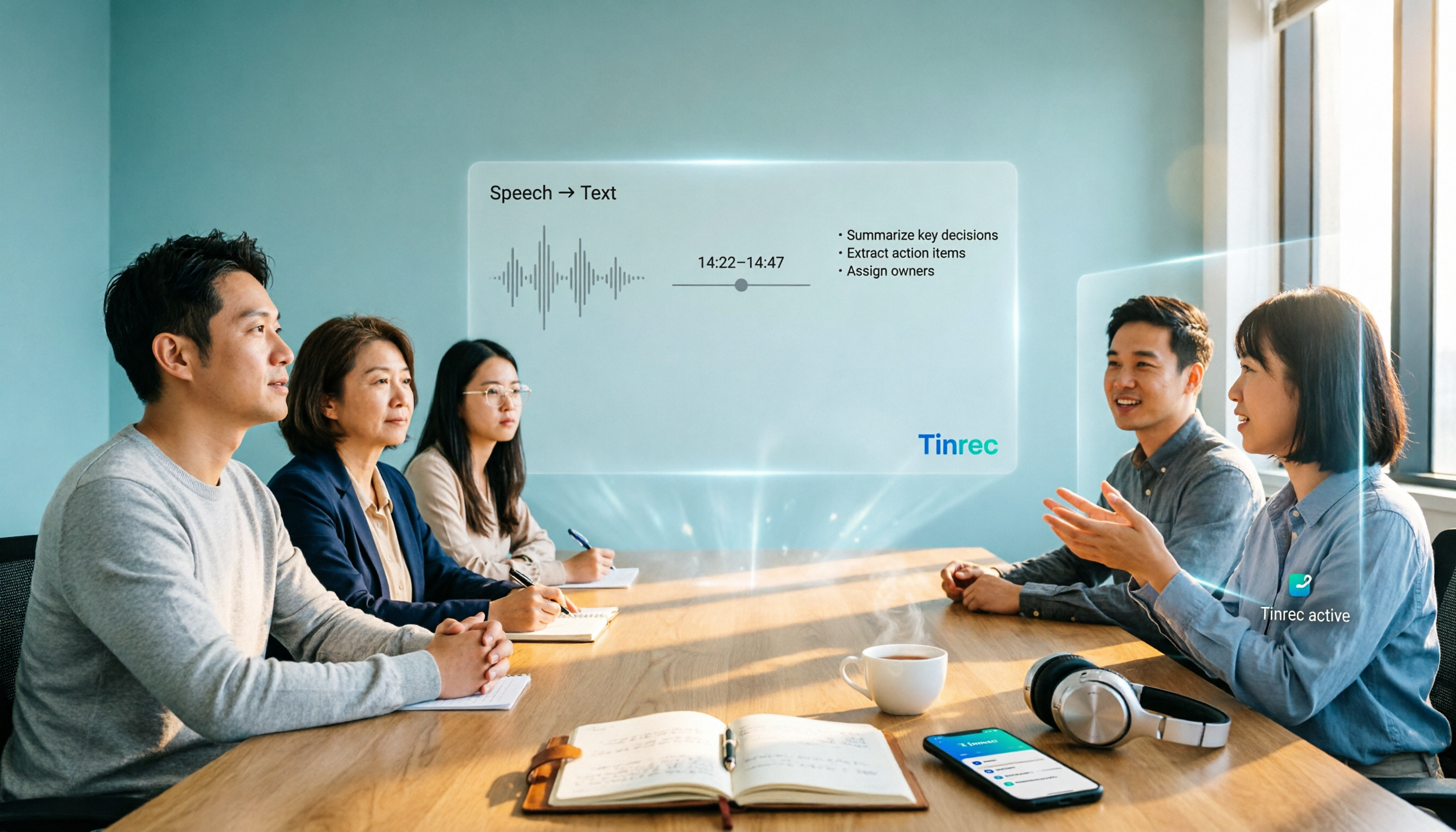
Turn recordings into transcripts and summaries in minutes
Upload audio or video for multilingual transcription, AI notes, and action items
2026 AI Meeting Notes Tools Buyer's Guide: Notta Teams vs Tinrec Hands-On Comparison
When many people choose a meeting notes tool, their first move is to open the pricing page and compare “how many minutes per person per month, and how much it costs.”
That is the first common mistake. What really eats up time is usually not a lack of minutes, but the process after the meeting ends: organizing the transcript, pulling out key points, and chasing down action items.
The second mistake is thinking “having transcription means having meeting notes.” A transcript is just raw material. Whether it can quickly become summaries, action items, and searchable team data is where the real difference lies.
Notta is the AI meeting assistant many people encounter first, while Tinrec positions itself as an AI meeting notes and team collaboration tool. This article uses 5 dimensions to compare Notta’s team plan (Business) with Tinrec.
Notta Teams vs Tinrec | Quick Overview
- Notta: An AI voice tool that started with multi-platform transcription and translation, supporting meeting notes, document import, and translation. Its team plan provides role permissions and usage reports.
- Tinrec: Positioned as an AI meeting notes and team collaboration tool. In addition to transcripts, it provides summaries, chapters, action items, AI Q&A, export, and team workspace.
Plan information (based on both parties’ official pages):
- Notta Free includes 120 minutes per month, with a maximum of 3 minutes per item; Pro annual billing is about USD 8.17/month, with 1,800 minutes per month; Business annual billing is about USD 16.67/seat/month, providing unlimited transcription, role permissions, and usage reports.
- Tinrec Team’s first eligible trial is 7 days, 1 free seat, and 300 minutes of team shared import quota; Team monthly billing is USD 29.80/paid seat/month, and annual billing is USD 199/paid seat/year (about USD 16.58/month); each paid seat provides 2,000 minutes of team shared import quota per month, and under an active team plan, live recording is currently not deducted by minutes.
The following compares them item by item across 5 dimensions: online meeting recording methods, Chinese and mixed Chinese-English experience, post-meeting organization and application, team workspace and seat governance, and pricing and usage.
Dimension 1 | Online Meeting Recording Methods
Notta supports multi-platform transcription. The actual recording method for online meetings varies depending on the plan and platform you use. In some scenarios, the tool’s bot needs to join as a participant.
Tinrec takes a different path: the desktop version directly captures the computer’s system audio to handle meetings on Zoom, Google Meet, Microsoft Teams, Webex, and others. It does not require an additional bot to join, nor do you need to change meeting settings just to record.
Note that this means users need to actively open the Tinrec desktop version to start recording. It is not a mode that “automatically joins all calendar meetings.”
→ For this dimension: If your concern is “not wanting an extra bot account in the meeting room,” Tinrec’s approach is more direct.
Dimension 2 | Chinese and Mixed Chinese-English Meeting Experience
Notta has a solid foundation in multilingual transcription and translation. Subtitles, file transcription, and translation are its strengths, and it is very mature when handling large amounts of foreign-language material.
Tinrec covers Chinese, Traditional Chinese, and multilingual meeting scenarios. It supports real-time translation during recording and lets you switch between original text, translated text, or bilingual view. Teams can also maintain their own hotwords so that internal terms such as product names and project abbreviations better match actual usage.
Honestly, for this item I do not recommend looking at any “fixed accuracy rate” claims. Actual performance is affected by recording quality, noise, accents, overlapping speakers, and specialized terminology.
→ For this dimension: For pure foreign-language or large-volume multilingual file transcription, Notta still holds up; for Chinese and mixed Chinese-English meeting organization, Tinrec’s experience is a better fit.
Dimension 3 | After Transcription: Summaries, Action Items, and AI Q&A
Notta also has meeting notes capabilities, but its product focus leans more toward transcription, subtitles, and translation itself.
Tinrec focuses on “after transcription”: automatically generating summaries, chapters, and key points, extracting action items from discussions, supporting AI Q&A around meeting content, and further producing meeting minutes, reports, and tables.
Export is also worth mentioning. Tinrec supports bringing results into tools such as Notion, Google Docs, OneNote, and Dropbox for further processing, which is more convenient for teams that already have established workflows.
→ For this dimension: For people who need to “ask about key points right after recording and directly produce post-meeting documents,” Tinrec clearly wins.
Dimension 4 | Team Workspace, Members, and Seat Governance
Notta’s Business plan provides role permissions and usage reports, and team members can share transcription resources.
Stop organizing recordings by hand
Upload audio or video and automatically get a transcript, summary, and action items
Tinrec Team is an independent team collaboration workspace, not multiple people sharing one personal account. It separates “roles” and “seats”: roles determine who can manage the team, members, audits, and team settings; seats determine whether members can record, upload, edit, import/export, and use team resources.
Members who are active but have no seat can still view, play, and read team materials, but cannot perform uploads or edits. Resources belong to the team. When a member leaves or is removed, the team resources they were responsible for need to be handed over to other active members.
Keep in mind that the team plan currently focuses on team-level sharing. It is not a file-level or member-level fine-grained permission system.
→ For this dimension: For teams with frequent member turnover that need a clear separation between “governance” and “usage eligibility,” Tinrec’s design is more complete.
Dimension 5 | Pricing and Usage Quotas
First, the free versions. Notta Free includes 120 minutes per month, and a maximum of 3 minutes per item—using it to record a formal meeting can easily hit the limit immediately. Tinrec Free provides a basic quota, suitable for first trying recording, import, summaries, and transcription.
For paid plans, the unit prices are actually very close: Notta Business annual billing is about USD 16.67/seat/month, while Tinrec Team annual billing is about USD 16.58/month.
The difference is in the quota rules. Notta Business emphasizes unlimited transcription; Tinrec provides 2,000 minutes of team shared import quota per seat per month, while under an active team plan, live recording is currently not deducted by minutes.
If you mainly upload large amounts of historical audio files for batch transcription, Notta’s “unlimited transcription” looks more convenient; if your daily use is real-time recording of online meetings plus post-meeting organization, Tinrec’s quota structure is friendlier for meeting scenarios.
→ For this dimension: The prices are almost tied. The difference is in usage pattern. It is recommended to calculate once using your own meeting volume before deciding.
What Unique Advantages Does Each Have?
On Tinrec’s side:
- Bot-free recording: The desktop version captures system audio, so no extra account appears in the meeting room.
- Complete post-meeting workflow: Summaries, chapters, action items, and AI Q&A are connected all the way through to reports and tables.
- Clear ownership of team assets: Seats, usage, audit logs, and audio recycle bin mean data does not leave with departing members.
- Chinese and bilingual experience: Real-time translation, original/translated/bilingual switching, plus team hotwords.
On Notta’s side:
- Multilingual transcription, subtitles, and file translation are quite mature, making it very useful when there is a large amount of foreign-language material.
- It supports a wide range of platforms and usage scenarios, easily meeting cross-device transcription needs.
Conclusion: Which Should You Choose?
- You do not want a meeting bot to join the meeting → Tinrec (desktop version directly captures system audio)
- Your meetings are mainly in Chinese or mixed Chinese-English, and you still need to use AI to follow up on key points afterward → Tinrec (has AI Q&A and action item extraction)
- Your team needs to accumulate meeting data, and members come and go but handovers must still work → Tinrec (team workspace + separation of roles/seats)
- You mainly transcribe large amounts of foreign-language audio, create subtitles, and translate → Notta’s multilingual foundation is more suitable
- You only need to occasionally convert recordings to text and do not need post-meeting processing → Notta Free is worth trying first
In one sentence: If what you care about is “that period of organization time after the meeting ends,” Tinrec is the more complete choice; if your core need is multilingual transcription and translation of large numbers of files, Notta remains capable. It is recommended to first test with your own meeting recordings before deciding whether to move your team over.
FAQ
Q1: Can Notta Free be used directly to record meetings?
Notta Free includes 120 minutes per month, and a maximum of 3 minutes per item. Ordinary meetings often last more than 30 minutes, so it can easily be interrupted right at the start. It is better suited for short sentences or fragmented notes.
Q2: Does Tinrec require a meeting bot to join?
No. The Tinrec desktop version directly captures computer system audio to handle meetings on Zoom, Google Meet, Microsoft Teams, Webex, and others. Users need to open the desktop version themselves to start recording. It is not a bot that automatically joins calendar meetings.
Q3: What is the difference between Tinrec Team and Personal?
Personal data is managed by the individual account; Team is an independent team workspace where meeting data belongs to the team, with added capabilities such as members, roles, seats, sharing benefits, usage analytics, audit logs, and audio recycle bin. For personal use, you can choose Free, Weekly Pass, Pro Monthly, or Pro Annual depending on the task.
Q4: Can team members without a seat see the data?
They can view, play, and read team data, but cannot upload, edit, import, or export. To perform these actions, they need to be assigned a seat.
Q5: How should the two prices be compared fairly?
Do not compare only unit prices. First estimate the team’s “live meeting recording hours” and “file import hours” separately, then compare them against the quota rules on both sides. For actual prices, currencies, and promotional content, please refer to both parties’ official purchase pages.
Q6: Can Chinese meeting accuracy be guaranteed?
It is not advisable to trust any fixed number. Transcription quality is affected by the recording environment, noise, accents, overlapping speakers, and specialized terminology. In practice, it is recommended to treat the transcript as an acceleration tool, and for important content, still confirm against timestamps and recording playback.
References
- Notta AI Alternatives in 2026: 5-Dimension Comparison for Chinese-Language Meeting Teams - Official Tinrec Blog
- Tinrec vs Notta 2026: 5-Dimension Comparison of AI Meeting Assistants - Official Tinrec Blog
- 2 Speech-to-Text Tools Compared in 2026: Understand What It Means Before Choosing Tinrec or Notta - Official Tinrec Blog
- 2026 AI Meeting Notes Tools Compared: Which Saves the Most Time for Teams Meetings? - Official Tinrec Blog
- 2026 Hands-On Comparison of 3 AI Meeting Recorder Tools: Is Notta Worth It Over Alternatives Like Tinrec? - Official Tinrec Blog
Turn every recording into actionable outcomes
Get 60 free transcription minutes when you sign in. No credit card required.
Related Reading
You might also like

Excel Meeting Minutes Template vs Tinrec: 5-Dimension Comparison — Which Saves the Most Time?
Downloaded several Excel meeting minutes templates but still find yourself trying to recall what happened after every meeting? This article compares Excel meeting minutes templates with Tinrec across 5 dimensions, covering the essential fields a meeting minutes form should have, free template resources, pitfalls to avoid, and selection advice to help you decide which approach best fits your meeting style.

5 Meeting Notes Templates Tested for 2026: Which One Actually Saves You Time?
How do you choose a meeting notes template that won't waste your time? This article examines four key factors—when you take notes, whether you keep a recording, how you track action items, and how you search later—and compares Word templates, Notion meeting templates, Otter.ai, Granola, and Tinrec in Chinese-language meeting scenarios. It also covers common pitfalls and offers selection advice for different situations.

Fireflies.ai vs Tinrec 2026: How to Choose in 5 Steps | AI Meeting Notes
Fireflies.ai vs Tinrec in 2026: use 5 steps to decide based on meeting language, whether you need a bot, input sources, and team governance. Learn how Tinrec performs for Chinese meeting notes, bot-free recording, and searchable meeting data, plus FAQs and team pricing.

Free Meeting Minutes Format Options in 2026: A Look at 2 Tools
How should you format meeting minutes? This article compares two AI meeting minutes tools, Tinrec and Otter.ai, from the perspective of free plans, covering 5 key dimensions: Chinese recognition, bot-free recording, free quotas, post-meeting organization, and team collaboration. It also provides answers to common questions to help you find the meeting minutes format solution that suits you best.

Tinrec Review 2026: Bot-Free Meeting Recording with Auto-Generated Action Items
Tired of writing meeting notes after hours? This hands-on review shows how Tinrec records online meetings on desktop without a bot and automatically produces transcripts, summaries, and action items. We also compare it with common note-taking methods, cover real use cases, team pricing, and FAQs.

2026 Comparison of 5 Meeting Minutes Methods: How to Choose Between Word Templates and Tinrec
How to choose a Word template for meeting minutes? This article starts with common pitfalls in note-taking, outlines the essential fields for formal and business meeting minutes, and compares manually filling Word templates with Tinrec AI meeting notes tool, covering Chinese transcription, bot-free online meeting recording, AI summaries and action items, team seats and pricing, and ends with 7 FAQs.

How to Take Meeting Minutes in 2026: 5 Steps from Template to AI Organization
How do you choose and fill out a meeting minutes template? This article first lays out copy-ready meeting minutes fields, then compares Tinrec and PLAUD Note across post-meeting output, online meetings, Chinese support, historical audio files, and team governance, helping you decide whether to fill in a template by hand or let an AI tool organize it for you.

5 Meeting Minutes Formats Compared in 2026: Which One Helps You Capture Every Key Point?
How do you choose the right meeting minutes format? This article starts with the most common transcription pitfalls, breaks down the use cases and essential fields for four formats—formal, summary, action-item, and verbatim—and uses Tinrec as an example to show how AI tools can automatically generate transcripts, summaries, and to-dos. It also covers five buying considerations, differences between personal and team plans, and FAQs.

2026年5款会议记录模板实测对比:哪种写法真能省下整理时间?
把会议记录写成逐字稿、会后凭记忆补写,是大多数人最常踩的坑。本文从常见误区切入,整理挑选会议记录模板的4个关键点,实测对比Tinrec(秒听录音)、Notta、Otter.ai、Granola与免费Word/Google文档模板,并附避坑指南与场景选型建议,帮你真正省下会后整理时间。