

Turn recordings into transcripts and summaries in minutes
Upload audio or video for multilingual transcription, AI notes, and action items
Tinrec vs Notta 2026: 5-Dimension Comparison of AI Meeting Assistants
During a cross-departmental meeting last Wednesday afternoon, my boss asked me before it ended: "That launch date we discussed last time—was it finalized?" I looked down and flipped through the meeting notes, taking nearly 3 minutes to find that one line. I don't have a bad memory, but as a manager overseeing a 10-person team and attending 15 meetings a week, relying on my brain plus handwritten notes to remember every meeting's conclusions—that's just not reasonable.
My earliest approach was using Google Meet's built-in Gemini "take notes for me," which automatically sends a summary to Gmail after the meeting. It was convenient, but it only covers Meet. Cross-platform meetings, offline interviews, and audio files colleagues send over still require figuring out on my own. Later, I seriously tried several AI meeting assistants. This article puts Notta and Tinrec side by side across 5 dimensions and honestly discusses their limitations.
Why are people looking for Notta alternatives?
Notta is many people's first AI meeting assistant: it supports multi-platform transcription, meeting notes, document import, translation, and has team plans. The free version offers 120 minutes per month, with a maximum of 3 minutes per recording; Pro annual billing is about USD 8.17/month for 1,800 minutes per month; Business annual billing is about USD 16.67/seat/month, providing unlimited transcription, role permissions, and usage reports. For someone who "occasionally needs to organize a recording," this combination is more than enough.
But when the use case becomes "meetings every day, content needs to be shared with the team, and action items need follow-up," the needs change: you want the transcript and summary ready the moment the meeting ends, you want Chinese and mixed Chinese-English content to flow smoothly, and you want recordings and transcripts to belong to the team, not an individual's account. There are other options on the market too, such as AIMochi which uses a LINE interface and supports 99 languages and speaker identification, and Meeting Ink which focuses on cross-platform real-time captions and custom summary templates. If you have similar needs, Tinrec is worth adding to your comparison list.
Tinrec vs Notta: 5-Dimension Comparison
Dimension 1: How to record online meetings—do you need an extra "participant"?
The most awkward moment in an online meeting is seeing an account called "AI Assistant" in the participant list. Clients will ask, "Who is that?" Tinrec's desktop version captures system audio directly, handling Zoom, Google Meet, Microsoft Teams, Webex, and other meetings without a meeting bot joining or changing meeting settings for recording. Notta also supports meeting notes and multi-platform use, with actual recording methods varying by plan and platform. If your meetings often have external clients present, a bot-free recording method is usually less disruptive—this is where Tinrec is more practical in this dimension.
Dimension 2: Experience with Chinese, mixed Chinese-English, and multilingual meetings
Meetings in Taiwan are rarely "pure Chinese"—"Let's confirm the timeline for this case" is the real meeting language. Tinrec covers Chinese, Traditional Chinese, and multilingual meeting scenarios, supports real-time translation during recording, and allows switching between original text, translation, or bilingual view. Teams can also maintain their own hotwords to make product names, project abbreviations, and other technical terms more aligned with internal usage. Notta has a solid multilingual foundation for transcription and translation. If your working language is primarily Chinese with frequent English terms mixed in, Tinrec is the one worth testing first.
Dimension 3: What else can you do after transcription (this part resonates most with me)
The transcript is just the starting point. The real time sink is "after the meeting, turning a 40-minute discussion into 10 lines of conclusions and action items." Tinrec automatically generates summaries, chapters, and action items, and allows AI Q&A around meeting content—directly asking "What three things were decided in this meeting?" "Who is responsible for what?"—and can use Agent post-processing to generate reports, tables, and documents, then export to Notion, Google Docs, OneNote, Dropbox, and other tools for further work. Notta also provides summary and translation features. If your pain point is post-meeting organization rather than transcription itself, then "the workflow after transcription" should be on your scorecard more than "how many minutes of transcription."
Dimension 4: Team collaboration and data governance
The ceiling of personal tools usually appears at the team stage. Tinrec's team version is an independent team space, not "multiple people sharing one account": you can create and switch between multiple teams, invite members via link, set owners/admins/regular members, assign and revoke seats, and meeting data is stored centrally. Admins can view usage trends, member rankings, and details, query and export audit logs, and accidentally deleted audio can be recovered from the recycle bin. Here you need to distinguish "roles" and "seats": roles determine who can manage the team, members, audits, and settings; seats determine whether members can record, upload, edit, import, and export. Members who are active but have no seat can still view, play, and read team data. Notta's Business plan also has role permissions and usage reports. If you want "meeting data belongs to the company and stays even when people leave," Tinrec's seat and governance design speaks more to managers.
Stop organizing recordings by hand
Upload audio or video and automatically get a transcript, summary, and action items
Dimension 5: How to choose quotas and plans
Quotas aren't about unit price—they're about your meeting patterns. Tinrec's personal plans include Free, Weekly Pass, Pro Monthly, and Pro Annual—grab a Weekly Pass for short-term intensive meetings or interviews, and use Pro for steady weekly usage. The team version offers a 7-day trial for first-time eligible users, including 1 free seat and 300 minutes of shared team import quota; afterward, monthly billing is USD 29.80/paid seat/month, annual billing is USD 199/paid seat/year (about USD 16.58/month), each paid seat provides 2,000 minutes of shared team import quota per month, and under an active team plan and active seat, real-time recording currently does not deduct minutes. Notta's free version offers 120 minutes per month, max 3 minutes per recording; Pro annual billing is about USD 8.17/month. A team annual seat is about USD 16.58 per month—roughly the price of a business lunch—in exchange for at least 3 hours of my organizing time each week.
Tinrec's Core Features at a Glance
Real-time recording to text and bot-free meeting recording: Open Tinrec to start recording, and text is generated simultaneously. During meetings, you can listen and read to confirm nothing is missed, and the transcript is ready the moment the meeting ends. The desktop version captures system audio directly, handling Zoom, Google Meet, Microsoft Teams, and Webex online meetings without inviting any extra account into the meeting room. Offline meetings and face-to-face interviews can use the same workflow.
AI summaries, chapters, and action item extraction: Long meetings are automatically broken into structured chapters, with key points and action items organized. This is my most-used part—as soon as the meeting ends, the action list is roughly formed. I just confirm owners and deadlines without listening to the recording from the start.
AI Q&A: You can ask questions about a single meeting or across meetings, such as "What were the three concerns the client raised this time?" It answers based on semantic understanding, so you don't have to manually flip through 30 pages of transcript. This feature has saved me many times when my boss asks about the last meeting's conclusions.
Real-time translation: During cross-language meetings, you can see the original text, translation, or bilingual view during recording, without waiting until after the meeting to handle translation separately. The difference is obvious when meeting with foreign colleagues or clients.
Export and Agent post-processing: Results can be exported to Notion, Google Docs, OneNote, Dropbox, and other tools, and can further generate reports, tables, and documents—directly becoming deliverable content rather than a transcript sitting in a tool.
Team space: Meeting data is stored centrally. New members can view past meetings, and admins can manage members, seats, usage, and audits, turning every communication into reusable team data.
Real-World Use Cases
Weekly standups and project progress meetings: The most troublesome part of these meetings is "where did we leave off last week." Record the whole meeting with Tinrec, and summaries and action items are generated directly. Before next week's meeting, I use AI Q&A to confirm last week's decisions and blockers—reviewing in two minutes without scanning the transcript from the top.
One-on-one meetings: When discussing work situations and goals with team members, the content is sensitive, and I don't want a third-party bot in the meeting. Tinrec's desktop version records directly on the computer, and transcripts and summaries stay in your own team space. Discussed items can become concrete action items with a clear trail.
Client interviews and requirements discussions: Clients speak quickly, and requirements are often interspersed in conversation. After recording and transcribing, I use AI Q&A to pull out "requirements, concerns, commitments" all at once, then export as a document for the team—far more accurate than writing notes from memory afterward.
Courses, lectures, and personal notes: For my own online courses and internal tech talks, I record and directly generate summaries and chapters. Later, when I need to find a section, keyword search or asking AI is faster than scrubbing through video.
What to Look for When Choosing an AI Meeting Assistant
First confirm where your meetings happen: If you have many online meetings, check whether it handles Zoom, Meet, Teams, Webex; if you have many offline and face-to-face conversations, check whether real-time recording and the mobile app are smooth. Tinrec covers both scenarios, which is why it's relatively easy to get started with.
Test Chinese and mixed Chinese-English yourself: Spec sheets aren't reliable—test with your own meeting recordings. Tinrec covers Chinese and multilingual meeting scenarios, but actual performance is affected by recording quality, ambient noise, accents, multiple people speaking simultaneously, and technical terms. It's best to try a round with your own material before deciding.
Is there anything after the transcript?: Summaries, chapters, action items, Q&A, export, and subsequent document generation—these are where time is saved. Tinrec puts more emphasis here, which is the main reason I ultimately kept it.
Data ownership and team governance: First think clearly whether meeting data is a "personal asset" or a "company asset." Tinrec's team version focuses on team-level sharing, controlling governance and usage eligibility through roles and seats. It is currently not a file-level granular permission system; if you need "different permissions for each document," confirm this first.
Quota calculation and compliance reminders: Different tools have different free quotas, per-recording limits, and import/recording calculations—calculate according to your meeting patterns. Also, recording and transcription involve local regulations; before meetings, inform participants and obtain necessary consent.
Conclusion: Is Tinrec Worth a Try?
To recap, Tinrec's most practical value for me comes down to three things: First, bot-free desktop recording makes online meeting documentation almost invisible—clients won't see an extra account. Second, it directly generates summaries, chapters, and action items after the meeting, and you can follow up on details with AI Q&A, saving the most mechanical hours of my week. Third, the team version turns meeting data into a team asset, so when members leave or lose seats, resources are handed over rather than walking out the door with them.
I should also honestly state the limitations: AI can't be 100% perfect, and for important decisions, it's still advisable to cross-check transcript timestamps and recording playback. The team version currently offers team-level sharing, not a file-level permission system.
If you handle more than 5 meetings a week, need to share content with your team, and your meetings are primarily in Chinese, Tinrec is worth adding to your test list. I suggest starting with the free version and running a round with your own real meeting recordings. For team evaluation, eligible users can try the 7-day trial with 1 free seat and 300 minutes of shared import quota—testing with your own meetings is more direct than reading any review.
References
- Put AI to work in meetings and video calls | Google Workspace
- AIMochi — AI speech-to-text and meeting notes assistant via LINE
- Meeting Ink - AI meeting summary, speech to text - Google Play App
- Meeting Ink - AI meeting notes assistant, automatic transcription and summary
- The most recommended AI meeting notes tool of 2026, a must-have for time-saving meetings!
Turn every recording into actionable outcomes
Get 60 free transcription minutes when you sign in. No credit card required.
Related Reading
You might also like
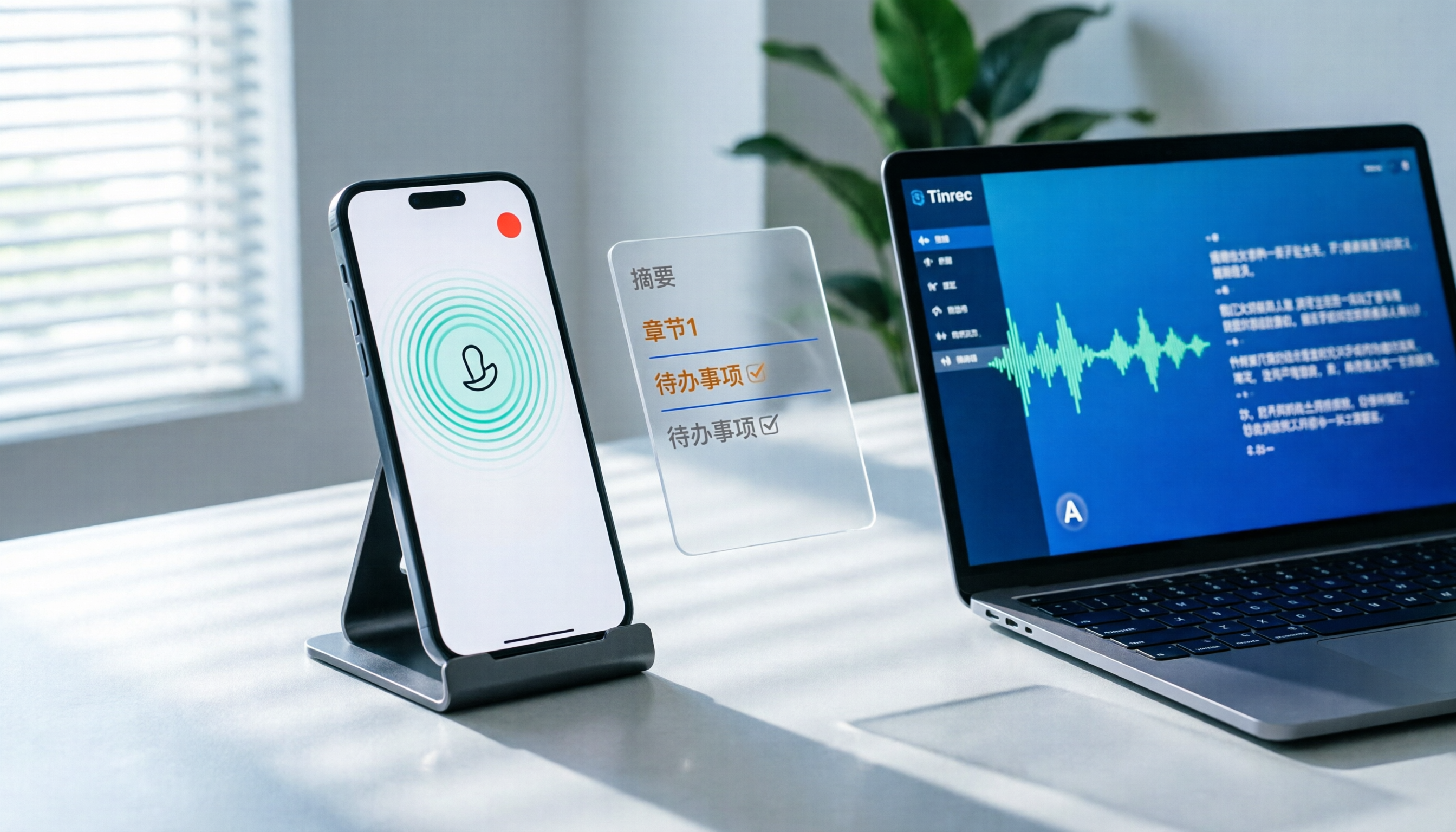
How to Record LINE Calls on iPhone in 2026: 3 Steps + Tinrec Auto Transcription
LINE doesn't have built-in call recording, but iPhone users can record LINE calls using the system's 'Local Capture' feature in iOS 26 or later. This guide shows you how to record in 3 steps, avoid the common mistake of not enabling speakerphone, and use Tinrec to turn recordings into transcripts, summaries, chapters, and action items. You can also ask AI questions to quickly find key points, plus 5 tips for choosing a call recording tool and FAQs.

6 Best iPhone Recording Apps in 2026: Free vs Paid Comparison
2026 update: A side-by-side comparison of 6 iPhone recording apps, from built-in Voice Memos and Recorder Pro to Tinrec, Notta, Otter.ai, and TurboScribe. See free tiers, pricing, and best use cases at a glance, plus practical recommendations for mid-level managers.

4 Noise-Canceling Recording Tools Tested for 2026: How Much Can AI Rescue Unusable Audio?
The low hum of an office air conditioner, background chatter in a café, or static during an online meeting often marks the beginning of a transcription disaster. This guide covers 5 key buying factors—from mic techniques to post-production noise reduction and AI transcription—and compares Tinrec, PLAUD, Otter.ai, and Notta to help you find the most time-saving setup.

5 iPhone Recording Methods Compared in 2026: Voice Memos, Action Button, and AI Meeting Notes — Which Should You Choose?
iPhone's built-in recording is more useful than you think: Voice Memos, one-tap recording with the Action Button, Back Tap quick launch, and iOS 18.1 call recording — learn how to set up all four methods. This article also covers audio quality, stereo, and spatial audio settings, and compares post-recording organization solutions, explaining how Tinrec differs in Chinese meeting transcription, AI Q&A, and team collaboration to help you choose the smoothest recording workflow.

Recording Meetings in 2026: 5 Scenarios Compared — What Protects You and What Could Be a Crime
Is recording a meeting illegal? This article compares five common scenarios against Taiwan's Criminal Code Article 315-1, the Communication Security and Surveillance Act, and the Labor Standards Act to identify recordings that protect you, common pitfalls, and how to turn recordings into usable transcripts, summaries, and action items with Tinrec.

2026 iPhone Call Recording Showdown: Tinrec vs PLAUD Note — Which One Fits Your Workflow?
iPhone has built-in call recording starting with iOS 18.1, but the real time sink is turning those recordings into transcripts, summaries, and action items. This article first answers whether you can record calls on iPhone using official sources, then compares Tinrec and PLAUD Note across five dimensions: hardware requirements, meeting scenarios, post-call organization, Chinese-language experience, and team collaboration, so you can decide which approach better fits your workflow.
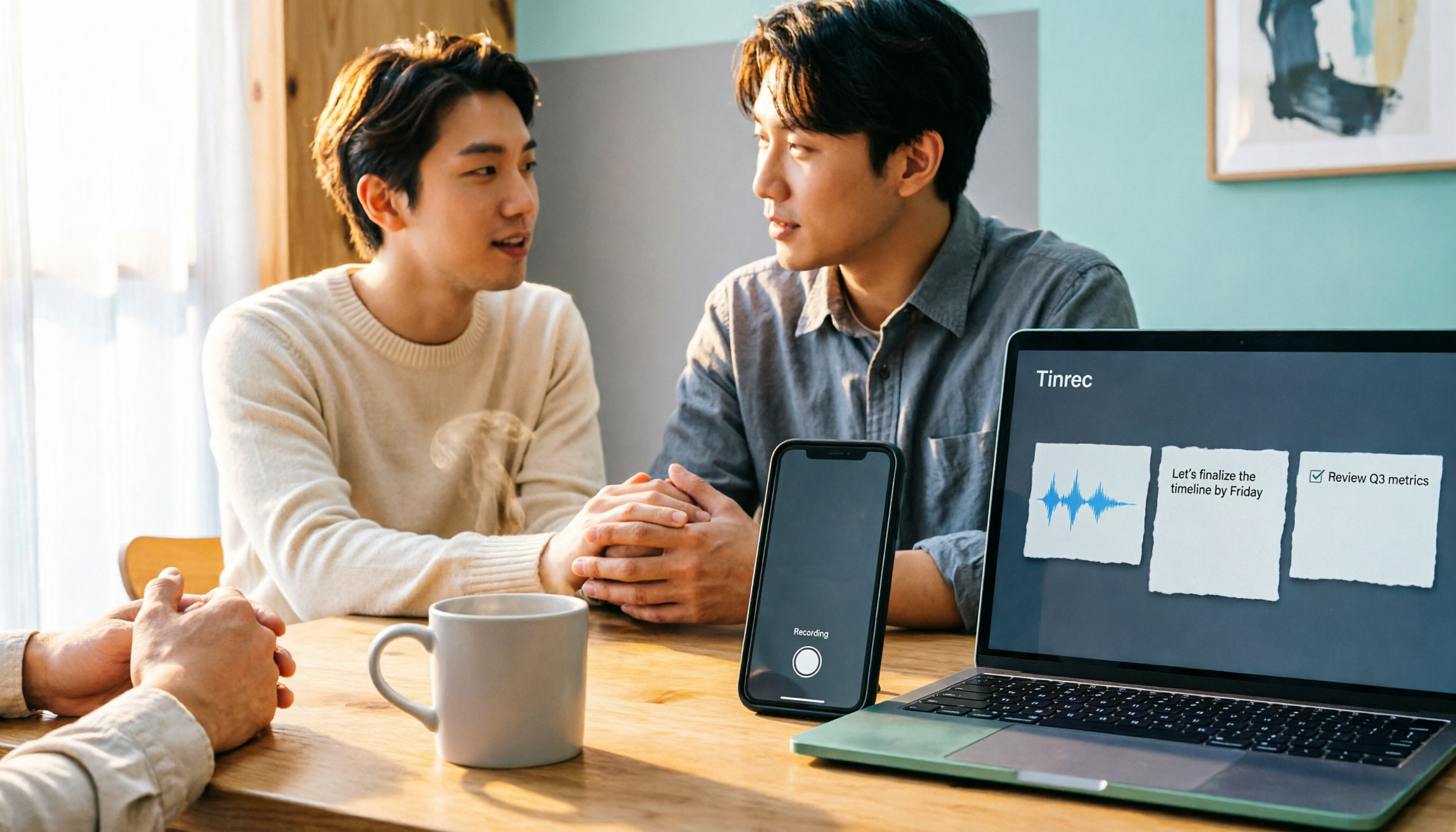
3 iPhone 17 Screen Recording and Post-Meeting Solutions Compared: From Control Center Setup to Tinrec
Screen recording on iPhone 17 isn't hard—it's what comes after that's tricky. This guide walks you through adding Screen Recording to Control Center, enabling the microphone, and stopping and saving your recording. Then we compare built-in screen recording, Dual Capture, and Tinrec for post-meeting organization, so you can see which fits your workflow.

4 Windows 11 Recording Tools Compared in 2026: Do Built-in Features Cut It for Meeting Transcripts and Summaries?
How do you record audio on Windows 11? This article compares four approaches: the built-in Sound Recorder, Xbox Game Bar, Stereo Mix with free software, and Tinrec. It explains the key settings for capturing system audio, the differences between transcripts and meeting summaries, and gives clear recommendations based on your use case.

4 Cantonese Speech-to-Text Tools Tested for 2026: Which Saves More Time on Transcripts and AI Meeting Notes?
The hardest part of a Cantonese meeting isn't understanding it—it's turning what you heard into written form. This hands-on comparison of Tinrec, Notta, Granola, and TurboScribe examines their differences in Chinese and Cantonese meeting transcription, post-meeting summaries, AI Q&A, and team collaboration. We break down each tool's free tier, pricing, and limitations, plus key buying factors and pitfalls to avoid, so you can pick the one that truly saves you cleanup time.