

Turn recordings into transcripts and summaries in minutes
Upload audio or video for multilingual transcription, AI notes, and action items
6 Best iPhone Recording Apps in 2026: Free vs Paid Comparison
Choosing an iPhone recording app really comes down to one question: What do you plan to do with the audio after you record it?
If you're just jotting down a quick idea or capturing a melody, the built-in Voice Memos app is more than enough. But if you're like me—running 15 meetings a week and managing 10 people—what you really need isn't just clear recording; it's not having to spend two hours organizing afterward. Last Wednesday, I had three back-to-back meetings and was still digging through notes at 8 PM trying to find that one decision point my boss asked about. That's when I knew: a pure recording tool wasn't going to save me.
This article covers 6 recording apps that are actually useful on iPhone, from completely free built-in tools to AI-powered apps that automatically transcribe, generate summaries, and create action items. Prices, limits, and restrictions are all listed honestly.
Why You Need a Good iPhone Recording App
Your iPhone's microphone is actually pretty good. According to Apple support documents, on supported models, recording with the built-in mic automatically captures in Spatial Audio; older models default to mono, but you can also connect a Made for iPhone-certified microphone for stereo recording. In other words, the hardware hurdle was cleared long ago.
The real bottleneck for most people is what happens after recording. A 60-minute meeting typically produces over 10,000 words of transcript. Even at 1.5x speed, re-listening takes 40 minutes—and you still might not find that one key promise.
So this isn't about which app records most clearly. Instead, we'll break it down by what you need to do after recording, into three categories: simple note-taking, file transcription, and post-meeting organization and team collaboration.
Option 1 | Tinrec — Turn Meetings into Searchable, Actionable Team Data
One-line summary: An AI meeting notes and collaboration tool for individuals and teams. It's not just a transcription tool—it turns meetings into searchable, collaborative, actionable team data.
Highlight 1: No bot needed in the meeting. Tinrec's desktop version captures your computer's system audio directly, working with Zoom, Google Meet, Microsoft Teams, and Webex without needing an extra meeting bot as a participant. In cross-department meetings, I really appreciate not having a weird extra name on the attendee list.
Highlight 2: Transcript is just the beginning. After the meeting, it automatically generates summaries, chapters, key points, and action items. You can also ask AI questions about a single meeting or across multiple meetings. When my boss asks "What was the conclusion on that budget?" I just ask the tool instead of flipping through three notebooks.
Highlight 3: Results are portable. It supports exporting to Notion, Google Docs, OneNote, Dropbox, and more. You can also use Agent post-processing to generate reports, tables, and meeting minutes—ready to submit or archive.
Highlight 4: Team plan is a separate space, not a shared account. It offers team spaces, role and seat management, usage analytics, audit logs, audio recycle bin, and team hotwords. Team monthly is USD 29.80 per paid seat per month; annual is USD 199 per paid seat per year (about USD 16.58/month). Each paid seat includes 2,000 minutes of shared team import quota per month. Eligible teams can try 7 days free with 1 free seat and 300 minutes of shared import quota.
Free and paid: The personal plan includes a free version, weekly pass, Pro monthly, and Pro annual. My advice is straightforward—use the free version for occasional transcription; if you'll use it regularly every week, choose monthly or annual based on your meeting frequency.
Who it's for: People who mainly have Chinese-language meetings, need post-meeting summaries and action items, and want to turn data into team assets.
Option 2 | Apple Voice Memos — The Completely Free Built-in Option
One-line summary: A free, no-download voice recorder that's always with you.
It does more than many people realize: editing tools like trim, replace, and "Save As" let you tweak recordings without altering the original; transcription converts speech to text; on supported models, recording shows in the Dynamic Island; and you can layer new audio over an existing instrumental recording without headphones.
The difference: It gives you a transcript and audio file, but no summaries, chapters, action item extraction, or AI Q&A. Cross-device and team sharing are also limited.
Who it's for: People who just need simple recording and don't want to install another app.
Option 3 | Recorder Pro — A Feature-Focused Standalone Recording App
One-line summary: An operational tool that turns your iPhone into a mini recording studio.
Stop organizing recordings by hand
Upload audio or video and automatically get a transcript, summary, and action items
Its strength is control during recording: mix with selected audio or video, mix with playing music, auto-start recording at a specified time, record only when speech is detected, record via Bluetooth headset, and boost recording volume. Output formats are plentiful, including MP3, M4A, AAC, MP4, CAF, AIFF, WAV, and more. You can also trim, change voice, make ringtones, adjust speed, merge, and split afterward.
It solves "how to record better and edit smoother," not "how to organize after the meeting." The official page states it's the choice of 60 million users.
Who it's for: Podcasters, ringtone makers, and anyone needing mixing and specific output formats.
Option 4 | Notta — Multilingual Transcription and File Processing
One-line summary: A general-purpose tool covering multi-platform transcription, translation, and team plans—overlaps most with Tinrec.
Official current specs: Free plan includes 120 minutes per month, max 3 minutes per file; Pro annual is about USD 8.17/month with 1,800 minutes per month; Business annual is about USD 16.67 per seat per month with unlimited transcription, role permissions, and usage reports (subject to official pricing page).
The difference from Tinrec is post-meeting: Notta leans more toward file transcription and translation. Bot-free desktop recording, AI Q&A, and team data accumulation are not its main focus.
Who it's for: People with lots of files to transcribe and multilingual translation needs.
Option 5 | Otter.ai — A Mature Choice for English Business Meetings
One-line summary: A veteran AI meeting assistant in English meeting notes.
It covers Zoom, Teams, and Google Meet, with real-time transcription, speaker identification, AI Chat, and workflows. Official pricing page shows: Basic is free with 300 minutes per month; Pro annual is about USD 8.49 per user per month, including 1,200 minutes of in-app recording and 10 file imports per month (subject to official pricing page).
Its English business scenario is well-established, but Chinese meetings aren't its strong suit, and team governance leans toward enterprise plans.
Who it's for: Teams that mainly have English meetings and need extensive cross-platform integration.
Option 6 | TurboScribe — High-Value Long-File Transcription
One-line summary: Not a meeting tool—it's a bulk, affordable way to turn audio files into text.
Official specs: Free plan includes 3 files per day, max 30 minutes per file; Unlimited annual is USD 120 (about USD 10/month). Paid version supports files up to 10 hours or 5 GB, and up to 50 files at once (subject to official pricing page).
Its advantage is long files and batch processing, but it doesn't record meetings or offer post-meeting Q&A and collaboration workflows.
Who it's for: People who already have a pile of audio files and just need quick transcription.
With So Many Options, How Should You Choose?
• Want the most complete AI features (transcription + summaries + AI chat search + action items + export) → Tinrec. It's one of the few on this list that completes the entire post-meeting workflow.
• Need Chinese or mixed Chinese-English meeting content → Tinrec. It supports real-time translation and team hotwords, so you can maintain your own professional terminology.
• Need to switch between phone, computer, and web → Tinrec. It works on multiple platforms, and desktop is smoothest for online meetings.
• Team needs to share meeting data and manage member permissions and usage → Tinrec team plan. Roles, seats, usage, audit, and recycle bin are all in one space.
• Zero budget, just occasional voice memos → Apple Voice Memos. Basic features are enough, and no new interface to learn.
• Need mixing, ringtones, or specific output formats → Recorder Pro.
• Team meetings are all in English and need lots of integrations → Otter.ai.
• Already have many long recordings for batch transcription → TurboScribe.
4 Things to Know Before Using an iPhone Recording App
1. Confirm legality and consent first. Follow local laws before recording; in most situations, you need consent from participants. This isn't something a tool can solve for you, but it's far more important than which app you choose.
2. Calculate free tier limits carefully. Notta max 3 minutes per file, TurboScribe free 30 minutes per file, Otter free 300 minutes per month. Figure out how many hours you record per month before deciding whether to pay, so you don't get cut off mid-recording.
3. Recording quality determines transcription quality. Clear audio, no echo, and avoiding overlapping speakers will improve results significantly. No tool should promise a fixed accuracy rate. For important content, cross-check with the transcript timestamps and the recording—this is also Tinrec's consistent stance in its documentation.
4. You can turn frequent recordings into a one-tap launch. Use Shortcuts to create a "Record Audio" action, then go to Settings → Accessibility → Touch → Back Tap, and assign double-tap or triple-tap to it. Then just tap the back of your phone to start recording (screen must be unlocked first). This trick is great in urgent moments.
Summary
The dividing line for choosing an iPhone recording app isn't price—it's whether you're willing to spend time re-listening. The free Voice Memos captures the sound. Notta, Otter, and TurboScribe each have strengths in transcription, English meetings, and long-file batch processing. But if your pain point is like mine—where the meeting ending is when the work begins—then the real time-saver is the kind of tool that automatically generates summaries and action items, and lets you store data within your team.
My own approach: Start with the free version to record a real meeting, and see if the summary it produces can be used directly for reporting. If it saves you an evening of organizing, the cost is worth it.
References
Turn every recording into actionable outcomes
Get 60 free transcription minutes when you sign in. No credit card required.
Related Reading
You might also like
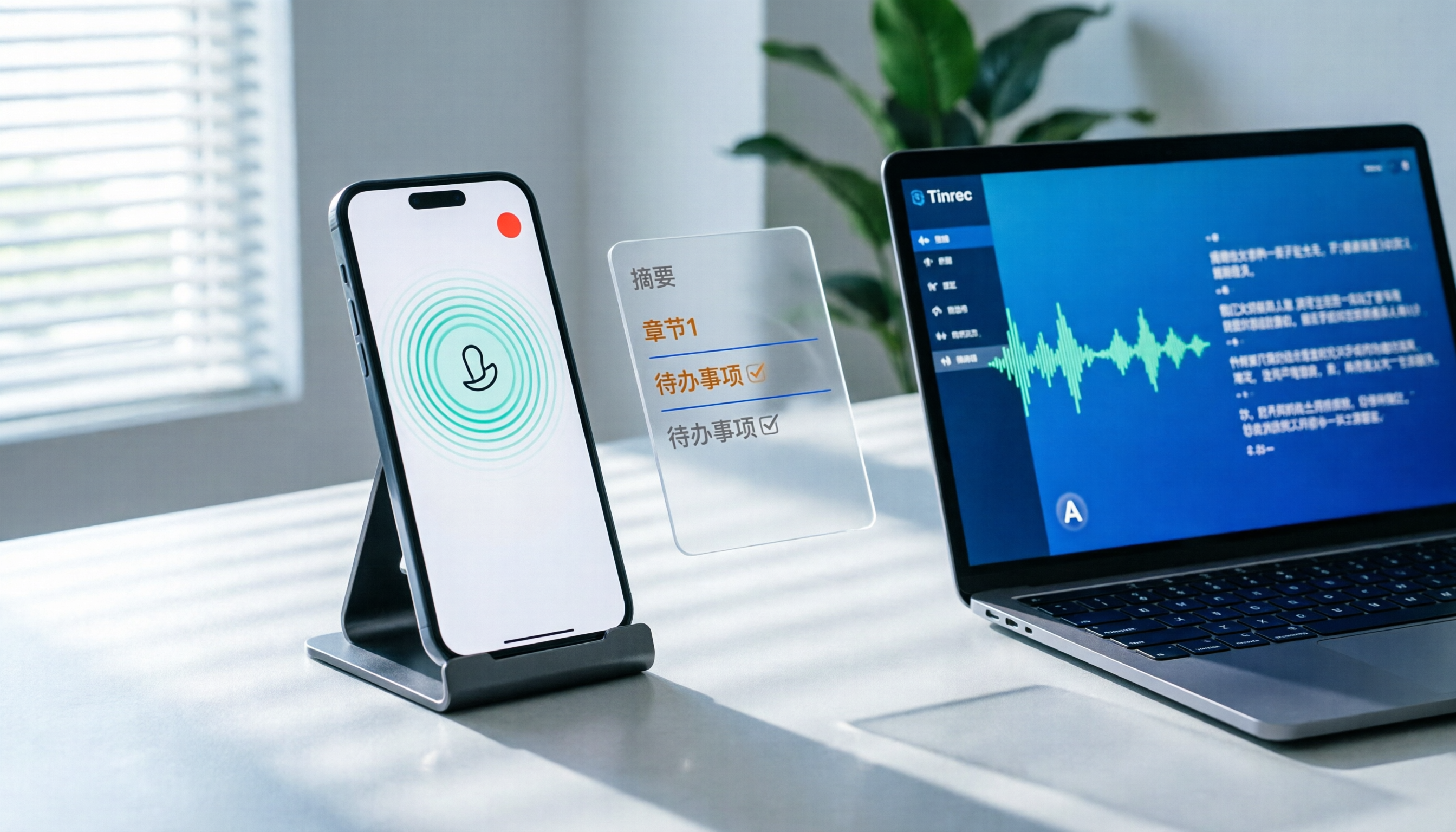
How to Record LINE Calls on iPhone in 2026: 3 Steps + Tinrec Auto Transcription
LINE doesn't have built-in call recording, but iPhone users can record LINE calls using the system's 'Local Capture' feature in iOS 26 or later. This guide shows you how to record in 3 steps, avoid the common mistake of not enabling speakerphone, and use Tinrec to turn recordings into transcripts, summaries, chapters, and action items. You can also ask AI questions to quickly find key points, plus 5 tips for choosing a call recording tool and FAQs.

4 Noise-Canceling Recording Tools Tested for 2026: How Much Can AI Rescue Unusable Audio?
The low hum of an office air conditioner, background chatter in a café, or static during an online meeting often marks the beginning of a transcription disaster. This guide covers 5 key buying factors—from mic techniques to post-production noise reduction and AI transcription—and compares Tinrec, PLAUD, Otter.ai, and Notta to help you find the most time-saving setup.

5 iPhone Recording Methods Compared in 2026: Voice Memos, Action Button, and AI Meeting Notes — Which Should You Choose?
iPhone's built-in recording is more useful than you think: Voice Memos, one-tap recording with the Action Button, Back Tap quick launch, and iOS 18.1 call recording — learn how to set up all four methods. This article also covers audio quality, stereo, and spatial audio settings, and compares post-recording organization solutions, explaining how Tinrec differs in Chinese meeting transcription, AI Q&A, and team collaboration to help you choose the smoothest recording workflow.

Recording Meetings in 2026: 5 Scenarios Compared — What Protects You and What Could Be a Crime
Is recording a meeting illegal? This article compares five common scenarios against Taiwan's Criminal Code Article 315-1, the Communication Security and Surveillance Act, and the Labor Standards Act to identify recordings that protect you, common pitfalls, and how to turn recordings into usable transcripts, summaries, and action items with Tinrec.

2026 iPhone Call Recording Showdown: Tinrec vs PLAUD Note — Which One Fits Your Workflow?
iPhone has built-in call recording starting with iOS 18.1, but the real time sink is turning those recordings into transcripts, summaries, and action items. This article first answers whether you can record calls on iPhone using official sources, then compares Tinrec and PLAUD Note across five dimensions: hardware requirements, meeting scenarios, post-call organization, Chinese-language experience, and team collaboration, so you can decide which approach better fits your workflow.
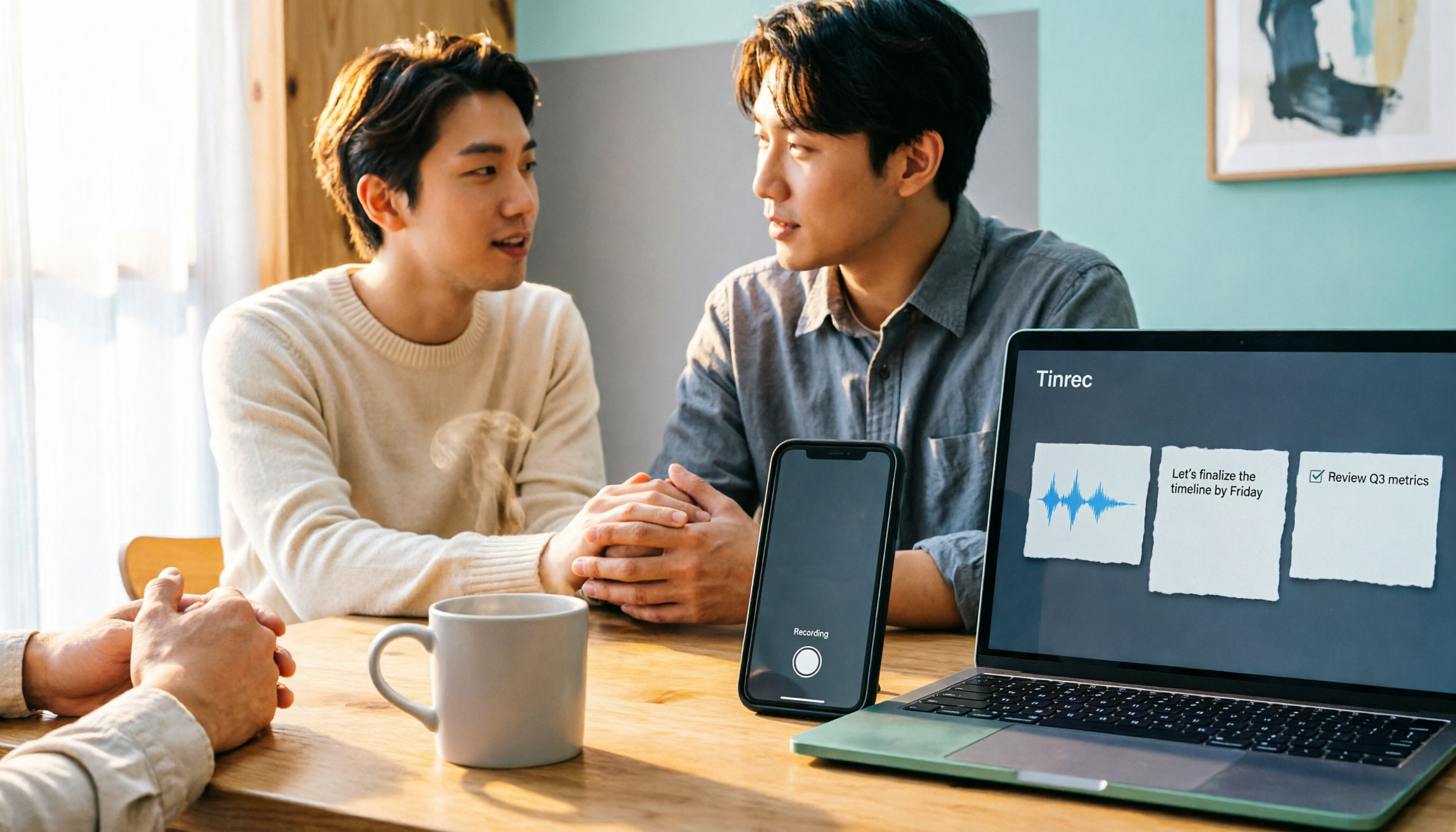
3 iPhone 17 Screen Recording and Post-Meeting Solutions Compared: From Control Center Setup to Tinrec
Screen recording on iPhone 17 isn't hard—it's what comes after that's tricky. This guide walks you through adding Screen Recording to Control Center, enabling the microphone, and stopping and saving your recording. Then we compare built-in screen recording, Dual Capture, and Tinrec for post-meeting organization, so you can see which fits your workflow.

4 Windows 11 Recording Tools Compared in 2026: Do Built-in Features Cut It for Meeting Transcripts and Summaries?
How do you record audio on Windows 11? This article compares four approaches: the built-in Sound Recorder, Xbox Game Bar, Stereo Mix with free software, and Tinrec. It explains the key settings for capturing system audio, the differences between transcripts and meeting summaries, and gives clear recommendations based on your use case.

Tinrec vs Notta 2026: 5-Dimension Comparison of AI Meeting Assistants
A mid-level manager overseeing a 10-person team and 15 weekly meetings puts Tinrec and Notta head-to-head across 5 dimensions: recording methods, Chinese and mixed-language experience, post-meeting workflow, team governance, and plan quotas, with honest limitations and use cases.

4 Cantonese Speech-to-Text Tools Tested for 2026: Which Saves More Time on Transcripts and AI Meeting Notes?
The hardest part of a Cantonese meeting isn't understanding it—it's turning what you heard into written form. This hands-on comparison of Tinrec, Notta, Granola, and TurboScribe examines their differences in Chinese and Cantonese meeting transcription, post-meeting summaries, AI Q&A, and team collaboration. We break down each tool's free tier, pricing, and limitations, plus key buying factors and pitfalls to avoid, so you can pick the one that truly saves you cleanup time.