

Turn recordings into transcripts and summaries in minutes
Upload audio or video for multilingual transcription, AI notes, and action items
2026 iPhone Call Recording Showdown: Tinrec vs PLAUD Note — Which One Fits Your Workflow?
Midway through a call, the other person gives you a key quote or delivery date, and you want to hit record — older iPhones couldn't do it. You had to switch to speakerphone, hold another phone nearby, or rely on memory afterward. Since iOS 18.1, that's finally solved: iPhone can record calls while you're on them. But recording is just the first step. What really eats into your evening is the transcript and meeting notes that follow.
Can iPhone Record Calls? Yes, Thanks to iOS 18.1
- System version: Starting with iOS 18.1, Apple added call recording to iPhone. Whether you're making or receiving a call, you can tap record during the call (Source: Apple Support, Jyes Communication, Apple Almond).
- Only the recording party needs to update: Your iPhone needs iOS 18.1 or later. The person you're talking to doesn't need to update — even if they're on Android, you can still record (Jyes Communication).
- Transcript: In certain regions and languages, call recording transcripts can be viewed in the Notes app. The transcript may not appear immediately; you might see a processing message first (Apple Support).
- Summary: If Apple Intelligence is enabled, you can get a call recording summary in the Phone app (Apple Support).
- Device differences: Older iPhones can also use call recording after updating, but Apple Intelligence features are subject to device, region, and language limitations. Refer to Apple's official documentation.
- Two practical reminders: Using screen recording during a call or FaceTime does not capture any audio (Apple Almond). Using speakerphone with another phone to record is free but quality depends on ambient noise, device distance, and speaker volume. Also check local laws and get consent before recording.
After Recording Is Where the Real Work Begins
Call recording is raw material, not a finished product. A 40-minute client call still needs to become a searchable transcript, with decisions and action items pulled out, and exported as a report if needed. There are usually two approaches: buy a dedicated recording device, or use software to turn recordings into meeting materials. Below is a side-by-side comparison of Tinrec and PLAUD Note.
Tinrec vs PLAUD Note | Quick Overview
Tinrec is software-based, positioned as an AI meeting notes and team collaboration tool. It works via web, desktop, and mobile. The desktop version can capture system audio to record online meetings directly, without a meeting bot joining. PLAUD Note is a hardware representative, attaching to the back of an iPhone with a magnetic case and using a vibration conduction sensor to capture both sides of a call, so you don't need speakerphone (Source: Apple Almond).
| Item | Tinrec | PLAUD Note |
|---|---|---|
| Form | Software (web/desktop/mobile) | Physical recording device + app |
| Price | Free version available; personal plans include weekly, Pro monthly, and annual; team plan USD 29.80 per paid seat/month, annual USD 199 per seat/year | NotePin USD 159, Note Pro USD 189; membership Starter 300 minutes/month, Pro USD 99.99/year, Unlimited USD 239.99/year |
| Core difference | Post-meeting organization, AI Q&A, team knowledge retention | Portable hardware, phone and in-person recording |
Prices and benefits are subject to official pages. Let's break it down across five dimensions.
Dimension 1 | Do You Need to Carry an Extra Device?
PLAUD Note's value is clear: it's a standalone device that magnetically attaches to the back of your iPhone and captures both sides of a call without speakerphone. Portable recording is intuitive. Tinrec takes a different path: no extra hardware, accessible on phone, computer, and web. The desktop version records meeting audio playing on your computer directly.
→ This dimension: If you don't want to carry (or often forget) an extra device and want to switch between devices, Tinrec is more direct.
Dimension 2 | Call and Meeting Scenarios It Handles
PLAUD's strength is portable recording, especially phone calls and face-to-face conversations. Tinrec covers more ground: live recording, desktop bot-free recording of Zoom, Google Meet, Microsoft Teams, Webex, and other online meetings, plus importing existing audio and video files. Mobile is good for on-the-go and offline communication.
Stop organizing recordings by hand
Upload audio or video and automatically get a transcript, summary, and action items
→ This dimension: If half your meetings are online and half in person, Tinrec has broader coverage.
Dimension 3 | What You Get After Recording
PLAUD offers summaries, templates, and Q&A. Tinrec completes the entire pipeline: transcript, AI summary, chapters and highlights, action items, mind map, AI Q&A, real-time translation, and export to Notion, Google Docs, OneNote, Dropbox, etc., or post-processing with Agent to generate reports, tables, and documents.
→ This dimension: A transcript alone is often not enough. Tinrec clearly wins on post-meeting output.
Dimension 4 | Chinese and Multilingual Meeting Experience
PLAUD's experience depends more on the device and app itself. Tinrec focuses on Chinese, Traditional Chinese, and multilingual meeting scenarios, supporting mixed Chinese-English content organization, real-time translation during recording, and bilingual viewing. Teams can also maintain hot words to improve recognition of technical terms. Note that actual results depend on recording quality, noise, accents, overlapping speakers, and technical terms — fixed accuracy rates should not be promised.
→ This dimension: For users whose meetings are primarily in Chinese, Tinrec goes deeper.
Dimension 5 | Team Collaboration and Data Ownership
PLAUD offers team membership and device management. Tinrec's team plan provides an independent team space: create and switch between multiple teams, invite members via link, assign owner/admin/member roles, and control recording, upload, and export permissions by seat. Teams can view shared import quotas, usage trends, member rankings, audit logs, and audio recycle bin (30-day retention). When a member leaves or is removed, their team resources must be transferred to other active members and cannot be taken personally.
→ This dimension: If departments need to share meeting notes, Tinrec's governance capabilities are much more complete.
What Unique Advantages Does Each Have?
Tinrec's unique advantages
- Desktop version captures system audio directly, no need to invite a meeting bot to Zoom, Meet, Teams, etc.
- Complete post-meeting output chain: from summary, chapters, action items, mind map to report documents, all in one go.
- AI Q&A lets you follow up on meeting data without slowly searching keywords in the transcript.
- Team space, roles and seats, usage and audit make meeting data a searchable, traceable team asset.
PLAUD Note's unique advantages
- Portable hardware, attaches magnetically to the back of iPhone to record without speakerphone.
- Standalone device form factor, suitable for long recordings and situations where opening a computer is inconvenient.
Summary: Which Should You Choose?
- If you just want "iPhone call recording" itself → First confirm your system is updated to iOS 18.1 or later. The built-in feature meets basic needs.
- If after the call you want a summary, action items, and a searchable transcript → Tinrec.
- If half your meetings are on Zoom, Meet, Teams, and you don't want a bot joining → Tinrec.
- If you need meeting data to stay with the team so new members can find it → Tinrec team plan (first eligible users get 7 days, 1 free seat, and 300 minutes shared team import quota; afterward each paid seat gets 2,000 minutes shared import quota per month).
- If you're often on the go and want a portable device that can record even when using your phone is inconvenient → PLAUD Note still has its place.
In one sentence: For most people who need "calls and meetings that remain useful afterward," Tinrec is the more complete choice. You can start with the free version, test it with your own recording, and then decide whether to upgrade.
FAQ
Does iPhone require iOS 18.1 for call recording? Based on current information, the recording party needs iOS 18.1 or later to use built-in call recording.
Can I still record if the other person uses Android? Yes. Only the recording party needs iOS 18.1. Even if the other person hasn't updated or uses an Android phone, you can still record.
Where can I see call recording transcripts? In certain regions and languages, you can view them in the Notes app. Transcripts may not appear immediately. If Apple Intelligence is enabled, you can see call recording summaries in the Phone app.
Sources
- Record and transcribe a call on iPhone | Apple Support (Taiwan) https://support.apple.com/zh-tw/guide/iphone/iph57c6590e9/ios
- How to record calls on iPhone? Can it be undetected? 5 recording tutorials | Apple Almond https://applealmond.com/posts/318414
- 2026 iPhone built-in call recording tutorial | Jyes Communication https://www.jyes.com.tw/news.php?act=view&id=11763
- PLAUD official device page and official membership pricing page
- Tinrec official features page and pricing page
References
- Record and transcribe a call on iPhone - Apple Support (Taiwan)
- Upgrade to iOS 18 for iPhone call recording feature: step-by-step guide, finally record while on the phone! - Dream & Hunter
- How to record calls on iPhone? 2026 iOS recording-to-text guide and tool review - Tinrec Blog
- How to record calls on iPhone? Can it be undetected? 5 recording tutorials - Apple Almond
- [Phone Tips] 2026 iPhone built-in call recording tutorial! iOS enable call recording/key points | Jyes Communication
Turn every recording into actionable outcomes
Get 60 free transcription minutes when you sign in. No credit card required.
Related Reading
You might also like
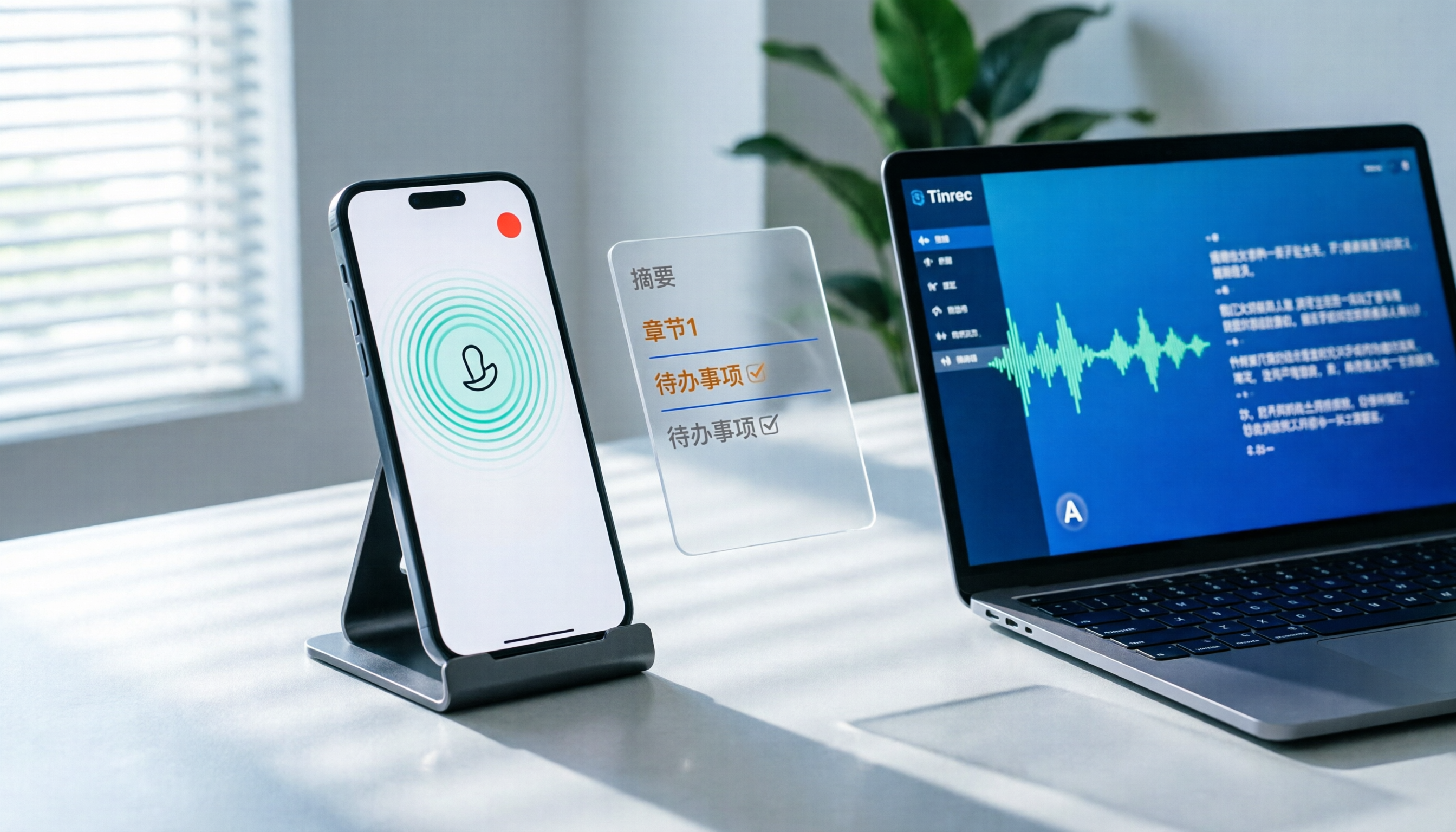
How to Record LINE Calls on iPhone in 2026: 3 Steps + Tinrec Auto Transcription
LINE doesn't have built-in call recording, but iPhone users can record LINE calls using the system's 'Local Capture' feature in iOS 26 or later. This guide shows you how to record in 3 steps, avoid the common mistake of not enabling speakerphone, and use Tinrec to turn recordings into transcripts, summaries, chapters, and action items. You can also ask AI questions to quickly find key points, plus 5 tips for choosing a call recording tool and FAQs.

6 Best iPhone Recording Apps in 2026: Free vs Paid Comparison
2026 update: A side-by-side comparison of 6 iPhone recording apps, from built-in Voice Memos and Recorder Pro to Tinrec, Notta, Otter.ai, and TurboScribe. See free tiers, pricing, and best use cases at a glance, plus practical recommendations for mid-level managers.

4 Noise-Canceling Recording Tools Tested for 2026: How Much Can AI Rescue Unusable Audio?
The low hum of an office air conditioner, background chatter in a café, or static during an online meeting often marks the beginning of a transcription disaster. This guide covers 5 key buying factors—from mic techniques to post-production noise reduction and AI transcription—and compares Tinrec, PLAUD, Otter.ai, and Notta to help you find the most time-saving setup.

5 iPhone Recording Methods Compared in 2026: Voice Memos, Action Button, and AI Meeting Notes — Which Should You Choose?
iPhone's built-in recording is more useful than you think: Voice Memos, one-tap recording with the Action Button, Back Tap quick launch, and iOS 18.1 call recording — learn how to set up all four methods. This article also covers audio quality, stereo, and spatial audio settings, and compares post-recording organization solutions, explaining how Tinrec differs in Chinese meeting transcription, AI Q&A, and team collaboration to help you choose the smoothest recording workflow.

Recording Meetings in 2026: 5 Scenarios Compared — What Protects You and What Could Be a Crime
Is recording a meeting illegal? This article compares five common scenarios against Taiwan's Criminal Code Article 315-1, the Communication Security and Surveillance Act, and the Labor Standards Act to identify recordings that protect you, common pitfalls, and how to turn recordings into usable transcripts, summaries, and action items with Tinrec.
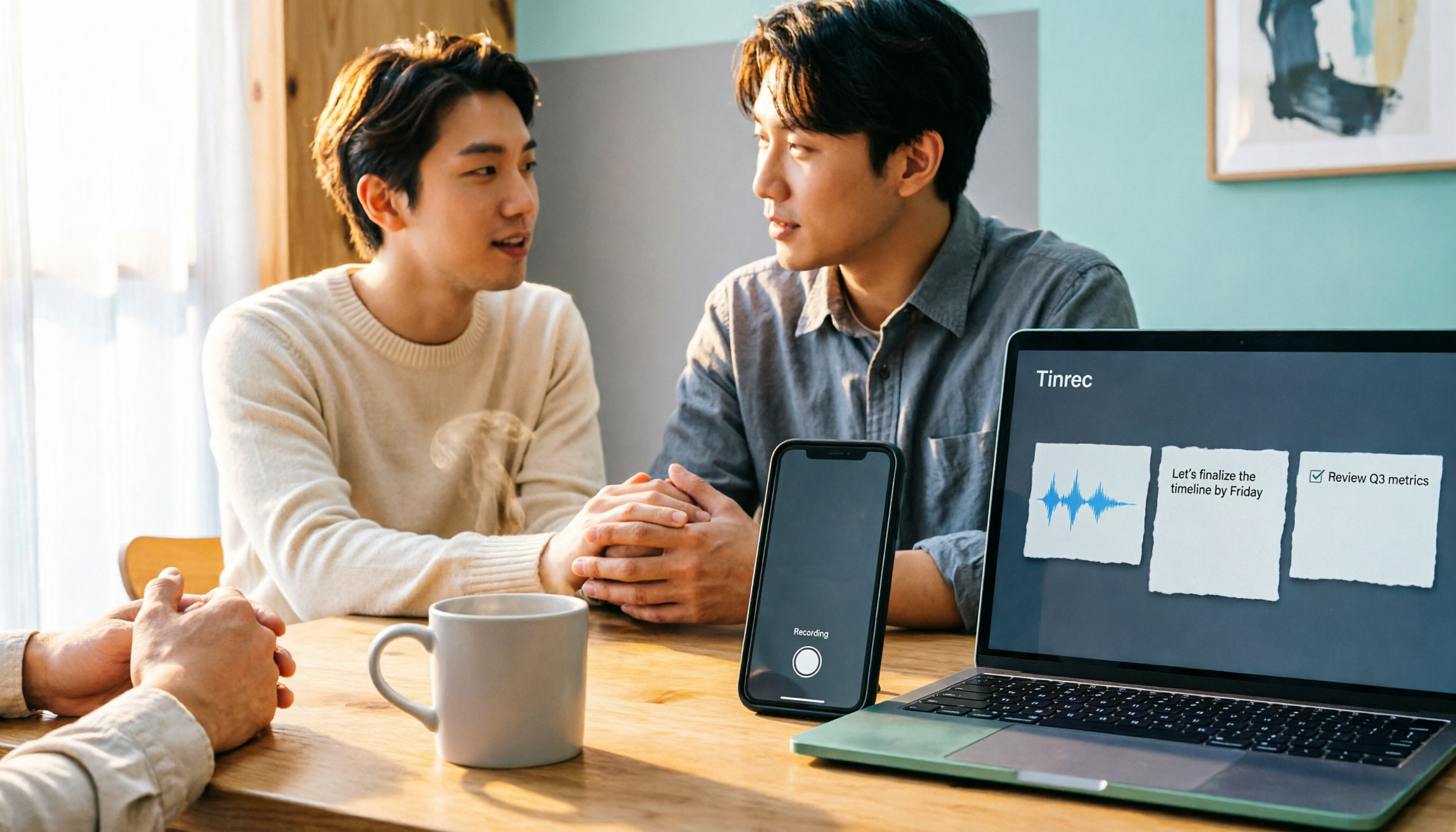
3 iPhone 17 Screen Recording and Post-Meeting Solutions Compared: From Control Center Setup to Tinrec
Screen recording on iPhone 17 isn't hard—it's what comes after that's tricky. This guide walks you through adding Screen Recording to Control Center, enabling the microphone, and stopping and saving your recording. Then we compare built-in screen recording, Dual Capture, and Tinrec for post-meeting organization, so you can see which fits your workflow.

4 Windows 11 Recording Tools Compared in 2026: Do Built-in Features Cut It for Meeting Transcripts and Summaries?
How do you record audio on Windows 11? This article compares four approaches: the built-in Sound Recorder, Xbox Game Bar, Stereo Mix with free software, and Tinrec. It explains the key settings for capturing system audio, the differences between transcripts and meeting summaries, and gives clear recommendations based on your use case.

Tinrec vs Notta 2026: 5-Dimension Comparison of AI Meeting Assistants
A mid-level manager overseeing a 10-person team and 15 weekly meetings puts Tinrec and Notta head-to-head across 5 dimensions: recording methods, Chinese and mixed-language experience, post-meeting workflow, team governance, and plan quotas, with honest limitations and use cases.

4 Cantonese Speech-to-Text Tools Tested for 2026: Which Saves More Time on Transcripts and AI Meeting Notes?
The hardest part of a Cantonese meeting isn't understanding it—it's turning what you heard into written form. This hands-on comparison of Tinrec, Notta, Granola, and TurboScribe examines their differences in Chinese and Cantonese meeting transcription, post-meeting summaries, AI Q&A, and team collaboration. We break down each tool's free tier, pricing, and limitations, plus key buying factors and pitfalls to avoid, so you can pick the one that truly saves you cleanup time.