

Turn recordings into transcripts and summaries in minutes
Upload audio or video for multilingual transcription, AI notes, and action items
"Isn't recording a meeting always illegal?" "I'm part of the meeting, so it should be fine to record, right?"
I've seen both of these statements in reader emails. Honestly, each is only half true.
In Taiwan, there's no standard answer to "is recording a meeting illegal?" The same press of the record button can be used as self-protective evidence by one person, while another faces criminal charges for invasion of privacy. What really determines legality isn't the act of recording itself, but who you are, where you record, why you record, and how you use the recording afterward.
This article compiles the five most frequently asked meeting recording scenarios, comparing legal provisions with practical judgments. After reading, you'll at least know when you can record with peace of mind and when it's advisable to ask first.
Let's be clear upfront: this article summarizes publicly available laws and practical interpretations, not legal advice. Individual situations vary; if you have real concerns, consult a lawyer.
Is Recording a Meeting Illegal? Understand These 3 Laws First
Meeting recordings mainly involve three sets of regulations. Just remember their roles in plain language.
Criminal Code Article 315-1, Paragraph 2 (Invasion of Privacy): Recording, photographing, video recording, or using electromagnetic records to secretly record another person's non-public activities, speech, conversations, or private body parts without just cause is punishable by imprisonment for up to 3 years, detention, or a fine of up to NT$300,000; the recording device may also be confiscated.
Communication Security and Surveillance Act Article 24, Paragraph 1 (Illegal Surveillance): Illegally surveilling another person's communications is punishable by imprisonment for up to 5 years.
Communication Security and Surveillance Act Article 29, Paragraph 3: If the surveillant is a party to the communication, or has obtained consent from one party to the communication, no penalty applies.
Another commonly overlooked provision is Labor Standards Act Article 12, Paragraph 1, Subparagraph 4: If an employee violates the labor contract or work rules, and the violation is serious, the employer may terminate the contract without advance notice. This isn't a criminal penalty, but it directly affects your job.
5 Meeting Recording Scenarios | Quick Overview
| Scenario | Your Role | Main Risk | Practical Tendency |
|---|---|---|---|
| Recording your own conversation with a supervisor | Party to the conversation | Criminal Code 315-1, Communication Security Act 24 | Unlikely to constitute an offense, but check for just cause |
| Not a member, but placing a recorder in the meeting room | Third party | Criminal Code 315-1 | Hard to claim legality, high risk |
| Company work rules explicitly prohibit recording | Employee | Labor Standards Act 12 | May constitute violation of work rules |
| Recording trade secrets and leaking them | Employee | Criminal Code 315-1, Labor Standards Act 12 | Highest risk |
| Recording online meetings (Zoom/Meet/Teams) | Participant | Criminal Code 315-1 | Recommended to inform and obtain consent |
Next, we'll break down each of the five dimensions.
Dimension 1 | Are You a Party to the Conversation?
This is the most critical starting point. Article 29, Paragraph 3 of the Communication Security and Surveillance Act clearly states that if the surveillant is a party to the communication, or has obtained consent from one party, no penalty applies.
In practice, an employee secretly recording their own conversation with others typically does not constitute invasion of privacy. Because you are a participant in the conversation, not a third party eavesdropping from outside.
Note that "no penalty" does not equal "absolutely legal." It only excludes the Communication Security Act; you still need to consider "just cause" and whether the occasion is non-public.
Dimension 2 | Is the Occasion Considered "Non-Public"?
Criminal Code Article 315-1 protects "non-public" activities, speech, and conversations. Public meetings or public speeches—recording them privately usually doesn't constitute a crime.
What counts as non-public? The practical judgment is: the person being recorded subjectively does not want it public, and objectively has taken confidentiality measures.
For example, closing the meeting room door, restricting participants, or stating in advance that the content is not for external disclosure—these make it a non-public activity. Internal company meetings and conversations in a supervisor's office mostly fall into this category.
In other words, recording an internal company meeting is usually examined as recording a "non-public conversation," not something automatically exempt.
Dimension 3 | Do You Have "Just Cause"?
The law uses the phrase "without just cause," and these two words are the core of the entire offense.
Supreme Court Judgment No. 1434 of 2016 (105年度台上字第1434號) states that "without just cause" means lacking a legitimate reason in law; whether the reason is legitimate must be determined based on the specific circumstances of each case, considering common life experience, judged by objective facts, and should conform to the legislative purpose, balancing the appropriateness, necessity, and proportionality between the means of infringement and the protection of legal interests.
In plain terms: Are you protecting yourself, or something else?
The source case is as follows: An employee at a financial institution, worried that a supervisor's instructions violated regulations and that they would be blamed later, recorded conversations in meetings they attended and in the supervisor's office. Such circumstances were considered "not without just cause" and more reasonable.
Conversely, if the recording is solely to gather gossip or as material for workplace conflicts, it's hard to claim just cause.
Dimension 4 | Have You Violated Company Rules or Trade Secrets?
This is the part many people overlook when trying to protect themselves.
Stop organizing recordings by hand
Upload audio or video and automatically get a transcript, summary, and action items
If the labor contract or work rules explicitly prohibit recording or leaking, and what you recorded is not a supervisor's illegal instructions but internal trade secrets, and you leak them, you may fall under Labor Standards Act Article 12, Paragraph 1, Subparagraph 4—"violation of labor contract or work rules, serious in nature"—and the employer can terminate the contract without advance notice.
A safer approach: Keep the recording file secure and be able to prove that what you recorded was to prevent a supervisor's illegal instructions and for self-protection, not to capture trade secrets.
This is why you need to think clearly before and after recording: "What exactly am I recording?"
Dimension 5 | How You Preserve and Use the Recording Afterward
Recording doesn't mean you can use it freely.
Forwarding, publicizing, altering, or posting online for public shaming can turn a originally legal evidence-gathering act into infringement. The source's practical interpretation notes that if the purpose of evidence collection is simply to preserve evidence, it generally won't be considered as having intent to infringe on others' rights; but if it's for online public shaming or coercion, problems may arise.
The Legislative Yuan's Meeting Video and Audio Management Rules can also serve as a reference: Meeting audio recordings may not be taken out of the premises or lent without a resolution by the plenary session or committee; recordings of others' speeches may not be requested for duplication unless with the speaker's written consent.
Simply put, preservation is for self-protection; dissemination is another matter.
Legal Self-Protective Recording vs. Illegal Secret Recording: What's the Difference?
| Judgment Point | Lower-Risk Self-Protective Recording | High-Risk Secret Recording |
|---|---|---|
| Your Role | Party to the conversation | Third party not present |
| Occasion | You were already present | Secretly placing equipment |
| Purpose | Preserve evidence, avoid being scapegoated | Gather gossip, distribute externally |
| Post-Use | Keep for yourself, provide when necessary | Forward, publicize, online shaming |
| Notification | Safer to inform | Complete concealment |
After filling in these boxes, you'll probably know which side you're on.
The Real Work Starts After Recording: Turning Audio into Usable Data
Recording is just the first step. The real hassle is how to turn an hour-long meeting into searchable, citable, and actionable content.
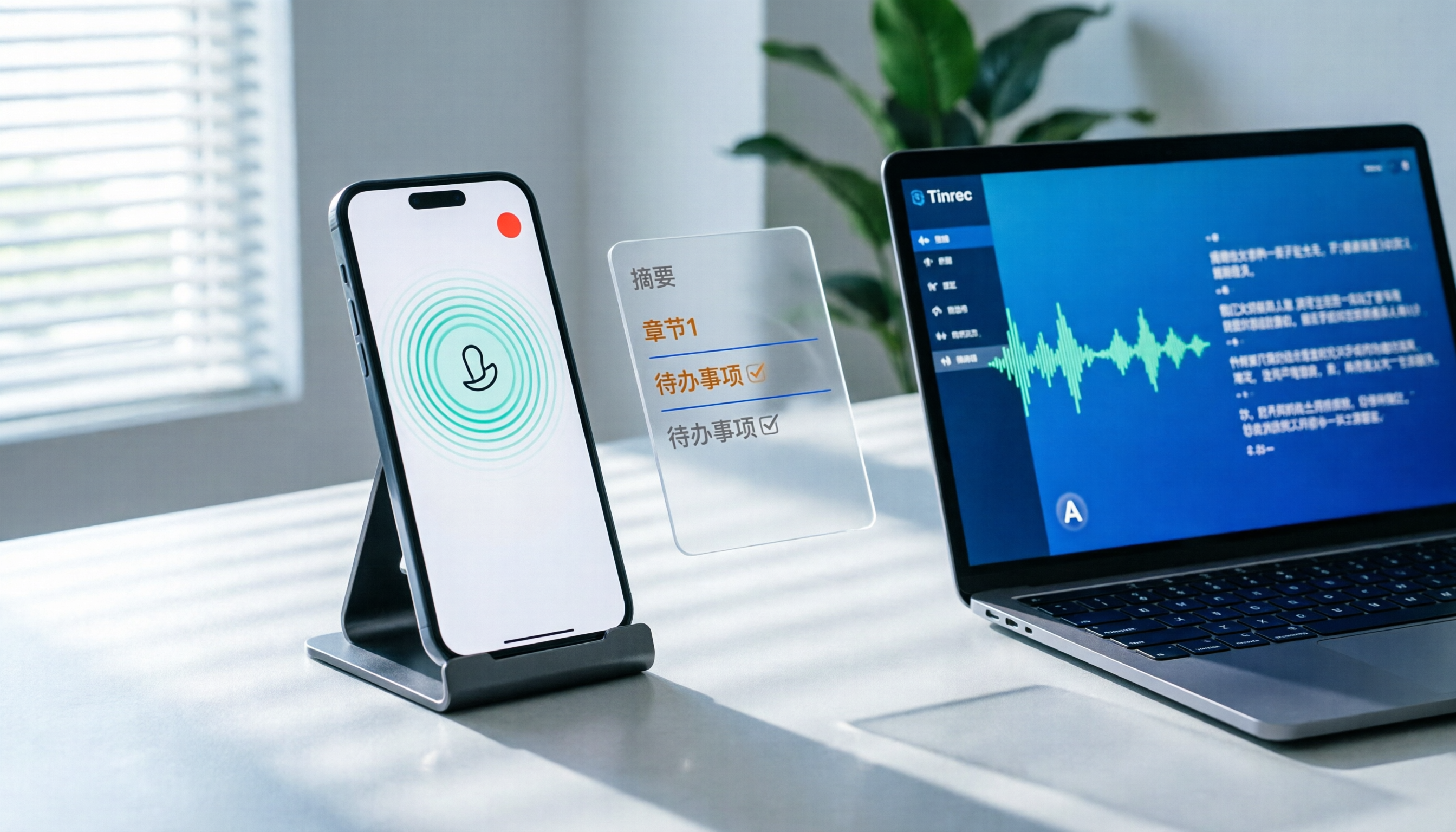
When I handle such needs, I use Tinrec. It's an AI meeting notes and collaboration tool for individuals and teams. The desktop version directly captures your computer's system audio, so you don't need to add a meeting bot to Zoom, Google Meet, Microsoft Teams, or Webex—you can generate transcripts while the meeting is ongoing.
What's even better is the post-transcription processing: AI summaries, chapters, key points, action items, and mind maps. You can also ask AI questions directly about the meeting content or use real-time translation to view the original and bilingual content. After organizing, you can export to Notion, Google Docs, OneNote, Dropbox, and other tools for further use.
For plans, the free version lets you try basic quotas; for short-term intensive meetings or interviews, consider a weekly pass; for steady weekly use, the Pro monthly plan is more suitable; for long-term accumulation of recording data, the annual plan offers a lower monthly equivalent.
For team use, Tinrec's team version is a separate team space, not multiple people sharing a personal account. It supports member invitations, role settings for owner/admin/regular member, seat allocation, team usage analytics, audit logs, audio recycle bin, and team hotwords. Clarify: roles determine who can manage the team, seats determine whether members can record, upload, edit, and export; valid members without seats can still view, play, and read team materials.
Pricing: The team version's first eligible trial is 7 days, 1 free seat, 300 minutes of shared team import quota; monthly payment is USD 29.80 per paid seat per month, annual payment is USD 199 per paid seat per year, equivalent to about USD 16.58 per month. Each paid seat provides 2,000 minutes of shared team import quota per month; under a valid team plan and valid seat, real-time recording currently does not deduct minutes. Actual prices and promotions are subject to the official purchase page.
Finally, a reminder: Regardless of the tool, check local laws before recording and obtain consent from participants when necessary. This is the basics.
Summary: Ask Yourself 3 Questions Before Recording
- Am I a party to this conversation? → If yes, the chance of constituting invasion of privacy is greatly reduced.
- Is this occasion public or non-public? → Internal company meetings and conversations in a supervisor's office are mostly non-public.
- Is my purpose for recording self-protection or something else? → For preserving evidence and avoiding being scapegoated, it's more likely to be deemed just cause.
In one sentence: Recording meetings you participate in, for evidence preservation, and not casually leaking them, is a lower-risk practice according to most practical interpretations. If company rules explicitly prohibit it, or if what you record involves trade secrets, consult a lawyer before acting.
Frequently Asked Questions
Q1: Is recording a meeting always illegal? Not necessarily. The key is who you are, whether the occasion is non-public, and whether there's just cause. Recording a meeting you participate in for self-protection usually holds up better.
Q2: If I'm a meeting participant, is recording completely fine? Secretly recording your own conversation with others typically doesn't constitute invasion of privacy, but you still need to consider whether the occasion is non-public, whether there's just cause, and you cannot arbitrarily forward or publicize it.
Q3: If my supervisor discovers I secretly recorded, can the company fire me directly? It depends on whether it meets the conditions of Labor Standards Act Article 12. If it was solely for self-protection and didn't involve trade secrets, the company firing you directly over the recording may lead to a wrongful termination dispute. Practical advice is not to resign voluntarily, keep the recording evidence safe, and seek legal assistance if necessary.
Q4: What happens if I record company trade secrets? If the labor contract or work rules explicitly prohibit recording or leaking, and what you recorded are trade secrets that you leaked, it may constitute "violation of labor contract or work rules, serious in nature," with much higher risk than mere self-protection.
Q5: What should I pay attention to when recording online meetings? Online meetings are also generally considered non-public activities. It's recommended to inform participants and obtain consent before recording. If using Tinrec desktop version, you can directly capture system audio without inviting an extra meeting bot.
Q6: Is Tinrec's free version enough? If you only occasionally organize one or two recordings, the free version lets you try basic quotas; for short-term intensive use, consider a weekly pass; for steady weekly needs, look at Pro; for long-term data accumulation, the annual plan is more cost-effective.
References
- Is recording meetings or conversations with supervisors illegal? A friend works at a financial institution, to prevent a supervisor's instructions from violating regulations or improper influence, and later being scapegoated, recorded in meetings they attended or in the supervisor's office.
- Does a person need the other party's consent to record their face-to-face conversation or phone call? What kind of recording is not considered an illegal purpose? | Legal Encyclopedia Legispedia
- Legislative Yuan Meeting Video and Audio Management Rules - Laws and Regulations Database
- Your evidence? Their privacy? - Life and Law - Taiwan High Prosecutors Office
- You thought recording was self-protection, but beware of becoming a secret recording crime! | 104 Workplace
Turn every recording into actionable outcomes
Get 60 free transcription minutes when you sign in. No credit card required.
Related Reading
You might also like
How to Record LINE Calls on iPhone in 2026: 3 Steps + Tinrec Auto Transcription
LINE doesn't have built-in call recording, but iPhone users can record LINE calls using the system's 'Local Capture' feature in iOS 26 or later. This guide shows you how to record in 3 steps, avoid the common mistake of not enabling speakerphone, and use Tinrec to turn recordings into transcripts, summaries, chapters, and action items. You can also ask AI questions to quickly find key points, plus 5 tips for choosing a call recording tool and FAQs.

6 Best iPhone Recording Apps in 2026: Free vs Paid Comparison
2026 update: A side-by-side comparison of 6 iPhone recording apps, from built-in Voice Memos and Recorder Pro to Tinrec, Notta, Otter.ai, and TurboScribe. See free tiers, pricing, and best use cases at a glance, plus practical recommendations for mid-level managers.

4 Noise-Canceling Recording Tools Tested for 2026: How Much Can AI Rescue Unusable Audio?
The low hum of an office air conditioner, background chatter in a café, or static during an online meeting often marks the beginning of a transcription disaster. This guide covers 5 key buying factors—from mic techniques to post-production noise reduction and AI transcription—and compares Tinrec, PLAUD, Otter.ai, and Notta to help you find the most time-saving setup.

5 iPhone Recording Methods Compared in 2026: Voice Memos, Action Button, and AI Meeting Notes — Which Should You Choose?
iPhone's built-in recording is more useful than you think: Voice Memos, one-tap recording with the Action Button, Back Tap quick launch, and iOS 18.1 call recording — learn how to set up all four methods. This article also covers audio quality, stereo, and spatial audio settings, and compares post-recording organization solutions, explaining how Tinrec differs in Chinese meeting transcription, AI Q&A, and team collaboration to help you choose the smoothest recording workflow.

2026 iPhone Call Recording Showdown: Tinrec vs PLAUD Note — Which One Fits Your Workflow?
iPhone has built-in call recording starting with iOS 18.1, but the real time sink is turning those recordings into transcripts, summaries, and action items. This article first answers whether you can record calls on iPhone using official sources, then compares Tinrec and PLAUD Note across five dimensions: hardware requirements, meeting scenarios, post-call organization, Chinese-language experience, and team collaboration, so you can decide which approach better fits your workflow.

3 iPhone 17 Screen Recording and Post-Meeting Solutions Compared: From Control Center Setup to Tinrec
Screen recording on iPhone 17 isn't hard—it's what comes after that's tricky. This guide walks you through adding Screen Recording to Control Center, enabling the microphone, and stopping and saving your recording. Then we compare built-in screen recording, Dual Capture, and Tinrec for post-meeting organization, so you can see which fits your workflow.

4 Windows 11 Recording Tools Compared in 2026: Do Built-in Features Cut It for Meeting Transcripts and Summaries?
How do you record audio on Windows 11? This article compares four approaches: the built-in Sound Recorder, Xbox Game Bar, Stereo Mix with free software, and Tinrec. It explains the key settings for capturing system audio, the differences between transcripts and meeting summaries, and gives clear recommendations based on your use case.

Tinrec vs Notta 2026: 5-Dimension Comparison of AI Meeting Assistants
A mid-level manager overseeing a 10-person team and 15 weekly meetings puts Tinrec and Notta head-to-head across 5 dimensions: recording methods, Chinese and mixed-language experience, post-meeting workflow, team governance, and plan quotas, with honest limitations and use cases.

4 Cantonese Speech-to-Text Tools Tested for 2026: Which Saves More Time on Transcripts and AI Meeting Notes?
The hardest part of a Cantonese meeting isn't understanding it—it's turning what you heard into written form. This hands-on comparison of Tinrec, Notta, Granola, and TurboScribe examines their differences in Chinese and Cantonese meeting transcription, post-meeting summaries, AI Q&A, and team collaboration. We break down each tool's free tier, pricing, and limitations, plus key buying factors and pitfalls to avoid, so you can pick the one that truly saves you cleanup time.