

Turn recordings into transcripts and summaries in minutes
Upload audio or video for multilingual transcription, AI notes, and action items
Tinrec vs Notta 2026: 5-Dimension Comparison for Meeting Transcription
The half hour after the meeting is where meetings really eat up your time
Most people handle meeting recordings like this: they record on their phone, think they'll listen later, and then never do. Or they use the platform's built-in transcription and get a transcript with no paragraphs, speakers all labeled "Participant 1" and "Participant 2," and all technical terms wrong. In the end, they still have to listen again to know who said what.
Another common inefficient approach is treating the recording as the record. Recordings don't miss anything, but they don't turn into conclusions by themselves. When your boss asks, "What did we decide about that thing last time?" you open a 40-minute audio file and start searching from minute 12. Those three minutes are more exhausting than the meeting itself.
Another pitfall: treating the transcript as meeting minutes. A transcript is raw material; meeting minutes are the finished product. What you really need to keep is not every sentence, but who is responsible for what, when it's due, and which assumptions were overturned.
I've been through all three of these approaches and have been called out for them. Eventually, my criteria became simple: can this tool let me deliver something usable within ten minutes after the meeting, and can I still find it next week? This article is about my actual process of switching tools, comparing Tinrec and Notta across five dimensions.
Before choosing a meeting transcription tool, understand these 5 key points
1. How the meeting is recorded. There are two approaches on the market: one is to send a meeting bot to join the meeting as a participant, and the other is a desktop app that directly captures the computer's system audio. The former adds another person to the screen during client meetings, and you have to explain it; the latter doesn't. This is especially noticeable in external meetings, so think about whether you can tolerate it.
2. After transcription, can you ask questions directly? With a transcription-only tool, after the meeting you can only Ctrl+F to search for keywords; with an AI Q&A tool, you can directly ask, "Who proposed the budget cap, and what was the final amount?" The former costs your time, the latter costs the machine's time. This is the most important factor in choosing a tool in 2026.
3. Will the audio file be retained? Some tools keep only text and not audio. You don't notice it normally, but when the transcript gets a key number wrong, you can only confirm by listening to the original audio. Whether you can click the timeline to listen back determines whether you dare to use the transcript directly.
4. Chinese, mixed Chinese-English, and technical terms. Meetings in Taiwan are rarely pure Chinese; they usually mix Mandarin with English abbreviations and company-specific jargon. The recognition experience for this kind of content is more worth your ten minutes of testing than the accuracy numbers on the official website.
5. Team accumulation and governance. Personal use and ten-person team use are two different things. Teams need shared spaces, roles, seats, usage quotas, and also need to handle "what happens to the data when someone leaves." This is often the real reason for switching tools.
Tinrec (秒聽錄音) — our team's primary tool after real testing
Tinrec (秒聽錄音) is an AI meeting notes and collaboration tool for individuals and teams, supporting iOS, Android, and web versions, with online meetings handled by the desktop version. Our team used it for three months, and it's currently my daily go-to.
The first thing that made me switch from my old approach was not needing to invite a meeting bot. Previously, with bots that join meetings, an extra participant appears on the screen, and you have to explain "this is for recording" during client meetings. Tinrec's desktop version directly captures the computer's system audio and can handle Zoom, Google Meet, Microsoft Teams, and Webex meetings without an extra bot joining. Before a meeting, I just open it and press record, and everything else proceeds as usual.
The second is those ten minutes after the meeting. When the meeting ends, the transcript is already being generated, and AI summaries, chapters, and action items come out together. My habit is: first check the summary to confirm the direction is right, then scan the action items to fill in owners and deadlines, and then export to Google Docs and send to the team. You can also continue processing in Notion, OneNote, or Dropbox.
The third is AI Q&A, which is why I can't live without it now. In last month's project meeting, I didn't remember who first proposed the budget cap, so I directly asked it, "Which meeting mentioned the budget cap, and what was the conclusion at that time?" It goes back to the meeting content to find the answer, not just throw a bunch of keywords at me. With a transcription-only tool, you'd have to flip through thirty minutes of transcript yourself for the same question.
Stop organizing recordings by hand
Upload audio or video and automatically get a transcript, summary, and action items
Let me be clear about the testing experience. We tested with three types of recordings: a Zoom online weekly meeting, an offline meeting with a phone on the table, and a client interview with mixed Chinese and English. When the microphone is clear and speakers don't overlap, the transcript is almost directly usable; in sections where multiple people talk over each other, you definitely need to go back and click the timeline to verify. This is the same for any tool, so if someone guarantees 99% accuracy, be skeptical.
Three advantages I think are worth it: First, bot-free recording, so external meetings aren't awkward; second, it's a single flow from transcript, summary, action items, Q&A to export, so you don't have to move files between five tools; third, the experience with Chinese and mixed Chinese-English meetings is good, and the team version also lets you maintain team hotwords to train internal terminology, making recognition smoother next time.
Limitations should also be mentioned. The free version provides a basic quota, suitable for trial use; if you have meetings every day like me, you'll need a paid plan. Also, the team version currently offers team-level sharing with role and seat controls, but no file-level granular permissions—if your need is "set different visibility for each file," you should confirm this first. Team version pricing is USD 29.80 per paid seat per month, or USD 199 per paid seat per year (about USD 16.58 per month) for annual billing. First-time eligible users can try 7 days, 1 free seat, and 300 minutes of team shared import quota. Actual prices and benefits are subject to the official purchase page. Paid seats provide 2,000 minutes of team shared import quota per month, and real-time recording under an active plan and active seat is currently not deducted by minutes.
Who it's for: Mid-level managers and project leads who frequently have online meetings and don't want to invite a bot, need Chinese and mixed Chinese-English transcripts, want to use Q&A to find conclusions directly after meetings, and want meeting data to stay with the team rather than on someone's phone.
Besides Tinrec, what other options are there?
Notta: Cross-platform transcription and multilingual support are good. The official free version offers 120 minutes per month with a 3-minute limit per session; Pro annual billing is about USD 8.17 per month for 1,800 minutes per month; Business annual billing is about USD 16.67 per seat per month and provides role permissions and usage reports. If you mainly upload files for multilingual transcription, it's sufficient. The difference is that it relies on a meeting bot or file upload, and doesn't have Tinrec's desktop version approach of capturing system audio without inviting a bot. It also lacks Tinrec's Agent post-processing (directly generating reports, tables, and documents).
Otter.ai: A veteran choice for English business meetings. Basic is free for 300 minutes per month; Pro annual billing is about USD 8.49 per user per month, including 1,200 minutes of in-app recording and 10 file imports per month. If 90% of your meetings are in English and your team also uses English, it's very mature. But Chinese meetings and mixed Chinese-English organization are not its strong suit, and it lacks Tinrec's team hotwords and Chinese-oriented post-meeting workflow.
Granola: Bot-free AI meeting notes that take the approach of "your handwritten notes plus AI enhancement." Business is USD 14 per user per month. Note that it does not support uploading existing pre-recorded audio files and does not save meeting audio—this means you can't listen back to a certain segment to confirm later, whereas Tinrec retains recordings and allows you to click the timeline to listen back and verify.
Pitfalls guide: 4 most common mistakes when choosing a meeting transcription tool
Pitfall 1: Only looking at the accuracy rate on the official website. Real meeting rooms have air conditioning noise, keyboard sounds, multiple people talking over each other, and speakers changing their minds mid-sentence. I suggest trying it with your own meeting recordings; you'll have an answer in ten minutes. Don't just look at advertising numbers.
Pitfall 2: Handing in the transcript as a finished product. A transcript is raw material. Your boss wants decisions and action items, not a thirty-minute full conversation. When choosing a tool, look at whether it has post-processing like summaries, chapters, and action items, not just how fast it transcribes.
Pitfall 3: Ignoring whether audio is retained and can be listened back to. If a number is transcribed wrong in a decision meeting, all subsequent quotes will be wrong. Whether you can click the timeline to listen to the original audio is more practical than any specification.
Pitfall 4: Using "everyone shares one account" instead of a team space. This is the most common mistake for teams under ten people. Data ownership is unclear, handover when someone leaves is troublesome, and no one knows how many minutes are used. The correct approach is an independent team space, using roles to manage governance and seats to manage usage eligibility—members without seats can still view, play, and read team data, but recording, uploading, and editing require a seat. Be sure to ask about this when purchasing.
Conclusion: Which one should you choose?
In one sentence: if what you want is "meeting recordings in, usable conclusions out," Tinrec is our team's current top choice because it puts recording, transcription, Q&A, export, and team accumulation on the same workflow.
Recommendations by use case:
- Many online meetings, don't want to invite a bot → Tinrec (desktop version captures system audio)
- Mixed Chinese-English, want to ask questions directly to find conclusions after meetings → Tinrec (AI Q&A plus Chinese experience)
- Need to accumulate historical meetings into a team knowledge base, manage members and usage → Tinrec team version (spaces, roles, seats, usage analytics, audit, and audio recycle bin)
- Need to process dozens of long audio files at once, mainly for subtitles → Batch transcription tools like TurboScribe are more suitable
- All-English meetings, team already using Otter ecosystem → Otter.ai can continue to be used
Finally, a word of truth for busy colleagues like me: don't pay upfront. Start with the free version, try it with a meeting where you really need to deliver minutes, and focus on whether you can deliver something directly within ten minutes after the meeting. If you can, then consider upgrading; if not, move on to the next one.
Recording and transcription involve personal data. Please comply with local regulations and obtain consent from participants when necessary.
References
Turn every recording into actionable outcomes
Get 60 free transcription minutes when you sign in. No credit card required.
Related Reading
You might also like

4 Free Cantonese Speech-to-Text Tools Compared (2026): Which Free Tier Is Most Generous?
A roundup of 4 Cantonese speech-to-text tools that still offer free usage in 2026, comparing free quotas, sign-up requirements, key features, and limitations, with recommended use cases and selection advice. Information is based on each official page as of August 2026.
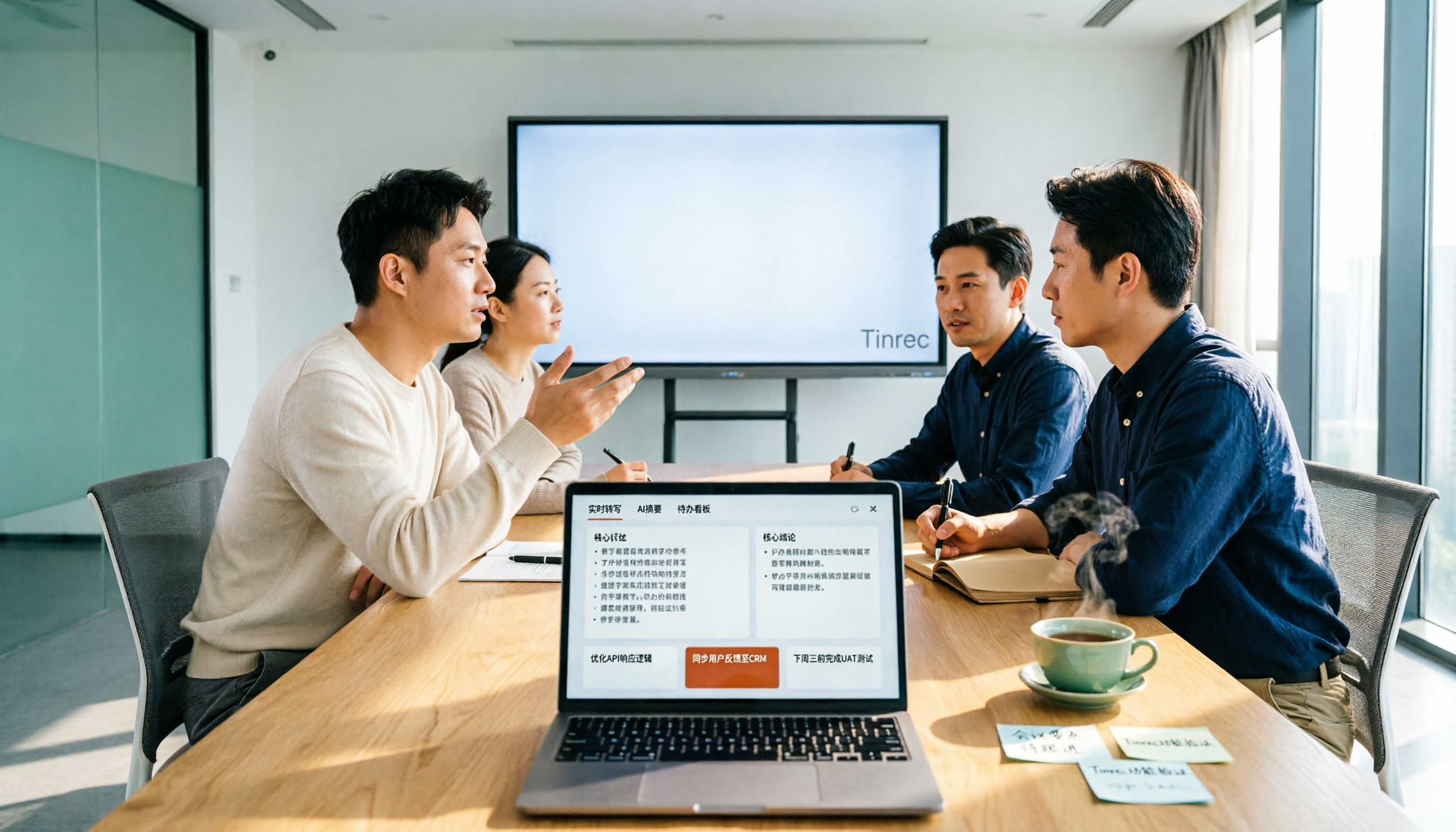
2026 Tested: 5 Free AI Meeting Notes Tools Compared — Tinrec vs Fireflies Free for Chinese Meetings
There are many free AI meeting notes tools, but free quotas, Chinese recognition, post-meeting organization, and team collaboration vary widely. This article reviews the positioning of 5 popular free options, using Tinrec as the main comparison baseline, covering bot-free recording, Chinese meetings, AI Q&A, action item extraction, and team knowledge retention, to help you decide which one better fits your meeting scenarios.

Tinrec vs Yating Transcribe 2026: 5-Dimension Comparison for Chinese Meeting Notes
A transcription app isn't just about converting speech to text. This article compares Tinrec and Taiwan's veteran Yating Transcribe across 5 dimensions: Chinese recognition, meeting audio capture, post-meeting usability, audio retention, and team permissions. It also covers 4 common pitfalls and scenario-based recommendations to help you choose the one that truly saves time.

4 Web Recording Tools Tested and Compared in 2026: Which One Turns Recordings into Transcripts Instantly?
Web recording is commonly used for online courses, meetings, and interview archives. This article starts with selection criteria and compares Tinrec, Chrome Audio Capture, Audacity, and VEED, explaining which is suitable for audio-only saving and which can produce transcripts and summaries right after recording, along with common pitfalls to avoid.

2026 AI Meeting Notes Tools Compared: No Meeting Bot Required for Actionable Minutes
Most people compare AI meeting note tools only on transcription speed, overlooking what happens after the transcript: summaries, action items, and team handoff. This article examines three common pitfalls, breaks down four key buying criteria, and tests Tinrec, Otter.ai, Notta, and Granola on bot-free recording, audio retention, post-meeting output, and team governance. It concludes with clear recommendations based on budget and use case.
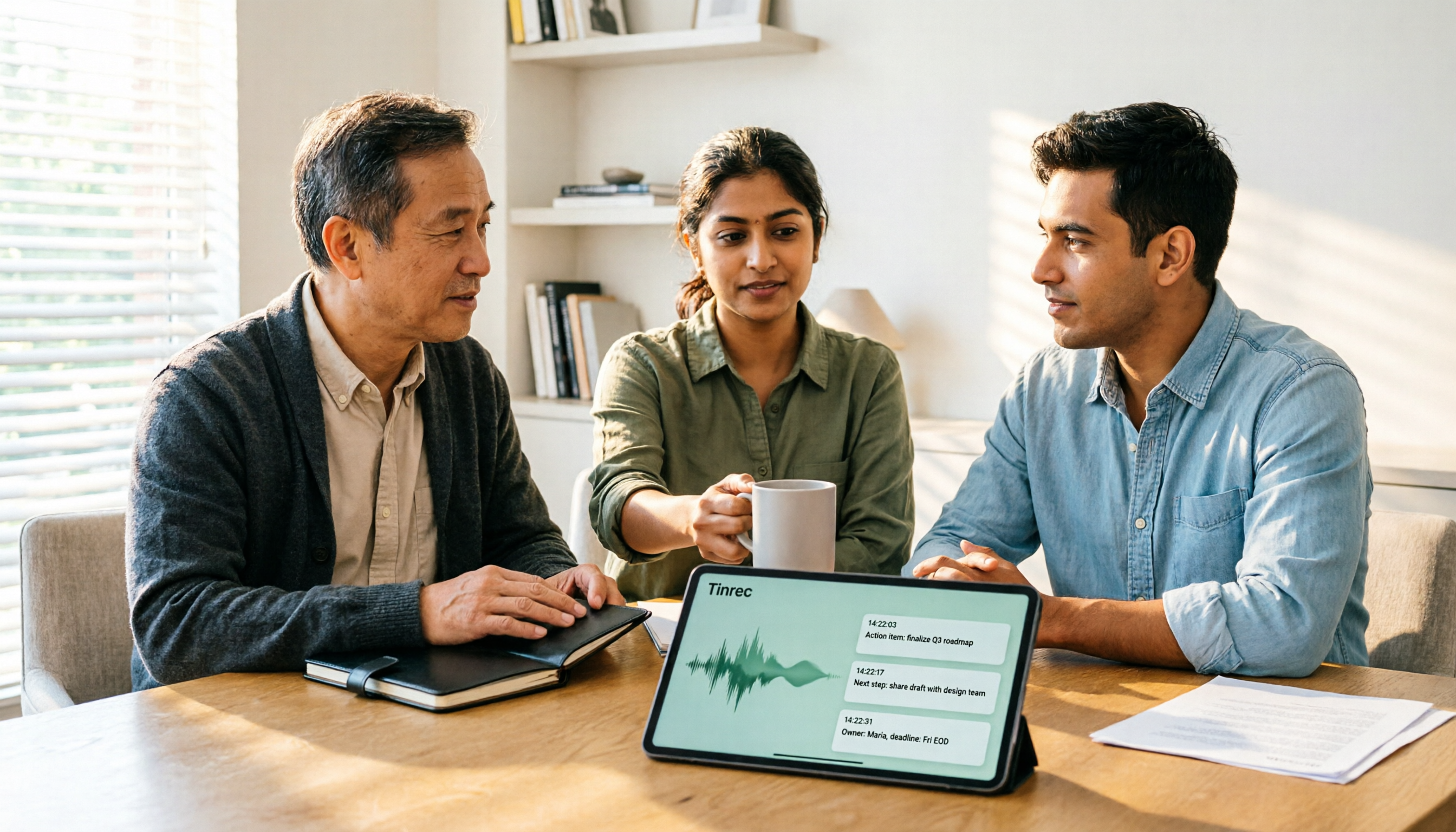
2026 AI Meeting Recorder Comparison: 4 Tools Tested—Which One Actually Saves You Time?
Tired of re-listening to recordings and cleaning up transcripts after every meeting? This review breaks down the decision into three key questions: how meeting audio gets into the tool, what happens after transcription, and who owns team data. We tested Tinrec, Otter.ai, Notta, and Granola, and compiled buying tips, common pitfalls, and selection advice.

How to Choose a Meeting Notes App in 2026: Tinrec's Bot-Free Recording + AI Summaries & Action Items
How do you pick a meeting notes app? This guide starts with the key question: do you need a record or a conclusion? It covers the practical uses of meeting notes apps, 7 core capabilities, 4 use cases, and 5 buying considerations. Using Tinrec as an example, it explains bot-free online meeting recording, AI summaries, action item extraction, AI Q&A, and team plan roles and seats, with pricing for the free and team plans.

2026 Comparison of 4 AI Meeting Tools: Which Offers the Best Free Tier and Post-Meeting Organization?
We tested Tinrec, Otter.ai, Notta, and PLAUD Note, comparing audio capture methods, post-meeting organization, audio retention, and free tiers. We also highlight 4 common pitfalls to help you choose the tool that truly saves time.
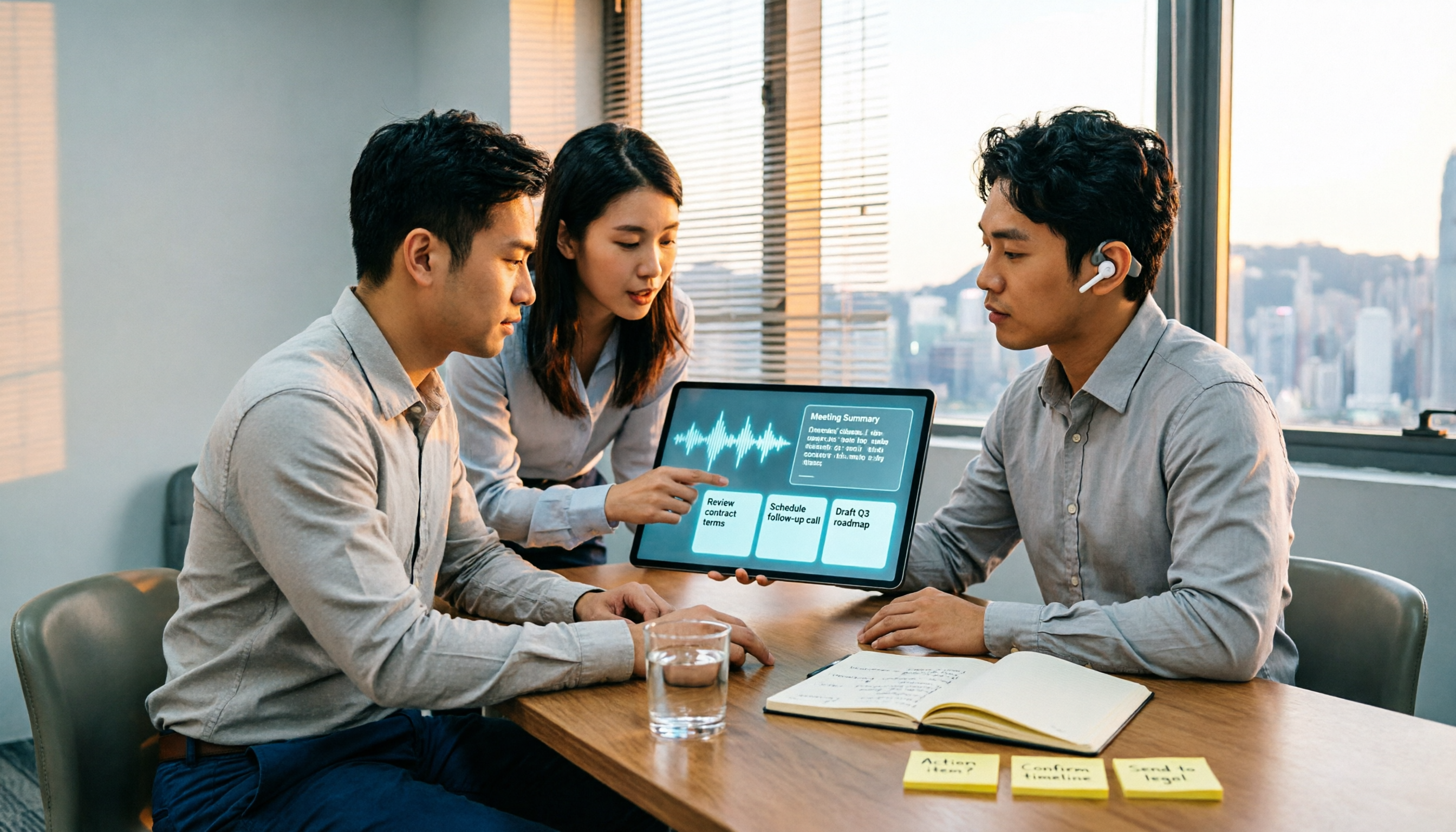
2026 Comparison of 4 Recording-to-Meeting-Notes Tools: Which AI Meeting Assistant Actually Saves You an Hour?
The meeting ends, but the real work begins. This article starts from the practical decision points Hong Kong office workers actually face, breaking down what recording-to-meeting-notes tools can do for you, what core capabilities they offer, and what to look for when choosing a tool. It uses Tinrec as a running example to demonstrate the complete workflow from recording to transcript, summary, action items, and team knowledge retention, while also explaining team plan roles and seat definitions.