

Turn recordings into transcripts and summaries in minutes
Upload audio or video for multilingual transcription, AI notes, and action items
Tinrec vs Yating Transcribe 2026: 5-Dimension Comparison for Chinese Meeting Notes
The Most Common Mistake with Transcription Apps: Treating "Text Conversion" as the End Goal
Many people choose a transcription app like this: open the store page, check how many free minutes are offered, see how many languages are supported, and then download it.
What happens? After recording a 90-minute meeting, you get a transcript with over 10,000 words. You do have a record, but you still have to scroll through it from the beginning, listening and searching for which part discussed the budget and which part contains the conclusion. It doesn't save much time compared to taking handwritten notes.
Another common inefficient approach is to treat the transcript as an archive and stop there. Files are scattered across phones, cloud drives, and chat rooms. Three months later, when you want to look up "who said they would change the specs last time," you can't find it at all.
So my criteria for evaluating these tools have changed over the years: it's not about how fast it transcribes, but what it can do for you after transcription. Below, I'll compare Tinrec and Taiwan's veteran Yating Transcribe using the 5 dimensions I actually use.
Before Choosing a Transcription App, Understand These 5 Key Points
1. Does it understand Chinese and mixed Chinese-English? Meetings in Taiwan are rarely pure Chinese; more often you hear "this campaign's budget needs to be confirmed." So what really matters is recognition performance for mixed Chinese-English and proper nouns, not how many languages the spec sheet claims to support.
2. How does meeting audio "get in"? This is the most easily overlooked point. Some tools send a bot to join the meeting, some capture system audio directly on the desktop, and some record via a phone placed on the table. These three methods differ greatly in how much they disrupt the meeting flow—especially for client meetings, where suddenly having an "AI assistant" join makes a noticeable difference in perception.
3. Is there anything usable after transcription? Just giving a transcript versus giving a transcript plus summaries, chapters, and action items are completely different workloads. With the former, you still have to read through it yourself; with the latter, you can go straight to the conclusions.
4. Is the audio retained, and can you replay it for verification? Few people ask this, but it's important. Some tools keep only text and not audio; if the transcript has typos or misunderstood semantics, you have no original recording to check against. This is especially important for interviews, legal, and client communications.
5. How are permissions managed when teams use it together? Many people think "multiple people sharing one account" is a team version. In reality, teams need separate management: who can view, who can upload, who can export, and who is consuming usage. This can easily cause problems when collaborating with external parties or across departments.
Tinrec — Turning Meetings into Data You Can Query
Tinrec is an AI meeting notes and collaboration tool for individuals and teams, available on web, desktop, and mobile.
Its biggest difference from pure transcription tools is that it puts the most effort into the "after the meeting" phase.
During the meeting: no need to invite a bot The desktop version directly captures the computer's system audio, working with Zoom, Google Meet, Microsoft Teams, and Webex, so no bot attendee appears in the meeting. This makes a big difference for salespeople and consultants who need external meetings—you don't have to explain to the client "this is an AI." And it transcribes while recording, so the transcript grows in real time.
After the meeting: summaries, chapters, and action items generated automatically A 90-minute meeting won't turn into a 10,000-word sea. The system organizes summaries, chapters, and key points, and extracts "who needs to do what" into action items. What I do most often is look at the extracted action list first, then go back to fill in gaps.
A week later: ask questions about the meeting This is what I find most useful. After recording, you can directly ask it: "Who mentioned the budget in the last meeting?" "What were the client's concerns about the delivery date?" It doesn't give keyword search results but answers organized from the content. Products in the same price range mostly don't have this feature yet.
Team knowledge retention: data belongs to the team, not individuals The team version is a separate team space, not multiple people sharing one account. Meeting data belongs to the team, and new members can look up past meetings; when a member leaves or loses a seat, data is transferred to other members and won't be taken away.
Stop organizing recordings by hand
Upload audio or video and automatically get a transcript, summary, and action items
Roles and seats should be viewed separately: roles determine who can manage the team, members, and audits; seats determine whether one can record, upload, edit, and export. Members without a seat can still view, play, and read team data. Clarify this before purchasing, or expectations may fall short.
A few practical numbers
- Team's first eligible trial: 7 days, 1 free seat, 300 minutes of team shared import quota.
- Team monthly: USD 29.80 per paid seat per month.
- Team annual: USD 199 per paid seat per year, equivalent to about USD 16.58 per month.
- Paid seats provide 2,000 minutes of team shared import quota per month; real-time recording under an active team plan and seat is currently not deducted by minutes, while file and web imports consume the team shared quota.
The personal version also has a free version, weekly card, Pro monthly card, and Pro annual card—just pick based on usage frequency. For occasional recording organization, the free version is enough.
Things to note Tinrec does not promise a fixed accuracy rate—actual performance is affected by recording quality, noise, accents, multiple people talking over each other, and technical terminology. For important content, it's recommended to replay and verify with timestamps. Also, current team permissions are team-level sharing, not file-level granular permissions; if you need to set different read/write scopes for different members per file, confirm whether this meets your needs.
Who it's for People who need Chinese and mixed Chinese-English meeting notes, don't want bots joining meetings, want to use AI to find key points and action items directly after meetings, and need to turn meetings into team assets.
Besides Tinrec, What Other Options Are There?
Yating Transcribe A veteran service developed by a Taiwan team. Its biggest advantage is language—it supports Taiwanese Mandarin, Taiwanese Hokkien, Cantonese, Japanese, and mixed Chinese-English "Chinglish," which is hard for others to replace in the short term for those who need to handle Taiwanese Hokkien interviews or Japanese meetings. The mobile app can record and import audio from other apps, and there's a Chrome extension to record Google Meet; the web version offers real-time transcription and audio-to-text.
However, based on the features listed on its official page, its focus remains on "turning speech into accurate text." It does summaries and speaker segmentation, but doesn't emphasize AI Q&A that allows continuous questioning about meeting content, nor does it show team governance designs like seats, usage, and auditing. If what you want is "after recording, you can keep asking and keep producing reports," this is the biggest gap between it and Tinrec.
Notta A multi-platform transcription tool that supports meeting notes, file import, translation, and team plans, with good multilingual performance. Suitable for those whose core needs are transcription, subtitles, and translation; if the focus is bot-free recording of online meetings plus post-meeting team data retention, Tinrec's workflow is more complete.
Otter.ai A veteran choice for English meetings, with generous free quota and mature English business scenarios. But it doesn't focus on Chinese and mixed Chinese-English; if 90% of your meetings are in English, it's a good deal; if your meetings are in Chinese, its practicality is reduced.
Pitfall Guide: The 4 Most Common Mistakes When Choosing a Transcription App
Pitfall 1: Only looking at free minutes Free quota determines whether you can try it, but what determines whether you stay is usability after transcription. I usually test with a recording that's hardest for me to transcribe—with background noise, mixed Chinese-English, and two people talking at the same time. Performance under these conditions is what counts.
Pitfall 2: Treating the transcript as the end goal Using the tool only as audio-to-text means using only one-third of its capabilities. Instead of spending 40 minutes reading the transcript, why not directly ask it "What are the three conclusions of this meeting?"
Pitfall 3: Not confirming whether audio is retained Some tools keep only text and not audio. No matter how accurate the transcript is, there will be typos, and without the original recording you can't verify. This is a detail many people discover only after signing up.
Pitfall 4: Treating "shared account" as a team version A real team version must distinguish members, roles, and seats. Shared accounts cause three problems: departed employees can still see data, usage can't be attributed, and operation logs can't be traced when issues arise.
One final practical reminder: recording and transcription involve local regulations and others' privacy. For external meetings, it's recommended to inform participants and obtain consent beforehand—much easier than remedying afterward.
Conclusion: Which One Should You Choose?
In one sentence: if you want "accurate transcripts that understand Taiwanese Hokkien and Japanese," Yating Transcribe is a reliable veteran option; if you want "turning meetings into data you can query and hand over," Tinrec's workflow is much more complete.
It's clearer to route by scenario:
- Chinese or mixed Chinese-English meetings needing summaries and action items → Tinrec (usable directly after meetings)
- Don't want meeting bots joining Zoom, Meet, Teams → Tinrec (desktop captures system audio)
- After recording, want to ask "who said what" and "what were the conclusions" → Tinrec (AI Q&A)
- Team needs to share meeting data and manage members and usage → Tinrec team version (roles, seats, usage, auditing, recycle bin)
- Meetings are largely in Taiwanese Hokkien, Cantonese, or Japanese → Yating Transcribe (language coverage is its strength)
- 90% of meetings are in English, zero budget → Otter.ai (generous free quota)
To verify effectiveness, don't rely on others' reviews—run a recording of your own meeting through it. Seeing whether the summary it extracts feels like the meeting you actually had is more accurate than any spec sheet.
References
Turn every recording into actionable outcomes
Get 60 free transcription minutes when you sign in. No credit card required.
Related Reading
You might also like

4 Free Cantonese Speech-to-Text Tools Compared (2026): Which Free Tier Is Most Generous?
A roundup of 4 Cantonese speech-to-text tools that still offer free usage in 2026, comparing free quotas, sign-up requirements, key features, and limitations, with recommended use cases and selection advice. Information is based on each official page as of August 2026.
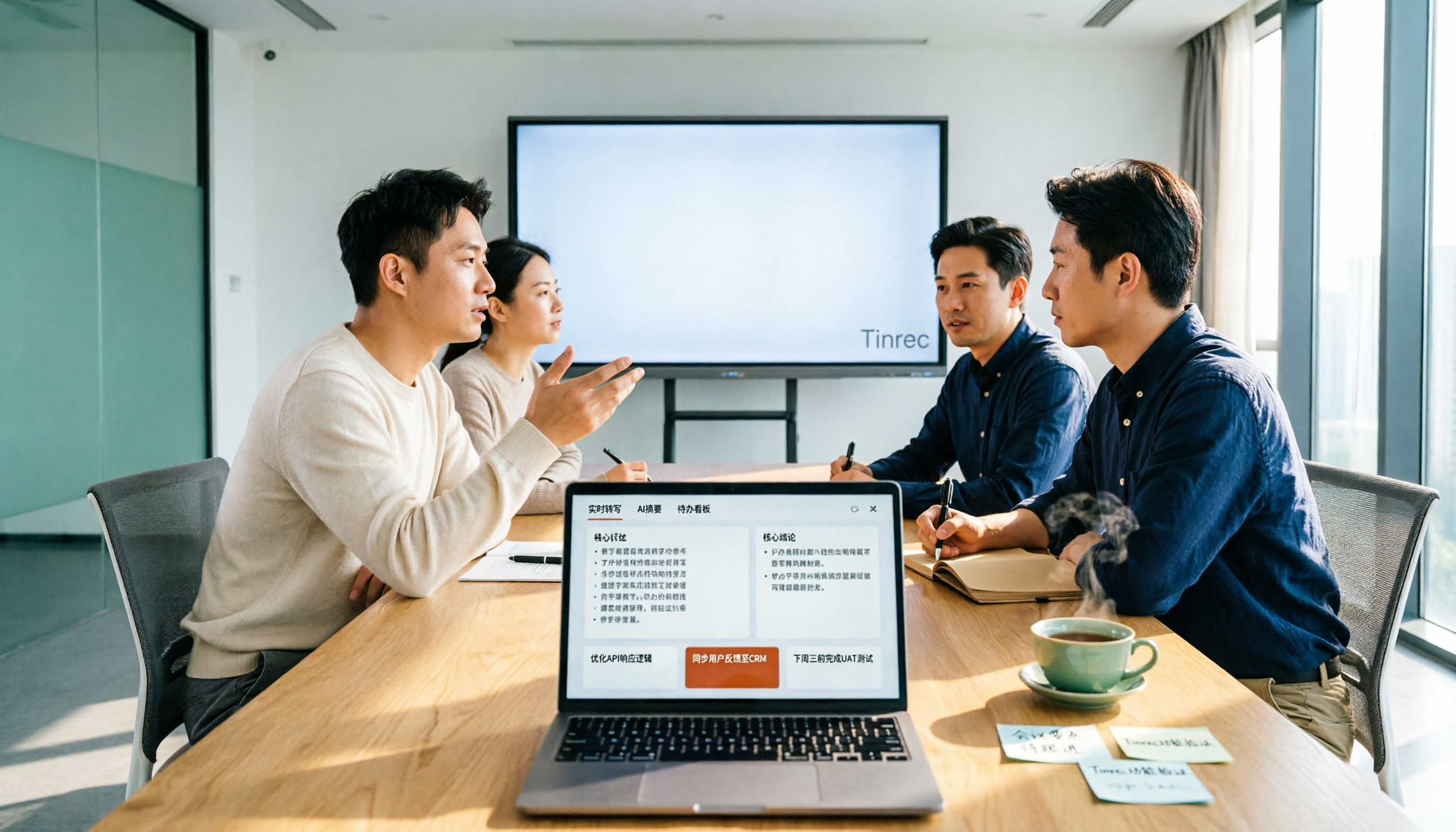
2026 Tested: 5 Free AI Meeting Notes Tools Compared — Tinrec vs Fireflies Free for Chinese Meetings
There are many free AI meeting notes tools, but free quotas, Chinese recognition, post-meeting organization, and team collaboration vary widely. This article reviews the positioning of 5 popular free options, using Tinrec as the main comparison baseline, covering bot-free recording, Chinese meetings, AI Q&A, action item extraction, and team knowledge retention, to help you decide which one better fits your meeting scenarios.

Tinrec vs Notta 2026: 5-Dimension Comparison for Meeting Transcription
The real difference in meeting transcription isn't whether it can transcribe, but whether you can deliver actionable conclusions within ten minutes after the meeting. This article compares Tinrec and Notta from the perspective of a mid-level manager, using five dimensions: bot-free recording, AI Q&A, audio retention, Chinese language experience, and team seat governance. It also includes a pitfalls guide and selection recommendations.

4 Web Recording Tools Tested and Compared in 2026: Which One Turns Recordings into Transcripts Instantly?
Web recording is commonly used for online courses, meetings, and interview archives. This article starts with selection criteria and compares Tinrec, Chrome Audio Capture, Audacity, and VEED, explaining which is suitable for audio-only saving and which can produce transcripts and summaries right after recording, along with common pitfalls to avoid.

2026 AI Meeting Notes Tools Compared: No Meeting Bot Required for Actionable Minutes
Most people compare AI meeting note tools only on transcription speed, overlooking what happens after the transcript: summaries, action items, and team handoff. This article examines three common pitfalls, breaks down four key buying criteria, and tests Tinrec, Otter.ai, Notta, and Granola on bot-free recording, audio retention, post-meeting output, and team governance. It concludes with clear recommendations based on budget and use case.

2026 AI Meeting Recorder Comparison: 4 Tools Tested—Which One Actually Saves You Time?
Tired of re-listening to recordings and cleaning up transcripts after every meeting? This review breaks down the decision into three key questions: how meeting audio gets into the tool, what happens after transcription, and who owns team data. We tested Tinrec, Otter.ai, Notta, and Granola, and compiled buying tips, common pitfalls, and selection advice.

How to Choose a Meeting Notes App in 2026: Tinrec's Bot-Free Recording + AI Summaries & Action Items
How do you pick a meeting notes app? This guide starts with the key question: do you need a record or a conclusion? It covers the practical uses of meeting notes apps, 7 core capabilities, 4 use cases, and 5 buying considerations. Using Tinrec as an example, it explains bot-free online meeting recording, AI summaries, action item extraction, AI Q&A, and team plan roles and seats, with pricing for the free and team plans.

2026 Comparison of 4 AI Meeting Tools: Which Offers the Best Free Tier and Post-Meeting Organization?
We tested Tinrec, Otter.ai, Notta, and PLAUD Note, comparing audio capture methods, post-meeting organization, audio retention, and free tiers. We also highlight 4 common pitfalls to help you choose the tool that truly saves time.
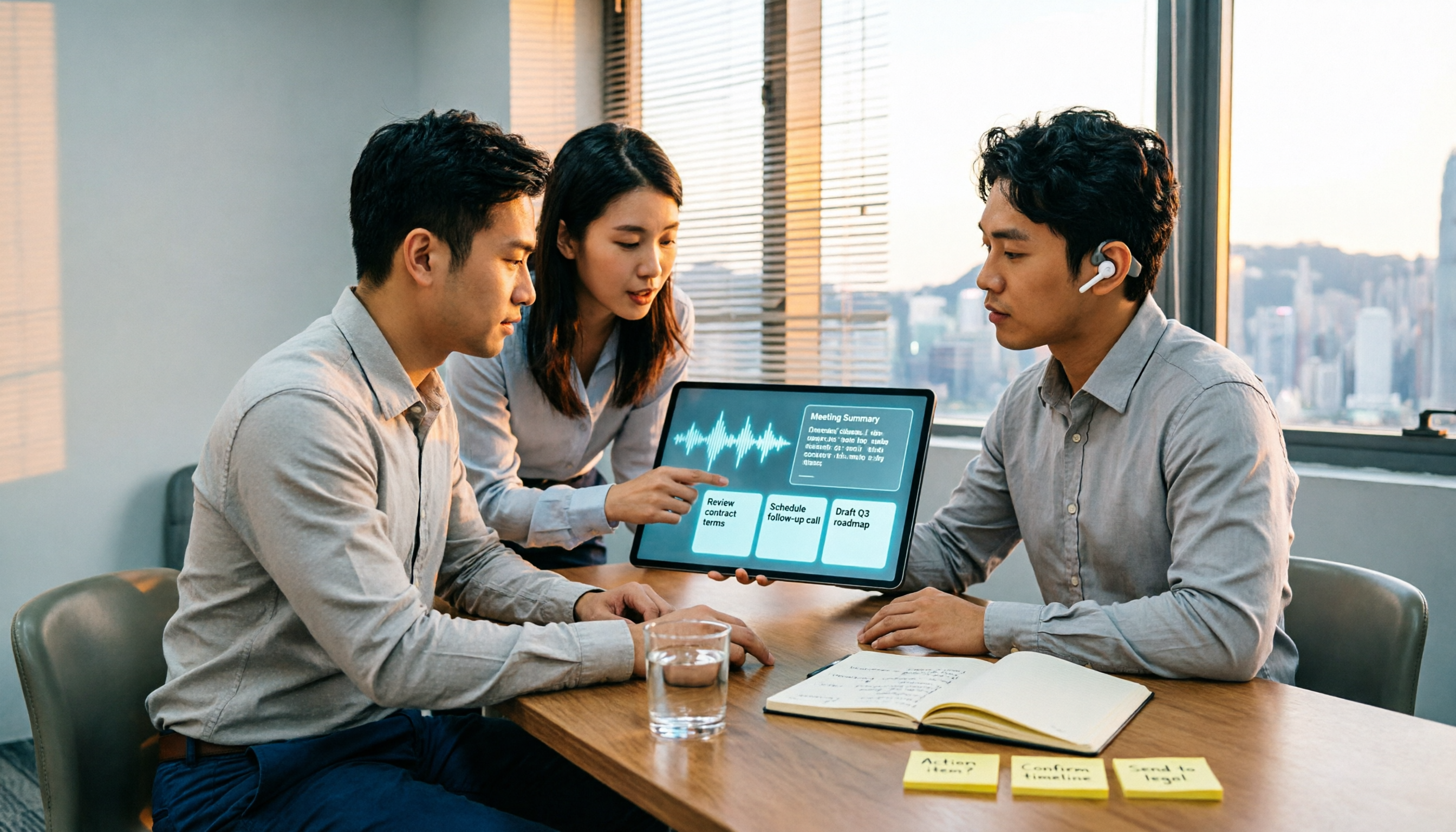
2026 Comparison of 4 Recording-to-Meeting-Notes Tools: Which AI Meeting Assistant Actually Saves You an Hour?
The meeting ends, but the real work begins. This article starts from the practical decision points Hong Kong office workers actually face, breaking down what recording-to-meeting-notes tools can do for you, what core capabilities they offer, and what to look for when choosing a tool. It uses Tinrec as a running example to demonstrate the complete workflow from recording to transcript, summary, action items, and team knowledge retention, while also explaining team plan roles and seat definitions.