
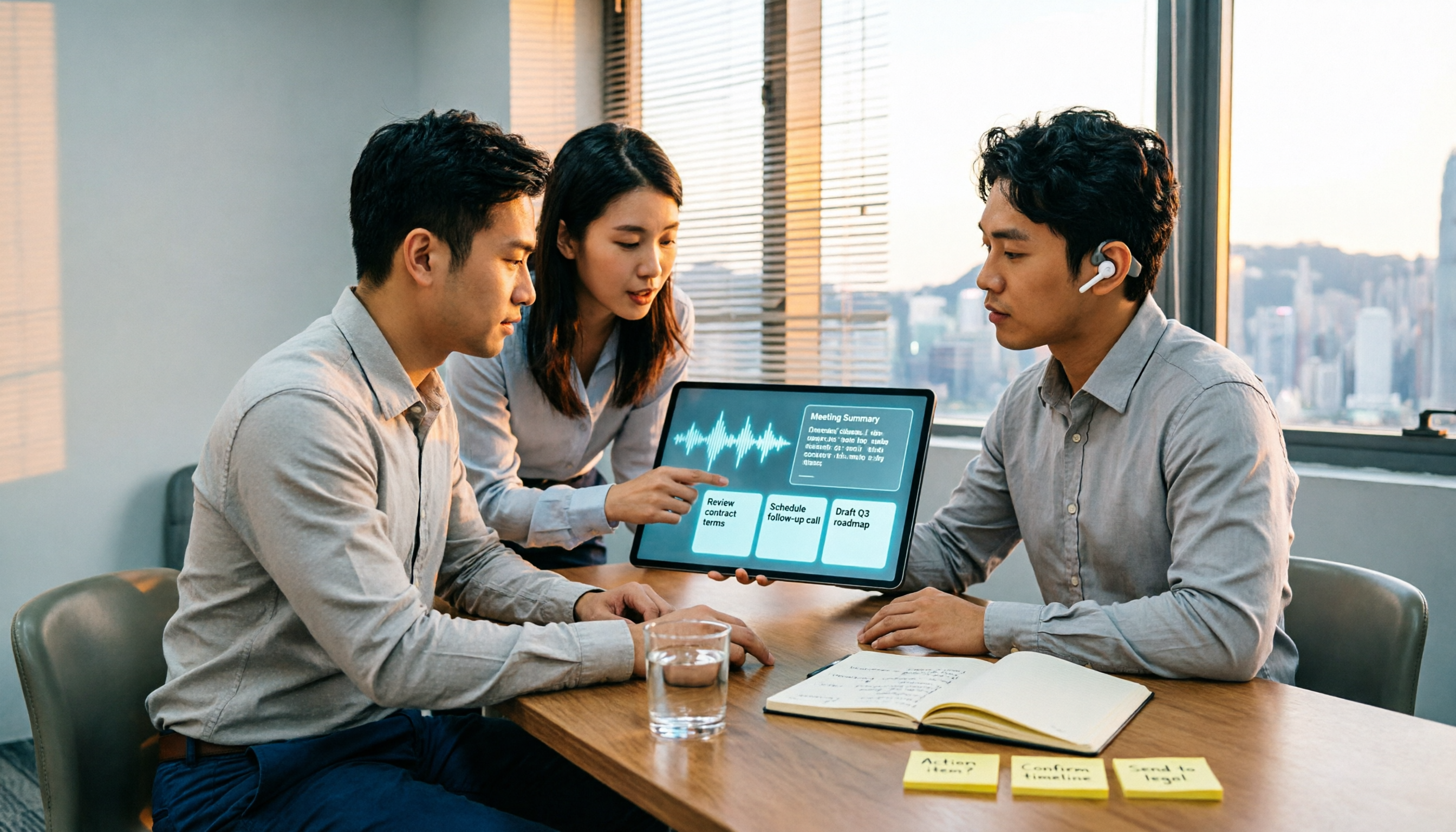
Turn recordings into transcripts and summaries in minutes
Upload audio or video for multilingual transcription, AI notes, and action items
2026 Comparison of 4 Recording-to-Meeting-Notes Tools: Which AI Meeting Assistant Actually Saves You an Hour?
When choosing a recording-to-meeting-notes tool, most people's first question is "which one transcribes most accurately." But what really determines whether you can leave work on time isn't transcription accuracy alone—it's three decision points: after transcription, does anything help you segment the content, extract action items, and write meeting notes you can send out directly; can it handle Hong Kong meetings with mixed Chinese and English; and next time you want to find "who promised what," can you actually find it?
This article follows those three decision points to explain exactly how much recording-to-meeting-notes tools can do for you, what core capabilities they offer, and what to look for when choosing a tool. Throughout, it uses Tinrec as a hands-on example because it covers the entire workflow from "recording" to "using."
What Can Recording-to-Meeting-Notes Tools Do for You?
Scenario 1: Get a draft within 5 minutes after the meeting In the past, after a two-hour meeting, you'd still have to sit down and spend another hour organizing. With Tinrec, for example, real-time recording syncs to text, so after the meeting you already have a transcript, summary, chapters, and action item list—who's responsible for what and when it's due, all at a glance. Your job is to verify, not start from scratch.
Scenario 2: No need to re-listen to entire sections for mixed Chinese-English Hong Kong meetings typically mix one Chinese sentence with three English terms. Tinrec supports Chinese, Traditional Chinese, and multilingual meeting scenarios, plus real-time translation and bilingual viewing, so cross-language meetings don't require post-meeting section-by-section translation. Actual results will still be affected by recording quality, accents, background noise, and overlapping speakers; for important content, cross-check against the original text.
Scenario 3: No more re-listening to two hours just to find "who said that" After transcription, you can ask Tinrec directly, for example, "What were the client's concerns about the quote?" or "Who mentioned delaying the launch?" It answers based on the meeting content, so you don't have to Ctrl+F through sections yourself.
What Are the Core Capabilities of Recording-to-Meeting-Notes Tools?
Capture online meeting audio without a bot Most meeting bots join as a participant, adding an unfamiliar account to the list that clients will ask about. Tinrec's desktop version captures computer system audio directly, so when handling online meetings on Zoom, Google Meet, Microsoft Teams, Webex, etc., no bot is needed. Note: users must actively open Tinrec to start recording; it does not automatically join all meetings on your calendar.
Real-time transcript, text appears as people speak In-person meetings, interviews, and live notes can be transcribed instantly. During the meeting, you can watch the text to confirm no key points are missed, rather than discovering recording quality issues only after the meeting ends.
Structured organization, not just compressing the transcript into one paragraph Tinrec breaks long meetings into chapters, key points, and summaries, then extracts action items. The output is a document you can assign work from, not a blob of text. When you need to understand the context of topics, it can also generate mind maps.
Continue processing after transcription The same meeting data can generate documents, reports, and tables, and supports export to common formats and third-party tools (e.g., Notion, Google Docs, OneNote, Dropbox) for further editing, without copying and pasting dozens of times.
Team space turns meetings into assets The team plan centralizes recordings, transcripts, summaries, action items, and member management in one space: new colleagues can look up past meetings; admins can manage roles, seats, sharing permissions, usage analytics, and audit logs; when members leave, data remains with the team and can be handed over to other active members.
Practical Use Cases
Department weekly meetings and decision meetings Regular weekly meetings are the real test of knowledge retention. Record once with Tinrec, and you'll have summaries and action items right after the meeting, with decision rationale and owners clearly written; before the next meeting, check the team space—no need to rely on one colleague's memory.
Stop organizing recordings by hand
Upload audio or video and automatically get a transcript, summary, and action items
Client interviews and requirements discussions Sales and customer success teams dread missing committed items. Tinrec can organize client needs, objections, and follow-up actions, then export them as materials for internal follow-up. It organizes communication content, but does not automatically complete CRM processes—this distinction matters.
Research interviews and focus groups Transcripts preserve original statements for easy citation and re-listening; chapters and summaries help you quickly scan through dozens of minutes of recording, saving time for analysis instead of typing.
Courses and personal knowledge retention Classes, lectures, and spontaneous ideas can be recorded instantly; past recordings can be searched, queried, and reused, so they don't just sit on your phone ignored after recording.
5 Things to Watch When Choosing a Recording-to-Meeting-Notes Tool
1. Test accuracy yourself; don't just look at marketing numbers No tool can promise a fixed accuracy rate for all recordings. We recommend testing with a segment of your own real meeting recording, especially sentences with mixed Chinese and English. Tinrec provides high-quality transcription under clear audio and common scenarios, but quality will be affected by noise, accents, and overlapping speech.
2. Capture method: does it require a bot to join the meeting? If clients can see the participant list, bot-based solutions may not be suitable. Tinrec's desktop version records via system audio capture without adding extra participants, keeping external meetings cleaner.
3. Is there a post-transcription workflow? Tools that only output transcripts hand the organizing work right back to you. Tinrec provides summaries, chapters, action items, AI Q&A, translation, and Agent post-processing, focusing on post-meeting deliverables rather than transcription itself.
4. Cross-platform and export Confirm the tool supports the devices you use daily. Tinrec offers iOS, Android, desktop, and web versions, and supports export to common formats and third-party tools, so you're not locked into a single ecosystem.
5. Team governance: understand roles and seats In the team plan, "roles" determine who can manage the team, members, and audits; "seats" determine whether members can record, upload, edit, and export. Tinrec's team plan currently focuses on team-level sharing: active members can view, play, and read materials even without a seat, but operations like uploading, editing, and exporting require a seat; this is not file-level granular permission setting. The team plan offers a 7-day trial (1 free seat, 300 minutes of shared import quota); paid seats are billed monthly or annually, and quotas and pricing are subject to the official purchase page.
Frequently Asked Questions
Q: How accurate can transcription be? A: It depends on recording conditions. Clear audio without severe overlapping speech performs best in common scenarios; for important content, cross-check against transcript timestamps and the recording. Tinrec's value lies in greatly reducing manual note-taking and organizing costs, not completely replacing human verification.
Q: Does it support Zoom, Microsoft Teams, and Google Meet? A: Yes. Tinrec's desktop version captures computer system audio, handling meeting audio played on the computer without requiring a bot to join, and does not imply official partnership with these platforms.
Q: Is the free version enough? A: The free version provides a basic quota, suitable for occasional recording organization. If you have regular weekly meetings, the Pro plan is more suitable; for short-term intensive meetings or interviews, you can choose a weekly pass based on tasks; if you need long-term recording retention, consider an annual pass.
Q: If a team member leaves, will meeting notes disappear? A: They won't automatically leave with the person. Team resources belong to the team; when a member exits, is removed, or loses their seat, their responsible team resources need to be handed over to other active members. Additionally, deleted team audio goes to the recycle bin and can be restored before permanent deletion.
Q: Do I need to notify participants before recording? A: Yes. Recording and transcription involve local regulations and participant consent; actual use should comply with relevant laws and obtain participant consent when required.
Conclusion
The dividing line for recording-to-meeting-notes tools isn't "how accurate the transcription is," but "after transcription, do you immediately get materials you can assign work from?" If after every meeting you still spend an hour redoing everything from the recording, the problem isn't that you're not diligent enough—it's that the tool only does half the job.
Tinrec connects recording, transcript, summary, chapters, action items, Q&A, translation, and export into one line, then puts the results into a team space for retention. Rather than continuing to work overtime listening to recordings, try it with one real meeting: the free version provides a basic quota, enough to walk through a complete workflow once and see if the time saved is really worth it.
References
Turn every recording into actionable outcomes
Get 60 free transcription minutes when you sign in. No credit card required.
Related Reading
You might also like

2026 AI Meeting Notes Tools Compared: No Meeting Bot Required for Actionable Minutes
Most people compare AI meeting note tools only on transcription speed, overlooking what happens after the transcript: summaries, action items, and team handoff. This article examines three common pitfalls, breaks down four key buying criteria, and tests Tinrec, Otter.ai, Notta, and Granola on bot-free recording, audio retention, post-meeting output, and team governance. It concludes with clear recommendations based on budget and use case.
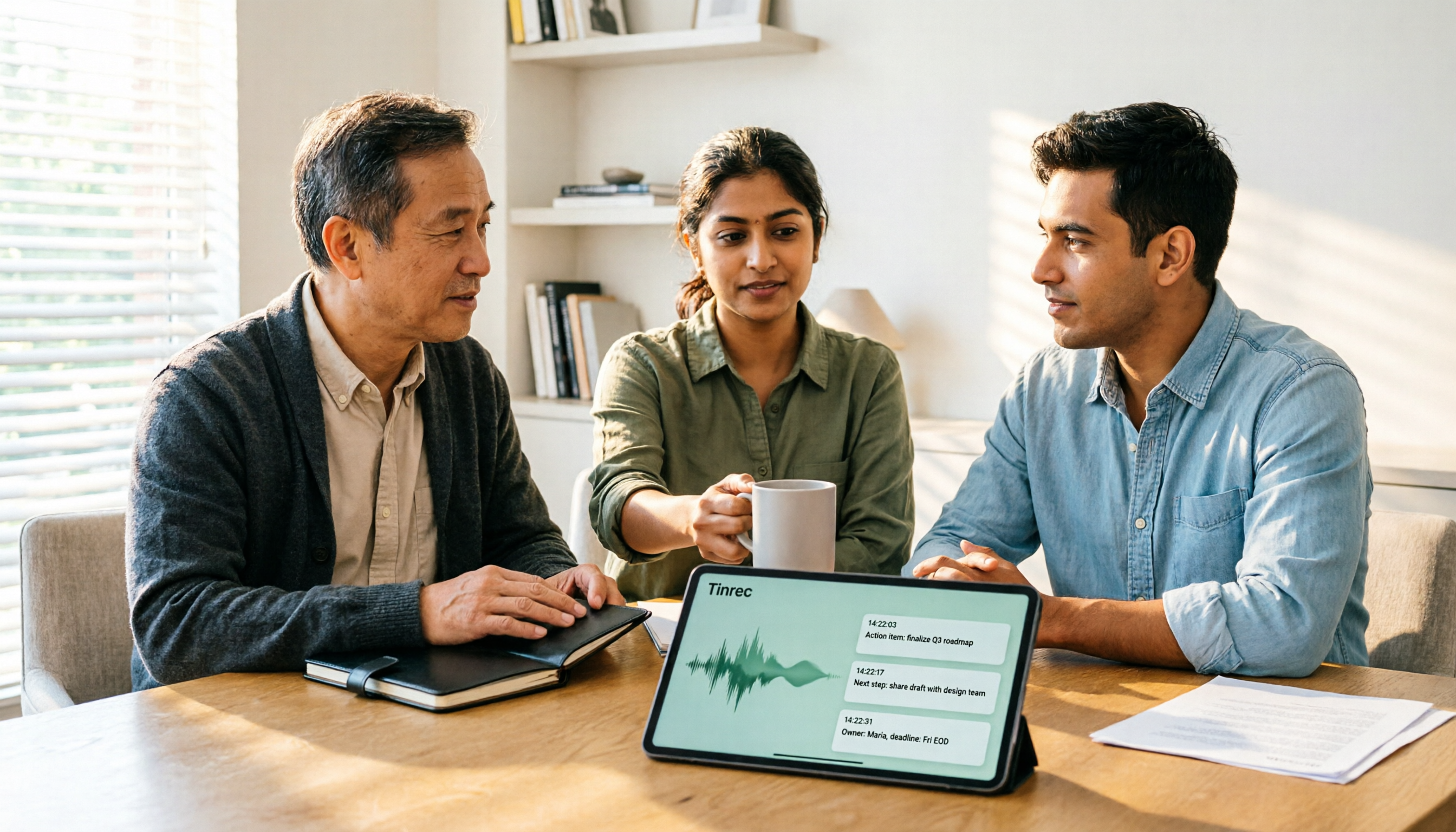
2026 AI Meeting Recorder Comparison: 4 Tools Tested—Which One Actually Saves You Time?
Tired of re-listening to recordings and cleaning up transcripts after every meeting? This review breaks down the decision into three key questions: how meeting audio gets into the tool, what happens after transcription, and who owns team data. We tested Tinrec, Otter.ai, Notta, and Granola, and compiled buying tips, common pitfalls, and selection advice.

How to Choose a Meeting Notes App in 2026: Tinrec's Bot-Free Recording + AI Summaries & Action Items
How do you pick a meeting notes app? This guide starts with the key question: do you need a record or a conclusion? It covers the practical uses of meeting notes apps, 7 core capabilities, 4 use cases, and 5 buying considerations. Using Tinrec as an example, it explains bot-free online meeting recording, AI summaries, action item extraction, AI Q&A, and team plan roles and seats, with pricing for the free and team plans.

2026 Comparison of 4 AI Meeting Tools: Which Offers the Best Free Tier and Post-Meeting Organization?
We tested Tinrec, Otter.ai, Notta, and PLAUD Note, comparing audio capture methods, post-meeting organization, audio retention, and free tiers. We also highlight 4 common pitfalls to help you choose the tool that truly saves time.

2026 Comparison of 4 Meeting Recording AI Tools: Is the Free Tier Enough? That's the Key
How to choose a meeting recording AI? This article starts with common misconceptions and compares Tinrec, Otter.ai, Notta, and Granola through hands-on testing. It outlines four key criteria: recording method, post-meeting organization, data retention, and free tier limits, plus a guide to avoiding pitfalls and scenario-based recommendations.

2026 Comparison of 4 Meeting Recording Tools: Legal Self-Protection and Post-Meeting Organization—Which Performs Best?
The point of meeting recording is never just 'recording'—it's how you use it afterward. This article starts with the three most common misconceptions, outlines 4 key criteria for choosing a meeting recording tool, tests Tinrec's bot-free recording, AI summaries, and post-meeting Q&A workflow, compares the positioning of Otter.ai, Granola, and PLAUD, and finally covers the legal and practical pitfalls most easily encountered with recording for self-protection in Taiwan.

2026 Comparison of 4 AI Meeting Recorders: Free Tiers, AI Summaries, and Post-Meeting Q&A
Got dozens of unlistened recordings on your phone? This guide starts from real student scenarios, explains the 4 key factors to consider when choosing an AI meeting recorder, and then hands-on compares Tinrec, Otter.ai, Notta, and PLAUD Note—covering free tier limits, AI summary and Q&A usability, whether online meetings need a bot, and final recommendations for midterms and group projects.

2026 Comparison of 4 Meeting Recording AI Tools: Which One Actually Saves You Time?
This article starts with common misconceptions and explains that meeting recording AI should not be judged solely by transcription minutes; instead, consider capture, transcription, summarization, action items, Q&A, export, and team knowledge retention. It compares Tinrec, Notta, Otter.ai, and Meeting Ink on features, public pricing, and use cases, and provides buying criteria and pitfalls to help professionals choose a tool that truly saves post-meeting organization time.

2026 AI Meeting Notes App Comparison: Which Free Version Is Enough?
We tested four AI meeting notes apps in 2026, comparing meeting capture methods, post-meeting organization, Chinese language experience, team collaboration, and free tier limits. Tinrec was our primary test subject, and we also assessed Otter.ai, Notta, and PLAUD for their best-fit scenarios and key buying considerations.