

Turn recordings into transcripts and summaries in minutes
Upload audio or video for multilingual transcription, AI notes, and action items
2026 Comparison of 4 Meeting Recording AI Tools: Which One Actually Saves You Time?
Many people think meeting recording AI is just about turning recordings into transcripts, so they only look at free minutes when choosing a tool. That's the most common misconception. The real hassle isn't transcription—it's having to dig through a long block of text after the meeting to find conclusions, action items, and who agreed to what. A more reasonable approach is to view meeting recording AI as a post-meeting workflow: capture audio, transcribe, generate summaries and chapters, extract action items, support follow-up questions, export to where work happens, and ultimately build a team knowledge base. This article compares four tools—Tinrec, Notta, Otter.ai, and Meeting Ink—on features, public pricing, and use cases, and shares common pitfalls when choosing. We do not fabricate test numbers; prices and benefits are subject to official pages.
The Real Pain Point of Meeting Notes—You Need Usable Post-Meeting Data, Not Just Text
After a two-hour meeting, you have the transcript, but you still have to mark key points, organize decisions, and confirm who is responsible for what. This is very common.
Chinese meetings are even more challenging. Mixed Chinese-English, jargon, and multiple people talking over each other—the transcribed text is visible but not necessarily useful. Rather than needing transcription, you need meeting data you can directly act on.
If you still have to re-listen to the recording and manually supplement notes after the meeting, the tool only does half the job. Choosing the right tool makes all the difference.
5 Key Points to Understand Before Choosing a Meeting Recording AI
First, look at how meetings are recorded. Meeting bots joining meetings is convenient, but some teams don't want an extra participant. For example, Tinrec's desktop version captures computer system audio without a bot joining—that's a different approach.
Second, look at what you can do after transcription. Having only a transcript is like swapping typing work for proofreading work. Summaries, chapters, action items, AI Q&A, and export are where real time savings happen after the meeting.
Third, look at Chinese and multilingual experience. Taiwanese teams often mix Chinese and English, with product jargon flying everywhere. Whether the tool supports real-time translation, bilingual view, and team hotwords affects usability later.
Fourth, look at how team data is managed. If meeting data is scattered across personal accounts, it's hard to hand over when a member leaves. Team spaces, roles, seats, usage, and auditing are key for team scenarios.
Fifth, look at free quotas and payment methods. Occasional users can try the free version first; short-term intensive meetings can use weekly cards; regular weekly use can consider Pro; team sharing and governance require the team version. Don't just compare minutes.
Tinrec—Our Top Choice After Testing
Tinrec is an AI meeting notes and collaboration tool for individuals and teams, available on web, desktop, and mobile. It doesn't just convert audio to text; it turns meetings into searchable, summarizable, queryable, and exportable data that can be retained in team spaces.
In actual use, you can open Tinrec for live recording, with transcripts appearing as you record—suitable for offline meetings and interviews. For online meetings, use the desktop version to capture system audio from platforms like Zoom, Google Meet, Microsoft Teams, and Webex without inviting a meeting bot. After the meeting, AI generates summaries, chapters, and action items; for long meetings, you can review the structure first and then check details in the transcript.
I find AI Q&A very practical. After recording, you can directly ask questions about the meeting content, such as asking it to organize customer objections, decisions made in the meeting, or someone's next steps. This is much faster than manually searching keywords in the transcript. It also supports real-time translation, original and translated text or bilingual view, which helps with cross-language meetings. Post-meeting outputs can be exported to common formats and third-party tools, or processed via Agent to generate reports, tables, and documents.
Stop organizing recordings by hand
Upload audio or video and automatically get a transcript, summary, and action items
In terms of advantages: first, complete meeting entry points—live recording, desktop bot-free recording, and audio/video file upload are all supported. Second, a complete post-meeting workflow—summaries, chapters, action items, Q&A, translation, and export are connected, not just a transcript. Third, the team version clarifies data ownership: team spaces centrally store meeting data and manage members, roles, seats, sharing permissions, usage analytics, audit logs, team hotwords, and audio recycle bin. The team version currently offers a 7-day trial, 1 free seat, and 300 minutes of team shared import quota; monthly payment is USD 29.80 per paid seat per month, annual payment is USD 199 per paid seat per year (about USD 16.58 per month); paid seats provide 2,000 minutes of team shared import quota per month. Under an active team plan and active seats, live recording currently does not deduct minutes; file and web imports use team shared quota. Prices are subject to the official purchase page.
Limitations should also be clear. The free version has limited quota; heavy use requires payment; file import and team sharing quotas have rules and are not unlimited in all scenarios. Transcription quality is affected by recording quality, noise, accents, overlapping speech, and technical terms; for important content, we recommend cross-checking with transcript timestamps and recording playback. The team version currently focuses on team-level sharing, not document-level granular permissions; members without seats can view, play, and read but cannot upload, edit, or import/export. These limitations do not affect its value as a meeting organization tool, but you should know them before purchasing.
Who is it for? If you need Chinese meeting notes, don't want a meeting bot to join, want to use AI to find key points directly after the meeting, or want to retain meeting data in a team space, Tinrec is a very suitable choice. The personal version includes free, weekly card, Pro monthly, and Pro annual options, so you can choose based on your tasks without buying the heaviest plan upfront.
Besides Tinrec, What Other Options Are There?
Notta: Offers multi-platform transcription, file import, translation, and team plans. Public pricing: free version 120 minutes per month, max 3 minutes per session; Pro annual equivalent to USD 8.17 per month, 1,800 minutes per month; Business annual equivalent to USD 16.67 per seat per month. Suitable for users focused on file transcription, subtitles, and translation. AI Q&A and Agent post-processing are less emphasized for Notta in this comparison.
Otter.ai: A mature choice for English business meetings. Basic free 300 minutes per month; Pro annual equivalent to USD 8.49 per user per month, including 1,200 minutes of in-app recording and 10 file imports per month. If you mainly record English meetings, consider it. However, Tinrec has more complete coverage for Chinese meetings, real-time translation, and team data retention, suitable for Taiwanese teams' Chinese scenarios.
Meeting Ink: Automatically generates transcripts and smart summaries from Zoom, Google Meet, Teams, Webex, and other platform meetings, and also supports in-person meetings, live subtitles, multilingual translation, one-click meeting share links, and custom summary templates. Suitable for teams needing live subtitles and quick sharing. If you need further management of team members, seats, usage, and auditing, Tinrec's team version offers more complete governance capabilities.
Pitfall Guide: 4 Most Common Mistakes When Choosing Meeting Recording AI
Pitfall 1: Only looking at transcription minutes. Minutes matter, but post-meeting summaries, action items, Q&A, and export are where daily time is actually spent. We recommend trying a real meeting recording of your own to see if the organized results are directly usable.
Pitfall 2: Assuming a meeting bot is required. A bot joining a meeting creates a presence, which may not be suitable for some client meetings. Tinrec's desktop version captures system audio without an extra participant—a direction worth prioritizing.
Pitfall 3: Ignoring Chinese and terminology recognition. Taiwanese teams often mix Chinese and English, with many product names, project names, and client names. When choosing a tool, check whether it supports team hotwords, bilingual view, and real-time translation—don't just rely on English reviews.
Pitfall 4: Ignoring data ownership. Meetings stored in personal accounts are hard to hand over when members leave. For team use, consider team spaces, roles, seats, and resource handover design. Tinrec's team version separates roles and seats, allowing team resources to be handed over to other active members when membership changes—something to note for team scenarios.
Conclusion: Which One Should You Choose?
Need Chinese meetings, mixed Chinese-English, and post-meeting AI key point finding → Tinrec. Its summaries, chapters, action items, and AI Q&A turn transcripts into usable meeting data.
Don't want a meeting bot joining Zoom, Meet, Teams, Webex → Tinrec. The desktop version captures system audio without an extra participant.
Need to retain meeting data in team spaces and manage members, seats, usage, and auditing → Tinrec team version. Roles govern governance, seats govern usage eligibility, and resources can be handed over when members leave.
Need real-time translation, bilingual view, and post-meeting export → Tinrec. It integrates translation, summaries, and export into one post-meeting workflow.
Only record English meetings with a limited budget → Otter.ai can be included in the comparison. Its free quota and English meeting mindset are more mature.
Overall, the value of meeting recording AI is not how many words it transcribes, but whether it saves time after the meeting. We recommend taking a recording of your own meeting and running through the process with Tinrec's free version: record or upload, view the transcript, check summaries and action items, and try asking a question. If it fits your work habits, then consider upgrading to a paid plan.
References
- Meeting Ink - 2026 AI Meeting Notes Tool Test | 7 Speech-to-Text and Summary Speed Comparison | Meeting Ink - AI Meeting Notes Assistant Automatic Transcription and Summary
- How to Choose Meeting Recording AI in 2026? 5 Steps to Find the Best Transcription Tool - Tinrec Blog
- Top AI Meeting Notes Tools of 2026, Time-Saving Must-Haves for Meetings!
- Tinrec - All-in-One AI Recording-to-Text Tool, Supports Call Recording, MP3...
- AI Meeting Note Taker: Free Online Meeting Notes with AI - EaseMate AI
Turn every recording into actionable outcomes
Get 60 free transcription minutes when you sign in. No credit card required.
Related Reading
You might also like

2026 AI Meeting Notes Tools Compared: No Meeting Bot Required for Actionable Minutes
Most people compare AI meeting note tools only on transcription speed, overlooking what happens after the transcript: summaries, action items, and team handoff. This article examines three common pitfalls, breaks down four key buying criteria, and tests Tinrec, Otter.ai, Notta, and Granola on bot-free recording, audio retention, post-meeting output, and team governance. It concludes with clear recommendations based on budget and use case.
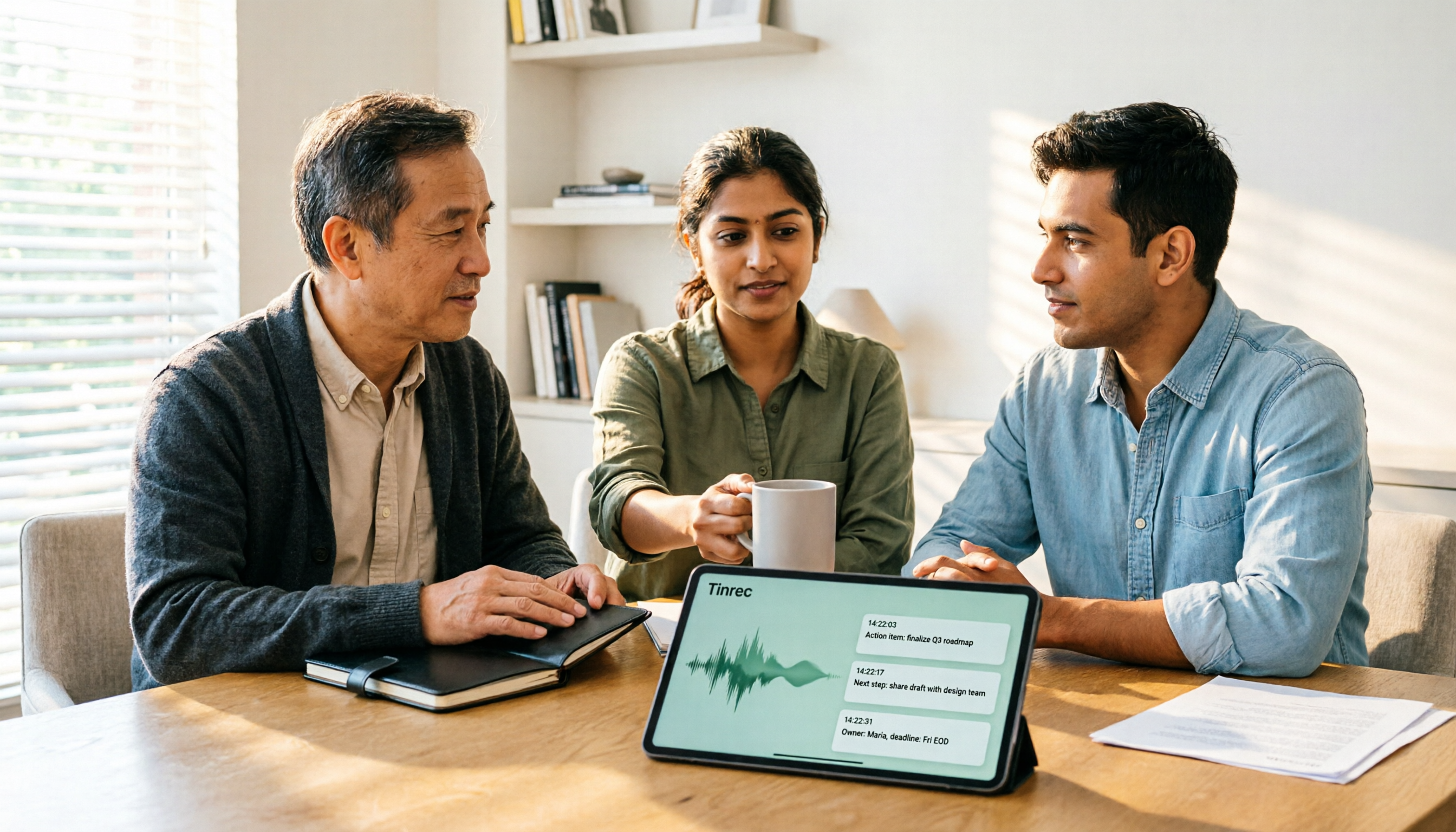
2026 AI Meeting Recorder Comparison: 4 Tools Tested—Which One Actually Saves You Time?
Tired of re-listening to recordings and cleaning up transcripts after every meeting? This review breaks down the decision into three key questions: how meeting audio gets into the tool, what happens after transcription, and who owns team data. We tested Tinrec, Otter.ai, Notta, and Granola, and compiled buying tips, common pitfalls, and selection advice.

How to Choose a Meeting Notes App in 2026: Tinrec's Bot-Free Recording + AI Summaries & Action Items
How do you pick a meeting notes app? This guide starts with the key question: do you need a record or a conclusion? It covers the practical uses of meeting notes apps, 7 core capabilities, 4 use cases, and 5 buying considerations. Using Tinrec as an example, it explains bot-free online meeting recording, AI summaries, action item extraction, AI Q&A, and team plan roles and seats, with pricing for the free and team plans.

2026 Comparison of 4 AI Meeting Tools: Which Offers the Best Free Tier and Post-Meeting Organization?
We tested Tinrec, Otter.ai, Notta, and PLAUD Note, comparing audio capture methods, post-meeting organization, audio retention, and free tiers. We also highlight 4 common pitfalls to help you choose the tool that truly saves time.
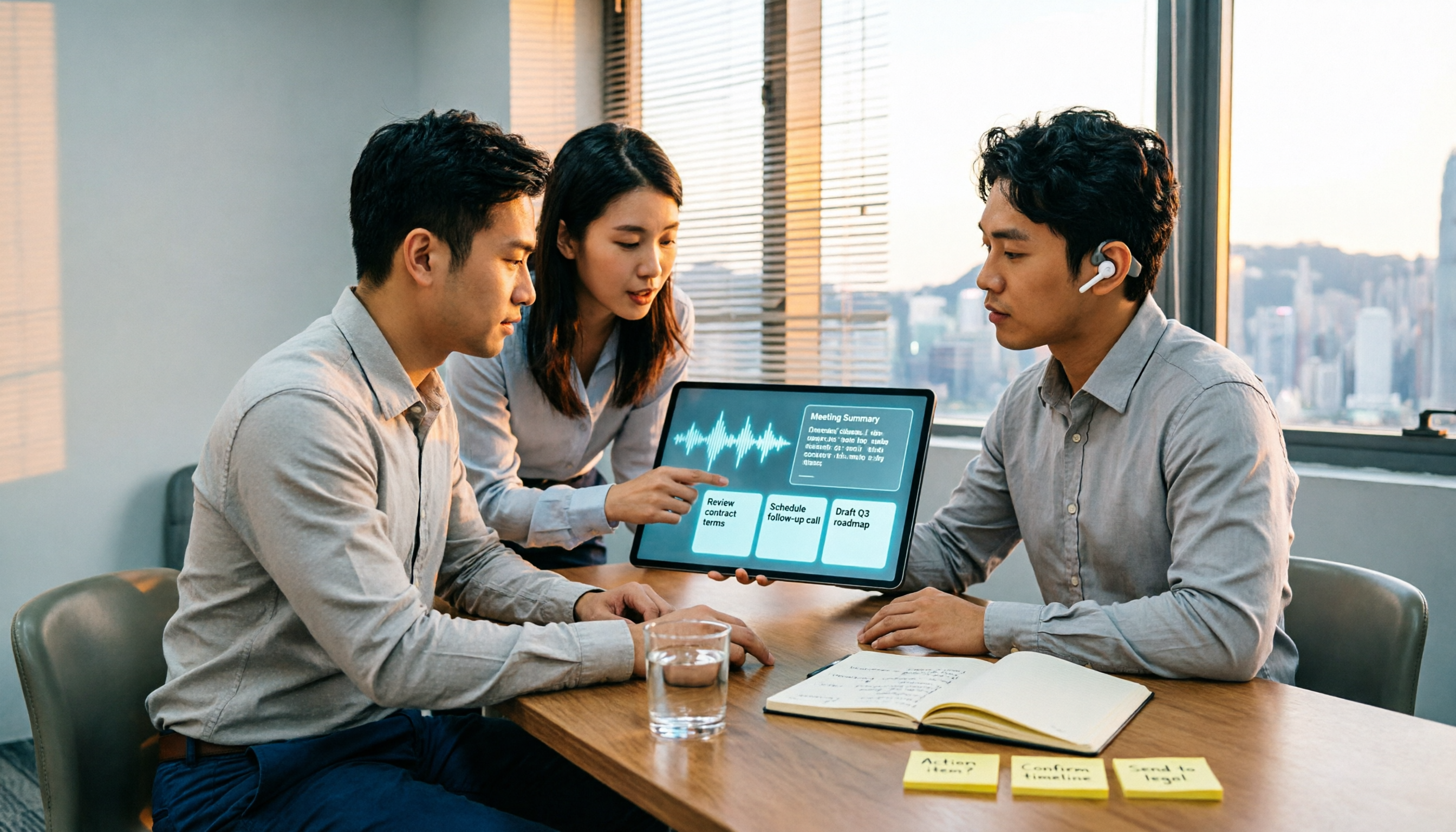
2026 Comparison of 4 Recording-to-Meeting-Notes Tools: Which AI Meeting Assistant Actually Saves You an Hour?
The meeting ends, but the real work begins. This article starts from the practical decision points Hong Kong office workers actually face, breaking down what recording-to-meeting-notes tools can do for you, what core capabilities they offer, and what to look for when choosing a tool. It uses Tinrec as a running example to demonstrate the complete workflow from recording to transcript, summary, action items, and team knowledge retention, while also explaining team plan roles and seat definitions.
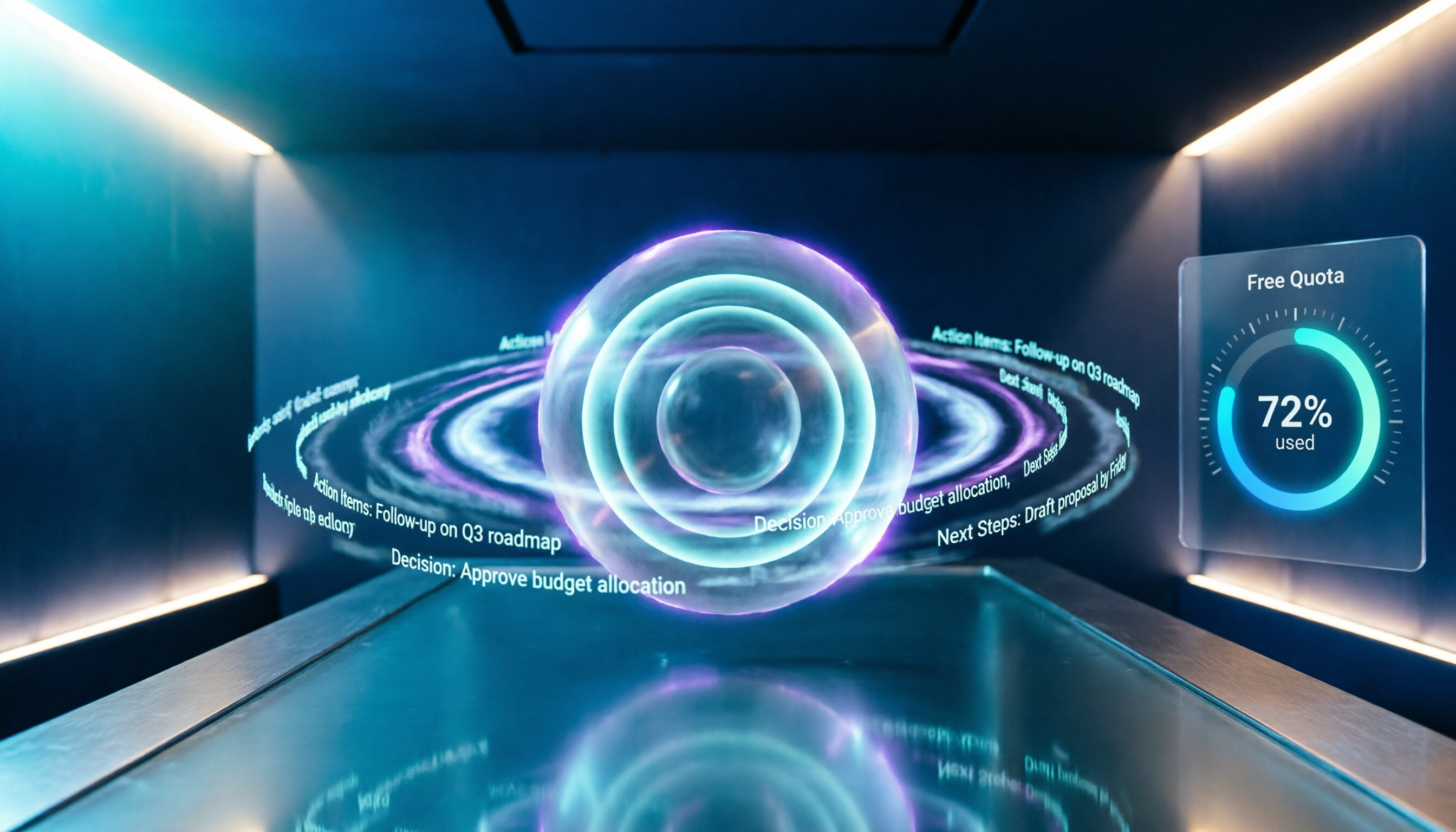
2026 Comparison of 4 Meeting Recording AI Tools: Is the Free Tier Enough? That's the Key
How to choose a meeting recording AI? This article starts with common misconceptions and compares Tinrec, Otter.ai, Notta, and Granola through hands-on testing. It outlines four key criteria: recording method, post-meeting organization, data retention, and free tier limits, plus a guide to avoiding pitfalls and scenario-based recommendations.

2026 Comparison of 4 Meeting Recording Tools: Legal Self-Protection and Post-Meeting Organization—Which Performs Best?
The point of meeting recording is never just 'recording'—it's how you use it afterward. This article starts with the three most common misconceptions, outlines 4 key criteria for choosing a meeting recording tool, tests Tinrec's bot-free recording, AI summaries, and post-meeting Q&A workflow, compares the positioning of Otter.ai, Granola, and PLAUD, and finally covers the legal and practical pitfalls most easily encountered with recording for self-protection in Taiwan.

2026 Comparison of 4 AI Meeting Recorders: Free Tiers, AI Summaries, and Post-Meeting Q&A
Got dozens of unlistened recordings on your phone? This guide starts from real student scenarios, explains the 4 key factors to consider when choosing an AI meeting recorder, and then hands-on compares Tinrec, Otter.ai, Notta, and PLAUD Note—covering free tier limits, AI summary and Q&A usability, whether online meetings need a bot, and final recommendations for midterms and group projects.

2026 AI Meeting Notes App Comparison: Which Free Version Is Enough?
We tested four AI meeting notes apps in 2026, comparing meeting capture methods, post-meeting organization, Chinese language experience, team collaboration, and free tier limits. Tinrec was our primary test subject, and we also assessed Otter.ai, Notta, and PLAUD for their best-fit scenarios and key buying considerations.