

Turn recordings into transcripts and summaries in minutes
Upload audio or video for multilingual transcription, AI notes, and action items
2026 Comparison of 4 AI Meeting Recorders: Free Tiers, AI Summaries, and Post-Meeting Q&A
Before You Hit Record, You Really Need to Decide These Three Things
Since my freshman year, I've been in the habit of "record first, organize later." As a result, I have 37 recordings on my phone, totaling over ten hours, and I haven't re-listened to a single one.
This is probably the three most common scenarios for students: a two-hour group discussion where everyone talks over each other and no one remembers the conclusion afterward; a professor who speaks super fast and flips slides even faster, making handwritten notes impossible to keep up with; or an interview or class presentation recorded, and before the exam you want to find a specific sentence but can only drag back and forth through a 40-minute audio file.
So the real decision isn't "which app records more clearly," but: after transcription, can I avoid re-listening?
This article compiles four tools I've used myself and borrowed from classmates into a comparison, focusing on the three things students care about most: whether the free tier is enough for a semester, whether AI summaries can be used directly for review, and whether online group meetings really need an extra bot account.
Before Choosing an AI Meeting Recorder, Understand These 4 Key Points
1. Is the free tier "minutes per month" or "per-upload limit"?
These two are very different. Some tools give you over a hundred minutes per month, but each upload can only be 3 minutes—a 50-minute class would need to be split into a dozen segments, and you'd give up just from cutting files. When checking the quota, always look at the per-upload limit too; that's the real key to usability.
2. After transcription, can you directly "ask" it questions?
Getting just a transcript versus getting a note you can query makes a huge difference in workload. With the former, you have to Ctrl+F to find keywords yourself; with the latter, you can directly ask "What was the conclusion about the survey length from last discussion?" I'll highlight this later because it determines whether you'll actually go back and use that record.
3. For online meetings, do you need to invite a bot into the room?
Many tools work by sending a bot account to join the meeting. The problem: in a group project Meet link, an extra unknown account makes classmates ask "Who's this?"; some school accounts also restrict external participants. Now there's another approach: desktop versions can capture system audio directly, without taking up a meeting slot.
4. Will the audio file be kept? Can you bring it into your existing workflow?
If the tool only keeps text and doesn't save audio, you can't verify a specific sentence later. Also, whether you can export to Notion or Google Docs determines whether you're "opening another app" or "integrating data back into your existing note system."
Tinrec (秒聽錄音) — The One I Kept This Semester
Tinrec (秒聽錄音) is an AI meeting notes and collaboration tool for individuals and teams, supporting iOS, Android, desktop, and web. I initially used it just to transcribe class recordings, but later moved my project group's online discussions into it as well.
No extra account needed for online discussions. The desktop version directly captures system audio—it can record sound from Zoom, Google Meet, Microsoft Teams, Webex, and other platforms without a bot joining the meeting. Our group has a regular weekly Meet, and I don't need to invite an extra account.
By the time the meeting ends, notes are almost ready. It generates a transcript while recording, and after finishing, provides AI summaries, chapters, and action items. For project groups where "no one remembers what to do after the meeting," this feature really saves the day—who's responsible for which part, what to submit before the next meeting, all listed out.
The most useful part is post-meeting Q&A. No matter how long the transcript, you can directly ask it: "How many surveys did the senior mention we need to send?" "What was the report structure we decided last time?" It answers based on the content, so you don't have to Ctrl+F through that 40-minute transcript yourself. This is also the biggest difference from "pure transcription tools"—the work after transcription is where it shines.
Mixed Chinese-English, bilingual comparison. Our reports always include English terms, and it handles that fairly smoothly; it can display in original, translated, or bilingual mode, making cross-language classes or interviews easier to manage.
Stop organizing recordings by hand
Upload audio or video and automatically get a transcript, summary, and action items
Bring it back to your existing note workflow. Transcribed content can be exported to Notion, Google Docs, OneNote, and other tools. I usually paste the summary into our shared notes and keep the transcript as an attachment.
Let me share my actual experience, no exaggeration: I don't have instruments to measure error rates, just my subjective feel—classroom recordings in quiet rooms perform steadily, but when multiple people talk over each other and the microphone is far away, paragraphs get merged and need manual editing. The official source also doesn't recommend citing a fixed accuracy number, because actual performance depends on recording quality, accent, ambient noise, and technical terminology.
Limitations should be clear too. The free version is a basic quota; if you want to record every class like me, it's easy to use up. For regular use, you'd need to consider weekly cards, Pro monthly, or annual plans—actual prices are subject to the official website. The team version is a separate team space, priced at USD 29.80 per paid seat per month, or USD 199 per paid seat per year, with additional management capabilities like members, roles, seats, usage, and audit logs—honestly, this is a luxury for typical college students, more suitable for project groups that really need it for a whole semester or labs where seniors share data.
Who is it for? Those who mainly have Chinese-language classes and meetings, often hold online group discussions, and want to directly ask about key points afterward.
Besides Tinrec, What Other Options Are There?
Otter.ai: A veteran choice for English meetings. Basic free tier offers 300 minutes per month, very friendly for students; Pro annual billing is about USD 8.49 per month. If your courses and content are almost all in English, it's more handy than Tinrec. But Chinese meetings aren't its strong suit, and it focuses on meeting assistant and automation workflows; if you need Chinese transcripts with bilingual comparison and want to distill data into Chinese notes, Tinrec's experience is closer.
Notta: Multilingual transcription, but watch the free version's per-upload limit. Free version offers 120 minutes per month, with a maximum of 3 minutes per upload; Pro annual billing is about USD 8.17 per month for 1,800 minutes per month. It supports many languages and file import is convenient. However, for "a 50-minute class," the free version's per-upload limit will make you cut files until you doubt life; and it focuses more on transcription and translation, while Tinrec is more complete in bot-free desktop recording, post-meeting AI Q&A, and team data distillation.
PLAUD Note: The recording hardware approach. If you need a portable, offline device that can even record phone calls, PLAUD NotePin starts at USD 159 on the US official website, Note Pro at USD 189. Hardware has its value, but it's a significant expense for students; if you mostly have classes and meetings in front of a computer, Tinrec doesn't require buying an extra device—it works on phone, desktop, and web, and historical files can be imported directly for organization.
Pitfall Guide: The 3 Most Common Mistakes Students Make When Choosing These Tools
Pitfall 1: Only looking at the word "free" and ignoring the per-upload limit. 120 minutes per month sounds like a lot, but if each upload is limited to 3 minutes, you'll have to cut files before every upload. Before choosing, think clearly about your longest recording—usually a full class.
Pitfall 2: Assuming a transcript equals notes. A transcript is just raw material. What really saves time is summaries, chapters, and action items, plus the ability to ask questions directly. If you only use the tool as "audio-to-text," you're only using part of its capabilities.
Pitfall 3: Buying hardware first, only to realize you always meet at your computer. My roommate did exactly that—bought a voice recorder and used it only three times. First look back at your actual weekly scenarios: more online discussions or more in-person moving around? Most people are actually the former.
A reminder: Before recording, remember to inform your group members, obtain consent when necessary, and comply with local regulations; important decisions should still be verified against the transcript and recording once, as AI may miss or misunderstand things.
Conclusion: Which One Should You Choose?
Need Chinese-dominant, mixed Chinese-English classes and meetings → Tinrec (bilingual comparison, summaries, and chapters)
Don't want to invite a bot to online group meetings → Tinrec (desktop captures system audio)
Want to directly ask "What was the conclusion last time?" after a meeting → Tinrec (AI Q&A, no need to dig through transcripts)
Want to integrate records back into Notion/Google Docs shared notes → Tinrec (multiple formats and third-party export)
Content almost entirely in English, zero budget → Otter.ai (free 300 minutes per month, the only exception)
Advice for younger students: Don't think about paying from the start. Use the free version for one to two weeks, deliberately record your hardest class and your most chaotic group discussion, and see if you'll actually go back and look at what's transcribed. If it's enough, keep using the free version; if you're recording every week like me, then evaluate weekly cards or Pro—and consider the team version only when your project really needs multiple people sharing data.
Tools aren't for collecting recordings; they're for helping you avoid re-listening.
References
- Meeting Ink - 2026 AI Meeting Notes Tool Hands-on Test | 7 Speech-to-Text and Summary Speed Comparison | Meeting Ink - AI Meeting Notes Assistant Automatic Transcription and Summary
- How to Use AI for Meeting Minutes? How to Organize Meeting Transcripts? | AI Speech-to-Transcript Tutorial | 104 Career Power
- Top AI Meeting Notes Tools of 2026, Time-Saving Must-Haves for Meetings!
- AI Meeting Note Taker: Free Online Meeting Notes with AI - EaseMate AI
- AI Meeting Notes Software Recommendations: 5 App Hands-on Comparisons, Automatic Transcription Makes Meetings Easy!
Turn every recording into actionable outcomes
Get 60 free transcription minutes when you sign in. No credit card required.
Related Reading
You might also like

2026 AI Meeting Notes Tools Compared: No Meeting Bot Required for Actionable Minutes
Most people compare AI meeting note tools only on transcription speed, overlooking what happens after the transcript: summaries, action items, and team handoff. This article examines three common pitfalls, breaks down four key buying criteria, and tests Tinrec, Otter.ai, Notta, and Granola on bot-free recording, audio retention, post-meeting output, and team governance. It concludes with clear recommendations based on budget and use case.
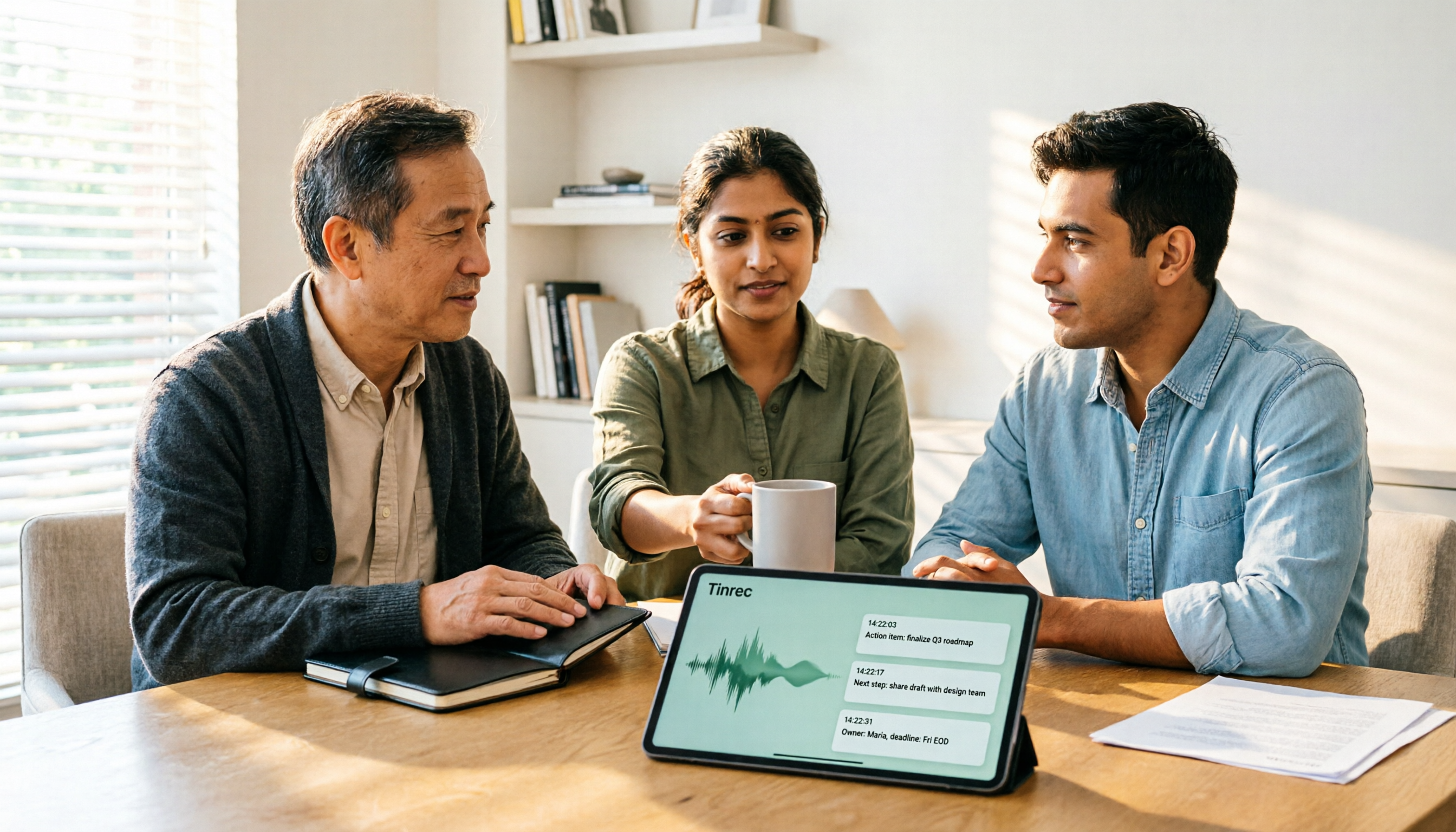
2026 AI Meeting Recorder Comparison: 4 Tools Tested—Which One Actually Saves You Time?
Tired of re-listening to recordings and cleaning up transcripts after every meeting? This review breaks down the decision into three key questions: how meeting audio gets into the tool, what happens after transcription, and who owns team data. We tested Tinrec, Otter.ai, Notta, and Granola, and compiled buying tips, common pitfalls, and selection advice.

How to Choose a Meeting Notes App in 2026: Tinrec's Bot-Free Recording + AI Summaries & Action Items
How do you pick a meeting notes app? This guide starts with the key question: do you need a record or a conclusion? It covers the practical uses of meeting notes apps, 7 core capabilities, 4 use cases, and 5 buying considerations. Using Tinrec as an example, it explains bot-free online meeting recording, AI summaries, action item extraction, AI Q&A, and team plan roles and seats, with pricing for the free and team plans.

2026 Comparison of 4 AI Meeting Tools: Which Offers the Best Free Tier and Post-Meeting Organization?
We tested Tinrec, Otter.ai, Notta, and PLAUD Note, comparing audio capture methods, post-meeting organization, audio retention, and free tiers. We also highlight 4 common pitfalls to help you choose the tool that truly saves time.
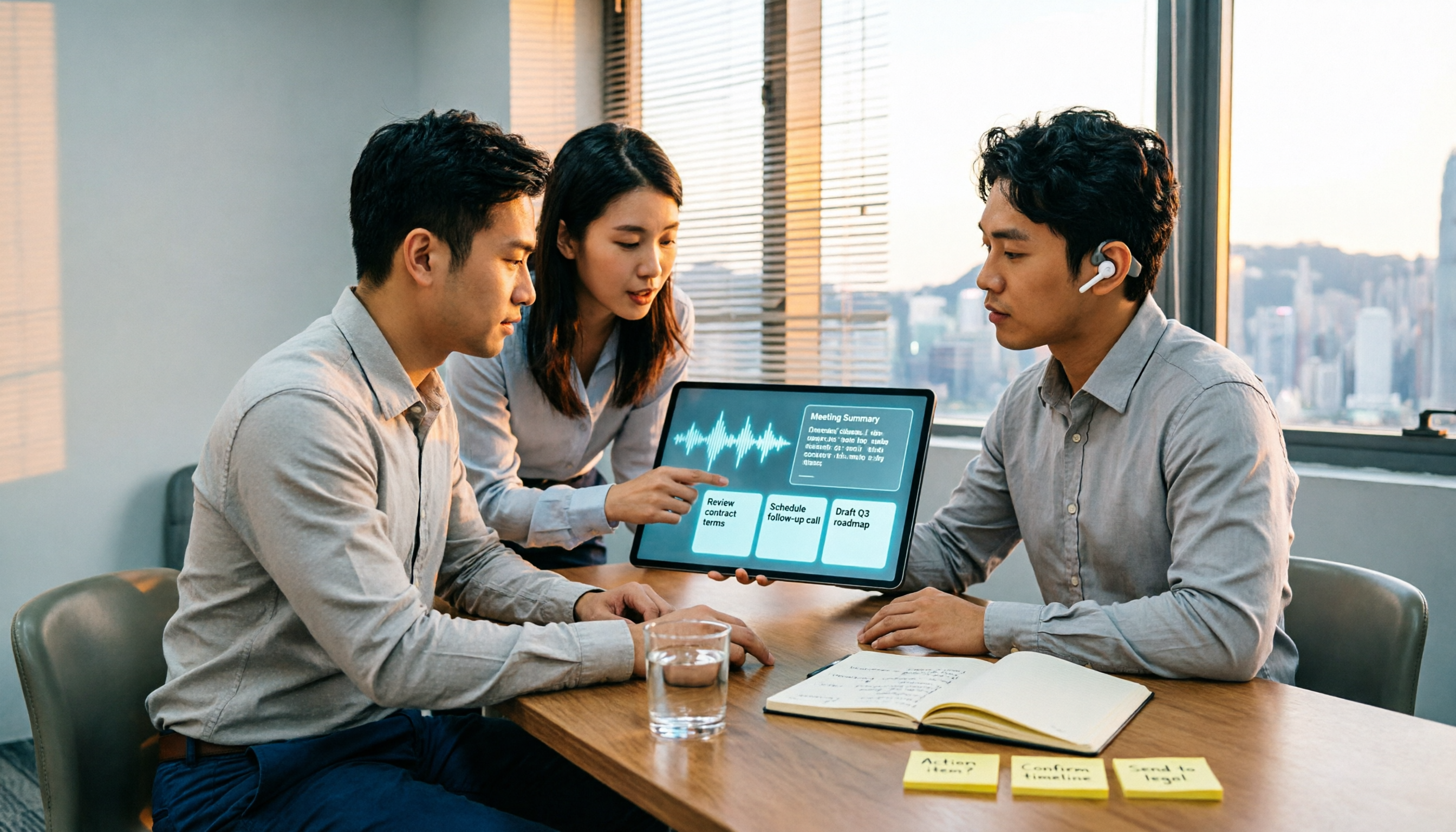
2026 Comparison of 4 Recording-to-Meeting-Notes Tools: Which AI Meeting Assistant Actually Saves You an Hour?
The meeting ends, but the real work begins. This article starts from the practical decision points Hong Kong office workers actually face, breaking down what recording-to-meeting-notes tools can do for you, what core capabilities they offer, and what to look for when choosing a tool. It uses Tinrec as a running example to demonstrate the complete workflow from recording to transcript, summary, action items, and team knowledge retention, while also explaining team plan roles and seat definitions.

2026 Comparison of 4 Meeting Recording AI Tools: Is the Free Tier Enough? That's the Key
How to choose a meeting recording AI? This article starts with common misconceptions and compares Tinrec, Otter.ai, Notta, and Granola through hands-on testing. It outlines four key criteria: recording method, post-meeting organization, data retention, and free tier limits, plus a guide to avoiding pitfalls and scenario-based recommendations.

2026 Comparison of 4 Meeting Recording Tools: Legal Self-Protection and Post-Meeting Organization—Which Performs Best?
The point of meeting recording is never just 'recording'—it's how you use it afterward. This article starts with the three most common misconceptions, outlines 4 key criteria for choosing a meeting recording tool, tests Tinrec's bot-free recording, AI summaries, and post-meeting Q&A workflow, compares the positioning of Otter.ai, Granola, and PLAUD, and finally covers the legal and practical pitfalls most easily encountered with recording for self-protection in Taiwan.

2026 Comparison of 4 Meeting Recording AI Tools: Which One Actually Saves You Time?
This article starts with common misconceptions and explains that meeting recording AI should not be judged solely by transcription minutes; instead, consider capture, transcription, summarization, action items, Q&A, export, and team knowledge retention. It compares Tinrec, Notta, Otter.ai, and Meeting Ink on features, public pricing, and use cases, and provides buying criteria and pitfalls to help professionals choose a tool that truly saves post-meeting organization time.

2026 AI Meeting Notes App Comparison: Which Free Version Is Enough?
We tested four AI meeting notes apps in 2026, comparing meeting capture methods, post-meeting organization, Chinese language experience, team collaboration, and free tier limits. Tinrec was our primary test subject, and we also assessed Otter.ai, Notta, and PLAUD for their best-fit scenarios and key buying considerations.