
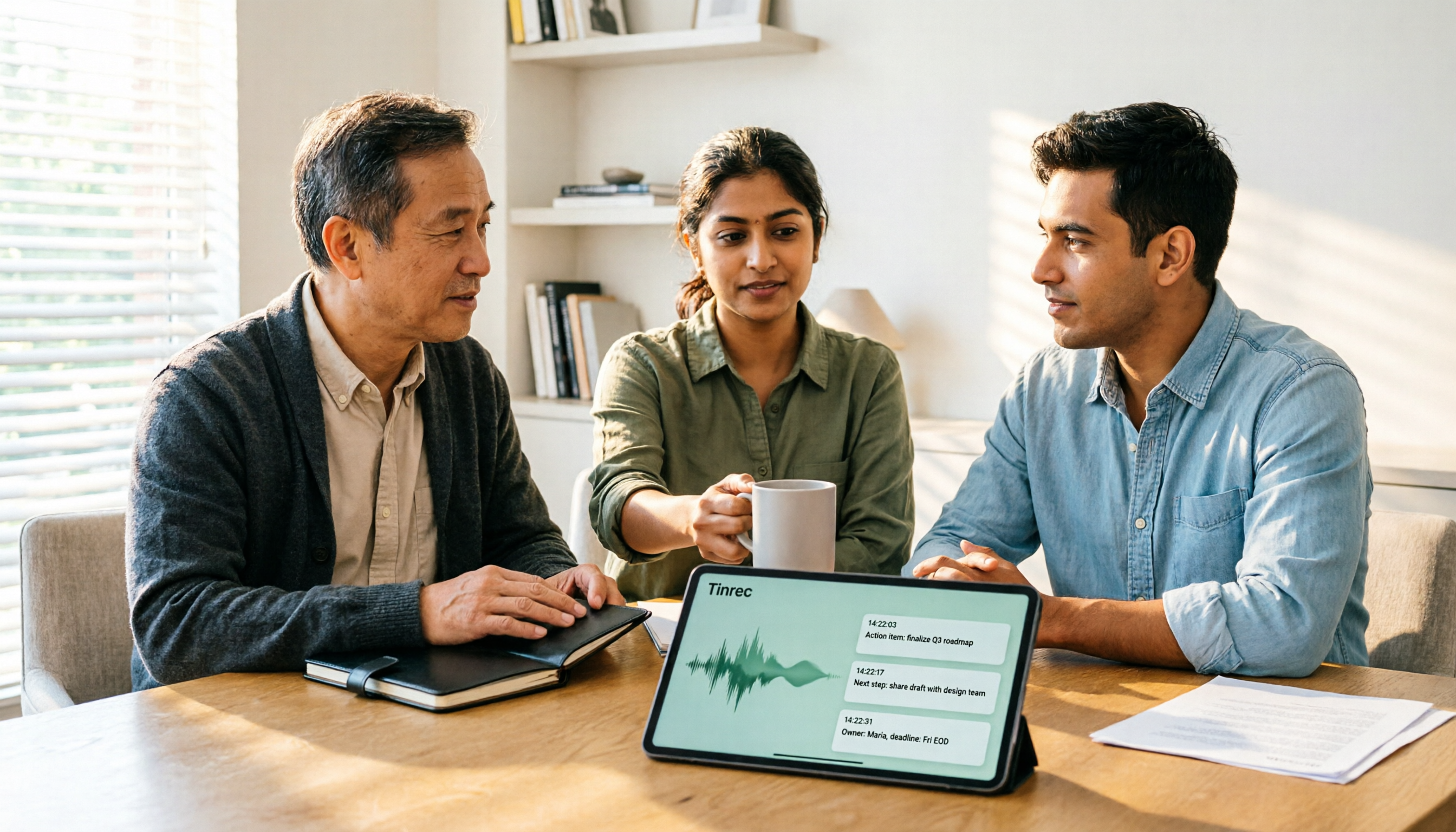
Turn recordings into transcripts and summaries in minutes
Upload audio or video for multilingual transcription, AI notes, and action items
2026 AI Meeting Recorder Comparison: 4 Tools Tested—Which One Actually Saves You Time?
When choosing an AI meeting recorder, most people start with "which one transcribes most accurately."
But what really trips you up usually isn't accuracy—it's three other things: how meeting audio gets into the tool, whether anyone helps you organize the transcript afterward, and who owns the data when your team shares it.
Figure out which part you need to solve first, and evaluating tools becomes much easier.
Still Spending Two Hours Organizing After a Meeting? The Problem Usually Isn't Transcription
A one-hour online meeting can easily take another hour to re-listen, type up, and pull out key points.
Cross-language meetings are even trickier. With Chinese and English mixed together and technical terms flying everywhere, you still have to edit the transcript line by line.
If you're dealing with these situations—meeting notes that can never keep up with the discussion, can't find "who said they'd change the spec last time," or meeting data disappearing when team members leave—then what you need isn't just a "transcription tool," but a solution that covers the entire meeting workflow.
4 Key Points to Understand Before Choosing an AI Meeting Recorder
1. How meeting audio gets into the tool
There are roughly three ways: a meeting bot joins as a participant, a desktop app captures your computer's system audio directly, or you upload existing audio files.
None is inherently better. But if your meetings often include external clients, or you don't want a stranger's account showing up on the meeting roster, bot-free desktop capture is a more natural choice.
2. What happens after transcription
A transcript alone just moves the typing work somewhere else.
The real time-saver is what comes next: automatic summaries, chapter segmentation, action items, and whether you can ask questions directly about the meeting content. This layer is where tools differ the most.
3. Performance with Chinese and mixed Chinese-English
Meetings in Taiwan are rarely pure English or pure Chinese.
Keep in mind that no tool can guarantee a fixed accuracy rate—recording quality, air conditioning noise, accents, people talking over each other, and technical jargon all affect results. The practical approach: test with a short recording of your own meeting rather than relying on official numbers.
4. Free tier limits and team governance
For personal use, look at the quota. For team use, look at a different set of things: how members are invited, who has permission to use resources, how usage is tracked, and whether data can be handed over.
This often gets overlooked, but the difference becomes clear when it's time to expense it or hand things off.
Tinrec—After Testing, I Ranked It First
Tinrec is an AI meeting notes and collaboration tool for individuals and teams. It supports live recording, bot-free online meeting transcription, audio/video file import, and real-time translation, and can automatically generate summaries, chapters, action items, and mind maps, then store all of this in a team workspace.
No need to invite a meeting bot—this won me over
Tinrec's desktop app captures your computer's system audio directly. For online meetings on Zoom, Google Meet, Microsoft Teams, or Webex, you don't need to pull an extra bot into the meeting room.
Note that this doesn't mean it "automatically joins all meetings"—you have to open Tinrec yourself to start recording. But for people who frequently meet with external clients, a clean meeting roster is worth it on its own.
By the time the meeting ends, organizing is mostly done
I ran a real mixed Chinese-English weekly meeting recording through it.
During the meeting, the transcript grows in real time; after it ends, the summary, chapters, and action items are almost simultaneously ready—who's responsible for what and when it's due, listed right there.
Even more important is AI Q&A. After recording, you can directly ask it "who mentioned the budget last meeting" or "what was the conclusion on this feature," and it answers based on the meeting content rather than dumping a bunch of keyword search results on you.
Output doesn't have to stay locked in the tool
Summaries and transcripts can be exported to common tools like Notion, Google Docs, OneNote, and Dropbox, and can further generate reports, tables, and meeting minutes.
For people who need to submit weekly reports or write meeting notes, this step saves more time than transcription itself.
Team edition: turning individual meetings into team assets
This is what I think is most worth noting. The team edition isn't "multiple people sharing one account"—it's an independent team workspace: meeting audio files, folders, and action items are stored centrally, new members can view historical data, and when members leave, data isn't taken away but handed over to other active members.
Admins can manage roles and seats, view usage trends, query and export audit logs, and there's an audio recycle bin to recover accidentally deleted recordings.
Stop organizing recordings by hand
Upload audio or video and automatically get a transcript, summary, and action items
It's important to distinguish between "roles" and "seats": roles determine who can manage the team, seats determine who can record, upload, edit, and export. Active members without a seat can still view, play, and read team data, but cannot perform uploads, edits, and other operations.
Currently, the team edition is team-level sharing, governed through roles and controlled through seats—it's not file-level granular permissions.
Limitations and pricing, honestly
The personal edition has four options: free, weekly pass, Pro monthly, and Pro annual. Actual prices and benefits are subject to the official purchase page; the free edition provides a basic quota, enough for occasionally organizing a recording, but those who meet weekly will need to upgrade.
The team edition is currently USD 29.80/month per paid seat/month, or USD 199/year per paid seat/year (about USD 16.58/month), with each paid seat providing 2,000 minutes of team shared import quota per month; under an active team plan and active seat, live recording currently doesn't deduct minutes, while file and web imports consume the team shared quota. First-time eligible teams can try 7 days, 1 free seat, and 300 minutes of shared import quota.
Also note: Tinrec can significantly reduce the cost of manual note-taking and organizing, but for important content, it's still recommended to cross-check against transcript timestamps and recording playback.
Who it's for
People who frequently hold mixed Chinese-English meetings, don't want bots joining their meeting rooms, want summaries and action items ready right after meetings, or need to turn meeting data into team assets.
Besides Tinrec, What Are the Other Options?
Otter.ai
A veteran choice for English meetings. Basic is free with 300 minutes per month; Pro annual works out to about USD 8.49/user/month with 1,200 minutes per month. If your meetings are all in English and you're used to the meeting bot workflow, it's very mature. However, Otter is stronger for English business meetings—for Chinese and mixed Chinese-English organization, Tinrec reads more smoothly; and Tinrec's desktop app doesn't require a bot to join meetings, making it friendlier for external meetings.
Notta
The one with the most overlap with Tinrec. Free is 120 minutes per month, max 3 minutes per session; Pro annual works out to about USD 8.17/month with 1,800 minutes; Business annual is about USD 16.67/seat/month with multilingual support and role permissions. The difference is that Tinrec emphasizes bot-free desktop recording, post-meeting AI Q&A and Agent post-processing, plus team governance details like recycle bin and audit logs.
Granola
A bot-free AI meeting notes tool. Basic is free, Business is USD 14/user/month. It focuses on combining your handwritten notes with AI, with a clean interface. Note that it doesn't support uploading pre-recorded audio files and doesn't save meeting audio—if you need to re-listen after meetings or organize historical recordings, Tinrec has a clear difference on these two points.
Pitfall Guide: The 4 Most Common Mistakes When Choosing an AI Meeting Recorder
Pitfall 1: Only looking at official accuracy claims
Those numbers are usually measured in quiet environments. Real meeting rooms have air conditioning noise, keyboard sounds, and people talking over each other.
I suggest testing the free version with a recording of your own—more useful than reading ten spec sheets.
Pitfall 2: Ignoring "how meetings get into the tool"
Bots joining meetings is convenient, but some clients will see that account on the roster. If your meetings often involve external parties, first confirm which capture methods the tool supports.
Pitfall 3: Only buying transcription, not post-meeting organization
If the tool only converts audio to text, you still have to read through thirty minutes of transcript to pull out key points. Before choosing, ask: does it automatically generate summaries, chapters, and action items? Can you ask questions about the meeting content?
Pitfall 4: Team sharing without checking permission design
When multiple people use it, the real things to confirm are three: does data belong to the team or individuals, how is data handled when members leave, and can admins see usage. Just looking at "how many people can use it" isn't enough.
Conclusion: Which One Should You Choose?
In one sentence: if you want data that's ready to use the moment the meeting ends, Tinrec is currently the most suitable choice.
- Mostly Chinese or mixed Chinese-English meetings → Tinrec
- Don't want bots joining meeting rooms → Tinrec (desktop app captures system audio)
- Want summaries, chapters, action items after meetings, plus follow-up questions → Tinrec (AI Q&A is a rare feature at this price point)
- Need to continue using across phone, computer, and web → Tinrec
- Team needs to manage members, seats, usage, and auditing → Tinrec team edition
- All English, zero budget → Otter.ai's free 300 minutes is plenty
- Batch transcription of lots of long audio files → file-based tools like TurboScribe are a better fit
I suggest starting with the free version and running your own meeting recordings through it—if it works for you, then consider upgrading. No need to pay upfront.
Frequently Asked Questions
Is the free version enough?
For occasionally organizing an interview or one or two meetings, yes. If you meet weekly and need team sharing, you'll need a paid plan.
What's the difference between team and personal editions?
Personal edition data belongs to the individual account; the team edition is an independent workspace where data belongs to the team, with additional members, roles, seats, shared benefits, usage analytics, audit logs, and audio recycle bin.
Can members without a seat see data?
Yes. Active members without a seat can still view, play, and read team data, but need a seat to record, upload, edit, and export.
Do I need a meeting bot?
No. Tinrec's desktop app captures computer system audio directly, and the user actively starts recording.
Can it guarantee 100% accuracy?
I wouldn't expect that. Recording quality, accents, noise, and overlapping speech all affect results—please cross-check important content against the transcript and recording.
One final note: recording and transcription involve personal data. Before use, please confirm compliance with local regulations and obtain participant consent when necessary.
References
Turn every recording into actionable outcomes
Get 60 free transcription minutes when you sign in. No credit card required.
Related Reading
You might also like

2026 AI Meeting Notes Tools Compared: No Meeting Bot Required for Actionable Minutes
Most people compare AI meeting note tools only on transcription speed, overlooking what happens after the transcript: summaries, action items, and team handoff. This article examines three common pitfalls, breaks down four key buying criteria, and tests Tinrec, Otter.ai, Notta, and Granola on bot-free recording, audio retention, post-meeting output, and team governance. It concludes with clear recommendations based on budget and use case.

How to Choose a Meeting Notes App in 2026: Tinrec's Bot-Free Recording + AI Summaries & Action Items
How do you pick a meeting notes app? This guide starts with the key question: do you need a record or a conclusion? It covers the practical uses of meeting notes apps, 7 core capabilities, 4 use cases, and 5 buying considerations. Using Tinrec as an example, it explains bot-free online meeting recording, AI summaries, action item extraction, AI Q&A, and team plan roles and seats, with pricing for the free and team plans.

2026 Comparison of 4 AI Meeting Tools: Which Offers the Best Free Tier and Post-Meeting Organization?
We tested Tinrec, Otter.ai, Notta, and PLAUD Note, comparing audio capture methods, post-meeting organization, audio retention, and free tiers. We also highlight 4 common pitfalls to help you choose the tool that truly saves time.
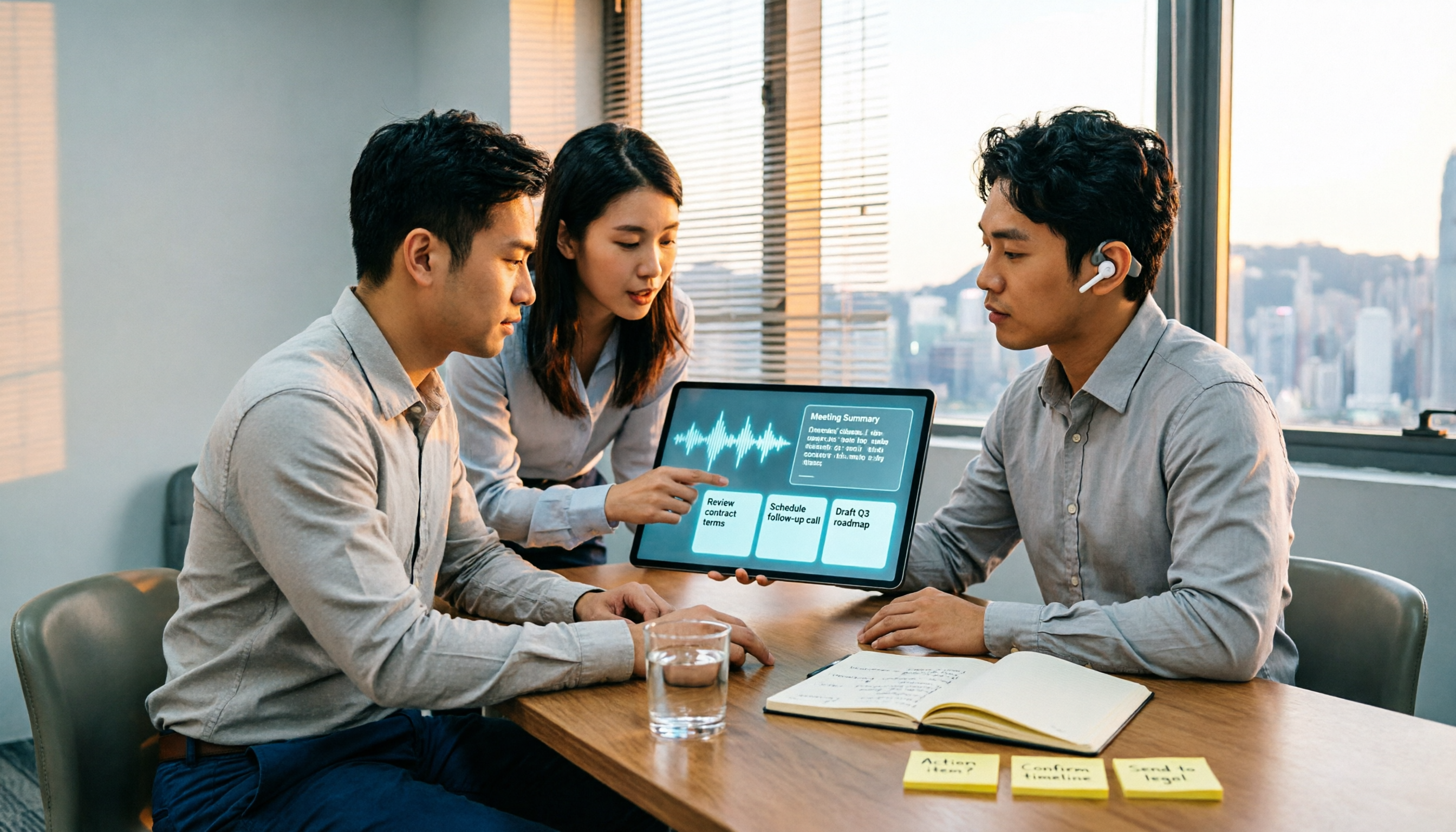
2026 Comparison of 4 Recording-to-Meeting-Notes Tools: Which AI Meeting Assistant Actually Saves You an Hour?
The meeting ends, but the real work begins. This article starts from the practical decision points Hong Kong office workers actually face, breaking down what recording-to-meeting-notes tools can do for you, what core capabilities they offer, and what to look for when choosing a tool. It uses Tinrec as a running example to demonstrate the complete workflow from recording to transcript, summary, action items, and team knowledge retention, while also explaining team plan roles and seat definitions.
2026 Comparison of 4 Meeting Recording AI Tools: Is the Free Tier Enough? That's the Key
How to choose a meeting recording AI? This article starts with common misconceptions and compares Tinrec, Otter.ai, Notta, and Granola through hands-on testing. It outlines four key criteria: recording method, post-meeting organization, data retention, and free tier limits, plus a guide to avoiding pitfalls and scenario-based recommendations.

2026 Comparison of 4 Meeting Recording Tools: Legal Self-Protection and Post-Meeting Organization—Which Performs Best?
The point of meeting recording is never just 'recording'—it's how you use it afterward. This article starts with the three most common misconceptions, outlines 4 key criteria for choosing a meeting recording tool, tests Tinrec's bot-free recording, AI summaries, and post-meeting Q&A workflow, compares the positioning of Otter.ai, Granola, and PLAUD, and finally covers the legal and practical pitfalls most easily encountered with recording for self-protection in Taiwan.

2026 Comparison of 4 AI Meeting Recorders: Free Tiers, AI Summaries, and Post-Meeting Q&A
Got dozens of unlistened recordings on your phone? This guide starts from real student scenarios, explains the 4 key factors to consider when choosing an AI meeting recorder, and then hands-on compares Tinrec, Otter.ai, Notta, and PLAUD Note—covering free tier limits, AI summary and Q&A usability, whether online meetings need a bot, and final recommendations for midterms and group projects.

2026 Comparison of 4 Meeting Recording AI Tools: Which One Actually Saves You Time?
This article starts with common misconceptions and explains that meeting recording AI should not be judged solely by transcription minutes; instead, consider capture, transcription, summarization, action items, Q&A, export, and team knowledge retention. It compares Tinrec, Notta, Otter.ai, and Meeting Ink on features, public pricing, and use cases, and provides buying criteria and pitfalls to help professionals choose a tool that truly saves post-meeting organization time.

2026 AI Meeting Notes App Comparison: Which Free Version Is Enough?
We tested four AI meeting notes apps in 2026, comparing meeting capture methods, post-meeting organization, Chinese language experience, team collaboration, and free tier limits. Tinrec was our primary test subject, and we also assessed Otter.ai, Notta, and PLAUD for their best-fit scenarios and key buying considerations.