

Turn recordings into transcripts and summaries in minutes
Upload audio or video for multilingual transcription, AI notes, and action items
2026 Comparison of 4 Meeting Recording AI Tools: Is the Free Tier Enough? That's the Key
The hardest part of meeting notes is never the recording—it's choosing the wrong tool
Many people choose a meeting recording AI based on promotional numbers like "98% transcription accuracy." Honestly, that's the first common misconception.
Accuracy measured in a quiet recording studio is completely different from what you actually get in a meeting room with air conditioning noise, keyboard clicks, and colleagues talking over each other. Not to mention the daily reality of Taiwan offices where Chinese and English are mixed and technical terms fly everywhere.
The second misconception: treating "audio to text" as the whole job. After converting a 40-minute transcript, you still have to read through it, extract key points, and organize action items—so you've only saved the typing part.
A more reasonable approach: first check whether it can continue working for you after the meeting ends, then see if the free tier is enough to get you through the first week.
This article organizes my hands-on experience from these angles and compares Tinrec, Otter.ai, Notta, and Granola side by side.
Before choosing a meeting recording AI, understand these 4 key points
1. How the meeting gets "recorded" There are roughly two approaches: one is to send a meeting bot into the meeting as a participant; the other is to use a desktop app to capture the computer's system audio directly, without an extra bot joining. The latter is more polite for client meetings and less likely to prompt attendees to ask "Who is this?"
2. Does it only give you a transcript, or also handle follow-up organization? Summaries, chapters, action items, and whether you can ask questions directly about the content—these determine how much time you actually save.
3. Will post-meeting data be retained? Some tools don't save meeting audio, only text. When you need to go back and verify a specific sentence, this difference becomes obvious.
4. How is the free tier calculated? Most tools limit by "minutes per month," and some also limit single-session length. First confirm your meeting length and frequency, then judge whether the quota is enough.
Tinrec—the smoothest tool in my hands-on test
Tinrec is an AI meeting notes and collaboration tool for individuals and teams, available on web, desktop, and mobile. Chinese and mixed Chinese-English meetings are its strong suit.
Record online meetings without a meeting bot In my test, I used the desktop version for Zoom and Google Meet meetings. The approach: open Tinrec before starting, confirm system audio is being captured, then proceed with the meeting as usual. No participant named Tinrec suddenly appears in the meeting—a big plus for external client meetings. Note that this is not "automatically join all meetings on your calendar"; you have to press start for each recording yourself.
The transcript is just the starting point—the real time savings come after the meeting The transcript runs while the meeting is in progress, and after it ends, AI summaries, chapters, key points, and action items are generated together. What I use most is actually AI Q&A: instead of scrolling back through a 40-minute transcript to find "what exactly was said about the budget," I just ask it. It answers based on the meeting content rather than dumping a bunch of keyword search results on you.
Output can plug back into your existing workflow Transcripts and summaries can be exported, and further used to generate meeting minutes, reports, or tables, or brought into tools like Notion, Google Docs, OneNote, and Dropbox. For cross-language meetings, there's real-time translation with options to view the original, translation, or bilingual view.
Stop organizing recordings by hand
Upload audio or video and automatically get a transcript, summary, and action items
For team use, it's a whole space The team version is a separate team space, not "several people sharing one account." Meeting data belongs to the team; members can view, play, and read data even without a seat, but need a seat to record, upload, edit, and export.
For plans, the free version provides a basic quota for trial recording and transcription; for short-term intensive meetings, consider a weekly card; for steady weekly use, the Pro monthly card fits; for long-term accumulation of recording data, look at the Pro annual card. The team version offers a 7-day trial for first-time eligible users, with 1 free seat and 300 minutes of shared onboarding quota; paid seats are USD 29.80/month or USD 199/year (about USD 16.58/month), with 2,000 minutes of team shared onboarding quota per seat per month. Under an active seat, real-time recording currently does not deduct minutes. Actual prices and benefits are subject to the official purchase page.
Things to note: Transcription quality is still affected by recording quality, accents, multiple people talking over each other, and technical terminology. For important conclusions, it's advisable to go back and verify against the transcript and recording. The free tier won't be enough for people who have meetings every day, so consider whether an upgrade is needed.
Besides Tinrec, what other options are there?
Otter.ai: A veteran choice for English business meetings. The free version offers a generous 300 minutes per month, and Pro annual is about USD 8.49/user/month. But it doesn't support Chinese meeting transcription. If all your recordings are in English, it's a good deal; however, it lacks Tinrec's real-time bilingual translation and team seat, usage, and audit governance features.
Notta: Has the most overlap with Tinrec—multi-platform transcription, meeting notes, and translation are all there. The free version offers 120 minutes per month with a 3-minute single-session limit; Pro annual is about USD 8.17/month. The difference is that it mainly relies on meeting bots or file uploads, while Tinrec's desktop version can capture system audio directly without inviting a bot, and after the meeting can further generate reports, tables, and other deliverables from the notes.
Granola: Also takes the no-bot route, focusing on "your handwritten notes plus AI enhancement." Business is about USD 14/user/month. But it doesn't support uploading existing audio files and doesn't save meeting audio; Tinrec retains recordings, can import audio/video, and allows repeated follow-up questions—the difference is obvious when you need to verify afterward or accumulate historical data.
Pitfall guide: The 3 most common mistakes when choosing a meeting recording AI
Pitfall 1: Looking only at advertised accuracy. Numbers measured in a quiet environment may not hold up in your meeting room. A more practical approach is to test with a real meeting recording of yours—the difference is immediately audible.
Pitfall 2: Ignoring data ownership. Meeting records accumulated under personal accounts scatter when members leave. For a team to build knowledge, check whether the tool has team spaces, member and seat management, usage statistics, and activity logs.
Pitfall 3: Buying it but only using it for transcription. If you treat the transcript as the end result, you're only using a small part of the tool. Summaries, action items, AI Q&A, and export to existing workflows are where the real time savings are.
Conclusion: Which one should you choose?
If you need Chinese meetings, mixed Chinese-English transcription, and don't want a bot joining the meeting, choose Tinrec. If after the meeting you want to directly ask "What was the conclusion, and who needs to do what," use Tinrec's AI Q&A and action item extraction. If you want to build team knowledge and manage members and usage, look at Tinrec's team version. If you only need English meetings and budget is the priority, Otter.ai's free version is enough. If you just occasionally convert audio files to text, a transcription tool like Notta is more suitable.
I recommend running two or three real meetings on the free version first to confirm transcription quality and whether the workflow is smooth, then decide whether to upgrade.
References
- Meeting Ink - 2026 AI Meeting Notes Tool Hands-on Test | 7 Audio-to-Text and Summary Speed Comparison | Meeting Ink - AI Meeting Notes Assistant Automatic Transcription and Summary
- How to Choose a Meeting Recording AI in 2026? 5 Steps to Find the Best Transcription Tool - Tinrec Blog
- Top AI Meeting Notes Tools of 2026, Time-Saving Must-Haves for Meetings!
- Tinrec - All-in-One AI Audio-to-Text Tool, Supports Call Recording, MP3...
- AI Meeting Note Taker: Free Online AI Meeting Notes - EaseMate AI
Turn every recording into actionable outcomes
Get 60 free transcription minutes when you sign in. No credit card required.
Related Reading
You might also like

2026 AI Meeting Notes Tools Compared: No Meeting Bot Required for Actionable Minutes
Most people compare AI meeting note tools only on transcription speed, overlooking what happens after the transcript: summaries, action items, and team handoff. This article examines three common pitfalls, breaks down four key buying criteria, and tests Tinrec, Otter.ai, Notta, and Granola on bot-free recording, audio retention, post-meeting output, and team governance. It concludes with clear recommendations based on budget and use case.
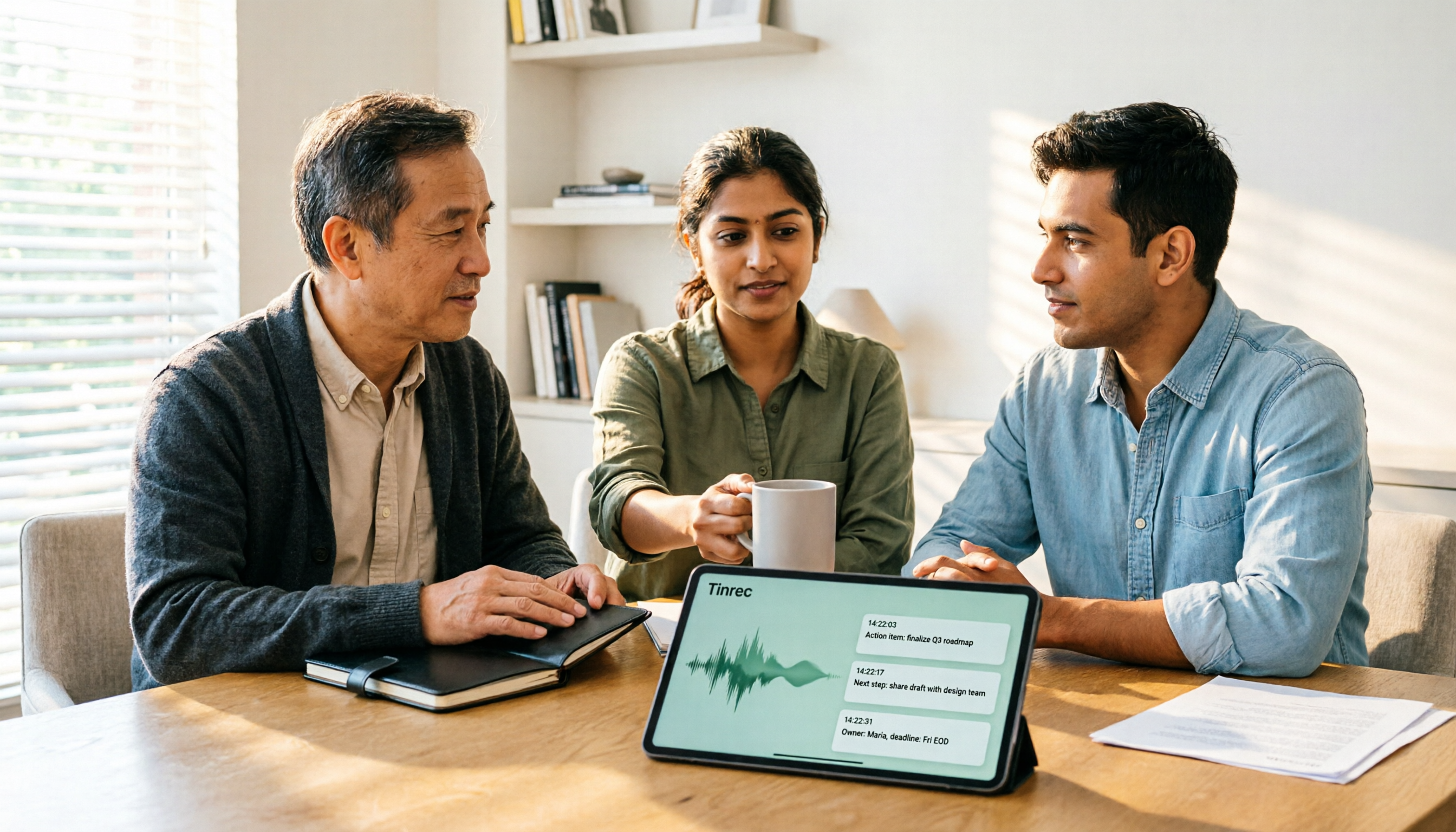
2026 AI Meeting Recorder Comparison: 4 Tools Tested—Which One Actually Saves You Time?
Tired of re-listening to recordings and cleaning up transcripts after every meeting? This review breaks down the decision into three key questions: how meeting audio gets into the tool, what happens after transcription, and who owns team data. We tested Tinrec, Otter.ai, Notta, and Granola, and compiled buying tips, common pitfalls, and selection advice.

How to Choose a Meeting Notes App in 2026: Tinrec's Bot-Free Recording + AI Summaries & Action Items
How do you pick a meeting notes app? This guide starts with the key question: do you need a record or a conclusion? It covers the practical uses of meeting notes apps, 7 core capabilities, 4 use cases, and 5 buying considerations. Using Tinrec as an example, it explains bot-free online meeting recording, AI summaries, action item extraction, AI Q&A, and team plan roles and seats, with pricing for the free and team plans.

2026 Comparison of 4 AI Meeting Tools: Which Offers the Best Free Tier and Post-Meeting Organization?
We tested Tinrec, Otter.ai, Notta, and PLAUD Note, comparing audio capture methods, post-meeting organization, audio retention, and free tiers. We also highlight 4 common pitfalls to help you choose the tool that truly saves time.
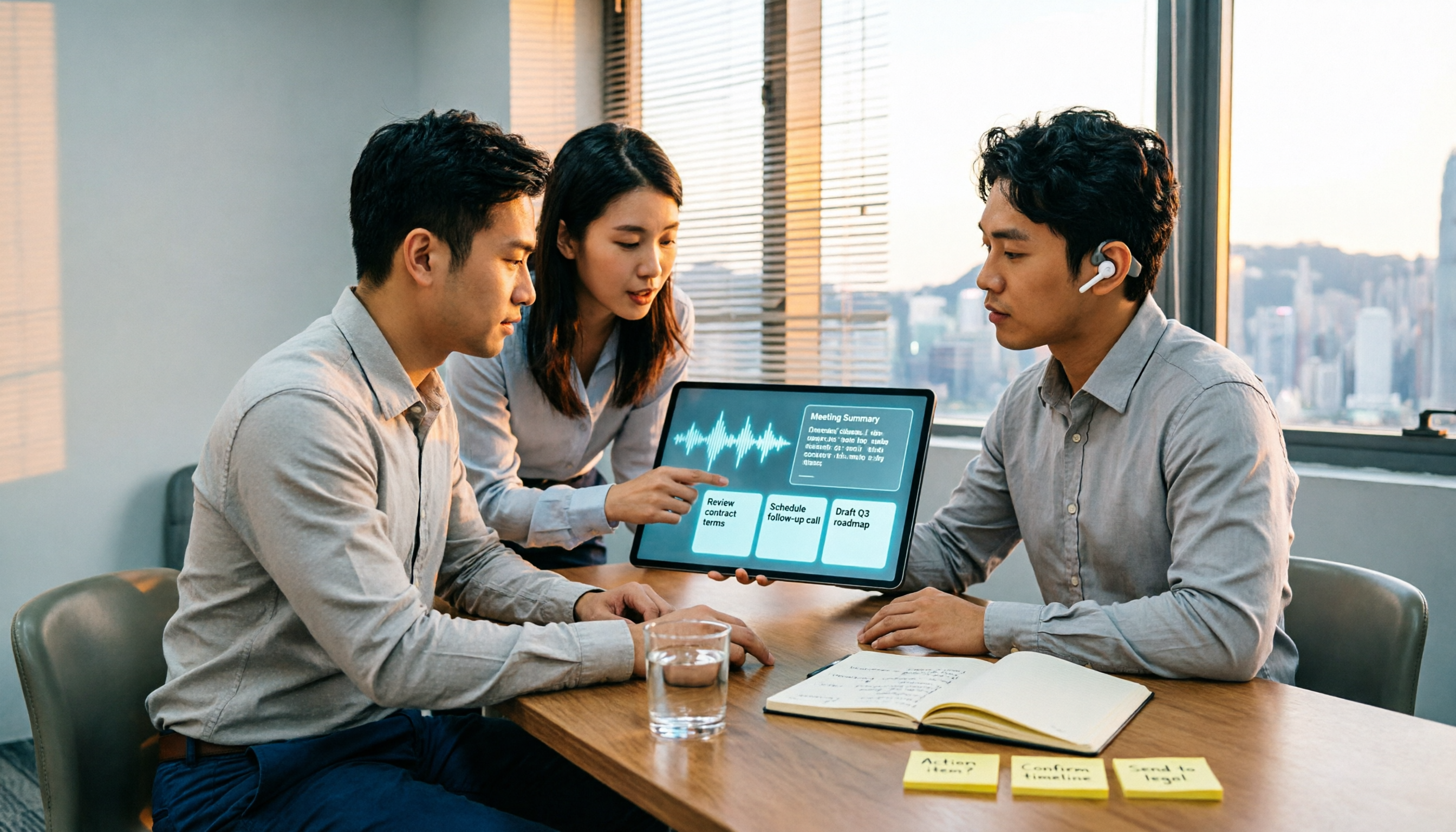
2026 Comparison of 4 Recording-to-Meeting-Notes Tools: Which AI Meeting Assistant Actually Saves You an Hour?
The meeting ends, but the real work begins. This article starts from the practical decision points Hong Kong office workers actually face, breaking down what recording-to-meeting-notes tools can do for you, what core capabilities they offer, and what to look for when choosing a tool. It uses Tinrec as a running example to demonstrate the complete workflow from recording to transcript, summary, action items, and team knowledge retention, while also explaining team plan roles and seat definitions.

2026 Comparison of 4 Meeting Recording Tools: Legal Self-Protection and Post-Meeting Organization—Which Performs Best?
The point of meeting recording is never just 'recording'—it's how you use it afterward. This article starts with the three most common misconceptions, outlines 4 key criteria for choosing a meeting recording tool, tests Tinrec's bot-free recording, AI summaries, and post-meeting Q&A workflow, compares the positioning of Otter.ai, Granola, and PLAUD, and finally covers the legal and practical pitfalls most easily encountered with recording for self-protection in Taiwan.
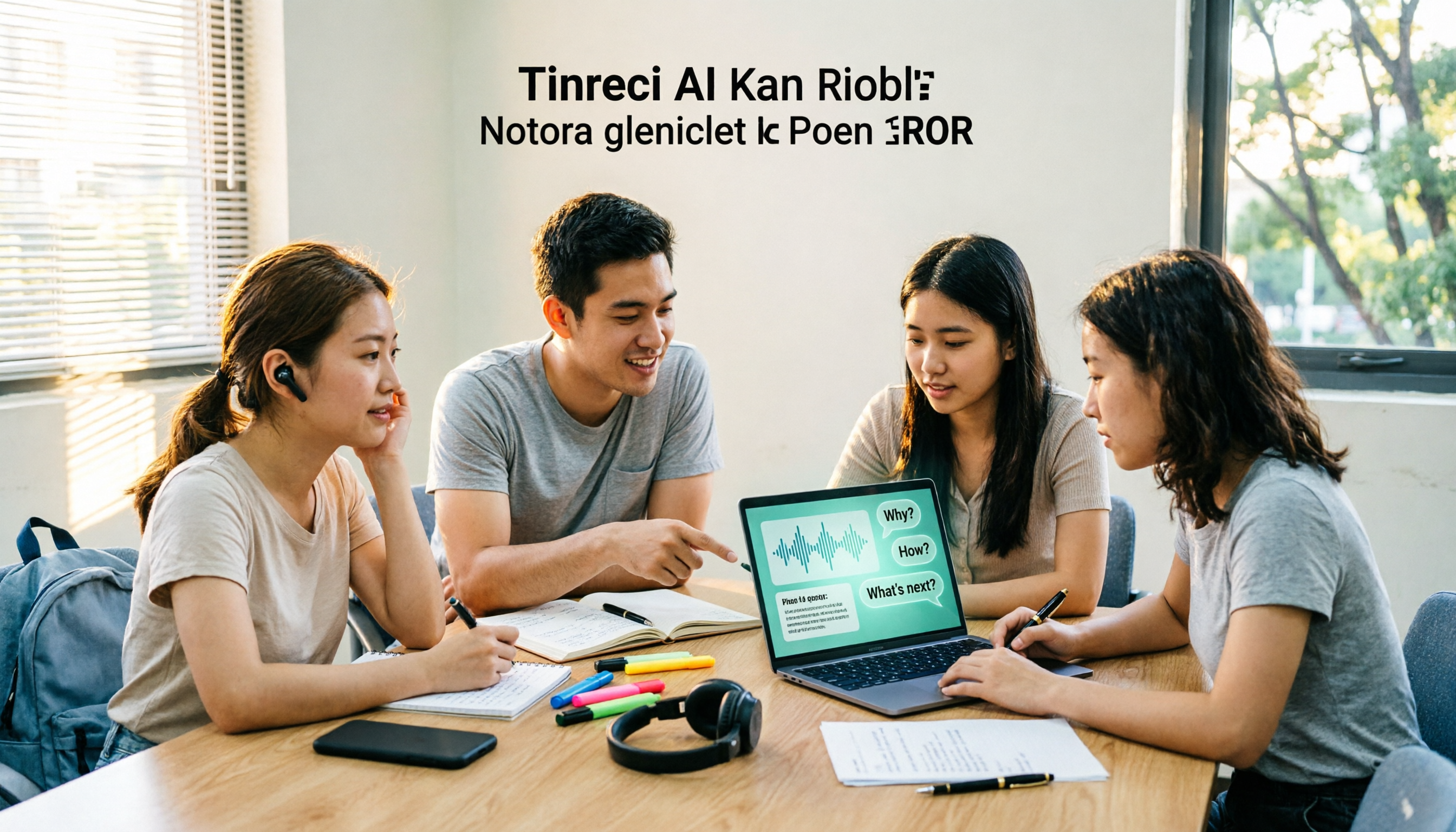
2026 Comparison of 4 AI Meeting Recorders: Free Tiers, AI Summaries, and Post-Meeting Q&A
Got dozens of unlistened recordings on your phone? This guide starts from real student scenarios, explains the 4 key factors to consider when choosing an AI meeting recorder, and then hands-on compares Tinrec, Otter.ai, Notta, and PLAUD Note—covering free tier limits, AI summary and Q&A usability, whether online meetings need a bot, and final recommendations for midterms and group projects.

2026 Comparison of 4 Meeting Recording AI Tools: Which One Actually Saves You Time?
This article starts with common misconceptions and explains that meeting recording AI should not be judged solely by transcription minutes; instead, consider capture, transcription, summarization, action items, Q&A, export, and team knowledge retention. It compares Tinrec, Notta, Otter.ai, and Meeting Ink on features, public pricing, and use cases, and provides buying criteria and pitfalls to help professionals choose a tool that truly saves post-meeting organization time.

2026 AI Meeting Notes App Comparison: Which Free Version Is Enough?
We tested four AI meeting notes apps in 2026, comparing meeting capture methods, post-meeting organization, Chinese language experience, team collaboration, and free tier limits. Tinrec was our primary test subject, and we also assessed Otter.ai, Notta, and PLAUD for their best-fit scenarios and key buying considerations.