

Turn recordings into transcripts and summaries in minutes
Upload audio or video for multilingual transcription, AI notes, and action items
2026 AI Meeting Notes App Comparison: Which Free Version Is Enough?
With so many meeting notes apps out there, how do you choose? I usually start with three questions: Can it handle the way you actually hold meetings? After recording, can it do more than just give you a transcript—can it help you organize key points and action items? And when team members leave, does the meeting data stay? This article is based on these decision points and my hands-on testing.
The Pain Point of Meeting Notes Apps—You Need Usable Post-Meeting Data, Not Just a Recording
After a two-hour meeting, the real time sink is often not the meeting itself but replaying the recording, filling in the transcript, extracting key points, and organizing action items. If the meeting also mixes Chinese and English, or includes external clients, manual organization time can easily increase.
Another common scenario is online meetings. Many tools require a meeting bot to join, and when participants see an extra account, they inevitably ask, "Who is this?" If your company is sensitive about external bots, recording becomes a hassle.
There's also the team collaboration pain point: meeting recordings are stored on personal phones, and when members leave, the data goes with them. Next time you need to check a previous decision, you have to ask around. These problems aren't just about whether there's a recording—they're about whether you've turned meetings into searchable, queryable, transferable data.
5 Key Points to Understand Before Choosing a Meeting Notes App
First, look at the meeting capture method. Some tools rely on a meeting bot to join, while others use a desktop version to directly capture computer system audio. You need to confirm whether you mostly hold online meetings, offline meetings, or both. For example, Tinrec's desktop version takes a bot-free approach, directly processing meeting audio played on the computer.
Second, look at the post-transcription content. Tools that only provide a transcript are sometimes insufficient because you still have to read through it yourself. Summary, chapters, action items, and AI Q&A—these post-meeting organization features are where you truly save time.
Third, look at Chinese and multilingual performance. Meetings in Taiwan often mix Chinese and English, and participants have different accents. Whether a tool can handle mixed languages and provide real-time translation directly affects whether you'll use it long-term.
Fourth, look at team data ownership. Personal versions are fine for individual use, but teams need to consider members, roles, seats, and data transfer. Just because everyone shares one account doesn't make it a team version.
Fifth, look at free tier limits and pricing. Whether the free version is enough depends on how many meetings you have per month and how long each lasts. Rather than just looking at minutes, try it with your own meeting recordings first.
Tinrec—Our Top Pick After Testing
Tinrec is an AI meeting notes and collaboration tool for individuals and teams, available on web, desktop, and mobile. It doesn't just convert audio to text; it organizes meeting recordings into searchable, summarizable, queryable, and exportable data that can be further collaborated on in team spaces.
Let's start with online meetings. Tinrec's desktop version records meetings by capturing computer system audio, without inviting a meeting bot. In practice, when you open Zoom, Google Meet, Microsoft Teams, or Webex on your computer and start recording with Tinrec, it produces a transcript in real time. For participants, no bot account appears in the meeting—this is especially useful for external client meetings.
Next is post-meeting organization. After the meeting ends, Tinrec generates an AI summary, chapters, and action items, so you don't have to read the entire transcript from scratch. Even better is AI Q&A: you can directly ask, "What was the client's main concern this time?" or "Who was responsible for the budget in the last meeting?" and it will answer based on the meeting content. For cross-language communication, you can use real-time translation to view the original, translation, or bilingual content.
We tested with a roughly 15-minute mixed Chinese-English meeting recording (desktop version, indoor environment, participants taking turns speaking). Tinrec produced a real-time transcript and automatically generated a summary, chapters, and action items after the meeting. When multiple people spoke over each other, the transcript still required manual verification; this is a common limitation of most transcription tools. Actual accuracy is affected by recording quality, noise, accents, and technical terminology. For important content, we recommend replaying with timestamps.
Stop organizing recordings by hand
Upload audio or video and automatically get a transcript, summary, and action items
The team version is another level. It places meeting data in an independent team space, with data owned by the team, and provides members, roles, seats, sharing permissions, usage analytics, audit logs, and an audio recycle bin. Roles determine who can manage the team; seats determine whether members can record, upload, edit, and export; members without seats can still view, play, and read team data. Pricing: team monthly is USD 29.80 per paid seat per month, annual is USD 199 per paid seat per year (about USD 16.58 per month); the first eligible team trial is 7 days, 1 free seat, and 300 minutes of team shared import quota. Paid seats provide 2,000 minutes of team shared import quota per month; under an active team plan and active seats, real-time recording currently does not deduct minutes, while file imports use the team shared quota. Actual prices and benefits are subject to the official purchase page.
Here's how I see the pros: First, bot-free recording makes online meetings cleaner; second, the post-transcription summary, action items, AI Q&A, and export form a complete workflow; third, the team version clearly defines members, seats, and data transfer, suitable for long-term use by departments or project teams.
Limitations should also be stated: The free version provides a basic quota, and heavy users need to pay; some team version capabilities still need to be confirmed in the production environment before official external promotion; AI organization can reduce manual costs but cannot guarantee 100% accuracy—important decisions should still be verified against the original text.
If you frequently hold Chinese meetings, don't want meeting bots to join, want to directly query meeting content afterward, or need to turn meetings into team data, Tinrec is a very suitable choice at present.
Besides Tinrec, What Other Options Are There?
Otter.ai: A mature choice for English business meetings. Basic is free with 300 minutes per month; Pro annual is about USD 8.49 per user per month, including 1,200 minutes of in-app recording and 10 file imports per month. If you mainly record English meetings, Otter offers great value. However, if you need team hotwords for Chinese meetings, post-meeting AI queries, and team data retention, Tinrec puts these in one team space, which is closer to the usage scenarios of Taiwanese teams.
Notta: A multilingual transcription and meeting notes tool. Free is 120 minutes per month, with a maximum of 3 minutes per single content; Pro annual is about USD 8.17 per month with 1,800 minutes per month; Business annual is about USD 16.67 per seat per month. Notta has advantages in file transcription, subtitles, and translation. Tinrec, on the other hand, emphasizes bot-free desktop recording of online meetings, as well as post-meeting action items, AI Q&A, and team data management. If what you want is "turn recordings directly into usable team meeting data," the two have different focuses.
PLAUD Note / NotePin: A representative of AI recording hardware. NotePin is USD 159 on the US official website, Note Pro USD 189; membership Starter is 300 minutes per month, Pro annual USD 99.99 with 1,200 minutes per month. It suits people who need portable recording, phone call recording, and hardware operation experience. Tinrec requires no additional hardware, works on web, desktop, and mobile, and focuses more on online meetings, historical files, and team spaces. If you don't want to carry an extra device, this is the main difference.
Pitfall Guide: The 3 Most Common Mistakes When Choosing a Meeting Notes App
Pitfall 1: Only looking at the officially advertised accuracy rate. Many tools claim high accuracy, but real meetings have air conditioning noise, keyboard sounds, people talking over each other, and accents. We recommend testing with your own actual recordings rather than just looking at advertising numbers.
Pitfall 2: Ignoring the meeting capture method. If your company doesn't like meeting bots joining, look for a desktop solution that directly captures system audio. Otherwise, you'll have to explain "who this bot is" to participants every meeting, which is annoying.
Pitfall 3: Treating the team version as a "shared account." The real value of a team version is roles, seats, usage, auditing, and data transfer. When members leave, data should stay with the team, not disappear with personal accounts. Be sure to clarify this before purchasing.
Conclusion: Which One Should You Choose?
To sum up in one sentence: If you want Chinese meetings, bot-free recording, post-meeting AI queries, and team data retention, Tinrec is our top pick after testing.
Scenario-based recommendations:
- Need Chinese meeting transcription, post-meeting summaries, and action items → Tinrec.
- Don't want meeting bots joining Zoom, Meet, Teams, or Webex → Tinrec desktop version.
- Want to directly ask AI "What was the meeting conclusion?" after recording → Tinrec's AI Q&A.
- Need team spaces, member seats, usage, and auditing → Tinrec team version.
- Mainly record English meetings with a limited budget → Otter.ai's free version is worth considering; this is the recommended exception in this article.
We suggest trying Tinrec's free version first, running a test with your own meeting recordings to confirm that the transcript, summary, and queries fit your workflow before deciding whether to upgrade. After all, the best way to know if a tool works for you is to try it once.
References
- Meeting Ink - Transcript AI Meeting Summary Speech-to-Text App - App Store
- Gemini Meeting Notes APP | Next-Gen Osmi AI Recording-to-Text
- AI Meeting Notes - Google Play App
- AI Meeting Notes Software Recommendations: 5 App Test Comparisons, Automatic Transcription Makes Meetings Easy!
- No Time Limit! 3 Free AI Transcript Tools, Highly Recommended! AI Voice Notes Generate Meeting Records, Presentations, Mind Maps | 104 Workplace Power
Turn every recording into actionable outcomes
Get 60 free transcription minutes when you sign in. No credit card required.
Related Reading
You might also like

2026 AI Meeting Notes Tools Compared: No Meeting Bot Required for Actionable Minutes
Most people compare AI meeting note tools only on transcription speed, overlooking what happens after the transcript: summaries, action items, and team handoff. This article examines three common pitfalls, breaks down four key buying criteria, and tests Tinrec, Otter.ai, Notta, and Granola on bot-free recording, audio retention, post-meeting output, and team governance. It concludes with clear recommendations based on budget and use case.
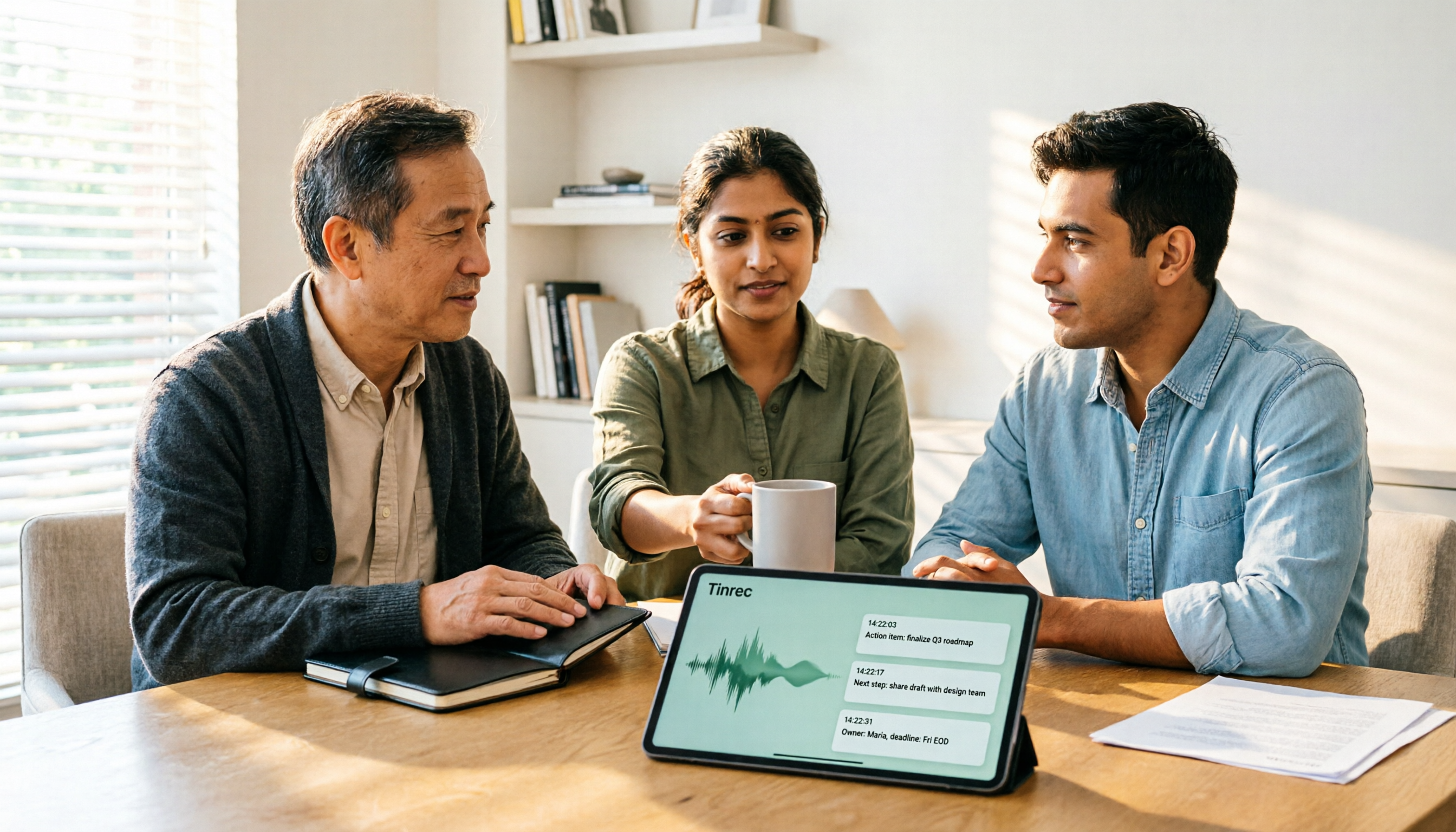
2026 AI Meeting Recorder Comparison: 4 Tools Tested—Which One Actually Saves You Time?
Tired of re-listening to recordings and cleaning up transcripts after every meeting? This review breaks down the decision into three key questions: how meeting audio gets into the tool, what happens after transcription, and who owns team data. We tested Tinrec, Otter.ai, Notta, and Granola, and compiled buying tips, common pitfalls, and selection advice.

How to Choose a Meeting Notes App in 2026: Tinrec's Bot-Free Recording + AI Summaries & Action Items
How do you pick a meeting notes app? This guide starts with the key question: do you need a record or a conclusion? It covers the practical uses of meeting notes apps, 7 core capabilities, 4 use cases, and 5 buying considerations. Using Tinrec as an example, it explains bot-free online meeting recording, AI summaries, action item extraction, AI Q&A, and team plan roles and seats, with pricing for the free and team plans.

2026 Comparison of 4 AI Meeting Tools: Which Offers the Best Free Tier and Post-Meeting Organization?
We tested Tinrec, Otter.ai, Notta, and PLAUD Note, comparing audio capture methods, post-meeting organization, audio retention, and free tiers. We also highlight 4 common pitfalls to help you choose the tool that truly saves time.
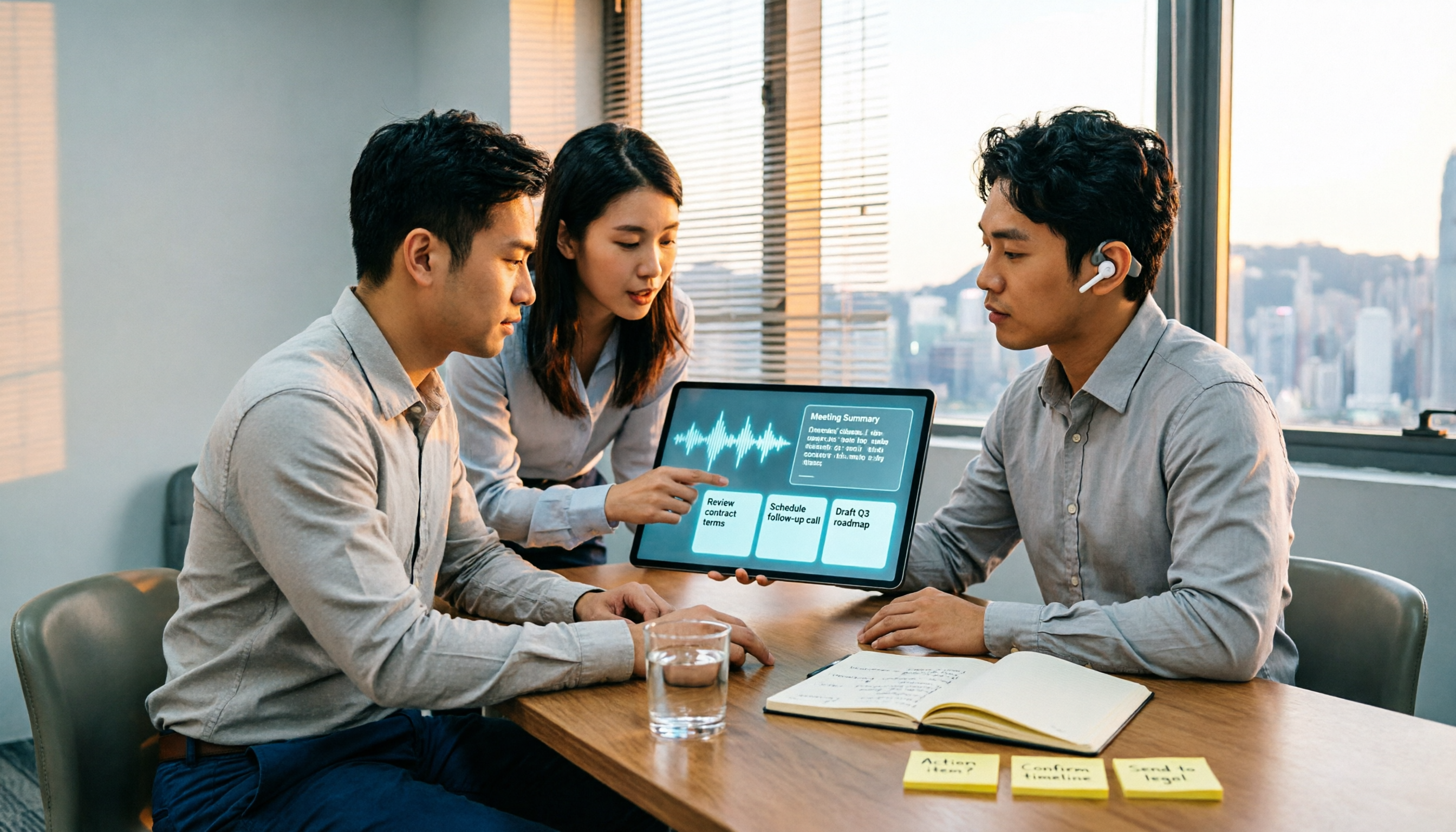
2026 Comparison of 4 Recording-to-Meeting-Notes Tools: Which AI Meeting Assistant Actually Saves You an Hour?
The meeting ends, but the real work begins. This article starts from the practical decision points Hong Kong office workers actually face, breaking down what recording-to-meeting-notes tools can do for you, what core capabilities they offer, and what to look for when choosing a tool. It uses Tinrec as a running example to demonstrate the complete workflow from recording to transcript, summary, action items, and team knowledge retention, while also explaining team plan roles and seat definitions.

2026 Comparison of 4 Meeting Recording AI Tools: Is the Free Tier Enough? That's the Key
How to choose a meeting recording AI? This article starts with common misconceptions and compares Tinrec, Otter.ai, Notta, and Granola through hands-on testing. It outlines four key criteria: recording method, post-meeting organization, data retention, and free tier limits, plus a guide to avoiding pitfalls and scenario-based recommendations.

2026 Comparison of 4 Meeting Recording Tools: Legal Self-Protection and Post-Meeting Organization—Which Performs Best?
The point of meeting recording is never just 'recording'—it's how you use it afterward. This article starts with the three most common misconceptions, outlines 4 key criteria for choosing a meeting recording tool, tests Tinrec's bot-free recording, AI summaries, and post-meeting Q&A workflow, compares the positioning of Otter.ai, Granola, and PLAUD, and finally covers the legal and practical pitfalls most easily encountered with recording for self-protection in Taiwan.

2026 Comparison of 4 AI Meeting Recorders: Free Tiers, AI Summaries, and Post-Meeting Q&A
Got dozens of unlistened recordings on your phone? This guide starts from real student scenarios, explains the 4 key factors to consider when choosing an AI meeting recorder, and then hands-on compares Tinrec, Otter.ai, Notta, and PLAUD Note—covering free tier limits, AI summary and Q&A usability, whether online meetings need a bot, and final recommendations for midterms and group projects.

2026 Comparison of 4 Meeting Recording AI Tools: Which One Actually Saves You Time?
This article starts with common misconceptions and explains that meeting recording AI should not be judged solely by transcription minutes; instead, consider capture, transcription, summarization, action items, Q&A, export, and team knowledge retention. It compares Tinrec, Notta, Otter.ai, and Meeting Ink on features, public pricing, and use cases, and provides buying criteria and pitfalls to help professionals choose a tool that truly saves post-meeting organization time.