

Turn recordings into transcripts and summaries in minutes
Upload audio or video for multilingual transcription, AI notes, and action items
2026 AI Meeting Notes Tools Compared: No Meeting Bot Required for Actionable Minutes
The Real Cost of Choosing the Wrong Tool Happens After the Meeting Ends
Most people imagine "AI meeting notes" like this: drop in the recording, get a transcript, and paste it into the group chat. This approach usually fails on the first try—the transcript is thirty pages long, nobody wants to open it, and when your boss asks "So what was the conclusion, and who needs to deliver what by when?" you still have to listen to the recording all over again.
The second common mistake is stuffing a meeting bot into every calendar event. Yes, a bot can capture audio, but it's also a "participant." For client meetings, interviews, or external vendor calls, it's hard to casually add a bot; moreover, bots only solve "recording," not "organizing" or "follow-up."
The third pitfall is more subtle: choosing a tool based only on free quota. A large quota sounds like a great deal, but if it only gives you a transcript without summaries and action items, the time you save on transcription will ultimately be spent on manual organization.
If you've ever experienced "recorded but nobody watched" or "organizing meeting notes takes longer than the meeting itself," this article is for you: first, how to choose; then, our ranking after actual testing.
Before Choosing an AI Meeting Notes Tool, Understand These 4 Key Points
1. How Meeting Audio Gets In
There are roughly two ways to capture audio from online meetings: one is a "meeting bot" joining as a participant, and the other is a tool directly capturing the computer's system audio. Bots are suitable for regular all-internal meetings, but external meetings raise perception issues; system audio capture doesn't require an extra participant. Ask yourself: how many meetings per week are "inconvenient to add a bot to"? If it's more than half, this is a hard requirement.
2. Will the Recording Be Kept?
Few people ask this, but it determines whether you can go back and verify. Some tools keep only text and not audio, so if you later want to confirm "Did he say 30 days or 3 months?" you can't. Especially for meetings involving contracts, quotes, or commitments, being able to replay the original recording is far more important than how beautifully the summary is written.
3. What You Get After the Transcript
The transcript is raw material, not a finished product. What's worth comparing is post-processing capability: Does it have sections and chapters? Can it extract action items with one click? Can you ask follow-up questions about the content (e.g., "Who mentioned the budget cap in the last meeting?")? Can it export to Notion or Google Docs for further editing? How well this part is done directly determines whether you spend 10 minutes or 1 hour wrapping up.
4. The Cost of Team Handoff
Just because it works smoothly for an individual doesn't mean it works for a team. You need to ask: Who owns the meeting data? If a member leaves or changes seats, do their meeting notes remain? How is shared quota calculated? Is there usage analytics and audit logs? These questions aren't obvious in startups with fewer than three people, but once a department exceeds ten people, they become mandatory considerations during procurement.
Tinrec: Our Top Pick After Testing
Tinrec is an AI meeting notes and collaboration tool for individuals and teams, supporting iOS, Android, desktop, and web. Its positioning isn't "audio-to-text" but turning meetings into searchable, queryable, and transferable data.
Scenario 1: Online meetings, no extra bot wanted. The desktop version directly captures system audio from platforms like Zoom, Google Meet, Microsoft Teams, and Webex without inviting a meeting bot. Note that this is a "user-initiated recording" mode, not automatically joining every meeting on your calendar—you press record when you want to, which is actually an advantage for external meetings.
Scenario 2: In-person meetings and interviews. Start real-time recording on mobile or desktop, and get a live transcript; for cross-language meetings, enable real-time translation and view original, translated, or bilingual side-by-side. After the meeting, the system provides summaries, chapters, and key points, compressing a 40-minute discussion into a structure you can scan in three minutes.
Scenario 3: Deliverables after the meeting. This is where it differs most from ordinary transcription tools. The transcript can directly extract action items, and you can continue asking questions about the content—for example, "What was the conclusion about scheduling in this meeting?" It answers based on semantics rather than dumping a bunch of keywords for you to search through. When formal delivery is needed, you can generate meeting minutes, reports, or tables and export to Notion, Google Docs, OneNote, Dropbox, and other common tools.
Our test method was to run a complete workflow on a recording of a department weekly meeting with mixed Chinese and English and multiple people talking over each other. Honestly, transcription speed doesn't differ much among tools at this level; what really sets them apart is three things: readability of the transcript, whether the summary captures decision points, and whether action items can be turned directly into a list. Tinrec completes these three stages in a single workflow, without needing to open another chat box and paste again after recording.
Stop organizing recordings by hand
Upload audio or video and automatically get a transcript, summary, and action items
I see three advantages:
- Bot-free recording—no need to explain "who is this bot?" in external meetings.
- Complete post-meeting output: summary, chapters, action items, mind map, and AI Q&A all in one place, saving the "organizing" hour, not just the "typing" half-hour.
- The team version is a real team space, not a shared account. Meeting data belongs to the team, with manageable roles, seats, shared quota, usage trends, and audit logs; when a member leaves, their resources can be handed over to others and won't disappear with them.
Limitations to be clear about: The free version provides basic quota to experience recording, import, summaries, and transcription; heavy users need to pay. Document and web link imports consume the team's shared import minutes (paid seats get 2,000 minutes per month; real-time recording is currently not deducted by minutes under an active plan and seat). Also, the team version currently focuses on team-level sharing, managing access through roles and seats, not fine-grained file-level permissions—if your company requires "individual authorization per file," confirm this first.
Who it's for: People who frequently hold mixed Chinese-English meetings, need to turn post-meeting conclusions into action items, and want the team to collectively build meeting data. Pricing: team version is USD 29.80 per paid seat per month, or USD 199 per paid seat per year (about USD 16.58 per month). First-time eligible users can enjoy a 7-day trial with 1 free seat and 300 minutes of shared import quota. Actual amounts and promotions are subject to the official purchase page.
Besides Tinrec, What Other Options Are There?
Otter.ai: A mature choice for English business meetings. Basic is free for 300 minutes per month; Pro is about USD 8.49 per user per month billed annually, including 1,200 minutes per month and 10 file imports. If 90% of your meetings are in English, it's a good deal; but it doesn't focus on Chinese or mixed Chinese-English organization experience, and its management flexibility for turning meeting notes into team assets is less than a dedicated team space.
Notta: Strong multilingual transcription. Free is 120 minutes per month with a 3-minute limit per session; Pro is about USD 8.17 per month billed annually, with 1,800 minutes per month. Suitable for users focused on file transcription and subtitles; however, it lacks Tinrec's desktop bot-free system audio capture for online meetings, and it doesn't have ongoing meeting Q&A after the meeting.
Granola: Also takes the bot-free desktop meeting notes route. Basic is free; Business is USD 14 per user per month. Its strength is combining user handwritten notes with AI. But it doesn't support uploading existing pre-recorded audio files and doesn't save meeting audio files—if you need to go back and verify the original audio, or organize existing recordings and videos, this is something it can't do but Tinrec can.
Pitfall Guide: The 3 Most Common Mistakes When Choosing AI Meeting Notes
Pitfall 1: Only looking at "transcription accuracy" and ignoring whether audio is retained. Accuracy is affected by recording quality, air conditioning noise, accents, and multiple people talking over each other. Any claim of a fixed 98% or 99% should be taken with a grain of salt. A more practical approach is to confirm whether the tool retains the original audio and whether you can click the timeline to replay and verify. Commitments and numbers from important meetings ultimately need to be confirmed against the original audio.
Pitfall 2: Treating "having a transcript" as "having meeting notes." A transcript is raw material. Without chapters, summaries, and action items, you're leaving the organizing work entirely to yourself. When choosing a tool, look directly at how many files it gives you after the meeting: just a transcript, or transcript + summary + action items + exportable minutes.
Pitfall 3: Using a personal account to handle team needs. Three to five people sharing one set of credentials seems cost-saving, but in reality, quota is unclear, data leaves with departing employees, and no one knows who changed what. Once meeting data starts being treated as an asset, you should look at team version roles, seats, shared quota, and audit logs instead of continuing to share an account.
Pitfall 4: Ignoring the legality of recording and consent process. Under Taiwan regulations and company policies, recording and transcription usually require notifying or obtaining consent from participants. No matter how convenient the tool is, this should be clearly stated at the beginning of the meeting.
Conclusion: Which One Should You Choose?
In one sentence: If you want to "get something actionable right after the meeting ends," Tinrec has the most complete workflow in this test.
- Mixed Chinese-English meetings, need bilingual transcripts → Tinrec, supports multilingual transcription and real-time translation comparison.
- Don't want a bot joining the meeting → Tinrec, desktop version captures system audio, can record external meetings too.
- Want to directly ask "What was the conclusion, who is responsible for what" after recording → Tinrec, has AI Q&A based on meeting content and action item extraction.
- Need to turn meeting data into team assets, manage members and usage → Tinrec team version, seats, shared quota, usage analytics, and audit logs all in one place.
- 90% of meetings are in English, budget priority → Otter.ai, free 300 minutes is plenty for pure English users.
- Mainly processing existing audio files and subtitle translation → File transcription tools like Notta or TurboScribe are more suitable.
The final advice is practical: first run a real meeting recording you have within the free quota, not a demo file. What you need to verify isn't "can it produce text" but "after transcription, how much work do I still have left?" Once this part is smooth, then it's worth discussing payment and adoption.
References
- AI Meeting Notes Generator
- Meeting Ink - 2026 AI Meeting Notes Tools Tested | 7 Speech-to-Text and Summary Speed Comparison | Meeting Ink - AI Meeting Notes Assistant Automatic Transcription and Summary
- Top AI Meeting Notes Tools of 2026, Time-Saving Must-Haves for Meetings!
- How to Use AI for Meeting Notes? How to Organize Meeting Transcripts? | AI Speech-to-Text Tutorial | 104 Career Power
- Get Meeting Notes Done! How to Do AI Speech-to-Text? Gemini Notebook, Gemini, EchoScript Operation Analysis | 104 Career Power
Turn every recording into actionable outcomes
Get 60 free transcription minutes when you sign in. No credit card required.
Related Reading
You might also like
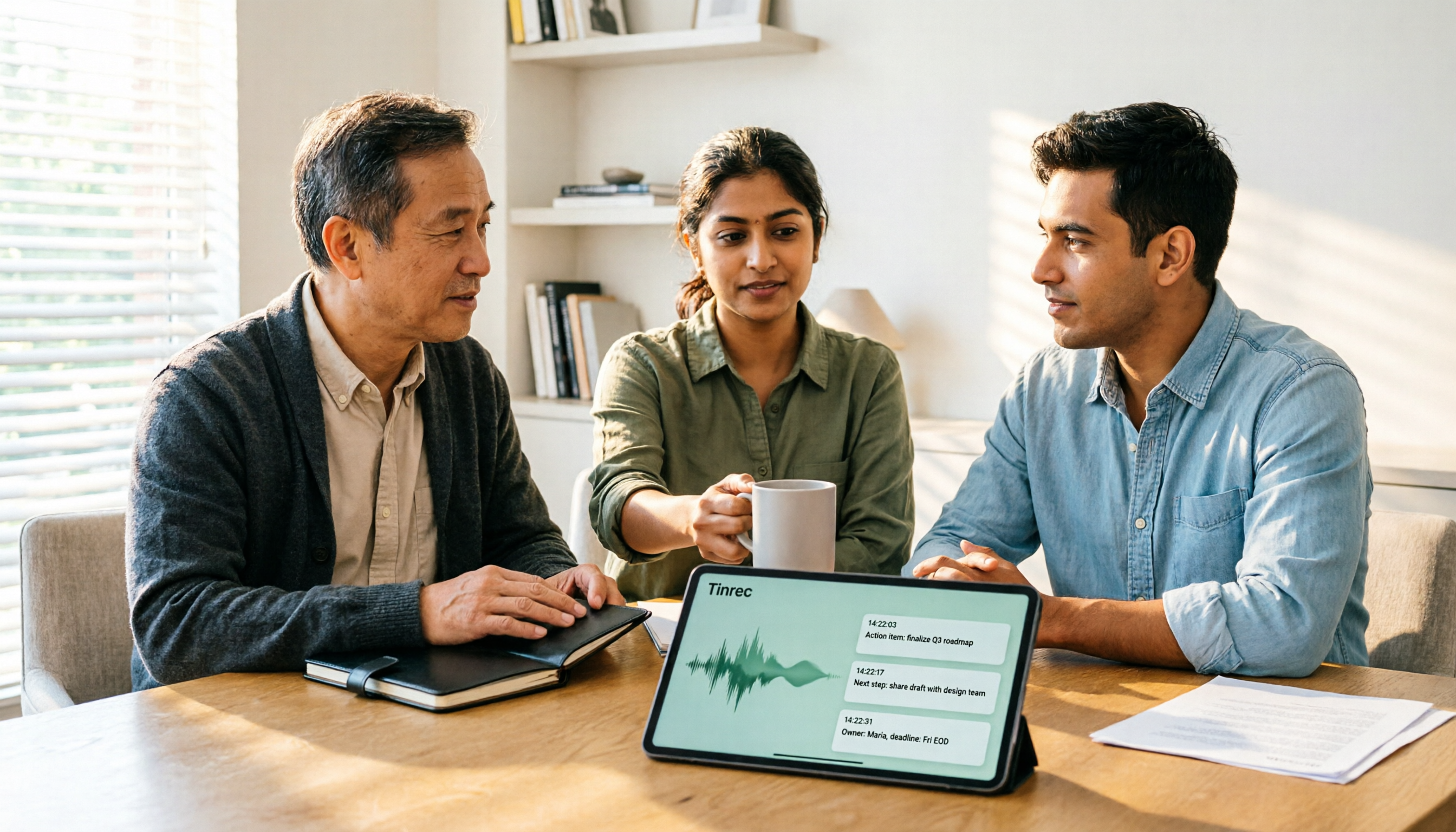
2026 AI Meeting Recorder Comparison: 4 Tools Tested—Which One Actually Saves You Time?
Tired of re-listening to recordings and cleaning up transcripts after every meeting? This review breaks down the decision into three key questions: how meeting audio gets into the tool, what happens after transcription, and who owns team data. We tested Tinrec, Otter.ai, Notta, and Granola, and compiled buying tips, common pitfalls, and selection advice.

How to Choose a Meeting Notes App in 2026: Tinrec's Bot-Free Recording + AI Summaries & Action Items
How do you pick a meeting notes app? This guide starts with the key question: do you need a record or a conclusion? It covers the practical uses of meeting notes apps, 7 core capabilities, 4 use cases, and 5 buying considerations. Using Tinrec as an example, it explains bot-free online meeting recording, AI summaries, action item extraction, AI Q&A, and team plan roles and seats, with pricing for the free and team plans.

2026 Comparison of 4 AI Meeting Tools: Which Offers the Best Free Tier and Post-Meeting Organization?
We tested Tinrec, Otter.ai, Notta, and PLAUD Note, comparing audio capture methods, post-meeting organization, audio retention, and free tiers. We also highlight 4 common pitfalls to help you choose the tool that truly saves time.
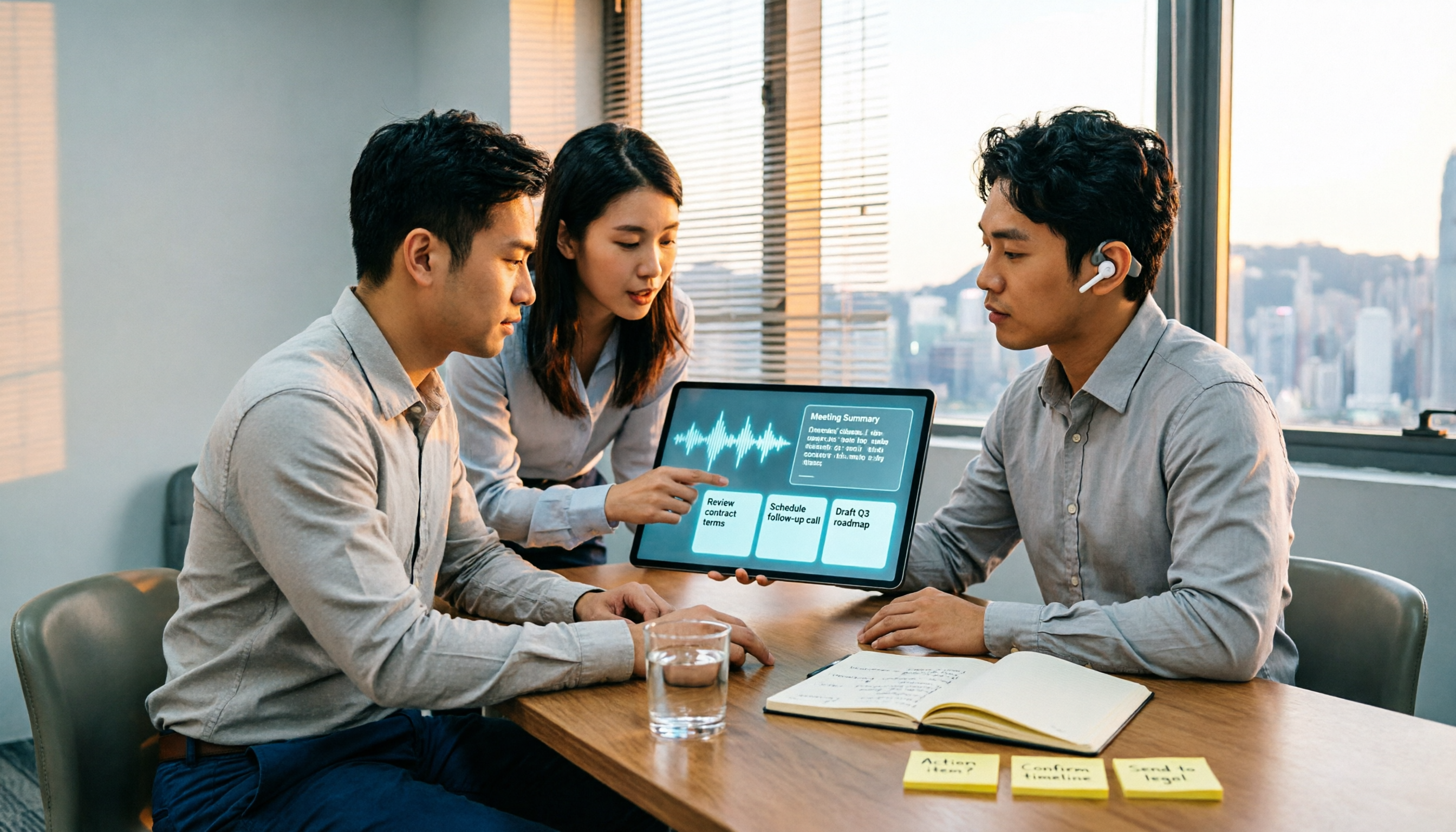
2026 Comparison of 4 Recording-to-Meeting-Notes Tools: Which AI Meeting Assistant Actually Saves You an Hour?
The meeting ends, but the real work begins. This article starts from the practical decision points Hong Kong office workers actually face, breaking down what recording-to-meeting-notes tools can do for you, what core capabilities they offer, and what to look for when choosing a tool. It uses Tinrec as a running example to demonstrate the complete workflow from recording to transcript, summary, action items, and team knowledge retention, while also explaining team plan roles and seat definitions.

2026 Comparison of 4 Meeting Recording AI Tools: Is the Free Tier Enough? That's the Key
How to choose a meeting recording AI? This article starts with common misconceptions and compares Tinrec, Otter.ai, Notta, and Granola through hands-on testing. It outlines four key criteria: recording method, post-meeting organization, data retention, and free tier limits, plus a guide to avoiding pitfalls and scenario-based recommendations.

2026 Comparison of 4 Meeting Recording Tools: Legal Self-Protection and Post-Meeting Organization—Which Performs Best?
The point of meeting recording is never just 'recording'—it's how you use it afterward. This article starts with the three most common misconceptions, outlines 4 key criteria for choosing a meeting recording tool, tests Tinrec's bot-free recording, AI summaries, and post-meeting Q&A workflow, compares the positioning of Otter.ai, Granola, and PLAUD, and finally covers the legal and practical pitfalls most easily encountered with recording for self-protection in Taiwan.

2026 Comparison of 4 AI Meeting Recorders: Free Tiers, AI Summaries, and Post-Meeting Q&A
Got dozens of unlistened recordings on your phone? This guide starts from real student scenarios, explains the 4 key factors to consider when choosing an AI meeting recorder, and then hands-on compares Tinrec, Otter.ai, Notta, and PLAUD Note—covering free tier limits, AI summary and Q&A usability, whether online meetings need a bot, and final recommendations for midterms and group projects.

2026 Comparison of 4 Meeting Recording AI Tools: Which One Actually Saves You Time?
This article starts with common misconceptions and explains that meeting recording AI should not be judged solely by transcription minutes; instead, consider capture, transcription, summarization, action items, Q&A, export, and team knowledge retention. It compares Tinrec, Notta, Otter.ai, and Meeting Ink on features, public pricing, and use cases, and provides buying criteria and pitfalls to help professionals choose a tool that truly saves post-meeting organization time.

2026 AI Meeting Notes App Comparison: Which Free Version Is Enough?
We tested four AI meeting notes apps in 2026, comparing meeting capture methods, post-meeting organization, Chinese language experience, team collaboration, and free tier limits. Tinrec was our primary test subject, and we also assessed Otter.ai, Notta, and PLAUD for their best-fit scenarios and key buying considerations.