

Turn recordings into transcripts and summaries in minutes
Upload audio or video for multilingual transcription, AI notes, and action items
2026 Comparison of 4 Meeting Recording Tools: Legal Self-Protection and Post-Meeting Organization—Which Performs Best?
The Most Common Misconception About Meeting Recording: Thinking Pressing the Record Button Is Enough
In recent years, the complaint I hear most often is no longer 'I can't find a tool to record' but 'I recorded it but it's useless.'
Many people's first misconception about meeting recording is thinking that pressing the record button equals keeping a record. In reality, you get an hour-long audio file, and after the meeting no one wants to listen to it a second time.
The second misconception is thinking that recording is either 'definitely legal' or 'definitely illegal.' In Taiwan, there is no standard answer—what really determines the risk is not whether you pressed the record button, but who you are, where you record, why you record, and how you use the recording afterward.
The third misconception is thinking that converting to a transcript is the end. A 40-page transcript without summaries, action items, or the ability to ask questions just shifts you from 'no time to listen' to 'no time to read.'
This article first clarifies the most common judgment errors in meeting recording, then examines how several tools actually perform in the 'after recording' phase.
Before Choosing a Meeting Recording Tool, Understand These 4 Key Points
1. Recording is just the starting point; organization is the real cost
A one-hour meeting often requires another hour of post-meeting organization. When choosing a tool, first ask: can it automatically provide summaries, chapters, and action items? One that only gives a transcript is only doing half the work.
2. For online meetings, are you willing to let a bot join?
Most meeting assistants work by having a 'meeting bot join the meeting.' The advantage is full automation; the downside is an extra name on the participant list. Another approach is to capture computer system audio directly from the desktop, without joining the meeting list. Neither is absolutely better, but for external presentations and client meetings, many prefer the latter.
3. Whether audio files are retained and whether old recordings can be processed
Some tools only handle live meetings, do not retain audio files, and cannot upload existing recordings. If you already have a bunch of old meeting files and interview recordings to organize, this point directly determines whether the tool is useful.
4. Teams need to look at 'seats,' not headcount
When multiple people use it, the real question is not 'can we share one account' but who has permission to record, upload, edit, and export. A more professional approach separates 'roles' (who can manage the team) from 'seats' (who can use resources); members without seats can usually still view and play existing data.
These 4 points are exactly where the differences are most likely to show up in the later tests.
Tinrec (秒聽錄音)—The One Most Often Recommended After Testing
Tinrec (秒聽錄音) is an AI meeting notes and collaboration tool for individuals and teams, supporting web, desktop, and mobile. Its core proposition is 'turn meetings into searchable, queryable, actionable data.'
A typical workflow goes like this: during a meeting, it records and transcribes simultaneously, with the transcript appearing on screen. For online meetings like Zoom, Google Meet, Microsoft Teams, or Webex, the desktop version captures computer system audio directly without inviting a meeting bot. This is especially noticeable in external meetings—no unfamiliar account suddenly appears on the participant list.
After the meeting, AI generates summaries, chapters, and action items—who is responsible for what and when it's due, listed directly, so you don't have to dig through the transcript yourself. For cross-language communication, you can instantly switch between original text, translation, or bilingual view.
What really makes me feel 'this is not the same as a pure transcription tool' is its AI Q&A. After recording, you can directly ask 'which version was decided at the last meeting' or 'what was the budget cap the client mentioned?' It answers based on the content, rather than giving you a list of keyword search results. If you only want to see conclusions from the whole meeting, the time saved in this step is often more than the transcription itself.
Further, you can use Agent to process meeting content into reports, tables, or documents, or export to Notion, Google Docs, OneNote, Dropbox, etc. for further editing. For those who need to produce meeting minutes, weekly reports, or client replies, this step is the most underrated value in practice.
The team version brings the above workflow into a shared space: create a team, invite members via link, distinguish owner/admin/regular member, and assign seats. Meeting data belongs to the team; when a member leaves or loses a seat, it can be transferred to other members and won't disappear with the individual account. Admins can also see usage trends, member rankings, export audit logs, and a 30-day audio recycle bin. (Note: TODO is currently not included in the team recycle bin.)
I'll list prices and quotas honestly: the personal version has a free version, weekly card, Pro monthly card, and Pro annual card, choose by usage frequency; the team version offers a 7-day trial for first-time eligible users, 1 free seat, and 300 minutes of team shared import quota, then USD 29.80 per paid seat per month, or USD 199 per paid seat per year (about USD 16.58/month), each paid seat provides 2,000 minutes of team shared import quota per month, and real-time recording is currently not deducted by minutes under an active plan and seat. Actual prices and promotions are subject to the official purchase page.
Stop organizing recordings by hand
Upload audio or video and automatically get a transcript, summary, and action items
Limitations are also clear. First, the free version is a basic quota, suitable for trying the workflow once, not for heavy daily imports. Second, the team version currently focuses on team-level sharing; members can read team data, but it's not fine-grained file-level permissions—don't think of it as file ACL. Third, transcription quality is affected by recording environment, accents, overlapping speech, and technical terms; no tool should promise a fixed accuracy rate, and important content should still be verified against the audio and timestamps.
Who is it for? If you frequently have Chinese or mixed Chinese-English meetings, don't want a bot in the meeting room, want to directly ask about key points after recording, or need to turn meetings into team assets, this is currently our most recommended choice.
Besides Tinrec, What Other Options Are There?
Otter.ai: A mature English meeting assistant. Basic is free with 300 minutes per month; Pro annual billing is about USD 8.49 per user per month, including 1,200 minutes per month and 10 file imports. If your meetings are entirely in English and your team is comfortable with an English interface, it's quite sufficient. However, its main mindset is a meeting assistant with a bot joining meetings; if you care about a clean participant list and need Chinese or mixed Chinese-English transcripts, Tinrec's desktop bot-free capture is more suitable.
Granola: A bot-free AI meeting notes tool that uses system audio and microphone for real-time transcription. Basic is free; Business is USD 14 per user per month. The interface is lightweight, but the official documentation clearly states it does not support uploading pre-recorded audio files and does not save meeting audio—if you need to keep recordings or organize existing meeting files, this is exactly what Tinrec has and it lacks.
PLAUD Note / NotePin: AI recording hardware. NotePin is about USD 159, Note Pro about USD 189, with membership plans separate. Suitable for those who need portable recording or phone call recording. But meeting recording mostly happens at the computer; Tinrec requires no extra device—phone, computer, and web all work, and post-meeting Q&A and team space are all in one place.
Pitfall Guide: The 4 Most Common Pitfalls in Meeting Recording
Pitfall 1: Record but don't manage, eventually becoming an audio graveyard
Recording is not the same as documentation; organization is key. Without summaries and action items after recording, three months later you'll only remember 'I think we had that meeting.' When choosing a tool, make 'can I get summaries and action items within five minutes after the meeting' a basic threshold.
Pitfall 2: Thinking recording is definitely illegal or definitely legal
In Taiwan, there is no uniform answer. The same act of pressing record can be used as self-protection evidence by some, while others may violate Article 315-1 of the Criminal Code for invasion of privacy. In practice, the first question is whether the activity is a 'non-public activity'—like closed-door internal company meetings or conversations in a supervisor's office, which are usually scrutinized under a higher standard.
Another key is 'without due cause.' The view from the Supreme Court's 2011 Taishang Zi No. 4780 judgment is often cited: whether there is due cause should be determined comprehensively based on general life experience and objective facts. Recording out of concern about being asked to cooperate with illegal instructions or to keep self-protection evidence has a better chance of being considered not without due cause; but if the recording captures company trade secrets and the labor contract or work rules explicitly prohibit recording or disclosure, it may conversely involve Article 12 of the Labor Standards Act.
A safer approach: first confirm company regulations and local laws, obtain consent from participants when necessary, keep files secure, and use them only for self-protection and internal evidence. This article is not legal advice; if you encounter a real dispute, please consult a lawyer.
Pitfall 3: Forwarding, publishing, or altering after recording
If the purpose of evidence collection is merely to preserve evidence, it is generally not considered to have the intent to infringe on others' rights; but forwarding, publishing, altering, or posting online for public shaming may turn an originally defensible act into infringement. The flow of the recording file is as important as the act of recording.
Pitfall 4: The whole team sharing one account
'Everyone using the same account' seems to save money, but in practice it leads to permission confusion, unattributable usage, and data gaps after members leave. The correct approach is to separate roles and seats: roles govern management, seats govern usage; members without seats can still view and play team data.
Conclusion: Which One Should You Choose?
In one sentence: the cost of meeting recording is not in 'recording' but in 'how to use it after recording,' so choose a tool that can turn transcripts into summaries, action items, and queryable data.
- For Chinese or mixed Chinese-English meetings, need transcript + summary + action items → Tinrec
- Don't want a bot in the meeting room, need to record online meetings → Tinrec (desktop captures system audio)
- Want to keep audio files and organize old meeting recordings and interviews → Tinrec (supports audio/video file upload)
- Want to directly ask 'what was the conclusion of the last meeting' → Tinrec (AI Q&A)
- Multi-person teams need to manage seats, usage, and auditing → Tinrec Team version (7-day trial, 1 free seat, 300 minutes shared quota)
- Meetings entirely in English, team used to English interface → Otter.ai can be compared
It's recommended to start with the free version: run a real meeting recording you have through the workflow, see if the summary and action items hit your needs, then decide whether to upgrade. This is more accurate than any spec sheet. Also don't forget to confirm company regulations on recording first, obtain participant consent when necessary—tools are useful, but the premise is peace of mind.
References
- 2026 Comparison of 5 Meeting Recording Scenarios: Which Can Protect You, Which May Violate Criminal Law? - 秒聽錄音Blog
- Meeting Ink - 2026 AI Meeting Notes Tool Test | 7 Speech-to-Text and Summary Speed Comparison | Meeting Ink - AI Meeting Notes Assistant Automatic Transcription Transcript Summary Meeting Minutes
- AI Meeting Notes Generator
- AI Meeting Notes in Notion | Capture Ideas, Summaries ...
- Is recording meetings with superiors illegal? Friends work at financial institutions, to prevent superiors from instructing violations or lobbying, and to avoid taking the blame, they recorded meetings they attended or conversations in the superior's office.
Turn every recording into actionable outcomes
Get 60 free transcription minutes when you sign in. No credit card required.
Related Reading
You might also like

2026 AI Meeting Notes Tools Compared: No Meeting Bot Required for Actionable Minutes
Most people compare AI meeting note tools only on transcription speed, overlooking what happens after the transcript: summaries, action items, and team handoff. This article examines three common pitfalls, breaks down four key buying criteria, and tests Tinrec, Otter.ai, Notta, and Granola on bot-free recording, audio retention, post-meeting output, and team governance. It concludes with clear recommendations based on budget and use case.
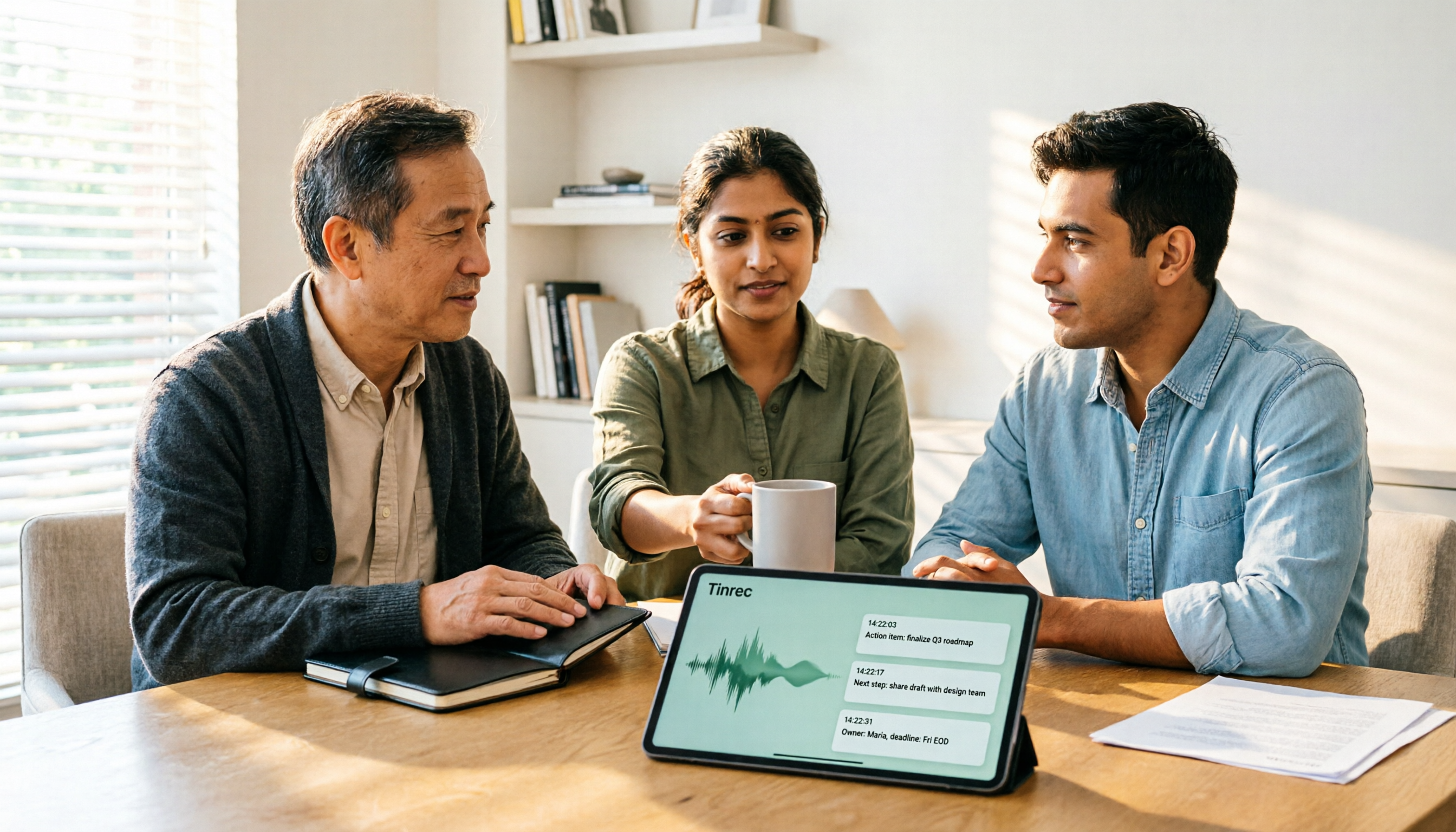
2026 AI Meeting Recorder Comparison: 4 Tools Tested—Which One Actually Saves You Time?
Tired of re-listening to recordings and cleaning up transcripts after every meeting? This review breaks down the decision into three key questions: how meeting audio gets into the tool, what happens after transcription, and who owns team data. We tested Tinrec, Otter.ai, Notta, and Granola, and compiled buying tips, common pitfalls, and selection advice.

How to Choose a Meeting Notes App in 2026: Tinrec's Bot-Free Recording + AI Summaries & Action Items
How do you pick a meeting notes app? This guide starts with the key question: do you need a record or a conclusion? It covers the practical uses of meeting notes apps, 7 core capabilities, 4 use cases, and 5 buying considerations. Using Tinrec as an example, it explains bot-free online meeting recording, AI summaries, action item extraction, AI Q&A, and team plan roles and seats, with pricing for the free and team plans.

2026 Comparison of 4 AI Meeting Tools: Which Offers the Best Free Tier and Post-Meeting Organization?
We tested Tinrec, Otter.ai, Notta, and PLAUD Note, comparing audio capture methods, post-meeting organization, audio retention, and free tiers. We also highlight 4 common pitfalls to help you choose the tool that truly saves time.
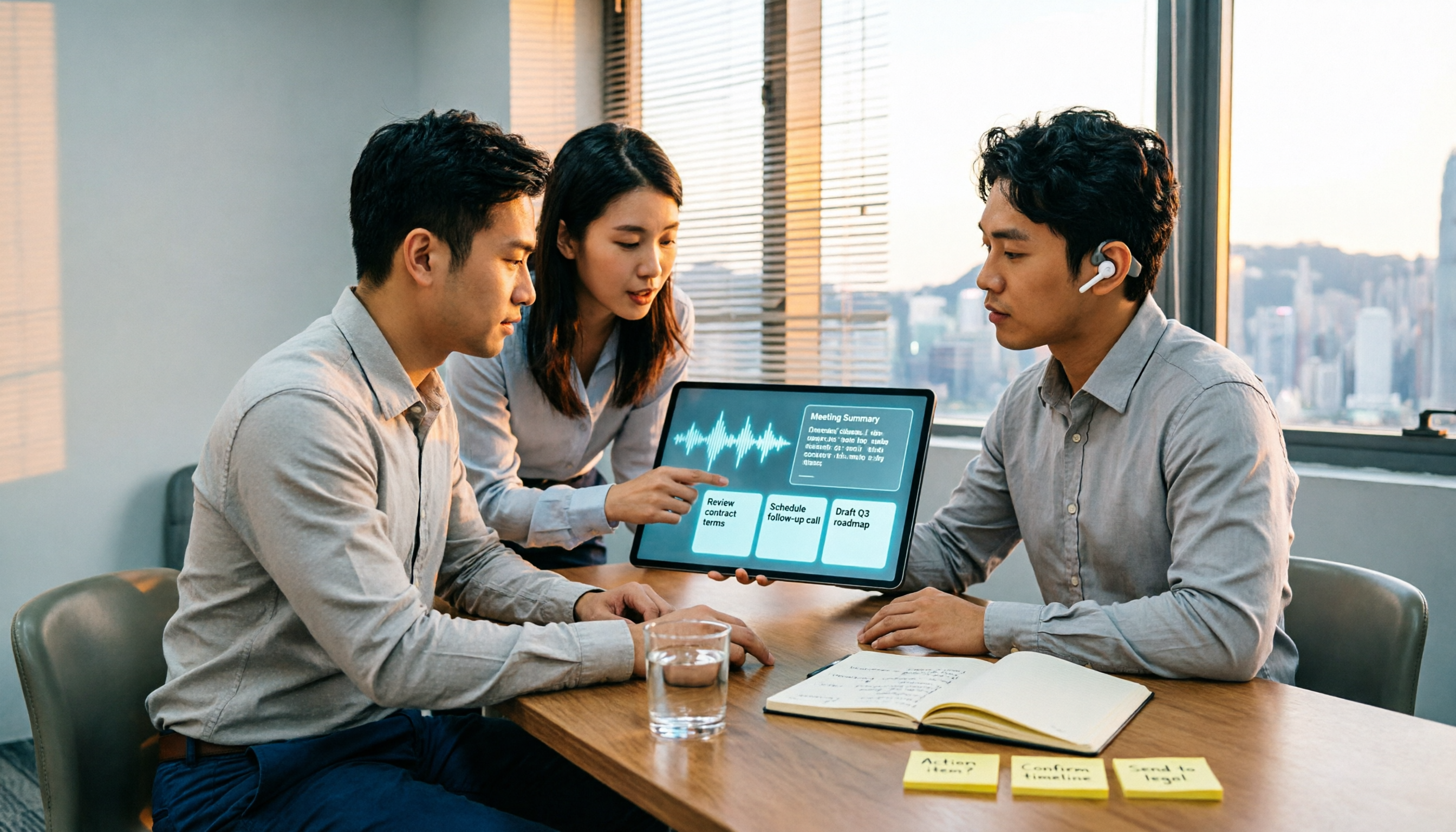
2026 Comparison of 4 Recording-to-Meeting-Notes Tools: Which AI Meeting Assistant Actually Saves You an Hour?
The meeting ends, but the real work begins. This article starts from the practical decision points Hong Kong office workers actually face, breaking down what recording-to-meeting-notes tools can do for you, what core capabilities they offer, and what to look for when choosing a tool. It uses Tinrec as a running example to demonstrate the complete workflow from recording to transcript, summary, action items, and team knowledge retention, while also explaining team plan roles and seat definitions.

2026 Comparison of 4 Meeting Recording AI Tools: Is the Free Tier Enough? That's the Key
How to choose a meeting recording AI? This article starts with common misconceptions and compares Tinrec, Otter.ai, Notta, and Granola through hands-on testing. It outlines four key criteria: recording method, post-meeting organization, data retention, and free tier limits, plus a guide to avoiding pitfalls and scenario-based recommendations.

2026 Comparison of 4 AI Meeting Recorders: Free Tiers, AI Summaries, and Post-Meeting Q&A
Got dozens of unlistened recordings on your phone? This guide starts from real student scenarios, explains the 4 key factors to consider when choosing an AI meeting recorder, and then hands-on compares Tinrec, Otter.ai, Notta, and PLAUD Note—covering free tier limits, AI summary and Q&A usability, whether online meetings need a bot, and final recommendations for midterms and group projects.

2026 Comparison of 4 Meeting Recording AI Tools: Which One Actually Saves You Time?
This article starts with common misconceptions and explains that meeting recording AI should not be judged solely by transcription minutes; instead, consider capture, transcription, summarization, action items, Q&A, export, and team knowledge retention. It compares Tinrec, Notta, Otter.ai, and Meeting Ink on features, public pricing, and use cases, and provides buying criteria and pitfalls to help professionals choose a tool that truly saves post-meeting organization time.

2026 AI Meeting Notes App Comparison: Which Free Version Is Enough?
We tested four AI meeting notes apps in 2026, comparing meeting capture methods, post-meeting organization, Chinese language experience, team collaboration, and free tier limits. Tinrec was our primary test subject, and we also assessed Otter.ai, Notta, and PLAUD for their best-fit scenarios and key buying considerations.