

Turn recordings into transcripts and summaries in minutes
Upload audio or video for multilingual transcription, AI notes, and action items
4 Free Cantonese Speech-to-Text Tools Compared (2026): Which Free Tier Is Most Generous?
Many people dealing with Cantonese recordings for the first time simply use a Mandarin speech-to-text tool. But when they open the transcript, they find colloquial characters turned into homophone errors, and sentences mixing Chinese and English completely garbled.
Another common misunderstanding is treating tools like Narakeet as transcription tools. It actually does the opposite: it reads text aloud as Cantonese speech, not converting recordings into text.
The word "free" also needs scrutiny. Some are free previews, some are free quotas, and some are free trials where export requires payment—the differences are significant.
This article compares 4 Cantonese speech-to-text tools that still offer free usage in 2026, focusing on free scope, workflow, and limitations. The following is based on each provider's official page as of August 2026; plans may change at any time, so please verify before actual use.
What to Check Before Using for Free?
First, distinguish between "free preview" and "free usable." Subanana's free account allows uploading files and previewing the transcription of the first 15 minutes of each file, but exporting files is a paid feature—these two things should not be confused.
Next, check the unit of quota. Some count minutes, some count files, and some limit the length per file. The same "free" can mean very different actual usable amounts across tools.
Sign-up requirements also matter. Whether a credit card is required, whether a desktop app must be downloaded, and whether it can be done entirely in a browser directly affect how smoothly things go when you need it on short notice.
Finally, the language model. A model truly tuned for Cantonese versus one forced onto Mandarin shows a clear gap in handling colloquial characters, modal particles, and Chinese-English mixing—this is worth confirming before price.
As for accuracy, no provider can give you a fixed number. Recording quality, ambient noise, accent, overlapping speakers, and technical terminology all cause results to fluctuate. Testing with your own recording is the most reliable approach.
1. Subanana: Pure Cantonese Transcripts and Subtitle Output
Subanana is an online transcription service focused on Cantonese. Its source page states that each transcription is handled by a model that performs better in Cantonese evaluations, rather than forcing a Mandarin model.
The free terms are clear: a free account allows uploading and previewing the transcription of the first 15 minutes of each file, no credit card required; exporting files is a paid feature.
The workflow is as follows: after entering the site, upload an audio or video file (common formats like MP3, M4A, WAV, MP4, MOV), or paste a public YouTube, Instagram, or Facebook link, or record directly in the browser. Then select Cantonese and output style—spoken or written, traditional or simplified, 4 combinations in total. Within minutes, you get a transcript with speaker separation and punctuation added.
It automatically identifies different speakers and labels them; names can be edited, and speakers and timestamps are included on export. English words in sentences are kept as-is, not converted to phonetically similar Chinese. Exportable formats include SRT, VTT, TXT, DOCX, XLSX, and Markdown, but these are within the paid scope.
Limitations should also be clear. It does not trim content for you, and accuracy also drops with noisy environments or recordings where multiple people talk over each other.
My recommendation: this free preview design is great for trying before buying. Throw in your most difficult recording and check the first 15 minutes before deciding whether to pay.
2. Tinrec: Meeting Notes and Post-Meeting Organization
Tinrec positions itself as an AI meeting notes and collaboration tool—not just converting audio to text, but organizing meetings into searchable, summarizable, queryable, and exportable data.
For the free portion, the free plan offers a basic quota to experience recording, import, summaries, and transcription; the official website does not list a fixed number of minutes, so actual quota depends on the page after registration. For team collaboration topics, the team plan's first eligible trial is 7 days, 1 free seat, and 300 minutes of shared team import quota; paid seats are USD 29.80/seat/month, or USD 199/seat/year.
In terms of workflow, the desktop version directly captures computer system audio, handling online meetings on Zoom, Google Meet, Microsoft Teams, Webex, etc., without needing to invite an extra bot to join the meeting. It transcribes while recording, and after the meeting automatically generates summaries, chapters, and action items.
Further, you can ask AI questions about the meeting content, use real-time translation to view the original and bilingual comparison, and export results or bring them to Notion, Google Docs, OneNote, Dropbox, etc. for continued use.
Regarding languages, product materials highlight Chinese, Traditional Chinese, and multilingual meetings, and support organizing mixed Chinese-English content. As for actual performance with Cantonese accents and Hong Kong-style wording, product materials do not provide fixed numbers; it is recommended to run a segment of your own recording with the free quota first.
Limitations should be stated honestly. Under an active team plan and active seats, real-time recording currently does not deduct minutes, but file and web imports consume the shared team quota. Also, it is not advisable to state any tool's accuracy as a fixed value; important content should still be checked against transcript timestamps and the recording.
3. YouTuber AI: Paste a Link and Process Videos
YouTuber AI is positioned on its source page as a free web tool that converts Cantonese speech to text by uploading files or pasting YouTube links.
Stop organizing recordings by hand
Upload audio or video and automatically get a transcript, summary, and action items
It addresses a very specific pain point: a 20-minute video often takes an hour to subtitle—this repetitive work is indeed a waste of time.
The source page claims up to 96% accuracy; this is the site's own claim, not third-party verified data, and actual performance still depends on your recording conditions.
Note that the source page does not list free minutes, per-file length, or export rules. Before use, it is advisable to confirm the current free scope on the site, then decide whether to entrust important files to it.
Suitable scenarios are content videos and YouTube material organization, especially when you already have a link and don't want to download then upload.
4. Speechnotes: Dictate Right in Your Browser
Speechnotes' Hong Kong Cantonese version is an online voice notepad, a different format from the previous tools—you speak directly in the browser and text appears in real time.
The source page mentions quite practical details: the tool helps fix entered punctuation and Cantonese characters, converting half-width punctuation to full-width, and correcting the practice of using "o" to represent Cantonese characters into a single character.
The value of this design is immediacy. When in a meeting or thinking of something on the fly, open a tab and record—no need to record first and wait in line for transcription.
Limitations should also be clear. The source page focuses on real-time dictation input; if you have a batch of existing recording files to organize, an upload-based tool will be more convenient.
Suitable for live note-taking while speaking, real-time meeting notes, or when you temporarily need to turn a passage into text.
Free Feature Comparison Table
| Platform | Sign-up and Payment Requirements | Free Quota | Key Features | Main Limitations | Data Source |
|---|---|---|---|---|---|
| Subanana | Free account registration, no credit card; export is paid | Preview of first 15 minutes per file | Cantonese model, speaker separation, punctuation, spoken/written toggle | Does not trim content; accuracy drops with noise or overlapping speech; export requires payment | Subanana official page |
| Tinrec | Free plan offers basic quota; team plan has trial and paid seats | Free plan basic quota (no fixed minutes listed on official site) | Bot-free online meeting recording, summaries, chapters, action items, AI Q&A, export | File and web imports consume quota; no public fixed data for Cantonese | Tinrec product materials |
| YouTuber AI | Web tool, source page says free | Not specified on source page | Upload files or paste YouTube links for transcription | Free minutes and export rules not publicly listed | YouTuber AI official page |
| Speechnotes | Open in browser and use | Not specified on source page | Hong Kong Cantonese real-time dictation, punctuation and Cantonese character correction | Primarily real-time dictation, not suitable for batch organizing existing recordings | Speechnotes official page |
Which One Is Right for You?
If you need a pure Cantonese transcript and will add subtitles later, Subanana's free preview design is best to try first—the first 15 minutes will show whether the model matches your accent.
If your recording source is meetings and you need summaries, action items, and team sharing, a meeting notes tool like Tinrec offers higher post-meeting organization value than simple transcription; the team plan suits departments needing seat and usage management.
If your material is YouTube videos, YouTuber AI's direct link pasting saves the download-then-upload step. If you just need to turn a passage into text on the fly, Speechnotes' open-and-use format is fastest.
With zero budget, the most practical approach is to take the same 3-5 minute recording with some Chinese-English mixing and run it through each tool's free quota. Rather than looking at specs, see whether it understands how you speak.
Frequently Asked Questions
Can Cantonese speech-to-text be completely free?
Some tools can. Subanana's free account allows previewing the first 15 minutes of each file, but export requires payment; Tinrec's free plan offers a basic quota; the free scope of the other two is not specified on their source pages, so check before use.
Can I use a Mandarin speech-to-text tool for Cantonese?
Not recommended as a primary solution. Cantonese colloquial characters, modal particles, and Chinese-English mixing habits differ greatly from Mandarin; forcing a Mandarin model often produces many homophone errors, and the subsequent proofreading time may be longer than re-transcribing.
Will sentences mixing Chinese and English be transcribed incorrectly?
It depends on whether the tool is tuned for this speaking habit. Subanana's source page explicitly mentions selecting a model for Hong Kong's Chinese-English mixing habits, keeping English words as-is; Tinrec's product materials also list mixed Chinese-English content organization as supported. Actual results should still be verified with your own recordings.
Can't export with the free version?
Possibly, and rules vary by provider. Subanana explicitly lists export as a paid feature, with the free account mainly for preview. Export rules for the other tools are not fully listed on their source pages, so check carefully before use.
What should I pay attention to regarding recording quality?
Ambient noise, multiple people speaking at once, microphone distance, and technical terminology are all key factors affecting results. Handling the recording environment well is far more cost-effective than spending time proofreading the transcript afterward.
Does Tinrec support Cantonese?
Product materials highlight Chinese, Traditional Chinese, and multilingual meetings, and support mixed Chinese-English and real-time translation, but do not provide fixed data for Cantonese recognition. If your content is mainly Cantonese, it is recommended to try a segment with the free quota first.
Data Sources
- Free Cantonese Speech-to-Text App 2026 | Subanana
- Speechnotes | Hong Kong Cantonese Online Voice Notepad
- Free Tool: Cantonese Speech-to-Text App (YouTuber AI)
- Cantonese Text-to-Speech | Narakeet
References
- Free Cantonese Speech-to-Text App 2026 | Subanana
- Cantonese Text-to-Speech
- Speechnotes | Hong Kong Cantonese | Speech to Text Online Notepad
- [Free Tool] Cantonese Speech-to-Text App, Use in Browser! Just Upload a File or YouTube Link. Up to 96% Accuracy - YouTuber AI | Spend time on creativity, leave the AI to do the hustle work.
- [Free Tool] Cantonese Speech-to-Text! Just Upload a File or YouTuber Link. Up to 96% Accuracy - YouTuber AI | Spend time on creativity, leave the AI to do the hustle work.
Turn every recording into actionable outcomes
Get 60 free transcription minutes when you sign in. No credit card required.
Related Reading
You might also like

2026 Tested: 5 Free AI Meeting Notes Tools Compared — Tinrec vs Fireflies Free for Chinese Meetings
There are many free AI meeting notes tools, but free quotas, Chinese recognition, post-meeting organization, and team collaboration vary widely. This article reviews the positioning of 5 popular free options, using Tinrec as the main comparison baseline, covering bot-free recording, Chinese meetings, AI Q&A, action item extraction, and team knowledge retention, to help you decide which one better fits your meeting scenarios.

Tinrec vs Notta 2026: 5-Dimension Comparison for Meeting Transcription
The real difference in meeting transcription isn't whether it can transcribe, but whether you can deliver actionable conclusions within ten minutes after the meeting. This article compares Tinrec and Notta from the perspective of a mid-level manager, using five dimensions: bot-free recording, AI Q&A, audio retention, Chinese language experience, and team seat governance. It also includes a pitfalls guide and selection recommendations.

Tinrec vs Yating Transcribe 2026: 5-Dimension Comparison for Chinese Meeting Notes
A transcription app isn't just about converting speech to text. This article compares Tinrec and Taiwan's veteran Yating Transcribe across 5 dimensions: Chinese recognition, meeting audio capture, post-meeting usability, audio retention, and team permissions. It also covers 4 common pitfalls and scenario-based recommendations to help you choose the one that truly saves time.

4 Web Recording Tools Tested and Compared in 2026: Which One Turns Recordings into Transcripts Instantly?
Web recording is commonly used for online courses, meetings, and interview archives. This article starts with selection criteria and compares Tinrec, Chrome Audio Capture, Audacity, and VEED, explaining which is suitable for audio-only saving and which can produce transcripts and summaries right after recording, along with common pitfalls to avoid.

2026 AI Meeting Notes Tools Compared: No Meeting Bot Required for Actionable Minutes
Most people compare AI meeting note tools only on transcription speed, overlooking what happens after the transcript: summaries, action items, and team handoff. This article examines three common pitfalls, breaks down four key buying criteria, and tests Tinrec, Otter.ai, Notta, and Granola on bot-free recording, audio retention, post-meeting output, and team governance. It concludes with clear recommendations based on budget and use case.

2026 AI Meeting Recorder Comparison: 4 Tools Tested—Which One Actually Saves You Time?
Tired of re-listening to recordings and cleaning up transcripts after every meeting? This review breaks down the decision into three key questions: how meeting audio gets into the tool, what happens after transcription, and who owns team data. We tested Tinrec, Otter.ai, Notta, and Granola, and compiled buying tips, common pitfalls, and selection advice.

How to Choose a Meeting Notes App in 2026: Tinrec's Bot-Free Recording + AI Summaries & Action Items
How do you pick a meeting notes app? This guide starts with the key question: do you need a record or a conclusion? It covers the practical uses of meeting notes apps, 7 core capabilities, 4 use cases, and 5 buying considerations. Using Tinrec as an example, it explains bot-free online meeting recording, AI summaries, action item extraction, AI Q&A, and team plan roles and seats, with pricing for the free and team plans.

2026 Comparison of 4 AI Meeting Tools: Which Offers the Best Free Tier and Post-Meeting Organization?
We tested Tinrec, Otter.ai, Notta, and PLAUD Note, comparing audio capture methods, post-meeting organization, audio retention, and free tiers. We also highlight 4 common pitfalls to help you choose the tool that truly saves time.
2026 Comparison of 4 Recording-to-Meeting-Notes Tools: Which AI Meeting Assistant Actually Saves You an Hour?
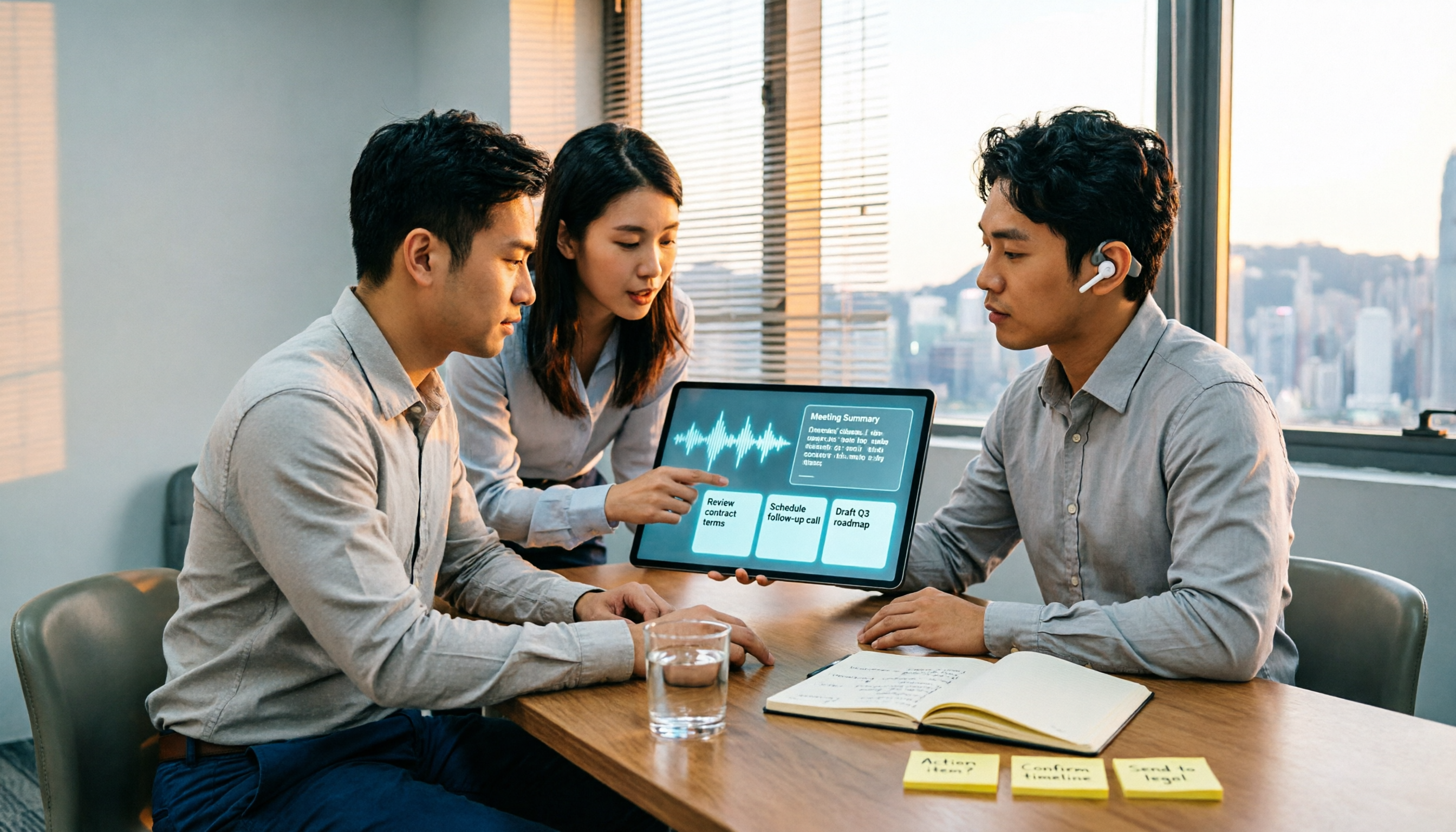
The meeting ends, but the real work begins. This article starts from the practical decision points Hong Kong office workers actually face, breaking down what recording-to-meeting-notes tools can do for you, what core capabilities they offer, and what to look for when choosing a tool. It uses Tinrec as a running example to demonstrate the complete workflow from recording to transcript, summary, action items, and team knowledge retention, while also explaining team plan roles and seat definitions.