

Turn recordings into transcripts and summaries in minutes
Upload audio or video for multilingual transcription, AI notes, and action items
Before Noise Ruins Your Recording, Decide Your Noise-Reduction Path
"Two-hour meeting, then two more hours listening back and hitting pause—because there's a constant hum in the background."
This is a daily reality for many office workers. The low-frequency drone of an air conditioner, background voices in a café, or electrical static from the other end of an online meeting—once these sounds are in the file, the first thing to break isn't your ears, it's the person who has to transcribe it later.
Interestingly, the solution has quietly shifted in recent years. When noise was a problem, the instinct used to be "get a better microphone." Now it's more like "hardware assistance + AI software processing": hardware and environment keep noise out, while AI rescues what's already been recorded into usable data.
So before choosing a tool, I usually ask one question: Is your noise "not yet recorded" or "already recorded"?
If it's not yet recorded, focus on environment, placement, and distance—this costs nothing but has the biggest impact. If it's already recorded, you'll need post-production noise reduction plus AI transcription and organization. Noise reduction can't restore audio quality, but at least it can preserve the content.
This article follows that fork: first recording techniques, then 5 key factors for choosing a tool, and finally my comparison of 4 common solutions.
5 Key Points to Understand Before Choosing a Noise-Reduction Recording Solution
1. Mic distance determines everything downstream
The farther the microphone is from your mouth, the higher the proportion of background noise. Placing the mic away from computer fan vents and air conditioning outlets usually makes a bigger difference than upgrading your microphone.
For interviews or field recordings, a lavalier mic is a practical choice. It doesn't need to be held, sits close to the mouth, naturally improves signal-to-noise ratio, and is better at picking up only dialogue in noisy environments.
iPhone users have a free option: the built-in Voice Memos app's enhanced recording. Before recording, tap the magic wand icon in the top-left corner until it turns blue, then start recording—it automatically reduces background noise and enhances voices. You can also apply it afterward by opening the recording and tapping "•••". Additionally, under Settings > Voice Memos > Audio Quality, you can choose Compressed or Lossless; for important recordings, the latter is recommended.
2. First, check if your original file still exists
Before any noise reduction or gain processing, always keep an unprocessed original file (WAV or AIFF). If processing goes wrong, you have a fallback—this is a basic habit for audio professionals.
Also watch for clipping: pushing volume too high distorts voices, and that damage can't be undone. A compressor in post-production smooths overall volume, and an expander can reduce hiss, but both have limits. If noise is so severe that post-production can't fix it, the most professional approach is to re-record—painful, but better than listening to a broken file ten times.
3. Chinese and mixed Chinese-English is the real scenario in Taiwan meetings
Many international tools perform well in English but start guessing when they encounter Chinese or mixed Chinese-English. When evaluating, don't just look at official accuracy numbers—look at the test conditions: Was that person recording in a quiet studio, or in a meeting room with air conditioning and keyboard noise like yours?
Actual performance is affected by recording quality, noise, accents, overlapping speakers, and technical jargon—this applies to any tool, so set expectations accordingly.
4. Do you need an extra hardware device?
AI recording hardware does have value, especially for phone calls and on-the-go notes. But if 90% of your meetings are on a computer, what you really need is software, not another device to charge and remember to bring.
5. After recording, who will organize it?
This is the most easily overlooked point. Noise reduction is only the first half; the second half is "what should this recording become"—a transcript, summary, to-do list, or searchable database.
If you have to re-listen, type, and copy-paste every time, then even the cleanest audio hasn't saved you time.
Tinrec—The Top Choice for Turning Noisy Recordings into Usable Data
Tinrec is an AI meeting notes and collaboration tool for individuals and teams, available on mobile, desktop, and web. It doesn't just convert audio to text—it organizes recordings into searchable, summarizable, queryable, and exportable data.
What impressed me most is its desktop recording method. It directly captures system audio to process online meetings on Zoom, Google Meet, Microsoft Teams, Webex, etc., without inviting a meeting bot as a participant. For frequent online meeting users, this eliminates an awkward step.
The typical workflow: open Tinrec and start recording before the meeting; the transcript appears in real time during the meeting; after it ends, AI has already organized the summary, chapters, and key action items—who's responsible for what and when it's due, all clear. The mobile app is suitable for offline interviews, classes, or impromptu discussions, and recordings can be imported into the same workspace.
What truly sets it apart from ordinary transcription tools is the post-recording AI Q&A. You can ask it in natural language, for example, "What was the budget cap mentioned in the last meeting?" It answers based on semantics rather than dumping keywords for you to sift through. Most tools in the same price range don't yet have this capability.
Stop organizing recordings by hand
Upload audio or video and automatically get a transcript, summary, and action items
Organized content can also be exported to Notion, Google Docs, OneNote, Dropbox, and other common tools, or use Agent post-processing to directly generate reports, tables, and meeting minutes, integrating into your existing workflow.
For team use
For department or project team sharing, Tinrec has independent team spaces. Meeting data belongs to the team and won't disappear entirely if someone leaves. Admins can create and switch between multiple team spaces, invite members via join links, set roles as Owner/Admin/Member, and assign, revoke, or transfer seats.
It's important to distinguish "roles" from "seats": roles determine who can manage the team and view audits, while seats determine whether members can record, upload, edit, and export. Active members without seats can still view, play, and read team data. The team plan also includes usage analytics, audit logs, team hotwords, and a 30-day audio recycle bin; when members leave, they can hand over their team resources to others.
Pricing as listed: First eligible team trial is 7 days, 1 free seat, 300 minutes of team shared import quota; team monthly is USD 29.80 per paid seat per month, annual is USD 199 per paid seat per year (about USD 16.58/month), each paid seat provides 2,000 minutes of team shared import quota per month. Real-time recording under an active team plan currently doesn't deduct minutes; file and web link imports consume team shared minutes.
Honest limitations
To be clear, Tinrec is not a noise-reduction filter. It won't make buzzing disappear—what it does is let you get usable transcripts, summaries, and action items even with noise. The cleanliness of the recording itself still depends on the recording techniques mentioned earlier.
The free version offers basic quota, sufficient for light use; if you have a short period of intensive meetings or interviews, consider a weekly card; for steady weekly use, Pro is suitable. Also, for important content, it's recommended to cross-check with transcript timestamps and recording playback—AI can miss or misinterpret details.
Who it's for
If your meetings are mainly in Chinese or mixed Chinese-English, you occasionally record in noisy environments, and you want to use AI to find key points right after recording, then Tinrec is the closest fit among these options.
Besides Tinrec, What Other Options Are There?
PLAUD Note / NotePin
PLAUD is a representative of AI recording hardware—you're buying a standalone device, on-the-go recording, and phone call recording experience. On the US official site, NotePin is currently USD 159 and Note Pro is USD 189; membership: Starter 300 minutes/month, Pro USD 99.99/year (1,200 minutes/month), Unlimited USD 239.99/year. If you're often out and about and need a physical device to record with one press, it's handy. But it can't handle online meetings on your computer, nor does it have a team space for shared meeting data—which is exactly where Tinrec's desktop and team versions fill the gap.
Otter.ai
Otter is a mature AI meeting assistant with a strong mind for English business meetings. Currently Basic is free with 300 minutes/month; Pro annual is about USD 8.49/user/month, including 1,200 minutes of in-app recording and 10 file imports per month; Business offers unlimited meeting recording and more management capabilities. If 90% of your meetings are in English, Otter is a cost-effective choice. But its Chinese and mixed Chinese-English experience is relatively not its strength, and it lacks Tinrec's Agent post-processing that turns transcripts into reports and tables.
Notta
Notta overlaps more with Tinrec—both do multi-platform transcription, meeting notes, file import, and team plans. Currently Free is 120 minutes/month, max 3 minutes per item; Pro annual is about USD 8.17/month, 1,800 minutes/month; Business annual is about USD 16.67/seat/month, offering unlimited transcription and usage reports. It performs steadily in file transcription and translation, but in bot-free online meeting recording, AI Q&A, and team data accumulation, Tinrec is more complete.
Pitfall Guide: 4 Most Common Mistakes in Handling Recording Noise
Pitfall 1: Thinking a more expensive mic solves everything. A high proportion of noise comes from environment and placement, not mic grade. If the mic is still next to the AC vent, no price can save it. Adjust position first, then consider spending.
Pitfall 2: Applying noise reduction immediately and washing out the original. Many people open enhancement or noise reduction right after recording, and by the time they realize it's over-processed, it's too late. Copy the original first, then edit.
Pitfall 3: Focusing only on noise reduction, not counting organization time. Even with clean audio, you still have to re-listen, type, and extract key points. Include "what the recording should become" in your evaluation to truly save time. For example, Tinrec's AI Q&A lets you ask "What was the conclusion of this meeting?" right after recording—much faster than manually scanning a 30-minute transcript.
Pitfall 4: Buying hardware for online meetings. If your meetings are all on Zoom, Meet, or Teams, desktop system audio capture is enough—no need for another device to charge. Leave hardware for scenarios that truly need on-the-go recording.
Conclusion: Which One Should You Choose?
Simply put, split the problem into two parts: noise before recording is solved by environment and technique; noise already recorded is solved by AI preserving the content.
- Want to improve recording without spending → Start with mic placement, distance, and iPhone enhanced recording
- Meetings mainly in Chinese or mixed Chinese-English, need AI to find key points after recording → Tinrec (Chinese experience and AI Q&A are the main differences)
- Need bot-free recording of Zoom/Meet/Teams → Tinrec desktop (system audio capture)
- Team needs to share meeting data, manage seats and usage → Tinrec team plan
- Often on the go, need a physical device for quick recording → PLAUD (clear hardware value, but doesn't handle online meetings)
- Almost only record English meetings → Otter.ai (mature choice for English scenarios)
I suggest starting with Tinrec's free version basic quota, throw in one of your most troublesome noisy recordings, and see if the transcript, summary, and action items are usable. Upgrade only if it truly saves you time—no need to pay upfront.
References
- How to Record Without Noise? 2026 AI Recording Tool Recommendations and Noise Reduction Guide - Tinrec Blog
- 2 Tricks to Enhance iPhone Recording Quality, Quickly Remove Background Noise and Enhance Voice - Mr. Mad
- How to Eliminate Microphone Noise? 8 Methods for Beginners to Quickly Improve Audio Quality
- Complete Guide to Recording Noise Removal and Amplification: Essential Clear Recording and Post-Production Tips for Audio Creators - Mobile01
- Noise Reduction Methods | Five Techniques to Reduce Noise in Your Audio
Turn every recording into actionable outcomes
Get 60 free transcription minutes when you sign in. No credit card required.
Related Reading
You might also like
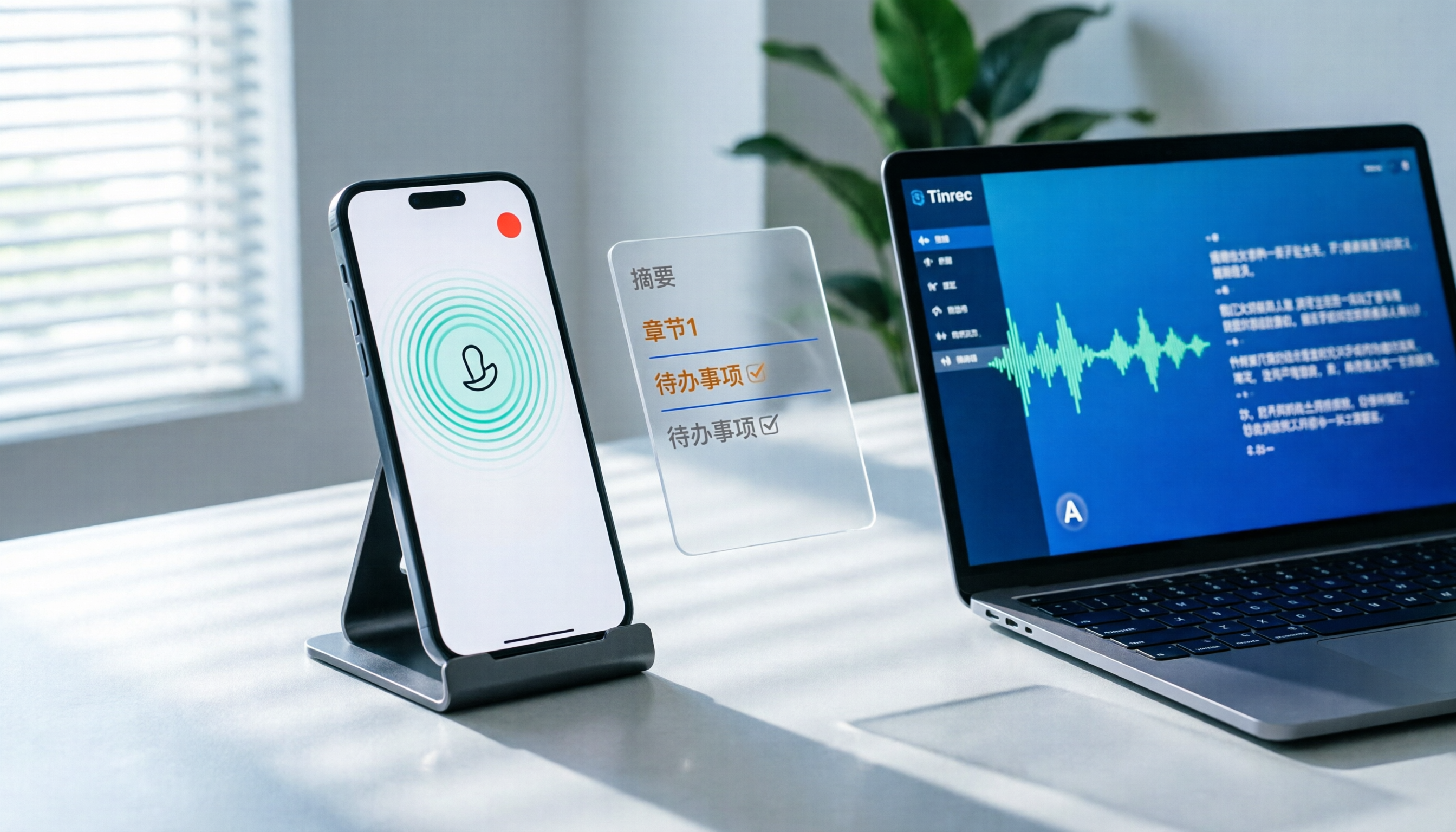
How to Record LINE Calls on iPhone in 2026: 3 Steps + Tinrec Auto Transcription
LINE doesn't have built-in call recording, but iPhone users can record LINE calls using the system's 'Local Capture' feature in iOS 26 or later. This guide shows you how to record in 3 steps, avoid the common mistake of not enabling speakerphone, and use Tinrec to turn recordings into transcripts, summaries, chapters, and action items. You can also ask AI questions to quickly find key points, plus 5 tips for choosing a call recording tool and FAQs.

6 Best iPhone Recording Apps in 2026: Free vs Paid Comparison
2026 update: A side-by-side comparison of 6 iPhone recording apps, from built-in Voice Memos and Recorder Pro to Tinrec, Notta, Otter.ai, and TurboScribe. See free tiers, pricing, and best use cases at a glance, plus practical recommendations for mid-level managers.

5 iPhone Recording Methods Compared in 2026: Voice Memos, Action Button, and AI Meeting Notes — Which Should You Choose?
iPhone's built-in recording is more useful than you think: Voice Memos, one-tap recording with the Action Button, Back Tap quick launch, and iOS 18.1 call recording — learn how to set up all four methods. This article also covers audio quality, stereo, and spatial audio settings, and compares post-recording organization solutions, explaining how Tinrec differs in Chinese meeting transcription, AI Q&A, and team collaboration to help you choose the smoothest recording workflow.

Recording Meetings in 2026: 5 Scenarios Compared — What Protects You and What Could Be a Crime
Is recording a meeting illegal? This article compares five common scenarios against Taiwan's Criminal Code Article 315-1, the Communication Security and Surveillance Act, and the Labor Standards Act to identify recordings that protect you, common pitfalls, and how to turn recordings into usable transcripts, summaries, and action items with Tinrec.

2026 iPhone Call Recording Showdown: Tinrec vs PLAUD Note — Which One Fits Your Workflow?
iPhone has built-in call recording starting with iOS 18.1, but the real time sink is turning those recordings into transcripts, summaries, and action items. This article first answers whether you can record calls on iPhone using official sources, then compares Tinrec and PLAUD Note across five dimensions: hardware requirements, meeting scenarios, post-call organization, Chinese-language experience, and team collaboration, so you can decide which approach better fits your workflow.
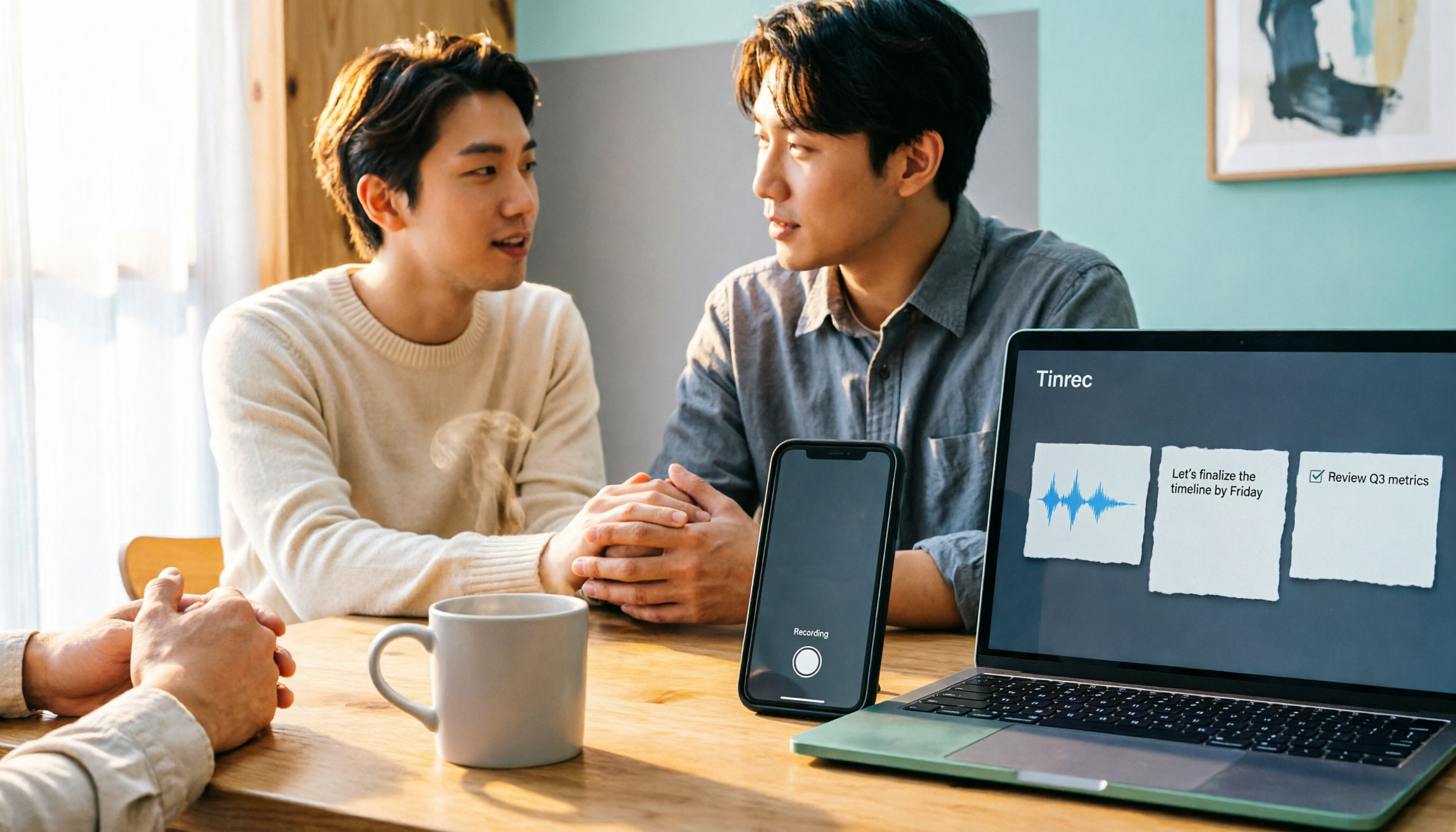
3 iPhone 17 Screen Recording and Post-Meeting Solutions Compared: From Control Center Setup to Tinrec
Screen recording on iPhone 17 isn't hard—it's what comes after that's tricky. This guide walks you through adding Screen Recording to Control Center, enabling the microphone, and stopping and saving your recording. Then we compare built-in screen recording, Dual Capture, and Tinrec for post-meeting organization, so you can see which fits your workflow.

4 Windows 11 Recording Tools Compared in 2026: Do Built-in Features Cut It for Meeting Transcripts and Summaries?
How do you record audio on Windows 11? This article compares four approaches: the built-in Sound Recorder, Xbox Game Bar, Stereo Mix with free software, and Tinrec. It explains the key settings for capturing system audio, the differences between transcripts and meeting summaries, and gives clear recommendations based on your use case.

Tinrec vs Notta 2026: 5-Dimension Comparison of AI Meeting Assistants
A mid-level manager overseeing a 10-person team and 15 weekly meetings puts Tinrec and Notta head-to-head across 5 dimensions: recording methods, Chinese and mixed-language experience, post-meeting workflow, team governance, and plan quotas, with honest limitations and use cases.

4 Cantonese Speech-to-Text Tools Tested for 2026: Which Saves More Time on Transcripts and AI Meeting Notes?
The hardest part of a Cantonese meeting isn't understanding it—it's turning what you heard into written form. This hands-on comparison of Tinrec, Notta, Granola, and TurboScribe examines their differences in Chinese and Cantonese meeting transcription, post-meeting summaries, AI Q&A, and team collaboration. We break down each tool's free tier, pricing, and limitations, plus key buying factors and pitfalls to avoid, so you can pick the one that truly saves you cleanup time.