

Turn recordings into transcripts and summaries in minutes
Upload audio or video for multilingual transcription, AI notes, and action items
Two-Hour Meeting, Two More Hours on the Transcript—What You're Missing Isn't a Tool, It's the Right Workflow
It's 9 p.m. on a Wednesday, and the office lights are still on. In front of you is a 1-hour-20-minute Cantonese meeting recording. Headphones on, the progress bar sits at 6 minutes.
What you need to do is simple: turn what everyone said into text. But in reality, you have to pause, rewind, and re-listen over and over. When multiple people talk over each other, you replay those sections three times. A one-hour recording often takes three or four hours to turn into a presentable record.
Cantonese recordings are trickier than regular ones. In meetings, people speak colloquially—"係咪" (is it), "唔使" (no need), "搞掂" (done)—but formal records need written Chinese: "是否" (whether), "不需要" (not needed), "完成" (completed). On top of that, there's a mix of English: deadline, presentation, follow-up. General-purpose speech recognition tools type exactly what they hear, leaving you with the most time-consuming rewriting work untouched.
Not to mention interviews, classes, and client calls. Recordings pile up on your phone until you can't even be bothered to open them.
If you've been in any of these situations, this article is for you.
Before Choosing a Cantonese Speech-to-Text Tool, Understand These 4 Key Points
1. Does it output spoken or written language? The most overlooked aspect of Cantonese transcription is the output format, not recognition speed. Most tools faithfully reproduce what was said, leaving you with a Cantonese colloquial transcript that you still have to convert sentence by sentence into written Chinese. Before picking a tool, decide: do you want a "verbatim record for archiving" or a "document you can hand in directly"?
2. Can it handle mixed Chinese and English? In Hong Kong and Taiwan workplaces, meetings are almost never purely Cantonese. "We need to confirm the timeline for this project" is the norm. Some tools go completely off track when languages switch—that's worse than low accuracy because you don't even know where the errors are hiding.
3. After transcription, can you find the key points immediately? A 90-minute meeting can produce a 20,000-word transcript, but only five or six sentences truly matter: who's responsible for what, when it's due, what the budget is. If the tool only gives you a wall of text, you still have to read it from start to finish. Whether it can automatically generate summaries, chapters, and action items determines whether you save 30 minutes or 3 hours.
4. Who ultimately owns this data? For personal use, keeping recordings in your own account is fine. But team meeting data in a personal account is actually risky—if a colleague leaves, changes phones, or the account is deactivated, the records disappear with it. For team scenarios, confirm whether the tool offers a separate team workspace and how members and seats are managed.
Filtering by these four points reveals that tools like Tinrec, which integrate summaries, action items, and team workspaces, tend to pull ahead significantly on points three and four.
Tinrec—Our Top Pick After Hands-On Testing
Tinrec is an AI meeting notes and collaboration tool for individuals and teams, available on iOS, Android, desktop, and web. It supports Chinese, Traditional Chinese, and multilingual meeting scenarios, and offers a free tier so you can try basic features first. Its core difference is that it does more than just turn sound into text.
Record online meetings without a bot Most AI meeting tools join meetings as a "participant" bot. Tinrec's desktop version takes a different approach: it directly captures your computer's system audio. When you open Zoom, Google Meet, Microsoft Teams, or Webex, you don't need to invite any extra members, and no unfamiliar name appears on the participant list.
Automatically organizes post-meeting into usable data After the meeting, Tinrec automatically generates a transcript, AI summary, chapter segments, and action items. For Cantonese meetings, this step is especially valuable—you don't have to dig through a 20,000-word colloquial transcript for key points. Instead, you review the summary for the big picture, then go back to verify specific sections. It also supports output formats like mind maps, reports, tables, and documents, and can export to Notion, Google Docs, OneNote, Dropbox, and other tools for further processing.
Ask AI directly about meeting content (rare at this price point) After recording, you can ask Tinrec directly: "Who mentioned the budget in the last meeting?" "What did the client say about the delivery date?" It doesn't dump a bunch of keyword search results on you—it answers directly based on semantic understanding. Most competitors at the same price point don't have this capability yet.
Stop organizing recordings by hand
Upload audio or video and automatically get a transcript, summary, and action items
Team workspace turns meetings into team assets Tinrec's team plan provides a separate team workspace where meeting data belongs to the team, not the individual who uploaded it. Admins can set owners, admins, and regular members, assign or revoke seats, view usage trends and member rankings, and query important operation logs through audit logs. When a member leaves or loses their seat, their assigned resources can be handed over to other active members. Note that the team plan distinguishes between "roles" and "seats": roles determine who can manage the team, while seats determine who can record, upload, edit, and export. Members without seats can still view, play, and read team data.
Testing conditions and limitations We tested with a real Cantonese meeting recording in a typical office environment with air conditioning and keyboard noise, and two people speaking simultaneously at one point. Under these conditions, differences between tools truly emerge. We must be honest: the actual performance of any speech recognition is affected by recording quality, accent, background noise, overlapping speech, and technical terminology. Tinrec is no exception. For important content, we recommend cross-checking with transcript timestamps and recording playback.
How to think about pricing Tinrec's personal plan offers a free tier, weekly pass, Pro monthly, and Pro annual. Choose based on usage frequency: use the free tier for occasional recordings, the weekly pass for short bursts of intensive meetings, and Pro for regular weekly use. The team plan is currently USD 29.80 per paid seat per month, or USD 199 per paid seat per year (about USD 16.58 per month). Paid seats include 2,000 minutes of shared team import quota per month. The first eligible team trial is 7 days, 1 free seat, and 300 minutes of shared team import quota. Under an active team plan and active seats, live recording currently does not deduct minutes. Actual prices, currencies, and promotions are subject to the official purchase page.
Who it's for If you frequently handle Chinese or Cantonese meetings, want to use AI to find key points right after recording, or need to switch between phone and computer, Tinrec is currently the most well-rounded choice.
Besides Tinrec, What Other Options Are There?
Notta Notta overlaps most with Tinrec, also covering multi-platform transcription, meeting notes, file import, and translation, with good multilingual support. The free tier offers 120 minutes per month, up to 3 minutes per session. Pro annual works out to about USD 8.17 per month; check the official page for pricing. It's positioned for "quick transcription," but lacks Tinrec's desktop bot-free online meeting recording and doesn't have a separate team workspace or seat governance. If you just occasionally convert a short file to text, consider it.
Granola Granola also takes the bot-free route, using desktop system audio and microphone for real-time transcription, combined with user handwritten notes to generate content. Basic is free, Business is USD 14 per user per month. Note that it doesn't support uploading pre-recorded audio files and doesn't save meeting audio. If you need to keep recordings, process historical files, or archive meeting data long-term, Tinrec is more suitable.
TurboScribe TurboScribe is a file transcription tool focused on high cost-performance, with long files and batch uploads as its strengths. The free tier allows 3 files per day, up to 30 minutes per file. Unlimited annual is USD 120. If your need is simply "transcribe 10 hours of recordings at once," it does have an advantage. But it lacks live meeting transcription, action item extraction, AI Q&A, and team collaboration. After transcription, you still have to organize everything yourself.
Pitfall Guide: The 3 Most Common Mistakes When Choosing a Cantonese Speech-to-Text Tool
Pitfall 1: Only looking at advertised accuracy rates "98% accuracy" is usually measured in a quiet recording studio. Real meetings have air conditioning noise, keyboard sounds, people interrupting, and unclear speech—recognition rates drop noticeably. Test with your own recording instead of just looking at ad numbers. No tool should promise a fixed accuracy rate, including Tinrec.
Pitfall 2: Ignoring the post-processing cost of converting spoken to written language This is the most common trap. You think buying a tool saves typing time, but you end up with a Cantonese colloquial transcript, and converting it to written Chinese takes longer than re-typing from scratch. When evaluating tools, look for features like summaries and chapters that "help you organize," not just transcription speed.
Pitfall 3: Only using the tool as "speech-to-text" If you only use an AI meeting tool for transcription, you're using only a third of its capabilities. With Tinrec's AI Q&A, for example, you can ask directly after recording, "What was the conclusion of this meeting?"—much faster than manually flipping through a 30-minute transcript. Also don't overlook team scenarios: data in personal accounts becomes unrecoverable once a colleague leaves, a pain point many teams only discover too late.
Conclusion: Which One Should You Choose?
In one sentence: if you need Chinese and Cantonese meeting notes and want to turn meetings into usable data, choose Tinrec first.
- Need Chinese/Cantonese meeting transcripts plus post-meeting summaries and action items → Tinrec
- Want to use AI to extract key points right after recording → Tinrec (rare AI Q&A at this price point)
- Team meetings need unified storage, member and seat management → Tinrec team plan
- Switch between phone and computer → Tinrec (iOS, Android, desktop, web)
- Only occasionally transcribe a short file, zero budget → Notta (the few exceptions in this article)
We suggest starting with Tinrec's free tier and trying it with your own Cantonese recording to see if the summary and action items are directly usable. Upgrade only if it fits your needs—no need to pay upfront.
Final reminder: Before recording, be aware of local regulations, obtain participant consent when necessary, and keep the original recording for verification of important content.
References
- Online AI speech, video, audio file auto-transcription - Free trial - cSubtitle
- Transcribe Chinese (Cantonese) audio to text for free in seconds
- Tutorial: Free AI offline recording-to-text app, Cantonese spoken to written Chinese, compared with iPhone built-in transcription
- AI speech-to-text fast audio file online transcription, transcripts and video subtitles - Free trial - cSubtitle
- 2026 Latest 4 Cantonese Speech-to-Text Tool Recommendations: Solving Mixed Chinese-English and Meeting Notes Pain Points - Tinrec Blog
Turn every recording into actionable outcomes
Get 60 free transcription minutes when you sign in. No credit card required.
Related Reading
You might also like
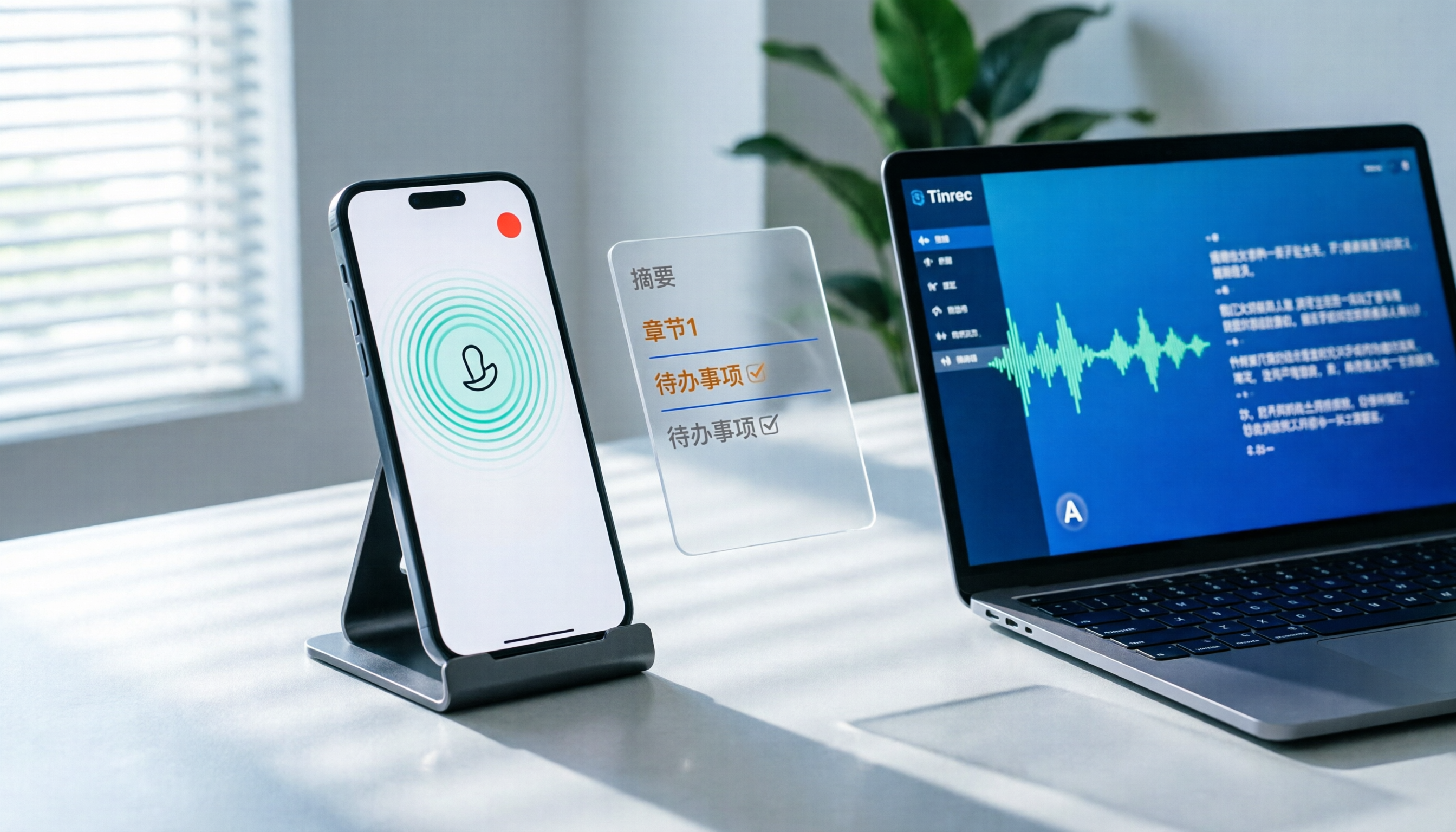
How to Record LINE Calls on iPhone in 2026: 3 Steps + Tinrec Auto Transcription
LINE doesn't have built-in call recording, but iPhone users can record LINE calls using the system's 'Local Capture' feature in iOS 26 or later. This guide shows you how to record in 3 steps, avoid the common mistake of not enabling speakerphone, and use Tinrec to turn recordings into transcripts, summaries, chapters, and action items. You can also ask AI questions to quickly find key points, plus 5 tips for choosing a call recording tool and FAQs.

6 Best iPhone Recording Apps in 2026: Free vs Paid Comparison
2026 update: A side-by-side comparison of 6 iPhone recording apps, from built-in Voice Memos and Recorder Pro to Tinrec, Notta, Otter.ai, and TurboScribe. See free tiers, pricing, and best use cases at a glance, plus practical recommendations for mid-level managers.

4 Noise-Canceling Recording Tools Tested for 2026: How Much Can AI Rescue Unusable Audio?
The low hum of an office air conditioner, background chatter in a café, or static during an online meeting often marks the beginning of a transcription disaster. This guide covers 5 key buying factors—from mic techniques to post-production noise reduction and AI transcription—and compares Tinrec, PLAUD, Otter.ai, and Notta to help you find the most time-saving setup.

5 iPhone Recording Methods Compared in 2026: Voice Memos, Action Button, and AI Meeting Notes — Which Should You Choose?
iPhone's built-in recording is more useful than you think: Voice Memos, one-tap recording with the Action Button, Back Tap quick launch, and iOS 18.1 call recording — learn how to set up all four methods. This article also covers audio quality, stereo, and spatial audio settings, and compares post-recording organization solutions, explaining how Tinrec differs in Chinese meeting transcription, AI Q&A, and team collaboration to help you choose the smoothest recording workflow.

Recording Meetings in 2026: 5 Scenarios Compared — What Protects You and What Could Be a Crime
Is recording a meeting illegal? This article compares five common scenarios against Taiwan's Criminal Code Article 315-1, the Communication Security and Surveillance Act, and the Labor Standards Act to identify recordings that protect you, common pitfalls, and how to turn recordings into usable transcripts, summaries, and action items with Tinrec.

2026 iPhone Call Recording Showdown: Tinrec vs PLAUD Note — Which One Fits Your Workflow?
iPhone has built-in call recording starting with iOS 18.1, but the real time sink is turning those recordings into transcripts, summaries, and action items. This article first answers whether you can record calls on iPhone using official sources, then compares Tinrec and PLAUD Note across five dimensions: hardware requirements, meeting scenarios, post-call organization, Chinese-language experience, and team collaboration, so you can decide which approach better fits your workflow.
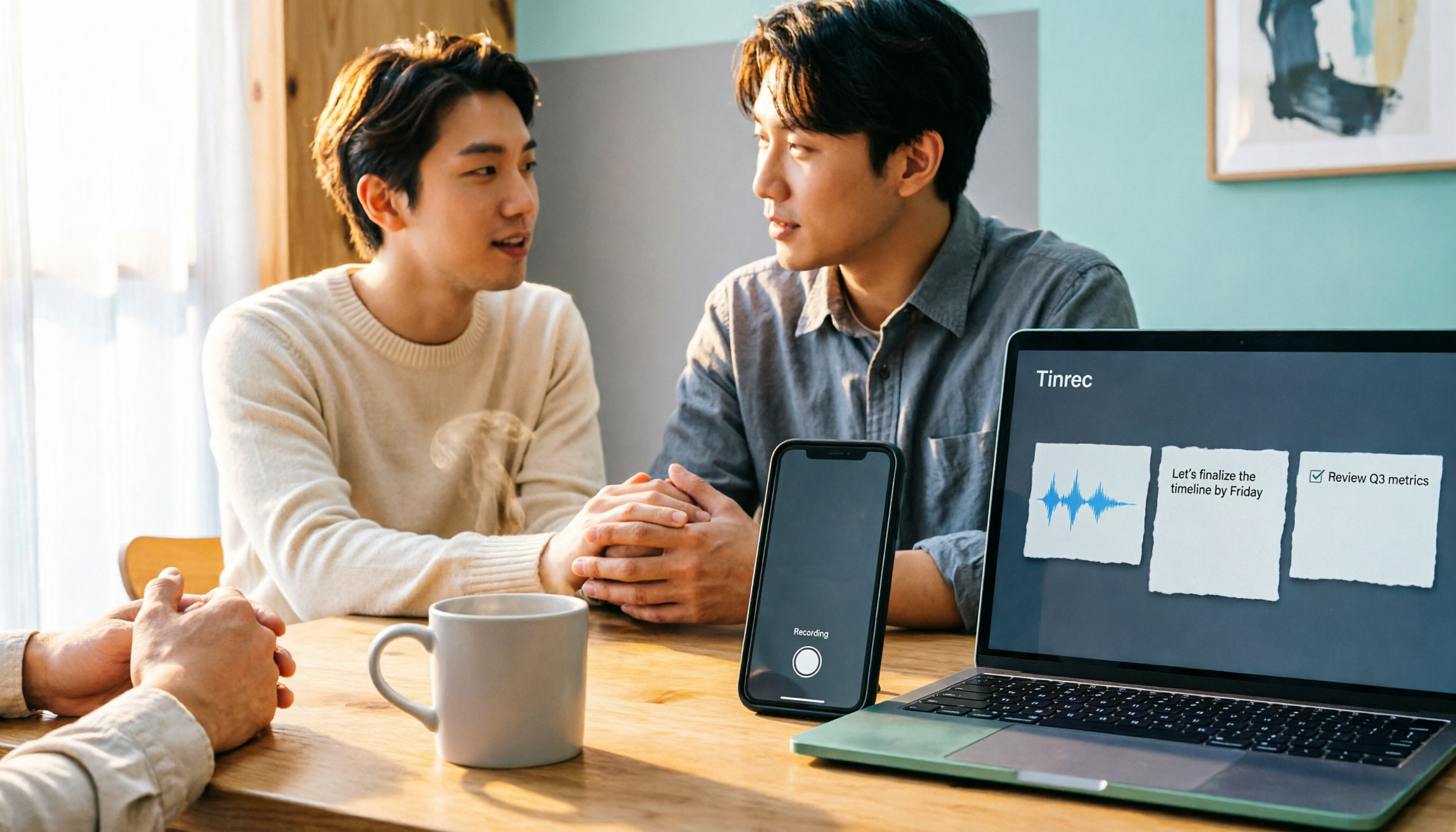
3 iPhone 17 Screen Recording and Post-Meeting Solutions Compared: From Control Center Setup to Tinrec
Screen recording on iPhone 17 isn't hard—it's what comes after that's tricky. This guide walks you through adding Screen Recording to Control Center, enabling the microphone, and stopping and saving your recording. Then we compare built-in screen recording, Dual Capture, and Tinrec for post-meeting organization, so you can see which fits your workflow.

4 Windows 11 Recording Tools Compared in 2026: Do Built-in Features Cut It for Meeting Transcripts and Summaries?
How do you record audio on Windows 11? This article compares four approaches: the built-in Sound Recorder, Xbox Game Bar, Stereo Mix with free software, and Tinrec. It explains the key settings for capturing system audio, the differences between transcripts and meeting summaries, and gives clear recommendations based on your use case.

Tinrec vs Notta 2026: 5-Dimension Comparison of AI Meeting Assistants
A mid-level manager overseeing a 10-person team and 15 weekly meetings puts Tinrec and Notta head-to-head across 5 dimensions: recording methods, Chinese and mixed-language experience, post-meeting workflow, team governance, and plan quotas, with honest limitations and use cases.