

Turn recordings into transcripts and summaries in minutes
Upload audio or video for multilingual transcription, AI notes, and action items
2 Speech-to-Text Tools Compared in 2026: Understand What It Means Before Choosing Tinrec or Notta
Are you also wondering lately: what exactly is speech-to-text? Is it just converting audio into text files, or can it further help you organize meeting minutes, to-do items, and even share with your team? I have 15 meetings a week, and what I fear most isn't the meetings themselves, but the post-meeting cleanup—until I started separating "speech-to-text" from "post-meeting organization," I realized that choosing the right tool makes a huge difference. This article first explains the definition in 30 seconds, then compares two tools side by side to help you decide which one to try first.
Speech-to-text (also called voice-to-text or audio-to-transcript) uses AI to automatically recognize speech in recordings or videos and output a text file with punctuation and paragraphs. More advanced tools also auto-summarize, highlight key points, list action items, and even let you ask questions based on the transcript. It's not just a "typewriter"; it turns audio into searchable, trackable, and collaborative data.
Tinrec vs Notta | Quick Overview
Tinrec (秒听录音) is positioned as an AI meeting notes and team collaboration tool, offering not only transcripts but also summaries, to-dos, AI Q&A, and team spaces. Notta is more of a multi-platform transcription and translation tool, mature in subtitles, file transcription, and translation, with decent meeting notes capabilities. The main differences: Tinrec's desktop app can record online meetings without a bot; Notta excels in file transcription and multilingual subtitles. Below is a comparison across 4 dimensions.
| Item | Tinrec | Notta |
|---|---|---|
| Positioning | AI meeting notes and team collaboration | Multi-platform transcription, translation, document processing |
| Platforms | Web, desktop, mobile | Multi-platform (per official) |
| Personal entry | Free version allows recording, importing, and summaries | Free: 120 minutes/month, 3 minutes per session |
| Paid plans | Pro monthly/annual; Team billed per seat | Pro annual ~USD 8.17/month; Business ~USD 16.67/seat/month |
| Key differences | Bot-free desktop recording, team space, AI Q&A | Mature transcription, subtitles, and translation; Business has role permissions |
Dimension 1 | Recording Online Meetings Without a Bot
Notta supports multi-platform transcription, but online meeting recording often depends on the method and plan you use; if you prefer not to invite a bot and still capture meeting audio played on your computer, Tinrec's desktop app is more straightforward. Tinrec's desktop version directly captures system audio, so you don't need to join Zoom, Google Meet, Teams, or Webex as a bot. When my team meets, I just open Tinrec on my desktop, and the meeting audio is recorded and transcribed in real time, without having to explain to attendees why there's an extra bot in the meeting room.
→ This dimension: Tinrec clearly wins.
Stop organizing recordings by hand
Upload audio or video and automatically get a transcript, summary, and action items
Dimension 2 | Post-Meeting Organization: Summaries, To-Dos, and AI Q&A
Notta automatically generates summaries, so you can quickly see key points after transcription, and it also has translation features. But when I want to ask follow-up questions like "Where did this project get stuck last time?" Notta tends to make me go back to the transcript. Tinrec offers summaries and chapters, plus to-do extraction, and I can directly use AI Q&A to ask questions about the entire meeting data, such as "List the next steps for each person." For a manager with 15 meetings a week, the latter saves not just typing time, but the time spent re-listening to recordings.
→ This dimension: Tinrec wins.
Dimension 3 | Team Space and Data Governance
Notta Business has role permissions and usage reports, so basic team management is covered. But Tinrec's team plan is more like a "meeting database": meeting recordings, transcripts, and to-dos are centralized in a team space, with separate "roles" and "seats" for viewing, uploading, and editing; it also includes audit logs and a recycle bin for audio files, and resources can be transferred when members leave. I've experienced situations where meeting data was lost after a teammate left; having a team space gives much more peace of mind.
→ This dimension: Tinrec slightly wins.
Dimension 4 | Chinese and Multilingual Experience
Notta's multilingual transcription and subtitle capabilities are mature, and its Chinese is decent. Tinrec, on the other hand, emphasizes Chinese, mixed Chinese-English, and real-time translation, and allows team-specific terms to reduce jargon errors. Both can handle general Chinese meetings, but if you often mix Chinese and English or need to review translations back and forth, Tinrec's bilingual transcripts and team-specific terms are more suited to the Taiwanese workplace.
→ This dimension: Tinrec ties.
What Are the Unique Advantages of Each?
Tinrec's unique advantages:
- Bot-free desktop recording: No need to invite extra bots to meetings; handles computer audio from Zoom, Meet, Teams, and Webex across platforms.
- Complete post-meeting workflow: AI Q&A, to-do extraction, and Agent post-processing to generate reports or tables.
- Team space and governance: Roles, seats, usage, audit, recycle bin; data is not lost when personnel change.
Notta's unique advantages:
- Mature transcription, subtitles, and translation experience, suitable for quick subtitling or batch file processing with light needs.
- Business plan offers unlimited transcription, attractive to those with high volume but no need for deep team governance.
Summary: Who Should You Choose?
If you're like me—after every meeting you need to track to-dos, report to your boss, and share data with the team—Tinrec is the more complete choice, especially with bot-free desktop recording and AI Q&A that directly save you time re-listening to recordings. If you only need to occasionally convert an audio file to text quickly or make subtitles, without much post-meeting organization, Notta's free version or Pro is worth trying first.
In one sentence: The meaning of speech-to-text isn't just "turning audio into text"; it's about whether you can turn meetings into searchable, collaborative, and trackable team data. Start by trying Tinrec's free version with your own meeting recordings, then decide whether to upgrade.
References
- Online AI Voice, Video, Audio File to Text - Free Trial - cSubtitle
- "Voice to Text: AI Transcript, Recording to Text, Voice Memo Audio File Instant Translator" App - App Store
- AI Voice to Text: Fast Recording to Text Online, Transcripts and Video Subtitles - Free Trial - cSubtitle
- View Voice Memos Transcripts on iPhone - Apple Support (Taiwan)
- Yating Transcript
Turn every recording into actionable outcomes
Get 60 free transcription minutes when you sign in. No credit card required.
Related Reading
You might also like
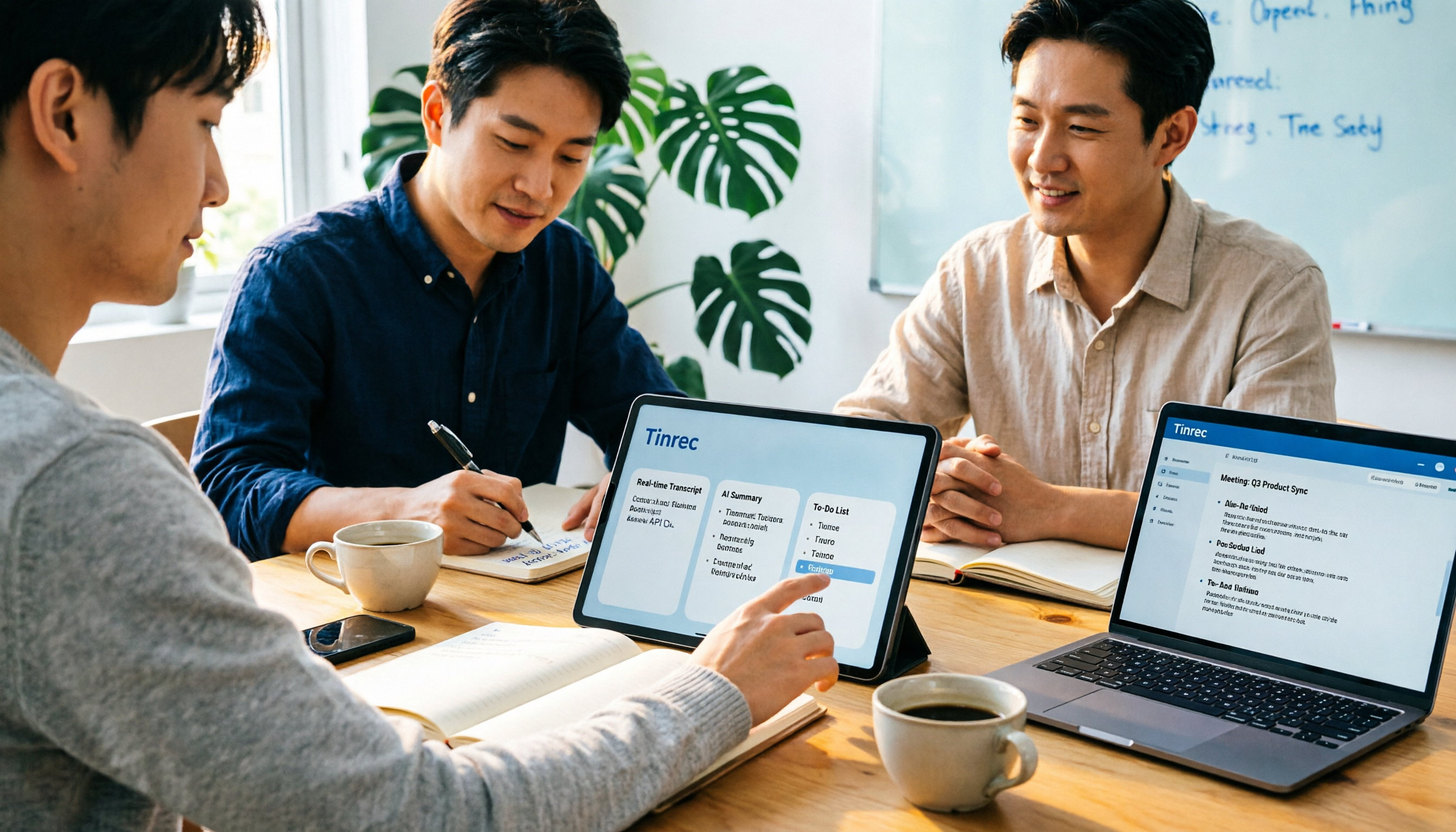
2026 Notta AI Complete Guide: Features, Limitations, and a Better Meeting Notes Alternative for Chinese-Speaking Teams
People searching for "app notta ai" usually have an unprocessed meeting recording sitting on their hands. This article doesn't cover spec sheets; instead, it breaks down the three missing steps between "turning voice into text" and "turning meetings into actionable data," and uses Tinrec to demonstrate a complete workflow—bot-free recording, real-time transcription, AI summaries and action items, meeting Q&A, and team knowledge retention—to help you decide which tool truly fits your work.

5 Legal Alternatives to Notta Mod APK: Free Audio Transcription Options for 2026
People searching for Notta Mod APK usually just want a free way to turn meeting recordings into text. This article covers 5 legal, actually usable alternatives, including free quotas, paid pricing, and best-use scenarios, and explains why installing APKs from unknown sources is not recommended.

The Complete 2026 Guide to AI Meeting Notes: From Transcripts to Team Knowledge
Meetings end, but notes and action items don't materialize? This guide, from a mid-level manager's practical perspective, breaks down the core capabilities, use cases, and 5 key purchasing considerations for AI meeting note tools, and demonstrates with Tinrec a complete workflow from recording to transcript, summary, and team knowledge retention.

Notta Country of Origin 2026: Headquarters, Language Support, and Chinese Meeting Tool Guide
Notta is developed by NOTTA PTE. LTD., a Singapore-based company with R&D in Shenzhen and a separate entity in Japan. This guide clarifies its registration and localization, then offers practical advice on Chinese transcription, meeting recording methods, and post-meeting organization for teams, using Tinrec as an example with bot-free recording, AI summaries, and team spaces.
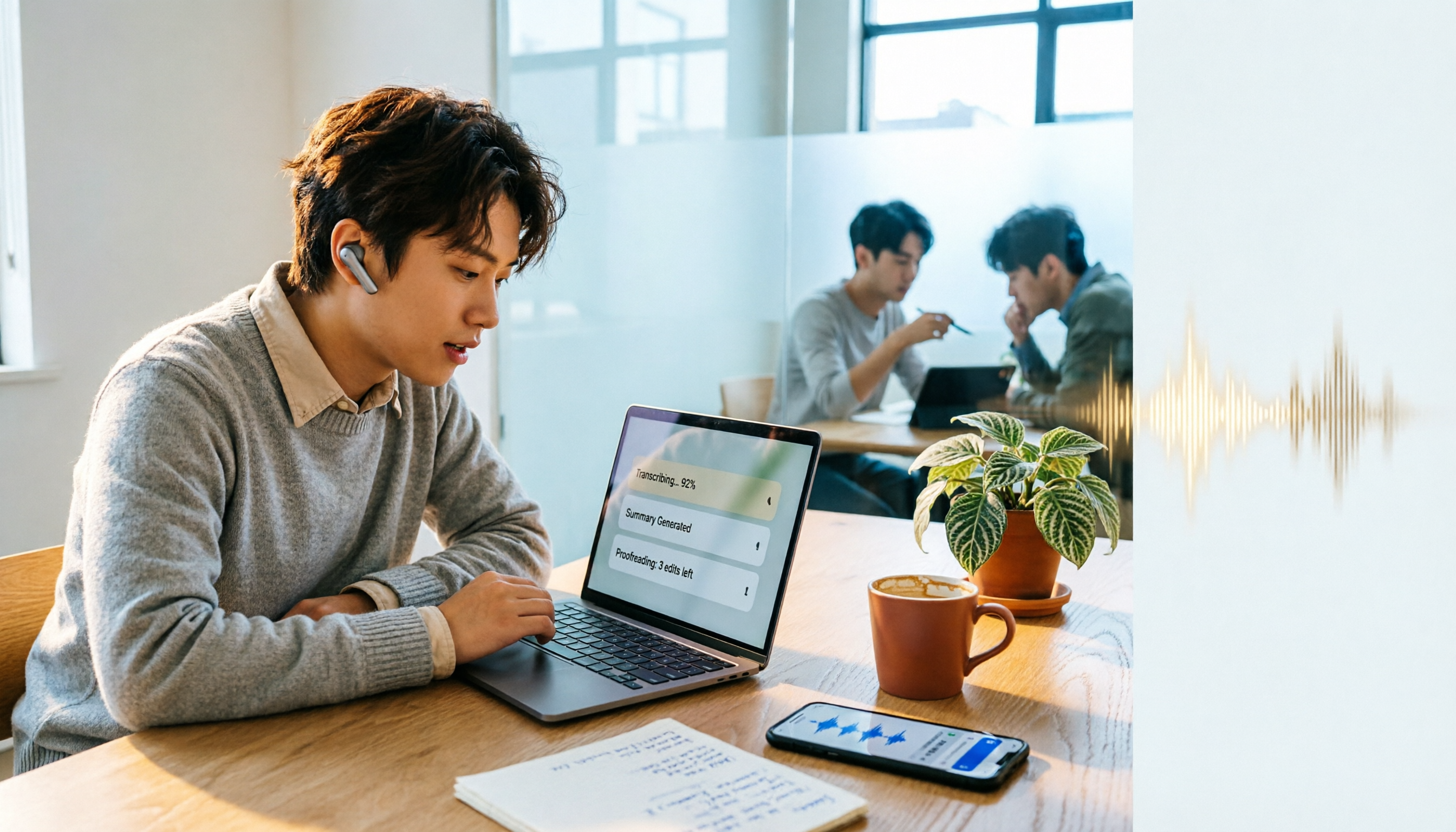
How to Use Notta in 2026: 5-Step Guide to Transcribe Audio to Text
Notta is a cross-platform AI audio transcription tool that supports real-time transcription, AI summaries, translation, and multi-device sync. This guide walks you through 5 steps—from recording and transcribing to proofreading and exporting—and honestly breaks down the differences between the free and paid plans to help you decide if the free version is enough.

2026 AI Meeting Recorder App Comparison: Notta Reviews Are Mixed—What's the Real Difference?
People searching for notta app reviews usually have one question: is this app worth trying? This article examines three decision points—accuracy, free tier limits, and post-meeting organization—and compares Notta, Otter.ai, TurboScribe, and Tinrec, with buying criteria and the 3 most common pitfalls.
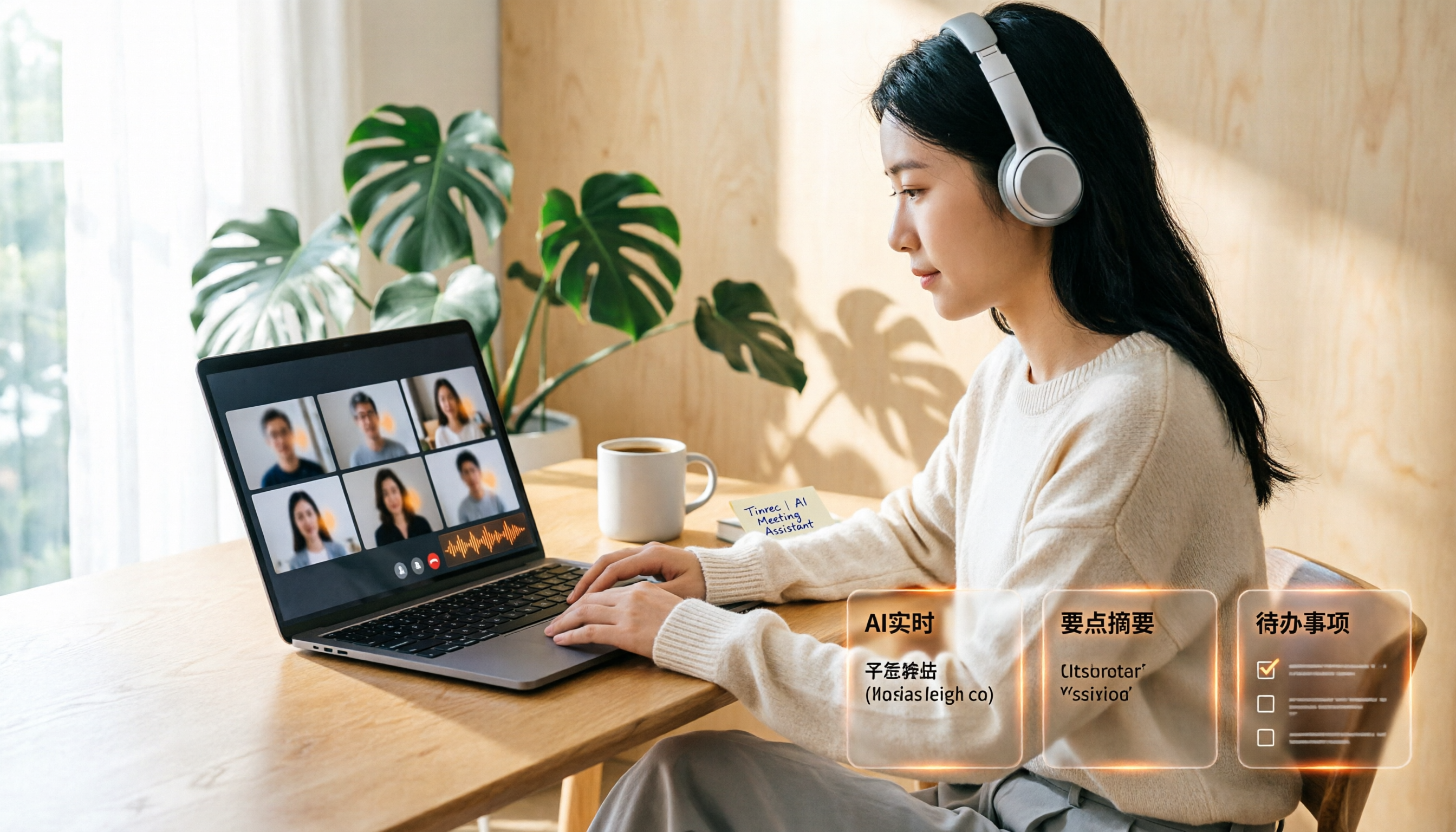
Google Meet Recording Free Options in 2026: 3 Tools Compared
Google Meet's built-in recording isn't available to everyone: it requires a computer or Android device, host permission, and a supported Workspace edition. This article reviews three recording and transcription options that work with Google Meet in 2026, covering Tinrec's bot-free desktop recording, AI summaries, action items, and Q&A, and compares the limitations and free tiers of Granola and TurboScribe, with tips to avoid pitfalls and choose the right tool.

Video to Text Online Tools in 2026: 5 Options Compared + Free Tier Breakdown
A roundup of 5 online video-to-text tools in 2026, covering Chinese transcription, subtitle file export, free tiers, and team collaboration to help you choose the right option for meeting, interview, and course videos.
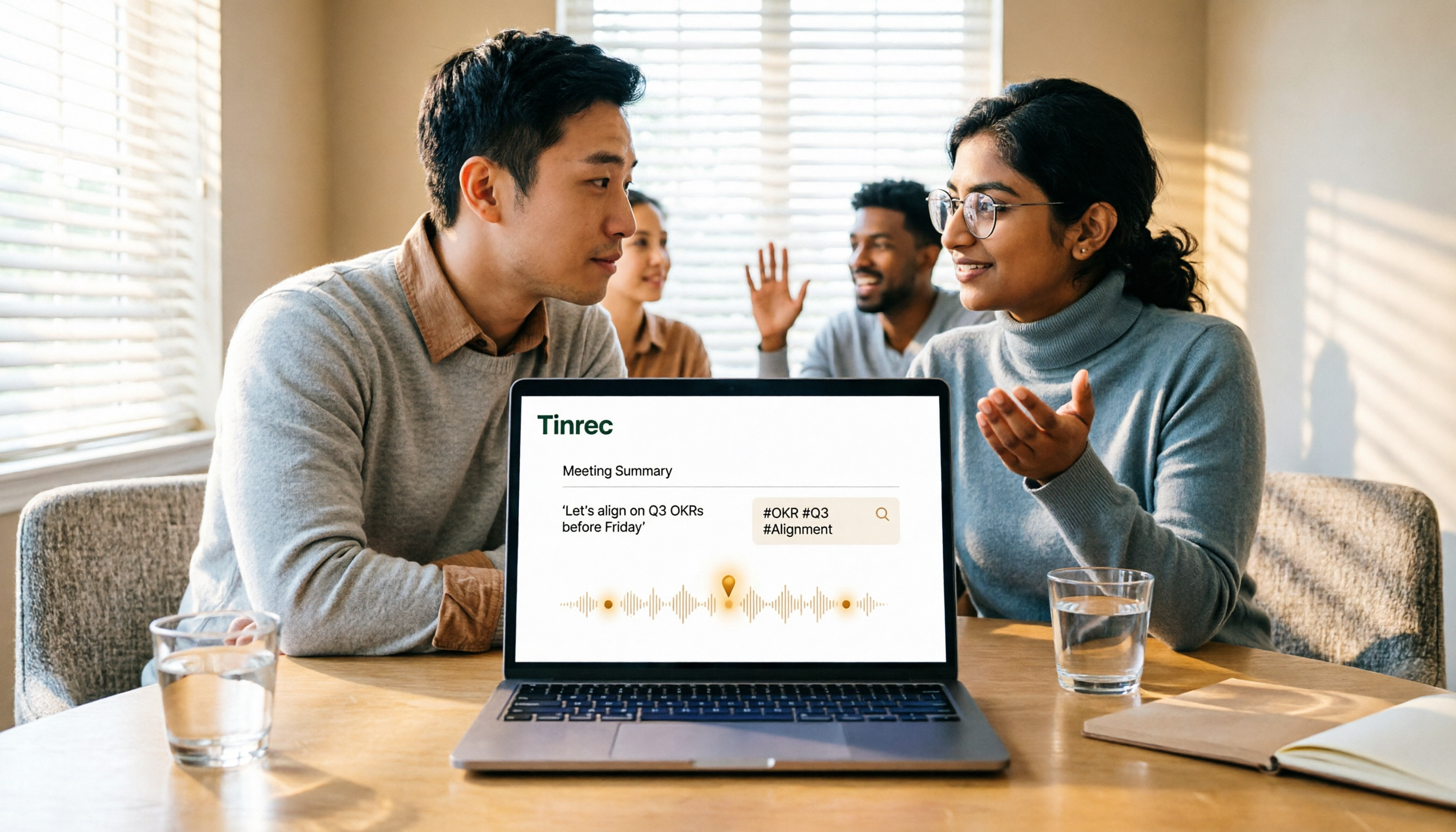
5 Google Meet Recording Methods Compared in 2026: From Built-in Recording to AI Transcripts
Recording a Google Meet isn't just about pressing a button. This article addresses three common misconceptions and compares built-in recording, screen recording, browser extensions, physical recording devices, and Tinrec desktop bot-free recording. It explains what each method delivers, where it falls short, and how to turn meeting audio into searchable, queryable, and actionable team data in one go.