
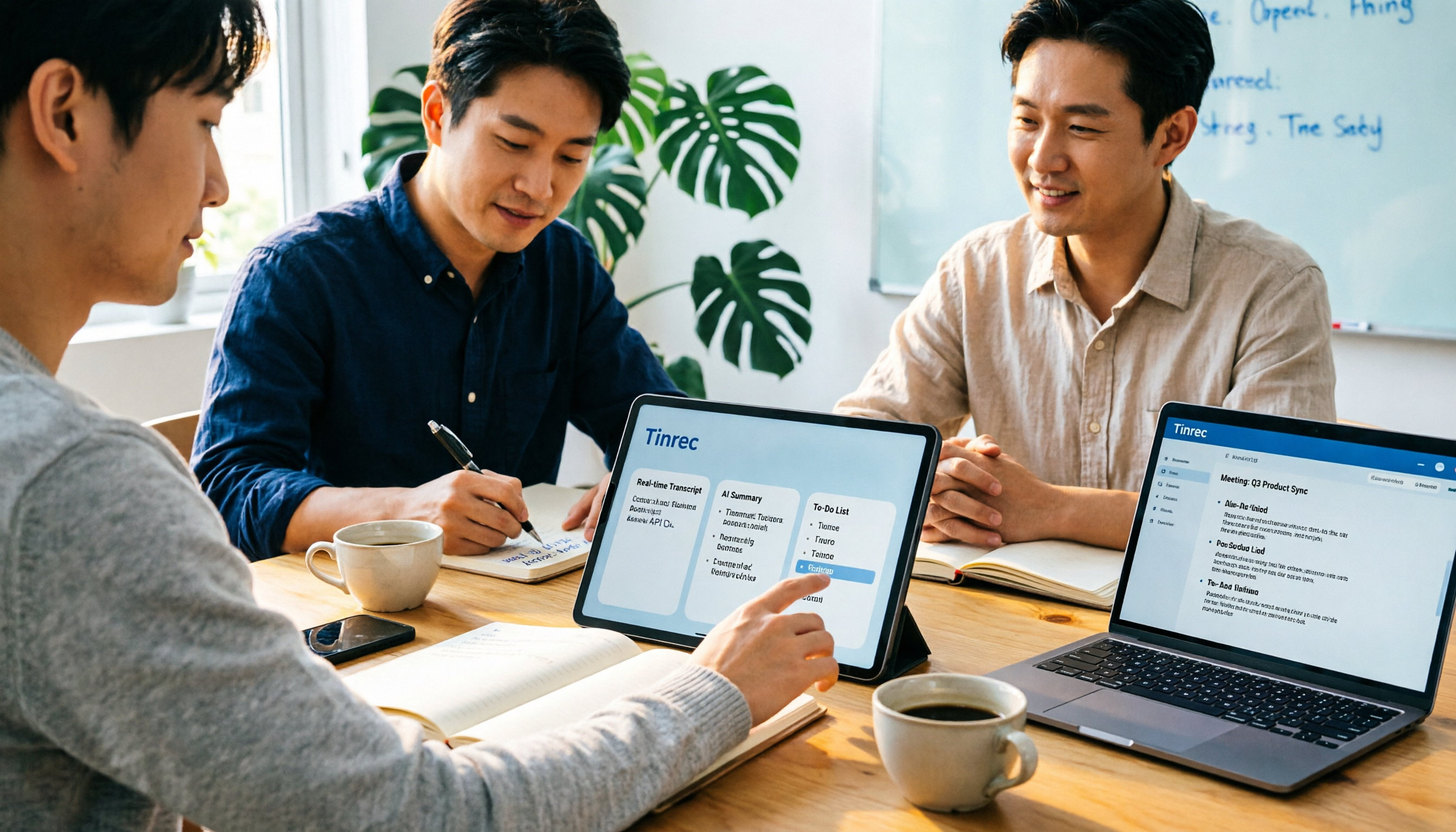
Turn recordings into transcripts and summaries in minutes
Upload audio or video for multilingual transcription, AI notes, and action items
"50 minutes of recording, 0 minutes of transcript."
The moment the meeting ends, the audio file sits quietly on your phone, and you have to submit meeting notes by 9 AM tomorrow.
I'm guessing you're typing "app notta ai" into the search bar at exactly this moment.
Over the past few years helping teams streamline their meeting workflows, what I've seen most often isn't "the tool isn't good enough" but rather "the tool is only half-used"—you record, transcribe, and then what?
The text is still scattered, key points still need to be manually extracted, and action items are still written on sticky notes.
So this article isn't about spec sheets. I want to talk about the steps between "turning voice into text" and "turning meetings into actionable data," and why I now use Tinrec to complete these steps most of the time.
What is Notta AI? What problem does it solve?
Notta is an AI meeting notes tool that converts meetings, interviews, and courses into searchable text and visual content, supporting transcription and translation in about 58 languages.
Its free version offers 120 minutes of transcription per month with a 3-minute limit per recording; the Pro annual plan works out to about $8.17 per month.
It solves a crucial first step: turning voice into text.
But if what you need is "the notes you can take directly into a meeting tomorrow morning," you'll quickly realize—transcription is only the starting point, not the finish line.
After transcription, three steps are still missing
The first step is structure.
A two-hour meeting transcribes into 20,000 words, and no one will re-read 20,000 words. What you need is a summary with sections, conclusions, and owners.
The second step is follow-up questions.
"Does the client care more about price or implementation timeline?" You shouldn't have to spend half an hour pressing Ctrl+F in the transcript to find out.
The third step is retention.
If meeting data only exists in someone's account, it's not a team asset—it's personal property. When the person leaves, the data scatters.
Most transcription tools only complete the first step. That's why I later changed my workflow to "record → transcribe → structure → query → retain," and use Tinrec to connect all these steps at once.
What can Tinrec do for you?
Scenario 1: Get readable notes within five minutes after a meeting
Previously, after a two-hour meeting, you'd spend another hour organizing. Now, as the meeting ends, Tinrec has already organized the summary, sections, and action items—who's responsible for what and when it's due, all at a glance.
Scenario 2: No more pulling a bot into online meetings
Tinrec's desktop version directly captures your computer's system audio, handling meeting content played on Zoom, Google Meet, Microsoft Teams, and Webex without requiring an extra participant to join the meeting room.
Scenario 3: Repeatedly query interview recordings for details
After transcription, you can directly ask Tinrec: "What did the interviewee say when mentioning the budget?" It answers based on semantics, so you don't have to dig through the transcript yourself.
Scenario 4: Turn scattered meetings into a team knowledge base
Team spaces centrally store each meeting's audio, transcript, summary, and action items. New members can look up historical context instead of starting from scratch and asking people.
What are Tinrec's core capabilities?
Bot-free recording of online meetings: The desktop version captures system audio; you actively start recording, and you don't need to invite an AI assistant into the meeting room. To be clear—it's not "automatically joining all calendar meetings"; you decide when to record.
Real-time transcription and live translation: Text appears as you record, and for cross-language meetings, you can switch between original text, translation, or bilingual view. Seeing the text in sync during the meeting is much easier than listening to the recording afterward to catch up.
AI summaries, sections, and action items: It's not about condensing the transcript into a paragraph, but structured organization—topics, conclusions, and action items listed separately. What this step saves is the time most prone to procrastination after the meeting.
AI Q&A around meetings: You can ask questions about a single meeting or across meetings, turning "digging through recordings" into "asking questions."
Post-processing and export: Meeting content can be further turned into reports, tables, and documents, and exported to existing workflows like Notion, Google Docs, OneNote, and Dropbox for continued use.
Team governance capabilities: Team spaces, members and roles, seat allocation, usage analytics, audit logs, audio recycle bin, and team hotwords. When members change, data stays with the team and doesn't disappear with the person.
(Screenshot here: Tinrec desktop recording interface, with arrows pointing to real-time transcript and summary panel on the right)
Stop organizing recordings by hand
Upload audio or video and automatically get a transcript, summary, and action items
Practical use cases
Customer interviews and requirements meetings: The biggest fear in interviews is "focusing only on listening in the moment, then forgetting everything afterward." Record the entire session with Tinrec, then directly reference the transcript to capture the customer's exact words and objections, and let AI organize them into a requirements summary and follow-up action items—far more reliable than writing notes from memory.
Weekly department meetings: The point of weekly meetings isn't the notes; it's "did we do what we said last time?" Put each weekly meeting into the same team space, and before the meeting, ask the AI about last week's action items and conclusions—the meeting naturally converges.
Courses and lectures: A 90-minute class with transcript and section summaries is like having the skeleton of your review notes pre-built; you just add your own understanding.
Content creation and script organization: Record a spoken idea, transcribe it, then let AI generate an outline or draft—much faster than starting from a blank page, and it preserves your original tone.
How to choose between Notta and Tinrec?
| Dimension | Notta | Tinrec |
|---|---|---|
| Core positioning | Multilingual transcription and meeting notes | AI meeting notes and team collaboration |
| Meeting entry | Multi-platform use and file import | Desktop bot-free system audio capture |
| Post-meeting output | Summary, translation | Summary, sections, action items, AI Q&A, report and table generation |
| Team capabilities | Business plan offers role permissions and usage reports | Team spaces, roles, seats, usage, audit, audio recycle bin |
Simply put: if your main need is "turning an audio file into text," tools like Notta are sufficient; if what you want is "turning every meeting into data that the team can search, query, and take over," then Tinrec's team workflow is a closer fit.
5 things to consider when choosing this type of tool
1. How does it "enter" the meeting: Does it require inviting a bot to join, or does it capture system audio? Tinrec takes the latter approach, with the advantage that there's no awkward extra participant in the meeting room.
2. Does it give you text or results: Transcription is basic; summaries, sections, and action items are what you'll actually use. Tinrec puts these on the same page, saving you from switching tools.
3. Can it be queried: The value of meeting notes lies in "being able to look things up afterward." Tinrec's AI Q&A lets you ask directly instead of re-listening to recordings.
4. Are audio files and history retained: Some tools keep only text and not audio, so you can't verify a sentence afterward. Tinrec retains audio and provides a recycle bin mechanism for accidental deletions.
5. Is team governance clearly explained: It's important to distinguish that "roles" govern administration and "seats" govern usage. In Tinrec's team version, active members without seats can still view, play, and read team data, but need a seat to upload, edit, and export.
Frequently asked questions
Is Notta AI's free version enough? For light use, yes, but the 120 minutes per month and 3 minutes per recording limits will quickly hit the ceiling. A more practical approach: first use Tinrec's free tier basic quota to run through the complete "record, transcribe, summarize, action items" workflow once, confirm this method really works for your job, and then decide whether to upgrade.
Does Tinrec need to pull a bot into the meeting? No. Tinrec's desktop version directly captures computer system audio, handling meeting content from Zoom, Google Meet, Teams, and Webex. But note that this is you actively starting recording, not automatically joining all calendar meetings.
How accurate is it for Chinese or mixed Chinese-English meetings? Tinrec covers Chinese, Traditional Chinese, and multilingual meeting scenarios, and also supports live translation and team hotwords. However, actual performance is affected by audio quality, accents, ambient noise, and overlapping speakers; for important content, it's recommended to cross-check with transcript timestamps and audio playback.
What's the difference between the team version and the personal version? In the personal version, data belongs to the individual account; the team version is a separate team space where data belongs to the team, with additional members, roles, seats, sharing permissions, usage analytics, audit logs, and audio recycle bin.
If a member leaves, will meeting data disappear with them? It won't directly follow the person. Team resources belong to the team; when a member exits, is removed, or loses their seat, their responsible team resources can be handed over to other active members.
Conclusion: Get the workflow right first, then choose the tool
Looking back at that night of "50 minutes of recording, 0 minutes of transcript," what really caused anxiety was never typing speed—it was the lack of a workflow.
If you keep switching tools but the workflow doesn't change, the results won't change either.
Turning meetings into usable data is actually six actions:
- Before the meeting, decide how to record (Tinrec desktop directly captures system audio).
- During the meeting, let real-time transcription run, and enable bilingual view if needed.
- After the meeting, first check the AI summary and sections to confirm the conclusions are captured.
- Review the action item list and add owners and deadlines.
- For anything unclear, ask the AI directly instead of re-listening to the whole meeting.
- Put the notes into the team space so the next person can find them.
(Screenshot here: Tinrec meeting summary page, with arrows marking sections, action items, and AI Q&A entry points)
Start by trying it with one meeting; you don't need to change all your habits at once.
Test gradually, and you'll slowly master this workflow.
References
Turn every recording into actionable outcomes
Get 60 free transcription minutes when you sign in. No credit card required.
Related Reading
You might also like

How to Log In to Notta AI in 2026: 5-Step Guide & Troubleshooting
Notta's login page offers Google, Microsoft, Apple, and Email options—which one should you choose to avoid losing your data later? This guide walks you through Notta login in 5 steps, explains the 30-day login validity, why incognito mode causes login failures, and what to do if you don't have a password. It also covers an alternative approach that doesn't require a meeting bot.

2026 Notta App vs Web: 3 Cross-Device Meeting Notes Mistakes & Alternatives
Many assume that having a mobile app and opening a web version means full cross-device coverage. After a week of use, they discover crippled layouts, transcripts no one rereads, and team data scattered across personal accounts. This article breaks down three common misconceptions, explains how to choose a meeting notes tool, and uses Tinrec's bot-free recording, AI summaries and action items, team spaces, and seat governance as examples to provide actionable criteria.

Which Notta Alternative Is Best? 2026 Hands-On Test of 4 Apps: This One Makes Chinese Meeting Notes Easiest
Based on real experience leading team meetings, this comparison covers Notta, Otter.ai, TurboScribe, and Tinrec (秒聽錄音) in terms of Chinese meeting support, bot-free recording, post-meeting organization, and team collaboration. It also outlines 4 key buying criteria and common pitfalls to help you choose a meeting notes app that truly saves time.

What Is 'app nottai' in 2026? 5 Steps to Better Meeting Notes with Tinrec
Searching for 'app nottai' usually means you're looking for Notta.ai, but the real challenge isn't picking an app—it's establishing a consistent meeting notes workflow. This guide walks through 5 steps using Tinrec (Miao Ting Lu Yin) to go from recording, live transcription, proofreading, AI summaries and action items, all the way to exporting and building team knowledge, plus common pitfalls and troubleshooting.

Notta vs Tinrec: Which AI Meeting Transcription Tool Is Better for Team Meetings in 2026?
A procurement-focused comparison of Notta and Tinrec covering meeting capture methods, post-meeting organization depth, team roles and seat governance, Chinese bilingual experience, and pricing logic, with practical use cases and buying tips to help you decide which is better for long-term team use.

5 Legal Alternatives to Notta Mod APK: Free Audio Transcription Options for 2026
People searching for Notta Mod APK usually just want a free way to turn meeting recordings into text. This article covers 5 legal, actually usable alternatives, including free quotas, paid pricing, and best-use scenarios, and explains why installing APKs from unknown sources is not recommended.

The Complete 2026 Guide to AI Meeting Notes: From Transcripts to Team Knowledge
Meetings end, but notes and action items don't materialize? This guide, from a mid-level manager's practical perspective, breaks down the core capabilities, use cases, and 5 key purchasing considerations for AI meeting note tools, and demonstrates with Tinrec a complete workflow from recording to transcript, summary, and team knowledge retention.

Notta Country of Origin 2026: Headquarters, Language Support, and Chinese Meeting Tool Guide
Notta is developed by NOTTA PTE. LTD., a Singapore-based company with R&D in Shenzhen and a separate entity in Japan. This guide clarifies its registration and localization, then offers practical advice on Chinese transcription, meeting recording methods, and post-meeting organization for teams, using Tinrec as an example with bot-free recording, AI summaries, and team spaces.
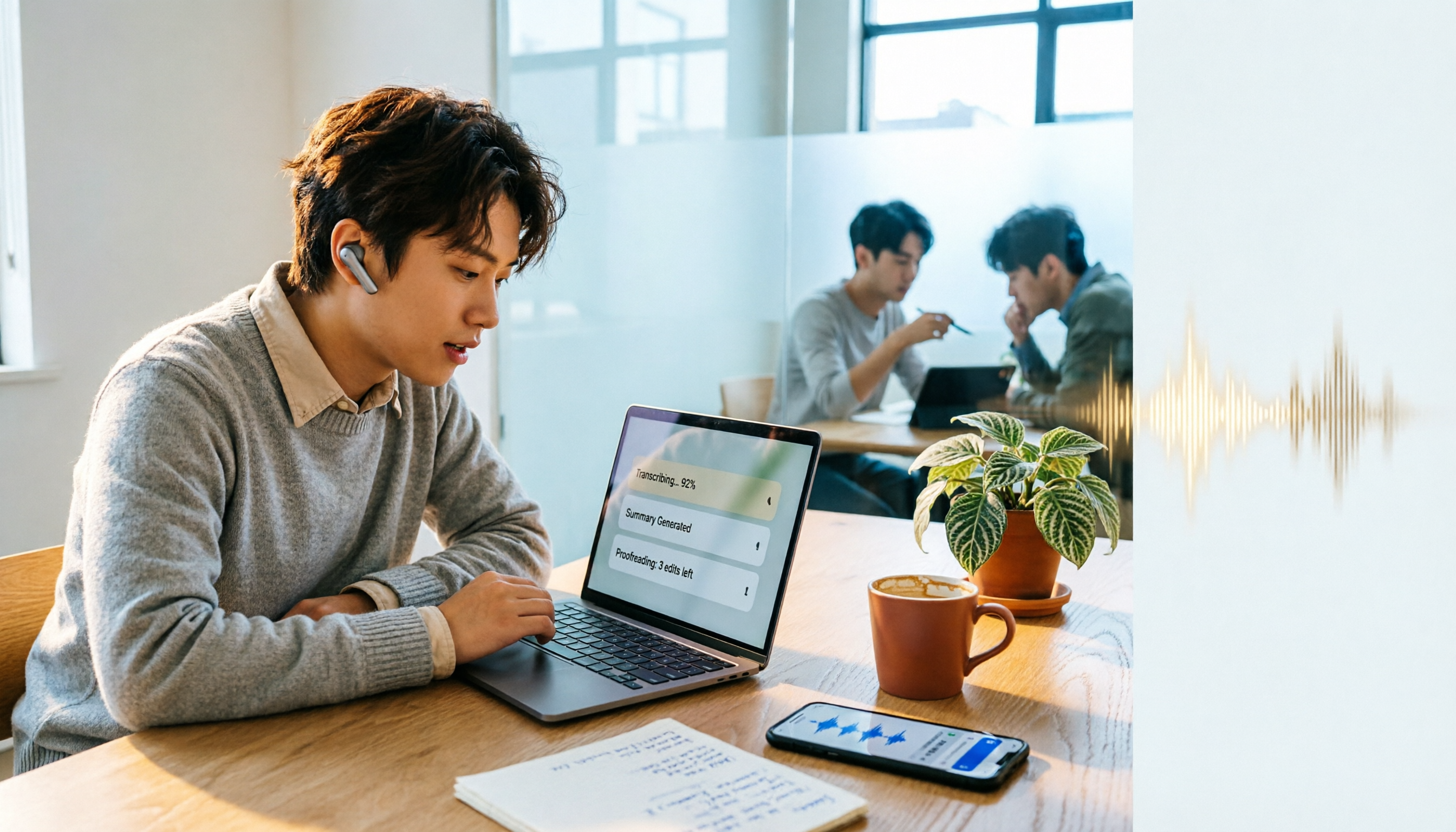
How to Use Notta in 2026: 5-Step Guide to Transcribe Audio to Text
Notta is a cross-platform AI audio transcription tool that supports real-time transcription, AI summaries, translation, and multi-device sync. This guide walks you through 5 steps—from recording and transcribing to proofreading and exporting—and honestly breaks down the differences between the free and paid plans to help you decide if the free version is enough.