

Turn recordings into transcripts and summaries in minutes
Upload audio or video for multilingual transcription, AI notes, and action items
Last week, a reader messaged me: "Our company is buying a meeting notes tool, and my boss asked me which country Notta is from. I couldn't answer."
Honestly, this is a common question. You've used a tool for six months, and suddenly someone asks where it's registered, and you're stumped.
Let me give you the answer first, then explain why you might have guessed wrong, and finally discuss three things I think you should care about more.
Which country is Notta from? The conclusion first
Notta is developed by NOTTA PTE. LTD., headquartered in Singapore.
Its R&D center is in Shenzhen, and the core team is mainly from China. It also has a registered company in Japan and hired a Japanese COO.
So you'll see a list of Japanese local enterprise partnerships, endorsements from Japanese institutions, and case studies on its official website—the localization is so thorough that many people initially think it's a Japanese product.
Why? Because by spring 2023, its cumulative users in Japan reached 1 million, making Japan a very important market for it.
One more thing to note: the company's place of registration and where your meeting audio files are stored are two different things. You should ask the official directly; don't infer from the registration location.
After knowing the country, here are the three things you should really ask
When I choose this kind of tool, I never look at the registration location first.
I look at three things.
First, how smooth is Chinese transcription. Many tools are strong in English but start making weird sentence breaks when Chinese is input. Taiwanese teams often mix Chinese and English in meetings, which is even more of a disaster.
Second, how is the meeting recorded. Some send a bot account into the meeting room; others capture system audio directly from the computer. The former requires the other party's consent; the latter you just press start yourself.
Third, where does the post-meeting data go. Just giving you a transcript versus organizing it into summaries, action items, and a searchable database are completely different things.
These three things are the key to whether you'll still be using it next month.
What can Tinrec do for you?
Take Tinrec, which I use myself, as an example. It addresses exactly those three things.
Scenario 1: After the meeting, the notes are already done Previously, a two-hour meeting would take me another hour to organize. Now, when the meeting ends, the transcript, summary, chapters, and action items are already there—who's responsible for what and when it's due is clear at a glance.
Scenario 2: No bot needed for online meetings Tinrec's desktop version directly captures computer system audio and works with Zoom, Google Meet, Microsoft Teams, and Webex—no extra account hanging in the meeting. This is especially useful for external client meetings—you don't want to explain "who is that account that joined the meeting" every time.
Scenario 3: Understand cross-language meetings If you have English or Japanese clients, Tinrec supports real-time translation, allowing you to view the original text, translation, or bilingual side-by-side. No need to wait until the meeting ends to guess what the other party said.
Scenario 4: Turn past meetings into searchable data This is what I use most. For last month's meeting, I can directly ask "how was the budget decided" or "what did the client say about the delivery date," and it will find the answer from the recording content.
What are Tinrec's core capabilities?
Bot-free recording: The desktop version captures system audio; you press start and it records, without inviting anything into the meeting. Note that this is not "automatically join all meetings on the calendar"—you still need to start it yourself.
Real-time speech-to-text: Transcribes as it records, suitable for offline interviews and on-site meetings.
Audio/video file transcription: Upload old recordings and interview files directly for organization without re-listening.
AI summaries and chapters: Long meetings are automatically segmented—not condensed into one big block, but structured with topics, conclusions, and key points.
Action item extraction and AI Q&A: Extract action items from discussions and continue to ask for details after the meeting.
Multi-format export: Can be exported to Notion, Google Docs, OneNote, Dropbox for further use, so you're not stuck in the tool.
Stop organizing recordings by hand
Upload audio or video and automatically get a transcript, summary, and action items
Agent post-processing: Generates reports, tables, and documents based on meeting content for post-meeting deliverables.
Team space: This is the key feature of the team version. Meeting data belongs to the team, not tied to an individual's account.
Practical application scenarios
Department weekly meetings and decision meetings For regular weekly project meetings, the biggest fear is forgetting decisions. After recording with Tinrec, summaries and action items become the tracking list for the next meeting. The team version can store them centrally, and new members can review past meetings.
Client interviews and requirement discussions Client requirements, concerns, and promises are most likely to lead to disagreements two weeks later. With transcripts and timestamps, you can go back and listen to that segment if there's a dispute—much more reliable than flipping through notebooks.
Interview and research recordings Transcribing a one-hour interview used to take a whole day. Now upload the file, get the transcript first, then use AI Q&A to extract viewpoints and find quotable passages.
Courses and self-study notes Record online courses and lectures, convert to text and summaries—much better than saving them on your phone and never opening them again.
5 things to note when choosing a meeting notes tool
1. Chinese performance—don't just look at marketing. Test with a real meeting that mixes Chinese and English. Tinrec covers Chinese and multilingual scenarios and has team hotwords to maintain company terminology, but actual results are still affected by recording quality, accents, and multiple people talking over each other—I won't guarantee any tool on this.
2. Will the recording method hold you back? Modes that require a bot to join mean you have to ask the other party first for external meetings. Tinrec's desktop version uses system audio capture, which is much smoother.
3. What can you do after transcription? With tools that only provide transcripts, you still have to read through an hour of text yourself. Tinrec's value lies in the whole process of summaries, chapters, action items, and Q&A.
4. Team data ownership. Personal accounts are great, but data scatters when people leave. Tinrec's team version assigns data to the team; when a member exits, is removed, or loses a seat, resources are transferred to other active members. Note that "role" and "seat" are two different things: members without a seat can view and listen but cannot upload or edit.
5. How is pricing calculated? Don't just look at the monthly fee. Tinrec's team version is USD 29.80 per paid seat per month, or USD 199 per seat per year (about USD 16.58 per month). Each paid seat includes 2,000 minutes of team shared import quota per month; real-time recording under an active team plan is currently not deducted by minutes. Actual prices, currencies, and promotions are subject to the official purchase page.
FAQ
Q: Which country is Notta actually from? A: NOTTA PTE. LTD., headquartered in Singapore, with R&D in Shenzhen and a separate registered company in Japan. It's a product founded by a Chinese team, and its Japanese localization is so thorough that it's often mistaken for a Japanese company.
Q: Then which country is Tinrec from? A: This article is not about comparing registration locations. When choosing a tool, registration location is usually not your daily pain point—transcription quality and post-meeting organization are. For actual procurement, ask the vendor directly about data storage and compliance details.
Q: Do I have to install the desktop version of Tinrec? A: It depends on how you use it. For recording online meetings and capturing system audio, the desktop version is smoothest; the mobile app is suitable for outdoor and offline recording; you can also upload audio/video files directly.
Q: Can team members without a seat see the data? A: They can view, play, and read team data, but need a seat to record, upload, edit, and export.
Q: Will AI summaries miss key points? A: It's possible. AI saves you time on manual organization; for important decisions, I still go back to the transcript to cross-check. That's why I like keeping recordings and timestamps.
Q: Can deleted audio files be recovered? A: The team version has an audio recycle bin; files can be restored before permanent deletion begins, with a current retention period of 30 days.
Conclusion
Back to the original question: Notta is a Singaporean company, headquartered in Singapore, with R&D in Shenzhen and a separate registered company in Japan. You can find this answer with a quick search.
But if you ask me where to spend your time before procurement, I'd say "whether Chinese meetings record smoothly and whether post-meeting data can be used directly."
For the daily routine of Taiwanese teams, Tinrec follows exactly this path: no bot needed to record meetings, Chinese and multilingual scenarios, summaries and action items right after transcription, and centralized team data storage. The free version has a basic quota—try it with a real meeting and you'll know in ten minutes if it fits.
References
- Comparison of 5 AI meeting notes tools: Otter, Notta features and pricing
- Notta | Learn AI
- [Tutorial] Notta 2026: Speech-to-text + AI summaries and multilingual support - Tinrec Blog
- AI transcription, conquering Japan, achieving tens of millions in ARR_ Tencent News
- AI transcription, conquering Japan, achieving tens of millions in ARR - 36Kr
Turn every recording into actionable outcomes
Get 60 free transcription minutes when you sign in. No credit card required.
Related Reading
You might also like

How to Log In to Notta AI in 2026: 5-Step Guide & Troubleshooting
Notta's login page offers Google, Microsoft, Apple, and Email options—which one should you choose to avoid losing your data later? This guide walks you through Notta login in 5 steps, explains the 30-day login validity, why incognito mode causes login failures, and what to do if you don't have a password. It also covers an alternative approach that doesn't require a meeting bot.

2026 Notta App vs Web: 3 Cross-Device Meeting Notes Mistakes & Alternatives
Many assume that having a mobile app and opening a web version means full cross-device coverage. After a week of use, they discover crippled layouts, transcripts no one rereads, and team data scattered across personal accounts. This article breaks down three common misconceptions, explains how to choose a meeting notes tool, and uses Tinrec's bot-free recording, AI summaries and action items, team spaces, and seat governance as examples to provide actionable criteria.

Which Notta Alternative Is Best? 2026 Hands-On Test of 4 Apps: This One Makes Chinese Meeting Notes Easiest
Based on real experience leading team meetings, this comparison covers Notta, Otter.ai, TurboScribe, and Tinrec (秒聽錄音) in terms of Chinese meeting support, bot-free recording, post-meeting organization, and team collaboration. It also outlines 4 key buying criteria and common pitfalls to help you choose a meeting notes app that truly saves time.

What Is 'app nottai' in 2026? 5 Steps to Better Meeting Notes with Tinrec
Searching for 'app nottai' usually means you're looking for Notta.ai, but the real challenge isn't picking an app—it's establishing a consistent meeting notes workflow. This guide walks through 5 steps using Tinrec (Miao Ting Lu Yin) to go from recording, live transcription, proofreading, AI summaries and action items, all the way to exporting and building team knowledge, plus common pitfalls and troubleshooting.

Notta vs Tinrec: Which AI Meeting Transcription Tool Is Better for Team Meetings in 2026?
A procurement-focused comparison of Notta and Tinrec covering meeting capture methods, post-meeting organization depth, team roles and seat governance, Chinese bilingual experience, and pricing logic, with practical use cases and buying tips to help you decide which is better for long-term team use.
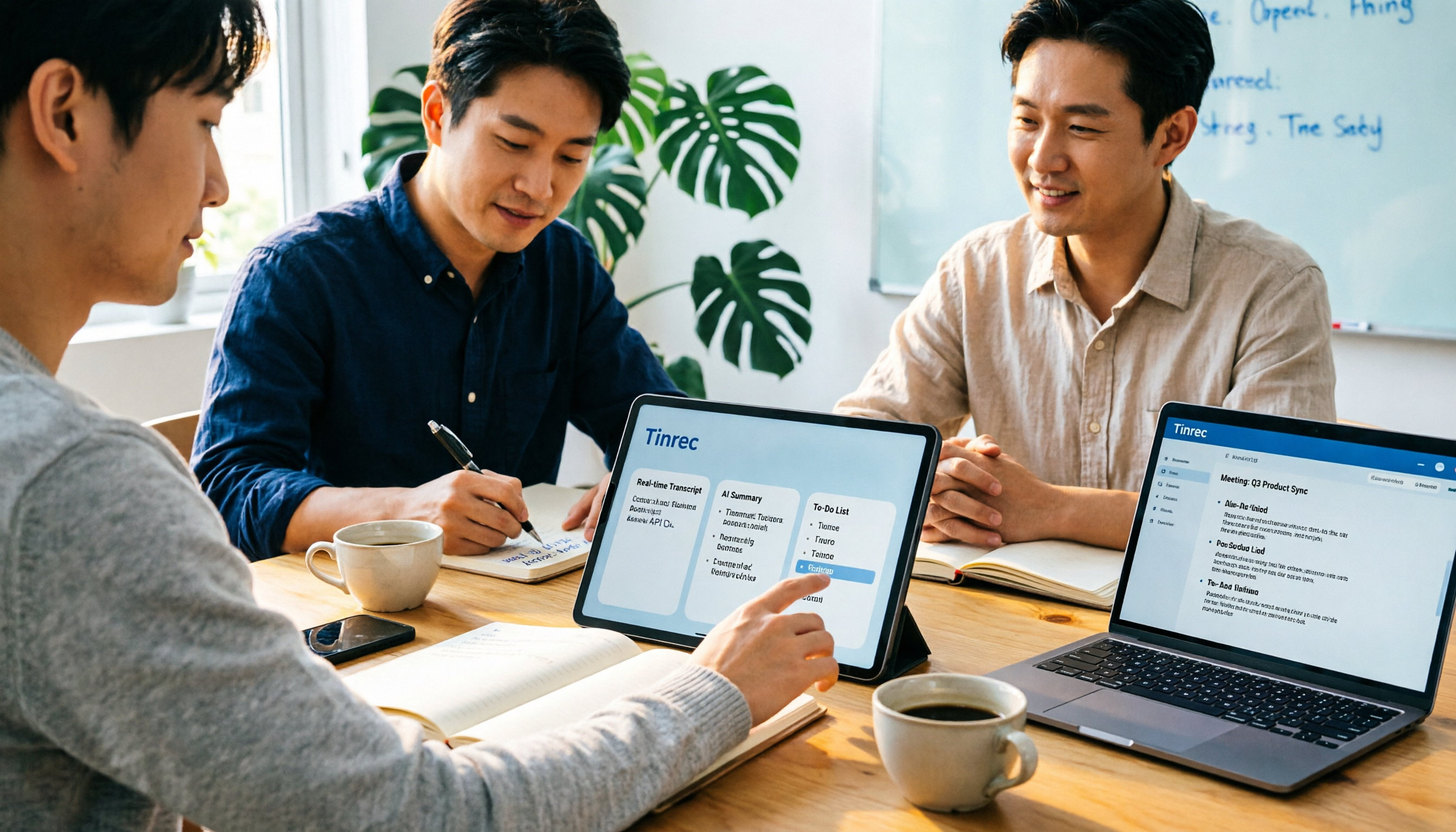
2026 Notta AI Complete Guide: Features, Limitations, and a Better Meeting Notes Alternative for Chinese-Speaking Teams
People searching for "app notta ai" usually have an unprocessed meeting recording sitting on their hands. This article doesn't cover spec sheets; instead, it breaks down the three missing steps between "turning voice into text" and "turning meetings into actionable data," and uses Tinrec to demonstrate a complete workflow—bot-free recording, real-time transcription, AI summaries and action items, meeting Q&A, and team knowledge retention—to help you decide which tool truly fits your work.

5 Legal Alternatives to Notta Mod APK: Free Audio Transcription Options for 2026
People searching for Notta Mod APK usually just want a free way to turn meeting recordings into text. This article covers 5 legal, actually usable alternatives, including free quotas, paid pricing, and best-use scenarios, and explains why installing APKs from unknown sources is not recommended.

The Complete 2026 Guide to AI Meeting Notes: From Transcripts to Team Knowledge
Meetings end, but notes and action items don't materialize? This guide, from a mid-level manager's practical perspective, breaks down the core capabilities, use cases, and 5 key purchasing considerations for AI meeting note tools, and demonstrates with Tinrec a complete workflow from recording to transcript, summary, and team knowledge retention.
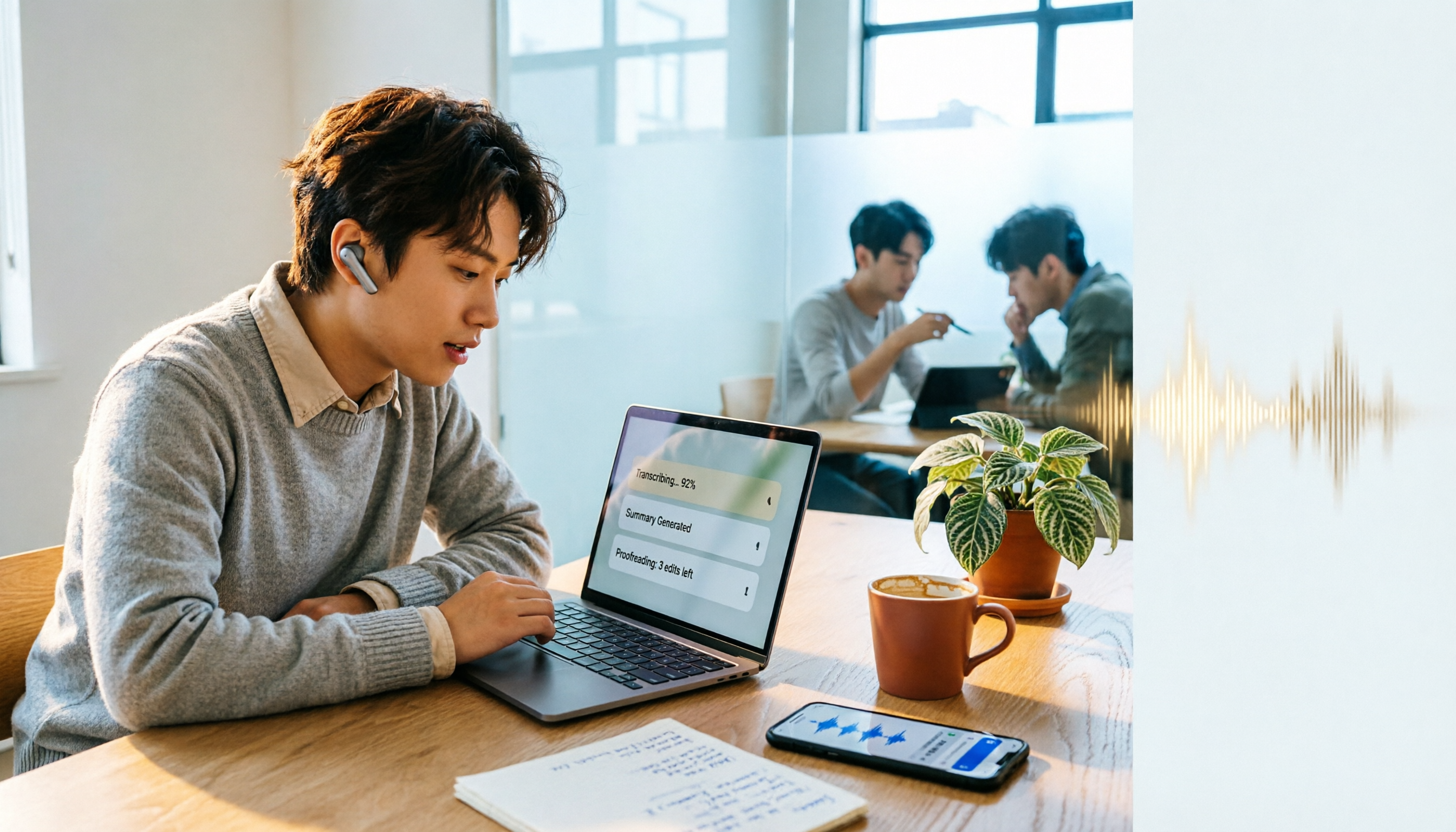
How to Use Notta in 2026: 5-Step Guide to Transcribe Audio to Text
Notta is a cross-platform AI audio transcription tool that supports real-time transcription, AI summaries, translation, and multi-device sync. This guide walks you through 5 steps—from recording and transcribing to proofreading and exporting—and honestly breaks down the differences between the free and paid plans to help you decide if the free version is enough.