

Turn recordings into transcripts and summaries in minutes
Upload audio or video for multilingual transcription, AI notes, and action items
Google Meet Recording Free Options in 2026: 3 Tools Compared
Two-hour meeting, but recording blocked by permissions—you don't need a longer meeting, you need a workable solution
After a Google Meet call, your manager says, "Summarize the conclusions from that meeting," and you realize you didn't record it at all—this isn't uncommon. Google Meet's built-in recording isn't available on every account, and even when it is, it often gets blocked by host permissions, Workspace edition, or device restrictions.
More often, you successfully record a video file, but afterward you still have to listen to it again, manually type a transcript, extract action items, and write meeting notes. Recording is just the starting point; what really takes time is turning the recording into usable data.
Bottom line: Google Meet's built-in recording only supports computers and Android, and requires the host to have recording permission and a supported Workspace edition; if you join a meeting only to share your screen, you can't use recording. If you don't have permission, rather than looking for workarounds, use a desktop recording tool paired with post-meeting transcription. This article reviews three recording and transcription options that work with Google Meet, and first explains the official built-in limitations.
Before choosing a Google Meet recording solution, understand these 4 key points
1. Do you have "recording permission"? Google Meet's built-in recording isn't just a toggle. It requires a Google Workspace edition; Business Starter is not supported. And only when the host has recording rights can attendees record. Device restrictions also apply: you can only record via computer or Android. Confirm permissions first, then discuss tools.
2. Do you want a "video" or "post-meeting workable data"? Many solutions only leave you with a video file. But what meeting notes really need are transcripts, summaries, chapters, action items, and content you can query. Rather than just looking for screen recording, check whether the tool can turn recordings into text and action items.
3. Do cross-platform and input sources matter? Today you use a computer for Google Meet, tomorrow you record an offline interview on a mobile device, and the day after you need to organize existing audio/video files. If a tool only supports a single platform, you'll struggle. Being able to handle live recording, online meetings, and file import will better fit real workflows.
4. Free quota and team governance Free versions usually have quota limits; for team use, look carefully at members, roles, seats, and data ownership. A team edition isn't multiple people sharing one personal account; it's an independent team space. Members without seats can usually only view, not upload, edit, or export.
Tinrec—the top choice for both Google Meet recording and post-meeting organization
Tinrec is an AI meeting notes and collaboration tool for individuals and teams, available on desktop and mobile. It's not positioned as "another screen recorder," but as a tool that turns meeting recordings into searchable, summarizable, queryable, and exportable data.
When you have a Google Meet meeting, you can open Tinrec desktop and directly capture computer system audio to handle Google Meet, Zoom, Microsoft Teams, Webex, and other online meetings without inviting a meeting bot. It records and transcribes simultaneously as the meeting starts, with the transcript settling in real time; when the meeting ends, AI automatically generates summaries, chapters, and action items—who is responsible for what and what's next is much clearer than just leaving a video file.
The biggest difference between Tinrec and general recording tools is after the meeting. After recording, you can directly ask questions about the meeting content, such as "Who mentioned the budget in the last meeting?" or "What was the client's biggest objection?" It answers based on semantic understanding, rather than just giving you keyword search results. It also supports real-time translation, viewable in original, translated, or bilingual mode; after organizing, you can export to Notion, Google Docs, OneNote, Dropbox, and other tools for continued use, and generate reports, tables, and meeting minutes.
This article does not cite undisclosed accuracy figures. Actual transcription quality is affected by recording quality, noise, accents, overlapping speakers, and technical terminology; we recommend testing with your own Google Meet recordings rather than just looking at advertised percentages.
Stop organizing recordings by hand
Upload audio or video and automatically get a transcript, summary, and action items
If you need team collaboration, Tinrec's team edition provides an independent team space where meeting data belongs to the team, with member roles, seats, sharing rights, usage analytics, audit logs, audio recycle bin, and team hotwords. The first eligible team trial is 7 days, 1 free seat, 300 minutes of team shared import quota; team monthly billing is USD 29.80 per paid seat per month, annual billing is USD 199 per paid seat per year (about USD 16.58 per month); each paid seat provides 2,000 minutes of team shared import quota per month. Live recording under an active team plan and active seat is currently not deducted by minute. Prices and rights are subject to the official purchase page.
Advantages: First, no meeting bot is needed, so no strange participant appears in Google Meet; second, the experience for Chinese meetings, mixed Chinese-English, and real-time translation is more aligned; third, after the meeting you get not just a transcript but also summaries, action items, AI Q&A, and multi-format export. Limitations should also be clear: the free version only has a basic quota, and heavy use requires payment; the desktop version requires you to actively initiate recording, it doesn't automatically join all calendar meetings; the team edition is a paid capability. If you frequently hold Chinese meetings, need to write notes afterward, and want to use AI to query key points, Tinrec is a very suitable choice right now.
Besides Tinrec, what other options are there?
Google Meet built-in recording Requires computer or Android, and the host must have recording permission; cannot record when joining only to share screen. Recording files are saved to the meeting initiator's Google Drive "Google Meet" folder, and the host and recorder receive a link email. Requires a Google Workspace edition; Business Starter is not supported; third-party data mentions a single-session limit of 8 hours. What Tinrec can do that it cannot: automatic summaries, action items, AI Q&A, and multi-format export.
Granola Bot-free AI meeting notes tool, Basic is free, Business is USD 14 per user per month. It supports real-time transcript viewing, copying, and searching, but does not support uploading pre-recorded audio files and does not save meeting audio. If you only need notes during meetings, consider it; but if you want to keep recordings, import existing files, real-time translation, and team data management, Tinrec is more complete.
TurboScribe Cost-effective file transcription tool, Free allows 3 files per day, up to 30 minutes per file; Unlimited annual billing is USD 120, paid version supports up to 10 hours or 5 GB per file, and can upload 50 files at once. It excels at long files and batch transcription, but does not focus on live meeting recording, bot-free Google Meet recording, AI Q&A, and action items. If you already have meeting videos to batch transcribe, it's very suitable; if you need live meeting recording and post-meeting organization, Tinrec is more aligned.
Pitfall guide: 4 most common mistakes when choosing a Google Meet recording solution
Pitfall 1: Assuming you can record just because you have Google Meet Built-in recording requires a Workspace edition and host permission; Business Starter is not supported. Confirm whether your account has permission first, don't wait until the meeting starts to find out you can't record.
Pitfall 2: Joining only to share screen but wanting to record the meeting Official documentation clearly states that when joining a meeting only to share your screen, you cannot use the recording feature. You must first join the video meeting, start sharing your screen, and then record the meeting content.
Pitfall 3: Only looking at free, ignoring post-meeting organization costs Free quotas are attractive, but if after recording you still spend two hours re-listening and typing a transcript, the subscription fee saved may not be worth the time saved. When choosing a tool, factor in "can it automatically summarize, extract action items, and answer questions after the meeting."
Pitfall 4: Team sharing one personal account A team edition isn't multiple people sharing one personal account. Team spaces need to distinguish members, roles, and seats; members without seats can usually only view, play, and read data, not upload, edit, or export. Confirm the number of seats and permission design before purchasing.
Conclusion: Which one should you choose?
If you want bot-free recording in Google Meet, with automatic summaries, action items, and AI Q&A after the meeting → Tinrec. If you need Chinese meetings, mixed Chinese-English, real-time translation, and bilingual transcripts → Tinrec. If you need team-shared meeting data, seat and usage management → Tinrec team edition. If you want to try for free first, switching between phone and computer → Tinrec free version basic quota. If you want to ask AI directly for key points after recording, without manually scanning the transcript → Tinrec. If you already have a large number of meeting videos to batch transcribe, with very long files → TurboScribe.
If you only want lightweight meeting notes and don't keep audio, Granola is worth considering; if your company already has Workspace permissions and only needs official video retention, then choose Google Meet built-in recording.
We recommend testing the free quota with your own meeting recordings first, confirming transcript quality and post-meeting workflow before paying. Rather than buying the highest tier at once, first confirm whether the tool can really save you time on meeting notes.
References
- Record a video meeting - Computer - Google Meet Help
- Google Meet recording methods, storage location, and troubleshooting|Tanaka System
- Record a video meeting - Android - Google Meet Help
- [Tutorial] Super easy! How to record Google Meet on phone/laptop? - EaseUS
- Google Meet recording tutorial|Complete solutions for missing files, no sound, no permission
Turn every recording into actionable outcomes
Get 60 free transcription minutes when you sign in. No credit card required.
Related Reading
You might also like
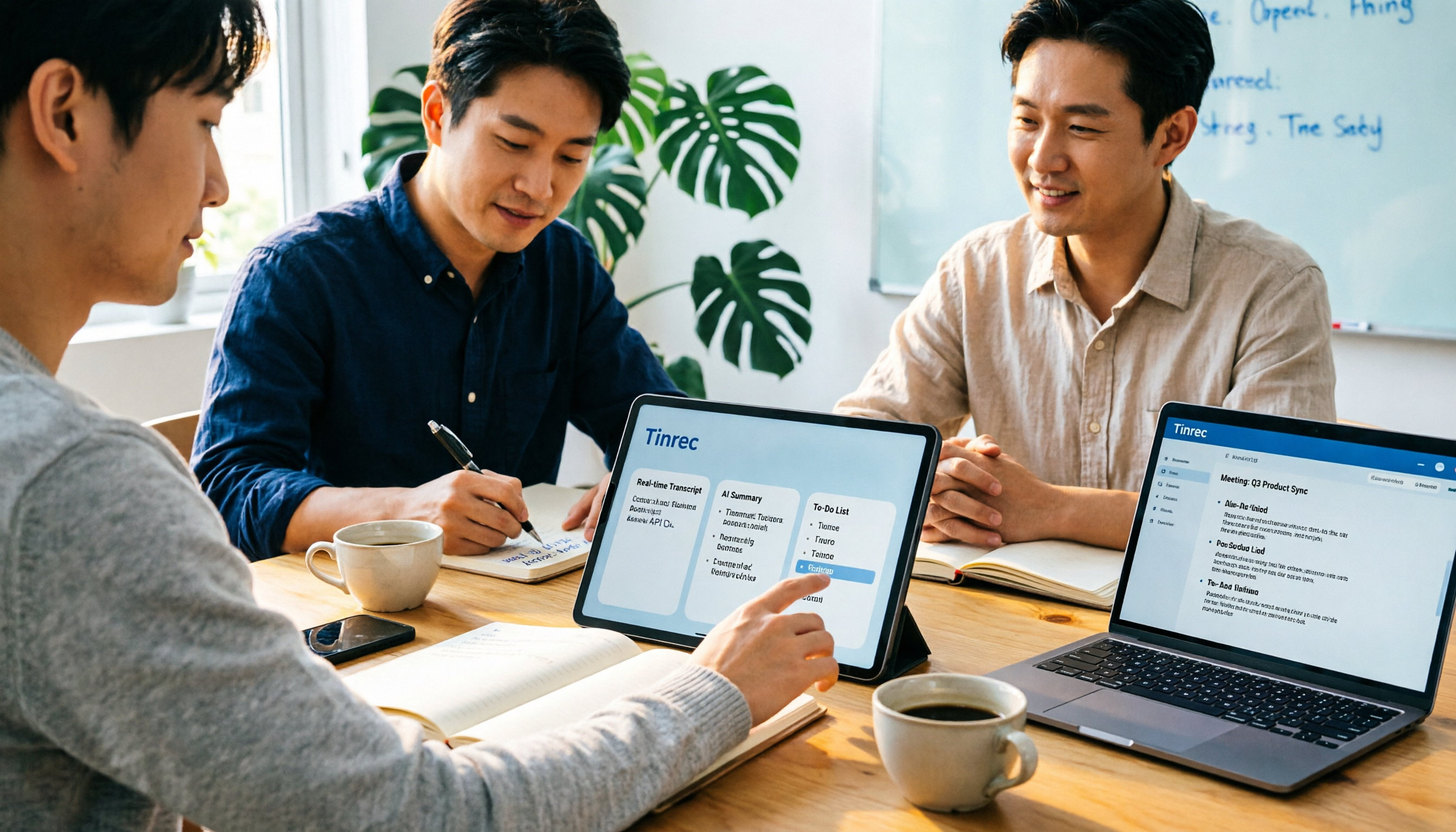
2026 Notta AI Complete Guide: Features, Limitations, and a Better Meeting Notes Alternative for Chinese-Speaking Teams
People searching for "app notta ai" usually have an unprocessed meeting recording sitting on their hands. This article doesn't cover spec sheets; instead, it breaks down the three missing steps between "turning voice into text" and "turning meetings into actionable data," and uses Tinrec to demonstrate a complete workflow—bot-free recording, real-time transcription, AI summaries and action items, meeting Q&A, and team knowledge retention—to help you decide which tool truly fits your work.

5 Legal Alternatives to Notta Mod APK: Free Audio Transcription Options for 2026
People searching for Notta Mod APK usually just want a free way to turn meeting recordings into text. This article covers 5 legal, actually usable alternatives, including free quotas, paid pricing, and best-use scenarios, and explains why installing APKs from unknown sources is not recommended.

The Complete 2026 Guide to AI Meeting Notes: From Transcripts to Team Knowledge
Meetings end, but notes and action items don't materialize? This guide, from a mid-level manager's practical perspective, breaks down the core capabilities, use cases, and 5 key purchasing considerations for AI meeting note tools, and demonstrates with Tinrec a complete workflow from recording to transcript, summary, and team knowledge retention.

Notta Country of Origin 2026: Headquarters, Language Support, and Chinese Meeting Tool Guide
Notta is developed by NOTTA PTE. LTD., a Singapore-based company with R&D in Shenzhen and a separate entity in Japan. This guide clarifies its registration and localization, then offers practical advice on Chinese transcription, meeting recording methods, and post-meeting organization for teams, using Tinrec as an example with bot-free recording, AI summaries, and team spaces.
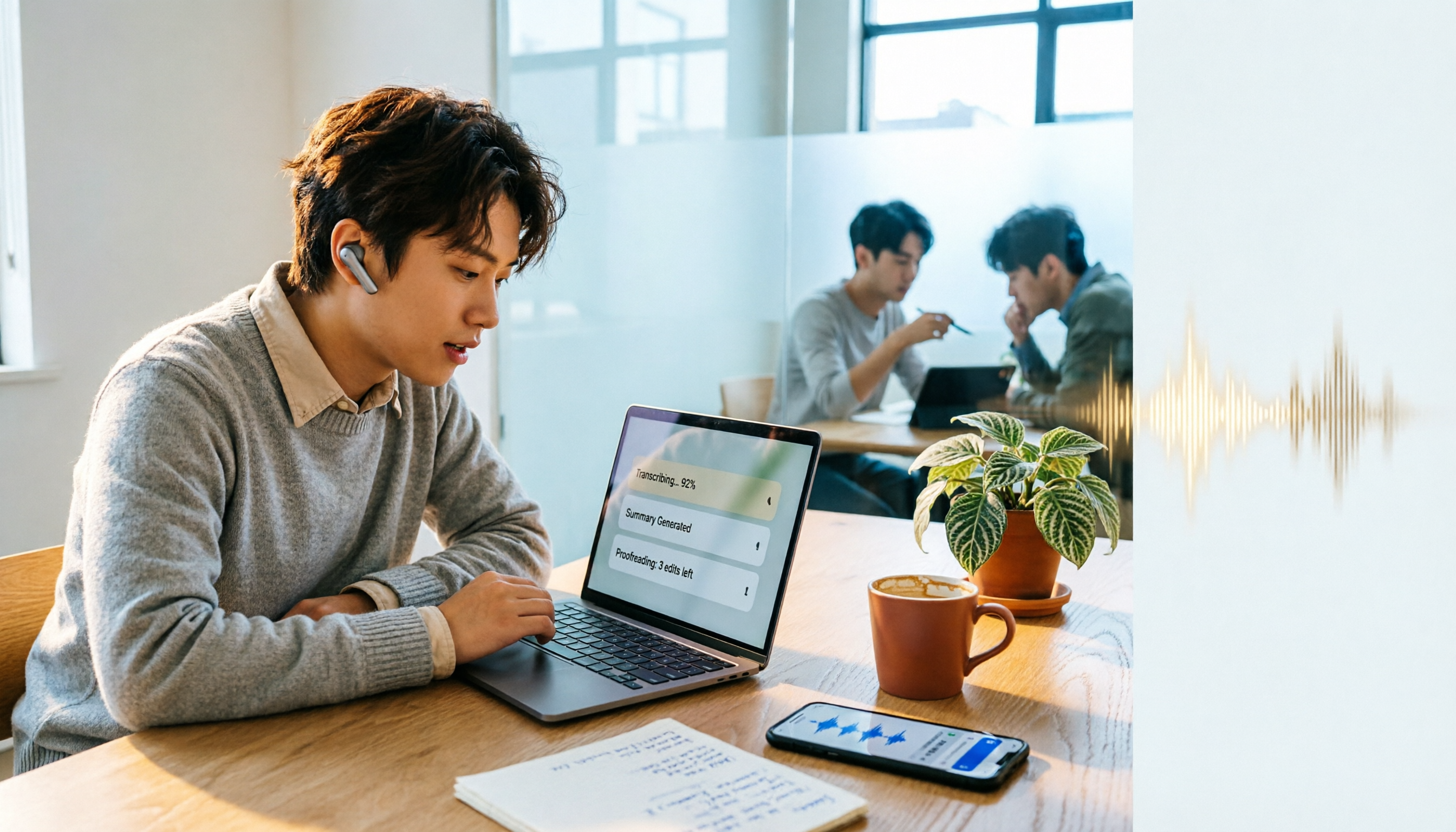
How to Use Notta in 2026: 5-Step Guide to Transcribe Audio to Text
Notta is a cross-platform AI audio transcription tool that supports real-time transcription, AI summaries, translation, and multi-device sync. This guide walks you through 5 steps—from recording and transcribing to proofreading and exporting—and honestly breaks down the differences between the free and paid plans to help you decide if the free version is enough.

2026 AI Meeting Recorder App Comparison: Notta Reviews Are Mixed—What's the Real Difference?
People searching for notta app reviews usually have one question: is this app worth trying? This article examines three decision points—accuracy, free tier limits, and post-meeting organization—and compares Notta, Otter.ai, TurboScribe, and Tinrec, with buying criteria and the 3 most common pitfalls.

Video to Text Online Tools in 2026: 5 Options Compared + Free Tier Breakdown
A roundup of 5 online video-to-text tools in 2026, covering Chinese transcription, subtitle file export, free tiers, and team collaboration to help you choose the right option for meeting, interview, and course videos.
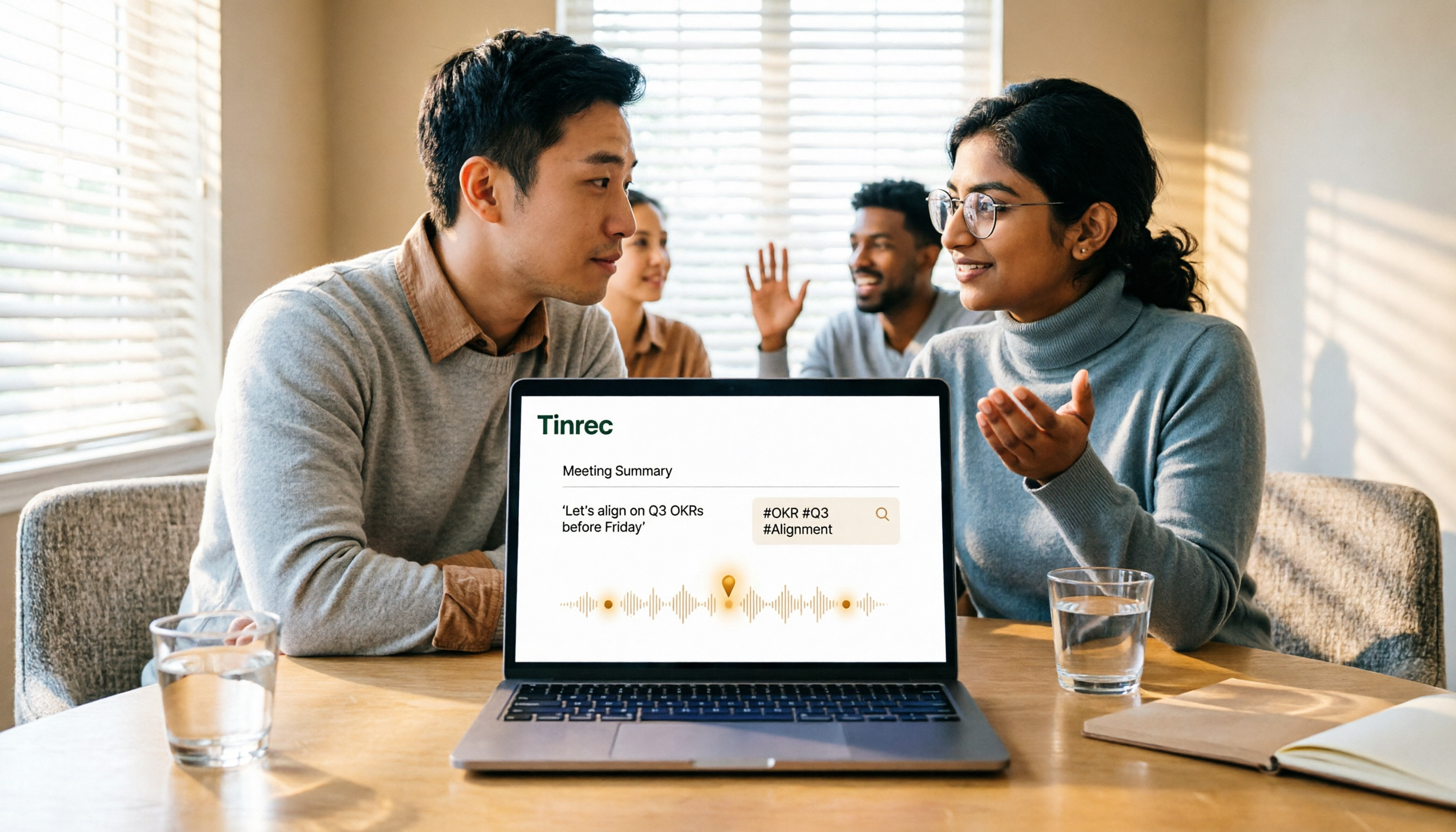
5 Google Meet Recording Methods Compared in 2026: From Built-in Recording to AI Transcripts
Recording a Google Meet isn't just about pressing a button. This article addresses three common misconceptions and compares built-in recording, screen recording, browser extensions, physical recording devices, and Tinrec desktop bot-free recording. It explains what each method delivers, where it falls short, and how to turn meeting audio into searchable, queryable, and actionable team data in one go.

4 Google Meet Note-Taking Tools Tested for 2026: Tinrec's Chinese Transcripts and Post-Meeting Organization Are the Easiest
Still taking notes manually after Google Meet calls? This hands-on comparison looks at Google Meet's built-in Gemini 'Take notes for me,' Tinrec, Otter.ai, and Notta, covering the 4 key factors to consider when choosing a meeting notes tool, 3 common mistakes, and each option's limitations and pricing—so you can decide which one actually saves you post-meeting cleanup time.