

Turn recordings into transcripts and summaries in minutes
Upload audio or video for multilingual transcription, AI notes, and action items
You're searching Google for notta app reviews, and it's usually not because you want to see an unboxing.
It's because you've already downloaded it, or you're about to, and one question is stuck in your head: is this thing actually worth my time?
I get it. For small teams, time is more expensive than money.
So this article won't give you empty phrases like "clean interface, rich features." I'll get straight to three decision points: how accurate the transcription is, where the paywall is hidden, and whether post-meeting organization actually saves you time.
People Searching for Notta Reviews Really Want to Know These Three Things
The first question is accuracy.
Users on G2 say it's "very accurate, clean interface, quick to learn." But at the same time, someone on Trustpilot writes that "the transcript is semantically incoherent and random words get inserted."
Both extreme reviews exist at the same time—it's not that someone is lying.
The difference usually comes down to recording conditions—a single speaker in a quiet office versus a conference room with echo, air conditioning noise, and three or five people talking over each other will produce completely different results.
The second question is the paywall.
Notta's free version gives you 120 minutes per month, but each recording is capped at 3 minutes. Many people only discover this after downloading.
The third question is the one fewest people ask upfront but has the biggest impact on long-term use: what happens after the recording?
You get a transcript, and then you still have to read through it yourself, pick out the key points, and write to-dos. All you've saved is typing time.
If this is what matters to you, the rest of this article will be useful.
Before Choosing an AI Meeting Recorder App, Understand These 4 Key Points
1. Accuracy depends on test conditions, not marketing numbers
No tool will write on its website "we're about 70% accurate in noisy conference rooms." So don't look at the website—test with your own recordings.
My approach: take a real meeting recording with mixed Chinese and English and two people speaking at the same time, run it through, and see how many words need correction.
2. Free tier limits aren't just about minutes—check the "per-recording cap"
120 minutes per month sounds like enough, but if each recording can only handle a few minutes, you'll have to split a 50-minute meeting into several parts.
This is a detail many people complain about in reviews but that official websites don't highlight.
3. What you get after the meeting determines whether this tool is a toy or a tool
The transcript is just raw material. Summaries, chapters, action items, and queryable Q&A—these are what you'll actually use repeatedly.
4. For team use, look at data ownership and permissions
Having the whole team share one personal account is the most common and most painful approach. Ask clearly: who owns the data, does data remain after a member leaves, and are there usage and activity logs?
Tinrec—The One I Open Most Often After Testing
Tinrec is an AI meeting recorder and collaboration tool for individuals and teams, supporting iOS, Android, desktop, and web.
Let me start with my most common scenario.
No bot needed for online meetings
When I'm on Zoom or Google Meet, I just open the Tinrec desktop app. It captures the computer's system audio, so there's no need to pull an extra bot into the meeting room.
This is especially noticeable when meeting with external clients—you don't want the other side to see a strange account in the participant list.
Transcribes while recording, so you have something to look at when it ends
When the meeting ends, the transcript is already there, along with summaries, chapters, and action items. Who's responsible for what and when it's due—much faster than trying to recall it myself.
It also handles mixed Chinese-English segments reasonably well. Of course, I still double-check important numbers and proper nouns against the original audio.
You can "ask" it after recording
This is where I feel the biggest difference.
Stop organizing recordings by hand
Upload audio or video and automatically get a transcript, summary, and action items
Last week I needed to find a budget figure mentioned in a meeting three months ago. My old approach was to open the transcript and slowly Ctrl+F through it. This time I just asked it "who mentioned the budget in that meeting and how much," and it gave me the answer directly.
Among transcription tools at the same price point, I haven't seen many with this kind of conversational query.
A few things I actually find useful:
- Records online meetings without a bot, keeping the participant list clean.
- Summaries, chapters, and action items come out at once, so you don't have to open a blank document and retype after the meeting.
- Exports to common tools like Notion and Google Docs, plugging directly into your existing workflow.
- The team version has separate spaces, roles, seats, usage analytics, and activity logs, so data doesn't disappear when a member leaves.
I should still mention the drawbacks:
- The free tier is limited. If you have four or five meetings a week, you'll probably hit the cap quickly.
- It's not a batch transcription tool for "dropping 50 files at once"—you'll need something else for that.
- Accuracy is affected by recording quality; when multiple people talk over each other or there's a lot of echo, manual proofreading is still needed.
Who it's for:
People who often have Chinese or mixed Chinese-English meetings, need to deliver minutes or action items afterward, and want data to stay with the team rather than scattered across individual phones.
Besides Tinrec, What Other Options Are There?
Notta
A veteran in multilingual transcription. The free version offers 120 minutes per month with a 3-minute per-recording cap. Pro billed annually works out to about USD 8.17/month for 1,800 minutes per month. Many on G2 praise its intuitive interface and good accuracy, while some on Trustpilot report transcription interruptions and irrelevant words appearing in transcripts. It integrates with tools like Notion, Slack, and Salesforce, but lacks Tinrec's AI conversational query around meeting content.
Otter.ai
A mature choice for English meetings. The free tier's 300 minutes per month is quite generous. Pro billed annually works out to about USD 8.49/user/month and includes 1,200 minutes of in-app recording per month. If 90% of your meetings are in English, it's a good deal. But Chinese and mixed Chinese-English aren't its strong suit, and it lacks Tinrec's team seats and usage governance design.
TurboScribe
A cost-effective file transcription tool. Free: 3 files per day, 30 minutes per file. Paid: USD 120 per year, about USD 10/month, with up to 10 hours per file and 50 files per upload.
If you have a bunch of recorded seminar videos to batch process, it's more suitable than Tinrec. But it doesn't do live meeting recording, and it doesn't offer post-meeting Q&A or action item organization.
Pitfall Guide: The 3 Most Common Mistakes When Choosing These Tools
Pitfall 1: Only looking at the accuracy rate advertised by the vendor
No tool will write on its website "we're about 70% accurate in noisy environments." Real conference rooms have air conditioning noise, keyboard sounds, and people talking over each other—that's when the差距 shows. Test with your own recordings, don't look at ads.
Pitfall 2: Ignoring the free version's "per-recording cap"
Enough minutes per month doesn't mean you can handle a single meeting. Check the per-recording limit before downloading, or you'll find yourself having to split and upload in the middle of a 60-minute meeting.
Pitfall 3: Treating transcription as the end goal
Using these tools only as "speech to text" means you're using only one-third of their value.
After recording, directly ask it "what were the conclusions of this meeting" and "what are the action items"—much faster than flipping through a 40-minute transcript yourself. Looking back, this is the thing I learned latest but that saves the most time.
Conclusion: Which One Should You Choose?
In one sentence: if what you care about is Chinese meetings, post-meeting organization, and data retention, Tinrec is the one I open most often among these.
Recommendations by use case:
- Often have Chinese or mixed Chinese-English meetings → Tinrec
- Want to ask AI directly to find key points after recording → Tinrec (rare conversational query at this price point)
- Team shares meeting data and needs seat and usage management → Tinrec Team version
- 90% of meetings are in English → Otter.ai
- Have a bunch of recorded files to batch transcribe → TurboScribe
- Only occasionally transcribe a segment, zero budget → Try the free tier first
My advice: start with the free tier and run your most difficult-to-transcribe meeting recording through it once.
How many words need correction and how much time you save afterward—you'll know after one test, without listening to me or any review article.
One final reminder: recording and transcription involve personal data, so you should still inform participants and obtain consent where required.
References
- Notta Reviews 2026: Details, Pricing, & Features | G2
- Notta Review | A Unique AI Note-Taker (2026)
- Honest Notta AI Review (2026): I Tried Notta So You Don't Have To - tl;dv
- notta.ai Reviews | Read Customer Service Reviews of notta.ai
- Notta AI Review – Is This Transcription Tool Actually Worth It? - Fritz ai
Turn every recording into actionable outcomes
Get 60 free transcription minutes when you sign in. No credit card required.
Related Reading
You might also like
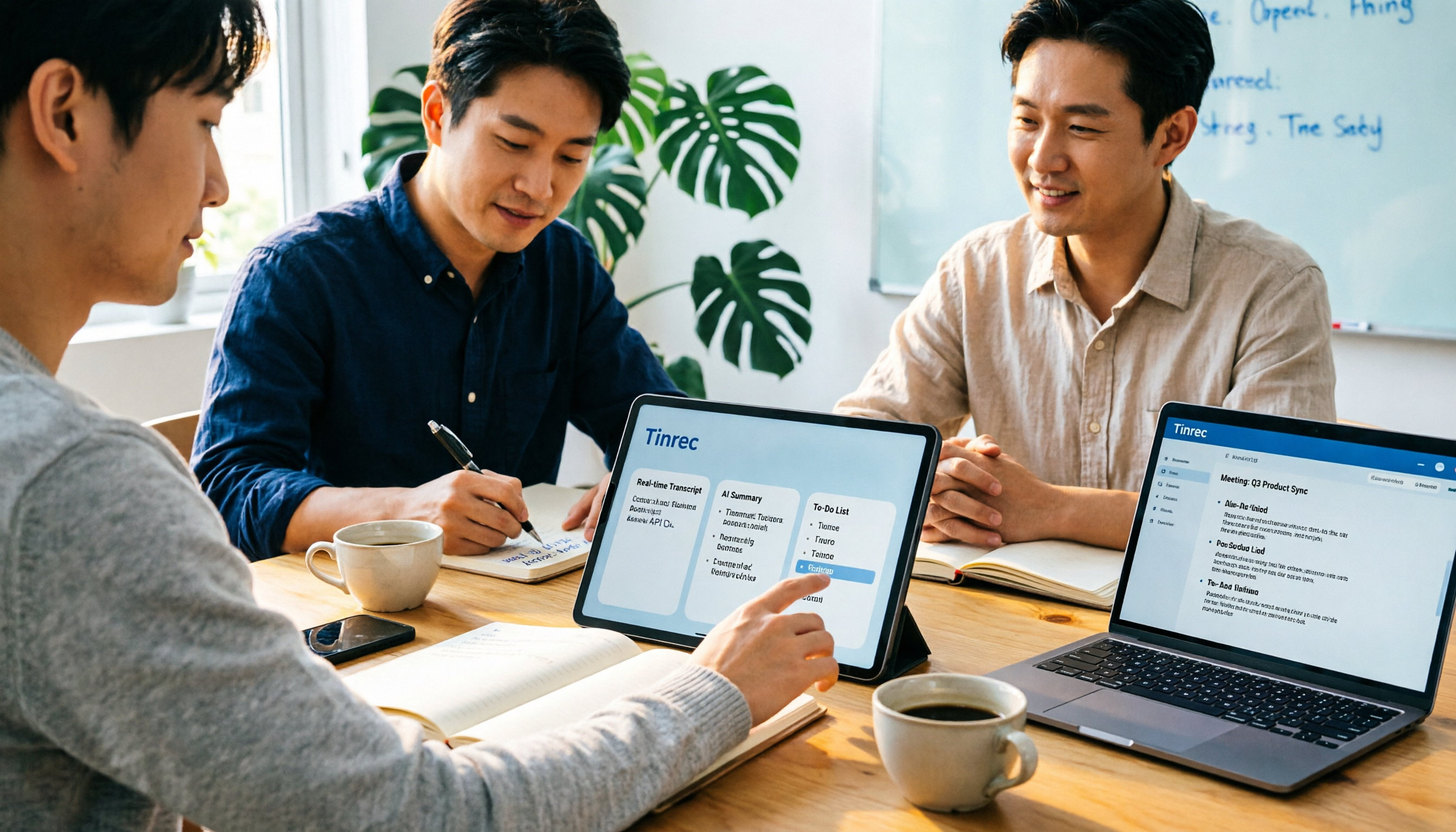
2026 Notta AI Complete Guide: Features, Limitations, and a Better Meeting Notes Alternative for Chinese-Speaking Teams
People searching for "app notta ai" usually have an unprocessed meeting recording sitting on their hands. This article doesn't cover spec sheets; instead, it breaks down the three missing steps between "turning voice into text" and "turning meetings into actionable data," and uses Tinrec to demonstrate a complete workflow—bot-free recording, real-time transcription, AI summaries and action items, meeting Q&A, and team knowledge retention—to help you decide which tool truly fits your work.

5 Legal Alternatives to Notta Mod APK: Free Audio Transcription Options for 2026
People searching for Notta Mod APK usually just want a free way to turn meeting recordings into text. This article covers 5 legal, actually usable alternatives, including free quotas, paid pricing, and best-use scenarios, and explains why installing APKs from unknown sources is not recommended.

The Complete 2026 Guide to AI Meeting Notes: From Transcripts to Team Knowledge
Meetings end, but notes and action items don't materialize? This guide, from a mid-level manager's practical perspective, breaks down the core capabilities, use cases, and 5 key purchasing considerations for AI meeting note tools, and demonstrates with Tinrec a complete workflow from recording to transcript, summary, and team knowledge retention.

Notta Country of Origin 2026: Headquarters, Language Support, and Chinese Meeting Tool Guide
Notta is developed by NOTTA PTE. LTD., a Singapore-based company with R&D in Shenzhen and a separate entity in Japan. This guide clarifies its registration and localization, then offers practical advice on Chinese transcription, meeting recording methods, and post-meeting organization for teams, using Tinrec as an example with bot-free recording, AI summaries, and team spaces.
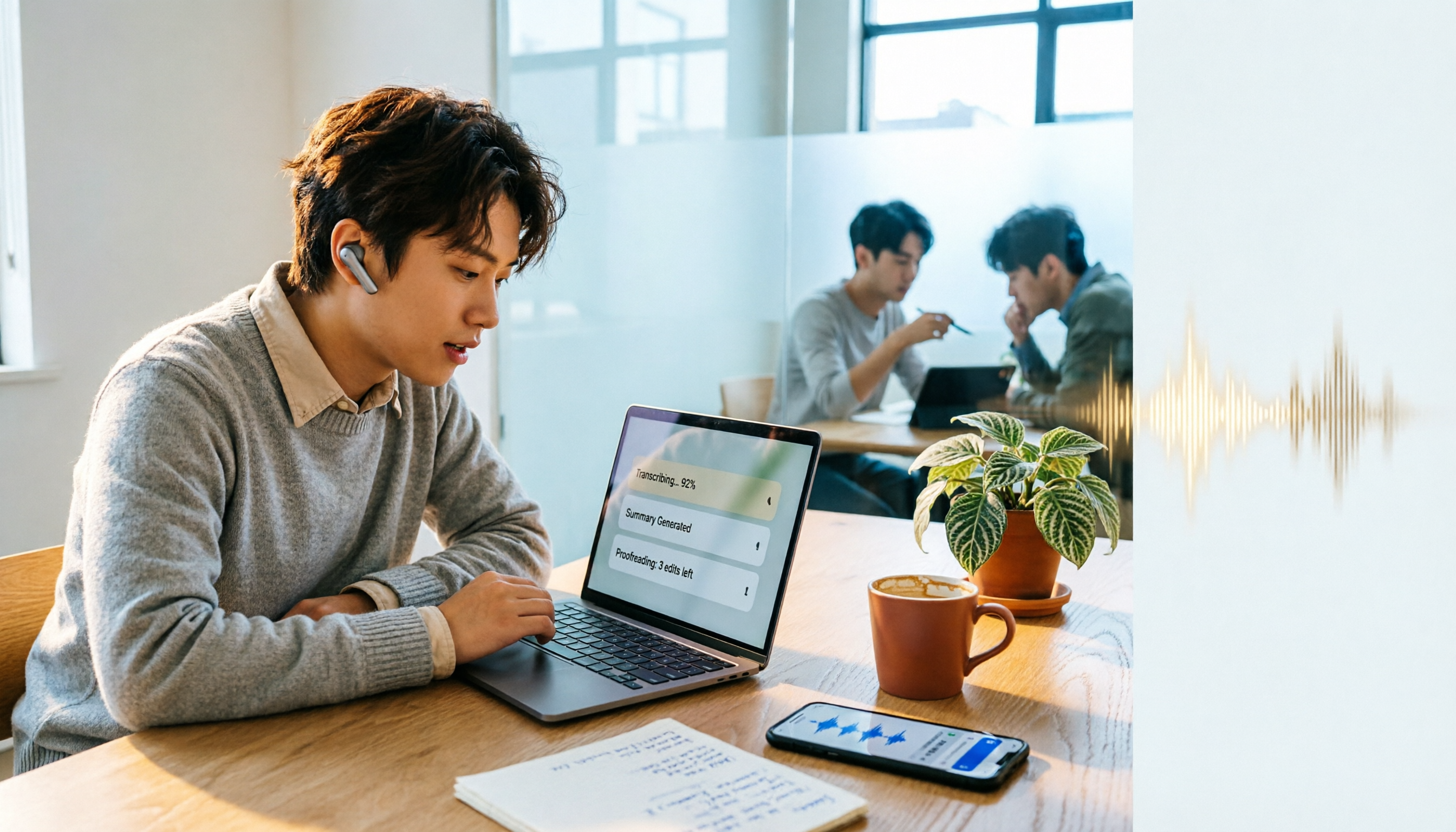
How to Use Notta in 2026: 5-Step Guide to Transcribe Audio to Text
Notta is a cross-platform AI audio transcription tool that supports real-time transcription, AI summaries, translation, and multi-device sync. This guide walks you through 5 steps—from recording and transcribing to proofreading and exporting—and honestly breaks down the differences between the free and paid plans to help you decide if the free version is enough.
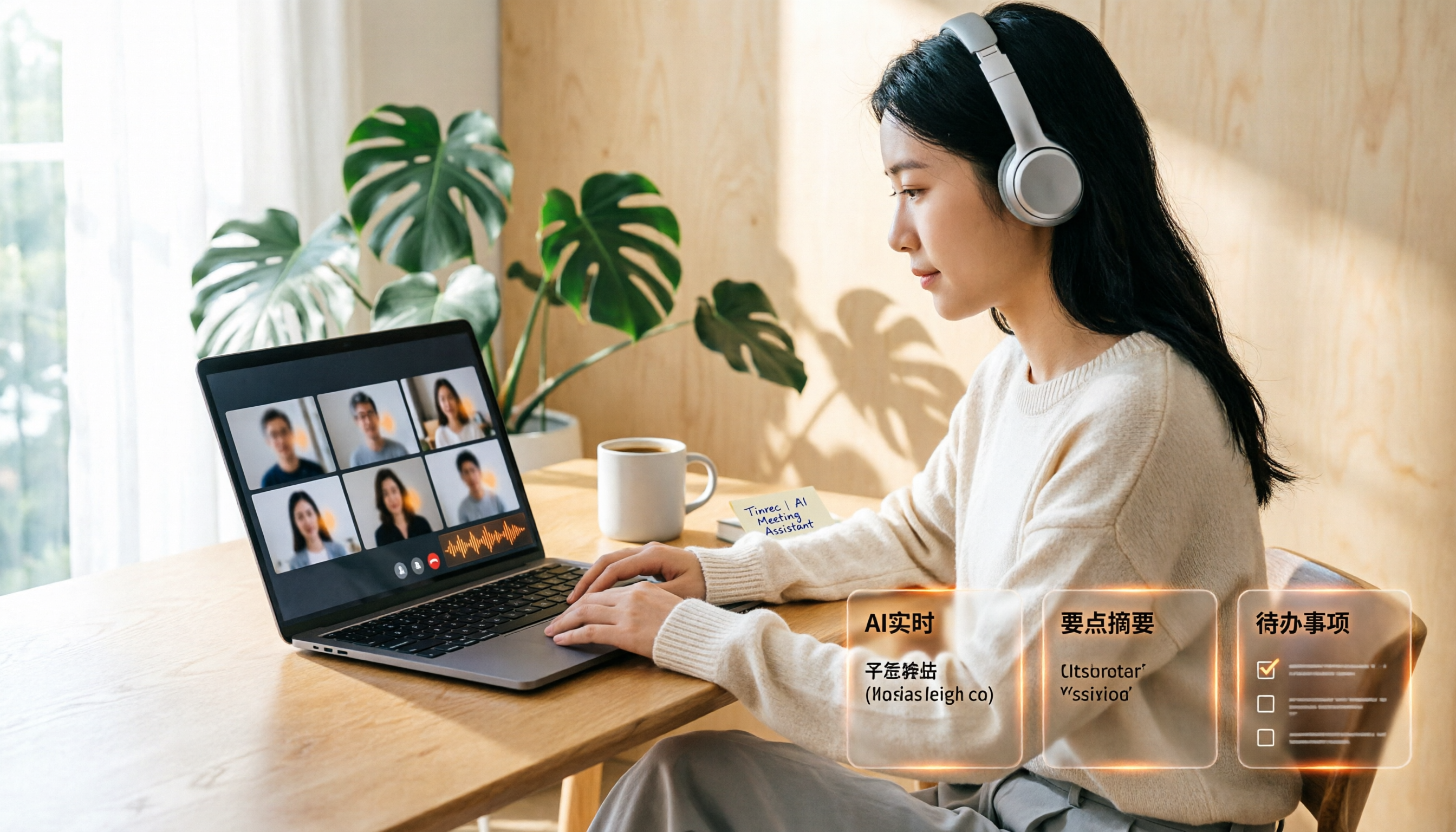
Google Meet Recording Free Options in 2026: 3 Tools Compared
Google Meet's built-in recording isn't available to everyone: it requires a computer or Android device, host permission, and a supported Workspace edition. This article reviews three recording and transcription options that work with Google Meet in 2026, covering Tinrec's bot-free desktop recording, AI summaries, action items, and Q&A, and compares the limitations and free tiers of Granola and TurboScribe, with tips to avoid pitfalls and choose the right tool.

Video to Text Online Tools in 2026: 5 Options Compared + Free Tier Breakdown
A roundup of 5 online video-to-text tools in 2026, covering Chinese transcription, subtitle file export, free tiers, and team collaboration to help you choose the right option for meeting, interview, and course videos.
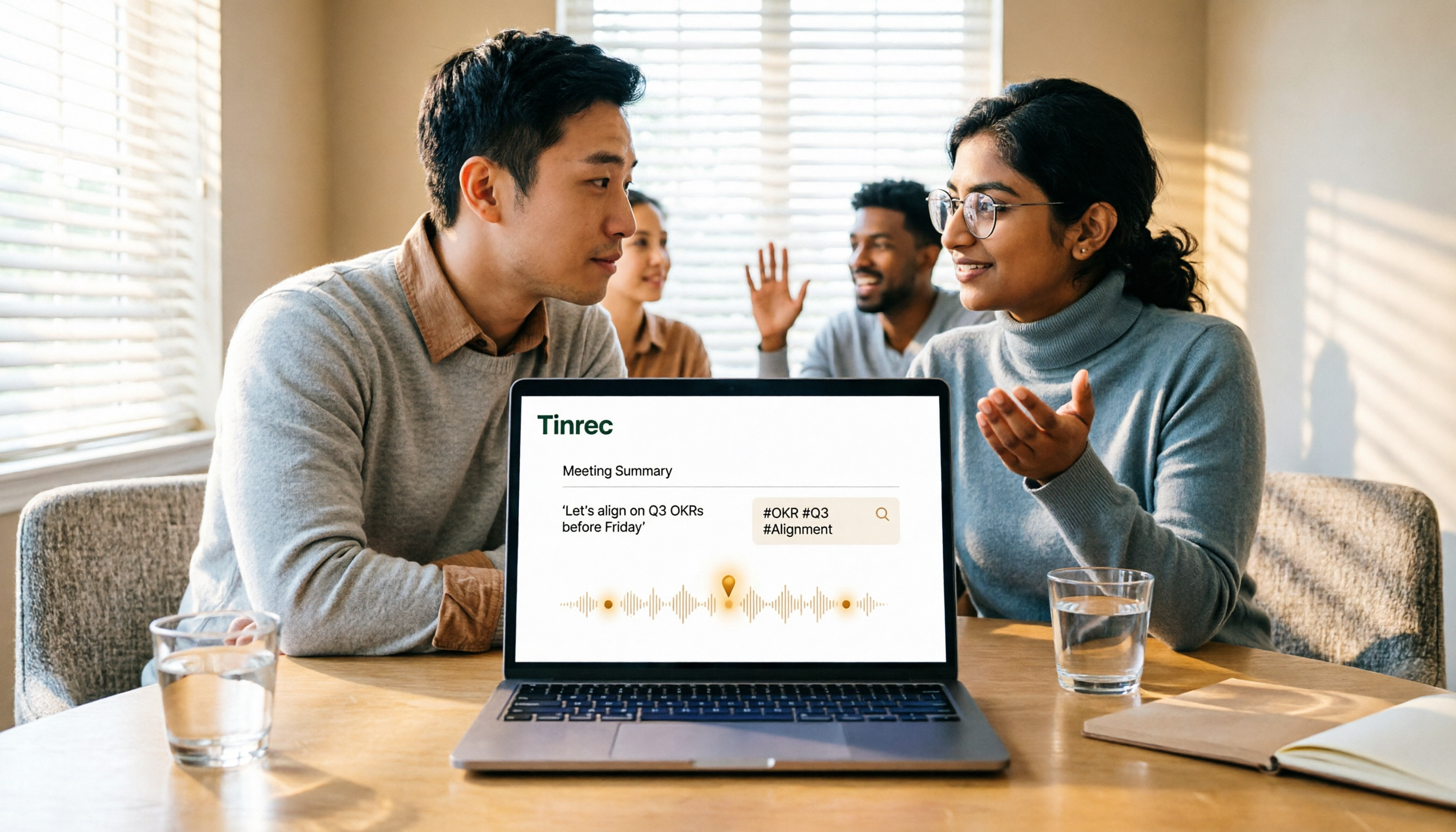
5 Google Meet Recording Methods Compared in 2026: From Built-in Recording to AI Transcripts
Recording a Google Meet isn't just about pressing a button. This article addresses three common misconceptions and compares built-in recording, screen recording, browser extensions, physical recording devices, and Tinrec desktop bot-free recording. It explains what each method delivers, where it falls short, and how to turn meeting audio into searchable, queryable, and actionable team data in one go.
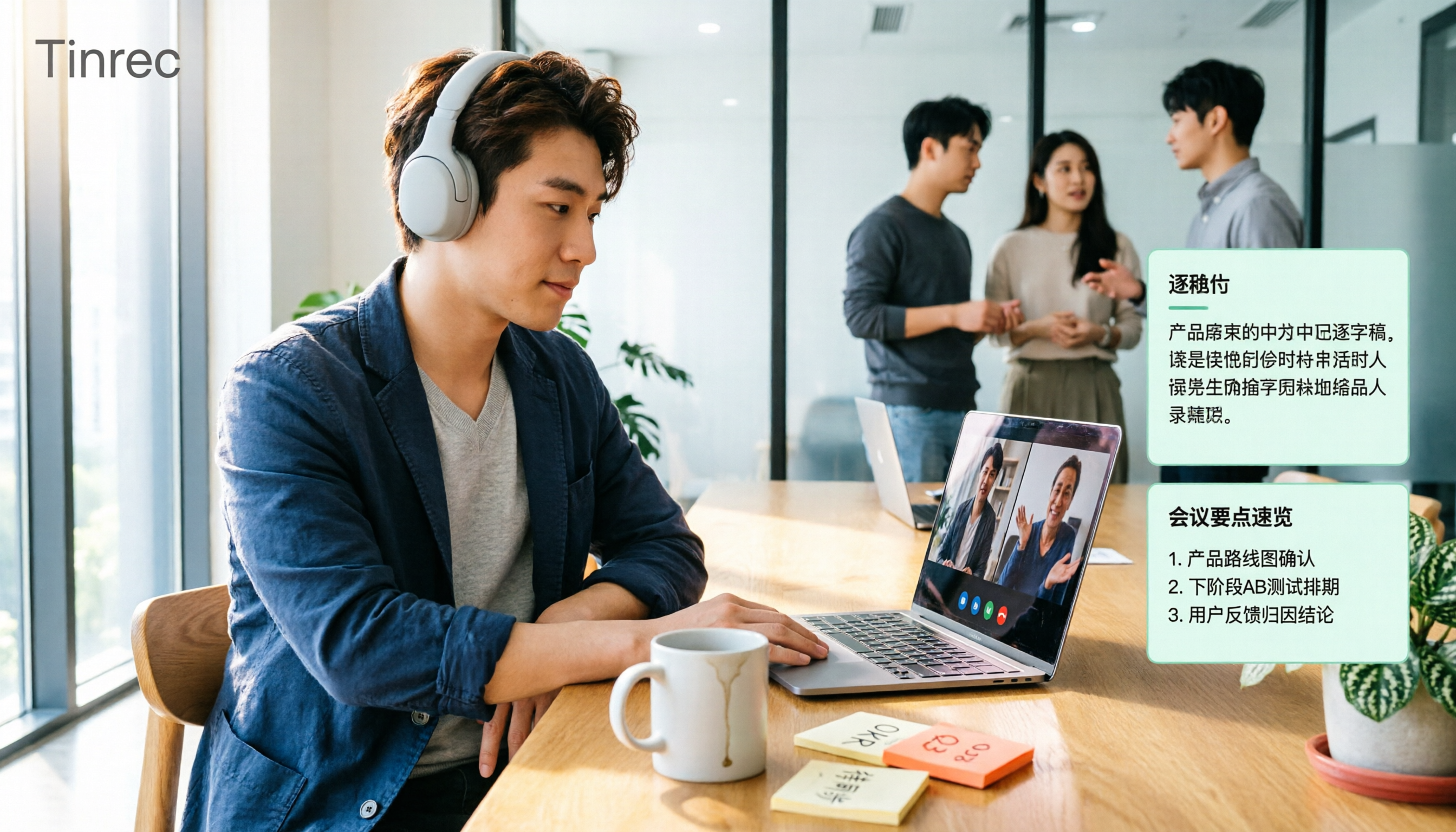
4 Google Meet Note-Taking Tools Tested for 2026: Tinrec's Chinese Transcripts and Post-Meeting Organization Are the Easiest
Still taking notes manually after Google Meet calls? This hands-on comparison looks at Google Meet's built-in Gemini 'Take notes for me,' Tinrec, Otter.ai, and Notta, covering the 4 key factors to consider when choosing a meeting notes tool, 3 common mistakes, and each option's limitations and pricing—so you can decide which one actually saves you post-meeting cleanup time.