
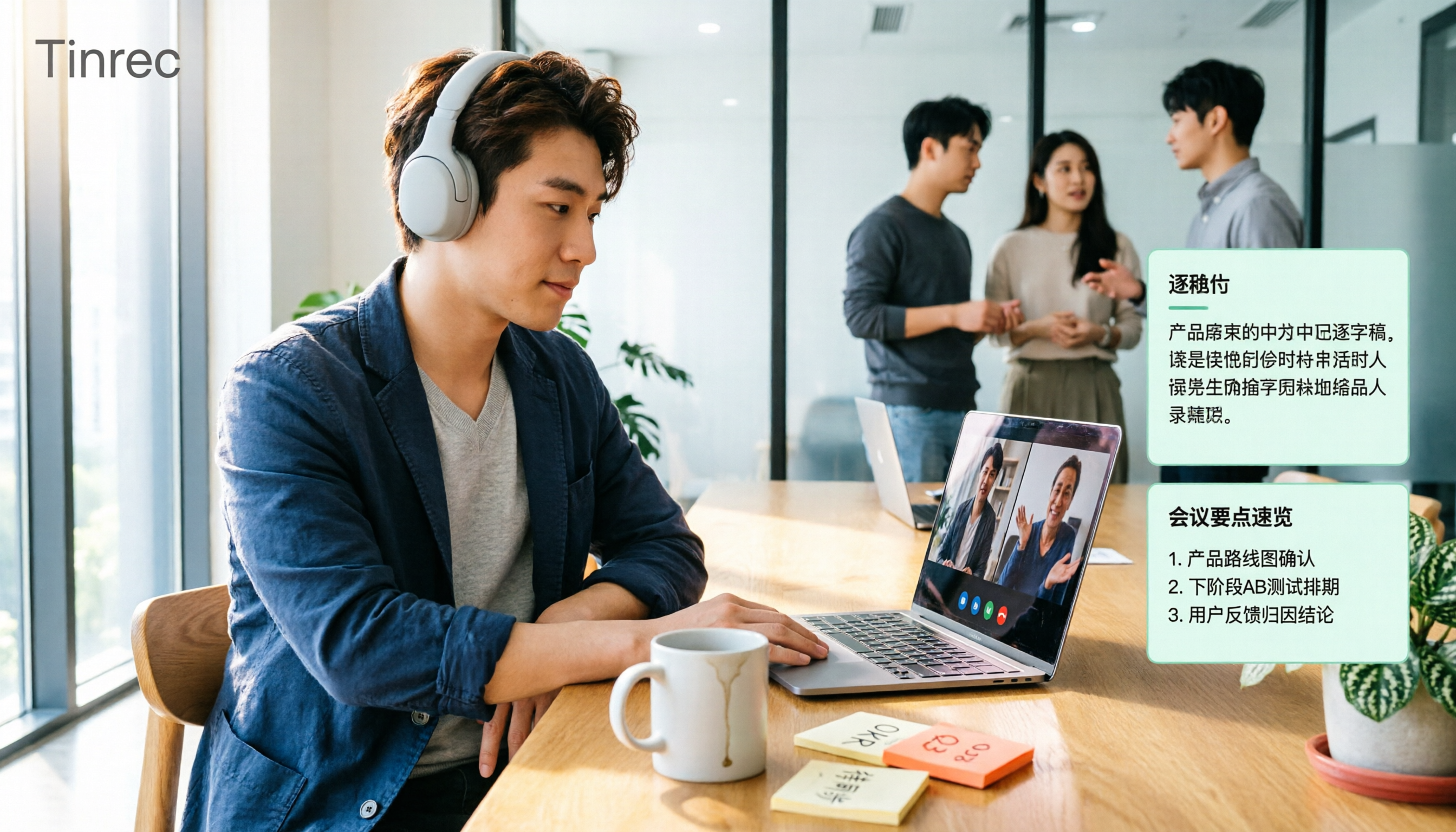
Turn recordings into transcripts and summaries in minutes
Upload audio or video for multilingual transcription, AI notes, and action items
The Three Most Common Meeting Notes Mistakes
'I'll just catch up on the notes after the meeting'—that's mistake number one. You remember the details right when the meeting ends, but three days later, when you try to recall 'who said they'd send the quote to the client,' you're usually left with fragments.
Mistake number two is treating 'recording' as 'notes.' Yes, Google Meet recordings are saved, but in a two-hour video, where do you find that three-minute decision? Without a transcript or summary, the recording just postpones the problem.
Mistake number three is 'having one person take notes.' Only one person is heads-down typing while everyone else focuses on the discussion—as a result, the note-taker participates the least, and the notes are the least consistent.
A more sensible approach is to let tools handle 'transcription and organization' while people focus on 'confirmation and decisions.' The following article starts from real Google Meet usage scenarios and compares 4 meeting notes tools.
Before Choosing a Google Meet Notes Tool, Understand These 4 Key Points
First, how meeting audio is captured. There are three common methods: built-in platform capture, a meeting bot joining the call, and desktop capture of system audio. A bot appears in the participant list, which some people mind; desktop capture doesn't require an extra participant. Confirm this first, because it affects whether you can use it in client meetings.
Second, is a transcript enough? A transcript is raw material, not a finished product. What you need to check is whether it can automatically generate summaries, chapters, and action items, and whether you can ask follow-up questions about the meeting content. A tool that only gives you a transcript means you still have to read through two hours of text afterward.
Third, performance with Chinese and mixed Chinese-English. Meetings in Taiwan are rarely pure Chinese—they're often 'this campaign's KPI needs to be aligned again.' Such sentences are a tough test for transcription tools. We recommend testing with your own company's meeting recordings rather than relying on official marketing copy.
Fourth, who owns the data and how teams collaborate. Meetings recorded with a personal account are stored in personal cloud storage; when a colleague leaves, the data goes with them. If meeting notes are to become a team asset, check whether the tool offers team spaces, member roles, and seat management.
Tinrec—The Easiest Option After Testing
Tinrec is an AI meeting notes and collaboration tool for individuals and teams, available on web, desktop, and mobile. Its positioning is clear: turn meetings into searchable, queryable data you can keep working with.
For Google Meet, it doesn't need a meeting bot. The desktop version directly captures your computer's system audio. You open your Google Meet, and Tinrec generates a live transcript on the side—no extra Bot in the participant list. This is especially noticeable in client meetings; you don't have to explain 'what's that bot joining the meeting?'
The real value comes after the meeting. It automatically organizes summaries, chapters, and action items—where budget was discussed, who was assigned what—so you don't have to dig through everything yourself. Even better is the AI Q&A: you can directly ask 'What was the conclusion about the launch date in this meeting?' and it answers based on the content instead of dumping a bunch of keyword search results on you.
The export feature is very practical. Organized content can be exported to Google Docs, Notion, OneNote, and other tools for further editing, and can also directly generate reports, tables, and meeting minutes. It essentially connects 'recording → transcript → minutes → deliverable documents' into one line.
My test method: I opened a Google Meet on a desktop while playing a presentation audio file with mixed Chinese and English, then checked the transcript and summary quality afterward. Under conditions of clear audio and non-overlapping speech, the Chinese sections read smoothly with few manual corrections needed; however, actual performance is still affected by microphone, ambient noise, accents, and multiple people talking over each other—I won't guarantee it for that.
Three reasons I think it's worth it: First, no extra hardware, no bot to invite—just click before the meeting. Second, the post-meeting output is complete: summary, action items, Q&A, and export all in one place. Third, there's a team version where meeting data belongs to the team, not tied to an individual's account.
Limitations should also be clear. The free version provides a basic quota, which is fine for light use, but heavy users who meet daily will definitely hit the limit and need to look at weekly cards, Pro monthly, or annual plans—actual prices are subject to the official website. Also, it shouldn't be understood as a tool that 'automatically joins all your calendar meetings'; you actively initiate recording yourself.
Stop organizing recordings by hand
Upload audio or video and automatically get a transcript, summary, and action items
For the team version, it uses an independent team space rather than multiple people sharing a personal account. Roles determine who can manage members and settings; seats determine who can record, upload, edit, and export; members without seats can still view and play team data. Paid seats provide 2,000 minutes of team-shared import quota per month, and real-time recording under an active plan is currently not deducted by the minute. First-time eligible teams get a 7-day trial, 1 free seat, and 300 minutes of shared quota; team monthly billing is USD 29.80 per paid seat per month, annual billing is USD 199 per paid seat per year, equivalent to about USD 16.58 per month.
If you have several Google Meet calls every week and need to produce minutes for your manager or clients afterward, Tinrec currently offers the smoothest workflow.
Besides Tinrec, What Other Options Are There?
Google Meet's built-in Gemini 'Take notes for me': Lowest barrier to entry—enable it during the meeting and it transcribes in real time and organizes summaries and action items, saving them as a Google Doc afterward; you can also ask Gemini to polish them further. When activated, all attendees see a notification and pencil icon, which is very transparent. Limitations: it requires an eligible Workspace plan or Google AI Pro/Ultra subscription, and the output mainly stays within the Google ecosystem; if you want to upload existing audio files or ask continuous follow-up questions about a meeting afterward, Tinrec handles that more directly.
Otter.ai: A mature choice for English meetings. The free version offers a generous 300 minutes per month, and Pro annual billing works out to about USD 8.49 per user per month. Its strengths are summaries and team analytics for English business meetings. If 80% of your meetings are in English, it's a good deal; but if you need primarily Chinese transcripts, bilingual comparison, and team hotwords, Tinrec's design is closer to Taiwan usage scenarios.
Notta: Started with multilingual transcription. The free version offers 120 minutes per month with a 3-minute limit per session; Pro annual billing is about USD 8.17 per month for 1,800 minutes per month. It performs well in document transcription and translation. The difference lies in meeting capture methods and post-meeting workflow: Tinrec's desktop version can directly capture system audio without a bot joining, and puts summaries, action items, Q&A, and export on the same workflow.
Pitfall Guide: The 3 Most Common Mistakes When Choosing a Google Meet Notes Tool
Pitfall 1: Thinking a transcript equals meeting notes. A transcript is raw material. What really saves time is summaries, chapters, and action items—plus 'being able to get answers when you have follow-up questions after the meeting.' When choosing a tool, look directly at what its post-meeting output looks like.
Pitfall 2: Ignoring whose account the data is stored in. Meetings recorded with a personal account can't be accessed after a colleague leaves. If meeting content is valuable to the team, prioritize solutions with team spaces, roles, and seats, and ask clearly before adoption: how will data be handed over when a member leaves?
Pitfall 3: Comparing only by minutes. Minutes matter, but different tools calculate 'minutes' differently—some are upload quotas, some are recording time. Also, don't forget that AI summaries may miss details; for important decisions, go back to the transcript timestamps and recording—don't send AI summaries out as the final version.
One more often-overlooked point: recording and transcription involve personal data. For external meetings, obtain attendees' consent first and confirm that the tool's terms of use comply with company policies.
Conclusion: Which One Should You Choose?
In one sentence: If you mainly meet on Google Meet, your content is primarily Chinese or mixed Chinese-English, and you need to deliver minutes afterward, Tinrec is the most complete and easiest option among these four.
Scenario breakdown:
- Want to avoid meeting bots but still need Chinese transcripts → Tinrec (desktop captures system audio, no Bot needed)
- Want to use AI to ask 'what was decided in the last meeting' right after → Tinrec (supports Q&A around meeting content)
- Meeting data needs to become a team asset, with seat and usage management → Tinrec team version
- Already using Google Workspace or Google AI subscription and only need basic notes → Google Meet's built-in Gemini 'Take notes for me' is sufficient
- Meetings are almost entirely in English and budget is a priority → Otter.ai's free quota is indeed generous
We suggest starting with the free version and picking a genuinely hard-to-organize mixed Chinese-English meeting you have on hand. Run through the 'record → summarize → follow-up → export' workflow once. In ten minutes you'll know whether it fits your meeting rhythm—that's more accurate than any spec sheet.
References
- Google Meet's built-in Gemini AI note-taking and 'Take notes for me' | Google Workspace
- Google Meet's 'Take notes for me' feature - Computer - Google Meet Help
- Anyone recommend an AI meeting notes tool (transcript & auto-summary) that works with Google Meet and supports both Chinese and English conversations?
- How to Record Google Meet Sessions—Three Methods Explained
- Google Meet's 'Take notes for me' now works for in-person meetings too! One click lets Gemini automatically organize meeting content | T客邦
Turn every recording into actionable outcomes
Get 60 free transcription minutes when you sign in. No credit card required.
Related Reading
You might also like
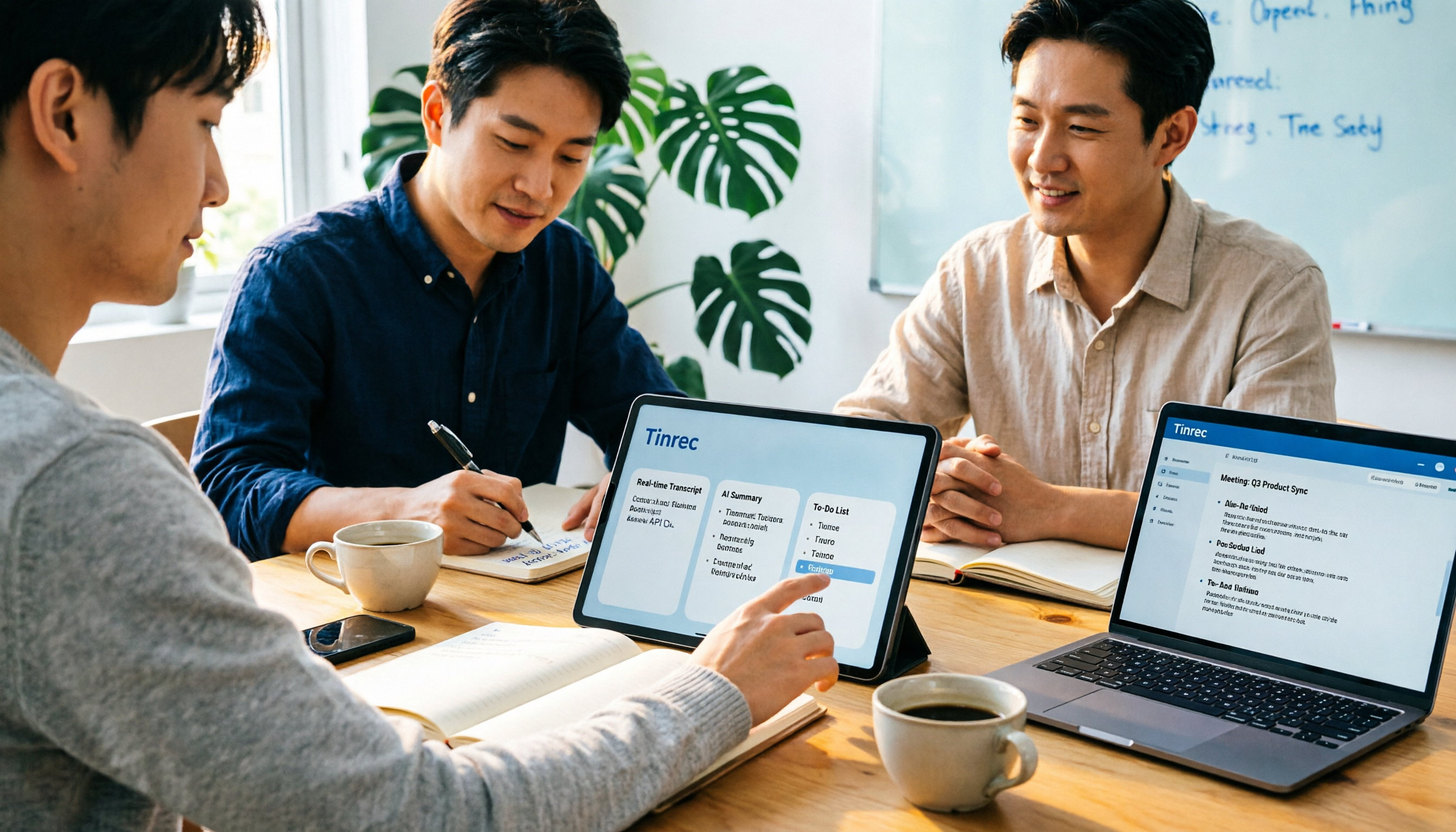
2026 Notta AI Complete Guide: Features, Limitations, and a Better Meeting Notes Alternative for Chinese-Speaking Teams
People searching for "app notta ai" usually have an unprocessed meeting recording sitting on their hands. This article doesn't cover spec sheets; instead, it breaks down the three missing steps between "turning voice into text" and "turning meetings into actionable data," and uses Tinrec to demonstrate a complete workflow—bot-free recording, real-time transcription, AI summaries and action items, meeting Q&A, and team knowledge retention—to help you decide which tool truly fits your work.

5 Legal Alternatives to Notta Mod APK: Free Audio Transcription Options for 2026
People searching for Notta Mod APK usually just want a free way to turn meeting recordings into text. This article covers 5 legal, actually usable alternatives, including free quotas, paid pricing, and best-use scenarios, and explains why installing APKs from unknown sources is not recommended.

The Complete 2026 Guide to AI Meeting Notes: From Transcripts to Team Knowledge
Meetings end, but notes and action items don't materialize? This guide, from a mid-level manager's practical perspective, breaks down the core capabilities, use cases, and 5 key purchasing considerations for AI meeting note tools, and demonstrates with Tinrec a complete workflow from recording to transcript, summary, and team knowledge retention.

Notta Country of Origin 2026: Headquarters, Language Support, and Chinese Meeting Tool Guide
Notta is developed by NOTTA PTE. LTD., a Singapore-based company with R&D in Shenzhen and a separate entity in Japan. This guide clarifies its registration and localization, then offers practical advice on Chinese transcription, meeting recording methods, and post-meeting organization for teams, using Tinrec as an example with bot-free recording, AI summaries, and team spaces.

How to Use Notta in 2026: 5-Step Guide to Transcribe Audio to Text
Notta is a cross-platform AI audio transcription tool that supports real-time transcription, AI summaries, translation, and multi-device sync. This guide walks you through 5 steps—from recording and transcribing to proofreading and exporting—and honestly breaks down the differences between the free and paid plans to help you decide if the free version is enough.

2026 AI Meeting Recorder App Comparison: Notta Reviews Are Mixed—What's the Real Difference?
People searching for notta app reviews usually have one question: is this app worth trying? This article examines three decision points—accuracy, free tier limits, and post-meeting organization—and compares Notta, Otter.ai, TurboScribe, and Tinrec, with buying criteria and the 3 most common pitfalls.
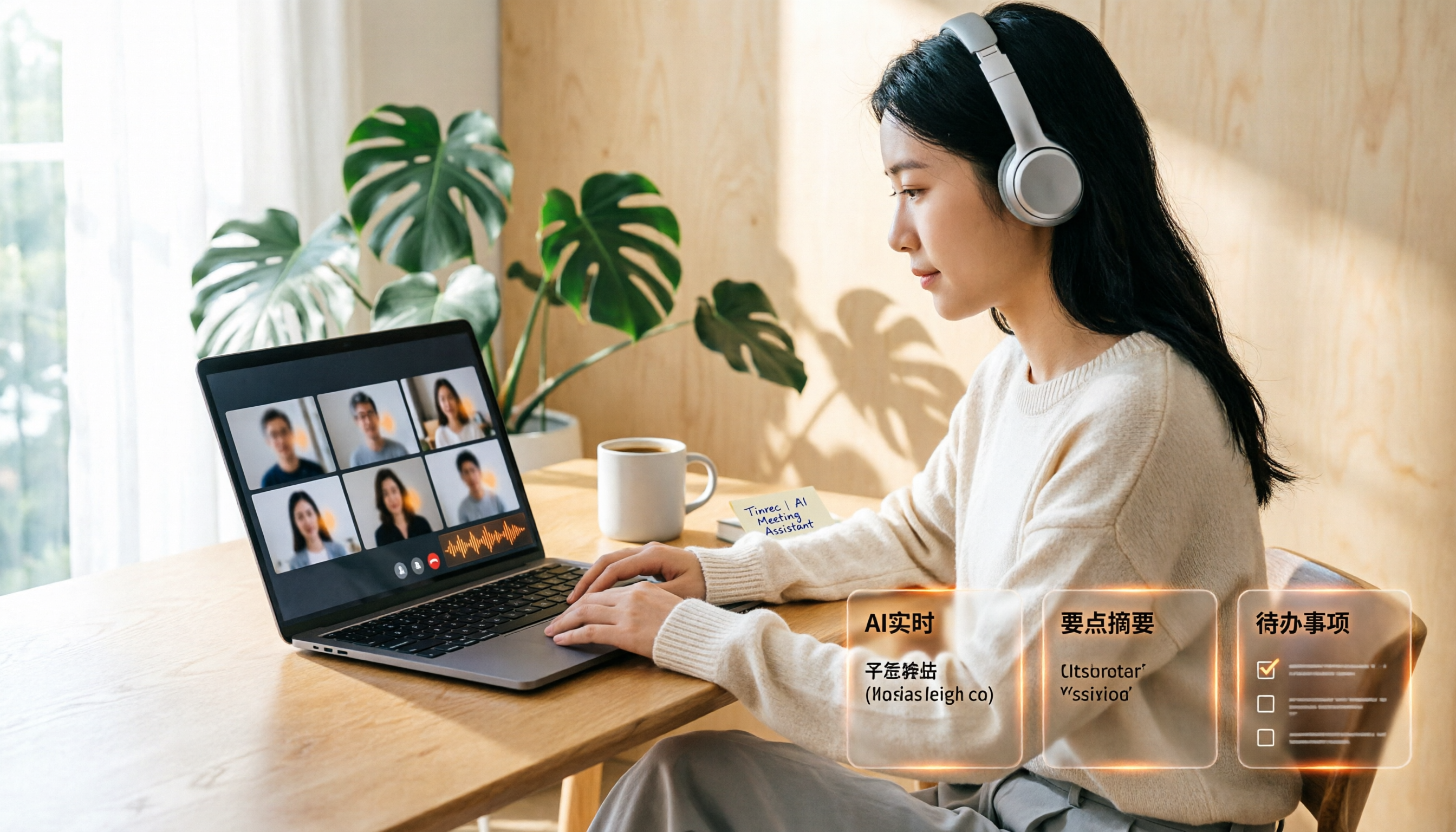
Google Meet Recording Free Options in 2026: 3 Tools Compared
Google Meet's built-in recording isn't available to everyone: it requires a computer or Android device, host permission, and a supported Workspace edition. This article reviews three recording and transcription options that work with Google Meet in 2026, covering Tinrec's bot-free desktop recording, AI summaries, action items, and Q&A, and compares the limitations and free tiers of Granola and TurboScribe, with tips to avoid pitfalls and choose the right tool.

Video to Text Online Tools in 2026: 5 Options Compared + Free Tier Breakdown
A roundup of 5 online video-to-text tools in 2026, covering Chinese transcription, subtitle file export, free tiers, and team collaboration to help you choose the right option for meeting, interview, and course videos.
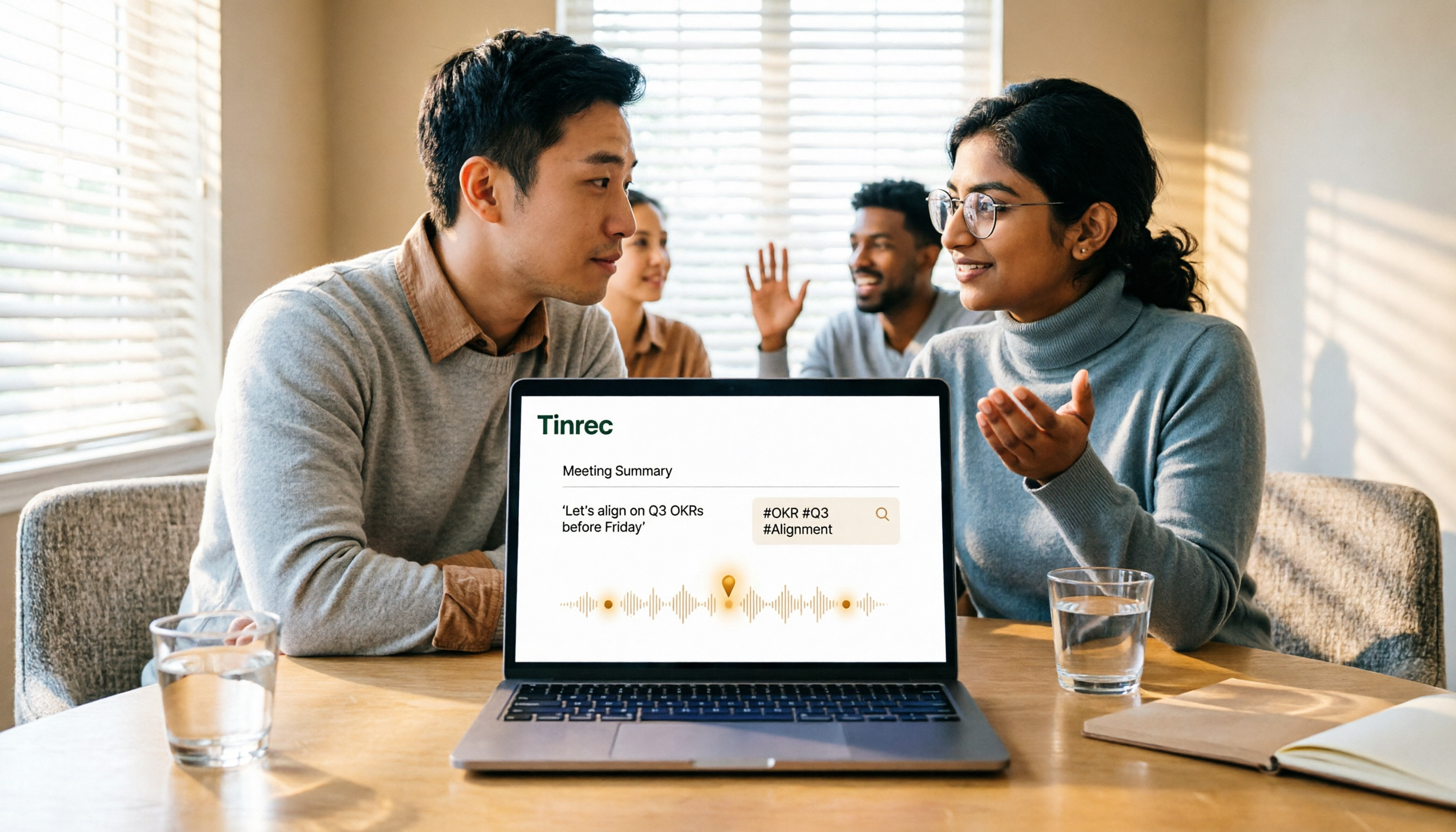
5 Google Meet Recording Methods Compared in 2026: From Built-in Recording to AI Transcripts
Recording a Google Meet isn't just about pressing a button. This article addresses three common misconceptions and compares built-in recording, screen recording, browser extensions, physical recording devices, and Tinrec desktop bot-free recording. It explains what each method delivers, where it falls short, and how to turn meeting audio into searchable, queryable, and actionable team data in one go.