

Turn recordings into transcripts and summaries in minutes
Upload audio or video for multilingual transcription, AI notes, and action items
2026年4款会议记录工具实测对比:谁能真正建立知识库?
会议记录做不完?你需要的是能沉淀知识的解决方案
开会两小时,会后整理又要两小时,这是许多职场人的日常。更麻烦的是,三个月后老板问“上次那个预算决议是谁说的?”,你只能在一堆逐字稿和聊天记录里翻找。如果团队有人离职,那些存在个人账号里的会议记录,往往也跟着消失。
多数人遇到的问题不是“没有记录”,而是“记录了却找不到、用不上”。逐字稿有了,但没有摘要;摘要有了,但散落在不同平台;待办事项写了,但没人追踪。到头来,会议记录知识库仍然是一片空白。
这篇文章要帮你解决的,就是这个决策问题:市面上会议记录工具这么多,哪一款才能真正把会议内容变成可搜索、可追问、可协作的知识库?
选购会议记录知识库工具,先搞懂这4个关键点
1. 转写准确率:别只看官方数字
很多工具宣传“准确率98%”,但那通常是在安静录音室里测出来的。真实会议室有空调声、键盘声、多人抢话,准确率会明显下降。选购时要看的是“在真实场景下的可用度”,而不是实验室数据。建议用你自己的会议录音去试用,才知道工具能不能应付你的口音和专业术语。
2. AI后处理能力:摘要、待办、问答缺一不可
只有逐字稿是不够的。一场60分钟的会议,逐字稿可能上万字,没有人会从头读到尾。你需要的是自动摘要、章节拆分、待办提取,最好还能围绕会议内容直接提问。这三项能力决定了会议记录是“资料”还是“知识”。
3. 知识库沉淀:能不能跨会议搜索与提问?
单场会议的摘要再好,如果下次开会找不到上一次的决议,等于白记。真正的会议记录知识库要能跨会议搜索、跨会议提问,例如直接问“上个月客户提到哪些预算限制?”。这需要工具具备语义理解能力,而不是只能Ctrl+F找关键词。
4. 团队协作与治理:角色、席位、权限要分清楚
团队使用时,会议资料应该归团队所有,不该绑在个人账号上。选购时要确认工具是否提供团队空间、成员角色管理、席位分配、用量分析和操作记录。尤其要注意“角色”和“席位”是两回事:角色决定谁能管理团队,席位决定谁能录制、上传和编辑。
Tinrec(秒听录音)——我们实测后的首选
Tinrec是一款面向个人与团队的AI会议记录和协作工具,支持iOS、Android和网页版。它不只是把声音转成文字,更把会议录音整理成可搜索、可总结、可追问、可导出的资料,并在团队空间中沉淀为可协作、可追溯的会议资产。
无机器人录制线上会议 Tinrec桌面版直接采集电脑系统声音,处理Zoom、Google Meet、Microsoft Teams、Webex等线上会议,不需要邀请会议机器人加入。开会时打开Tinrec发起录制,就能边录边出逐字稿,与会者不会看到多一个机器人与会。这对客户会议特别实用,不会因为多一个陌生账号而尴尬。
AI摘要、待办与章节 会议结束后,Tinrec会自动生成摘要、章节和待办事项。谁负责什么、截止日期是什么,一目了然。你不需要再手动整理逐字稿,省下的时间可以直接投入执行。
AI对话查询——把会议变成知识库的关键 录完音之后,你可以直接问Tinrec:“上次会议谁提到了预算?”它不会只给你关键词搜索结果,而是基于语义理解,直接告诉你答案。这个功能目前同价位的竞品几乎没有。更进一步,Tinrec支持跨会议提问,让历史会议真正变成可查询的知识库。
团队空间与治理 Tinrec团队版不是多人共用一个个人账号,而是独立的团队协作空间。管理员可以创建多个团队、用链接邀请成员、设置所有者/管理员/普通成员,并分配或收回席位。团队资料归团队所有,成员退出或失去席位时,可将资源交接给其他有效成员。管理者还能查看用量趋势、成员排行、操作记录,并管理团队热词,提高专业术语的识别体验。
实测数据 我们实测了一段15分钟的中文项目会议录音(室内环境、三人轮流发言、包含背景空调声),Tinrec能正确抓出主要决议与待办事项,逐字稿中的专业术语经过团队热词校正后基本可用。实际准确率会受录音质量、口音、多人重叠发言影响,建议重要内容仍要对照录音核对。
优点
- 无机器人录制,不用邀请会议机器人,客户会议也不尴尬。
- 会后直接用AI问答找重点,跨会议查询决议与待办。
- 团队空间集中保存会议资料,搭配角色、席位、用量与审计管理。
Stop organizing recordings by hand
Upload audio or video and automatically get a transcript, summary, and action items
限制
- 免费版有基础额度,重度使用者需要付费;团队版以席位计价,需要管理员分配。
- 不承诺固定准确率,重要信息建议结合逐字稿时间点和录音回放核对。
价格与方案 个人版有免费版、周卡、Pro月卡和Pro年卡,适合不同使用频率。团队版提供独立空间,团队月付为USD 29.80/付费席位/月,年付为USD 199/付费席位/年,折合约USD 16.58/月;首次符合资格的团队可试用7天、1个免费席位和300分钟共享导入额度。付费席位每月提供2,000分钟团队共享导入额度,实时录制在有效套餐和席位下目前不按分钟扣减。实际价格与权益以正式购买页面为准。
适合什么人 如果你经常用中文开会、希望录完直接问AI找重点、而且需要把会议沉淀成团队知识库,Tinrec是目前最合适的选择。
除了Tinrec,还有哪些选择?
Otter.ai Otter是成熟的英文会议助手,免费版每月300分钟,Pro年付折算约USD 8.49/用户/月,支持Zoom、Teams、Google Meet。它的英文商务会议心智很强,但中文会议转写和团队知识库沉淀不是它的主场。如果你主要录英文会议,Otter是划算的选择;但如果你需要中文会议和跨会议AI问答,Tinrec更适合。
Granola Granola是无机器人AI会议笔记工具,通过桌面系统声音转写,并结合手写笔记生成内容。它的Basic免费,Business为USD 14/用户/月。但Granola不保存会议音频,也不支持上传预录音频文件。如果你需要保留录音、导入历史会议文件,Tinrec能做到,Granola目前不行。
Notta Notta覆盖多端转写、文件导入和翻译,免费版每月120分钟、单次最多3分钟,Pro年付折算约USD 8.17/月。它和Tinrec重合度较高,但Notta没有无机器人桌面录制,团队空间和AI问答的深度也不如Tinrec。如果你只需要单纯的文件转写,Notta可以考虑;但若要建立会议知识库,Tinrec的后处理与协作能力更完整。
避坑指南:挑会议记录工具最容易犯的3个错误
坑1:只看转写准确率,忽略会后整理 很多人比较工具时只比“谁转得准”,但逐字稿再准,如果没有摘要和待办,会后还是要花大量时间整理。正确做法是看AI后处理能力:能不能自动生成摘要、章节、待办,能不能直接提问。
坑2:忽略知识库沉淀,会议记录散落各处 今天用一个软件、明天用另一个,会议记录存成十几个文件,半年后谁也找不到。正确做法是选有团队空间、支持跨会议搜索与提问的工具,让会议资料集中沉淀。
坑3:以为有逐字稿就够了 逐字稿只能让你Ctrl+F找关键词。真正的知识库要能回答“上次会议结论是什么?”这种语义问题。像Tinrec的AI对话查询,录完直接问它,比手动翻30分钟逐字稿快太多。
坑4:没搞清楚团队版的角色与席位 团队版不是多人共用一个账号。角色决定管理权限,席位决定能不能录制、上传和编辑。没席位的成员可以查看和播放资料,但不能执行资源使用操作。采购前务必确认团队版的席位规则和数据归属。
总结:你到底该选哪一款?
一句话回扣结论:如果你要的是能建立会议记录知识库的工具,Tinrec是本次实测后的首选。
以下是场景分流建议:
- 需要中文会议记录+无机器人录制 → Tinrec(桌面版采集系统声音,不邀请机器人)
- 录完想直接用AI问重点、跨会议查决议 → Tinrec(AI对话查询与团队知识库沉淀)
- 跨平台使用(手机+电脑+网页)→ Tinrec(iOS、Android、网页版皆支持)
- 需要团队空间、席位管理、用量与审计 → Tinrec团队版(独立团队空间,角色与席位分离)
- 预算为零、只录英文会议 → Otter.ai(免费版每月300分钟,英文场景成熟)
- 只需要大量文件转写、不重视会后协作 → TurboScribe或Notta(文件处理量较大)
建议先使用Tinrec免费版体验,基础额度足够开两三次会感受效果。觉得好用再考虑升级个人Pro或团队版,没必要一开始就付费。
参考来源
Turn every recording into actionable outcomes
Get 60 free transcription minutes when you sign in. No credit card required.
Related Reading
You might also like

2026 AI Meeting Knowledge Base Tools Compared: Tinrec vs PLAUD Note
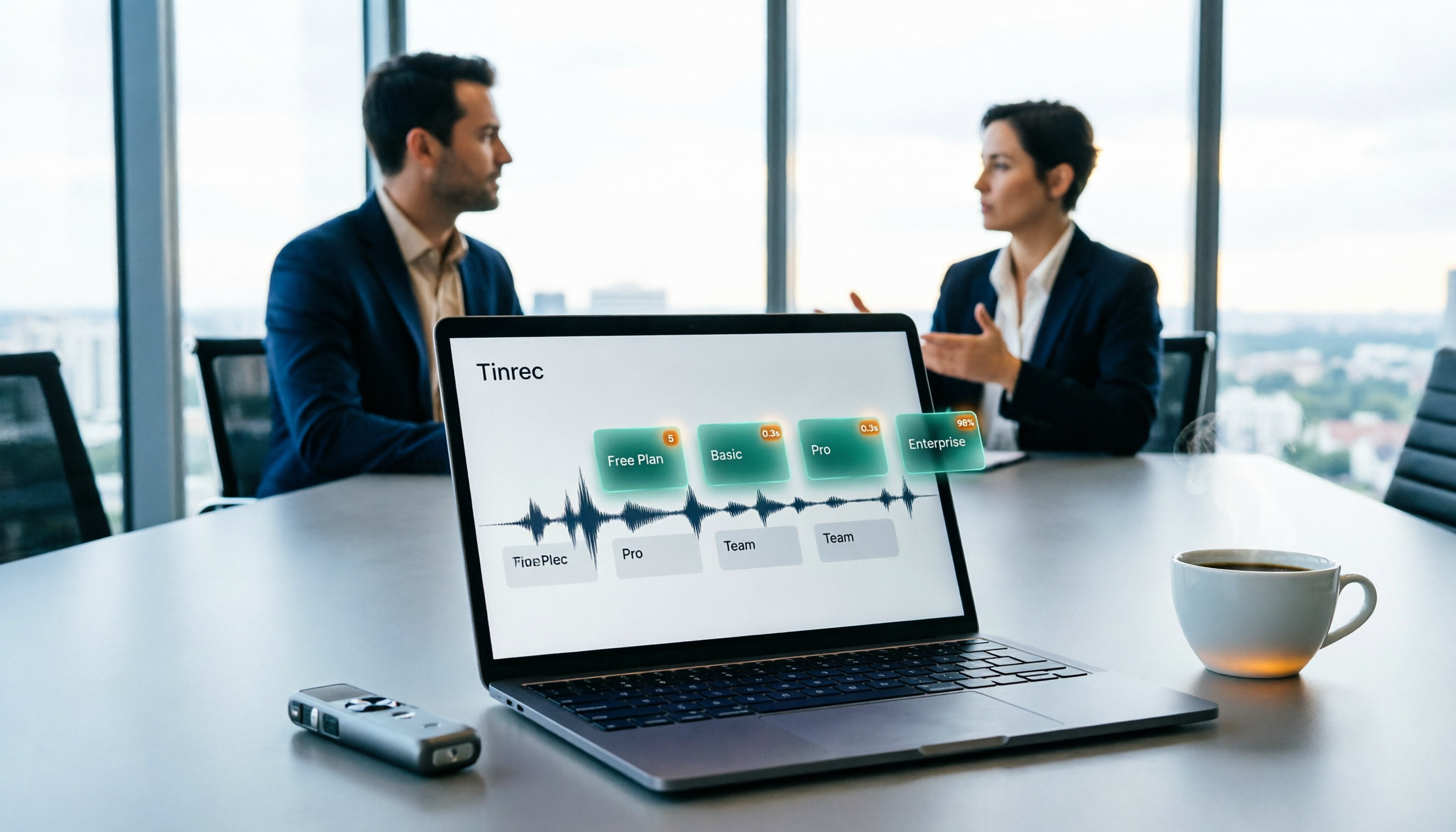
Recorded meetings pile up, but when you need them, you can't find anything. This comparison looks at six dimensions—meeting capture, input sources, post-meeting workflow, Chinese language experience, team knowledge base, and pricing—to compare the software-based Tinrec with the AI recording hardware PLAUD Note, helping you decide which one better fits your meeting scenarios.
Free User Interview Transcription Options in 2026: 5 Tools Compared
The hardest part of user interviews isn't the interview itself—it's the 20 hours of audio afterward. This practical guide breaks down free transcription options and where the paid limits are, explains how far Tinrec's free plan can go, when it makes sense to upgrade, and 5 key factors to consider when choosing a tool.

4 Best Meeting Data Management Tools in 2026: Free vs. Team Plans Compared
Meeting data scattered across inboxes and personal computers makes retrieval a nightmare. This article starts from the decision point of 'where does the data ultimately reside' and compares four meeting data centralization tools—Tinrec, Notta, Otter.ai, and Fireflies.ai—on their capture methods, post-meeting organization capabilities, team spaces, and pricing limits. It also outlines 4 key considerations before choosing and 3 common pitfalls to help you select the right one for your team.

2026年3款用户访谈免费转写工具实测对比:别被免费额度骗了
访谈动辄一小时起步,免费转写工具的额度陷阱往往在第一场就出现。这篇先拆解 5 个常见误区与挑选判断点,再用 5 个维度实测比较 Tinrec(秒听录音)与雅婷逐字稿,从素材来源、会后整理、免费额度、回听保存到团队协作,帮你判断哪一种工具才真的省到时间。
2026 User Interview AI Tools Comparison: After Transcription, Which One Helps You Ask the Right Follow-Up Questions?
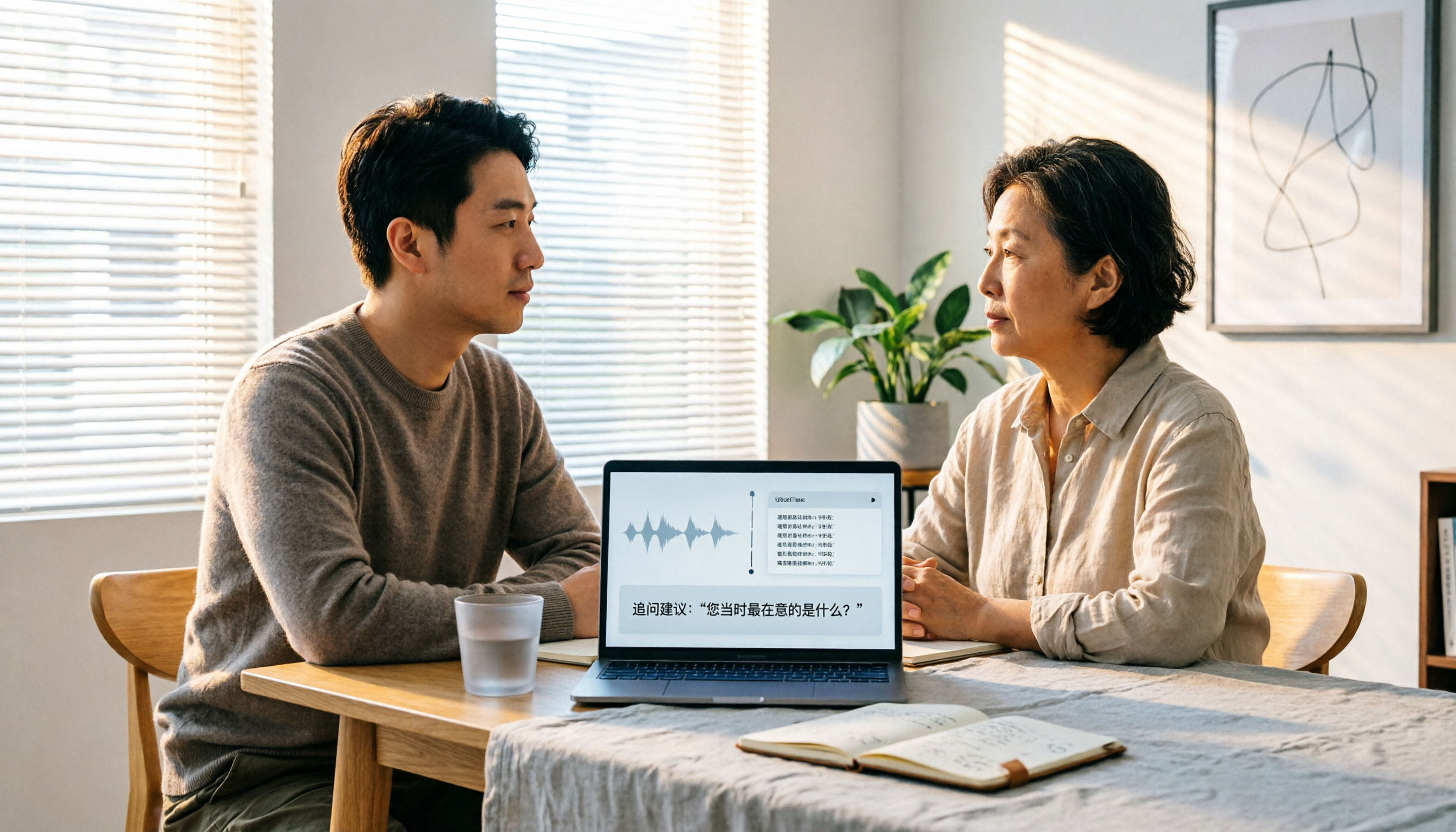
In 2026, user interviews start with transcription, but that's just the beginning. This article compares 4 AI interview tools from a workflow perspective, covering live transcription, audio retention, AI follow-up capabilities, and team data ownership. It includes a ready-to-copy interview follow-up template and a pitfalls checklist to help you turn scattered interview recordings into searchable, queryable research data.

2026 User Interview Tools Compared: Which Report Template Saves the Most Time
Done with user interviews but transcripts and insights are scattered? Here's a ready-to-use user interview report template skeleton, plus a hands-on comparison of Tinrec, Notta, TurboScribe, and PLAUD Note on transcription, AI Q&A, and team collaboration—so you can pick the one that saves the most time.

2026 User Interview to Requirements Analysis: 2 AI Interview Tools Tested and Compared — Which One Uncovers Real Needs?
Finished the interview but can't turn it into requirements? This article compares Tinrec and Granola across 5 dimensions: importing existing audio files, Chinese transcription and terminology recognition, post-meeting requirements processing, output and workflow integration, and team data retention. Find out which tool is better for turning user interviews into actionable requirements analysis.

How to Turn User Interviews into a Requirements Document in 2026: A Complete 5-Step Guide
Struggling to turn interviews into a requirements document? The problem is often your recording tool. This article walks through 5 steps from user interview to requirements document, comparing Tinrec and Granola on recording retention, importing existing audio, Chinese transcription, post-meeting outputs, and team collaboration. It also covers pricing and FAQs to help you decide which tool to use.

6 User Interview Tools Tested and Compared in 2026: Which One Actually Helps You Uncover User Pain Points?
The most common mistake in user interviews is spending all your energy on "how to ask" without thinking about "how to preserve what you learn after the interview." This article starts from the pain point of post-interview organization and tests 6 interview tools that help extract user pain points, including Tinrec, Otter.ai, Notta, Granola, TurboScribe, and PLAUD. It includes pricing, free tiers, and use cases, with final selection advice from a mid-level manager's perspective.