

Turn recordings into transcripts and summaries in minutes
Upload audio or video for multilingual transcription, AI notes, and action items
2026 AI Meeting Knowledge Base Tools Compared: Tinrec vs PLAUD Note
It's Friday afternoon, and you're scrolling through recordings of three meetings on your phone, trying to find that one detail a client mentioned last month. The transcript is on one platform, the summary is in a notes app, and the to-dos are scattered across group chats—even though everything was recorded, there's no single place where you can just ask, "What exactly was said?"
This is a daily reality for many office workers. Meetings aren't lacking records; they're lacking a knowledge base that can be searched, queried, and retained.
Tools in this space generally fall into two camps: software-based AI meeting knowledge base tools and AI recording hardware that requires an extra device. This time, I'm comparing Tinrec and PLAUD Note across six dimensions to see which one better fits your use case.
Tinrec vs PLAUD Note | Quick Overview
Tinrec is an AI meeting notes and collaboration tool for individuals and teams, turning meetings into searchable, collaborative, and queryable data. PLAUD Note is a representative of AI recording hardware, focusing on portable recording, phone call recording, and long battery life.
| Item | Tinrec | PLAUD Note |
|---|---|---|
| Form | Software (web, desktop, mobile) | Requires additional recording hardware |
| Core positioning | AI meeting notes and team collaboration | AI recording device |
| Team capabilities | Team workspace, roles, seats, usage, audit | Primarily personal device and app |
Below, we compare six dimensions in order: capture method, input sources, post-meeting workflow, Chinese language experience, team knowledge base, and pricing.
Dimension 1 | Meeting Capture: No Device vs No Bot
PLAUD Note's approach is to attach a card-sized recording device to the back of your phone and press a button to start recording during meetings. The advantage is it doesn't drain your phone battery and can record physical phone calls, which is intuitive for people who are often on the go.
Tinrec takes a software approach. The desktop version directly captures your computer's system audio, handling online meetings on Zoom, Google Meet, Microsoft Teams, Webex, etc., without inviting a meeting bot. Note that Tinrec requires you to actively open the program to start recording; it currently doesn't automatically join calendar meetings.
→ This dimension: Each has its strengths. If you often visit clients in person and need to record phone calls, hardware is convenient; if most meetings are on your computer, Tinrec saves you from carrying an extra device.
Dimension 2 | Input Sources and Audio Retention
PLAUD's recording is primarily hardware-based, with the app handling organization and summaries; recordings are saved on the device and in the cloud.
Tinrec has more input sources: real-time recording, computer online meetings, audio and video file uploads, mobile recording, and even importing some public web links. Meeting audio is retained, so you can later search transcripts and replay them.
→ This dimension: Tinrec wins. When you suddenly have a pile of historical meeting recordings to organize, a software tool doesn't require transferring files to hardware first.
Dimension 3 | Post-Meeting Workflow: The Real Value Starts After the Transcript
This is where I think the biggest difference lies.
PLAUD provides summaries and templates to help you quickly grasp the key points of a recording—sufficient for personal review.
Tinrec, on the other hand, offers a more complete "after transcript" workflow: automatically generating summaries, chapters, key points, and to-dos, allowing you to ask AI questions about the meeting content, export results to Notion, Google Docs, OneNote, Dropbox, etc., or generate reports, tables, and documents. For those who need to turn meetings into next actions, this step saves the most noticeable time.
→ This dimension: Tinrec wins.
Dimension 4 | Chinese and Multilingual Meeting Experience
PLAUD's app provides summaries and templates; actual recognition performance is affected by the recording environment and language.
Tinrec covers Chinese, Traditional Chinese, and multilingual meeting scenarios, supports mixed Chinese-English content organization, real-time translation, and bilingual viewing. The team version also allows maintaining team hotwords, adding company abbreviations and project names to the dictionary. Note that actual recognition accuracy is affected by recording quality, noise, accents, multiple people speaking simultaneously, and technical terminology; it's not advisable to treat any tool's accuracy as a fixed value.
Stop organizing recordings by hand
Upload audio or video and automatically get a transcript, summary, and action items
→ This dimension: Tinrec wins, especially for Chinese and mixed Chinese-English meetings.
Dimension 5 | Team Knowledge Base and Collaboration
This dimension is the core of an "AI meeting knowledge base."
PLAUD's team plan leans toward device and personal membership management; meeting content remains personal-centric.
Tinrec's team version provides an independent team workspace: audio files, folders, and to-dos are centrally stored; new members can view historical team meeting data; members are assigned by role and seat. Roles determine who can manage the team and members; seats determine who can record, upload, edit, and export; valid members without a seat can still view, play, and read team data. The admin side also shows usage trends, member rankings, audit logs, and an audio recycle bin. When a member leaves or is removed, their team resources are transferred to other members, so data doesn't leave with the person.
→ This dimension: Tinrec clearly wins. If you care about "meeting content becoming a company asset rather than personal notes," this difference is significant.
Dimension 6 | Pricing and Plans
PLAUD requires purchasing hardware first: NotePin priced at USD 159, Note Pro USD 189; membership plans: Starter at 300 minutes per month, Pro annual USD 99.99 with 1,200 minutes per month, Unlimited annual USD 239.99.
Tinrec doesn't require hardware; the personal version has a free plan, weekly card, Pro monthly, and Pro annual; the team version is USD 29.80 per paid seat per month, or USD 199 per paid seat per year (about USD 16.58 per month), with each paid seat providing 2,000 minutes of shared team import quota per month. The first eligible team trial is 7 days, 1 free seat, 300 minutes shared import quota. Under an active team plan and active seat, real-time recording currently doesn't deduct minutes.
Actual prices, currencies, and promotions are subject to the official purchase page.
→ This dimension: Depends on your scenario. If you just want portable recording, the one-time hardware cost has its value; if you want to solve meeting workflow and team collaboration together, Tinrec's subscription model spreads the cost more evenly.
What Are the Unique Advantages of Each?
Tinrec's unique advantages:
- Bot-free desktop recording; online meetings don't need an extra participant.
- Beyond transcripts: summaries, chapters, to-dos, AI Q&A, translation, export, and Agent post-processing.
- Team workspace turns meetings into searchable, collaborative data, with roles, seats, usage, and audit capabilities.
- Works on web, desktop, and mobile without carrying an extra device.
PLAUD Note's unique advantages:
- Hardware form factor is suitable for portable, in-person meetings and phone call recording.
- Independent recording and battery life are convenient for people who are often on the move.
Conclusion: Which Should You Choose?
- If you need Chinese meetings and mixed Chinese-English content organization → Tinrec (covers Chinese, Traditional Chinese, and multilingual; team hotwords customizable)
- If you want to turn meetings into a searchable, queryable team knowledge base → Tinrec (team workspace plus AI Q&A)
- If you don't want to carry an extra device and most meetings are on your computer → Tinrec (bot-free desktop recording)
- If you often visit clients in person, need to record phone calls, and prefer a hardware one-touch solution → PLAUD Note is sufficient
In one sentence: For most office workers and teams that primarily hold online meetings and want meeting content to be retained and reused, Tinrec is a more complete choice. I recommend starting with the free version and testing it with your own meeting recordings to see if the transcription and organization meet your expectations.
FAQ
Q1: What's the biggest difference between Tinrec and PLAUD Note?
One is a software-based meeting knowledge base, the other is recording hardware you need to purchase separately. Tinrec excels at online meetings, file organization, and team retention; PLAUD excels at portable and in-person recording scenarios.
Q2: Does Tinrec need a meeting bot to join meetings?
No. The desktop version directly captures computer system audio and can handle online meetings on Zoom, Google Meet, Teams, Webex, etc. You need to actively open the program to start recording.
Q3: Can team members without a seat still see meeting data?
Yes. Valid members without a seat can view, play, and read team data; only after obtaining a seat can they record, upload, edit, and export.
Q4: What is Tinrec's recognition accuracy?
It's not advisable to summarize with a single number. Actual performance depends on recording quality, noise, accents, overlapping speech, and technical terminology. For important content, it's recommended to cross-check with transcript timestamps and recording playback.
Q5: Can deleted team meeting audio be recovered?
After audio enters the team recycle bin, it can be restored before permanent cleanup begins; the current retention period is 30 days. To-dos (TODO) are not covered by the recycle bin.
Q6: What should I pay attention to before recording?
Recording and transcription involve personal data. It's recommended to check local regulations and obtain consent from participants, especially for client meetings and international meetings.
References
- AI Meeting Notes Generator
- Meeting Ink - AI Meeting Notes Assistant: Automatic Transcription, Summary, and Meeting Minutes
- Taking meeting minutes is a hassle? ChatGPT+Whisper does it all! Automatic transcription, summary, and sending | BusinessNext
- AI Meeting Notes Software Recommendations: 5 Major Apps Tested and Compared, Automatic Transcription Makes Meetings Super Easy!
- The Most Recommended AI Meeting Notes Tools of 2026: Essential Time-Saving Tools for Meetings!
Turn every recording into actionable outcomes
Get 60 free transcription minutes when you sign in. No credit card required.
Related Reading
You might also like
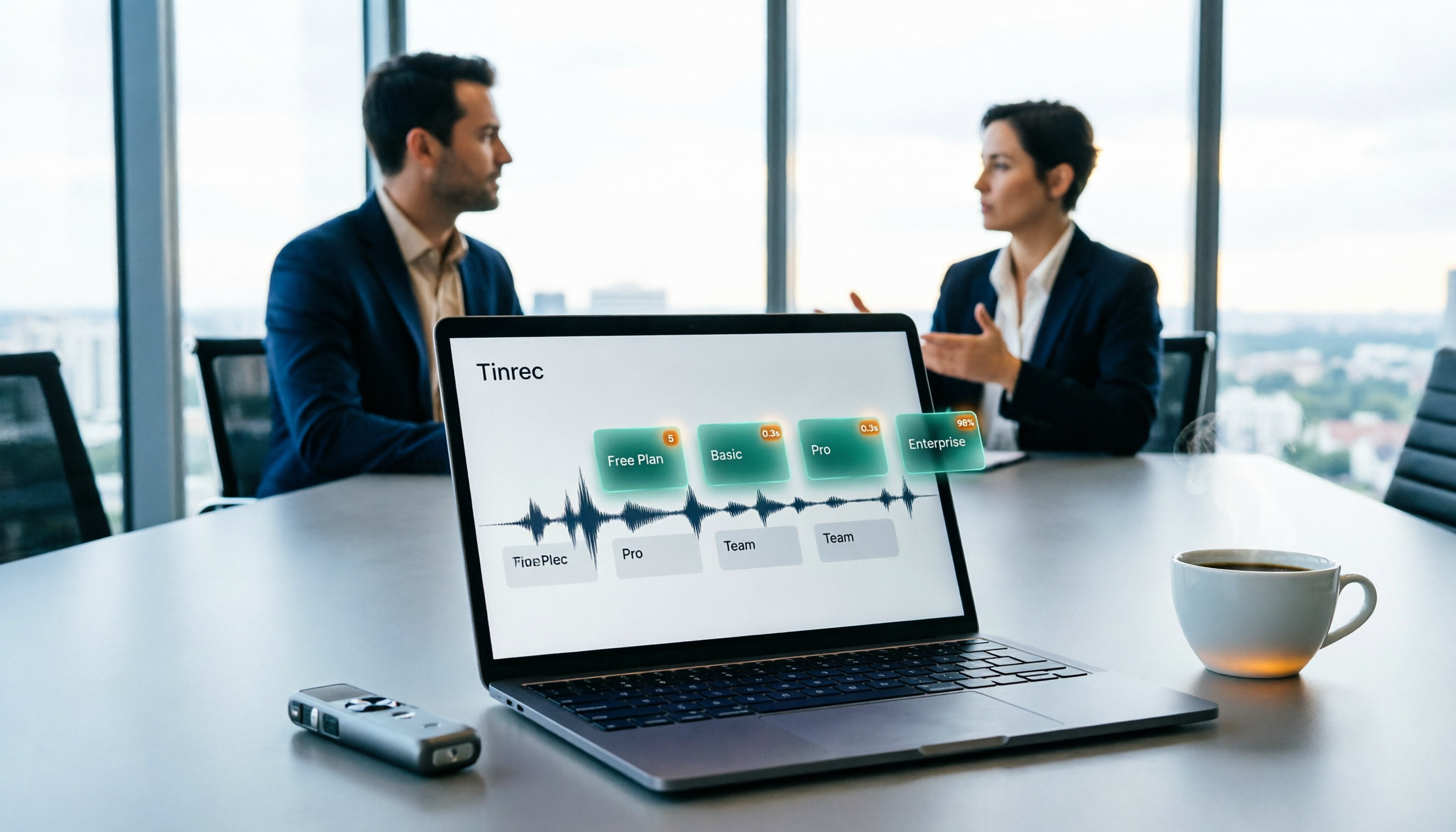
Free User Interview Transcription Options in 2026: 5 Tools Compared
The hardest part of user interviews isn't the interview itself—it's the 20 hours of audio afterward. This practical guide breaks down free transcription options and where the paid limits are, explains how far Tinrec's free plan can go, when it makes sense to upgrade, and 5 key factors to consider when choosing a tool.

2026年4款会议记录工具实测对比:谁能真正建立知识库?
会议记录不只是逐字稿,更要能沉淀成可搜索、可追问的知识库。本文实测对比4款工具,从选购标准、AI后处理、团队协作到避坑指南,帮你选出最适合的会议记录知识库方案。Tinrec(秒听录音)在无机器人录制、AI问答和团队资料沉淀方面的表现尤其突出。

4 Best Meeting Data Management Tools in 2026: Free vs. Team Plans Compared
Meeting data scattered across inboxes and personal computers makes retrieval a nightmare. This article starts from the decision point of 'where does the data ultimately reside' and compares four meeting data centralization tools—Tinrec, Notta, Otter.ai, and Fireflies.ai—on their capture methods, post-meeting organization capabilities, team spaces, and pricing limits. It also outlines 4 key considerations before choosing and 3 common pitfalls to help you select the right one for your team.

2026年3款用户访谈免费转写工具实测对比:别被免费额度骗了
访谈动辄一小时起步,免费转写工具的额度陷阱往往在第一场就出现。这篇先拆解 5 个常见误区与挑选判断点,再用 5 个维度实测比较 Tinrec(秒听录音)与雅婷逐字稿,从素材来源、会后整理、免费额度、回听保存到团队协作,帮你判断哪一种工具才真的省到时间。
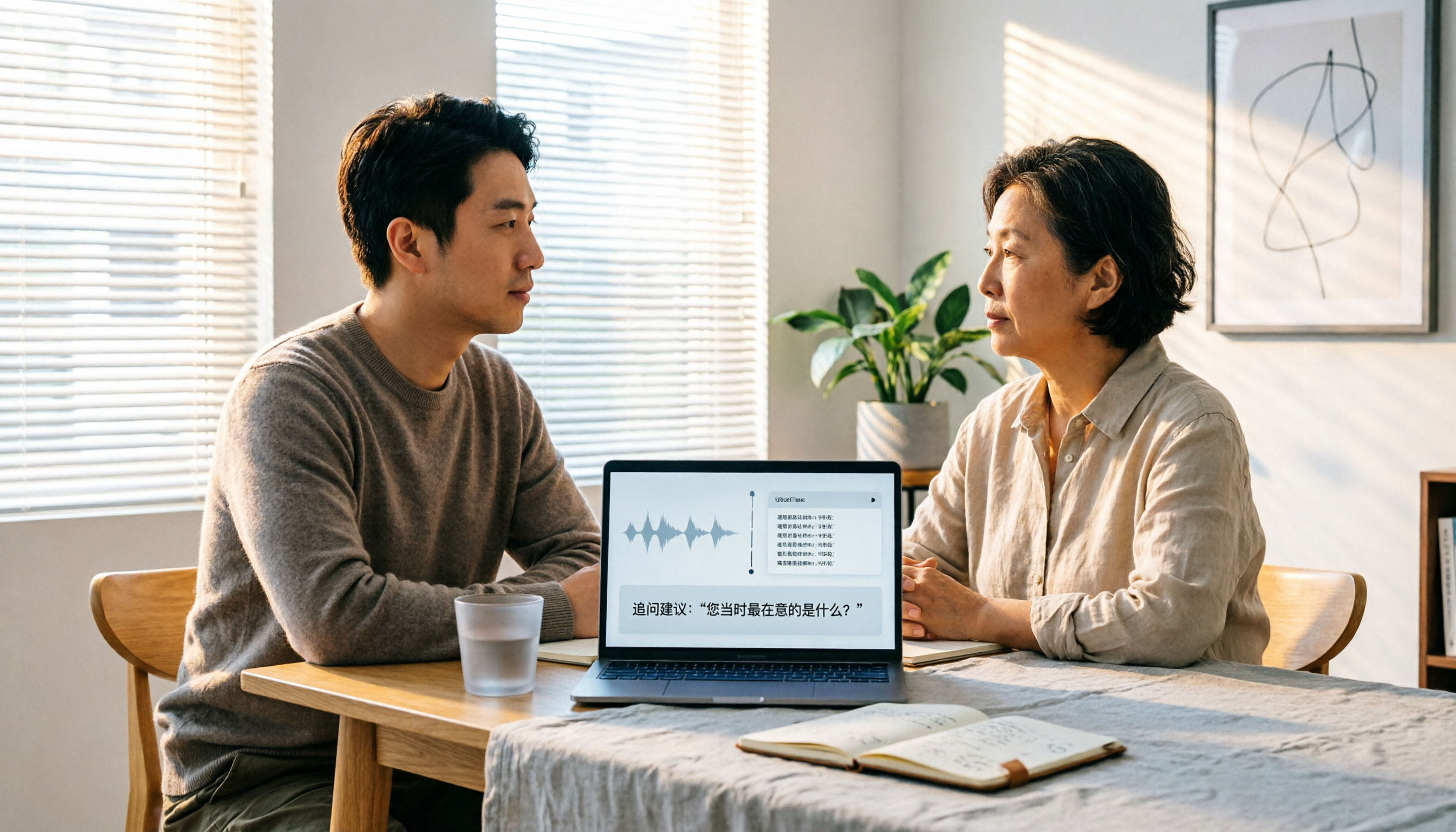
2026 User Interview AI Tools Comparison: After Transcription, Which One Helps You Ask the Right Follow-Up Questions?
In 2026, user interviews start with transcription, but that's just the beginning. This article compares 4 AI interview tools from a workflow perspective, covering live transcription, audio retention, AI follow-up capabilities, and team data ownership. It includes a ready-to-copy interview follow-up template and a pitfalls checklist to help you turn scattered interview recordings into searchable, queryable research data.

2026 User Interview Tools Compared: Which Report Template Saves the Most Time
Done with user interviews but transcripts and insights are scattered? Here's a ready-to-use user interview report template skeleton, plus a hands-on comparison of Tinrec, Notta, TurboScribe, and PLAUD Note on transcription, AI Q&A, and team collaboration—so you can pick the one that saves the most time.

2026 User Interview to Requirements Analysis: 2 AI Interview Tools Tested and Compared — Which One Uncovers Real Needs?
Finished the interview but can't turn it into requirements? This article compares Tinrec and Granola across 5 dimensions: importing existing audio files, Chinese transcription and terminology recognition, post-meeting requirements processing, output and workflow integration, and team data retention. Find out which tool is better for turning user interviews into actionable requirements analysis.

How to Turn User Interviews into a Requirements Document in 2026: A Complete 5-Step Guide
Struggling to turn interviews into a requirements document? The problem is often your recording tool. This article walks through 5 steps from user interview to requirements document, comparing Tinrec and Granola on recording retention, importing existing audio, Chinese transcription, post-meeting outputs, and team collaboration. It also covers pricing and FAQs to help you decide which tool to use.

6 User Interview Tools Tested and Compared in 2026: Which One Actually Helps You Uncover User Pain Points?
The most common mistake in user interviews is spending all your energy on "how to ask" without thinking about "how to preserve what you learn after the interview." This article starts from the pain point of post-interview organization and tests 6 interview tools that help extract user pain points, including Tinrec, Otter.ai, Notta, Granola, TurboScribe, and PLAUD. It includes pricing, free tiers, and use cases, with final selection advice from a mid-level manager's perspective.