

Turn recordings into transcripts and summaries in minutes
Upload audio or video for multilingual transcription, AI notes, and action items
2026 SMB Meeting Knowledge Base Guide: Bot-Free Recording + AI Q&A to Capture Team Data
Meeting Notes Are Scattered Across Personal Devices—You Need a Knowledge Base, Not More Recordings
Many small and medium-sized businesses think "just record the meeting" is enough, but the recording ends up on a colleague's phone and is lost after they leave. More commonly, recordings are sent via LINE, and the link expires after a while. When you need to check what a client promised three months ago, you have to rely on memory.
Inefficient practices also include spending two hours after the meeting typing up a transcript, writing action items in a personal notebook, and keeping the decision-making process only in the attendees' heads. These practices aren't due to lack of effort—they're due to not turning meetings into a searchable, collaborative, and transferable knowledge base.
SMBs with lean teams especially need a mechanism that can automatically transcribe, organize key points, and store everything centrally. This article starts with key purchasing factors and uses Tinrec as an example to explain how to build a team meeting knowledge base.
Before Choosing an SMB Meeting Knowledge Base, Understand These 5 Key Points
1. Meeting capture method: Do you need a meeting bot? Some tools send a bot account to join Zoom, Meet, or Teams, adding an unfamiliar account to the participant list. If your clients or executives care about this, look for a tool that can capture system audio directly from the desktop. Bot-free recording is usually less disruptive to the meeting flow.
2. Can you use the transcript directly after transcription? A transcript is just raw material. What you need are summaries, chapters, action items, and ideally AI Q&A to ask follow-up questions like "Who mentioned the budget in the last meeting?" Tools that only provide transcripts still require manual organization after the meeting, saving only half the time.
3. Team collaboration and governance capabilities A meeting knowledge base should allow new members to view historical data and manage who can edit and who can only read. This involves team spaces, member roles, seat allocation, usage tracking, and audit logs. Personal version tools can't do this.
4. Chinese and multilingual meeting experience Taiwanese SMBs often have meetings with mixed Chinese and English, or bilingual communication with overseas clients. Whether the tool supports Chinese transcription, real-time translation, and bilingual transcripts directly affects organization efficiency. Actual results may still be affected by audio quality, accents, and background noise.
5. Export and integration with existing workflows If meeting results can only stay within the tool, their usefulness is limited. Whether you can export to Notion, Google Docs, OneNote, etc., or generate reports and tables, determines whether meeting data can continue to be processed.
These 5 dimensions are also the most important criteria in our testing. Next, let's look at how Tinrec performs in these areas.
Tinrec—Our Top Choice After Testing
Tinrec is an AI meeting notes and collaboration tool for individuals and teams, supporting iOS, Android, desktop, and web. Its core value isn't just "recording to text" but turning meetings into searchable, queryable, and exportable team data.
During meetings, you can use the desktop version to directly record online meetings playing on your computer. It captures system audio without adding a meeting bot to Zoom, Google Meet, Microsoft Teams, or Webex. Participants won't see an extra account, and the meeting flow isn't disrupted. While recording, the transcript is generated in real time; after the meeting, AI automatically produces summaries, chapters, and action items, making it clear who is responsible for what and by when.
Even better is AI Q&A. After recording a meeting, you can directly ask Tinrec: "What was the conclusion of the last meeting?" "What concerns did the client mention?" It provides answers based on semantic understanding, not just keyword search results. For SMBs that need to trace back decision contexts, this saves a lot of time flipping through transcripts.
If you have historical recordings or interview videos, you can also upload audio and video files to convert them to text. Tinrec supports real-time translation, allowing you to view the original text, translation, or bilingual side-by-side, which is especially useful for mixed Chinese-English meetings. After the meeting, you can export to Notion, Google Docs, OneNote, Dropbox, etc., or further use Agent to generate reports, tables, and meeting minutes.
Stop organizing recordings by hand
Upload audio or video and automatically get a transcript, summary, and action items
For the team version, Tinrec for Teams provides an independent team space where meeting data belongs to the team. Admins can invite members, set roles such as owner/admin/member, and allocate seats. Members with seats can record, upload, edit, and export; members without seats but with valid status can still view, play, and read team data. The team version also provides usage analytics, audit logs, team hotwords, and audio recycle bin, making it easy for managers to monitor usage and data handover.
Pricing: The team version is USD 29.80 per paid seat per month, or USD 199 per paid seat per year (about USD 16.58 per month). Eligible teams can try it free for 7 days, including 1 free seat and 300 minutes of shared team import quota. Paid seats provide 2,000 minutes of shared team import quota per month; under a valid team plan and seat, real-time recording currently does not deduct minutes. Actual prices and benefits are subject to the official purchase page.
Three main advantages we found:
- Bot-free recording of online meetings, more friendly for client and executive meetings.
- Automatically generates summaries, chapters, and action items after transcription, and supports AI Q&A for follow-up questions—not just a transcript.
- Team space keeps meeting data within the company, allowing handover even when members leave, so it won't be taken away personally.
Limitations to note:
- The free version has a basic quota, suitable for light use; if you have frequent weekly meetings, you'll need to consider Pro or the team version.
- The team version is not a document-level permission system; it currently focuses on team-level sharing, managing usage rights through roles and seats. Don't expect to set individual access ranges for each file.
Who is it for: If you are an SMB that frequently holds Chinese or mixed Chinese-English meetings, want to avoid manual organization after meetings, directly ask AI to find key points, and want to turn meeting data into team assets, Tinrec is a very suitable choice.
Besides Tinrec, What Other Options Are There?
Otter.ai: A mature English meeting assistant with a free version offering 300 minutes per month, very cost-effective for pure English meetings. However, its Chinese meeting experience and bot-free desktop recording are not strong points, and its team data accumulation and post-meeting export processes differ from Tinrec. If you only record English meetings, consider Otter.ai; if you need Chinese meetings and a team knowledge base, Tinrec is more suitable.
Notta: Good multilingual transcription capabilities, also offers file transcription and team plans. But its core is more focused on file transcription and subtitle translation; in bot-free online meeting recording, AI Q&A follow-ups, and team meeting data governance, Tinrec has higher integration.
Granola: Also a bot-free AI meeting notes tool that transcribes via desktop system audio and combines handwritten notes to generate content. However, Granola does not retain meeting audio and does not support uploading pre-recorded files. If you need to keep recordings and import historical meeting files, Tinrec offers more flexibility.
Pitfall Guide: The 3 Most Common Mistakes When Building a Meeting Knowledge Base
Pitfall 1: Only recording, without organization and follow-up mechanisms. The recording itself won't become a knowledge base. If the tool only gives you a transcript, you still have to spend time manually extracting key points after the meeting. Choose a tool that automatically generates summaries, action items, and supports AI Q&A to turn "recording" into "usable data."
Pitfall 2: Storing team meetings in personal accounts. This is the most common gap in SMBs. When meeting data is in personal accounts, the team loses historical records once someone leaves, changes devices, or forgets their password. Choose a tool with team spaces and ensure proper resource handover when members change.
Pitfall 3: Assuming that having an account means you can edit all data. Team versions usually distinguish between "roles" and "seats." Roles determine who can manage the team, seats determine who can record, upload, and edit. Without a seat, members may only be able to view but not edit. Before purchasing, confirm the usage needs of team members and allocate seats accordingly, so you don't buy something you can't use.
Pitfall 4: Ignoring export and integration. If meeting results can't be exported, it's hard to integrate them into existing workflows. Before deciding, confirm which export formats and third-party platforms the tool supports.
Conclusion: How Should SMBs Choose?
If you need Chinese meetings, bot-free recording, post-meeting AI Q&A, and team data accumulation, Tinrec is the top choice. Its strength lies in advancing meetings from "recording" to "usage": transcript, summary, action items, Q&A, export, and team space all integrated.
- Need Chinese and mixed Chinese-English meeting transcription → Tinrec
- Don't want a meeting bot to join the meeting → Tinrec (desktop version captures system audio)
- Want to directly ask AI to find decisions and action items after the meeting → Tinrec (AI Q&A)
- Want to keep meeting data for the team and facilitate handover → Tinrec team version
- Zero budget, only recording English meetings → Otter.ai free version can be considered
We suggest starting with the Tinrec free version to experience the recording, transcription, and summary process. If your team has weekly meetings, then evaluate the team version's seats and shared quota. Building a meeting knowledge base is not a one-time purchase but finding a way of working that continuously accumulates, is accessible to the team, and can be handed over.
References
Turn every recording into actionable outcomes
Get 60 free transcription minutes when you sign in. No credit card required.
Related Reading
You might also like

2026 Team Knowledge Base Tools Compared: How Meeting Notes Differ from a Knowledge Base
What's the difference between a team knowledge base and meeting notes? This article uses Tinrec to show how to turn meeting notes into a searchable, collaborative team knowledge base, and compares personal vs. team plans.

2026 Comparison of 4 Team Meeting Notes Tools: Which Handles Chinese Meeting Summaries and Team Knowledge Best?
Two-hour meetings followed by two hours of organizing notes is a daily reality for many teams. This article compares Tinrec, Otter.ai, Granola, and PLAUD from four angles: recording method, post-meeting output, team permissions, and quotas. It provides practical selection criteria and 4 common pitfalls to help you determine which tool truly makes meeting records usable and retained.

6 Meeting Transcription Tools Tested for 2026: Which One Best Preserves Meeting Content Long-Term?
Meetings end, but conclusions get scattered across personal notes, chat rooms, and email. This article examines 6 common meeting transcription tools in 2026 from the perspective of long-term content preservation, covering their positioning, highlights, pricing, and ideal users. Includes Tinrec, Otter.ai, Notta, Granola, TurboScribe, and PLAUD, plus actionable selection advice and getting-started steps.

2026 Comparison of 4 Meeting Recording Knowledge Bases: How to Turn Recorded Meetings into Searchable Team Data
Recording a meeting isn't enough. This hands-on comparison of 4 meeting recording knowledge base tools covers bot-free recording, audio retention, AI summaries and action items, cross-meeting Q&A, and team seat management. It also outlines 5 key points for selection and 4 common pitfalls to avoid, helping you find the one that turns meetings into searchable, transferable data.

2026 AI Team Meeting Assistant Guide: Bot-Free Online Meeting Recording + Automatic Summaries & Action Items
Starting from the key decision points for teams choosing an AI meeting assistant, this guide breaks down 5 dimensions: recording method, post-meeting output, audio retention, team governance, and pricing. It includes hands-on comparisons of Tinrec, Otter.ai, Granola, and PLAUD, plus pitfalls to avoid and scenario-based recommendations.

2026 Team Meeting Transcription Software Comparison: Why Tinrec Beats Notta for Teams
How to choose team meeting transcription software in 2026? This article starts with common pitfalls, compares Tinrec and Notta on meeting capture, Chinese transcription, post-meeting organization, and team governance, and outlines Tinrec's free, Pro, and Team plan quotas, pricing, and use cases to help you decide which tool suits long-term team use.

4 Meeting Knowledge Base Tools Tested and Compared in 2026: How to Turn Meeting Notes into Searchable Team Knowledge
A meeting knowledge base isn't just dumping recordings into a cloud folder. This article starts with common misconceptions, outlines 5 key criteria to understand before building a meeting knowledge base, tests and compares four tools—Tinrec, Notta, Otter.ai, and Granola—and includes a pitfalls guide and selection advice.

How to Record Team Meetings Without a Bot in 2026: Tinrec Review with AI Summaries & Action Items
Starting from real pain points in student group discussions and internship weekly meetings, this guide covers 4 key factors for choosing a team meeting recording tool, hands-on testing of Tinrec's bot-free online meeting recording, AI summaries, and AI Q&A, plus comparisons with Notta, Granola, and PLAUD Note with tips to avoid common pitfalls.
2026 Team Meeting Collaboration Tools Buying Guide: 5 Key Testing Points and Selection Tips
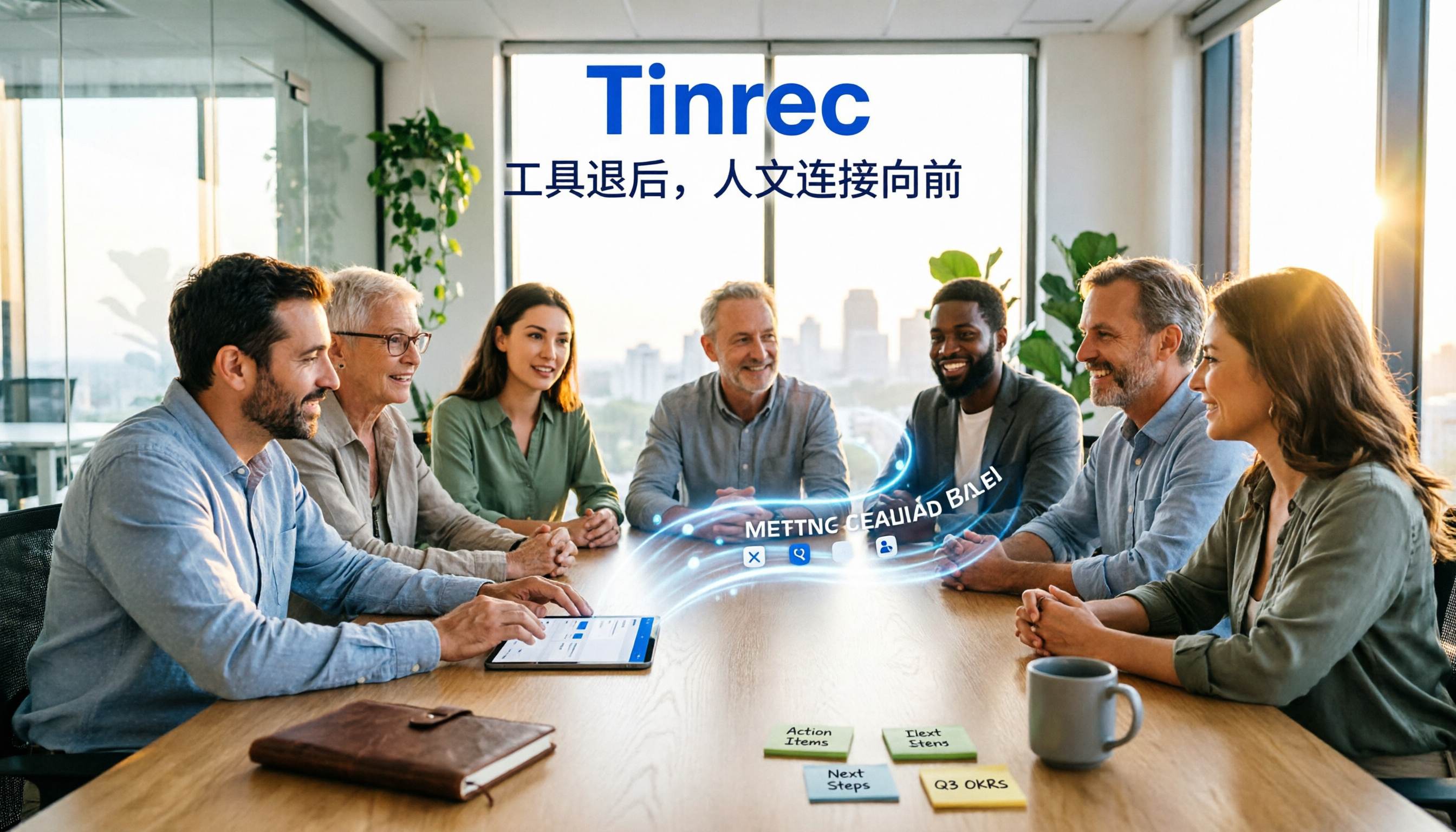
Meetings end and everyone disperses, leaving notes to be pieced together from memory? This article starts with the most common pitfalls teams encounter, breaks down the five capability levels that team meeting collaboration tools should have, and uses Tinrec to demonstrate a complete workflow from bot-free recording, AI summary and action items, meeting Q&A, to team space knowledge retention, along with a buying checklist and FAQs.