
Turn recordings into transcripts and summaries in minutes
Upload audio or video for multilingual transcription, AI notes, and action items
2026 AI Team Meeting Assistant Guide: Bot-Free Online Meeting Recording + Automatic Summaries & Action Items
Two-Hour Meeting, Two-Hour Cleanup—First Decide: Record It or Use It?
With a dozen meetings a week, the real time sink isn't the meeting itself—it's the aftermath: replaying recordings, pulling out key points, typing up minutes, copying action items one by one, and emailing them to a dozen attendees.
If you use a "meeting bot" tool, there's an extra step: inviting the bot to every online meeting. Forget to invite it, and that meeting goes unrecorded. When attendees see an unfamiliar account on the list, their first reaction is usually "Who's this?"
Cross-language meetings are even more painful. With Chinese and English mixed together, transcripts often miss the mark, and you end up retyping everything yourself.
So the real question isn't "Which AI is the strongest?" but: Do you want a transcript, or meeting data you can search, query, and hand off? This article starts from that decision point and breaks it down for you.
Before Choosing an AI Meeting Assistant, Understand These 5 Key Points
1. Does it "join the meeting" or "record on your computer"?
The meeting bot model uses an account to enter the meeting, offering high automation but requiring per-meeting invitations. Some companies also don't allow external accounts to join. Another approach is desktop capture of your computer's system audio—you start your meeting, open the tool, and record without adding anyone to the participant list. Tinrec's desktop version takes the latter approach; Granola also uses bot-free capture. This difference is especially critical for Chinese-speaking teams.
2. After recording, what does it give you?
A tool that only provides a transcript essentially hands back the most time-consuming work unchanged. What to look for: Does it have AI summaries, chapters, key points, and action items? Can you ask questions directly about the meeting content?
3. Are audio files retained? Can you import old files?
This is the most overlooked point. Some tools don't retain meeting audio and don't support uploading pre-recorded files, meaning you only get one chance in the moment. If your team needs to go back and verify original statements, or wants to organize past interviews and client meetings together, audio retention and file import are hard requirements.
4. Who owns the team's data?
Personal version data belongs to the individual account; team versions need a separate space where meeting data belongs to the team. Confirm three things: Will data leave with departing members? Who has admin permissions? How are "roles" and "seats" divided? Roles determine who can manage the team; seats determine who can record, upload, edit, and export.
5. How is billing calculated?
Distinguish between "in-app recording minutes" and "file import minutes." For team plans, check whether each seat has its own quota or if the whole team shares a pool.
Tinrec—Our Top Pick After Hands-On Testing
Tinrec is an AI meeting recording and collaboration tool for individuals and teams, covering iOS, Android, desktop, and web. It's not just a "speech-to-text tool"—the focus is on the entire workflow after transcription.
Bot-free online meeting recording. The desktop version directly captures your computer's system audio, handling meetings on Zoom, Google Meet, Microsoft Teams, Webex, and other platforms. You don't need to invite any bot into the meeting room, and you don't have to worry about the other company prohibiting external accounts. Tinrec processes the meeting audio playing on your computer, not participating as an add-on.
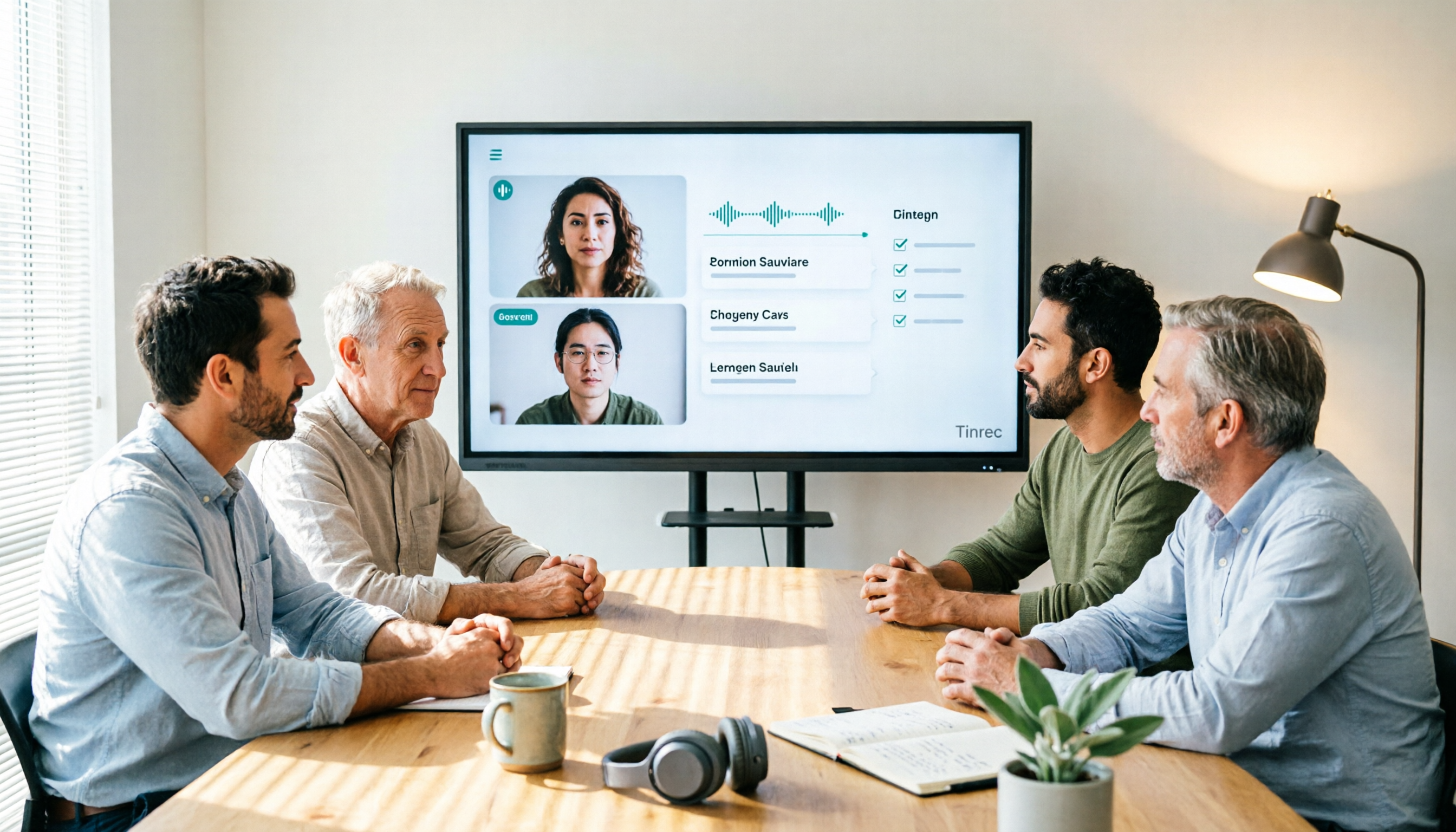
Transcribes while recording; summaries and action items appear automatically afterward. Open Tinrec during the meeting, and the transcript is generated in sync. When the meeting ends, the AI summary, chapters, key points, and action items are already organized—who's responsible for what and when it's due, all clear at a glance. For cross-language meetings, it can translate while recording, letting you view in original, translated, or bilingual mode.
AI Q&A—this is its biggest difference from similar tools. After recording, you can directly ask, "Who mentioned the budget adjustment in the last meeting?" It doesn't give you a list of keyword search results but an answer organized based on semantic understanding. Meeting records thus transform from dead files into queryable data. You can also use Agent post-processing to generate reports, tables, and documents, and export to Notion, Google Docs, OneNote, Dropbox, and other tools for further work.
Stop organizing recordings by hand
Upload audio or video and automatically get a transcript, summary, and action items
Its testing approach is also pragmatic. Tinrec doesn't publicly promise a fixed accuracy number—which is actually a plus, because transcription quality is inherently affected by recording quality, background noise, accents, overlapping speakers, and technical terms. Its solution is "team hotwords": add your company's common terms, product names, and people's names to improve recognition. Chinese, Traditional Chinese, and multilingual meetings are all supported.
Three most practical reasons to buy:
- No extra hardware, no meeting bot; works on web, desktop, and mobile.
- The real value is after the meeting: summaries, chapters, action items, Q&A, translation, export, and document regeneration all in one flow.
- The team version is a true team space: separate space, invite links, three roles (owner/admin/member), seat allocation and revocation, team usage trends and member details, team hotwords, audit logs, audio recycle bin; when a member leaves or is removed, resources can be handed over to other active members.
Limitations to be honest about:
- The free version offers basic quota, suitable for light use; those who regularly organize several meetings a week will eventually need to upgrade.
- The team version currently focuses on "team-level sharing": all active members can read team data, and governance relies on roles and seats, not file-level granular permissions. If you need "only three people can see this record," confirm first.
- Batch transcription of large numbers of files at once is not its strong suit.
Current team version benefits and pricing: First eligible team trial is 7 days, 1 free seat, 300 minutes of team shared import quota; team monthly USD 29.80 per paid seat per month, annual USD 199 per paid seat per year (about USD 16.58 per month). Each paid seat provides 2,000 minutes of team shared import quota per month; real-time recording under an active team plan is currently not deducted by minutes. Prices, currencies, and promotions are subject to the official purchase page.
Who is it for? Teams that primarily hold Chinese or mixed Chinese-English meetings, don't want a bot in the meeting, and want meeting data to stay within the team for search, query, and handoff.
Besides Tinrec, What Other Options Are There?
Otter.ai: A veteran choice for English meetings. Basic is free with 300 minutes per month; Pro annual is about USD 8.49 per user per month, including 1,200 minutes of in-app recording per month. Strengths are English business meetings and automated workflows; Chinese and mixed Chinese-English meetings are not its strong suit. If you need to retain recordings, import old files, and turn content into team data, Tinrec is smoother.
Granola: Also uses bot-free desktop recording, focusing on "your handwritten notes + AI enhancement," with cross-meeting context as a feature. But it doesn't support uploading pre-recorded files and doesn't retain meeting audio, meaning you only get one chance in the moment. If you need to retain recordings, organize historical files, or need Chinese transcription and team space—these are things Tinrec can do that it cannot.
PLAUD Note/NotePin: A representative of AI recording hardware. NotePin is priced at USD 159, Note Pro at USD 189, with membership plans starting at 300 minutes per month. The experience of portable hardware recording is indeed good, but you have to buy the device first. Tinrec requires no extra hardware, works on web, desktop, and mobile, and online meetings and old file imports are in the same workflow.
Pitfall Guide: 4 Most Common Mistakes When Choosing an AI Meeting Assistant
Pitfall 1: Only looking at the officially claimed accuracy rate. Accuracy varies greatly with recording quality, noise, accents, and overlapping speech. The pragmatic approach is to test with a real recording of your own meeting, not promotional numbers.
Pitfall 2: Ignoring the hidden cost of "bot must join the meeting." Inviting per meeting, forgetting to invite means no record, external accounts may be blocked by company policy—these aren't on the feature list but happen daily.
Pitfall 3: Treating the tool as just a transcription machine. If you only use it for "speech to text," you're using only a third of it. Features like AI Q&A—directly asking "What was the conclusion of this meeting?"—are much faster than manually flipping through a 30-minute transcript.
Pitfall 4: Mistaking "team sharing" for "file-level permissions." Many team versions allow all members to read, controlling usage eligibility via roles and seats, not per-file visibility. Before purchasing, ask clearly, and also ask about data handoff when members leave.
Conclusion: Which One Should You Choose?
- Primarily Chinese/mixed Chinese-English meetings → Tinrec (Chinese and multilingual experience is key, plus real-time translation and bilingual viewing)
- Don't want a bot in the meeting → Tinrec (desktop bot-free capture; Granola is also bot-free but doesn't retain audio or import old files)
- Want to use AI to ask key points, get action items, and export after recording → Tinrec (AI Q&A + multi-format export + Agent post-processing)
- Team wants to turn meetings into handoff-ready assets → Tinrec Team Version (space, roles, seats, usage, audit, recycle bin)
- Mainly record English meetings, budget starts at zero → Otter.ai Free (the only exception recommendation in this article)
- Need portable hardware recording → PLAUD
Suggested trial order: First, hold a real meeting, add your team's common terms to hotwords, and see if the transcript and summary are directly usable. For teams, start with the 7-day trial to experience members, seats, and shared quota in action, then decide whether to upgrade. Finally, remember to get attendees' consent before recording and transcription, and comply with local regulations.
References
- Make the most of AI in meetings and video calls | Google Workspace
- 2026's Most Recommended AI Meeting Minutes Tool, Time-Saving Must-Have for Meetings!
- Meeting Ink - 2026 AI Meeting Minutes Tool Hands-On Test | 7 Speech-to-Text and Summary Speed Comparison | Meeting Ink - AI Meeting Minutes Assistant Auto Transcription and Summary
- Meeting Ink - AI Meeting Minutes Assistant Auto Transcription and Summary
- Top 5 Best AI Meeting Assistants of 2024 – meetXcc
Turn every recording into actionable outcomes
Get 60 free transcription minutes when you sign in. No credit card required.
Related Reading
You might also like

2026 Team Knowledge Base Tools Compared: How Meeting Notes Differ from a Knowledge Base
What's the difference between a team knowledge base and meeting notes? This article uses Tinrec to show how to turn meeting notes into a searchable, collaborative team knowledge base, and compares personal vs. team plans.

2026 Comparison of 4 Team Meeting Notes Tools: Which Handles Chinese Meeting Summaries and Team Knowledge Best?
Two-hour meetings followed by two hours of organizing notes is a daily reality for many teams. This article compares Tinrec, Otter.ai, Granola, and PLAUD from four angles: recording method, post-meeting output, team permissions, and quotas. It provides practical selection criteria and 4 common pitfalls to help you determine which tool truly makes meeting records usable and retained.

6 Meeting Transcription Tools Tested for 2026: Which One Best Preserves Meeting Content Long-Term?
Meetings end, but conclusions get scattered across personal notes, chat rooms, and email. This article examines 6 common meeting transcription tools in 2026 from the perspective of long-term content preservation, covering their positioning, highlights, pricing, and ideal users. Includes Tinrec, Otter.ai, Notta, Granola, TurboScribe, and PLAUD, plus actionable selection advice and getting-started steps.

2026 Comparison of 4 Meeting Recording Knowledge Bases: How to Turn Recorded Meetings into Searchable Team Data
Recording a meeting isn't enough. This hands-on comparison of 4 meeting recording knowledge base tools covers bot-free recording, audio retention, AI summaries and action items, cross-meeting Q&A, and team seat management. It also outlines 5 key points for selection and 4 common pitfalls to avoid, helping you find the one that turns meetings into searchable, transferable data.

2026 SMB Meeting Knowledge Base Guide: Bot-Free Recording + AI Q&A to Capture Team Data
SMB meetings often get scattered across personal phones, LINE groups, and email, making it hard to find decisions or action items later. This guide starts with common pitfalls, explains key factors for choosing a meeting knowledge base, and uses Tinrec as an example to show how bot-free recording, AI summaries, action item extraction, and team spaces can turn every meeting into searchable, collaborative, and transferable team data. It also briefly compares Otter.ai, Notta, and Granola.

2026 Team Meeting Transcription Software Comparison: Why Tinrec Beats Notta for Teams
How to choose team meeting transcription software in 2026? This article starts with common pitfalls, compares Tinrec and Notta on meeting capture, Chinese transcription, post-meeting organization, and team governance, and outlines Tinrec's free, Pro, and Team plan quotas, pricing, and use cases to help you decide which tool suits long-term team use.

4 Meeting Knowledge Base Tools Tested and Compared in 2026: How to Turn Meeting Notes into Searchable Team Knowledge
A meeting knowledge base isn't just dumping recordings into a cloud folder. This article starts with common misconceptions, outlines 5 key criteria to understand before building a meeting knowledge base, tests and compares four tools—Tinrec, Notta, Otter.ai, and Granola—and includes a pitfalls guide and selection advice.

How to Record Team Meetings Without a Bot in 2026: Tinrec Review with AI Summaries & Action Items
Starting from real pain points in student group discussions and internship weekly meetings, this guide covers 4 key factors for choosing a team meeting recording tool, hands-on testing of Tinrec's bot-free online meeting recording, AI summaries, and AI Q&A, plus comparisons with Notta, Granola, and PLAUD Note with tips to avoid common pitfalls.

2026 Team Meeting Collaboration Tools Buying Guide: 5 Key Testing Points and Selection Tips
Meetings end and everyone disperses, leaving notes to be pieced together from memory? This article starts with the most common pitfalls teams encounter, breaks down the five capability levels that team meeting collaboration tools should have, and uses Tinrec to demonstrate a complete workflow from bot-free recording, AI summary and action items, meeting Q&A, to team space knowledge retention, along with a buying checklist and FAQs.