

Turn recordings into transcripts and summaries in minutes
Upload audio or video for multilingual transcription, AI notes, and action items
2026 Team Knowledge Base Tools Compared: How Meeting Notes Differ from a Knowledge Base
It's 7 PM on a Wednesday, and you've just finished a two-hour project meeting. You've written up the meeting notes, sent them to your manager's inbox, and dropped them in the group chat. Three months later, a colleague asks why you decided to cut the budget in half, and you search through chat history but can't find those meeting notes.
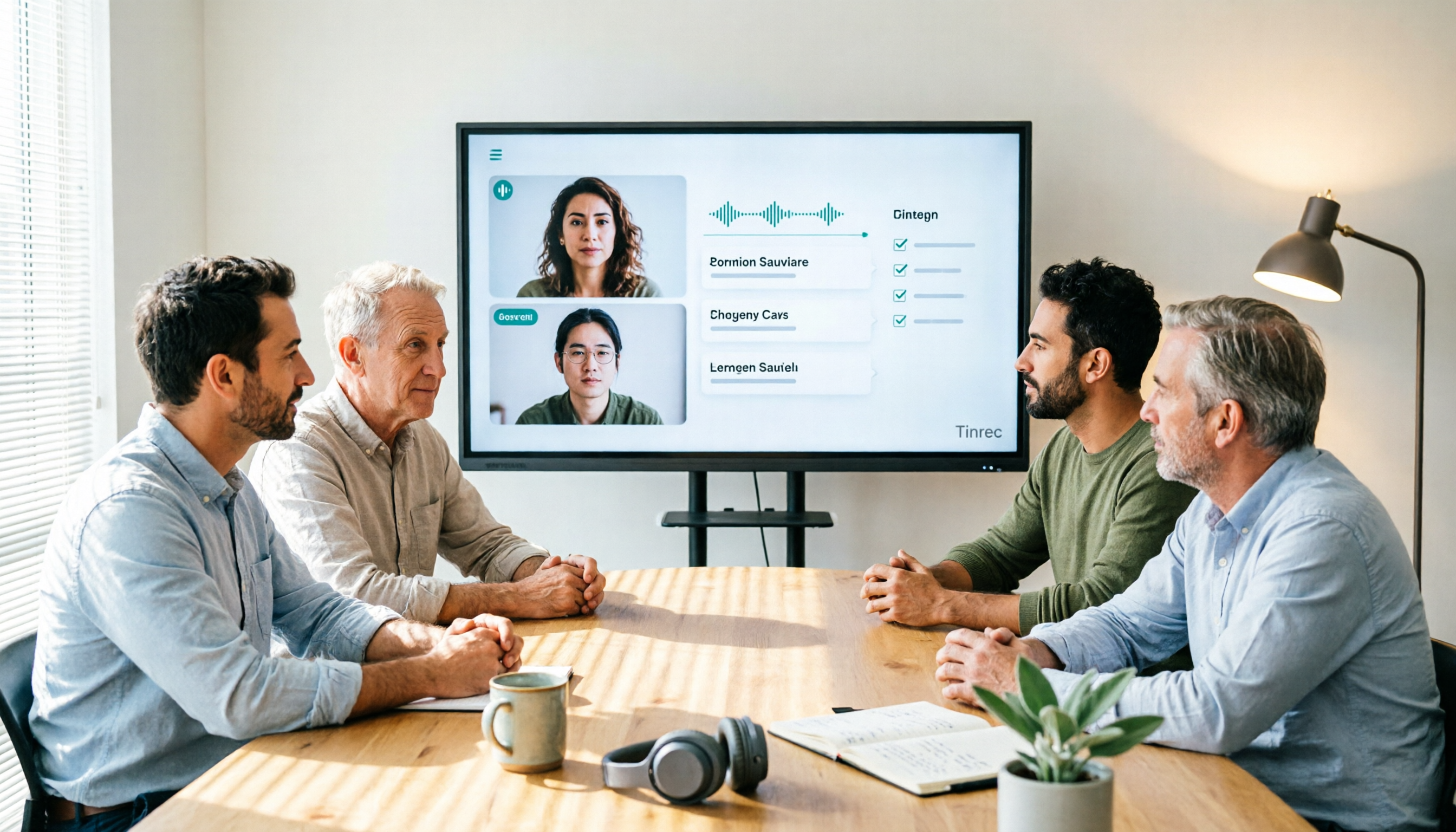
This isn't a memory problem—meeting notes and a team knowledge base are simply two different things. Meeting notes are the output of a single meeting, while a team knowledge base is a long-term, searchable, collaborative data system. Tinrec is an AI meeting notes and collaboration tool for individuals and teams, available on iOS, Android, and web. The free version offers basic quota to experience recording, import, summaries, and transcription. It automatically organizes each meeting's recording, transcript, summary, and action items into a team space, so meeting notes are no longer scattered but become reusable team knowledge assets.
How Do Team Knowledge Bases Differ from Meeting Notes? What Can They Do for You?
Bottom line: meeting notes are a "point," while a team knowledge base is a "surface."
Meeting notes usually cover only a single meeting—maybe a document file, a chat conversation, or a transcript on someone's computer. The problem is they're scattered, hard to search, and disappear when people leave. A team knowledge base, on the other hand, centralizes all meeting decisions, action items, and discussion context, and makes them searchable, queryable, and shareable. The biggest difference is "sustainability"—meeting notes are forgotten after use, while a team knowledge base gets richer the more you use it.
Take Tinrec as an example. Its team space saves each meeting's recording, transcript, AI summary, chapters, and action items. When new members join, they can directly search past meetings and use AI Q&A to ask, "What was the conclusion about the marketing budget last time?" without having to ask colleagues. This is the value of upgrading from meeting notes to a team knowledge base.
Scenario 1: Get notes 5 minutes after a meeting, still searchable three months later Previously, after a two-hour meeting, you might spend another hour organizing notes, and three months later you couldn't find them. Tinrec generates summaries, conclusions, and action items as the meeting ends—who's responsible for what and deadlines are clear at a glance. Everything is stored in the team space, and you can pull up records by searching keywords.
Scenario 2: New hires get up to speed quickly without repeated questions Team members come and go. If meeting notes only exist in personal accounts, data is lost when someone leaves. Tinrec's team plan makes data owned by the team. When a member leaves, resources can be handed over to other active members, and new hires can directly view past meetings to get up to speed quickly.
Scenario 3: Cross-department collaboration with a single source of truth Cross-department meetings suffer when everyone has a different story. Tinrec puts meeting transcripts and decisions in the same team space, so everyone sees the same information and communication gaps are reduced.
What Are the Core Capabilities of a Team Knowledge Base? Tinrec as an Example
Real-time Recording to Text: Transcripts as You Meet
Tinrec supports real-time recording to text with low latency, so you can follow along and confirm key points during the meeting. For in-person meetings, record directly with your phone or computer. For online meetings, the desktop version captures system audio without needing a meeting bot. It supports audio played on your computer from Zoom, Google Meet, Microsoft Teams, Webex, and other platforms.
AI Summaries, Chapters, and Action Item Extraction
Tinrec automatically turns long meetings into structured summaries and breaks them into chapters for quick review. More importantly, it extracts action items from discussions, tagging owners and deadlines, turning them into an action list right after the meeting.
AI Q&A: Ask Meeting Content Directly
After transcription, you can ask Tinrec questions directly, such as "Who mentioned the budget in the meeting?" or "What was the customer feedback?" It answers based on semantic understanding without you having to re-listen to the recording. This is especially useful for finding past meetings.
Team Space and Member Management
Tinrec's team plan provides an independent team space where meeting data belongs to the team, not individuals. Admins can set owners, admins, and regular members, and assign seats to determine who can record, upload, edit, and export. The team plan also offers usage analytics, audit logs, audio recycle bin, and team hotwords for more complete team governance.
Multi-format Export and Post-processing
Tinrec supports exporting meeting results to Notion, Google Docs, OneNote, Dropbox, and other tools, and can generate reports, tables, and documents. Agent post-processing can further produce work documents based on meeting content.
Stop organizing recordings by hand
Upload audio or video and automatically get a transcript, summary, and action items
Differences Between Personal and Team Plans
The personal plan is suitable for light users. The free version has a basic quota, the weekly card is for short-term high frequency, and the Pro monthly and annual cards are for steady use. The team plan is an independent collaboration space, billed at USD 29.80 per paid seat per month, or USD 199 per paid seat per year (about USD 16.58 per month), with each paid seat providing 2,000 minutes of shared team import quota per month. The team trial is 7 days, 1 free seat, and 300 minutes of shared import quota. Real-time recording is currently not deducted by minutes under an active team plan. Prices are subject to the official purchase page.
Practical Use Cases
Scenario 1: Weekly Project Meetings
After each weekly meeting, Tinrec automatically generates a transcript and summary, and action items are assigned directly to owners. Before the next meeting, open the team space to review last meeting's decisions without re-listening to recordings.
Scenario 2: Customer Interviews and Requirements Meetings
During customer interviews, Tinrec transcribes in real time and records customer needs, objections, and commitments. After the meeting, you can export the transcript for the team or use AI Q&A to quickly find keywords the customer mentioned. The team plan's shared space keeps sales and product teams in sync.
Scenario 3: New Hire Onboarding Training
After new hires join, they can search past meeting records through Tinrec's team space to understand project history and decision context. They can learn independently without disturbing colleagues. The team hotwords feature also ensures professional terminology is recognized correctly.
Scenario 4: Cross-department Decision Meetings
Cross-department meetings often require tracing decision rationale. Tinrec stores transcripts, summaries, and action items in one place, supporting search and AI Q&A so every decision has a trail. Members without seats can still view, play, and read team data, ensuring information transparency.
5 Things to Consider When Choosing a Team Knowledge Base Tool
Language support and accuracy: If your team mainly meets in Chinese, confirm the tool's support for Chinese and mixed Chinese-English. Tinrec covers Chinese, Traditional Chinese, and multilingual meetings, supports real-time translation and bilingual viewing, and can improve professional terminology recognition through team hotwords. Actual results are affected by recording quality, accents, and noise—test with real recordings.
Post-meeting organization: Transcription is only the first step. The key is whether it can automatically generate summaries, chapters, action items, and support AI Q&A. Tinrec's AI summaries and action item extraction reduce manual organization time, and AI Q&A lets you query meeting content directly.
Team collaboration and permission management: Confirm whether the tool provides team spaces, member roles, and seat management. Tinrec's team plan distinguishes roles and seats—roles determine management permissions, seats determine whether you can record, upload, edit, and export. Data belongs to the team, and resources can be handed over when members leave.
Data retention and export: Can meeting recordings and transcripts be stored long-term? Tinrec supports an audio recycle bin—accidentally deleted audio can be restored within 30 days—and supports multi-format export to common tools, so data isn't locked into a single platform.
Pricing and plan flexibility: Tinrec's personal plan includes free, weekly, Pro monthly, and annual cards. The team plan is billed per seat: USD 29.80 per seat per month, or USD 199 per seat per year, including 2,000 minutes of shared import quota per month. Evaluate based on usage frequency and team size, not just a single price number.
Frequently Asked Questions
Q1: Can I choose only one—team knowledge base or meeting notes?
A1: Meeting notes are the raw material for a team knowledge base. If you only have meeting notes without systematic storage and search, data is easily lost. Tinrec's value is automatically turning meeting notes into a team knowledge base—using both together delivers the best results.
Q2: Is Tinrec's free version enough?
A2: The free version provides a basic quota, suitable for occasionally organizing a recording or trying features. If you have meetings every week, consider the Pro monthly or annual card; for team use, the team plan is recommended with shared quota and member management. You can start with the free version.
Q3: What's the difference between Tinrec's team plan and personal plan?
A3: Personal plan data is managed under a personal account; the team plan is an independent team space where meeting data belongs to the team, adding members, roles, seats, shared benefits, usage analytics, audit logs, and recycle bin. The team plan is billed per paid seat, with 2,000 minutes of shared import quota per seat per month.
Q4: Can members without a seat see meeting notes?
A4: Yes. Active team members without a seat can view, play, and read team data, but cannot upload, edit, import, or export. Only after getting a seat can they perform resource usage operations. This is Tinrec's team plan design that distinguishes roles and seats.
Q5: Which online meeting platforms does Tinrec support?
A5: Tinrec's desktop version captures computer system audio and can handle meeting audio played on your computer from Zoom, Google Meet, Microsoft Teams, Webex, and other platforms without needing a meeting bot. Users need to actively open Tinrec to start recording.
Conclusion
The difference between meeting notes and a team knowledge base is that one is a fragment and the other is a system. Tinrec automatically organizes each meeting's recording, transcript, summary, and action items into a team space, so meeting notes are no longer one-time documents but searchable, queryable, shareable team assets. If you have more than three meetings a week, or your team often needs to trace decisions, try Tinrec. The free version has a basic quota, and the team plan has a 7-day trial (1 free seat, 300 minutes of shared import quota)—experience it before deciding.
References
- No Meeting Is Wasted! Five Common Meeting Types and Meeting Notes Techniques (with Meeting Notes Template)
- [Meeting Notes Writing 2026] Format Tutorial | Free Sample + Template Download - ProjectManager
- Meeting Notes Aren't Better the More Detailed They Are! The 3 Things Worth Writing Down | Manager Today
- Meeting Notes Guide: Examples, Tips, and Templates | Lark
- Meeting Notes Format Template [Copy Directly] 4 Key Points + Writing Examples, Fill In and Submit
Turn every recording into actionable outcomes
Get 60 free transcription minutes when you sign in. No credit card required.
Related Reading
You might also like

2026 Comparison of 4 Team Meeting Notes Tools: Which Handles Chinese Meeting Summaries and Team Knowledge Best?
Two-hour meetings followed by two hours of organizing notes is a daily reality for many teams. This article compares Tinrec, Otter.ai, Granola, and PLAUD from four angles: recording method, post-meeting output, team permissions, and quotas. It provides practical selection criteria and 4 common pitfalls to help you determine which tool truly makes meeting records usable and retained.

6 Meeting Transcription Tools Tested for 2026: Which One Best Preserves Meeting Content Long-Term?
Meetings end, but conclusions get scattered across personal notes, chat rooms, and email. This article examines 6 common meeting transcription tools in 2026 from the perspective of long-term content preservation, covering their positioning, highlights, pricing, and ideal users. Includes Tinrec, Otter.ai, Notta, Granola, TurboScribe, and PLAUD, plus actionable selection advice and getting-started steps.

2026 Comparison of 4 Meeting Recording Knowledge Bases: How to Turn Recorded Meetings into Searchable Team Data
Recording a meeting isn't enough. This hands-on comparison of 4 meeting recording knowledge base tools covers bot-free recording, audio retention, AI summaries and action items, cross-meeting Q&A, and team seat management. It also outlines 5 key points for selection and 4 common pitfalls to avoid, helping you find the one that turns meetings into searchable, transferable data.
2026 AI Team Meeting Assistant Guide: Bot-Free Online Meeting Recording + Automatic Summaries & Action Items
Starting from the key decision points for teams choosing an AI meeting assistant, this guide breaks down 5 dimensions: recording method, post-meeting output, audio retention, team governance, and pricing. It includes hands-on comparisons of Tinrec, Otter.ai, Granola, and PLAUD, plus pitfalls to avoid and scenario-based recommendations.

2026 SMB Meeting Knowledge Base Guide: Bot-Free Recording + AI Q&A to Capture Team Data
SMB meetings often get scattered across personal phones, LINE groups, and email, making it hard to find decisions or action items later. This guide starts with common pitfalls, explains key factors for choosing a meeting knowledge base, and uses Tinrec as an example to show how bot-free recording, AI summaries, action item extraction, and team spaces can turn every meeting into searchable, collaborative, and transferable team data. It also briefly compares Otter.ai, Notta, and Granola.

2026 Team Meeting Transcription Software Comparison: Why Tinrec Beats Notta for Teams
How to choose team meeting transcription software in 2026? This article starts with common pitfalls, compares Tinrec and Notta on meeting capture, Chinese transcription, post-meeting organization, and team governance, and outlines Tinrec's free, Pro, and Team plan quotas, pricing, and use cases to help you decide which tool suits long-term team use.

4 Meeting Knowledge Base Tools Tested and Compared in 2026: How to Turn Meeting Notes into Searchable Team Knowledge
A meeting knowledge base isn't just dumping recordings into a cloud folder. This article starts with common misconceptions, outlines 5 key criteria to understand before building a meeting knowledge base, tests and compares four tools—Tinrec, Notta, Otter.ai, and Granola—and includes a pitfalls guide and selection advice.

How to Record Team Meetings Without a Bot in 2026: Tinrec Review with AI Summaries & Action Items
Starting from real pain points in student group discussions and internship weekly meetings, this guide covers 4 key factors for choosing a team meeting recording tool, hands-on testing of Tinrec's bot-free online meeting recording, AI summaries, and AI Q&A, plus comparisons with Notta, Granola, and PLAUD Note with tips to avoid common pitfalls.

2026 Team Meeting Collaboration Tools Buying Guide: 5 Key Testing Points and Selection Tips
Meetings end and everyone disperses, leaving notes to be pieced together from memory? This article starts with the most common pitfalls teams encounter, breaks down the five capability levels that team meeting collaboration tools should have, and uses Tinrec to demonstrate a complete workflow from bot-free recording, AI summary and action items, meeting Q&A, to team space knowledge retention, along with a buying checklist and FAQs.