

Turn recordings into transcripts and summaries in minutes
Upload audio or video for multilingual transcription, AI notes, and action items
AI Meeting Agent Workflow 2026: Bot-Free Recording + Auto-Generated Meeting Notes
When choosing an AI meeting agent workflow, the first thing to decide isn't 'how many features does it have'—it's: do you want a bot to join this meeting, or do you want the tool to capture audio directly on your computer?
This choice affects many things—whether recordings are retained, whether you can continue asking questions after the meeting, and who owns the data when team members leave.
Tinrec is an AI meeting notes and collaboration tool for individuals and teams, and it takes the latter approach. The desktop version captures your computer's system audio directly, handling online meetings on Zoom, Google Meet, Microsoft Teams, Webex, and more—no need to invite an extra meeting bot.
It also supports real-time recording, audio/video file import, and real-time translation, and organizes transcripts into summaries, chapters, key points, and action items. The free version provides basic quota so you can try recording, importing, summarizing, and transcribing first; the team version adds a separate team workspace and member management.
If your meetings follow a steady rhythm of several per week, what this workflow really saves isn't typing time—it's the back-and-forth of 'what exactly did we decide after the meeting?'
What Can an AI Meeting Agent Workflow Do for You?
Scenario 1: The meeting ends, and the notes are already waiting In the past, after a two-hour meeting, you'd often spend another hour recalling, flipping through notes, and piecing together conclusions. With Tinrec, by the time the meeting ends, the transcript is already complete, and the AI summary, chapters, key points, and action items are organized. Who's responsible for what and when it's due—you can move forward directly.
Scenario 2: No need to re-listen to the recording from the start 'Who said that number?' used to mean dragging the timeline to re-listen. With Tinrec, you can ask directly in AI Q&A—'What was the budget cap the client mentioned?' 'What did this meeting finally decide?'—and it answers based on the meeting content, no need to listen and take notes simultaneously.
Scenario 3: Meeting data stays with the team, not on individual computers When you record meetings with a personal account, the data follows the person. Tinrec's team version puts meeting data in a separate team workspace, so new members can look back at past meetings, and data doesn't leave with members when they depart.
What Are the Core Capabilities of an AI Meeting Agent Workflow?
1. Bot-free recording of online meetings Tinrec's desktop version captures system audio directly, so no 'recording bot' participant appears in the meeting, and the other party doesn't need to adjust their process for you. Note that you need to open Tinrec yourself to start recording—it's not a mode that automatically joins all calendar meetings.
2. Real-time transcription and real-time translation Text is generated while recording, no need to wait until after the meeting to transcribe. For cross-language meetings, Tinrec supports viewing in original text, translation, or bilingual mode, and mixed Chinese-English content can be organized together.
3. AI summary, chapters, and key points AI summary isn't just condensing the transcript into a paragraph—it's structured organization: meeting topic, discussion points, and conclusions are separated. The chapter feature breaks long meetings into skimmable sections, so you don't have to watch from the beginning when reviewing.
4. Action item extraction and AI Q&A Tinrec extracts action items from discussions, avoiding the situation where 'the meeting was lively but no one remembers what to do afterward.' After transcription is complete, you can continue asking for details, treating the meeting as a conversational document.
5. Agent post-processing and multi-format export What you need to deliver after a meeting usually isn't a transcript—it's a report or table. Tinrec can continue generating documents, reports, and tables based on meeting content, and supports export to Notion, Google Docs, OneNote, Dropbox, and other tools for further work.
Practical Use Cases
Online meetings For meetings on Zoom, Google Meet, Microsoft Teams, Webex, just record directly with Tinrec's desktop version—no need to ask the other party to add a bot. Suitable for weekly recurring project meetings and cross-departmental stand-ups.
Stop organizing recordings by hand
Upload audio or video and automatically get a transcript, summary, and action items
In-person meetings and interviews For face-to-face meetings or interviews, use Tinrec's real-time recording to generate text as you speak. The interview transcript can be used directly to organize quotes and materials.
Historical audio files and course recordings If you already have a pile of audio files, you can import audio/video files into Tinrec for transcription, turning scattered old data into searchable, queryable text.
Team weekly meetings and project meetings The team version centralizes meetings in one workspace, and managers can view usage trends, member details, and activity logs. Members need a seat to record, upload, and edit; without a seat, they can still view, play, and read materials.
5 Things to Watch When Choosing an AI Meeting Agent Tool
1. How the meeting is recorded Meeting bots need to join as a participant, which some companies or clients may mind. Tinrec uses desktop system audio capture, so no extra participant appears in the meeting—especially noticeable for external meetings.
2. What you can do after the transcript Transcription is just the first step. After the transcript, Tinrec offers summaries, chapters, action items, AI Q&A, translation, and export, so you can connect directly to your workflow after the meeting instead of getting stuck with just text.
3. Actual performance with Chinese and multiple languages Actual results are affected by recording quality, noise, accents, overlapping speakers, and technical terminology—no tool should promise a fixed accuracy rate. Tinrec covers Chinese, Traditional Chinese, and multilingual meeting scenarios, and provides team hotwords to maintain recognition of technical terms.
4. Team governance: roles, seats, and quota In the team version, distinguish between 'roles' and 'seats'—roles determine who can manage the team and members, seats determine who can record, upload, edit, and export. Tinrec's team version allows creating multiple team workspaces, inviting members via link, and assigning or revoking seats. For quota, paid seats provide 2,000 minutes of team shared import quota per month; real-time recording currently isn't deducted by minutes.
5. Recording and data retention and recovery Tinrec retains meeting audio and provides an audio recycle bin, currently with a 30-day retention period, so accidentally deleted audio files can still be recovered before permanent cleanup. However, team version sharing is primarily visibility-based and is not currently a file-level granular permission system.
On pricing, Tinrec's team version offers a first-time 7-day trial, including 1 free seat and 300 minutes of team shared import quota; team monthly is USD 29.80 per paid seat per month, annual is USD 199 per paid seat per year, roughly USD 16.58 per month. Actual prices, currencies, and promotions are subject to the official purchase page.
Frequently Asked Questions
Q1: Does an AI meeting agent workflow require a meeting bot? Not necessarily. Tinrec's desktop version captures computer system audio directly, so no bot needs to join the meeting as a participant. You just need to open Tinrec before the meeting to start recording.
Q2: What can the free version do? Tinrec offers basic quota in the free version, so you can try recording, importing, summarizing, and transcribing first. If you only occasionally organize a recording, starting with the free version is enough; for short-term intensive use, consider a weekly card; if you have regular weekly meetings, Pro is suitable.
Q3: Which meeting platforms are supported? Tinrec's desktop version can handle online meeting audio played on your computer, including Zoom, Google Meet, Microsoft Teams, Webex, and more. Supporting platform recording doesn't mean official partnership with these platforms—keep that in mind.
Q4: Can accuracy be guaranteed? We don't recommend promising a fixed number. Actual performance is affected by recording quality, noise, accents, overlapping speakers, and technical terminology. Tinrec's positioning is to reduce manual note-taking and organizing costs; for important content, we still recommend cross-checking with the original text and recording.
Q5: What's the difference between the team version and the personal version? Personal version data is managed by the individual account. Tinrec's team version provides a separate team workspace, meeting data belongs to the team, and adds capabilities like members, roles, seats, shared benefits, usage analytics, audit logs, and audio recycle bin. Active members can view and read team data even without a seat, but recording, uploading, and editing require a seat.
Q6: If a member leaves, will meeting data disappear with them? It won't be taken away by the individual. Team resources belong to the team, and when a member exits, is removed, or loses their seat, their team resources can be handed over to other active members.
Summary
The real problem an AI meeting agent workflow solves isn't 'turning voice into text'—it's making post-meeting work continue seamlessly: summaries help you review, action items help you move forward, Q&A helps you verify, and team workspaces help you retain data.
Tinrec puts these things in one workflow, without needing a meeting bot, and without locking recordings to a single device. If you have more than three meetings per week, we recommend trying the free version once to experience what it's like to have records ready the moment the meeting ends.
References
- AI Meeting Notes Generator
- Build a Personal Workflow with AI Agent from Zero | Digital Employee ✕ AI Tool Integration ✕ ...
- Build a Personal Workflow with AI Agent from Zero | Digital Employee ✕ AI Tool Integration ✕ Agent Ecosystem Connection
- Make the Most of AI in Meetings and Video Conferences | Google Workspace
- [2026 Latest] What Is an AI Agent? 7 Core Architectures, Operating Principles, and Enterprise Applications Explained | 91APP
Turn every recording into actionable outcomes
Get 60 free transcription minutes when you sign in. No credit card required.
Related Reading
You might also like

2026 AI Meeting Agent Comparison: Which Tool Best Handles Post-Meeting Q&A and Team Knowledge Retention?
From the perspective of a mid-level manager with 15 meetings a week, we tested and compared 4 AI meeting agents, covering how meetings are recorded, whether you can ask follow-up questions and retain knowledge after the meeting, and how team seats and quotas work. We also honestly explain Tinrec's suitable use cases and limitations.

2026 Meeting Notes Tools Comparison: Personal Notes vs Shared Cloud vs Team Workspace
Should meeting notes stay in personal notebooks or move to a team workspace? This article examines four key factors—data ownership, roles and seats, quota calculation, and post-meeting usability—to compare Tinrec's personal and team versions, and evaluates the team capabilities of Notta, Otter.ai, and Granola to help you decide if an upgrade is worthwhile.

3 AI Meeting Notes Solutions Compared for 2026: How to Choose a Notion AI Alternative
Juggling over a dozen meetings a week and still stuck transcribing notes and action items afterward? This article compares Notion AI meeting notes alternatives from the perspective of a mid-level manager's hands-on testing, using Tinrec as an example to explore bot-free recording, real-time transcription, AI summaries, action item extraction, and team collaboration workflows—helping you pick a meeting notes tool that truly saves time.

4 Free AI Meeting Agents Tested for 2026: Which One Handles Chinese Meeting Notes Best?
Are free AI meeting agents actually good enough? This hands-on comparison of Tinrec, Granola, Notta, and Otter.ai breaks down free-tier limits, how each tool records meetings, post-meeting output, and Chinese transcription performance, plus a pitfalls guide and selection advice to help you find the best fit for your meeting workflow.
2026 Comparison of 4 Meeting Data Governance Tools: Which One Turns Meeting Data into a Team Asset?
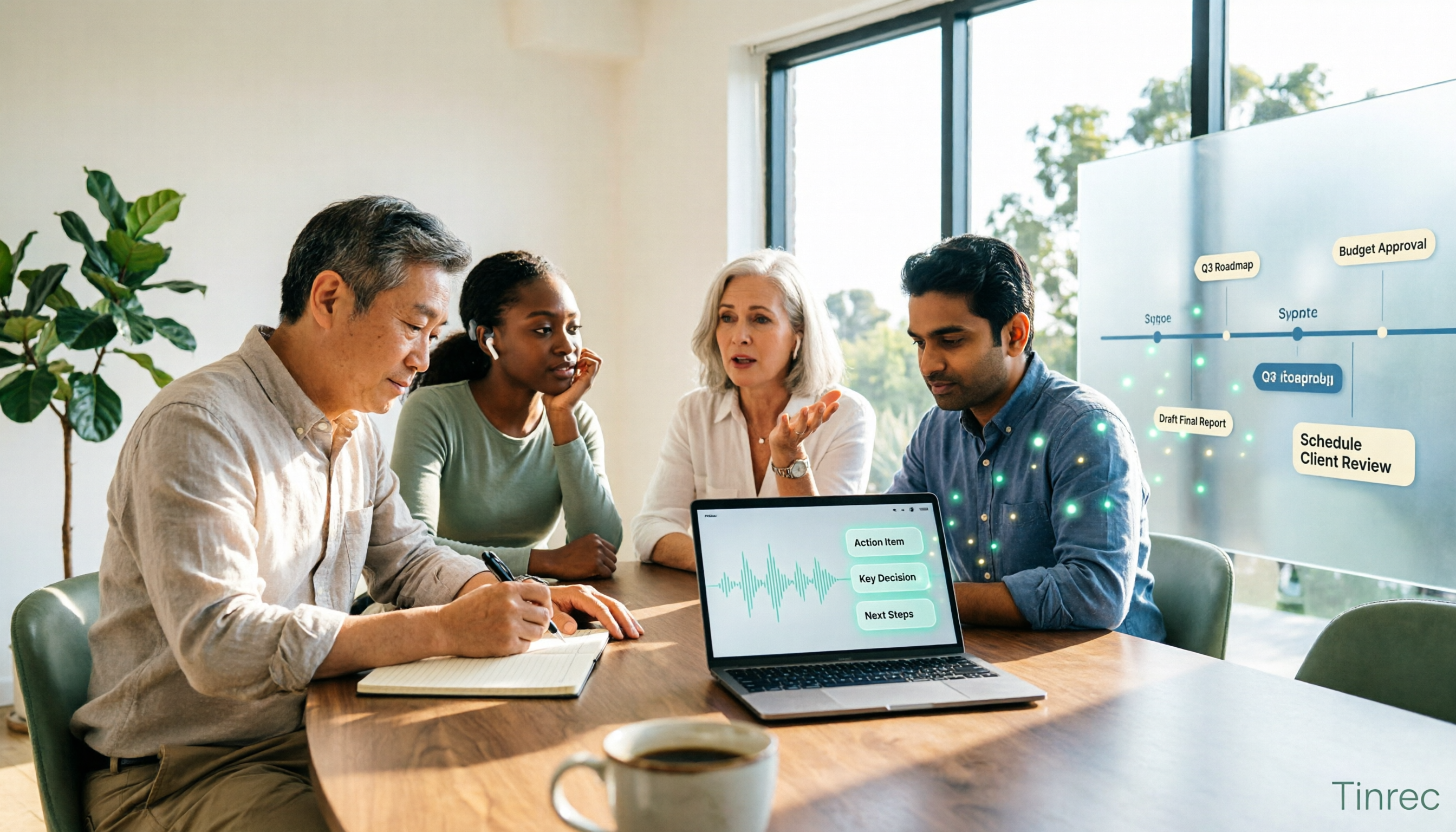
How to choose a meeting data governance tool in 2026? We tested them hands-on, comparing meeting data ownership, post-meeting organization workflows, bot-free recording methods, and team governance capabilities. We break down the differences between Tinrec, Otter.ai, Granola, and PLAUD to help you find the one that truly turns meeting data into a lasting asset.
2026 AI Meeting Notes Comparison: Otter Teams vs Tinrec vs Granola — Which Is Best for Chinese Meetings?
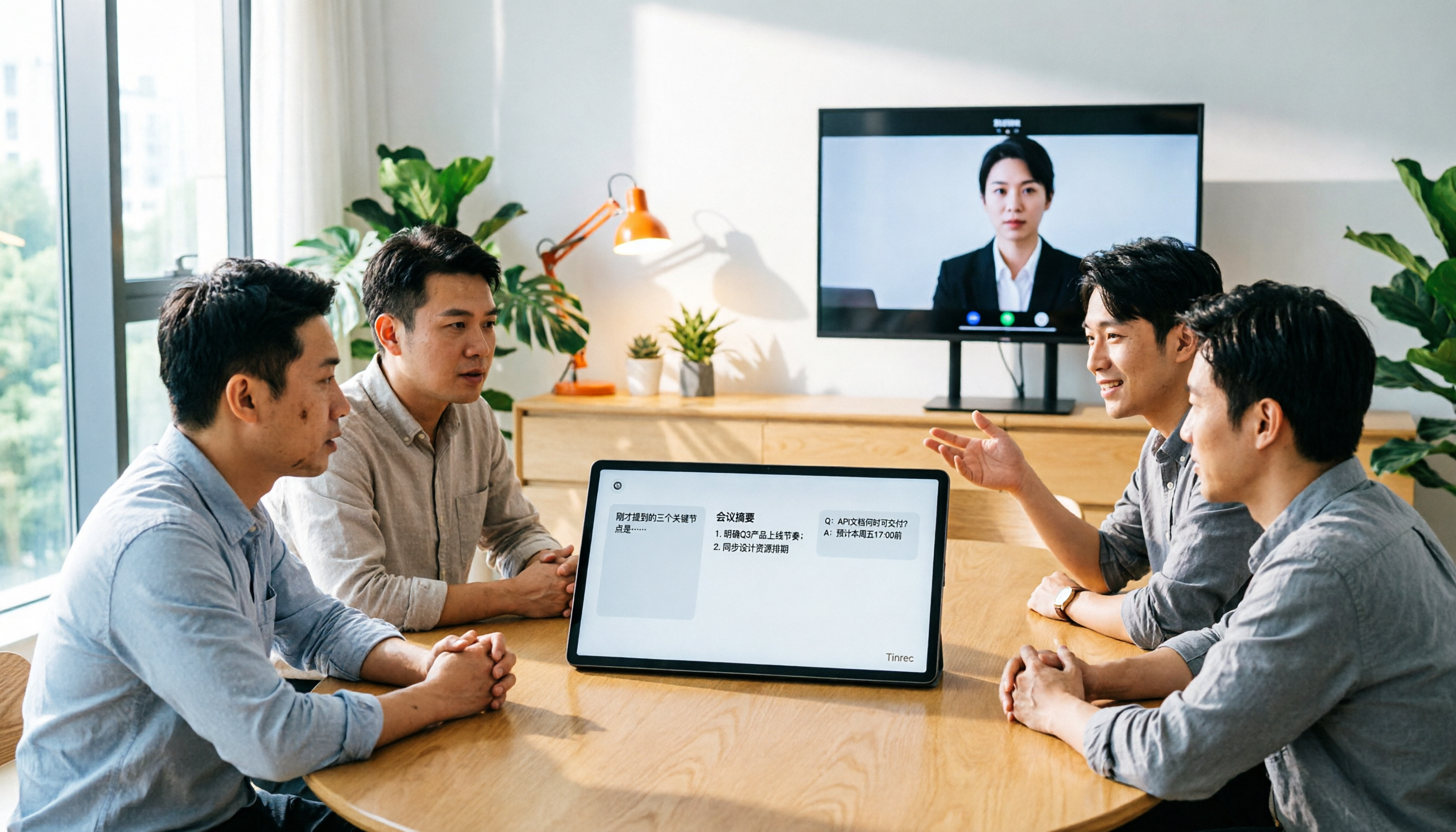
Otter Teams and Tinrec are both popular AI meeting note tools, but how should Chinese-speaking teams choose? This hands-on comparison covers Chinese recognition, bot-free recording, post-meeting organization, AI Q&A, team governance, and pricing, with Granola as a reference, to help you find the best fit for your daily meeting workflow.

4 AI Meeting Note Tools Compared for 2026: How to Choose for Chinese Meetings and Bot-Free Recording
Tired of scrambling to take meeting notes? This side-by-side comparison of 4 popular AI meeting note tools covers recording methods, post-meeting summaries and AI Q&A, Chinese recognition, team sharing, pricing, and limitations. It also explains how Tinrec stands out with bot-free recording and team knowledge retention.

2026 Tencent Meeting AI Notes Alternative: Tinrec Bot-Free Recording + Team Meeting Records
Tired of writing meeting notes after every call? Looking for a Tencent Meeting AI notes alternative in 2026? This guide covers 5 key buying factors, compares Tinrec, Tencent Meeting's built-in features, Notta, and Otter.ai, and shares tips on team sharing, seat management, and pitfalls to avoid—so you can find a time-saving solution that automatically generates transcripts, summaries, and action items.

4 AI Meeting Agents Tested for 2026: Which One Turns Meetings Into Usable Data?
What is an AI meeting agent, and how does it differ from a voice recorder or a plain transcription tool? This hands-on comparison of 4 tools breaks down how meetings are captured, what input sources are supported, what you get after the meeting, and who owns the team's data. It also covers Tinrec's real-world performance and limitations in bot-free recording, AI Q&A, and team workspaces.