

Turn recordings into transcripts and summaries in minutes
Upload audio or video for multilingual transcription, AI notes, and action items
How to Turn Meeting Decisions into Action Plans with Tinrec (2026): Auto-Extract To-Dos + AI Follow-Up
A 45-minute project meeting ends with beautiful conclusions: send the quote to the client by Wednesday, engineering to release a test version first, marketing to prepare materials. Meeting adjourned. Two weeks later, at the next meeting, the manager asks for progress and discovers none of the three things have been touched—not because no one wanted to do them, but because no one remembered what was actually "decided."
The problem usually isn't the meeting itself, but the gap between "decision" and "action." An article from Harvard Business Review Taiwan reminds us to ensure participants agree on specific actions and completion dates for each item before the meeting ends, and not to treat the next meeting time as the deadline. Training materials summarize this situation as "meet without discussing, discuss without deciding, decide without acting, act without following up."
There are two ways to fill this gap: one relies on process discipline, the other lets tools take over. The two most commonly compared tools are Otter.ai and Tinrec. Here's a practical comparison across 5 dimensions.
Tinrec vs. Otter.ai | Quick Overview
| Item | Tinrec | Otter.ai |
|---|---|---|
| Positioning | AI meeting notes and team collaboration tool | Mature AI meeting assistant |
| Key Strengths | Chinese meetings, bot-free desktop recording, post-meeting organization, and team spaces | English business meetings, meeting automation, and workflows |
| Individual Entry | Free version offers basic quota to try | Basic free, 300 minutes per month |
| Team Plan | Team version with seat-based pricing (see Dimension 5) | Business offers unlimited meetings and in-app recording |
The 5 dimensions compared next are: Chinese and multilingual transcription, decision-to-to-do conversion, post-meeting follow-up, team data retention, and pricing & quotas.
Dimension 1 | Transcription Experience for Chinese and Multilingual Meetings
Otter.ai is a mature AI meeting assistant covering Zoom, Microsoft Teams, and Google Meet, with real-time transcription, speaker identification, and AI Chat. Its English-language experience is quite complete. Its product mindset has long been built on English business meetings, so Chinese (especially Cantonese) and mixed Chinese-English meetings are not its main selling point.
Tinrec explicitly focuses on Chinese, Traditional Chinese, and multilingual meetings. It supports live transcription while recording, mixed Chinese-English content organization, and real-time translation, with the ability to switch between original text, translation, or bilingual view. The team version also offers "team hotwords" to add internal product names, project codes, and technical terms, reducing mishearing.
→ This dimension: For teams that mainly meet in Chinese, Tinrec's setup is more aligned with needs. Actual performance is still affected by recording quality, ambient noise, accents, and overlapping speech, so it's not recommended to judge based on a single number.
Dimension 2 | From "Decision" to "To-Do": Action Item Extraction
Otter.ai has both summaries and action items. After a meeting, it organizes discussions into key points and to-dos, which is practical for English meetings.
In addition to AI summaries and chapters, Tinrec directly extracts to-dos from the transcript, breaks long meetings into chapters and key points, and even generates mind maps to clarify topic relationships. The HBR phrase "get X done by Y date" emphasizes that the owner and date must not be vague; Tinrec's to-dos can be traced back to the corresponding transcript segment and recording timestamp, making it easy to answer questions like "who said they'd do it?" Agent post-processing can further turn meeting content into reports, tables, or documents.
→ This dimension: Tinrec wins by connecting transcript, to-dos, and follow-up documents into one line.
Dimension 3 | Post-Meeting Follow-Up: AI Q&A and Content Reuse
Otter.ai offers AI Chat to ask questions about meeting content. This is a relatively mature area for them, but the context for questions and answers is still primarily English meetings.
Stop organizing recordings by hand
Upload audio or video and automatically get a transcript, summary, and action items
Tinrec supports follow-up questions about a single meeting or multiple meetings. For example, you can directly ask "What are the common complaints from these three clients last quarter?" in Chinese. With import capabilities, historical recordings, interview files, and even some public web videos can be queried together; results can then generate meeting minutes, reports, and tables.
→ This dimension: Both have AI Q&A, so it's a tie; but if your data is in Chinese and sources go beyond online meetings, Tinrec has broader applicability.
Dimension 4 | Where Meeting Data Lives: Export, Team Spaces, and Governance
Otter.ai offers desktop capabilities in addition to meeting bots and covers multiple online meeting platforms; team management for Business and Enterprise plans is relatively mature. For detailed permission design, refer to their official documentation.
Tinrec's desktop version directly captures computer system audio, so when handling Zoom, Google Meet, Microsoft Teams, Webex, and other meetings, it doesn't need an extra bot on the participant list. After the meeting, transcripts, summaries, to-dos, and folders all go into the team space and are owned by the team. The team version separates "roles" and "seats": roles determine who can manage the team and view audits, seats determine who can record, upload, edit, and export; members without a seat but still valid can view, play, and read team data. When a member leaves or is removed, their team resources are transferred to other valid members and don't disappear with them. Admins also have usage analytics, audit logs, and an audio recycle bin.
→ This dimension: Tinrec is more complete in turning meeting data into team assets.
Dimension 5 | Pricing, Quotas, and Team Seats
Otter.ai: Basic free, 300 minutes per month; Pro annual billing equivalent to USD 8.49/user/month, including 1,200 minutes of in-app recording per month and 10 file imports; Business offers unlimited meetings and in-app recording. Actual prices may be affected by promotions; refer to the official pricing page.
Tinrec: Individual plans start with a free version, plus weekly card, Pro monthly, and Pro annual. Choose based on usage frequency. Team version: first-time eligible users can try 7 days, 1 free seat, 300 minutes of team shared import quota; monthly USD 29.80 per paid seat per month, annual USD 199 per paid seat per year (equivalent to about USD 16.58/month). Each paid seat provides 2,000 minutes of team shared import quota per month; under an active team plan and active seat, live recording currently does not deduct minutes, while file and web imports use the team shared quota and do not consume members' personal quotas. Prices, currencies, and promotions are subject to the official purchase page.
→ This dimension: The pricing logic differs. Otter Pro is more individual subscription, while Tinrec's team version is seat-based. If a group shares the same meeting data, Tinrec's quota design better fits the "team use" scenario.
What Are the Unique Advantages of Each?
Tinrec's advantages:
- Bot-free recording: Desktop version captures system audio, so Zoom, Meet, Teams, and Webex meetings don't need an extra account invited.
- Chinese and multilingual: Covers Chinese, Traditional Chinese, and multilingual meetings, supports real-time translation and bilingual view, and team hotwords maintain technical terms.
- Post-meeting workflow: Summaries, chapters, key points, to-dos, mind maps, AI Q&A, plus Agent post-processing to generate reports, tables, and documents, and export to Notion, Google Docs, OneNote, Dropbox, etc. for further processing.
- Team governance: Team spaces, roles and seats, shared import quota, usage analytics, audit logs, audio recycle bin, and resource handover.
Otter.ai's advantages:
- Maturity in English business meetings and meeting automation is its long-standing strength.
- Covers Zoom, Microsoft Teams, Google Meet, with speaker identification, AI Chat, workflows, and team management.
Conclusion: Which Should You Choose?
• Meetings mainly in Chinese or mixed Chinese-English → Tinrec
• Don't want a bot joining meetings, want to record computer audio directly → Tinrec
• Goal is to turn decisions into to-dos, then follow up and output reports → Tinrec
• Team needs to share meeting data, manage seats and usage, keep operation logs → Tinrec Team version
• Meetings are 90% English, need mature meeting automation and workflow integration → Otter.ai still fits
In one sentence: For most Chinese teams, Tinrec is closer to the need of "turning decisions into action." You can start with the free version, test with one of your own meeting recordings, see how accurately transcripts and to-dos are captured, then decide whether to upgrade to the team version.
Final reminder: Recording and transcription involve personal data and local regulations. Before recording, it's best to inform participants and obtain consent.
References
- Make Teams Actually Execute Meeting Decisions | Harvard Business Review Taiwan
- Project Execution, from Meeting to Execution to Closing, Can Be Simple! | Taiwan Digital Training Courses
- No Conclusion, Forgotten After Meeting? 5 Key Elements to Produce Decisions and To-Dos in Every Meeting
- Action Plan Template for All Goals 2026 • Asana
- Meeting Rules
Turn every recording into actionable outcomes
Get 60 free transcription minutes when you sign in. No credit card required.
Related Reading
You might also like

How to Write a Sales Meeting Follow-Up Email in 2026: 5 Steps from Meeting End to Client Reply
Had a great meeting but no response three days later? This article breaks down the sales meeting follow-up email into 5 actionable steps, covering timing, meeting summary writing, and how to design a reason for the client to reply. It also compares Tinrec, Granola, Otter.ai, and Notta on Chinese meeting notes and post-meeting organization to help you write a detailed follow-up email that gets responses.

4 Meeting Notes Tools Tested for 2026: The Fastest Way to Send Follow-Up Emails After Meetings
Struggling to write follow-up emails after meetings? This article covers the most common post-meeting mistakes, outlines three key factors for choosing a meeting notes tool, and compares Tinrec, Otter.ai, Granola, and Notta. Learn how to use AI summaries and action item extraction to send follow-up emails within 24 hours that actually get replies.

AI Meeting Notes in 2026: Meeting Minutes vs. Action Items + Automatic Tracking Made Easy
What's the difference between meeting minutes and action items? This article breaks down the differences using real-world scenarios and compares AI meeting note tools like Otter.ai, Notta, and PLAUD, analyzing how Tinrec (秒聽錄音) simultaneously produces transcripts, summaries, action items, and AI Q&A. It includes buying criteria, pitfalls to avoid, and selection advice to help you find a solution that handles both meeting minutes and action tracking.

2026 AI Meeting Notes Tools Compared: How to Write Meeting Summary Emails Fast
Spending an hour writing a meeting summary email after every meeting? This article first covers the three most common mistakes, explaining how to capture key points, decisions, and action items in a meeting summary email. Then it hands-on compares four AI meeting notes tools—Tinrec, Otter.ai, Notta, and Granola—to see which one can turn a transcript into a ready-to-send summary and action list the fastest.

5 Meeting Action Item Templates Compared: Which One Actually Tracks Tasks to Completion?
There are countless meeting action item templates, but few actually track tasks to completion. This article breaks down the differences between 5 common meeting action item templates and explains how Tinrec automatically extracts owners, deadlines, and action items from recordings and transcripts. A ready-to-copy meeting action item table is included at the end.
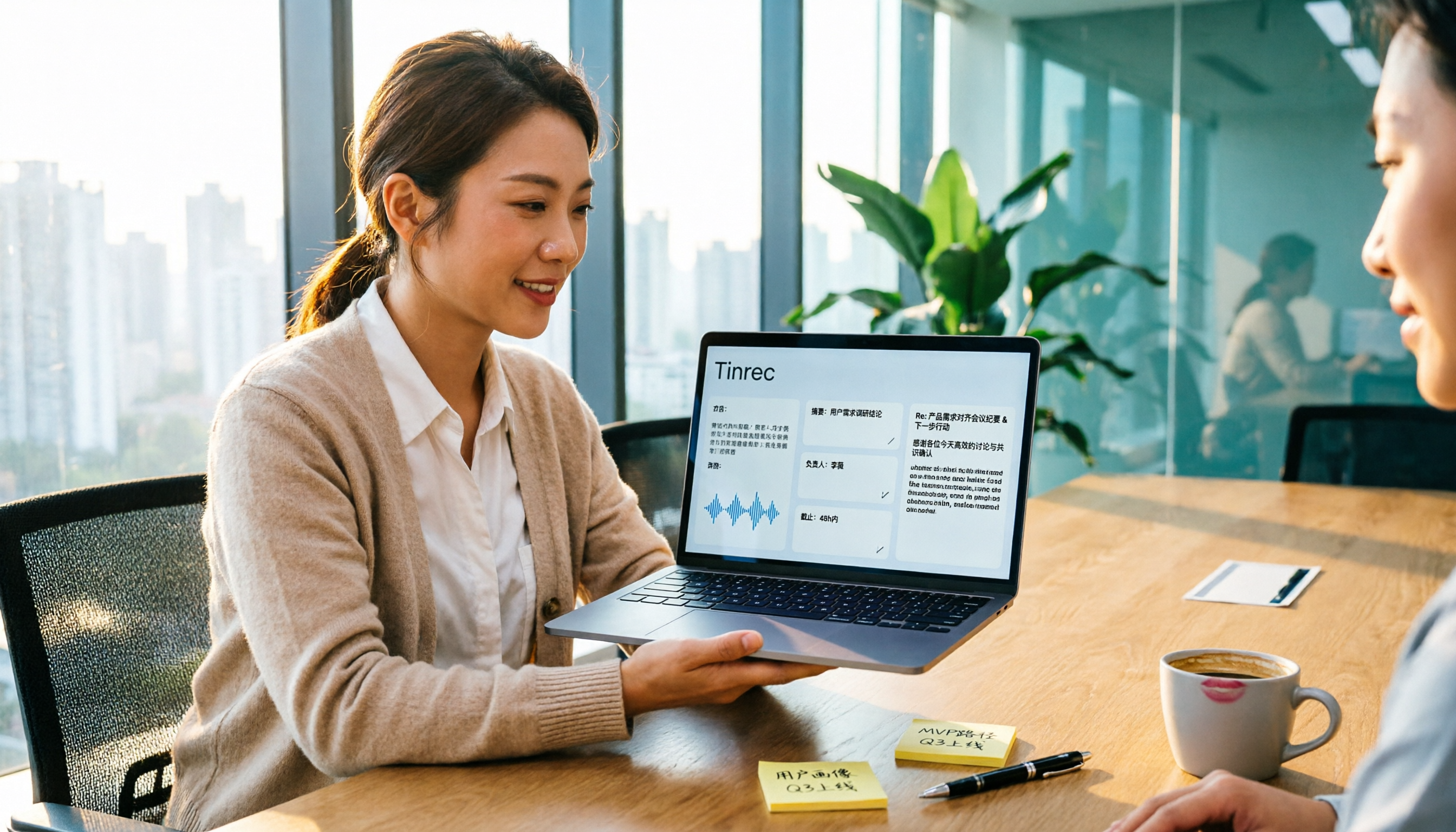
How to Write a Meeting Action Item Follow-Up Email in 2026: 5 Steps from Transcript to Send
Post-meeting follow-up emails are hard to write, but it's usually not a writing problem—it's that transcripts are scattered and action items lack owners and deadlines. This article breaks down the process from recording to sending a follow-up email in 5 steps, and explains how Tinrec uses real-time transcription, AI summaries, action item extraction, and AI Q&A to turn a two-hour discussion into a five-minute read.

Meeting Recap Email Template vs Tinrec: 5-Dimension Comparison — Which Saves More Time?
Writing a meeting recap email after a meeting often feels more exhausting than the meeting itself. This article provides a ready-to-use meeting recap email template and compares a manual template with Tinrec across 5 dimensions: organization speed, action item tracking, language support, post-meeting output, and team collaboration, to help you find the most time-saving way to wrap up after meetings.

5 Meeting Minutes Email Templates Tested and Compared for 2026: Manual vs. AI-Generated — Which Saves the Most Time?
Still handwriting meeting minutes after the meeting ends? This article compares 5 meeting minutes email templates in a hands-on test, breaks down how to separate decisions from action items, and how to fill in owners and deadlines. It also uses Tinrec to demonstrate the full workflow from bot-free meeting recording and transcripts to AI summaries and action item extraction, with 5 key considerations for choosing a tool and FAQs at the end.
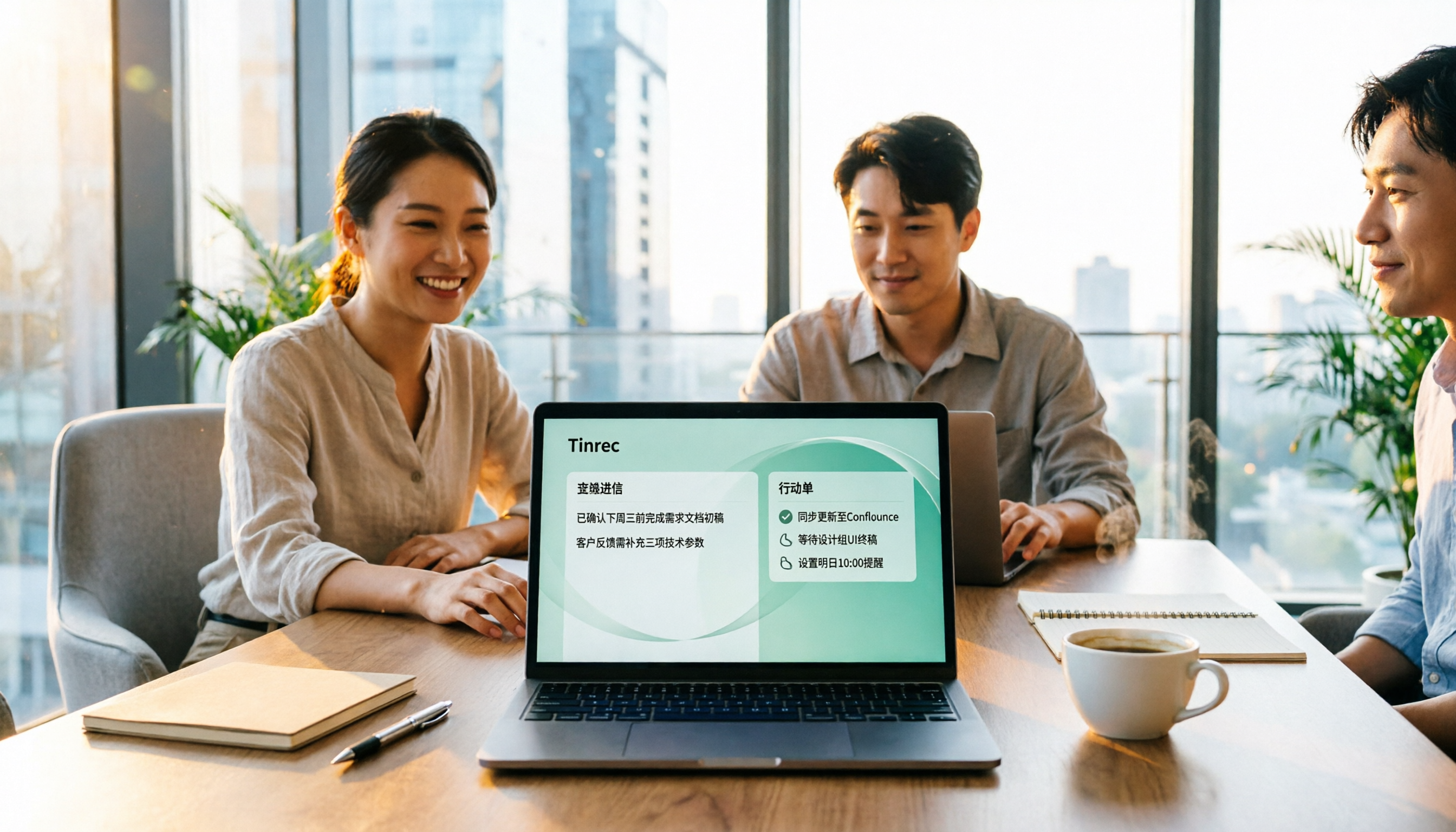
2026 AI Meeting Follow-Up Email Tools Compared: Which One Turns Meetings into Trackable Action Items?
Spending 40 minutes writing a follow-up email after a meeting? We tested 4 common approaches—from Gmail writing extensions and automation workflows to full AI meeting tools—to see if they can capture meeting content, write follow-up emails, and turn action items into trackable lists. Includes key buying factors and pitfalls to avoid.