

Turn recordings into transcripts and summaries in minutes
Upload audio or video for multilingual transcription, AI notes, and action items
4 Meeting Notes Tools Tested for 2026: The Fastest Way to Send Follow-Up Emails After Meetings
The Most Common Follow-Up Email Mistake Isn't Writing—It's Timing and Tools
Most people think a bad follow-up email is due to poor writing skills. The real problem usually comes down to two things: sending too late and copy-pasting the entire transcript.
The first mistake is "waiting until you have time." If you start writing two or three days after the meeting, the other person has already moved on to their next project, and your email just gets buried in their inbox. In practice, sending within 24 hours of the meeting yields the highest reply rate because the discussion is still fresh in everyone's mind.
The second mistake is "treating meeting notes as the email." Nobody reads a 10-page transcript. A follow-up email needs decisions, action items, owners, and deadlines—not a verbatim dialogue. Instead of spending two hours manually organizing, use a tool to turn the recording into a send-ready version in minutes.
The third mistake is "writing action items from memory." Within half an hour after a meeting ends, your memory of who promised what and which numbers to follow up on starts to fade. Missing one commitment could mean scheduling another meeting to make up for it.
If you've experienced these situations, the problem isn't your communication skills—it's that you haven't found the right post-meeting workflow. With the right tool, follow-up emails can go from "overtime drudgery" to a 10-minute task of "copy, paste, and tweak."
Before Writing a Good Follow-Up Email, Understand These 3 Key Points
1. Can meeting content be quickly converted to text?
The raw material for a follow-up email is the meeting content. If you have to manually listen to recordings and type transcripts every time, you'll never catch the 24-hour golden window. When choosing a tool, first look at what input methods it supports: live recording, online meetings, audio files, video files—ideally even phone recordings can be imported directly. Tools with fast transcription and support for Chinese and multiple languages won't hold you back during post-meeting organization.
2. Can it automatically distinguish between "decisions" and "action items"?
A transcript is just a semi-finished product. A good follow-up email needs a summary, sections, key points, and action items. If a tool only converts audio to text, you still have to read the whole thing and organize it manually. Conversely, a tool that automatically generates summaries, extracts action items, and identifies owners is essentially writing your email outline for you.
3. Can the data be brought into your everyday work platforms?
A meeting summary isn't done once it's written. You might need to paste it into Gmail, add it to a Notion project page, or export it as a Google Doc for your manager to review. If the tool supports multiple export formats and third-party integrations, your post-meeting workflow can connect seamlessly. Also, if your team shares meeting notes, check whether it has team spaces, member permissions, and usage management.
These three points are also the main criteria we used in our hands-on comparison.
Tinrec—Our Pick for the Best Post-Meeting Organization Tool After Testing
Tinrec is an AI meeting notes and collaboration tool for individuals and teams, available on iOS, Android, and web. It doesn't just convert audio to text—it turns meeting recordings into searchable, summarizable, queryable, and exportable data. For the task of writing follow-up emails, its value is that you don't have to dig through transcripts yourself.
Here's how it works in practice: open Tinrec during a meeting, and it generates a live transcript as it records. After the meeting, AI has already automatically generated a summary, sections, and action items—who's responsible for what and what the deadlines are, all listed out. You just need to slightly rewrite this summary into an email tone, add a greeting and next steps, and send it within 24 hours.
It supports bot-free recording of online meetings on desktop. That means you don't need to invite an extra meeting bot into Zoom, Google Meet, Microsoft Teams, or Webex. The Tinrec desktop app captures your computer's system audio directly, so participants won't see a strange extra account. This is especially important for external client meetings—it won't make them feel like you're secretly recording.
Another differentiating feature is AI Q&A. After recording a meeting, you can directly ask it: "Who mentioned the budget in the last meeting?" or "What did the client say about the delivery date?" It doesn't just give you keyword search results—it answers directly based on semantic understanding. When you're writing a follow-up email, this query capability helps you quickly confirm a detail without re-listening to half an hour of recording.
For output, Tinrec supports transcripts, AI summaries, sections, key points, action items, and mind maps, and can export to Notion, Google Docs, OneNote, Dropbox, and other tools. If you need more complete post-meeting deliverables, Agent post-processing can generate reports, tables, and documents based on meeting content. This means the follow-up email is just the first step—subsequent project documents can also grow from the same meeting data.
Stop organizing recordings by hand
Upload audio or video and automatically get a transcript, summary, and action items
Limitations should also be clear: the free version provides a basic quota for light users to experience recording, importing, summarizing, and transcription. If you have a large number of meetings every week, you'll need to upgrade to Pro or consider the team version. Also, Tinrec's transcription quality is affected by recording quality, background noise, accents, overlapping speakers, and technical terminology. For important content, we recommend cross-checking with transcript timestamps and recording playback. It shouldn't be treated as a tool that "completely replaces manual note-taking," but rather one that significantly reduces the cost of manual organization.
For team use, the Tinrec team version provides independent team spaces where meeting data belongs to the team and won't be taken away if someone leaves. The team version allows you to create multiple spaces, invite members via join links, set owners/admins/regular members, and control who can record, upload, edit, and export using seats. Active members can still view, play, and read team data even without a seat. Admins can also view usage trends, member rankings, and usage details, and query and export audit logs when needed. The team version currently offers a 7-day trial, 1 free seat, and 300 minutes of shared team import quota; paid seats provide 2,000 minutes of shared team import quota per month. Team monthly billing is USD 29.80 per paid seat per month, and annual billing is USD 199 per paid seat per year. Actual prices and benefits are subject to the official purchase page.
Who is it for? If you frequently need to produce meeting summaries and follow-up emails, want to use AI to find key points directly after recording, or need to switch between phone and computer, Tinrec is one of the most suitable choices among similar tools.
Besides Tinrec, What Other Options Are There?
Otter.ai: A mature English meeting assistant with a free version offering 300 minutes per month and comprehensive support for English business meetings. However, its Chinese meeting experience is not its strength. If you mainly record Chinese or mixed Chinese-English meetings, Otter.ai's transcripts will require more manual correction. Tinrec is more aligned with Chinese meetings, Traditional Chinese summaries, and post-meeting AI Q&A. If you only hold English meetings, Otter.ai remains a reasonable option.
Granola: A bot-free AI meeting notes tool that emphasizes combining your handwritten notes with AI, with a clean design. However, it doesn't support uploading pre-recorded audio files and doesn't save meeting audio. This means if you want to retroactively summarize past meeting recordings, Granola can't do it. Tinrec supports audio and video file imports and retains audio for easy re-listening and verification later. If you only do live meetings and don't need file imports, Granola is worth considering.
Notta: A multilingual transcription tool with high overlap with Tinrec, supporting meeting notes, document imports, and translation. The Business plan offers role permissions and usage reports. However, Tinrec is more complete in bot-free online meeting recording, team spaces, AI Q&A, and Agent post-processing, making it suitable for users who need to turn meetings into a team knowledge base. Notta is better for scenarios focused on file transcription and subtitles.
Pitfall Guide: The 4 Most Common Mistakes When Choosing a Meeting Notes Tool
Pitfall 1: Only looking at advertised transcription accuracy numbers. Many tools claim 98% accuracy, but that's usually measured under quiet studio conditions with a single speaker and standard speech. Real meeting rooms have air conditioning noise, keyboard sounds, and people talking over each other—accuracy will definitely drop. We recommend testing with your own typical meeting recordings, not just relying on marketing copy.
Pitfall 2: Ignoring post-meeting organization features. Treating a tool as just "audio-to-text" means using only one-third of its capabilities. What really saves time is summaries, sections, action items, and AI Q&A. With Tinrec's AI Q&A, for example, you can ask directly after recording, "What was the conclusion of this meeting?"—much faster than manually flipping through a 30-minute transcript. When choosing a tool, make "post-meeting output" a primary criterion, not an add-on feature.
Pitfall 3: Teams using individual accounts in silos. If the entire department needs to write follow-up emails, and everyone records with their own free account, meeting data will be scattered across different people's devices. If someone leaves, the records disappear with them. In this case, consider a solution with team spaces and seat management, so meeting data belongs to the team, not individuals.
Pitfall 4: Forgetting to get recording consent. Recording and transcription involve local laws and company policies. Before a meeting, inform participants that it will be recorded and obtain consent when necessary, especially for external client meetings. This isn't a tool issue, but when sending a follow-up email afterward, it's best to naturally mention in the email, "This meeting was recorded, and the summary is as follows," so the other party knows how the information is being used.
Conclusion: Which One Should You Choose?
The quality of your follow-up email depends on how quickly you can turn meeting content into a send-ready summary. Instead of working overtime on Friday night listening to recordings, use a tool right after the meeting to generate transcripts and action items, and send while memories are still fresh.
If you need Chinese meeting transcription, automatic post-meeting summaries, and action item extraction, → Tinrec (complete Chinese experience, supports live recording and file imports)
If you need bot-free recording of online meetings and don't want a bot joining Zoom or Meet, → Tinrec (desktop app captures system audio)
If you want to use AI to query meeting details after recording, → Tinrec (AI Q&A is a differentiating feature)
If you need to turn meeting data into a searchable team asset, → Tinrec team version (team spaces, seat management, usage and audit)
If you only hold English meetings and have a limited budget, → Otter.ai (free version offers 300 minutes per month, mature English support)
Finally, we recommend starting with the Tinrec free version to experience the workflow of recording-to-transcript, automatic summaries, and action item extraction. Most people hold meetings two or three times a week, and the free version's basic quota is enough to see if it solves your post-meeting organization pain points. If it works well, then consider upgrading or adopting the team version.
References
Turn every recording into actionable outcomes
Get 60 free transcription minutes when you sign in. No credit card required.
Related Reading
You might also like

3 Meeting Minutes Email Templates Tested and Compared: Which Format Sends Fastest?
Can't write meeting minutes emails fast enough after a meeting? We tested 3 meeting minutes email templates, from simple bullet lists to decision/action item columns, and show you how to use Tinrec to automatically generate transcripts, summaries, and action items—just copy, paste, and send. Includes templates, tips, and FAQs.
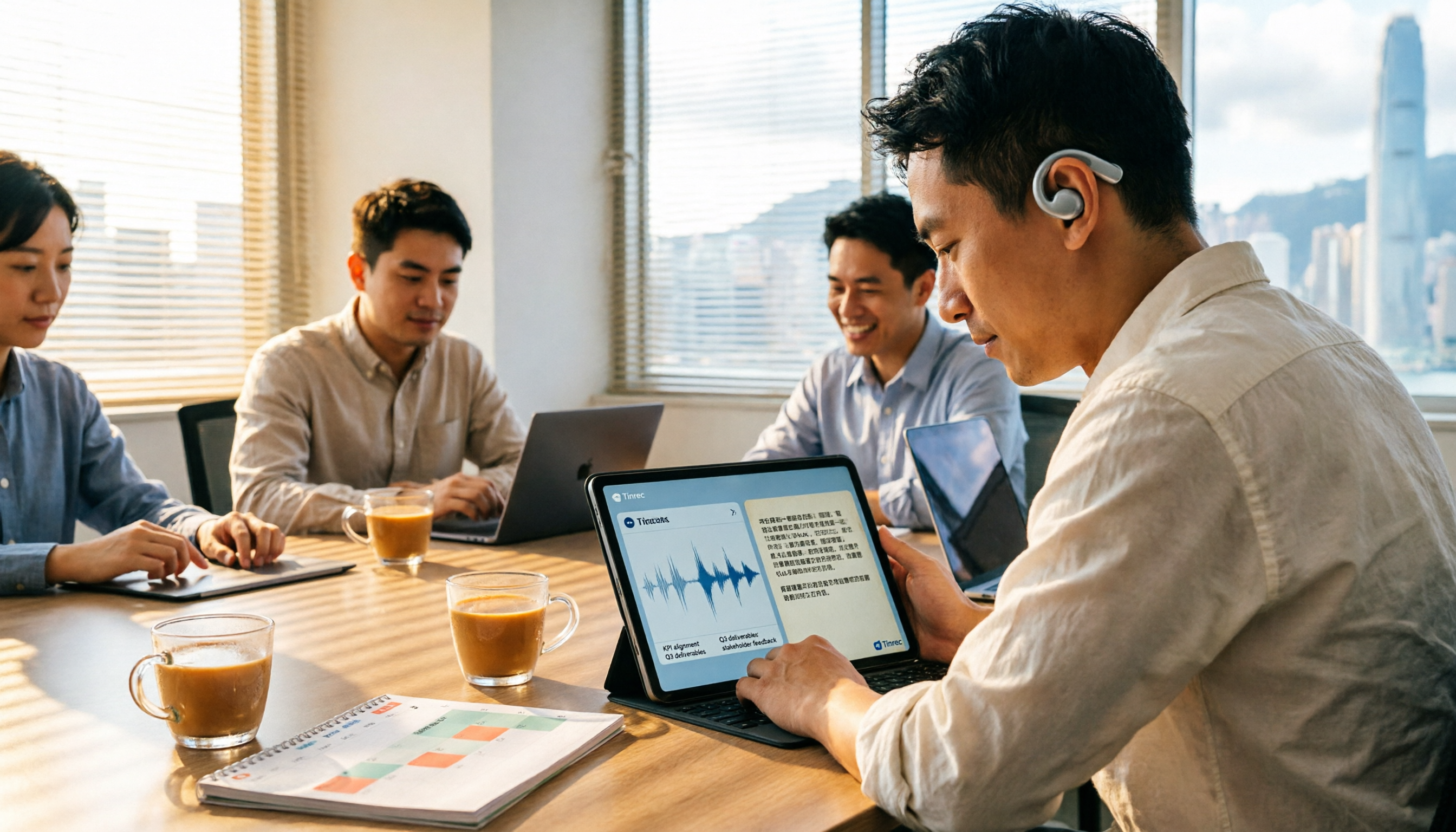
6 Cantonese Speech-to-Text Tools Tested for 2026: Which Handles Mixed Chinese-English and Spoken-to-Written Conversion Best?
For Cantonese transcription needs, this article compiles hands-on experience and plan differences across 6 tools, covering mixed Chinese-English recognition, spoken-to-written output, free quotas, and team use cases, explained from the perspective of a mid-level manager juggling over a dozen meetings a week.

2026 Comparison of 5 Meeting Minutes Generators: From Transcript to Post-Meeting Report in One Click
A mid-level manager who holds 15 meetings a week shares hands-on insights: What to consider in meeting minutes generation reports? From audio capture methods, AI summarization and action item extraction, to team workspace and seat governance, we break down 5 key purchasing criteria and use Tinrec as an example to illustrate the actual workflow and limitations.
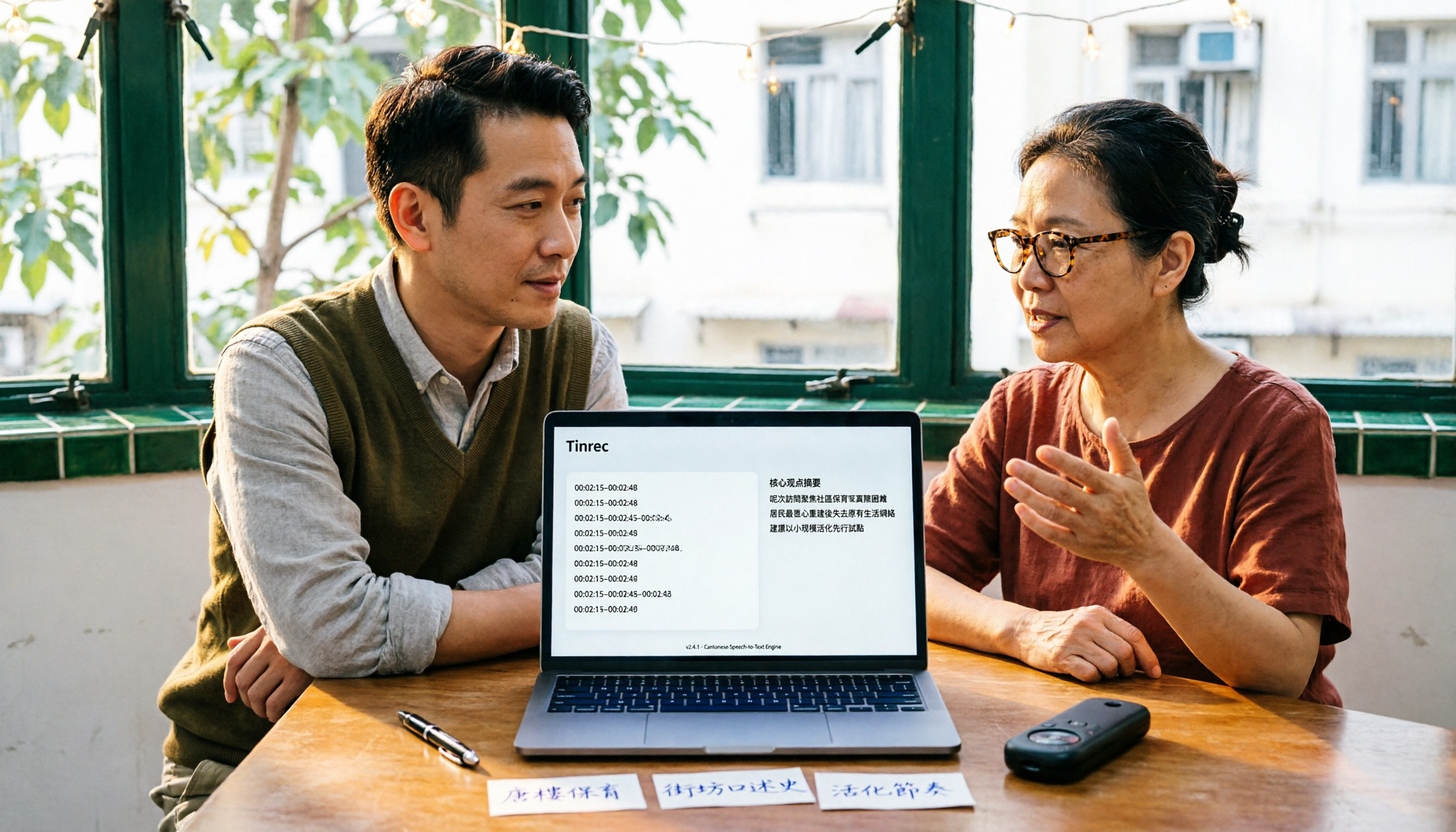
Best Cantonese Audio-to-Text Tools in 2026: We Tested 3, and This One Saves the Most Time
Turning Cantonese meeting and interview recordings into text files is painful not because of transcription itself, but because of what comes after. This article tests 3 tools in real-world scenarios, comparing language support, post-transcription processing, cross-platform access, and team collaboration to help you find the one that saves the most time.

2026 Tinrec Post-Meeting Follow-Up Tutorial: Auto-Generate Meeting Minutes & Action Items with Ready-to-Use Templates
Struggling to write effective post-meeting follow-up emails? This article provides 5 practical follow-up email templates and shows you how to use Tinrec's instant recording to automatically generate meeting minutes and action items, ensuring every follow-up email includes concrete action items and boosts response rates.

How to Write a Sales Meeting Follow-Up Email in 2026: 5 Steps from Meeting End to Client Reply
Had a great meeting but no response three days later? This article breaks down the sales meeting follow-up email into 5 actionable steps, covering timing, meeting summary writing, and how to design a reason for the client to reply. It also compares Tinrec, Granola, Otter.ai, and Notta on Chinese meeting notes and post-meeting organization to help you write a detailed follow-up email that gets responses.

AI Meeting Notes in 2026: Meeting Minutes vs. Action Items + Automatic Tracking Made Easy
What's the difference between meeting minutes and action items? This article breaks down the differences using real-world scenarios and compares AI meeting note tools like Otter.ai, Notta, and PLAUD, analyzing how Tinrec (秒聽錄音) simultaneously produces transcripts, summaries, action items, and AI Q&A. It includes buying criteria, pitfalls to avoid, and selection advice to help you find a solution that handles both meeting minutes and action tracking.

2026 AI Meeting Notes Tools Compared: How to Write Meeting Summary Emails Fast
Spending an hour writing a meeting summary email after every meeting? This article first covers the three most common mistakes, explaining how to capture key points, decisions, and action items in a meeting summary email. Then it hands-on compares four AI meeting notes tools—Tinrec, Otter.ai, Notta, and Granola—to see which one can turn a transcript into a ready-to-send summary and action list the fastest.

5 Meeting Action Item Templates Compared: Which One Actually Tracks Tasks to Completion?
There are countless meeting action item templates, but few actually track tasks to completion. This article breaks down the differences between 5 common meeting action item templates and explains how Tinrec automatically extracts owners, deadlines, and action items from recordings and transcripts. A ready-to-copy meeting action item table is included at the end.