
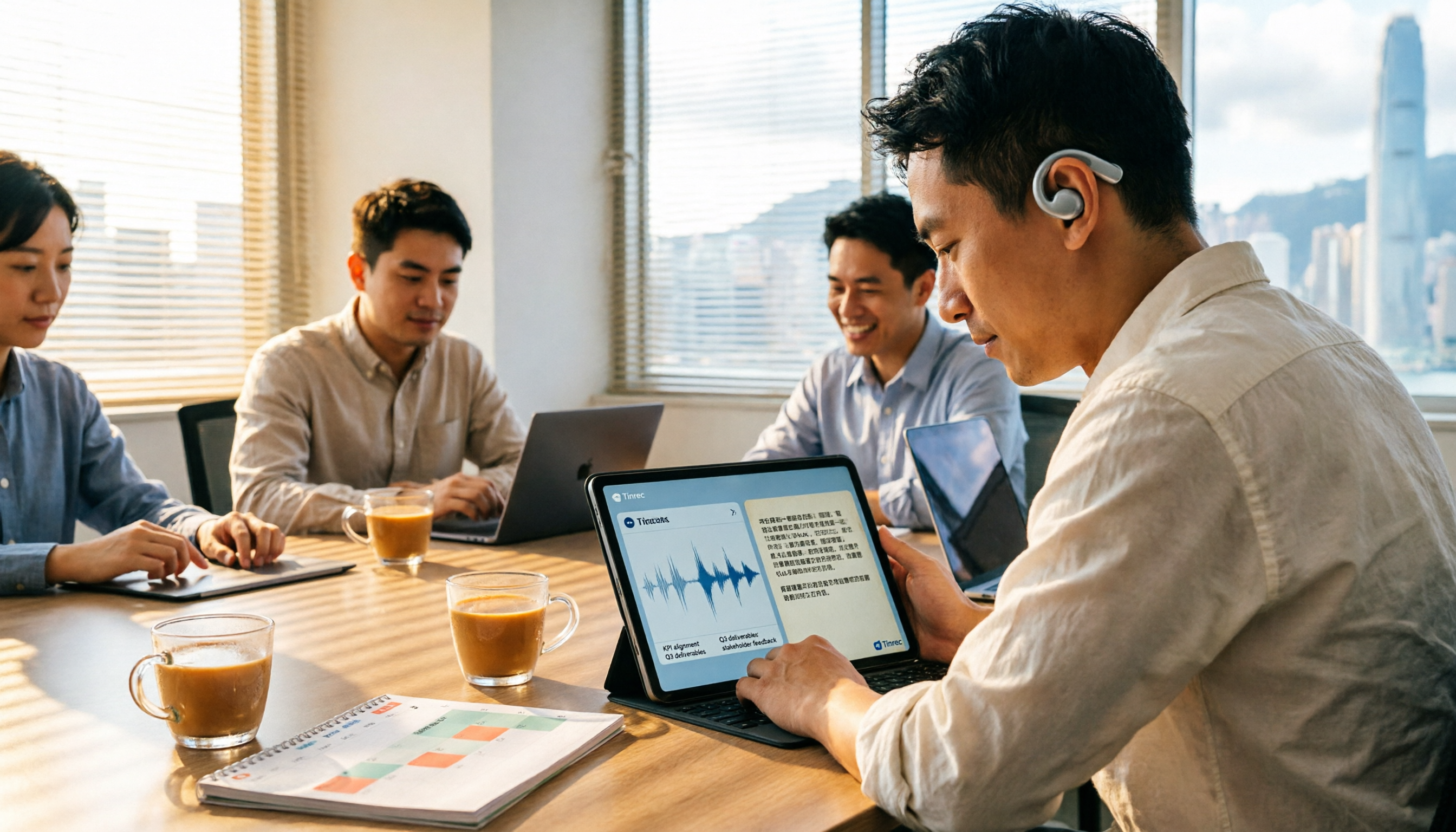
Turn recordings into transcripts and summaries in minutes
Upload audio or video for multilingual transcription, AI notes, and action items
6 Cantonese Speech-to-Text Tools Tested for 2026: Which Handles Mixed Chinese-English and Spoken-to-Written Conversion Best?
Last week I had a 50-minute online meeting with a Hong Kong supplier, speaking Cantonese mixed with English the whole time. Before the meeting ended, my boss asked me, "So what date did they promise for delivery?" I flipped through 3 pages of handwritten notes, and all I had was four words: confirm delivery date later.
That felt terrible. Not because I didn't take notes, but because what I wrote down couldn't answer the question at all. After that, I tried a round of speech-to-text tools on the market that can handle Cantonese, and this article is my compilation from the past six months.
Why Is Cantonese Speech-to-Text Harder Than You Think?
Let me start with the conclusion: most speech-to-text tools are designed for Mandarin or English, and using them directly on Cantonese usually leads to three situations.
- Mixed Chinese-English gets forced into translation: Hong Kong meetings are almost never pure Cantonese, with "deadline," "quotation," and "follow up" mixed into whole sentences. Running a Mandarin model will write them as Chinese characters with similar pronunciation.
- Spoken language written out is unreadable: "Let's talk tomorrow" directly converted to text is hard to archive or show to upper management.
- Tone recognition: Cantonese tones are more complex than Mandarin, so under the same recording conditions, recognition difficulty is just higher.
So what you really should look at when choosing a tool is not "how many languages it supports," but whether it has been tuned for Cantonese. The following 6 options are my hands-on experience using them in meetings, interviews, and client calls.
Option 1 | Tinrec (Miao Ting Lu Yin) — The Most Complete AI Recording Assistant
One-sentence positioning: turn meeting recordings into searchable, queryable, deliverable data, not just a transcript.
This is my current main tool, and three things stand out the most.
- Record online meetings without a bot: The desktop version directly captures computer system audio, handling Zoom, Google Meet, Microsoft Teams, and Webex, so you don't have to pull a meeting bot into the room and have clients ask "Who is this?"
- AI conversational query: This is the main reason I stayed. For that supplier meeting transcript, I directly asked beside it "What date is the delivery?" and the answer popped up along with the timestamp, without having to re-listen to 50 minutes.
- Mixed Chinese-English and post-meeting output: It handles Chinese, mixed Chinese-English, and multilingual meetings, supports real-time translation and original text, translation, and bilingual views; after the meeting it generates summaries, chapters, and to-dos that can be directly exported and further processed into reports, tables, or meeting minutes.
The team version is a separate team space, not multiple people sharing one account: role-based control governance, seat-based usage eligibility, meeting data owned by the team, resources needing handover when members leave, plus usage analytics, audit logs, audio recycle bin, and team hotwords. The trial is 7 days, 1 free seat, 300 minutes of team shared import quota; paid seats are USD 29.80 per month, USD 199 per year (about USD 16.58/month), each paid seat gets 2,000 minutes of team shared import quota per month, and real-time recording is currently not deducted by minutes. Prices are subject to the official purchase page. The personal version has a free version, weekly card, Pro monthly card, and annual card.
Who it's for: people or teams who have several meetings every week, need Chinese and mixed Chinese-English records, and still have to produce action items afterward.
Option 2 | Subanana — A Transcription Tool That Prioritizes Cantonese Models
Positioning: a transcription service clearly centered on Cantonese, with the official emphasis that every transcription is handled by the model that scores more accurately in Cantonese evaluations, rather than forcing a Mandarin model.
Two highlights: output can be selected as spoken or written, traditional or simplified, for 4 combinations total, and English terms in sentences are kept as-is; free accounts can upload and preview the first 15 minutes of each file, while export is a paid feature. It supports MP3, M4A, WAV, MP4, MOV, and other formats, and can also paste YouTube, Instagram, Facebook links or record directly in the browser. Output formats include SRT, VTT, TXT, DOCX, XLSX, and Markdown. The official page claims 98% accuracy, but actual performance is still affected by recording quality, accent, and overlapping speakers.
Who it's for: people mainly doing video subtitles and Cantonese content organization who need subtitle files directly.
Option 3 | SoundType AI — A Multilingual Dictation App You Can Use on Your Phone
Positioning: a recording-to-text app listed on Google Play, focusing on transcripts plus AI summaries, supporting over 90 languages with speaker recognition.
Stop organizing recordings by hand
Upload audio or video and automatically get a transcript, summary, and action items
The highlight is that you can record casually on your phone and convert it, the interface is intuitive, and there are summaries for reference. However, in the app review section you can see some user feedback: some mention that Cantonese conversion success rate is about 85% to 90%, others report that the trial period is short, long recordings have produced a lot of irrelevant messages, and speaker count recognition and sentence segmentation are not precise enough. The official follow-up reply said they will continue to improve. If you are handling important meetings with decision conclusions, it's best to test with your own recording first.
Who it's for: people who occasionally need to quickly turn an interview or conversation into text on their phone.
Option 4 | Notta — Multilingual Transcription and Meeting Notes
Positioning: a multi-platform transcription and meeting notes tool, with a fairly high overlap in features with Tinrec.
The highlight is good multilingual transcription capability, supporting file import, translation, and team plans. Official pricing is free version 120 minutes per month, single content up to 3 minutes; Pro annual billing about USD 8.17/month, 1,800 minutes per month; Business annual billing about USD 16.67/seat/month, with role permissions and usage reports.
Who it's for: people who need multilingual transcription, have medium monthly minute needs, and don't specifically require Cantonese tuning.
Option 5 | Otter.ai — A Veteran AI Assistant for English Meetings
Positioning: a mature AI assistant for English business meetings, covering Zoom, Microsoft Teams, and Google Meet, with desktop capabilities as well.
The highlight is that English meeting summaries, action items, and team management are quite mature. Free version is 300 minutes per month; Pro annual billing about USD 8.49/user/month, including 1,200 minutes of in-app recording per month and 10 file imports. If your meeting's main language is English, it's very solid; but Cantonese and mixed Chinese-English are not its home turf.
Who it's for: teams mainly using English meetings that need a mature meeting automation workflow.
Option 6 | Google Docs Voice Typing — A Completely Free Real-Time Dictation Option
Positioning: completely free voice input, suitable for short sentences and real-time dictation.
The highlight is no payment and zero learning cost. The limitations are also clear: it does not support uploading already-recorded audio files, cannot distinguish speakers, long content is hard to search, and it is essentially dictation designed for Mandarin and English.
Who it's for: people with zero budget who only need to type short sentences while speaking. For handling a one-hour meeting recording, it can't help.
With So Many Options, How Should You Choose?
- Want the most complete AI features (transcription + AI conversational query + automatic summaries and to-dos + multi-format export): Tinrec, and there aren't many options that can do all of these at once.
- Meetings are Cantonese mixed with English, and you still need to submit reports or minutes afterward: Tinrec, since Chinese and mixed Chinese-English are its key scenarios, and it can continue to generate reports and tables.
- Need to switch between phone, computer, and web: Tinrec, as the same batch of meeting data can run on multiple platforms.
- Team needs to use it together and manage who can edit and who can only view: Tinrec team version, with roles and seats managed separately, and usage and operation logs are also traceable.
- Just want to quickly get Cantonese subtitle files: Subanana, with complete output formats.
- Zero budget, only short-sentence dictation: Google Docs Voice Typing.
- Meeting main language is English: Otter.ai.
Before Using Cantonese Speech-to-Text, These 4 Things You Should Know
- "Mixed Chinese-English" is the result of model choice, not luck. When choosing a tool, don't just look at the number of supported languages. Directly test with a Cantonese recording containing English terms, and you'll know in ten minutes whether it works.
- No tool can guarantee 100% accuracy. For key information like amounts, dates, and delivery times, it's recommended to use the transcript timestamps to replay and verify. For example, Tinrec's transcript can correspond to recording positions, so verification doesn't require re-listening to the whole thing.
- Check clearly whether the free quota is "minutes" or "files." Some free versions limit single file length, while others limit total monthly minutes, and the actual impact on you is completely different.
- For team use, roles and seats must be clearly distinguished. Taking the Tinrec team version as an example, members without seats can still view, play, and read team data, but to record, upload, edit, or export, they need to obtain a seat. This is completely different from "everyone sharing one account," and it's also the most commonly confused point during team procurement.
- Get participants' consent before recording, and comply with relevant local regulations.
Conclusion
The difficulty of Cantonese speech-to-text is not "whether there is AI," but whether the tool has really been tuned for Cantonese and mixed Chinese-English. After trying a round myself, I still use Tinrec daily, because what it saves is not just typing time, but also those 3 minutes of flipping through notes when being questioned after the meeting. If you, like me, have over a dozen meetings a week, first use the free version to run your hardest meeting recording, and you'll know after one meeting whether it can save you time.
References
- Free Cantonese Speech-to-Text App 2026 | Subanana
- SoundType AI Ultra-Precise Transcript, Speech-to-Text, AI Dictation - Google Play App
- 2026 Latest 4 Cantonese Speech-to-Text Tool Recommendations: Solving Mixed Chinese-English and Meeting Notes Pain Points - Miao Ting Lu Yin Blog
- Online AI Speech, Video, Audio File Automatic Transcription - Free Trial - cSubtitle
- How to Choose Google Voice Input for Cantonese? 14 Speech-to-Text Tools Tested and Pitfall Avoidance Guide - Miao Ting Lu Yin Blog
Turn every recording into actionable outcomes
Get 60 free transcription minutes when you sign in. No credit card required.
Related Reading
You might also like

2026 Cantonese Audio to Text Free Options: 5 Solutions Compared
2026 Cantonese audio to text free options: a look at 5 common approaches. This article addresses three key pain points: mixed Chinese-English recognition, importing old recordings, and post-meeting organization. Using Tinrec as an example, it explains real-time transcription, bot-free online meeting recording, AI summaries, action item extraction, and team spaces, followed by buying tips and FAQs.

4 AI Meeting Report Generators Tested in 2026: Which One Turns Meeting Recordings into Deliverable Reports?
The meeting is over and you have the transcript, but the report still needs to be written from scratch? This article tests 4 AI meeting report generators, comparing transcription, post-meeting organization, AI Q&A, and team collaboration, and shares buying criteria and pitfalls to help you find a tool that turns meeting content directly into actionable reports.

Which AI Follow-Up Email Tool Is Best? 2026 Hands-On Test of 4 Options—The Real Key Is Meeting Notes
If you can't keep up with follow-up emails, the problem usually isn't your writing—it's incomplete meeting notes. This article compares 4 AI follow-up email tools across four dimensions: source material, meeting note retention, post-meeting output, and team collaboration. It explains why Tinrec stands out for post-meeting organization, and outlines who ChatGPT Writer, Outlook AI Email Assistant, and Genspark are each best for, with clear recommendations based on budget and use case.
How to Organize Meeting Action Items in 2026: 5 Steps from Recording to Auto-Generated To-Dos
Tired of missing action items after meetings? This article breaks down the 5-step process of turning meeting recordings into trackable to-do lists, using Tinrec as an example to explain the core capabilities of free meeting action item tools, practical use cases, and 5 key points to consider when choosing one, plus FAQs.

4 Meeting Minutes Tools Tested for 2026: Which One Can Generate Follow-Up Emails in One Click?
After a meeting, no one remembers what to do? The problem usually lies in the post-meeting minutes and follow-up emails. This article starts with common pitfalls and outlines 4 key points for choosing a meeting minutes tool. It compares Tinrec, Otter.ai, Granola, and Notta in real tests on Chinese meetings, bot-free recording, and post-meeting output. It also includes a guide to avoid pitfalls and selection advice to help you find the one that turns transcripts into sendable follow-up emails.

3 Meeting Minutes Email Templates Tested and Compared: Which Format Sends Fastest?
Can't write meeting minutes emails fast enough after a meeting? We tested 3 meeting minutes email templates, from simple bullet lists to decision/action item columns, and show you how to use Tinrec to automatically generate transcripts, summaries, and action items—just copy, paste, and send. Includes templates, tips, and FAQs.
2026 Comparison of 5 Meeting Minutes Generators: From Transcript to Post-Meeting Report in One Click
A mid-level manager who holds 15 meetings a week shares hands-on insights: What to consider in meeting minutes generation reports? From audio capture methods, AI summarization and action item extraction, to team workspace and seat governance, we break down 5 key purchasing criteria and use Tinrec as an example to illustrate the actual workflow and limitations.
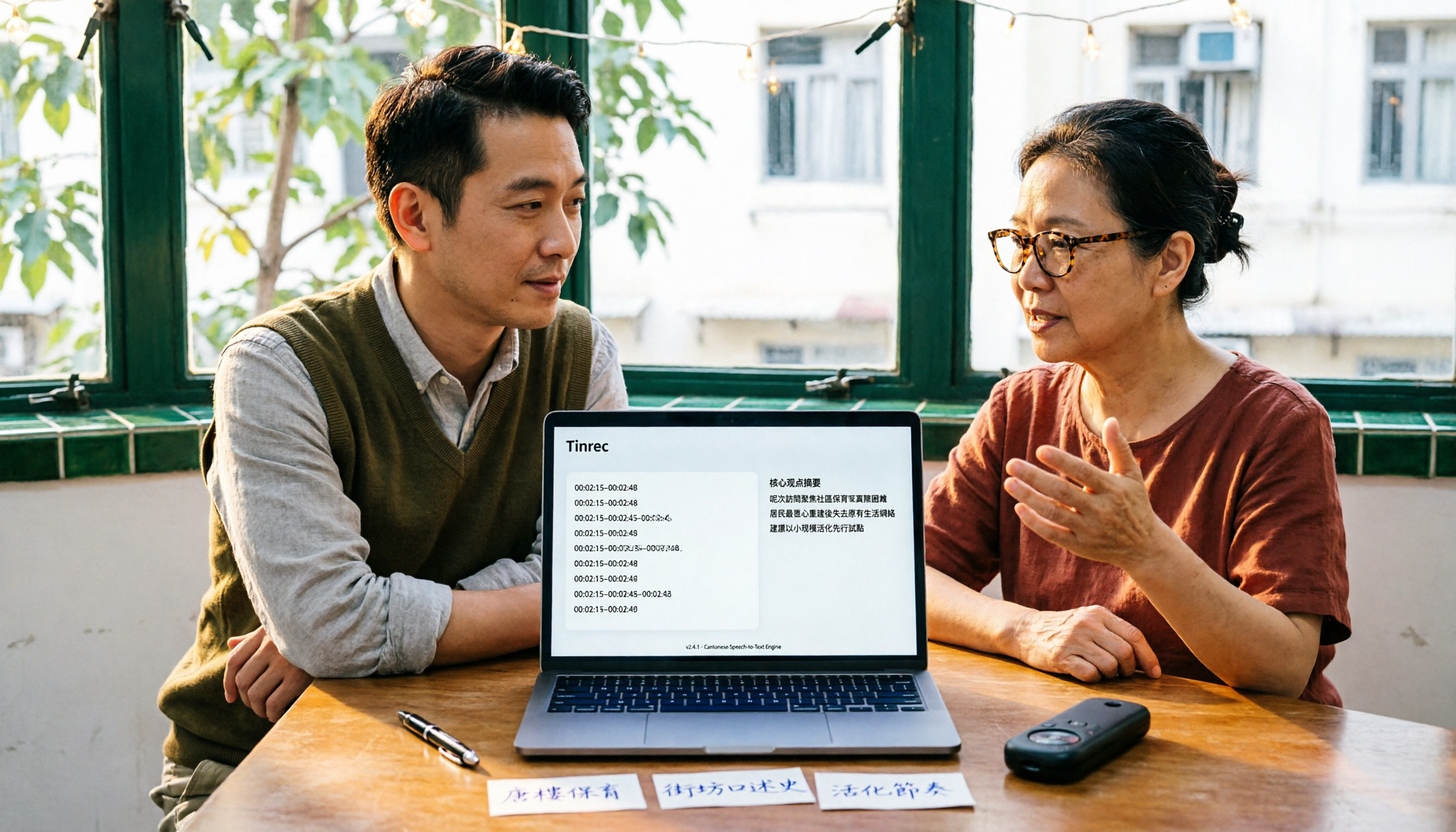
Best Cantonese Audio-to-Text Tools in 2026: We Tested 3, and This One Saves the Most Time
Turning Cantonese meeting and interview recordings into text files is painful not because of transcription itself, but because of what comes after. This article tests 3 tools in real-world scenarios, comparing language support, post-transcription processing, cross-platform access, and team collaboration to help you find the one that saves the most time.

2026 Tinrec Post-Meeting Follow-Up Tutorial: Auto-Generate Meeting Minutes & Action Items with Ready-to-Use Templates
Struggling to write effective post-meeting follow-up emails? This article provides 5 practical follow-up email templates and shows you how to use Tinrec's instant recording to automatically generate meeting minutes and action items, ensuring every follow-up email includes concrete action items and boosts response rates.