
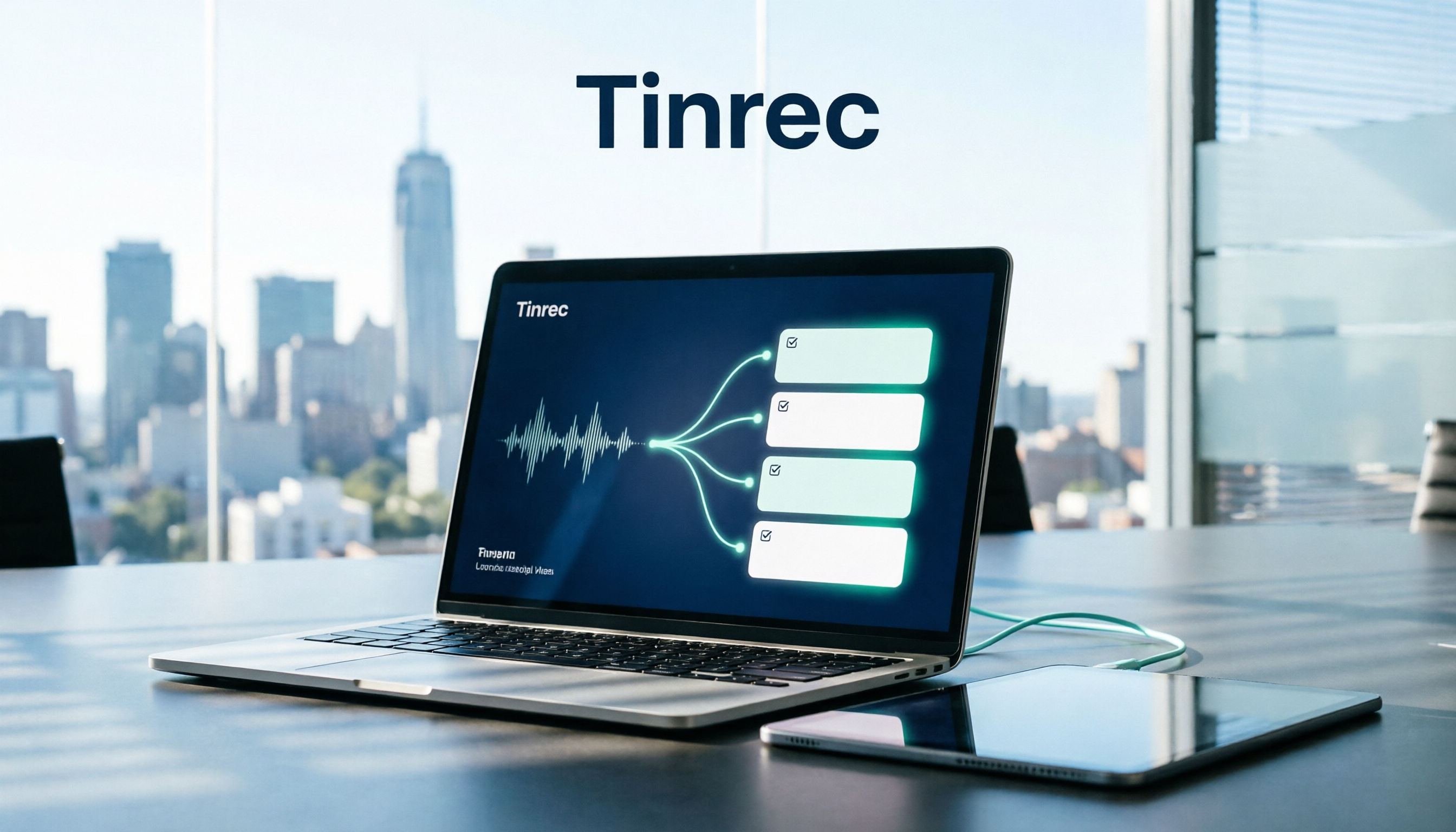
Turn recordings into transcripts and summaries in minutes
Upload audio or video for multilingual transcription, AI notes, and action items
How to Organize Meeting Action Items in 2026: 5 Steps from Recording to Auto-Generated To-Dos
It's 3 PM on a Friday, and your 90-minute project weekly meeting just ended. You have only a page of scribbled notes that say "send quote next week" and "waiting for design confirmation," but there's no owner, no due date, and no one remembers who brought up that budget discussion. By Monday morning when you need to send a progress update, you realize you have to piece the entire meeting back together from memory.
This isn't a memory problem—it's a process problem. Most teams run their meeting action items by "writing by hand during the meeting and filling in from memory afterward." As soon as you have more than three meetings a week, information starts slipping through the cracks. That's why more and more teams are switching to AI meeting notes tools—take Tinrec (秒听录音) as an example. It connects "recording, transcription, action item extraction, and tracking" into an automated workflow, so when the meeting ends, your to-do list is already waiting for you.
Below, we break down the 5 steps of how a meeting goes from recording to trackable action items, and highlight what you should really look for when choosing a free meeting action item tool.
What Can a Meeting Action Item Tool Do for You?
Scenario 1: 5 minutes after the meeting, your to-do list is ready Previously, after a two-hour meeting, you might spend another hour organizing notes, and often miss conclusions. With Tinrec, as the meeting ends, AI has already organized the transcript into a summary, chapters, and action items. Who is responsible for what, and which items have due dates—you can check them one by one.
Scenario 2: Cross-department decisions no longer scattered The hardest part of cross-department meetings isn't the discussion—it's the follow-up. Decisions get scattered across group messages, personal notes, and managers' memories. Two weeks later, no one can clearly explain why the decision was made. Tinrec centralizes each meeting's recording, transcript, summary, and action items. When you need to verify something, just look up that meeting.
Scenario 3: Client meeting commitments won't be missed The biggest fear for sales and customer success teams is "I thought you agreed." Tinrec extracts client needs, objections, and commitments from the conversation and turns them into deliverable action items. Sending follow-up emails or creating internal records after the meeting becomes much faster.
Scenario 4: Meeting conclusions from three months ago are still searchable The real pain often occurs long after the meeting—when writing quarterly reviews, handing over tasks, or answering "what happened to that plan we discussed last time?" Tinrec supports AI Q&A around meeting content. You can directly ask "What was the budget we discussed last time?" without re-listening to a two-hour recording.
What Are the Core Capabilities of a Meeting Action Item Tool?
Real-time transcription: text appears as the meeting happens Tinrec supports real-time audio-to-text transcription, usable for in-person meetings, interviews, and on-site discussions. The transcript preserves original speech for easy review and verification, and serves as the foundation for all subsequent organization.
AI summary and chapters: long meetings broken down first The hardest part of a two-hour meeting is stating "what were the key points." Tinrec automatically generates summaries and chapters, splitting long meetings into browsable sections so you don't have to watch from start to finish when reviewing.
Action item extraction: picking out action items from discussions This is the core of this topic. Tinrec organizes follow-up action items from meeting content, turning "discussion" into "what to do." Note that AI-extracted action items are assistive organization; for important matters, it's still recommended to cross-check with transcript timestamps and recording playback.
AI conversational query: keep asking after the meeting Transcription completion isn't the end. Tinrec supports asking questions about single or multiple meeting records—for example, confirming a number, a piece of client feedback, or organizing items a team member is responsible for across meetings.
Multi-format export and post-meeting output Tinrec supports exporting to Notion, Google Docs, OneNote, Dropbox, and other common tools, and can further generate meeting minutes, reports, and tables. For those who need to submit weekly reports or formal meeting records, the time saved at this step often exceeds transcription itself.
Team space: keep action items with the team, not in personal accounts If meeting data stays only on personal devices, it disappears entirely when a member leaves. Tinrec's team plan provides an independent team space where meeting data belongs to the team, and you can manage members, roles, and seats. Note that roles and seats are two different things: roles determine who can manage the team and members, while seats determine whether a member can record, upload, edit, and export. Even valid members without a seat can still view, play, and read team data.
Practical Use Cases
Project weekly meetings and cross-department meetings Regular weekly project meetings are ideal for establishing an automated workflow. Use Tinrec's desktop version to record online meetings—it can capture meeting audio played on your computer from platforms like Zoom, Google Meet, Microsoft Teams, and Webex, without needing an extra meeting bot to join. After the meeting, you get summaries and action items directly. Before the next meeting, just check the completion status of action items.
Stop organizing recordings by hand
Upload audio or video and automatically get a transcript, summary, and action items
Sales and customer success meetings Client interviews, requirement discussions, and solution talks focus on needs, objections, and commitments. Tinrec can organize these into follow-up actions and export them as internal records, reducing the situation where "only attendees remember."
Interviews and research User interviews, expert interviews, and research recordings focus on transcripts and organizing insights. Tinrec supports uploading audio and video files for transcription, and historical recordings can be organized into searchable data. With AI Q&A, you can quickly extract insights after the interview.
Courses, content creation, and personal knowledge management Course recordings, quick notes of inspiration, and long-term accumulated audio files can all go into the same database. Tinrec supports mobile recording, so you can capture ideas on the go or spontaneously, and organize them later.
5 Things to Note When Choosing a Free Meeting Action Item Tool
1. How free quota is calculated and where it's deducted Free plans usually aren't "everything unlimited" but give you a quota to experience the workflow. Tinrec's free version provides a basic quota to experience recording, import, summary, and transcription. If you only occasionally organize a recording, the free version is enough. However, note that deduction rules for real-time recording and file import may differ—for example, with Tinrec's team plan, under an active team plan and active seat, real-time recording currently does not deduct by minutes; only file and web imports use the team's shared import quota.
2. Are action items "generated" or "organized"? Many tools can produce transcripts, but that doesn't mean they give you usable action items. The key is whether AI structures the content—listing meeting topics, discussion conclusions, action items, and owners separately. Tinrec's design organizes transcribed content into summaries, chapters, and action items, which is the biggest difference from pure transcription tools.
3. Recognition experience with Chinese and mixed Chinese-English Taiwanese teams often mix Chinese and English in meetings, with many technical terms. When choosing a tool, test it with your team's actual recordings. Tinrec covers Chinese, Traditional Chinese, and multilingual meeting scenarios, and supports team hotword settings to maintain commonly used team terminology. Actual performance is still affected by recording quality, accents, background noise, overlapping speakers, and technical terms—there is no fixed accuracy rate.
4. Are recordings retained and can you go back? No matter how good AI organization is, sometimes you still need to verify the original words. Tinrec retains recordings and provides transcript timestamp references. The team plan also has an audio recycle bin, so accidentally deleted audio can be restored before permanent cleanup.
5. Team usage and data ownership If you're choosing a tool for your department, this is more critical than price. Does meeting data belong to individuals or the team? How is data handed over when a member leaves or loses their seat? Tinrec's team plan resources belong to the team. When a member exits, is removed, or loses their seat, their responsible resources can be handed over to other valid members. Administrators can also view team usage trends and details, and query and export important operation logs.
Frequently Asked Questions
Does Tinrec have a free version? Yes. The free version provides a basic quota to experience recording, import, summary, and transcription workflows. It's suitable for light users who occasionally need to organize meetings or recordings. Additionally, eligible teams can try a 7-day trial for the first time, which includes 1 free seat and 300 minutes of team shared import quota.
Can the free version automatically organize meeting action items? You can experience core organization workflows like action item extraction and summaries, but the quota is limited. If you have regular weekly meetings, comparing paid plans directly is more practical: Tinrec's personal plan offers a weekly card, Pro monthly card, and Pro annual card, which you can choose based on usage frequency and data retention needs.
Which online meeting platforms does Tinrec support? The desktop version captures computer system audio to handle online meetings, corresponding to meeting audio played on your computer from platforms like Zoom, Google Meet, Microsoft Teams, and Webex, without inviting a meeting bot. You need to manually open Tinrec to start recording; it does not automatically join all meetings on your calendar.
What is the transcription accuracy rate? It's not recommended to judge by a single number. Actual results depend on recording quality, background noise, accents, overlapping speakers, and technical terms. A more practical approach is to test with your own team's meeting recordings and cross-check important content with transcripts and recordings.
What's the difference between the team plan and personal plan? Personal plan data is managed by the individual account; the team plan is an independent team collaboration space where meeting data belongs to the team, and adds capabilities like members, roles, seats, shared benefits, usage analysis, audit logs, and audio recycle bin. The team plan is currently priced per paid seat: monthly at USD 29.80 per paid seat per month, annual at USD 199 per paid seat per year. Each seat provides 2,000 minutes of team shared import quota per month. Actual amounts, currency, and promotional content are subject to the official purchase page.
Do I need to get consent before recording a meeting? Yes, be mindful. Recording and transcription involve personal data and local regulations. It's recommended to inform attendees and obtain consent before the meeting starts, especially when clients or international teams are involved.
Conclusion
Meeting action items are often missed not because someone isn't careful enough, but because the process relies on people. Let tools handle recording, transcription, summaries, and action items; people only need to confirm and execute. That's a sustainable approach.
Take Tinrec as an example: the desktop version uses system audio to directly record online meetings without a meeting bot, automatically produces transcripts, summaries, and action items after the meeting, and can export to your existing workflow. The team plan turns this data into searchable, transferable team assets. If you're just starting, try running a complete meeting workflow with the free version and see how the AI-organized action item list compares to your handwritten version.
References
- Free Video Conferencing and Online Meetings | Cisco Webex
- Never Miss Important Tasks Again! Review and Comparison of 7 Popular To-Do List Apps (Todoist/Any.do/...)
- Top 5 Recommended Online Meeting Software to Greatly Improve Remote Work Meeting Efficiency | On-line to Know
- How to Choose Online Meeting Software? Master 5 Software Features, Prices, and Use Cases at Once! - 棋崚ALEN
- 2026 Free Online Meeting Software and Video Conferencing Recommendations! Compare Teams, Zoom, Google Meet Differences | Tasker Article Column
Turn every recording into actionable outcomes
Get 60 free transcription minutes when you sign in. No credit card required.
Related Reading
You might also like

5 Best Cantonese Speech-to-Text Tools in 2026: Which Delivers the Most Accurate Transcripts and Saves the Most Time?
People searching for Cantonese audio-to-text tools often face the same problem: the text comes out, but it's not directly usable. This article starts from the decision point, breaks down five common solution types, and uses Tinrec to demonstrate a complete workflow for Cantonese transcription, bot-free online meeting recording, AI summary to-dos, and team knowledge retention, helping you decide whether to choose a free tool or a meeting collaboration solution that can take over your work.

4 Cantonese Speech-to-Text Apps Tested for 2026: Which Saves the Most Time on Mixed Chinese-English Meeting Notes?
A mid-level manager leading a 10-person team and attending 15 meetings a week tested 4 Cantonese speech-to-text apps, comparing mixed Chinese-English recognition, post-transcription organization, and team collaboration. He shares why he kept Tinrec in his workflow: live transcription, AI summaries and action items, AI Q&A, and how team spaces turn meeting notes into searchable, transferable data.

2025 Cantonese Speech-to-Text Tools Compared: Tinrec vs PLAUD Note for Meeting Notes
We tested three Cantonese transcription tools in 2025, comparing Cantonese and mixed Chinese-English recognition, input methods, AI post-meeting summaries, team collaboration, and pricing. Tinrec and PLAUD Note go head-to-head to help you decide which fits your meeting notes and team knowledge base.

2026 Free Cantonese Speech-to-Text Comparison: 5 Tools Reviewed + Pitfall Guide
Compare free Cantonese speech-to-text options in 2026, including free quotas, Cantonese and mixed Chinese-English recognition, post-meeting organization, and team collaboration. Learn the differences between Tinrec, Subanana, Google AI Studio, and SoundType AI, plus a guide to avoid common pitfalls.

2026 Comparison of 4 Post-Meeting Follow-Up Tools: The Efficiency Gap from Meeting Notes to Follow-Up Emails
When no one replies to your post-meeting follow-up email, the problem is usually not your writing—it's whether the notes you took during the meeting were specific enough. This article breaks down the four key elements of a post-meeting follow-up email, provides three templates you can adapt directly in 2026, and tests four tools—Tinrec, Otter.ai, Granola, and Notta—to compare which one truly shortens the time from meeting end to sending the follow-up.

2026 Cantonese Audio to Text Free Options: 5 Solutions Compared
2026 Cantonese audio to text free options: a look at 5 common approaches. This article addresses three key pain points: mixed Chinese-English recognition, importing old recordings, and post-meeting organization. Using Tinrec as an example, it explains real-time transcription, bot-free online meeting recording, AI summaries, action item extraction, and team spaces, followed by buying tips and FAQs.

4 AI Meeting Report Generators Tested in 2026: Which One Turns Meeting Recordings into Deliverable Reports?
The meeting is over and you have the transcript, but the report still needs to be written from scratch? This article tests 4 AI meeting report generators, comparing transcription, post-meeting organization, AI Q&A, and team collaboration, and shares buying criteria and pitfalls to help you find a tool that turns meeting content directly into actionable reports.

Which AI Follow-Up Email Tool Is Best? 2026 Hands-On Test of 4 Options—The Real Key Is Meeting Notes
If you can't keep up with follow-up emails, the problem usually isn't your writing—it's incomplete meeting notes. This article compares 4 AI follow-up email tools across four dimensions: source material, meeting note retention, post-meeting output, and team collaboration. It explains why Tinrec stands out for post-meeting organization, and outlines who ChatGPT Writer, Outlook AI Email Assistant, and Genspark are each best for, with clear recommendations based on budget and use case.
4 Meeting Minutes Tools Tested for 2026: Which One Can Generate Follow-Up Emails in One Click?
After a meeting, no one remembers what to do? The problem usually lies in the post-meeting minutes and follow-up emails. This article starts with common pitfalls and outlines 4 key points for choosing a meeting minutes tool. It compares Tinrec, Otter.ai, Granola, and Notta in real tests on Chinese meetings, bot-free recording, and post-meeting output. It also includes a guide to avoid pitfalls and selection advice to help you find the one that turns transcripts into sendable follow-up emails.