

Turn recordings into transcripts and summaries in minutes
Upload audio or video for multilingual transcription, AI notes, and action items
4 AI Meeting Report Generators Tested in 2026: Which One Turns Meeting Recordings into Deliverable Reports?
Still Spending Two Hours Writing a Report After a Meeting? You Don't Need a Transcript—You Need a Ready-to-Use Meeting Report
The meeting ends, the recording sits on your phone, and the transcript is ready—but your boss wants the key points, decisions, and action items.
So you have to listen to the recording again, manually pick out the highlights, format them, and assign tasks. For a cross-departmental meeting, organizing the report can take longer than the meeting itself.
What's worse, next week when you need to check "who said they'd send the quote last time," you search for keywords for ages and can't find it, because you only remember the general idea, not the exact words.
If you've experienced these situations, this article is for you. Choose the right AI meeting report generator, and the moment the meeting ends, a draft report is already waiting for you.
Before Choosing an AI Meeting Report Generator, Understand These 4 Key Points
1. After transcription, can it directly generate a report?
Many tools only give you a transcript, but a transcript is raw material, not a finished product. What really matters is: can it automatically generate summaries, sections, key points, and action items, and even output tables, documents, or meeting minutes?
2. How is the meeting recorded?
A meeting bot joins as a participant, suitable for public online meetings, but not always convenient for internal or client meetings. Another approach is desktop audio capture of system sound, without adding an extra participant. Neither method is absolutely better, but you need to know which suits your meeting scenario.
3. Is its Chinese meeting processing capability sufficient?
Mixed Chinese and English, technical terms, and overlapping speakers are all common in Chinese meetings. Whether there are team hotwords to correct terminology, real-time translation, and whether summaries capture the essence of Chinese context—these are more important than simply looking at transcription minutes.
4. Who owns the team data? Does it remain after members leave?
If meeting data only exists in personal accounts, historical records can easily be lost when members leave or change devices. A team version should have data owned by the team, with management of roles, seats, usage, and audit logs.
Tinrec – Our Top Pick After Testing
Tinrec is an AI meeting notes and collaboration tool for individuals and teams, available on iOS, Android, and web. It doesn't just do audio-to-text; it focuses on "after the meeting": summaries, action items, Q&A, reports, and team knowledge retention.
During the meeting, no need to invite a meeting bot
Tinrec's desktop version directly captures computer system audio, handling Zoom, Google Meet, Microsoft Teams, Webex, and other online meetings without a bot joining. Just open Tinrec and start recording to get a live transcript.
After the meeting, directly generate usable report material
After the meeting, AI automatically generates summaries, sections, key points, and action items. Even better is Agent post-processing—you can further generate reports, tables, and documents from the meeting content, saving time on reformatting. For those who submit meeting minutes weekly, this saves more than just a few minutes.
After recording, you can ask it directly
This is the biggest difference between Tinrec and ordinary transcription tools. You can continue to ask questions about the meeting content, such as "Who was responsible for the budget in the last meeting?" "What were the three objections the client mentioned?" It answers based on semantic understanding, rather than just throwing a bunch of keyword search results at you.
Team version turns meetings into team assets
The team version provides an independent team space, with meeting data owned by the team. Admins can invite members, assign roles and seats, view usage trends, and audit logs. When a member leaves, is removed, or loses their seat, their team resources can be transferred to other active members, so data doesn't disappear with the individual. The team version is billed per paid seat: USD 29.80/seat/month, annual USD 199/seat/year (about USD 16.58/month). Each paid seat provides 2,000 minutes of shared team import quota per month. Eligible teams can try 7 days free with 1 free seat and 300 minutes of shared import quota.
Stop organizing recordings by hand
Upload audio or video and automatically get a transcript, summary, and action items
Test performance
We tested with a ~40-minute Chinese meeting recording, in an indoor air-conditioned environment with 4 people speaking in turn. Tinrec automatically distinguished different speakers, generated structured summaries, and action items were assigned to the right people. Mixed Chinese-English content was handled smoothly. Note that actual accuracy can be affected by recording quality, background noise, accents, and overlapping speech. For important content, it's recommended to cross-check with transcript timestamps and recording playback; it should not completely replace human confirmation.
Pros
- No need to invite a meeting bot, so internal meetings don't have an extra unknown account.
- From transcript, summary, action items to reports and tables, all in one tool.
- Supports Chinese, multiple languages, and real-time translation; team hotwords can maintain technical terms.
Limitations
The free version has a basic quota, suitable for light use. Heavy users need to pay, and the team version is billed per seat. If you only occasionally organize a recording, you can start with the free version.
Who is it for
If you need Chinese meeting transcription, direct report generation after meetings, don't want a bot joining, or want to turn meeting data into a searchable, collaborative team asset, Tinrec is currently the most suitable choice.
Besides Tinrec, What Other Options Are There?
Otter.ai
A mature choice for English meetings, free version 300 minutes/month, Pro annual equivalent to about USD 8.49/user/month. It's strong in English business meeting summaries and Q&A, but Chinese meeting transcription and post-meeting report generation are not its forte. If you need to turn meeting content directly into Chinese reports, tables, or a team database, Tinrec's Agent post-processing and team space are more convenient.
Notta
Highly overlapping features with Tinrec, supporting multi-platform transcription, file import, and team plans. Free version 120 minutes/month, max 3 minutes per file; Pro annual equivalent to about USD 8.17/month, 1,800 minutes/month. Its meeting bot and file transcription are mature, but Tinrec's desktop bot-free recording, AI Q&A, and Agent post-processing are better suited for teams that don't want a bot joining and need post-meeting reports.
Granola
A bot-free AI meeting notes tool, Basic free, Business USD 14/user/month. It emphasizes "user handwritten notes + AI enhancement," but does not support uploading pre-recorded audio files and does not save meeting audio. If you need to keep recordings, import historical files, Chinese real-time translation, and team data management, Tinrec offers more comprehensive coverage.
Pitfall Guide: 3 Most Common Mistakes When Choosing an AI Meeting Report Generator
Pitfall 1: Thinking a transcript equals a meeting report
A transcript is just raw material. Whether it can generate summaries, sections, action items, and deliverable documents is the value of a report generator. Buying a tool but only using it for transcription is like using only one-third of its capabilities.
Pitfall 2: Ignoring the recording method
A meeting bot joins as a participant, which may not be convenient for some external or client meetings. Desktop bot-free system audio capture is another option, but requires you to actively start recording, not automatically join all meetings. Think about your meeting scenarios first, then decide which method suits you.
Pitfall 3: Not thinking through team data ownership
Meeting data in personal accounts can easily be lost when members leave. A team version should have data owned by the team, with handover, audit, and recovery capabilities. If company meeting records are scattered across everyone's personal accounts, there is no real team knowledge base.
Conclusion: Which One Should You Choose?
In one sentence: the core of a meeting report generator is not "how accurately it transcribes," but "whether you can use it directly after transcription."
- Mainly Chinese meetings, need direct report generation after meetings → Tinrec.
- Don't want a meeting bot to join → Tinrec (desktop bot-free recording).
- Need AI Q&A, action item extraction, and team data retention → Tinrec.
- Team collaboration, need to manage seats, usage, and audit → Tinrec team version.
- Mainly record English meetings, limited budget → Otter.ai (free 300 minutes/month).
- Need bulk transcription of long documents → TurboScribe (but post-meeting reports and team collaboration are not its strengths).
We suggest trying Tinrec's free version first to see if the meeting report generation fits your workflow, then decide whether to upgrade. The team version has a 7-day trial with 1 free seat and 300 minutes of shared import quota; you can invite colleagues to test together and then evaluate seat needs.
References
- AI Meeting Notes Generator
- Meeting Ink - AI Meeting Notes Assistant Automatic Transcription and Summary
- 2026's Most Recommended AI Meeting Notes Tool, Time-Saving Must-Have for Meetings!
- Get Meeting Minutes Done! How to Do AI Speech-to-Transcript? Gemini Notebook, Gemini, EchoScript Operation Analysis | 104 Career Power
- I Spent Four Hours Building an AI Meeting Notes Tool, Cost Less Than Ten Taiwan Dollars | WenHao Yu
Turn every recording into actionable outcomes
Get 60 free transcription minutes when you sign in. No credit card required.
Related Reading
You might also like
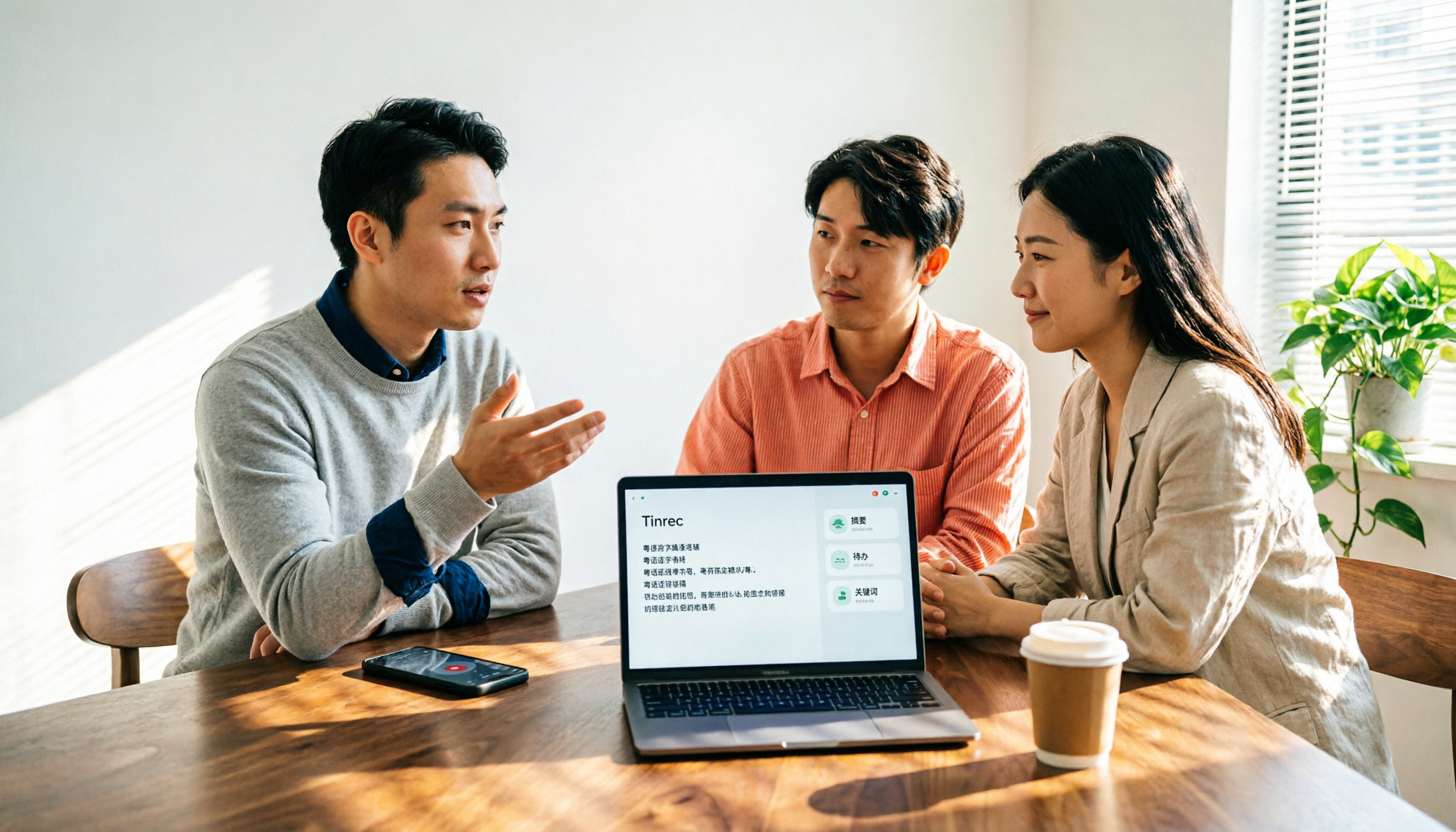
5 Best Cantonese Speech-to-Text Tools in 2026: Which Delivers the Most Accurate Transcripts and Saves the Most Time?
People searching for Cantonese audio-to-text tools often face the same problem: the text comes out, but it's not directly usable. This article starts from the decision point, breaks down five common solution types, and uses Tinrec to demonstrate a complete workflow for Cantonese transcription, bot-free online meeting recording, AI summary to-dos, and team knowledge retention, helping you decide whether to choose a free tool or a meeting collaboration solution that can take over your work.

4 Cantonese Speech-to-Text Apps Tested for 2026: Which Saves the Most Time on Mixed Chinese-English Meeting Notes?
A mid-level manager leading a 10-person team and attending 15 meetings a week tested 4 Cantonese speech-to-text apps, comparing mixed Chinese-English recognition, post-transcription organization, and team collaboration. He shares why he kept Tinrec in his workflow: live transcription, AI summaries and action items, AI Q&A, and how team spaces turn meeting notes into searchable, transferable data.

2025 Cantonese Speech-to-Text Tools Compared: Tinrec vs PLAUD Note for Meeting Notes
We tested three Cantonese transcription tools in 2025, comparing Cantonese and mixed Chinese-English recognition, input methods, AI post-meeting summaries, team collaboration, and pricing. Tinrec and PLAUD Note go head-to-head to help you decide which fits your meeting notes and team knowledge base.
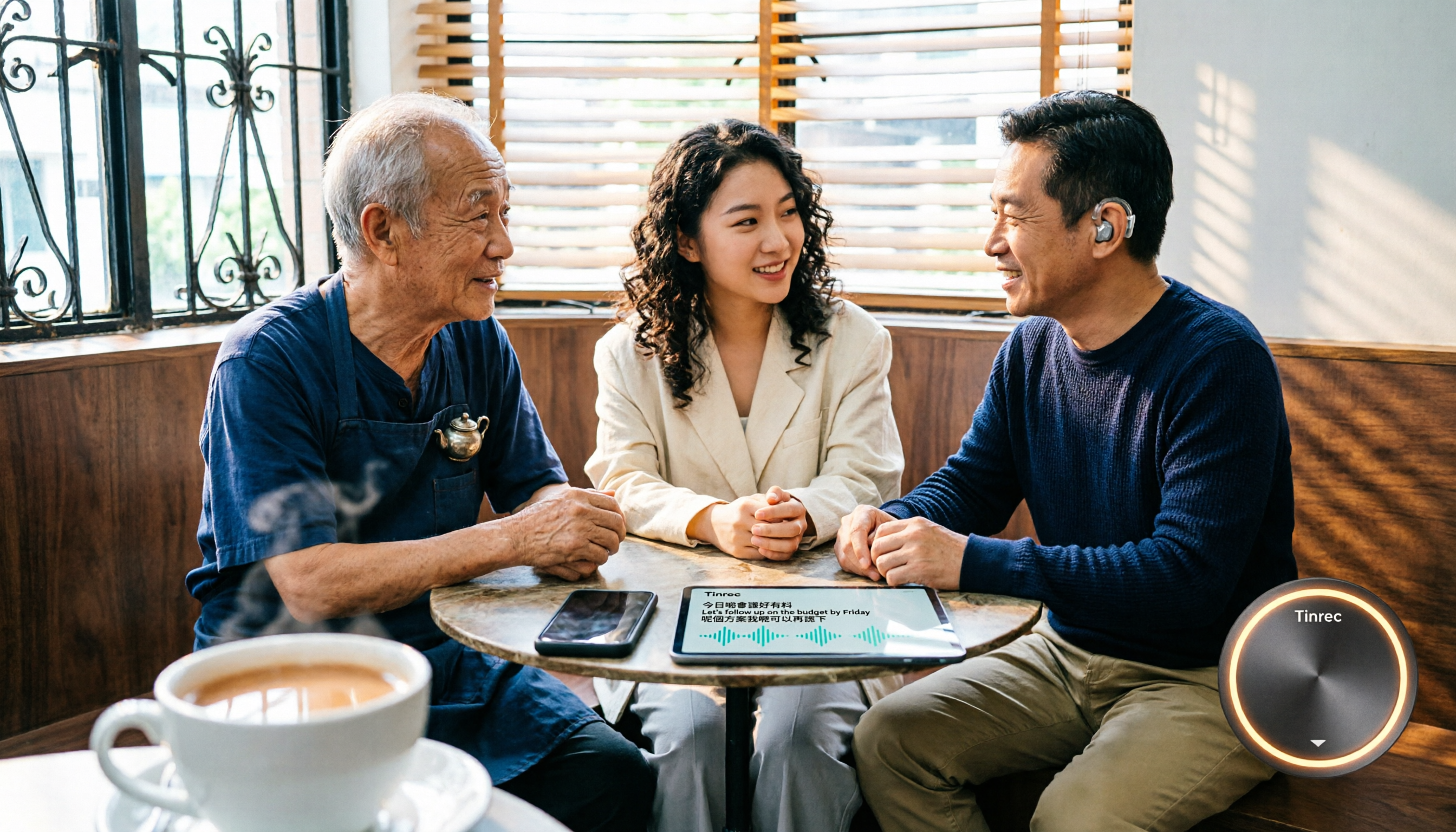
2026 Free Cantonese Speech-to-Text Comparison: 5 Tools Reviewed + Pitfall Guide
Compare free Cantonese speech-to-text options in 2026, including free quotas, Cantonese and mixed Chinese-English recognition, post-meeting organization, and team collaboration. Learn the differences between Tinrec, Subanana, Google AI Studio, and SoundType AI, plus a guide to avoid common pitfalls.

2026 Comparison of 4 Post-Meeting Follow-Up Tools: The Efficiency Gap from Meeting Notes to Follow-Up Emails
When no one replies to your post-meeting follow-up email, the problem is usually not your writing—it's whether the notes you took during the meeting were specific enough. This article breaks down the four key elements of a post-meeting follow-up email, provides three templates you can adapt directly in 2026, and tests four tools—Tinrec, Otter.ai, Granola, and Notta—to compare which one truly shortens the time from meeting end to sending the follow-up.

2026 Cantonese Audio to Text Free Options: 5 Solutions Compared
2026 Cantonese audio to text free options: a look at 5 common approaches. This article addresses three key pain points: mixed Chinese-English recognition, importing old recordings, and post-meeting organization. Using Tinrec as an example, it explains real-time transcription, bot-free online meeting recording, AI summaries, action item extraction, and team spaces, followed by buying tips and FAQs.

Which AI Follow-Up Email Tool Is Best? 2026 Hands-On Test of 4 Options—The Real Key Is Meeting Notes
If you can't keep up with follow-up emails, the problem usually isn't your writing—it's incomplete meeting notes. This article compares 4 AI follow-up email tools across four dimensions: source material, meeting note retention, post-meeting output, and team collaboration. It explains why Tinrec stands out for post-meeting organization, and outlines who ChatGPT Writer, Outlook AI Email Assistant, and Genspark are each best for, with clear recommendations based on budget and use case.
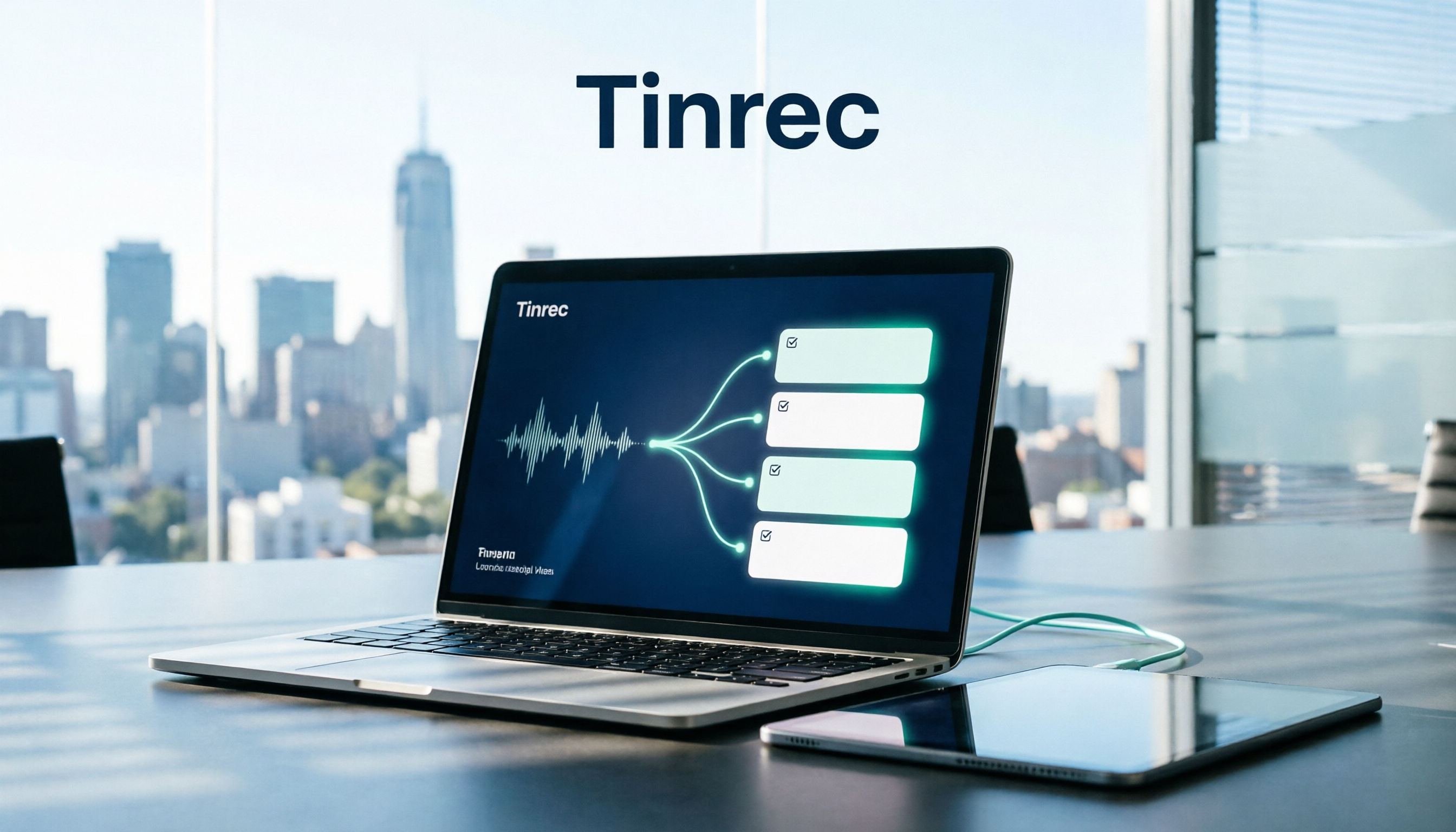
How to Organize Meeting Action Items in 2026: 5 Steps from Recording to Auto-Generated To-Dos
Tired of missing action items after meetings? This article breaks down the 5-step process of turning meeting recordings into trackable to-do lists, using Tinrec as an example to explain the core capabilities of free meeting action item tools, practical use cases, and 5 key points to consider when choosing one, plus FAQs.

4 Meeting Minutes Tools Tested for 2026: Which One Can Generate Follow-Up Emails in One Click?
After a meeting, no one remembers what to do? The problem usually lies in the post-meeting minutes and follow-up emails. This article starts with common pitfalls and outlines 4 key points for choosing a meeting minutes tool. It compares Tinrec, Otter.ai, Granola, and Notta in real tests on Chinese meetings, bot-free recording, and post-meeting output. It also includes a guide to avoid pitfalls and selection advice to help you find the one that turns transcripts into sendable follow-up emails.