
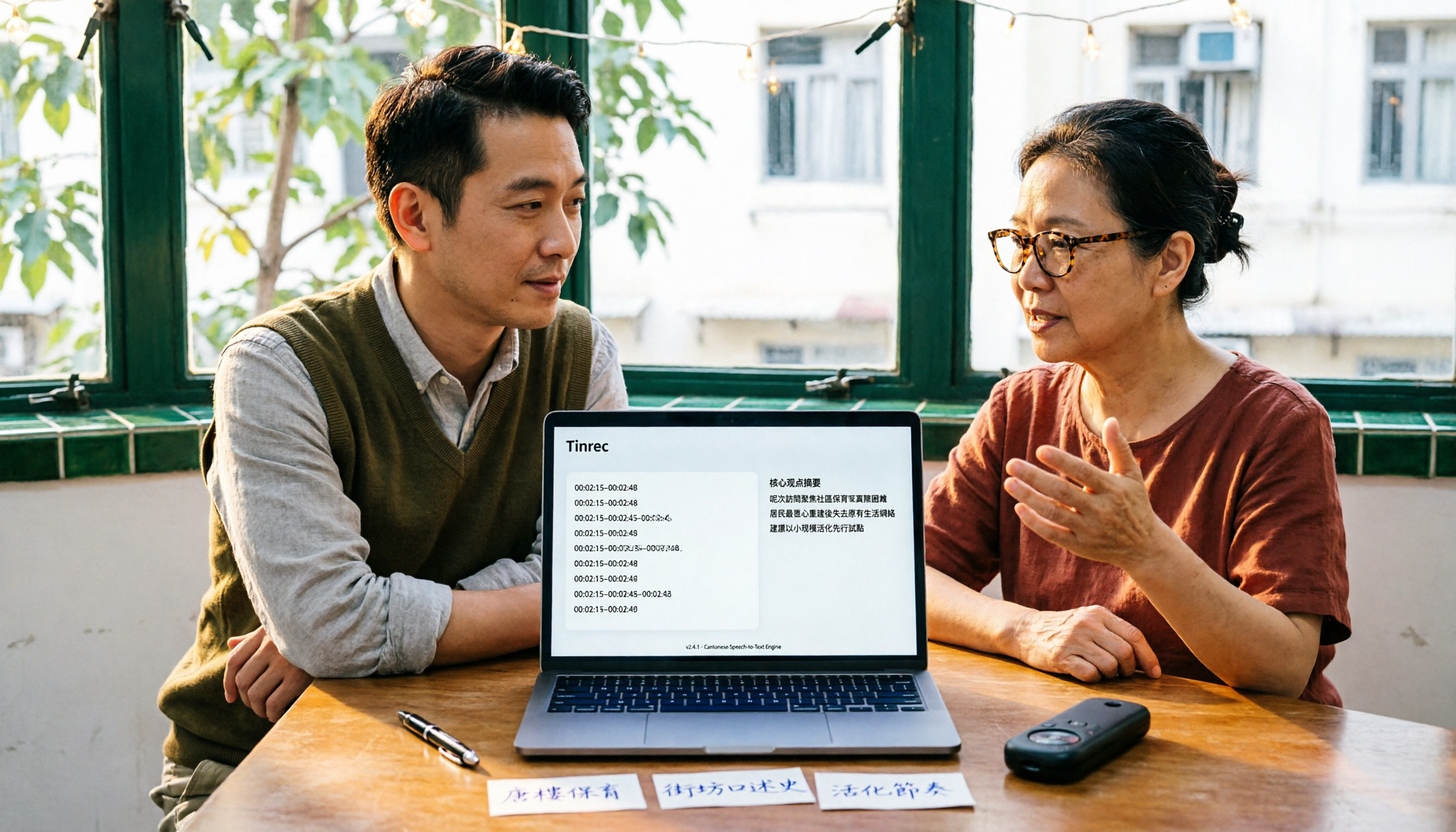
Turn recordings into transcripts and summaries in minutes
Upload audio or video for multilingual transcription, AI notes, and action items
It's 11 PM and You're Still Typing a Transcript for a Two-Hour Cantonese Recording
"The client spoke Cantonese the entire time, the meeting was two hours, and I'm only 18 minutes in." That's a message a reader sent me last week.
Cantonese has many tones, a mix of colloquial vocabulary, and often includes code-switching between Chinese and English (like "this case we'll follow up next week" in Cantonese-English mix). Manual transcription often takes two to three times longer than the recording itself.
What's worse, finishing the text isn't the end. You still need to highlight key points, extract action items, and organize everything into minutes others can understand. If a tool only gives you a raw transcript, the rest of the work is still on you.
This article is my roundup after testing tools for you: which ones can actually turn Cantonese recordings into usable files, and which ones just look good.
4 Key Points to Understand Before Choosing a Cantonese Audio-to-Text Tool
1. Language and accent support. Many tools claim to "support Chinese," but they actually mean Mandarin. Cantonese tones and vocabulary are a different system, and Chinese-English code-switching is extremely common. When choosing a tool, first confirm whether it lists Cantonese as a separate language option and whether it can handle the conversion between spoken and written forms.
2. Accuracy depends on testing conditions. Don't just look at the 90% or 98% claimed on the official website—those are usually results from a quiet recording studio. Real meetings have air conditioning noise, keyboard sounds, and people talking over each other. My approach: take 5 minutes of your own real recording and test it. Under those conditions, the differences between tools will truly show.
3. What can it do after transcription. A tool that only gives you a transcript leaves the hardest part to you. Can it automatically generate summaries, chapters, and action items? Can you ask questions directly about the meeting content? That's the key to saving time.
4. Cross-platform and team collaboration. Recording on your phone today and organizing on your computer tomorrow—if the tool doesn't support cross-platform, it'll be painful. If it's for team use, also check whether it has member, permission, and usage management.
Tinrec — The One I Most Want to Recommend After This Round of Testing
Tinrec is an AI meeting notes and collaboration tool for individuals and teams, supporting iOS, Android, and web, with a desktop version for computers. Its positioning isn't just "audio to text"—it turns meetings into searchable, collaborative, actionable data.
No need to put a bot in the meeting room. The Tinrec desktop version directly captures your computer's system audio, handling online meetings on Zoom, Google Meet, Microsoft Teams, Webex, etc., without inviting an extra meeting bot as a participant. It transcribes live as the meeting happens, so you don't have to wait for an upload after it ends.
When the meeting ends, AI has already organized the key points. Beyond the transcript, it automatically generates summaries, chapters, highlights, action items, and mind maps. Who's responsible for what and what's next—you can see it at a glance.
nThe best part is you can keep asking it questions after recording. You can directly ask Tinrec: "What was the client most concerned about this time?" "Who mentioned the budget in last week's meeting?" It doesn't dump a bunch of keyword search results on you—it answers directly based on semantics. Among tools at the same price point, this kind of AI Q&A isn't standard.
Multilingual meetings and bilingual comparison. During recording, you can switch between original text, translation, or bilingual view, and Chinese-English mixed content is also handled. Tinrec covers Chinese, Traditional Chinese, and multilingual meeting scenarios, plus a team hotwords feature to maintain your commonly used business terminology.
Output fits into your existing workflow. Results can be exported to common file formats and brought into tools like Notion, Google Docs, OneNote, Dropbox, etc.; when you need to deliver documents, you can also use Agent post-processing to generate reports, tables, and meeting minutes.
Stop organizing recordings by hand
Upload audio or video and automatically get a transcript, summary, and action items
What I have to be honest about. The free version provides a basic quota, heavy users need to pay, and the personal version offers a weekly card, Pro monthly card, and Pro annual card, suitable for different usage rhythms. Also, the actual recognition performance for Cantonese is affected by recording quality, accent, background noise, and overlapping speakers. I suggest you test with a segment of your own Cantonese recording before deciding whether to use it long-term.
Teams can use it together too. The team version is a separate team space, not multiple people sharing a personal account. Eligible teams can try it for 7 days with 1 free seat and 300 minutes of shared team import quota; paid is USD 29.80 per paid seat per month, or USD 199 per paid seat per year (about USD 16.58 per month), with each paid seat providing 2,000 minutes of shared team import quota per month. Real-time recording under an active plan is currently not deducted by the minute. The team version also has member and seat management, usage analytics, audit logs, and an audio recycle bin (retained for 30 days). Actual prices and benefits are subject to the official purchase page.
Who is it for? People who frequently handle Chinese or Chinese-English mixed meetings, want to use AI to find key points right after recording, need to switch between phone and computer, or want to turn meeting data into team assets.
Besides Tinrec, What Other Options Are There?
Subanana: A transcription tool focused on Cantonese and Cantonese speech, with good Chinese-English mixed recognition, optional spoken or written output, Traditional or Simplified Chinese, and export to SRT, VTT, TXT, DOCX, etc. Free accounts can preview the first 15 minutes of each file, but export is a paid feature. It doesn't have AI Q&A or action item extraction, nor team space and seat governance. If you just occasionally need a Cantonese transcript, you can consider it.
cSubtitle: An online AI speech-to-text service that supports batch processing, automatically adds punctuation, segments, and generates subtitle files with time codes—suitable for those who need to process a large amount of audio and video at once. However, it's a file-upload tool with no bot-free live recording for online meetings and no post-recording AI Q&A.
Notta: A multi-platform transcription tool with meeting notes, document import, and translation. The official free version offers 120 minutes per month, with a maximum of 3 minutes per single item; Pro annual billing is about USD 8.17 per month (1,800 minutes per month). If you need to handle multilingual transcription and subtitles at the same time, it's a good option. But post-meeting Q&A, action item extraction, and team data accumulation are still Tinrec's strengths. Please refer to the official page for prices and benefits.
Pitfall Guide: 3 Most Common Mistakes When Choosing a Cantonese Transcription Tool
Pitfall 1: Only looking at the word "free" and forgetting that export is the key. Many tools let you preview the first few minutes for free, which seems generous, but when you actually want to take the transcript file, you find out export costs money. When testing, directly check "can it export, and in what formats."
Pitfall 2: Ignoring cross-platform needs. Recording on iPhone today and organizing on a Windows computer tomorrow—if the tool is locked to a single platform, you'll have to buy it again. Like me, I usually check the supported devices and web version first before deciding.
Pitfall 3: Buying it but only using its transcription feature. Treating this kind of tool as just "audio to text" means using only one-third of its capabilities. Asking it directly "What was the conclusion of this meeting?" after recording is much faster than manually flipping through a 30-minute transcript.
One final reminder: recording and transcription involve others' privacy, and laws vary by country. Before recording, please confirm whether you need to obtain participants' consent.
Summary: Which One Should You Choose?
- To handle Cantonese + Chinese mixed meetings and save post-meeting organization time → Tinrec. Beyond the transcript, there are summaries, action items, and AI Q&A.
- To use AI to find key points and ask about details right after recording → Tinrec. This kind of semantic Q&A isn't available in every tool.
- Need to use on both phone and computer → Tinrec. iOS, Android, web, and desktop are all supported.
- Need to leave meeting data for the whole team → Tinrec team version. Has seat, usage, and audit management.
- Just need a cheap Cantonese transcript file → Subanana can be included in the comparison.
- Need to batch process a large amount of audio and video files → cSubtitle is more suitable for batch and subtitle output.
I suggest first using Tinrec's free version to run a segment of your own Cantonese recording and see if you can accept the Chinese-English mixed content it produces. If it works for you, then consider upgrading—no need to pay from the start.
References
Turn every recording into actionable outcomes
Get 60 free transcription minutes when you sign in. No credit card required.
Related Reading
You might also like

2026 Cantonese Audio to Text Free Options: 5 Solutions Compared
2026 Cantonese audio to text free options: a look at 5 common approaches. This article addresses three key pain points: mixed Chinese-English recognition, importing old recordings, and post-meeting organization. Using Tinrec as an example, it explains real-time transcription, bot-free online meeting recording, AI summaries, action item extraction, and team spaces, followed by buying tips and FAQs.

4 AI Meeting Report Generators Tested in 2026: Which One Turns Meeting Recordings into Deliverable Reports?
The meeting is over and you have the transcript, but the report still needs to be written from scratch? This article tests 4 AI meeting report generators, comparing transcription, post-meeting organization, AI Q&A, and team collaboration, and shares buying criteria and pitfalls to help you find a tool that turns meeting content directly into actionable reports.

Which AI Follow-Up Email Tool Is Best? 2026 Hands-On Test of 4 Options—The Real Key Is Meeting Notes
If you can't keep up with follow-up emails, the problem usually isn't your writing—it's incomplete meeting notes. This article compares 4 AI follow-up email tools across four dimensions: source material, meeting note retention, post-meeting output, and team collaboration. It explains why Tinrec stands out for post-meeting organization, and outlines who ChatGPT Writer, Outlook AI Email Assistant, and Genspark are each best for, with clear recommendations based on budget and use case.
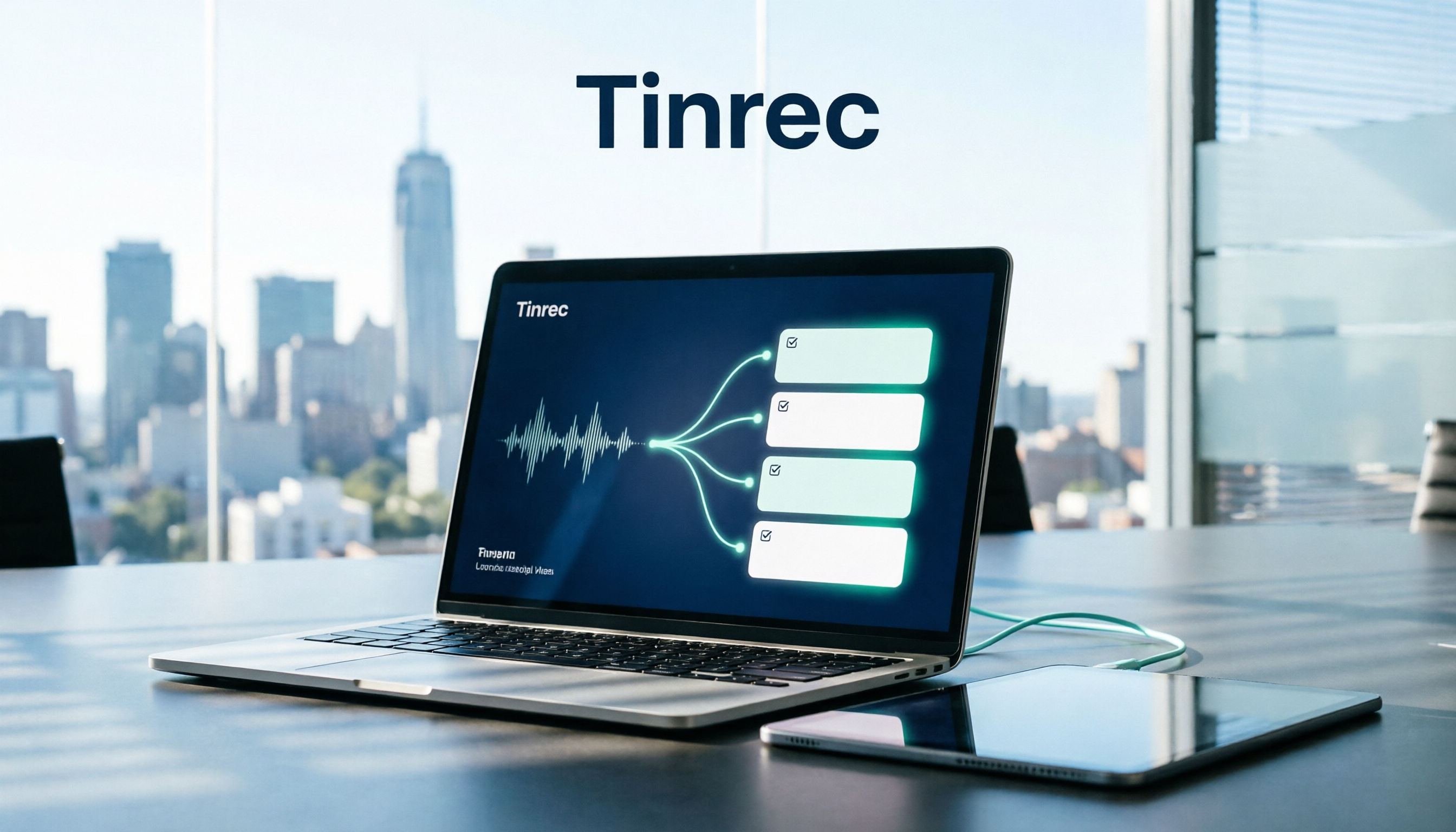
How to Organize Meeting Action Items in 2026: 5 Steps from Recording to Auto-Generated To-Dos
Tired of missing action items after meetings? This article breaks down the 5-step process of turning meeting recordings into trackable to-do lists, using Tinrec as an example to explain the core capabilities of free meeting action item tools, practical use cases, and 5 key points to consider when choosing one, plus FAQs.

4 Meeting Minutes Tools Tested for 2026: Which One Can Generate Follow-Up Emails in One Click?
After a meeting, no one remembers what to do? The problem usually lies in the post-meeting minutes and follow-up emails. This article starts with common pitfalls and outlines 4 key points for choosing a meeting minutes tool. It compares Tinrec, Otter.ai, Granola, and Notta in real tests on Chinese meetings, bot-free recording, and post-meeting output. It also includes a guide to avoid pitfalls and selection advice to help you find the one that turns transcripts into sendable follow-up emails.

3 Meeting Minutes Email Templates Tested and Compared: Which Format Sends Fastest?
Can't write meeting minutes emails fast enough after a meeting? We tested 3 meeting minutes email templates, from simple bullet lists to decision/action item columns, and show you how to use Tinrec to automatically generate transcripts, summaries, and action items—just copy, paste, and send. Includes templates, tips, and FAQs.
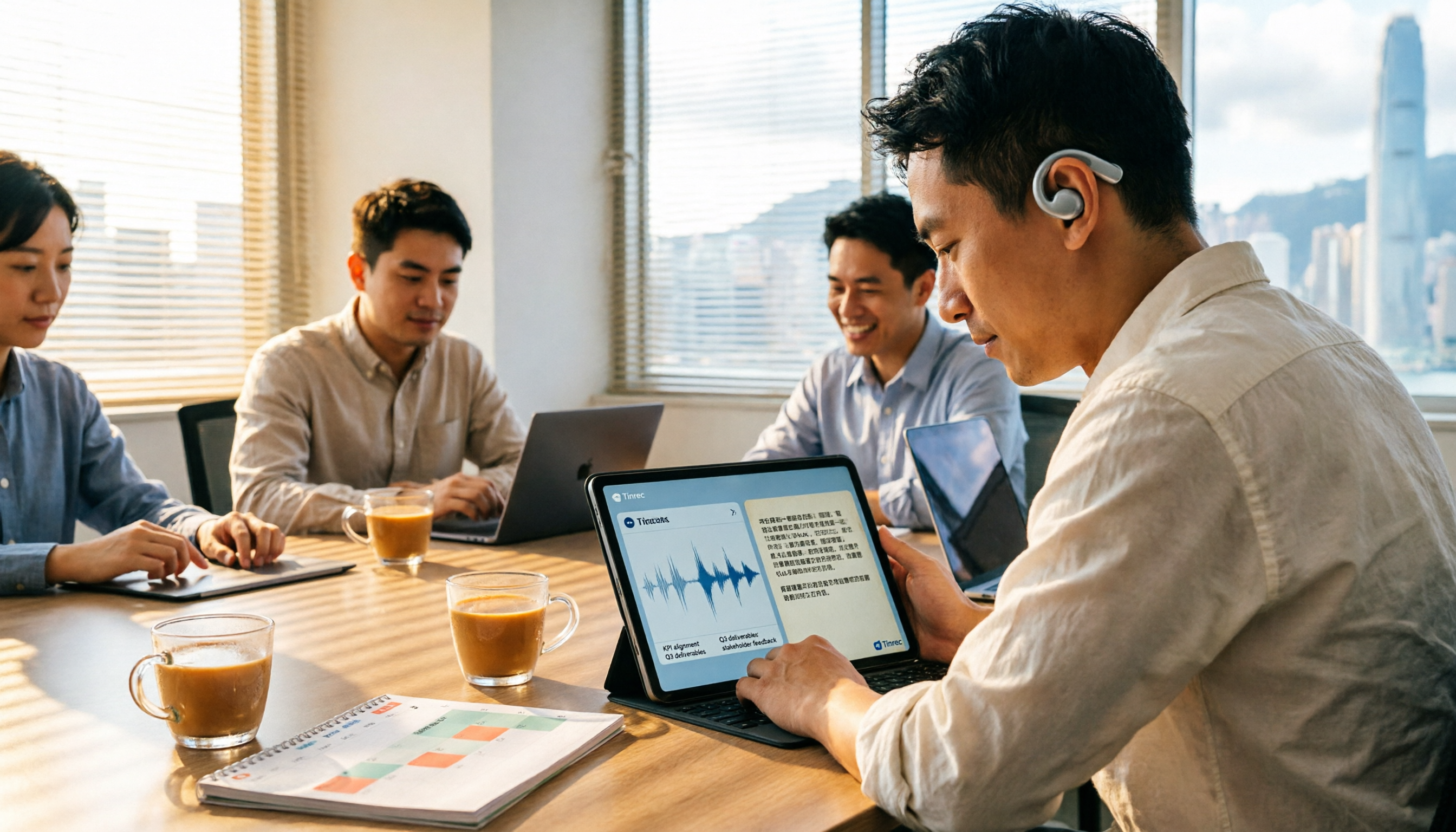
6 Cantonese Speech-to-Text Tools Tested for 2026: Which Handles Mixed Chinese-English and Spoken-to-Written Conversion Best?
For Cantonese transcription needs, this article compiles hands-on experience and plan differences across 6 tools, covering mixed Chinese-English recognition, spoken-to-written output, free quotas, and team use cases, explained from the perspective of a mid-level manager juggling over a dozen meetings a week.
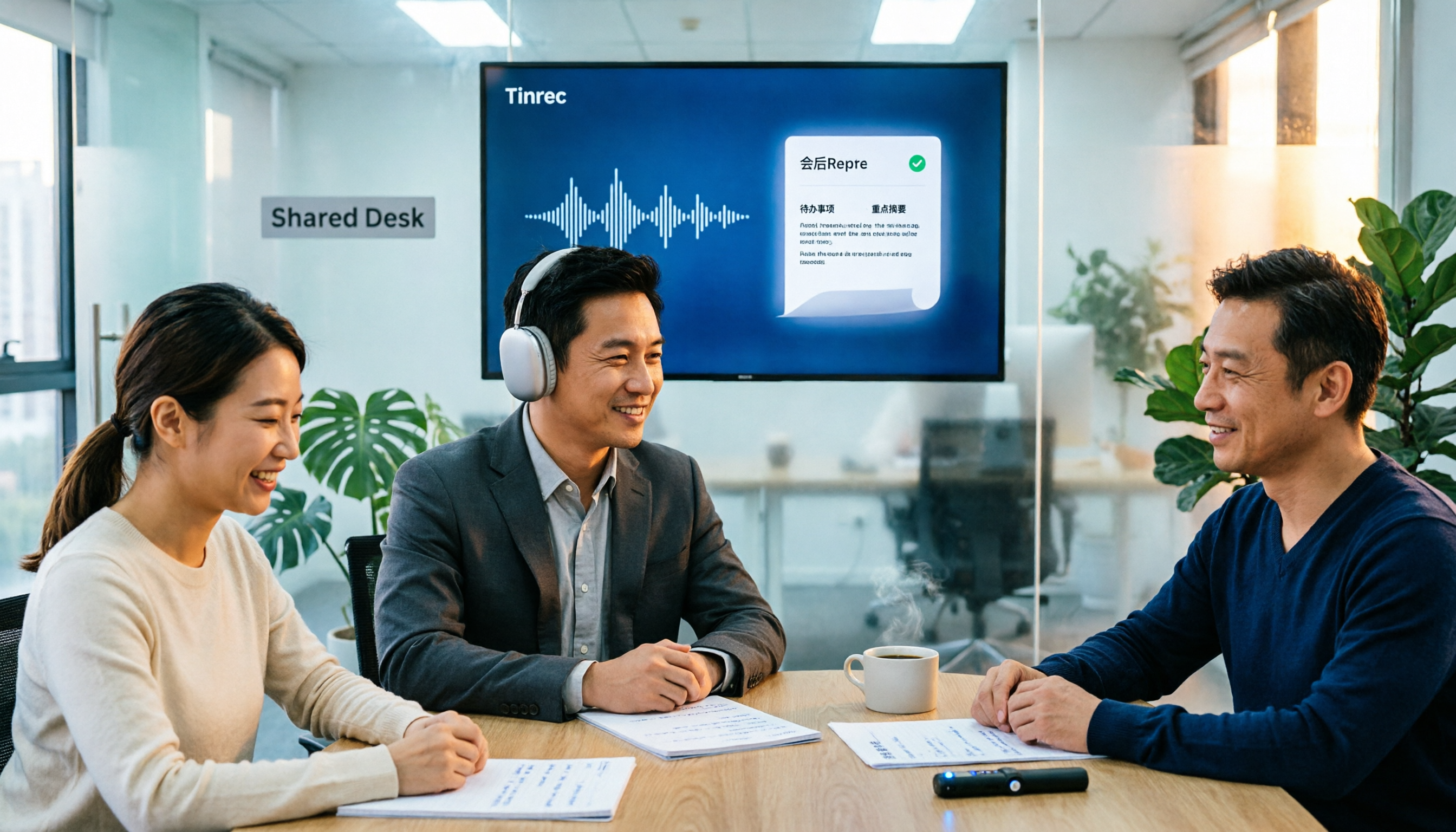
2026 Comparison of 5 Meeting Minutes Generators: From Transcript to Post-Meeting Report in One Click
A mid-level manager who holds 15 meetings a week shares hands-on insights: What to consider in meeting minutes generation reports? From audio capture methods, AI summarization and action item extraction, to team workspace and seat governance, we break down 5 key purchasing criteria and use Tinrec as an example to illustrate the actual workflow and limitations.

2026 Tinrec Post-Meeting Follow-Up Tutorial: Auto-Generate Meeting Minutes & Action Items with Ready-to-Use Templates
Struggling to write effective post-meeting follow-up emails? This article provides 5 practical follow-up email templates and shows you how to use Tinrec's instant recording to automatically generate meeting minutes and action items, ensuring every follow-up email includes concrete action items and boosts response rates.